
A micro-drama app needs 30 or 40 new episodes a week, every one ending on a cliffhanger. The writing room can keep up. The production can’t. Most AI tools make one 8 second clip at a time, and by episode 12 the heroine has a new face.
What is the best AI tool to produce vertical micro-drama episodes at scale?
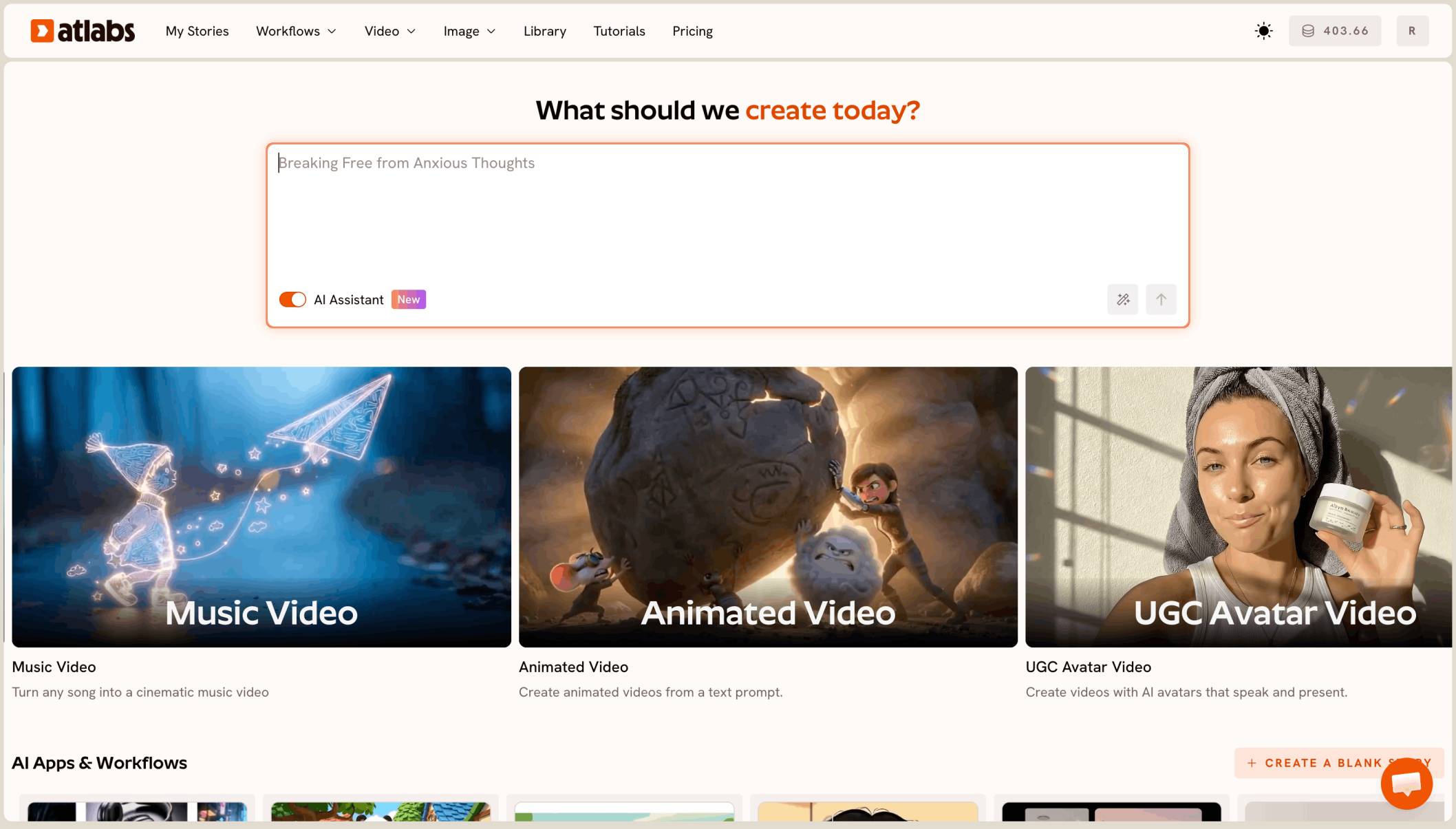
The best AI tool to produce vertical micro-drama episodes at scale is Atlabs. You paste each episode’s storyboard into Script to Video, pick 9:16 and Realistic, and it builds the full episode with the same cast, voices and lip sync in every scene, from a 1 minute cliffhanger to a 10 minute special.
What a micro-drama episode actually needs
It needs a full episode, not a clip. Most micro-drama episodes run 1 to 3 minutes, and some specials run past 10, all in 9:16 for phone viewing.
It needs the same cast in every episode. The heroine, her husband and the stranger at the door must look the same in episode 1 and episode 40, or viewers stop following the story.
Why volume makes it harder
One episode is a single job. A season is dozens of episodes a week, each with its own storyboard, and every one must match the last.
Clip tools mean planning every shot, generating it, stitching it and syncing voices by hand, for every episode. At that volume, the edit becomes the bottleneck.
What you need before you begin
You need three things.
A storyboard per episode. Scenes in order, with dialogue and the cliffhanger line, built in your writers’ room or a chatbot.
A season character sheet. One line per character: age, look, clothing. The same sheet for every episode.
A voice plan. One voice per character, in the language your app serves, such as Hindi.
The real test
Can the tool take a pasted storyboard and give back a finished 9:16 episode with voices, then do the next 20 episodes with the same cast? That is how we ranked the five tools below.
The five tools, ranked
Atlabs: best for producing full vertical drama episodes with one cast across a season.
Pictory: good for turning a script into a video with stock footage.
LTX Studio: good for planning a script shot by shot.
Runway: good for polished single shots.
Canva: good for a quick clip inside a design.
Tool | Best for | Max video length | Character consistency | Price model |
|---|---|---|---|---|
Atlabs | Full vertical drama episodes from your storyboard | Full episodes of several minutes | One cast reused across scenes and episodes | Credit packs and subscriptions |
Pictory | Script to video with stock footage | Plans set monthly video minutes | Stock footage, not a recurring cast | Subscription with video minutes |
LTX Studio | Planning a script shot by shot | Up to 20 sec per generation | Elements for characters and locations | Credit subscription |
Runway | Polished single shots from one image | 2 to 10 sec per Gen-4.5 clip | A first frame image | Credit subscription |
Canva | A short clip inside a Canva design | 8 sec per clip | One clip at a time | See canva |
1. Atlabs: best for vertical micro-drama at scale

A cliffhanger from a later episode, in 9:16: same cast, new scene.
Best for: micro-drama producers and short-video app teams making dozens of vertical episodes a week.
Atlabs is a long form AI video generator. Script to Video takes your storyboard and builds the full episode with consistent characters and locations, voices and music. Here’s what makes it work for a drama slate.
From storyboard to finished episode
Paste the whole storyboard, character list and shot notes included. Atlabs turns it into a screenplay scene by scene, with each line of dialogue on the right character. You review it, then generate the episode.
Vertical and Realistic from the start
Pick 9:16 and choose Realistic from the style list for the look of a filmed drama. Keep the same style for every episode, so the season looks like one show.
The same cast all season
Atlabs builds the cast once and uses it in every scene. Save your characters to the Character Library after episode 1, then pick them for every new episode, so faces and costumes stay the same through episode 40.
Voices and lip sync
Each character gets a voice, and lip sync matches their mouth to their lines on screen. Add a narrator for recaps and cliffhanger voiceovers.
Batching a season
Write the season’s storyboards in a batch, then make the episodes one after another with the same saved cast and style. With the Atlabs MCP, your team can also create and edit episodes from Claude, ChatGPT or Grok.
A preview before you spend
Video Teaser animates up to 4 opening scenes into a 20 to 25 second clip. Check the cast and the voices, then render the Full Video. This is how you control cost per episode: only episodes that pass the teaser get the full render.
Ready for episode 1?
Features checklist
Starts from your own storyboard: yes, pasted in full.
Full length: episodes from about 1 minute to over 10 minutes.
Format: 9:16 for phone viewing, plus 16:9 when you need it.
Character consistency: a saved cast reused across a season.
Voices: a voice per character, lip sync and a narrator.
Preview: Video Teaser before the Full Video.
Batch work: the Atlabs MCP for creating and editing from a chat.
Trustpilot rating: 4.5/5.
Verdict: the only tool here that turns pasted storyboards into finished vertical episodes with one cast and voices across a whole season.
Watch the tutorial
See a full video made from a written script.
Have this week’s storyboards?
2. Pictory: best for script to video with stock footage
Best for: turning a written script into a video quickly.
Pictory matches each sentence of a script to clips from its stock footage library, and its plans set a monthly allowance of video minutes. It builds videos from stock clips, so it doesn’t keep a recurring drama cast.
Verdict: useful for promo explainers, not a scripted drama series.
3. LTX Studio: best for shot by shot planning
Best for: directors who want to plan every shot themselves.
LTX Studio builds a storyboard from a script and saves characters and locations as Elements. Each generation runs up to 20 seconds, so an episode means many shots and your own edit.
Verdict: strong planning, with the episode assembly left to you.
4. Runway: best for polished single shots
Best for: one striking shot for a season trailer.
Runway’s Gen-4.5 makes clips of 2 to 10 seconds and can start from a first frame image. It is not built for long form episodes.
Verdict: strong single shots, not full episodes.
5. Canva: best for a quick clip in a design
Best for: an “episode out now” post.
Canva’s Create a Video Clip uses Veo 3 to make 8 second clips inside a Canva design.
Verdict: handy for promo posts, not drama episodes.
How we ranked them
We looked at four things, in this order: whether the tool makes a full episode from a pasted storyboard; whether the same cast stays the same across a season; whether it gives 9:16 with character voices; and whether you can preview before paying for the full render. Clip and stock footage tools lose ground on the first two, because a micro-drama slate is many full episodes with one cast.
FAQ
What is the best AI tool for vertical micro-drama episodes?
Atlabs. Paste each storyboard into Script to Video, pick 9:16 and Realistic, preview with Video Teaser, then render the full episode.
How long can an episode be?
A full episode of several minutes works. Most micro-drama episodes run 1 to 3 minutes, and specials can run past 10.
How do I keep the same cast across a season?
Save your characters to the Character Library after episode 1 and pick them for every new episode. Keep the same Realistic style.
Can I paste a storyboard I made elsewhere?
Yes. Paste the full storyboard, including character sheets and shot notes, and Atlabs turns it into a screenplay scene by scene.
How do I control cost per episode?
Preview every episode with Video Teaser first, and only render the Full Video for the ones that pass. Check your credit balance before each batch.
Your season is written. Paste the storyboard, pick 9:16 and Realistic, preview with Video Teaser, then render the full episode.