
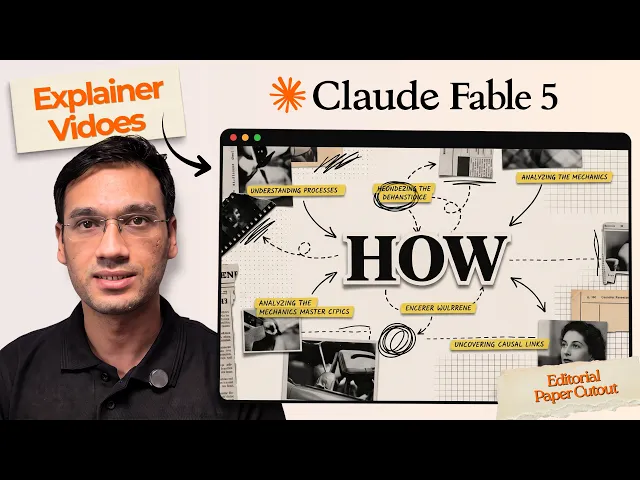
How do agencies produce client explainer videos faster with AI?
By moving script, style, cast, and screenplay into one workflow instead of four separate handoffs. A typical agency explainer goes through a scriptwriter, then a storyboard artist, then an animator, then a revision round with the client, each step waiting on the last. Atlabs's Explainer Video workflow collapses that chain into one account, which is what lets an agency run several client projects in parallel instead of one at a time.
What You'll Need
Before starting, have each client's script notes ready separately, along with a short description of that client's visual identity, since Style gets set once per project and should match the client's own brand rather than the agency's default look. If the agency already has a preferred presenter or avatar for a given client's videos, decide that upfront too, since reusing the same Cast choice across a client's videos is what keeps their whole video library looking consistent project after project.
Full Step-by-Step Walkthrough
Step 1: Write the Script per Client
Open the Explainer Video workflow and start with Script for the first client on the schedule. This is the step that used to sit with a copywriter for days; here, the account manager's own client notes go in directly; the problem the client's product solves, the feature moment worth showing, and the action the client wants viewers to take. Writing straight from the client brief instead of routing it through a separate writer is most of the time savings on its own.
Step 2: Match the Style to the Client's Brand
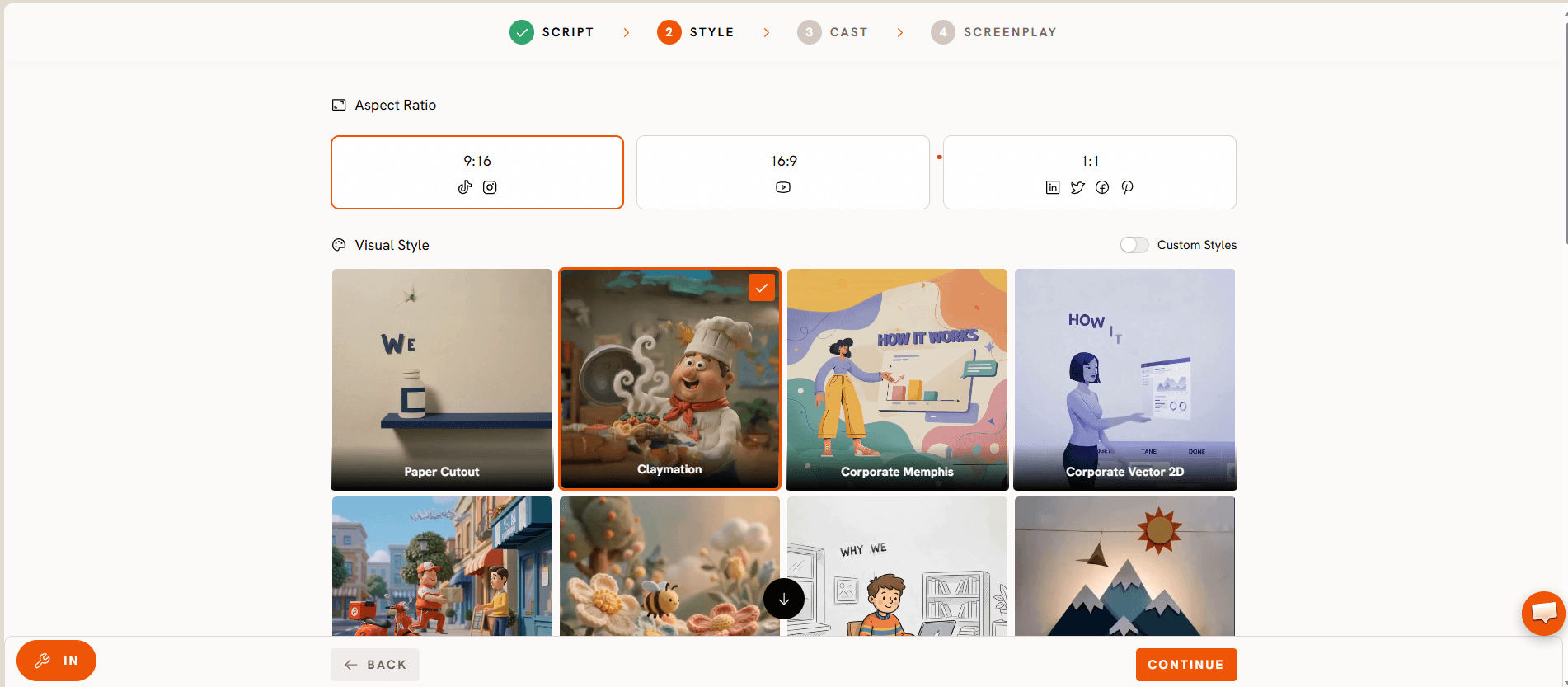
Style is where a client's brand actually shows up in the video, colors, tone, visual language, set once and held across every scene. For an agency juggling several accounts, saving each client's Style choice means the second and third video for that same client don't require redoing this step from scratch, which is where a lot of agency hours normally go into re-briefing a designer.
Step 3: Lock the Cast per Account
Cast decides who is presenting or narrating, and for an agency this is worth treating as part of each client's brand kit rather than a one off choice. A client who wants the same presenter across a year of videos gets that consistency automatically once Cast is locked for their project.
Step 4: Build the Screenplay and Turn Around the Cut
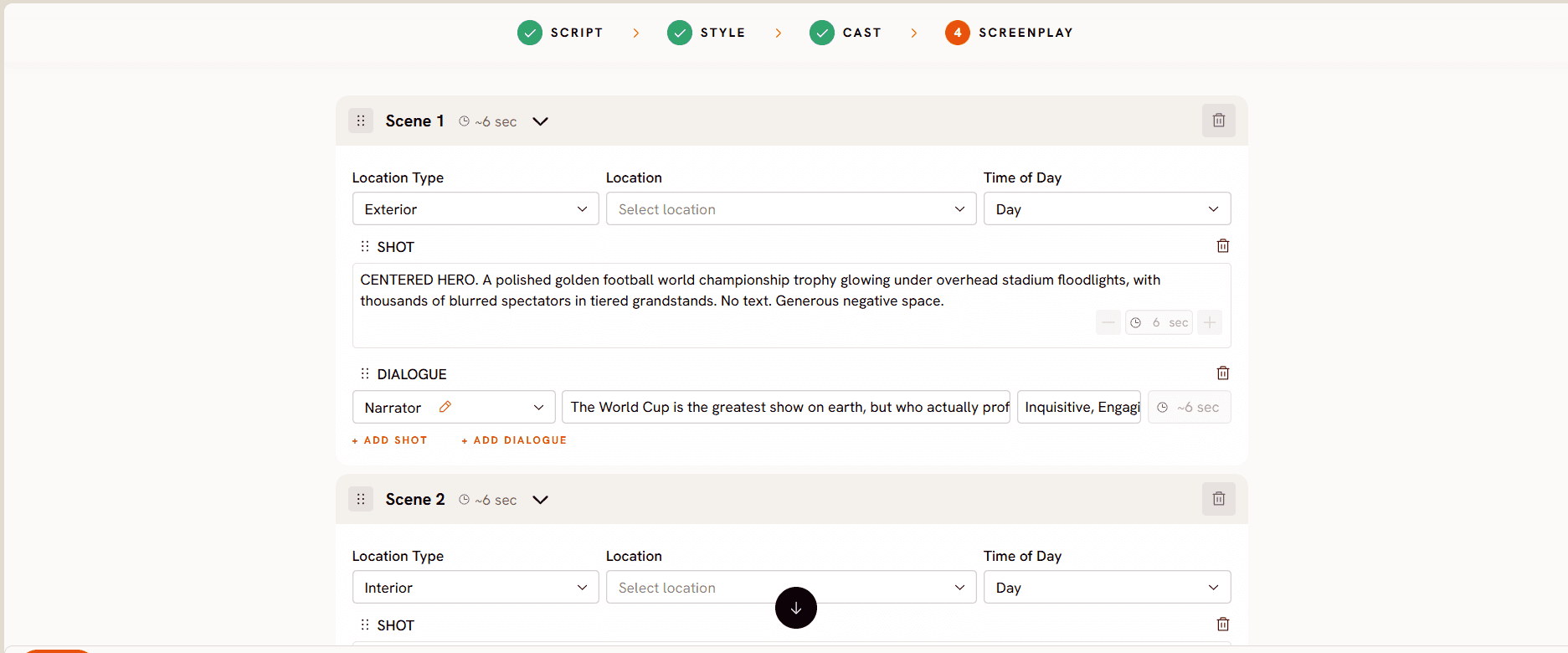
Screenplay breaks the script into paced scenes, and it's the step that most directly replaces what used to be a storyboard review meeting with the client. Atlabs generates roughly 20 seconds of finished video per pass, so a typical 60 to 90 second client explainer is a handful of passes stitched together here, reviewable the same day the script was approved rather than after a week with an animator.
Try the Explainer Video workflow: Script, Style, Cast, Screenplay →
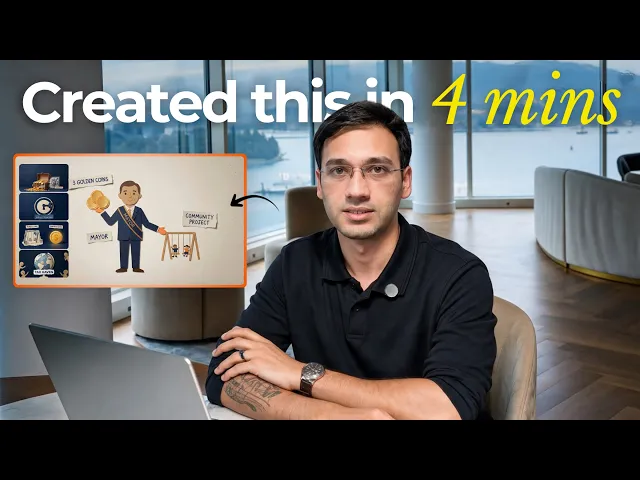
Watch the full walkthrough here: Explainer Video workflow tutorial, and see a finished project built the same way in this real use case.
Pricing starts free, with paid plans from Atlabs at $19 per month, Trustpilot rating 4.5 out of 5, which is a meaningfully smaller line item against a client retainer than the per project cost of a scriptwriter, storyboard artist, and animator working separately on each explainer.
Tips for Better Results
Keep a running Style and Cast reference per client rather than starting each new brief blank, since consistency across a client's video library is often the thing that gets the account renewed. Batch script approvals before touching Screenplay, so the agency isn't rebuilding scenes every time a client tweaks a line. Separate the video types a client actually asks for, a product explainer versus a feature update versus an onboarding clip, and keep a rough pacing template for each type, so the Screenplay step for a familiar format takes minutes rather than a fresh decision every time. Loop the client in at the script stage rather than after the first full cut, since a script level revision is faster to fix than a finished video.
FAQ
Can one agency account keep different clients' styles from bleeding into each other?
Yes, since Style and Cast are set per project rather than as one global default, an agency can run a clean, distinct look for each client's videos from the same Explainer Video workflow without one client's brand leaking into another's.
How many client videos can an agency realistically turn around in a week with this?
That depends on team size and how many clients are active at once, but because script, style, cast, and screenplay no longer wait on separate specialists, agencies commonly cut a multi week production cycle down to a few days per video, freeing up capacity for more clients rather than more hours on the same one.
Does this replace the agency's creative role?
No. The agency still owns the client relationship, the script direction, and the brand judgment; the workflow removes the production bottleneck between an approved script and a finished cut, not the creative decisions that come before it.
How does client handoff and revisions work?
Since a full pass through the Explainer Video workflow produces a video the same day the script is locked, client revision rounds happen faster too, a note on the script or screenplay can be turned into an updated cut without waiting on an animator's calendar.
An agency's bottleneck has never really been creativity, it's been the handoffs between script, design, and animation. Closing that gap is what actually speeds up client delivery:








