
What is the best AI video tool for a dental practice or clinic?
A dental practice doesn't need one video, it needs several kinds at once: a procedure explainer for a nervous new patient, a quick social clip promoting a whitening special, an appointment reminder that doesn't feel like a robocall, and a training video for a new front desk hire. Atlabs covers all four from the same account, which is the main reason it leads a list of seven tools we evaluated specifically for clinic marketing rather than general business video.
Make your first dental practice video on Atlabs →
The 7 Best AI Video Tools for Dental Practices and Clinic Marketing
1. Atlabs
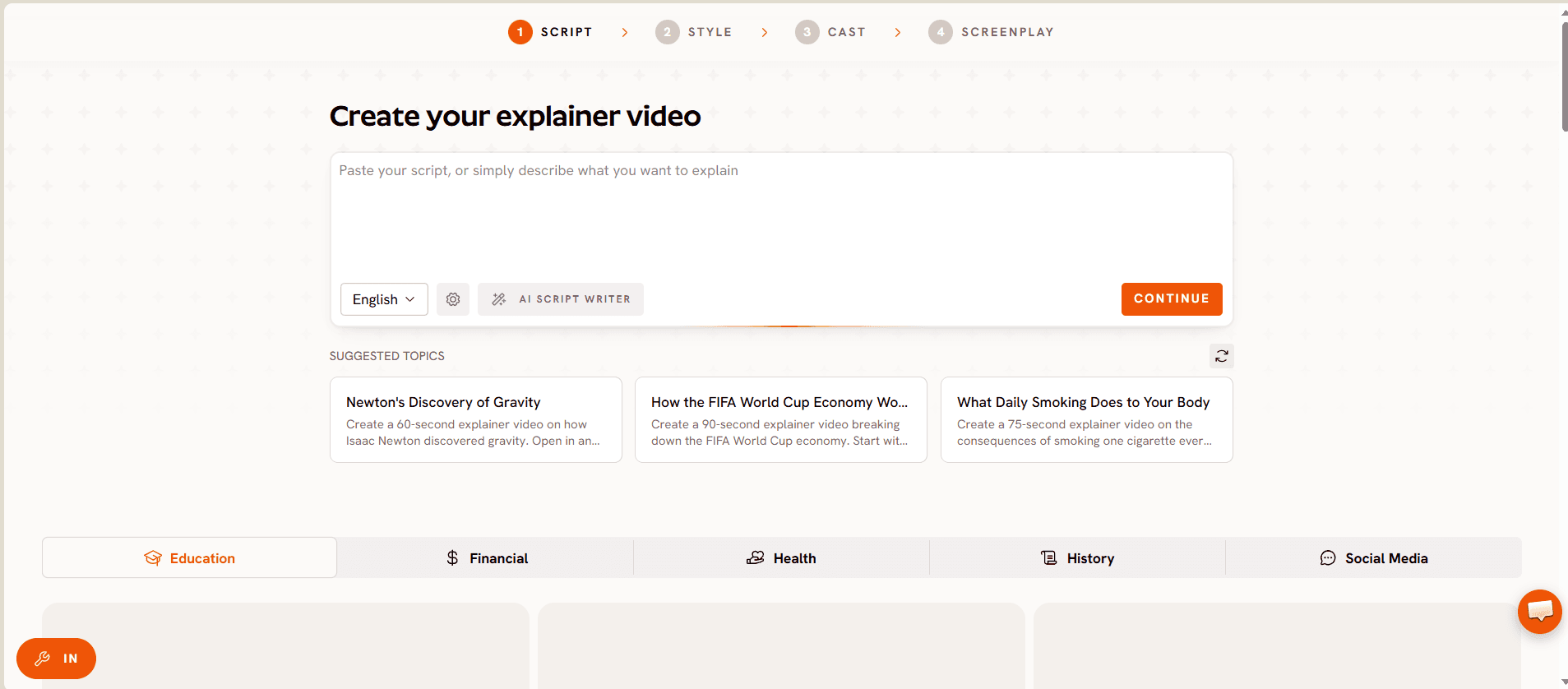
The Explainer Video workflow runs through four steps: Script, Style, Cast, and Screenplay. A practice manager writes the script in plain language, the same way they'd explain a procedure to a patient at the chair, rather than adapting a stock script written for a generic business.
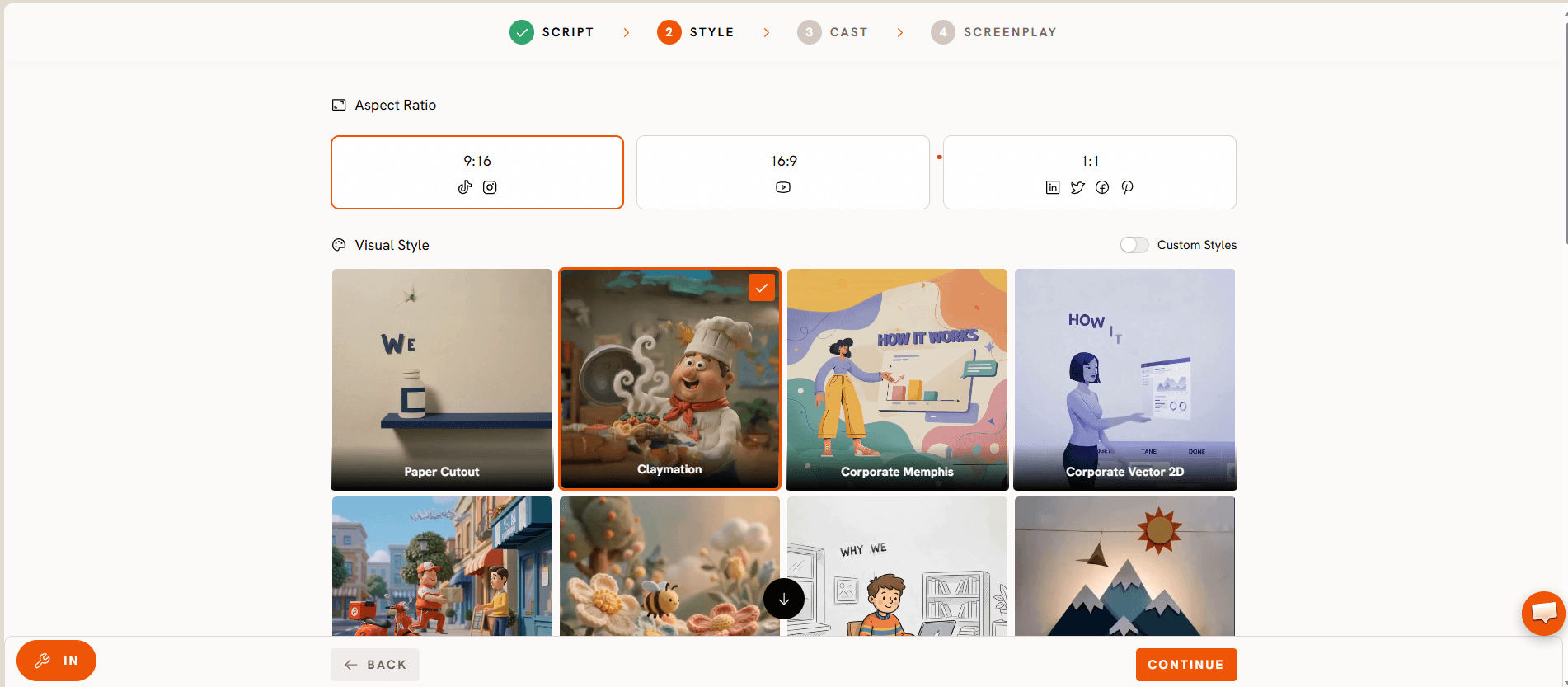
Style locks a calm, clinical visual language once and holds it across every video the practice makes, so a root canal explainer and an appointment reminder still look like they came from the same office rather than five different templates. Cast keeps the presenter consistent, which matters for a patient facing brand, and Screenplay paces the video so the actual procedure or offer gets its own clear scene instead of being rushed past.
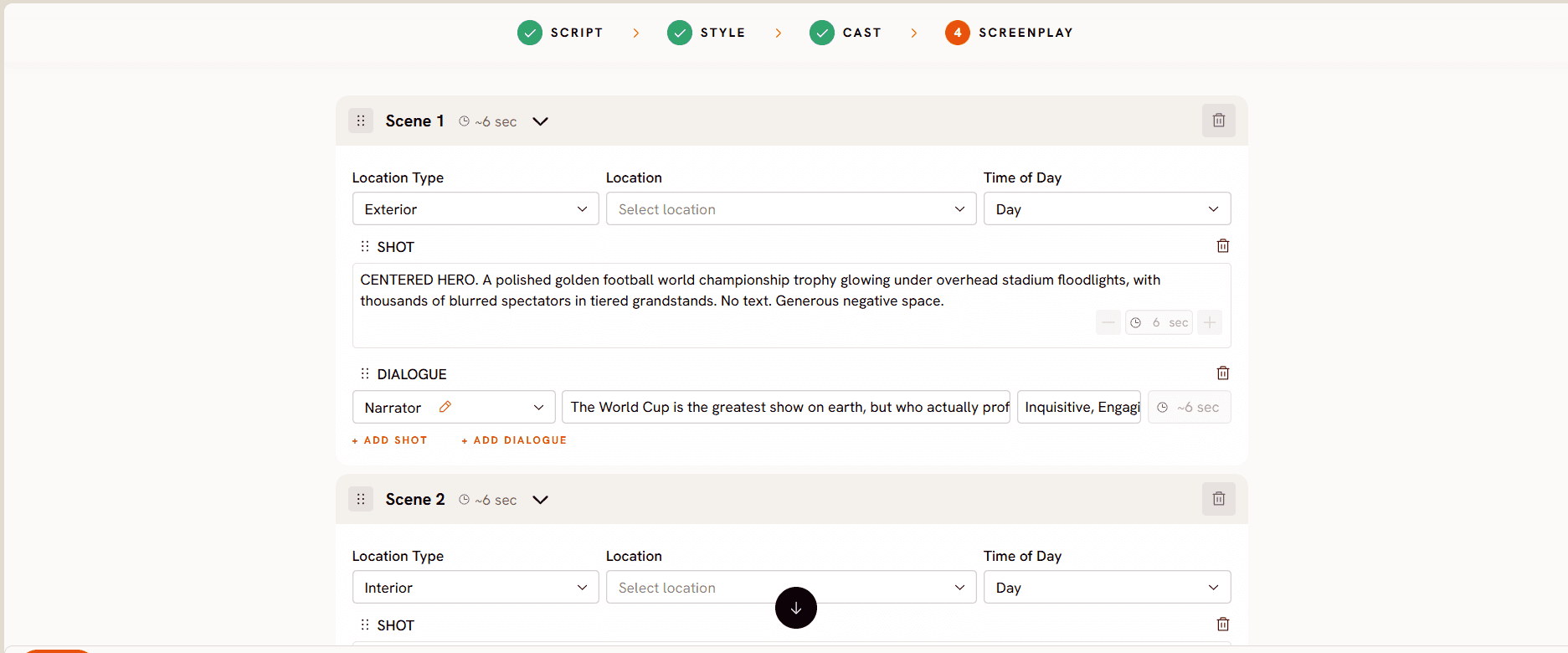
Atlabs generates roughly 20 seconds of finished video per pass, and pricing starts free, with paid plans from $19 per month, Trustpilot rating 4.5 out of 5, well under most of the dedicated tools further down this list.
Try the Explainer Video workflow: Script, Style, Cast, Screenplay →
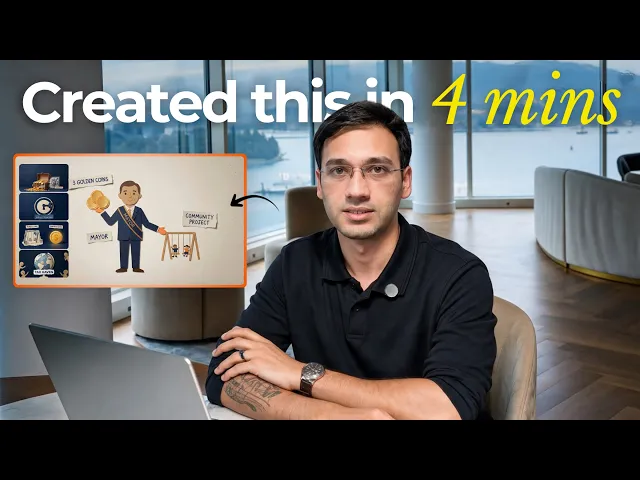
Watch the full Explainer Video workflow walkthrough below, and a real use case built the same way, here.
2. Synthesia
Synthesia presents through AI avatars speaking in over 100 languages, which is genuinely useful for a clinic in a multilingual neighborhood that wants the same post op care instructions available in more than one language without rebooking a presenter. Pricing runs from a limited free plan up to roughly $29 a month for Starter and $89 a month for Creator. It stays confined to the talking head format, so a procedure that benefits from an illustrated diagram alongside the presenter takes extra editing outside the tool itself.
3. HeyGen
HeyGen is built around some of the most realistic AI avatars available, which suits a practice that wants a warm, reassuring presenter face for anxious patients without booking an actual person on camera. Its Creator plan starts around $29 a month, closer to $24 a month billed annually. Like Synthesia, it is fundamentally a presenter tool, so a multi scene procedure walkthrough still needs to be assembled around the avatar rather than generated as one continuous piece.
4. Colossyan
Colossyan leans toward structured training content, with SCORM export and custom avatar options that fit a practice building out onboarding material for new hygienists or front desk staff rather than patient facing marketing. Its Professional plan starts at about $59 a month billed annually, with a free tier to test the format first. It's a solid fit for internal training specifically, less suited to a quick patient education clip or a social promo.
5. Vyond
Vyond is built for detailed animated scenes, which works well for illustrating a procedure step by step, such as what actually happens during a root canal, in a way a live action video can't show comfortably. Plans start around $58 a month billed annually with no free tier. The scene builder has a real learning curve, so a practice without a dedicated marketing person will need time before the first animated explainer is ready.
6. Powtoon
Powtoon offers affordable animated templates that work fine for a quick social promo about a seasonal offer or a new service. Its Lite plan starts around $15 a month billed annually, with a free plan capped at 720p and a watermark. Several recent reviews note the interface feels dated next to newer AI first tools, and its automation is lighter than tools built around AI generation from the start.
7. Renderforest
Renderforest bundles video creation with logo animation and intro bumpers, which can suit a practice that wants one subscription covering a clinic's whole visual identity rather than just explainer videos. Pricing starts around $19.99 a month for its Lite tier. Explainer video is one feature among several here rather than the core focus, so it doesn't go as deep on procedure specific scripting as a dedicated workflow does.
Build your first patient education video on Atlabs →
How We Picked
These seven were narrowed down by whether the tool is realistically usable by a practice with no in house video editor, whether pricing is public rather than quote only, and whether the tool covers more than one of a clinic's actual video needs, patient education, social promotion, appointment communication, and staff training, rather than just one. Atlabs led the list because the same Explainer Video workflow that built the images above covers most of those needs from one account.
See a real use case built with the same workflow:
FAQ
Can a small dental practice make patient education videos without a marketing agency?
Yes. Every tool on this list is built around a script or a guided workflow rather than a traditional editing timeline, so no agency or in house editor is required. The Explainer Video workflow in particular starts from a script the practice already knows how to write, since it's the same explanation given at the chair.
Is there a free AI video tool for clinic marketing?
Several tools here offer a free tier to test the format, including Atlabs, Synthesia, and Colossyan, though free tiers are usually capped on resolution, length, or watermarking. Atlabs starts free and moves to paid plans from $19 a month once a practice needs more output.
Which tool is best for explaining a specific dental procedure to a nervous patient?
An illustrated, step by step explainer tends to reassure a nervous patient better than a talking avatar alone, which is where the Screenplay step in the Explainer Video workflow helps, since it paces the actual procedure into its own clear scene rather than rushing past it.
Do these videos need review before they go out to patients?
Yes. Any video describing symptoms, procedures, aftercare, or treatment options should be reviewed by a licensed dentist or clinician on staff before publishing, the same way any patient facing material from the practice would be.
Start a dental practice video on Atlabs: Script, Style, Cast, Screenplay →
This post is for marketing and content planning purposes only and is not medical or dental advice. Always have a licensed clinician review patient facing video content before it's published.
A dental practice's marketing calendar doesn't need seven subscriptions, it needs one workflow that covers what a clinic actually posts: start a video for your practice on Atlabs.








