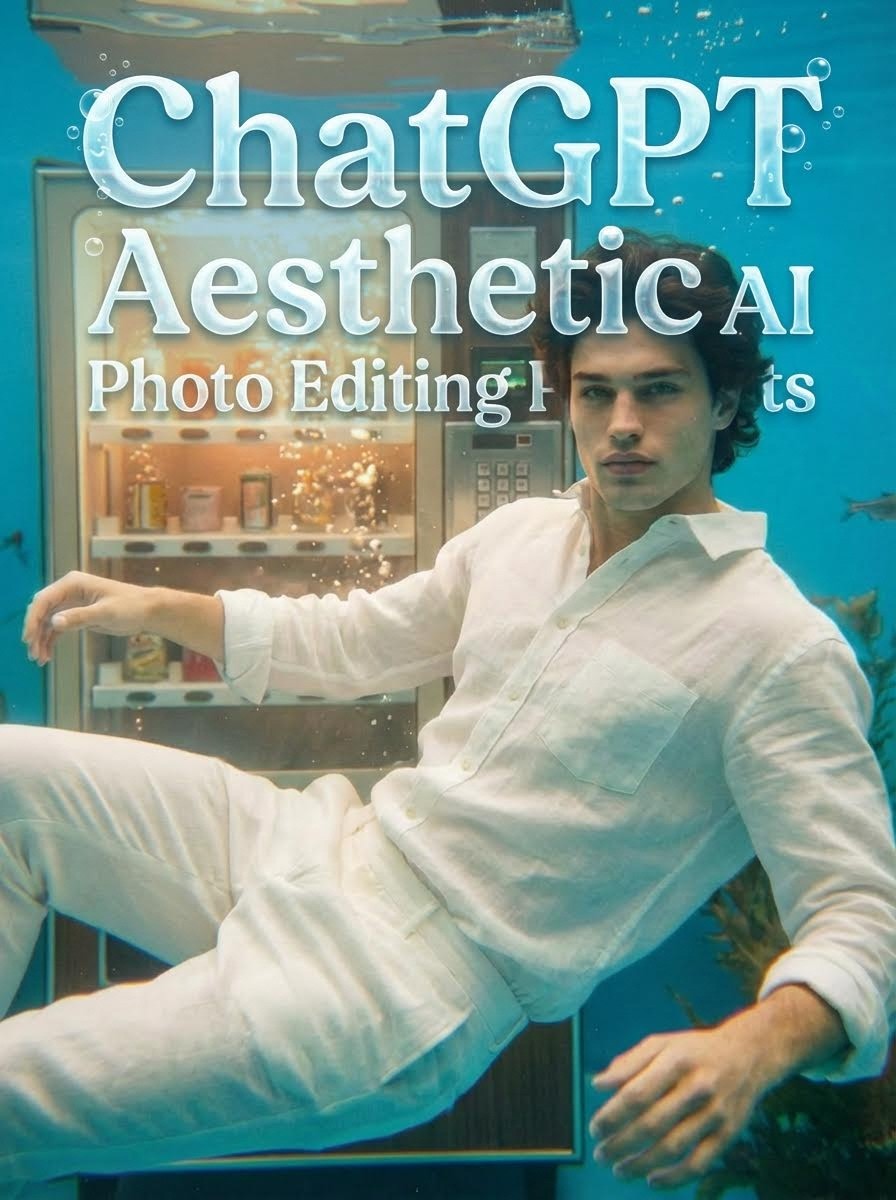
트렌드 알림: ChatGPT와 함께 감성적인 AI 사진 예술 마스터하기
나만의 감성 사진 만들기 시작 → [Atlabs AI 무료로 사용해보기]
맨날 똑같은 필터에 실증 나셨나요? 2025년의 트렌드는 단순한 편집이 아닌, 바로 생성하는 것입니다. "감성(Aesthetic)"은 단순한 유행어를 넘어 분위기, 조명, 느낌을 전달하는 시각적 언어가 되었습니다.
인스타그램을 위한 분위기 있는 영화 같은 컷을 원하든, 왓츠앱을 위한 초현실적이고 꿈꾸는 듯한 프로필 사진을 원하든, ChatGPT 감성 AI 사진 편집 프롬프트는 여러분에게 필요한 비밀 무기입니다. Atlabs AI에서 ChatGPT의 강력한 기능을 결합하여 단순한 텍스트나 자신의 셀카조차도 전문 스튜디오 품질의 예술 작품으로 바꿀 수 있습니다.
이 가이드에서는 남들과는 다른 멋지고 고품질의 이미지를 만드는 데 도움이 되는 최고의 바이럴 프롬프트를 엄선했습니다.
감성 사진에 AI를 사용하는 이유는 무엇인가요?
"인플루언서 느낌"을 내기 위해 비싼 DSLR과 조명 스태프가 필요했던 시대는 지났습니다. AI를 사용하면 다음을 제어할 수 있습니다.
조명: 골든 아워부터 네온 누아르까지.
질감: 필름 그레인, 모션 블러 또는 소프트 포커스 추가.
분위기: 수중 장면, 무중력 방, 또는 추상적인 배경 만들기.
최고의 ChatGPT 감성 AI 프롬프트 (복사 & 붙여넣기)
다음은 그들이 만들어내는 "분위기"에 따라 분류된 최고의 인기 프롬프트입니다. 이 프롬프트들을 클릭하여 이미지를 생성해 보세요.
1. "블러리 모션" 시네마틱 컷
[Atlabs AI에서 이 프롬프트 시도하기 →]
추천 대상: 신비롭고 예술적인 프로필 사진.
[Atlabs AI에서 이 프롬프트 시도하기 →]
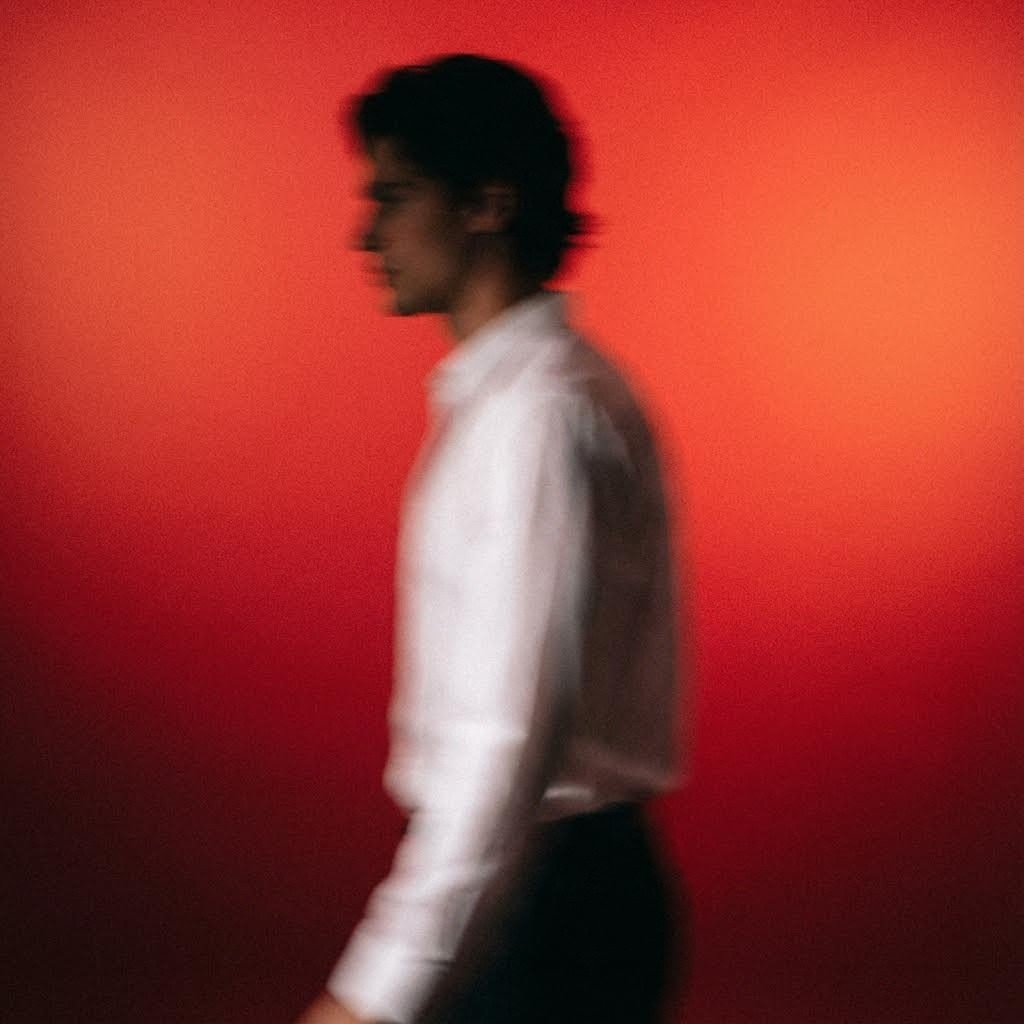
2. 감성적인 듀얼 톤 인물 사진
[Atlabs AI에서 이 프롬프트 시도하기 →]
추천 대상: 감성과 깊은 생각의 포착.
프롬프트:
"An emotionally charged conceptual portrait showing a man caught in mid-thought, surrounded by ethereal blurs of light. The contrast between cool-toned cyan and warm reddish-orange background evokes an inner conflict or duality.The use of long exposure adds an artistic abstraction, making it feel like the image is melting between reality and dream."
[Atlabs AI에서 이 프롬프트 시도하기 →]
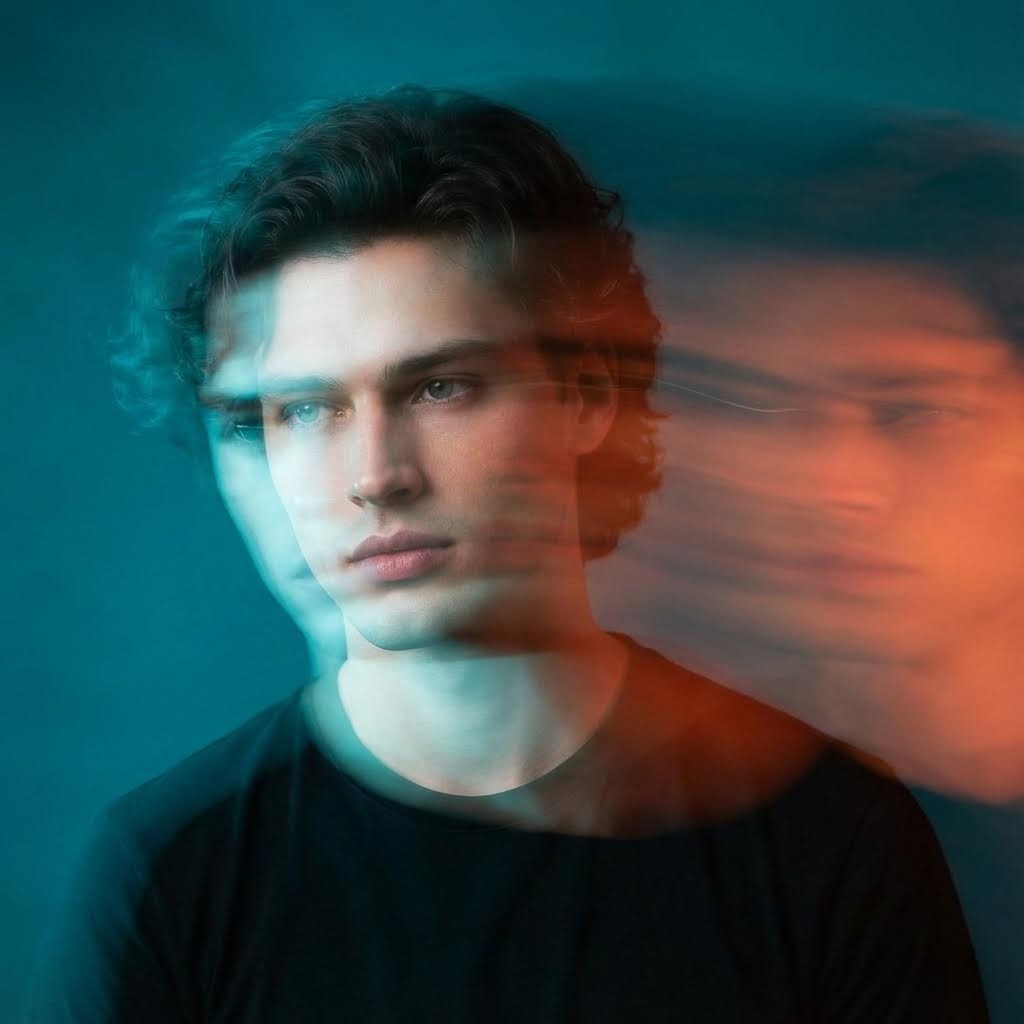
3. 초현실적인 무중력 방
[Atlabs AI에서 이 프롬프트 시도하기 →]
추천 대상: 창의적이고 판타지에서 영감을 받은 룩.
프롬프트:
"surreal cinematic close-up shot of a young man's upper body and face as he floats mid-air in his bedroom, head tilted back slightly, glowing headphones radiating surreal light bursts and shimmering artifacts. His white linen shirt drifts in slow-motion folds, while books, paper, and a smartphone hover nearby, caught in surreal zero-gravity. The background remains softly blurred, with faint moonlight rays streaking in from the window. Ethereal and surreal style with chromatic aberration, heavy film grain, glowing contours, motion blur streaks, soft bloom, lens flares, hazy atmosphere"
[Atlabs AI에서 이 프롬프트 시도하기 →]
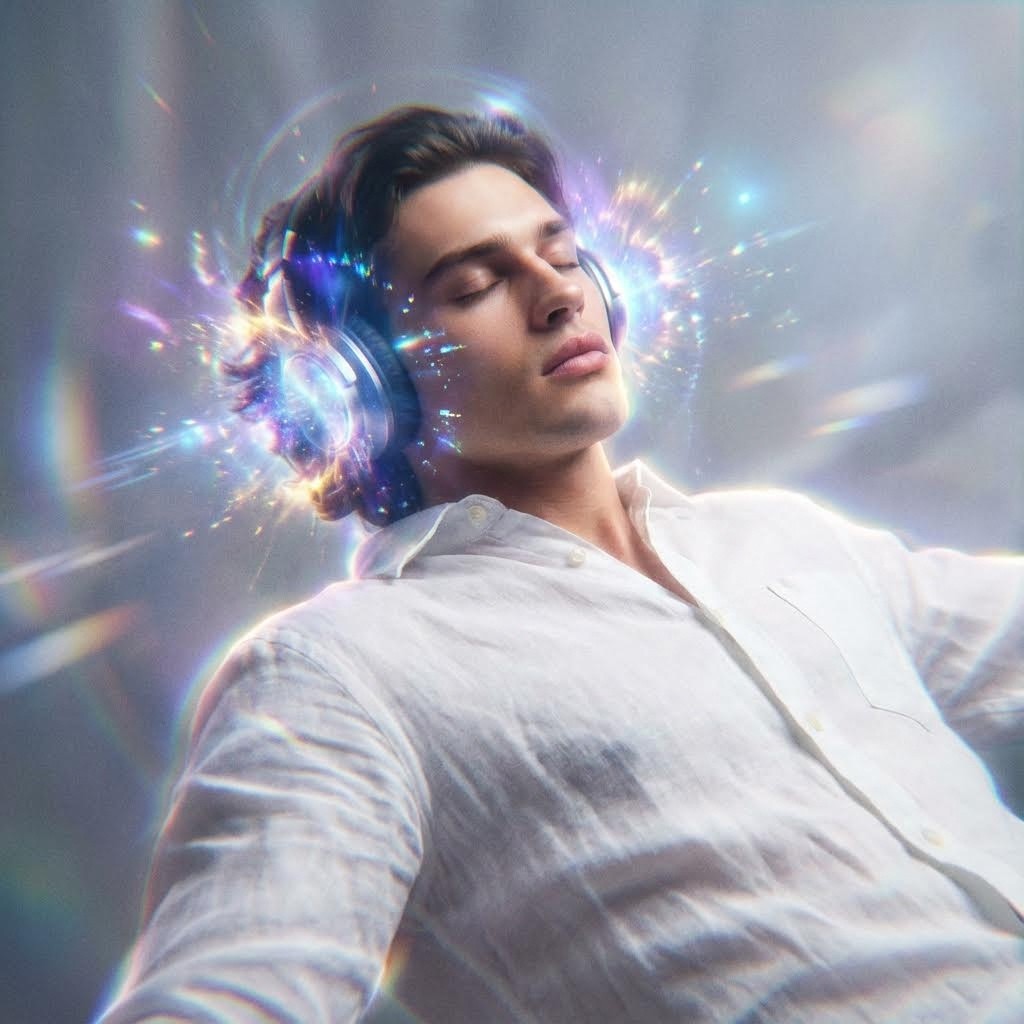
4. "무디한 틸 & 레드" 추상화
[Atlabs AI에서 이 프롬프트 시도하기 →]
추천 대상: 트렌디한 패션, 잡지 스타일의 감성.
프롬프트:
"Cinematic portrait of a young man standing in a moody, abstract environment with deep red and teal tones blending in the background. The subject wears a crisp white shirt with rolled-up sleeves. The image features dramatic lighting and intentional motion blur around the edges, creating an ethereal, dreamlike effect with soft glowing highlights and shadows.High contrast, artistic, photography style."
[Atlabs AI에서 이 프롬프트 시도하기 →]

[이러한 스타일이 마음에 드시나요? Atlabs를 무료로 이용해 보세요]
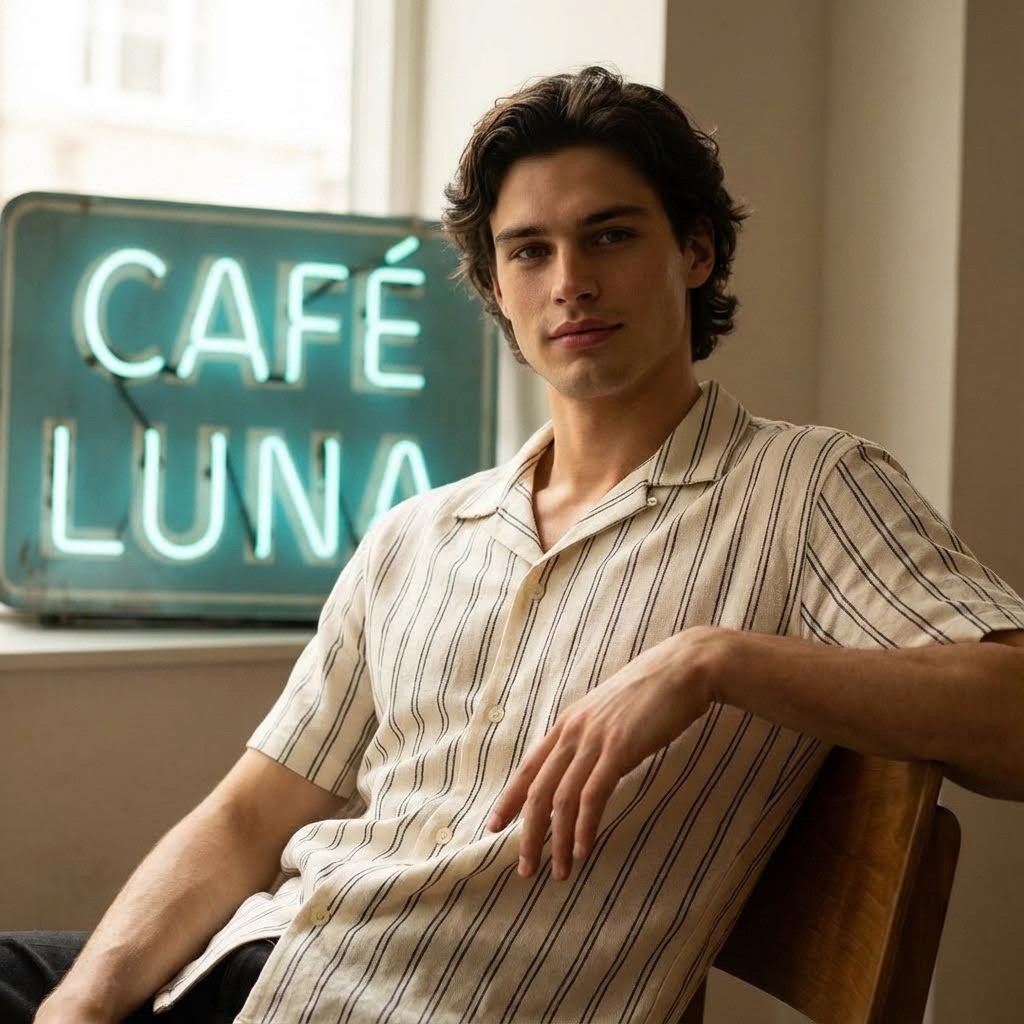
5. 빈티지 카페 분위기 (초고화질 극사실주의)
[Atlabs AI에서 이 프롬프트 시도하기 →]
추천 대상: 자연스럽고 진정성 있어 보이는 일상적인 모습.
프롬프트:
"Ultra-realistic, high-resolution portrait of a 21 years old young man sitting casually in a relaxed pose indoors, with a turquoise-blue vintage café sign in the background... dressed in an off-white short-sleeve shirt with thin vertical dark stripes. Lighting is soft and diffused, with warm tones and natural shadows for a cinematic, fashion-magazine vibe."
[Atlabs AI에서 이 프롬프트 시도하기 →]
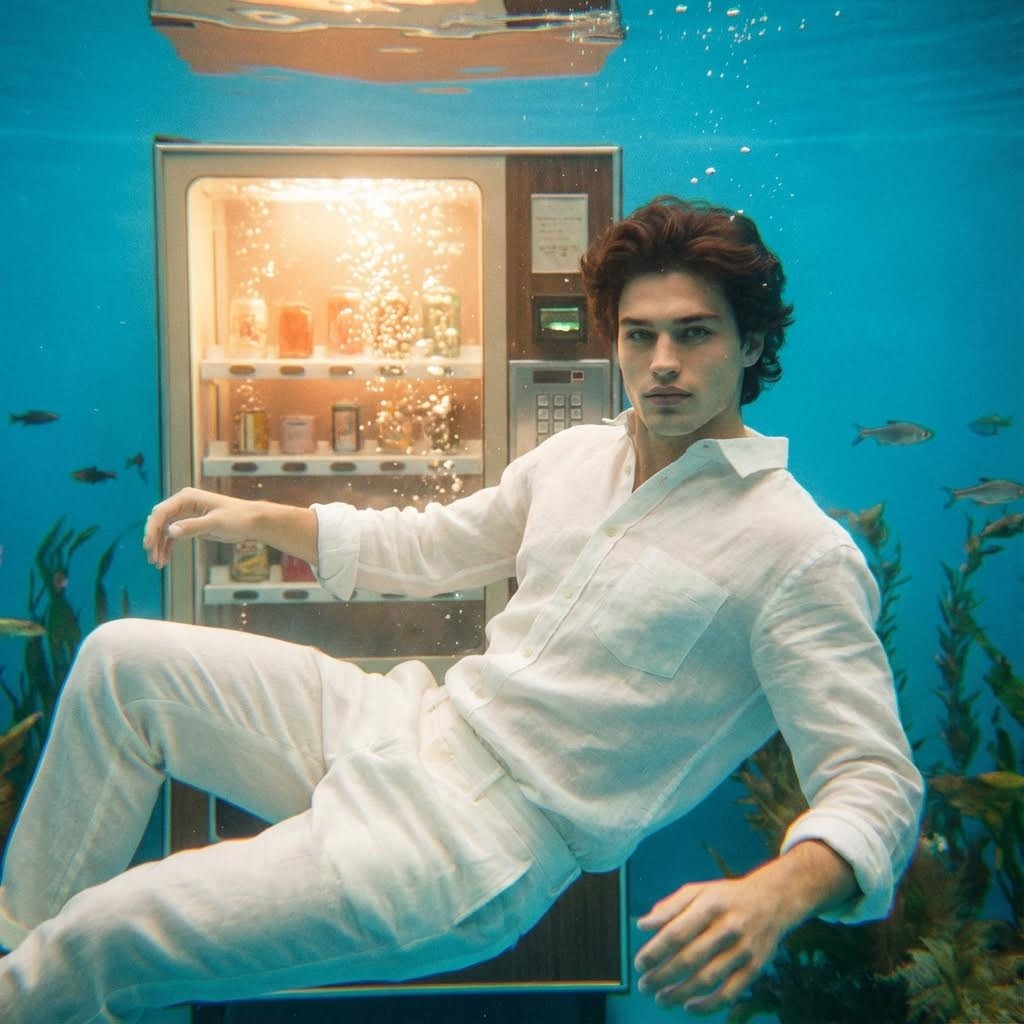
6. 수중의 드림스케이프
추천 대상: 독특하고 SF적인 감성.
프롬프트:
"Underwater macro shot of a young man wearing a loose white linen shirt and white linen trousers, standing in front of a glowing vending machine... bright and clear blue water background, a few small fish swimming gently in the distance... dreamy cinematic atmosphere, heavy film grain, chromatic aberration, vintage analog camera look."
[Atlabs AI에서 이 프롬프트 시도하기 →]
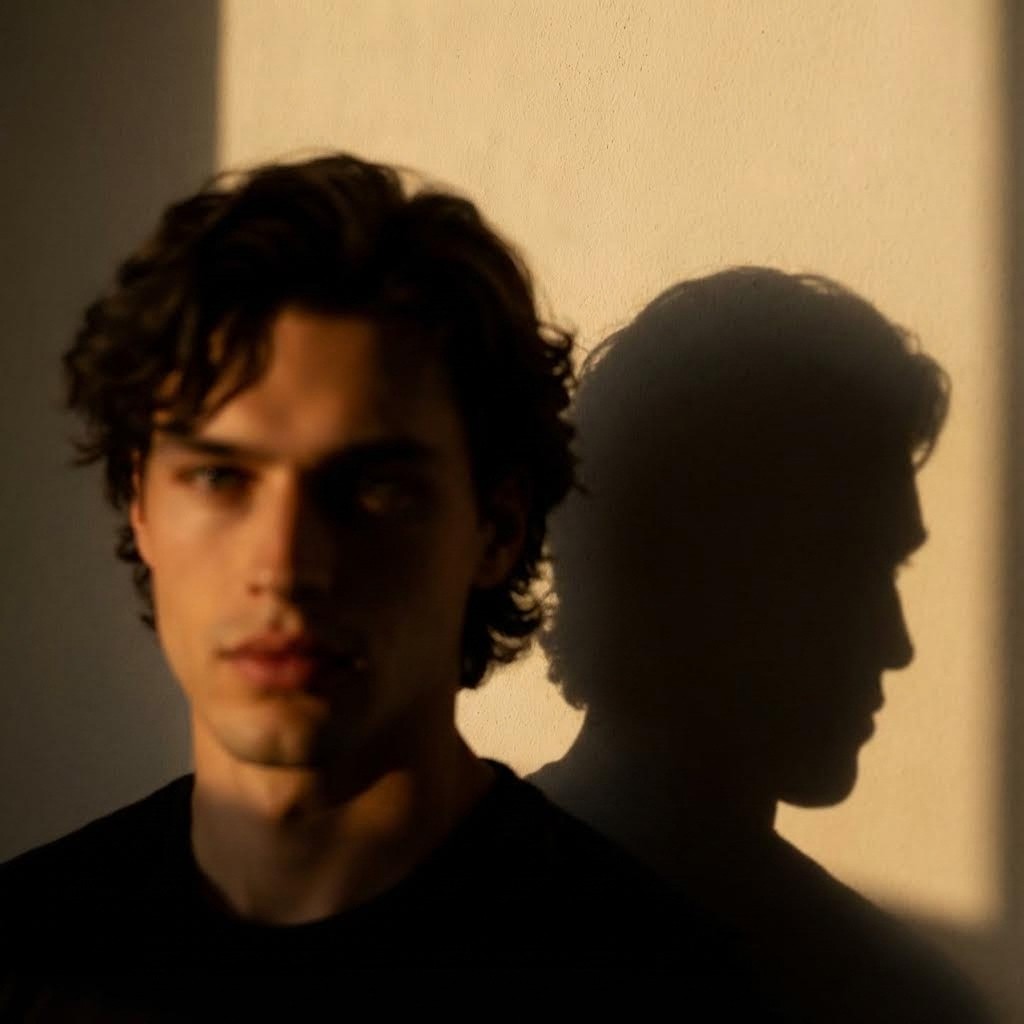
7. 골든 아워 (Golden Hour)
[Atlabs AI에서 이 프롬프트 시도하기 →]
추천 대상: 독특하고 따뜻한 골든 아워 감성.
프롬프트:
"Create a moody aesthetic blurry mysterious portrait of my picture. Change the background and put plain wall and camera angle as per the reference warm golden hour sunlight casting dramatic shadow on a plain wall ensure the same shadow of the face on the wall is visible ratio 9:16 overall cinematic tone"
[Atlabs AI에서 이 프롬프트 시도하기 →]
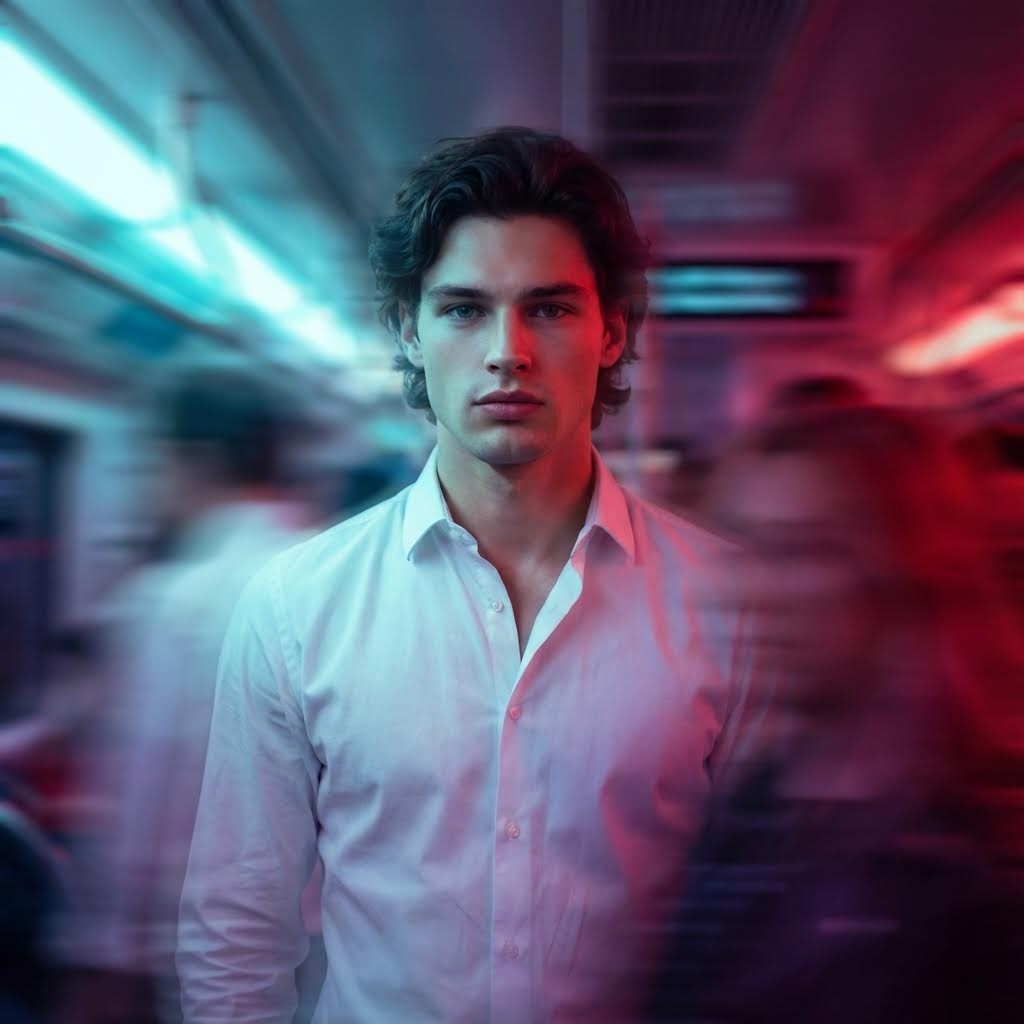
8. 드림스케이프 (The Dreamscape)
[Atlabs AI에서 이 프롬프트 시도하기 →]
추천 대상: 독특하고 공상과학적인 감성.
프롬프트:
"Create using uploaded image, A moody, artistic portrait of a stylish young man wearing a crisp white shirt, standing still amidst swirling motion blur. The photo features dramatic neon lighting—cool cyan streaks on one side blending into deep red hues on the other—creating a cinematic and surreal contrast. The subject’s expression is thoughtful, and the soft focus and blur effect add a dreamlike, introspective quality. The environment feels futuristic yet intimate, as if caught between dimensions."
[Atlabs AI에서 이 프롬프트 시도하기 →]
이 프롬프트들에 내 얼굴을 적용하는 방법
ChatGPT의 가장 강력한 기능 중 하나는 업로드된 이미지를 기반으로 편집하거나 생성할 수 있는 기능입니다.
선명한 셀카 찍기: 좋은 조명과 자연스러운 표정을 지으세요. 필터는 피하는 것이 좋습니다.
Atlabs에 업로드하기: 채팅창에서 첨부 아이콘(클립 또는 이미지 아이콘)을 클릭하세요.
프롬프트 추가하기: 위의 프롬프트 중 하나를 복사하여 붙여넣되, 시작 부분에 다음과 같은 명령어를 입력하세요: “Create an image using the uploaded photo as a reference...” (업로드된 사진을 참고용 이미지로 사용하여 이미지를 만들어줘...)
미세 조정: AI가 당신의 얼굴을 너무 많이 변경하는 경우, "Keep the facial features exactly like the reference photo" (이목구비를 참고 사진과 똑같이 유지해 줘) 또는 "Maintain the subject's identity" (인물의 정체성을 유지해 줘)와 같은 지시사항을 추가하세요.
전문가 팁: 최상의 결과를 얻으려면 셀카의 조명과 일치하는 프롬프트를 사용하세요. 어두운 방에서 찍은 셀카라면 "Moody" 프롬프트를 사용하고, 햇빛 아래서 찍은 사진이라면 "Vintage Café" 프롬프트를 사용하세요.
맞춤 설정을 위한 프롬프트 엔지니어링 팁
이 프롬프트들을 나만의 고유한 스타일로 만들고 싶으신가요? 변수들을 변경해 보세요:
의상 변경: "white linen shirt"(흰색 린넨 셔츠)를 "black turtleneck"(검은색 터틀넥) 또는 "oversized streetwear hoodie"(오버사이즈 스트리트웨어 후드티)로 바꾸어 보세요.
장소 변경: "bedroom"(침실)이나 "café"(카페)를 "rooftop at night"(야간 루프탑), "neon-lit street"(네온 조명이 켜진 거리) 또는 "minimalist studio"(미니멀리스트 스튜디오)로 변경해 보세요.
카메라 기종 변경: "Shot on 35mm film"(35mm 필름으로 촬영), "Fujifilm simulation"(후지필름 시뮬레이션), "Kodak Portra 400"(코닥 포트라 400)과 같은 키워드를 추가하여 특정 색감을 얻어보세요.
마무리
감성적인 AI 사진을 만드는 것은 더 이상 힘든 일이 아닙니다. 이러한 ChatGPT 감성 프롬프트를 사용하면 단 몇 초 만에 바이럴 가치가 있는 콘텐츠를 생성할 수 있습니다. 링크드인, 인스타그램, 트위터 프로필을 업데이트할 때 이 시네마틱 스타일을 적용하면 전문적이고 트렌디해 보일 것입니다.
이 프롬프트들을 사용해 보셨나요? 결과물을 공유하고 저희를 태그해 주세요!
관련 가이드
지금 감성 사진을 만들어보세요!
자주 묻는 질문
Q: 이 프롬프트들을 Atlabs Image Creator에서 사용할 수 있나요?
A: 네! 이 프롬프트들은 Atlabs AI에서 완벽하게 작동합니다.
Q: AI 사진이 나와 닮게 만들려면 어떻게 해야 하나요?
A: 먼저 셀카 사진을 Atlabs AI에 업로드하고, 감성 프롬프트를 사용하여 이미지를 생성하기 전에 "첨부된 이미지를 인물 참고용으로 사용해줘"라고 요청하세요.
Q: 이 프롬프트들은 무료로 사용할 수 있나요?
A: 네, 이 프롬프트들은 무료로 사용하실 수 있습니다.








