ACCESS 50+ MODELS ON ATLABS
Kling 2.5 Turbo: Next-Level AI Video Generator on Atlabs
Experience turbocharged AI video creation with Kling 2.5 Turbo, now available on Atlabs. Generate stunning, professional-grade videos up to 3x faster with improved creative control, smarter AI prompt understanding, and cost-effective pricing designed for creators, businesses, and teams.
No credit card required. Get started in minutes.
Create high-quality AI videos with Kling 2.5 Turbo on Atlabs — perfect for marketing campaigns, social media, e-learning content, podcasts, and professional presentations.
Powered by Atlabs
Kling 2.5 Turbo is a state-of-the-art AI text-to-video and image-to-video model, exclusively available on Atlabs. Designed for creators, marketers, and brands, Kling 2.5 Turbo transforms written prompts or reference images into cinematic motion videos with realistic characters, smooth camera movements, and resolutions up to 1080p. Its next-gen AI engine delivers lightning-fast rendering, smart scene transitions, and consistent visual quality—making professional video production more affordable and accessible than ever. ✨ With Atlabs, using Kling 2.5 Turbo is effortless: no coding, no setup, just plug-and-play video generation. From social media campaigns and ads to product explainers and prototypes, Kling 2.5 Turbo ensures you get: Ease of Use – an intuitive interface to create and customize videos. Scalability – generate multiple clips quickly for campaigns or testing. Consistency – preserve lighting, detail, and design across every frame.
Step by Step
How to Use
Kling 2.5 Turbo
on Atlabs

Generate Video
Model

Kling 2.5 Turbo
Describe an image and click Generate
Start Frame (Optional)
End Frame (Optional)
Describe the motion
Enter prompt for video generation
Select Your Model
Choose from a variety of advanced AI models.

Upload Start Frame
Upload start image & optionally you can upload end frame.
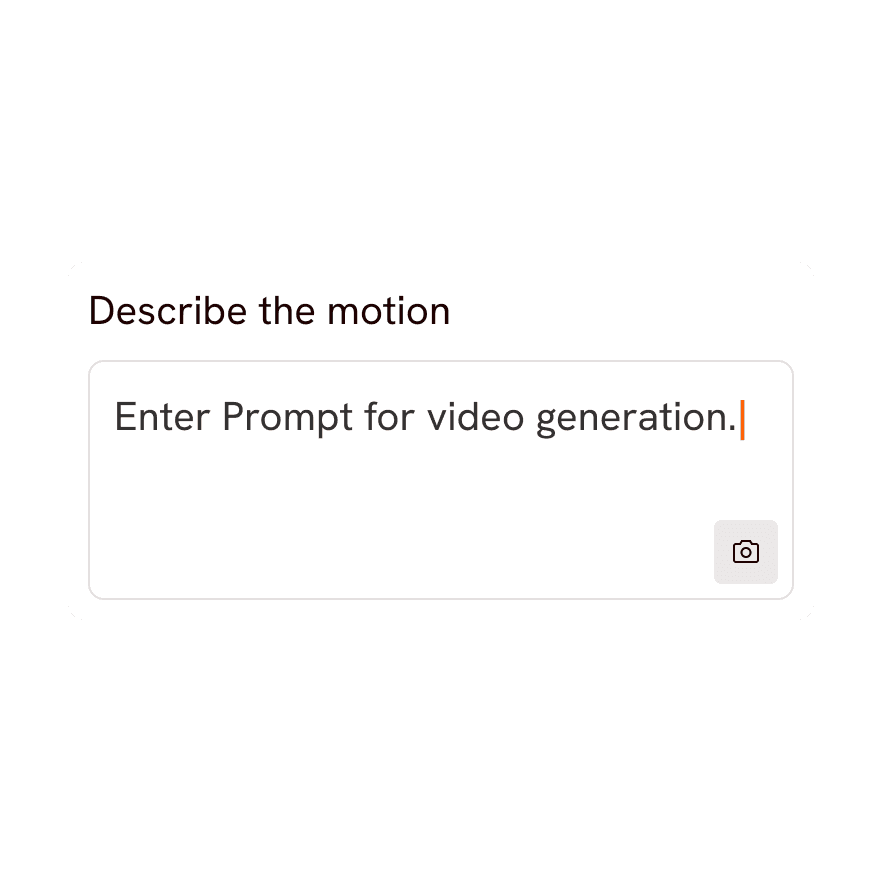
Write / Generate Prompt
Craft your prompt and customize video parameters

Generate Video
Hit the “Generate” button, and watch your image turn to video.

Pick your plan
No hidden fees, cancel anytime
Monthly
Yearly
25% OFF
Billed as $180 annually, 3 months free
$19
$15
/mo
1800 credits / year
Enough for 24 minutes of video
For individuals exploring AI video
Save $48 compared to monthly
Everything in Free +
All Text to Video workflows (script to video / animated video / etc.)
All AI video tools (Reframe / Upscale / etc.)
30+ unique visual styles
300+ Ultra-realistic voices
Access to 100+ AI models including Seedance 2.0, Veo 3.1 & Kling 3
Auto animated Subtitles
Upto 2-min videos
Commercial Use
Export your videos (720p)
LITE
25% OFF
Billed as $348 annually, 3 months free
$39
$29
/mo
4200 credits / year
Covers 36-48 minutes of video
Ideal for solo creators getting started
Save $120 compared to monthly
Everything in Lite Plan +
All Music to Video workflows (kids music / indie music / etc.)
AI Motion & Lip Sync videos
Cast Characters & keep them consistent
Add Objects / Products & maintain consistency
Create video in 40+ languages
Kids Edutainment Music videos
Upto 5-min videos
Music Analysis Pro
Discounted credit packs
Export your videos (1080p)
PRO
25% OFF
PLUS
MOST POPULAR
25% OFF
9000 credits / year
Covers 84-120 minutes of video
Best for creators and small businesses
Save $240 compared to monthly
Everything in Pro Plan +
Train your own models
Add Locations & maintain consistency
Premium Explainer Videos
Multi-Character Music Videos
Clone & Customize Product Ads (upto 15s)
Add emotions to AI Voices
Upto 10-min videos
Multi-Character Animated Videos
200+ Ad Template Library
Export to Premiere Pro
Billed as $708 annually, 3 months free
$79
$59
/mo
MAX
25% OFF
BEST VALUE
Billed as $2,268 annually, 3 months free
$249
$189
/mo
31200 credits / year
Covers 300-420 minutes of video
Built for creative studios and teams at scale
Save $720 compared to monthly
Everything in Plus Plan +
Unlimited custom actors, styles, locations & products
Translate to 40+ languages
Actor Holding Product
Voice Changer
Brand Customisation
Early access to advanced AI
Upto 15-min videos
Account Manager
Priority Support
5x faster renders
Onboarding & Training
Got Questions?
What is Kling 2.5 Turbo and what can it do?
Kling 2.5 Turbo is an AI video generation model available on Atlabs. It turns your text prompts and still images into smooth, high-quality video clips, letting you create cinematic motion, camera moves and animated scenes without any filming or editing experience.
How do I create a video with Kling 2.5 Turbo on Atlabs?
Open Atlabs, select Kling 2.5 Turbo as your model, then enter a text prompt or upload a starting image describing the scene you want. Adjust settings like duration and aspect ratio, hit generate, and Kling 2.5 Turbo renders your video in moments, ready to preview and download.
Can Kling 2.5 Turbo do both text-to-video and image-to-video?
Yes. With Kling 2.5 Turbo you can start from a written prompt to generate a scene from scratch, or upload a reference image and let the model animate it into motion, making it flexible for storytelling, product shots and social clips.
What kind of content works best with Kling 2.5 Turbo?
Kling 2.5 Turbo is great for short cinematic clips, social media content, product and ad visuals, concept animations and B-roll. Clear, descriptive prompts and good-quality reference images produce the most consistent and realistic results.
How long does Kling 2.5 Turbo take to generate a video?
Most Kling 2.5 Turbo clips render within a few moments on Atlabs, depending on clip length and current demand. You can queue multiple generations and keep working while your videos process in the background.
Is Kling 2.5 Turbo free to use on Atlabs?
You can try Kling 2.5 Turbo on Atlabs with a free account that includes starter credits. For longer clips, higher resolution and more generations, Atlabs offers affordable paid plans that unlock the full power of Kling 2.5 Turbo.
