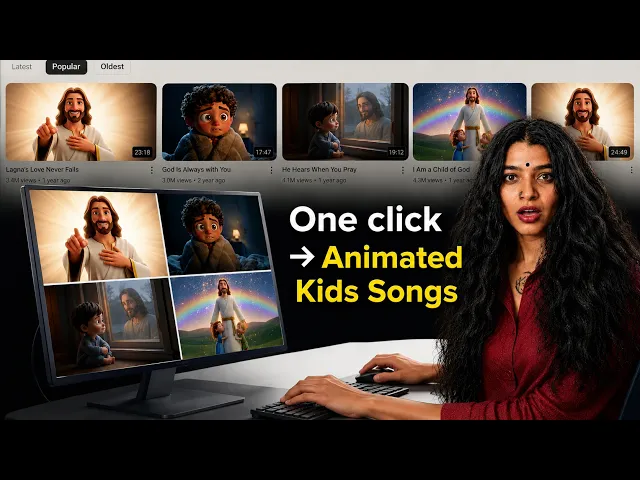
Gospel Music Video
Create gospel music videos with AI
Upload your gospel track, pick a visual style, and Atlabs AI builds a cinematic gospel music video synced to your song, ready for YouTube, Instagram, or your church or ministry channel. No filming. No crew. No editing experience needed.
4.8/5 on G2
4.9/5 on Capterra
How It Works
From gospel track to video in 3 steps
Upload your gospel track
Drop your audio file directly into Atlabs. The AI reads the tempo, energy peaks, and soulful character of your gospel track to shape the entire visual direction of your video.
Choose your visual style and direction
Pick from cinematic styles suited to gospel, including dramatic spotlight cinematics, vibrant illustrated performance scenes, and warm live-action visuals. Set your aspect ratio, duration, and direction in seconds.
Generate, refine, and share
Your gospel music video is ready in minutes. Swap any scene, add lyric captions, and export at 1080p for YouTube, social media, or your church or ministry platform.
Visual Styles
20+ styles. One gospel track. Infinite visual directions.
Pick the aesthetic that matches the power of your song, or explore freely until something moves you.
You can also train your own custom visual style on Atlabs - every video you make matches your unique aesthetic.
TUTORIALS
From gospel track to screen, in minutes
Step-by-step tutorials covering gospel music video creation, lyric caption styling, scene editing, and publishing to YouTube and church or ministry channels. No production experience needed.
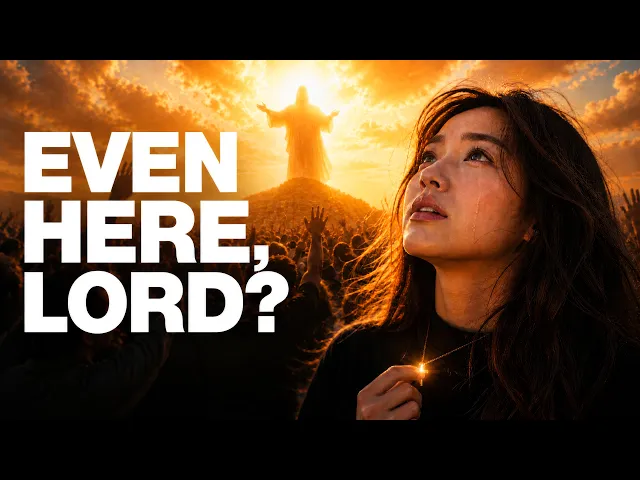
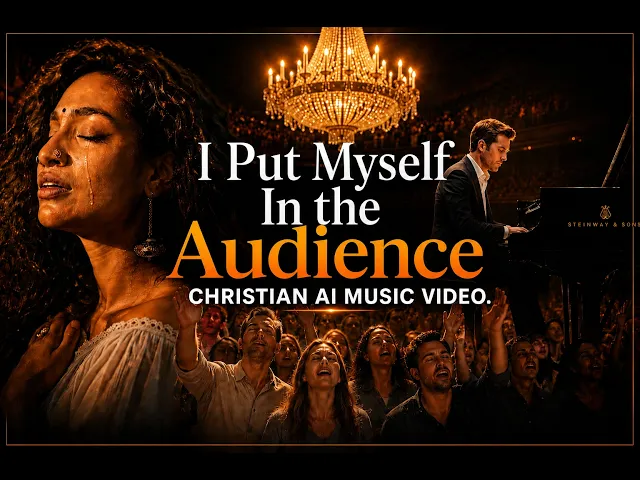
A professional gospel music video traditionally meant booking a church or studio venue, coordinating performers, sourcing lighting equipment, and weeks of editing. Atlabs delivers a cinematic gospel video in minutes, from your own device, with no filming or crew required.
No credit card required | No editing experience needed
Who is it for
Built for every kind of gospel creator
What Creators Say
Gospel creators love what Atlabs does for their music
FAQ
Common questions about gospel music videos
How do I create a gospel music video with AI?
Upload your gospel track to Atlabs, choose a visual style and creative direction that fits the energy and feel of your song, and the AI generates a beat-synced video in minutes. You can then refine any scene, add lyric captions, and export at 1080p for YouTube, Instagram, or your ministry platform.
Can I use Atlabs for church or ministry gospel content?
Yes. Atlabs is used by gospel artists, church choirs, independent musicians, and ministry media teams. The platform works across gospel styles, from traditional choir recordings and contemporary gospel to southern gospel, urban gospel, and praise music.
What visual styles work best for gospel music videos?
Atlabs offers 20+ visual styles. For gospel, dramatic live-action cinematics, warm spotlight realism, and vibrant illustrated scenes tend to match the energy and soul of the genre. You can preview and swap any style before or after generation.
Is it free to create a gospel music video on Atlabs?
Yes. You can start for free with no credit card required. Free credits let you explore the full workflow. Paid plans unlock longer videos, premium AI models like Google Veo 3.1, 1080p export, and unlimited scene-level editing.
Can I add gospel lyrics or captions to my video?
Yes. Atlabs supports 10+ animated lyric caption styles that sync directly to your audio track. It is especially useful for YouTube gospel playlists and TikTok, where viewers follow the lyrics on screen and are more likely to share what moves them.
How long does it take to generate a gospel music video?
Most gospel videos are ready in under 2 minutes. Longer tracks take a little more time, but the full process, from uploading your file to a shareable video, is still faster than a single revision round with a traditional editor.
Your next gospel video starts right now.
Join 50,000+ creators turning songs into stunning visuals with Atlabs AI. Free to start; no editing experience needed.