For content creators & YouTubers
AI script to video generator for content creators & YouTubers
Turn your video ideas and scripts into fully produced content without filming. Publish consistently without depending on a camera, editing software, or a production schedule.
Built for
YouTubers, faceless channel creators, video creators, educators, and social media teams
The pain we solve
What hurts about doing this today
⚡
Filming and editing every video eats the time you should spend creating and growing.
⚡
A consistent upload schedule is impossible when each video takes days to shoot and cut.
⚡
Good ideas sit in your notes because producing them takes a camera, a set, and editing skills.
⚡
Faceless and B-roll footage is expensive to source and easy to make look generic.
How It Works
From script to publish-ready video in 4 steps
Step 1
Paste your idea, script, or screenplay
Drop your content in any format. Atlabs AI reads it, identifies your scenes, and prepares a visual plan ready for production.
Step 2
Choose your style & aspect ratio
Pick from 50+ styles including cinematic, anime, lo-fi, noir, and more. Set your aspect ratio for YouTube, TikTok, or any other platform.
Step 3
Lock characters, locations, & props
Choose who appears, where the story takes place, and what objects recur. Atlabs locks each element so everything stays consistent.
Step 4
Generate, refine, and publish
Your video is generated scene by scene. Swap clips, regenerate shots, add voiceover & captions, then export at 1080p.
50,000+ creators & storytellers · No credit card required
What Makes Atlabs Different
The hardest problem in AI video - solved. Every scene looks like the same film.
Most AI video tools generate each scene randomly. Characters change face. Locations shift. Objects look different every clip. Atlabs locks it all - so your video has the visual coherence of a real production.
Character consistency
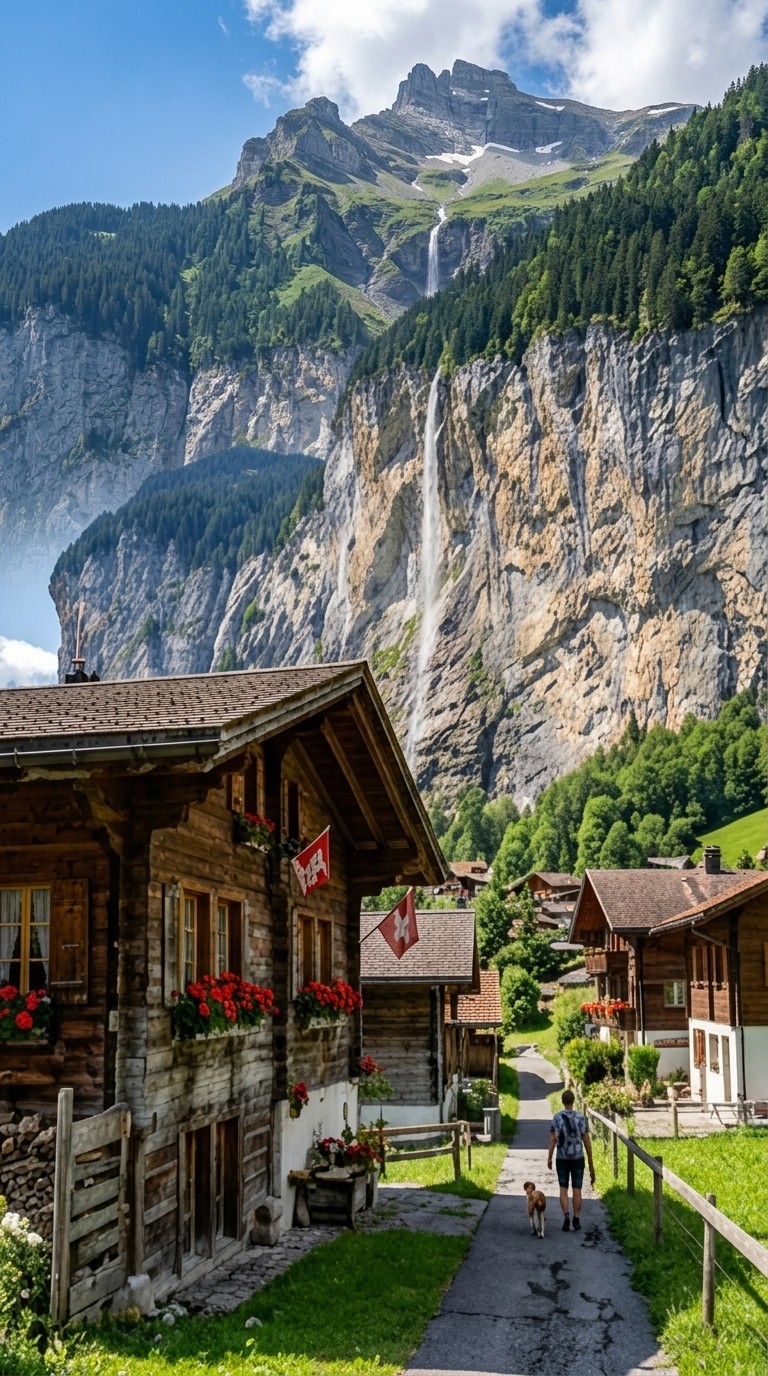
Cast a character once and they look exactly the same in every scene - same face, same clothing, same style. Whether they appear in scene 2 or scene 20, your audience always recognises them.
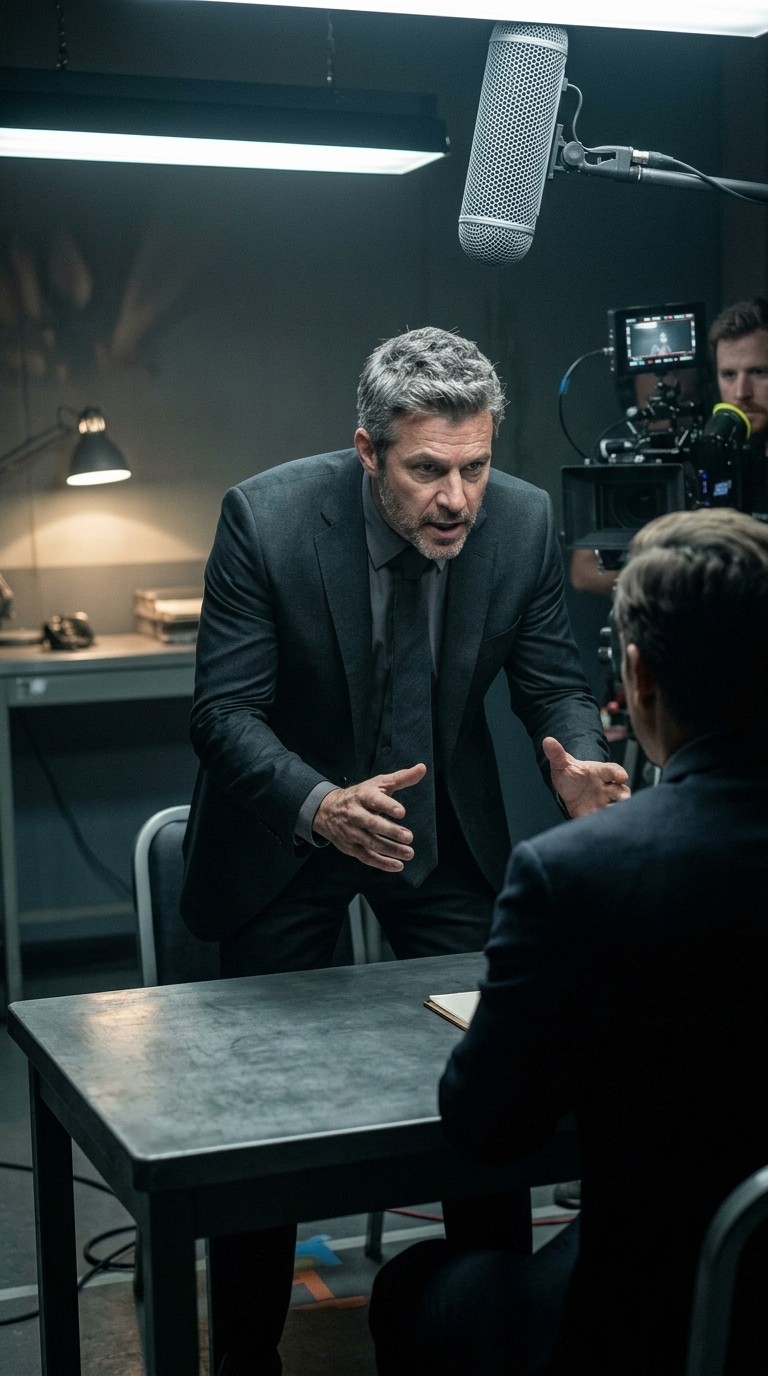
Scene 2
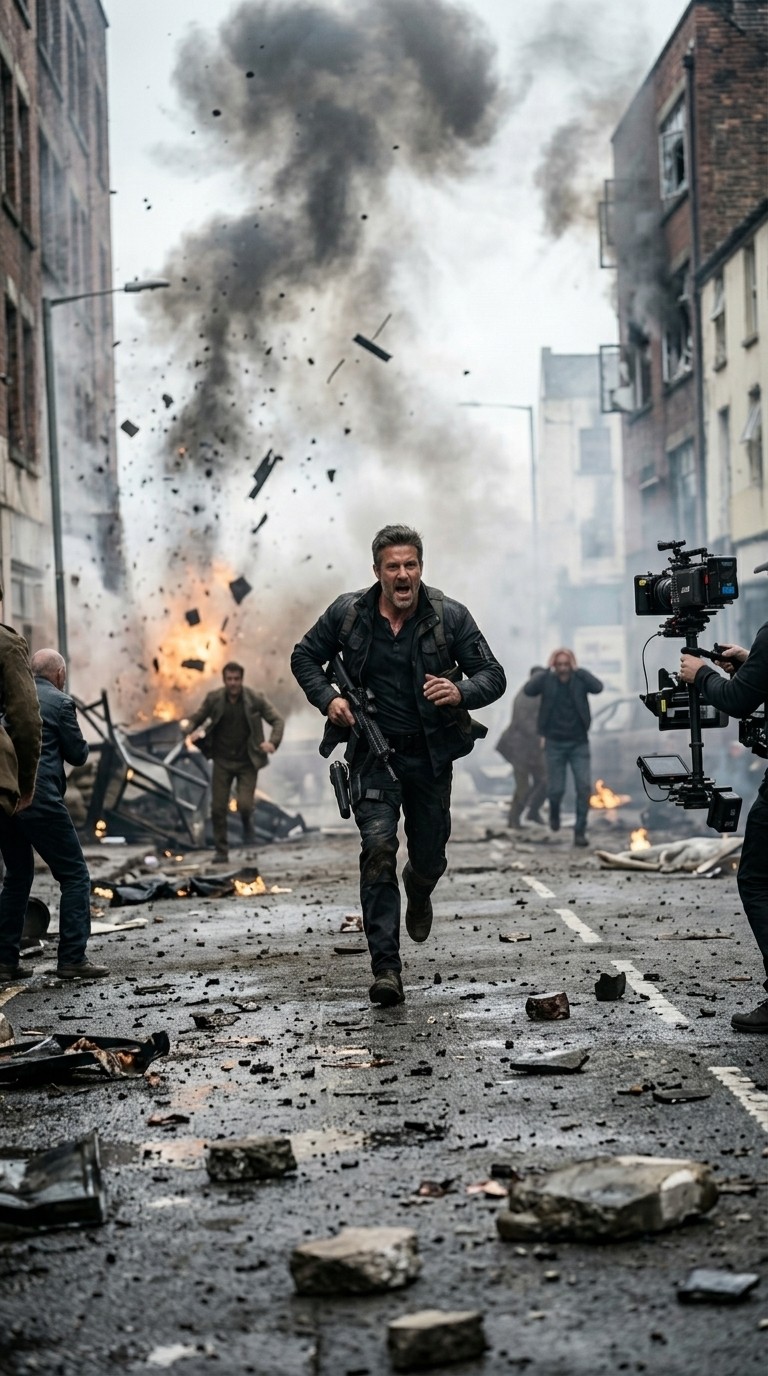
Scene 7
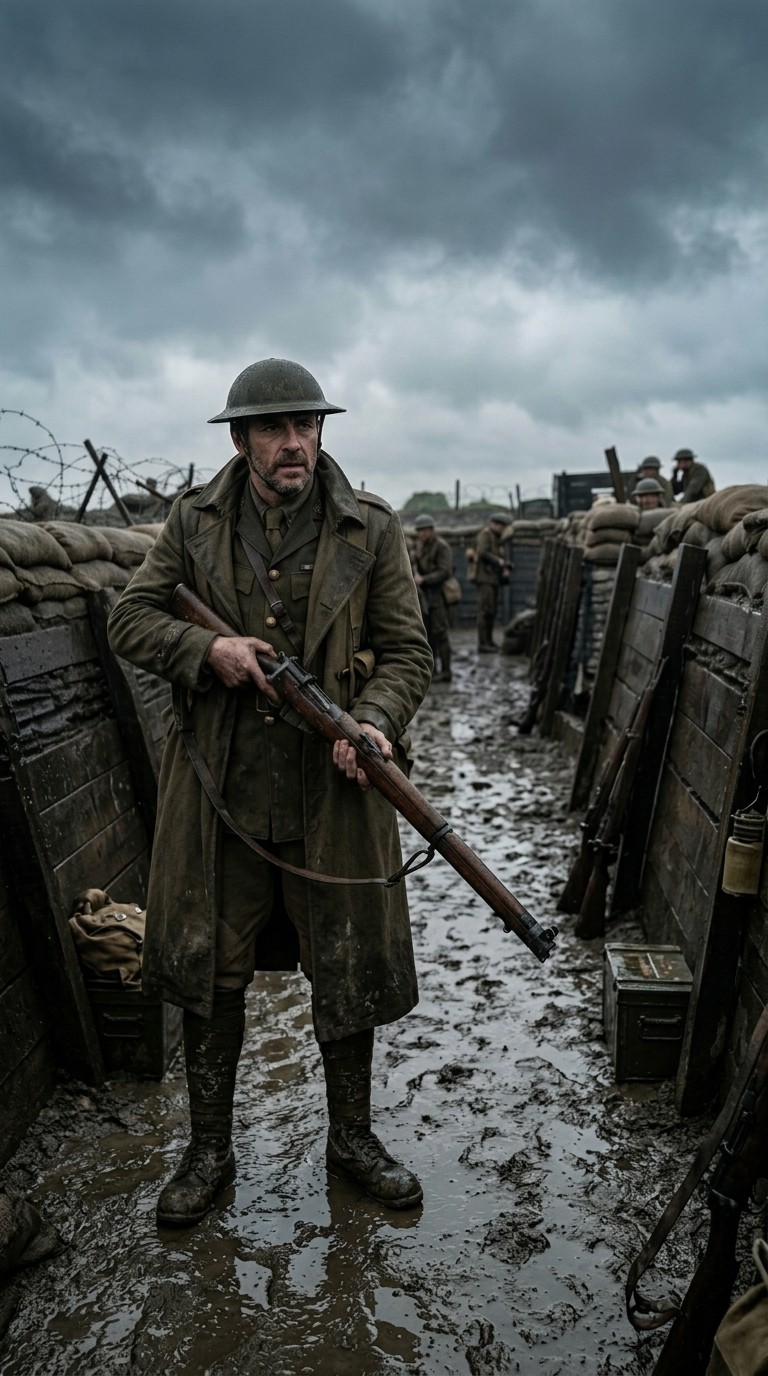
Scene 20
Wide
Close
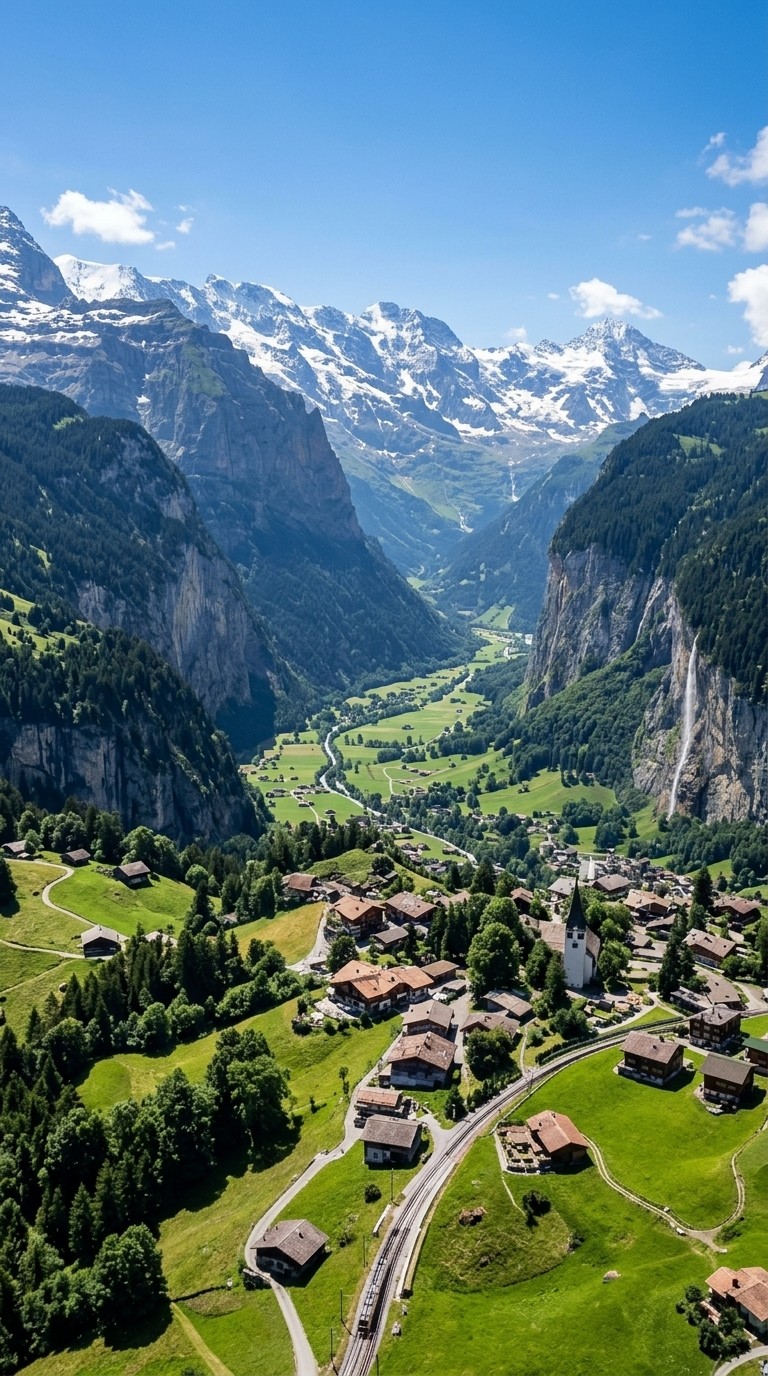
aerial
Location consistency
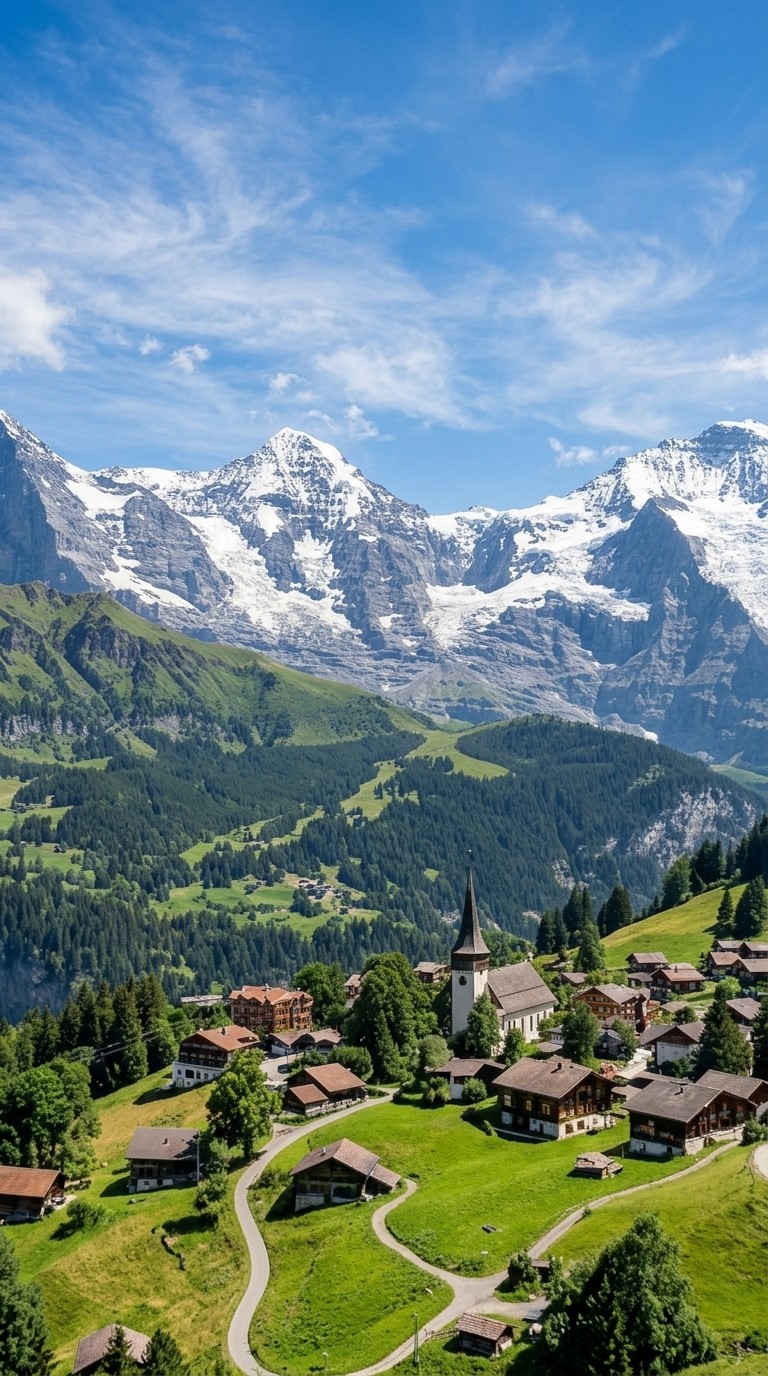
Set your world and Atlabs holds it. The same coffee shop, forest, rooftop, or alien planet appears with consistent architecture, lighting, and atmosphere throughout your video - not a different version each time.
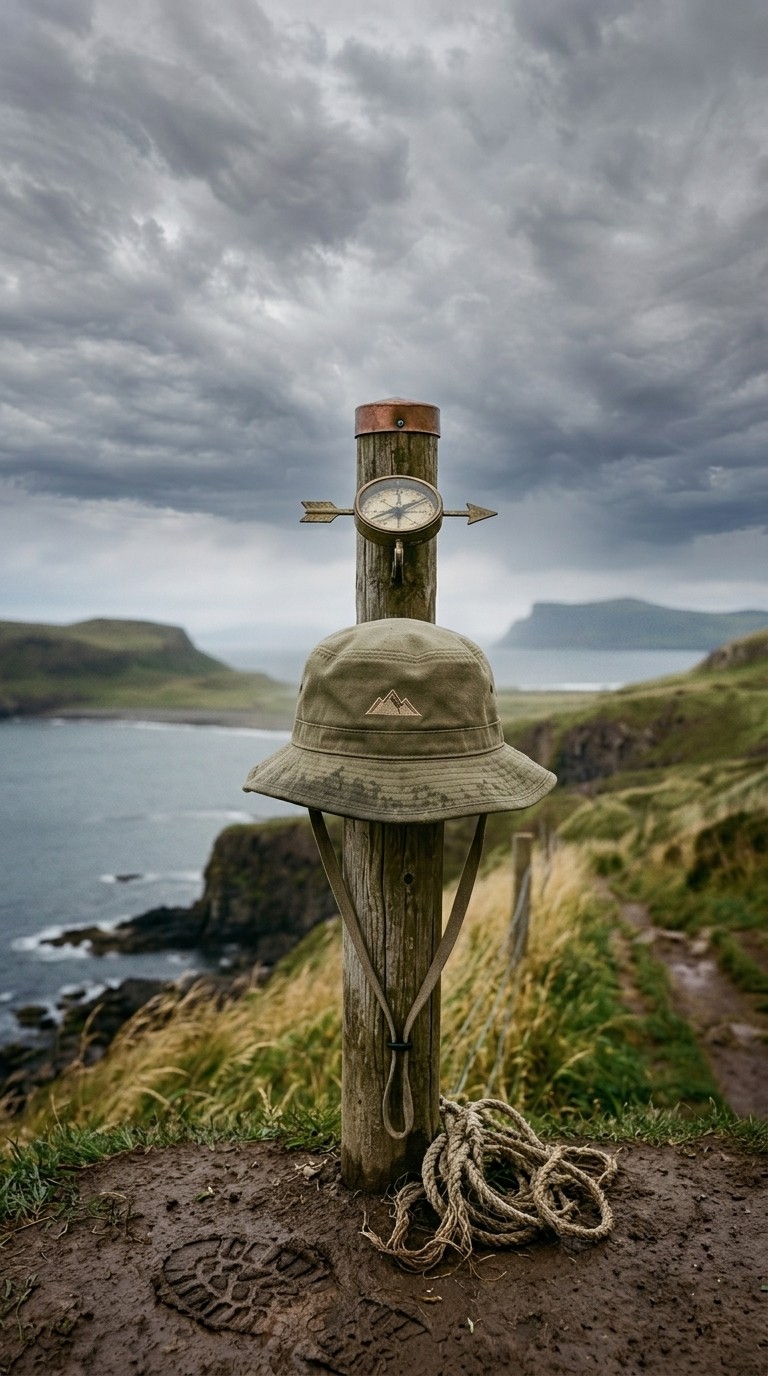
Object and prop consistency
Lock in a specific car model, a branded product, a signature weapon, a magical artefact - whatever matters to your story. It appears identically every time it is shown, treating it like a real prop on a real set.
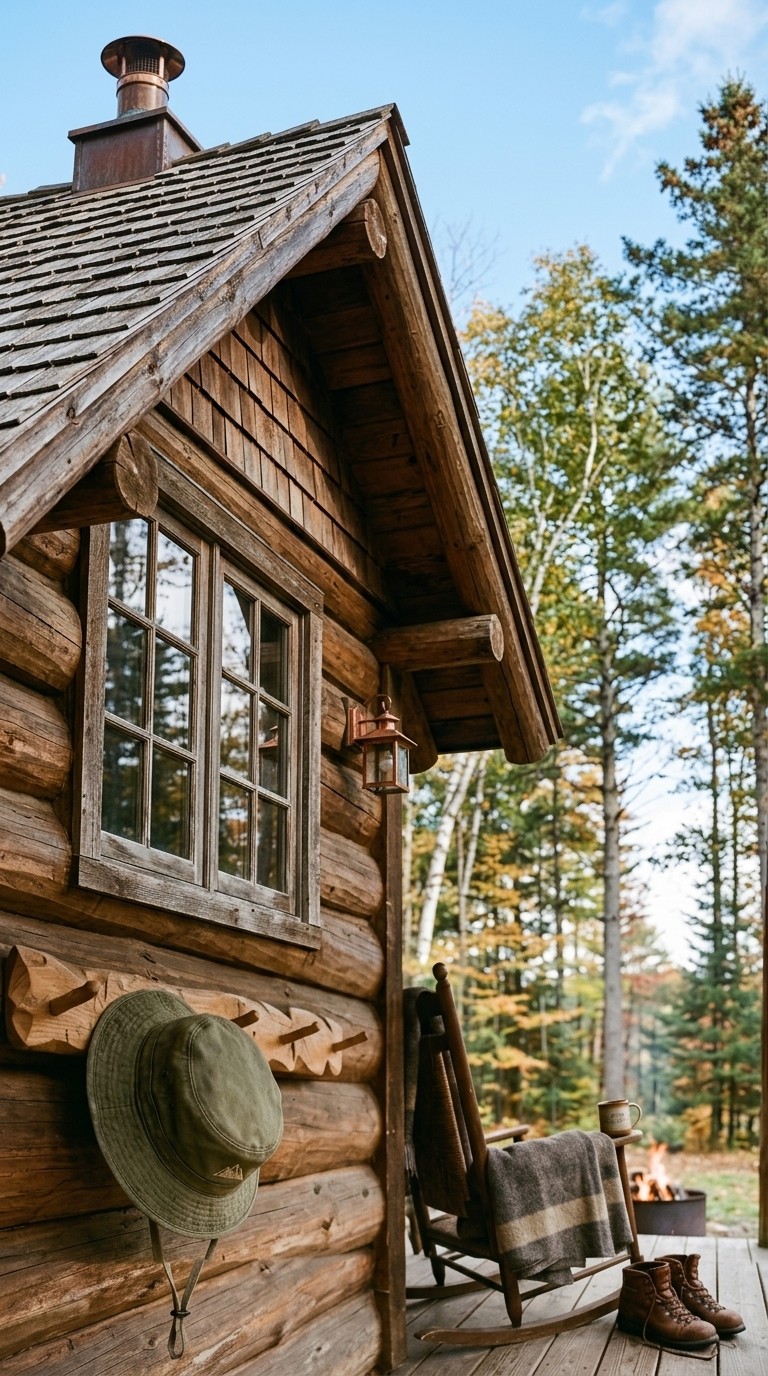
Scene 1
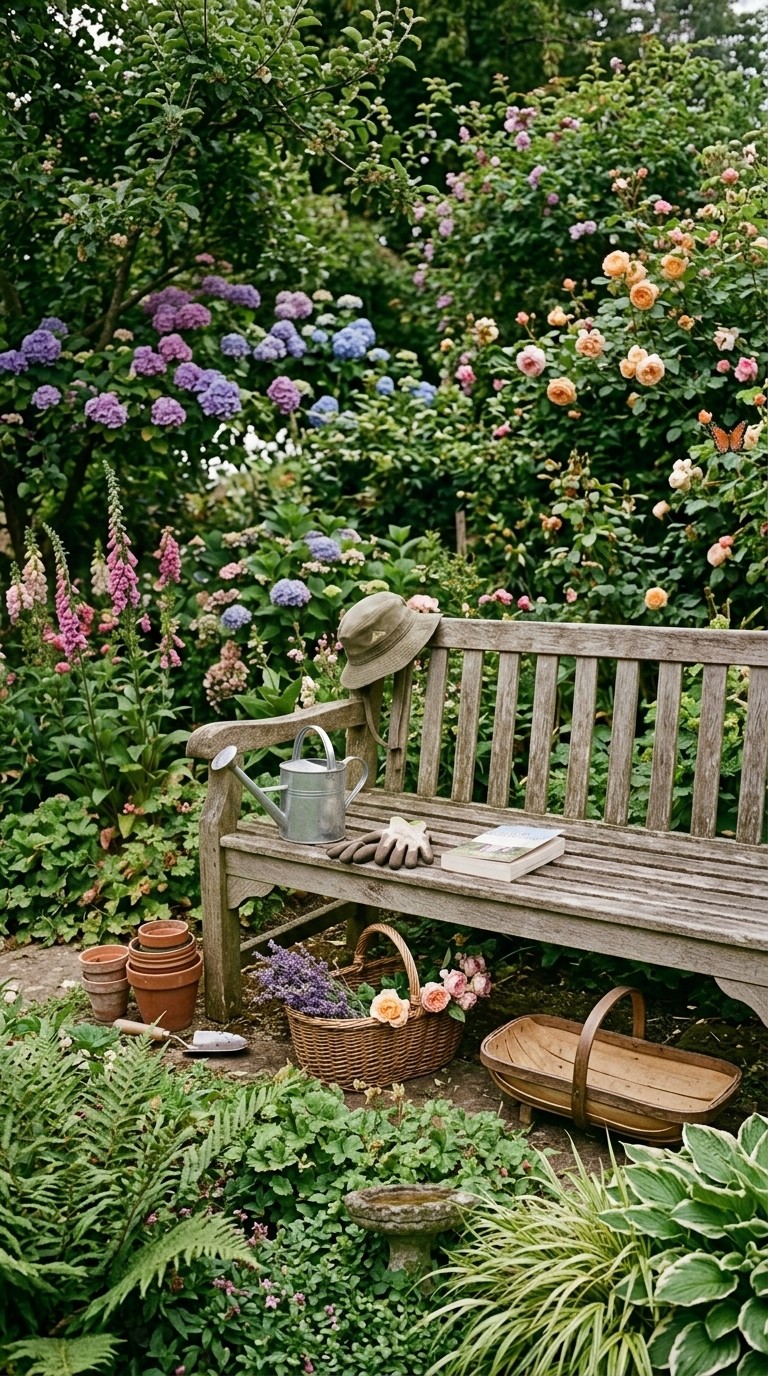
Scene 11
Scene 13
Any format
Idea, script, or full screenplay
50+
Visual styles to choose from
100%
Scene-to-scene character consistency
40+
Languages and voiceover options
Features
A complete AI filmmaking suite. Not just a video generator.
AI that reads your script like a director
Atlabs does not just turn text into random clips. It understands scene structure, character relationships, emotional tone, and narrative arc - then makes deliberate visual choices the way a director would. The result is a video that feels crafted, not generated.
INT. ROOM - NIGHT
MARA writes alone.
The city hums below.
She pauses. Stares at the page. The cursor blinks like…
THE DIRECTOR’S READ
Wide establishing shot
Low-key, cool lighting
Slow push-in on Mara
Mood: quiet solitude
GENERATED SEQUENCE
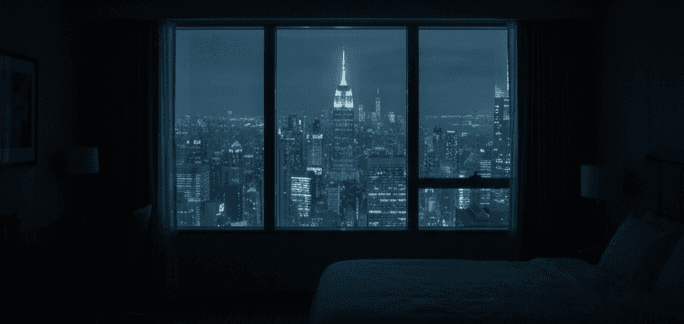
01 · Establishing
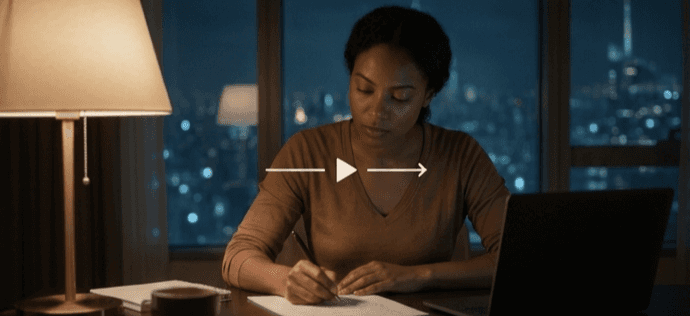
02 · Mara, push-in
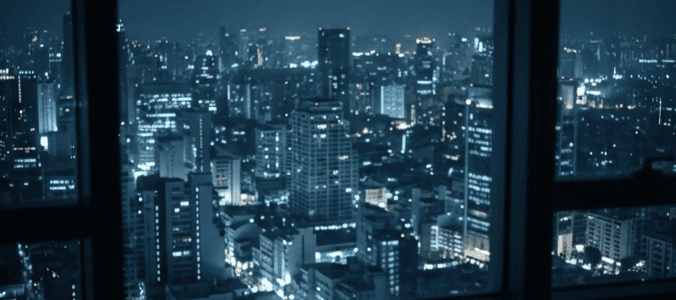
03 · City below
Built-in AI script writer
Do not have a finished script? Describe your idea in plain language and the AI script writer generates a complete, scene-by-scene script for you. Edit it freely, then generate your video in one click.
Auto lip-sync
When characters speak in your script, Atlabs lip-syncs their mouth movements to the voiceover with frame-level precision - so dialogue scenes look and feel like real recorded footage.
Translate your video to 40+ languages
One script becomes a video in any language. Translate narration, dialogue, and captions simultaneously with one click - so your story reaches a global audience without re-creating anything.
Ultra-realistic voiceovers
Add a professional AI voiceover in 40+ languages. Choose from dozens of voices by gender, tone, accent, and emotional style. Your narrator or character voices are rendered with natural rhythm, breath, and pacing.
Background music that matches the mood
AI selects and layers royalty-free background music based on the tone and pacing of your script - tense for action, atmospheric for drama, upbeat for comedy. Or choose your own track.
Full scene-level editing control
After generation you are never stuck with the first output. Swap any scene, regenerate individual clips with new prompts, adjust timing, change voiceover tone, or swap the visual style on specific scenes.
The job
Turn any script, idea, or outline into a finished, share-ready video, without a camera, a crew, or an editing suite.
You wrote the script - now it needs to be seen. Atlabs turns any script or idea into a fully edited video in minutes, so every story gets made instead of sitting in a doc.
No budget
No crew, studio, or shoot needed
Few Minutes
From script to a finished video
Fully edited
Scenes built automatically from your script
What they make
Videos shipped by content creators
Real videos made with Atlabs - swap in your own anytime.
Where to start
The workflows made for creators
The math
Studio-quality videos, no studio
The old way
❌ $2,000-$20,000 per video
❌ 2-6 weeks per video
❌ Script, shoot, and edit separately
❌ One video your budget allows
With Atlabs
✅ From a few dollars per video
✅ Minutes per video
✅ Paste a script, pick a style, done
✅ A video for every script and idea
What creators say
Creators publish more with Atlabs
FAQ
AI script to video generator, answered
How does the AI script to video generator work for creators?
Paste your script or idea, pick a style, and Atlabs produces a fully edited video in minutes - no filming, no editing software, no set.
Can I run a faceless YouTube channel with this?
Yes. Generate scenes, B-roll, and AI presenters straight from your script, so you can publish without ever being on camera.
How much does it cost versus hiring an editor?
Far less than an editor or videographer - a small monthly cost lets you make as many videos as your upload schedule needs.
What formats and aspect ratios can I export?
Export widescreen for YouTube plus vertical and square for Shorts, Reels, and TikTok from one script.
Do I own the videos and are they watermark-free?
Yes. Your videos are clean, watermark-free, and yours to post, monetize, and use in brand deals.
Can I keep a consistent look across my videos?
Yes. Lock characters, styles, and locations so your channel keeps a recognisable visual identity.
Is there a free way to try it?
You can start free and make your first video in minutes, then upgrade when you’re posting more often.
Can I monetize the videos on YouTube?
Yes. Your videos are watermark-free and yours to upload, monetize, and license across platforms.
How fast can I turn an idea into a video?
Most videos are ready in minutes, so you can keep a consistent schedule and jump on trends the same day.
Do I need video editing experience?
No. If you can paste a script and pick a style, you can produce a finished video with Atlabs.
Built for
Content Creators & YouTubers
like you
Free to try. No credit card. Your first video is five minutes away.