





The #1 Lumen5 Alternative
Lumen5 vs Atlabs: Which is better?
Lumen5 is great if you already have footage and need to edit it. Atlabs is for when you have an idea but no footage. Atlabs generates the video for you. The "AI" in Lumen5 is an add-on; in Atlabs, it's the core engine.
4.8/5 on G2
4.9/5 on Capterra
Making the switch :)
Moving from
Lumen5
to Atlabs
Bring your assets across
Upload the images and clips you've already generated. They can be used as characters, reference frames or scene assets inside an Atlabs project.
Cast your characters once
Turn an existing character image into a cast member. From then on it stays consistent across every scene in the project, and across future projects.
Start from the script, not the prompt
This is the habit that changes. Instead of prompting shot by shot, you paste a script, a song or a product brief and adjust the scenes it generates.
Add the audio in place
Pick a voice, generate lip sync, generate custom text-to-music, and export at 1080p - or export the project to Premiere Pro if a human editor is finishing it.
Atlabs vs.
Lumen5
Platform Type
Starting Assets
Creation mode
Role of AI
Custom AI actors
Unlimited Trainable Characters (Consistent across scenes)
Creative Range
AI Model access
Editing Granularity
Est. Production Time
Price Value
Use Case
24/7 Support
What Makes Atlabs Different
The hardest problem in AI video - solved. Every scene looks like the same film.
Most AI video tools generate each scene randomly. Characters change face. Locations shift. Objects look different every clip. Atlabs locks it all - so your video has the visual coherence of a real production.
Character consistency
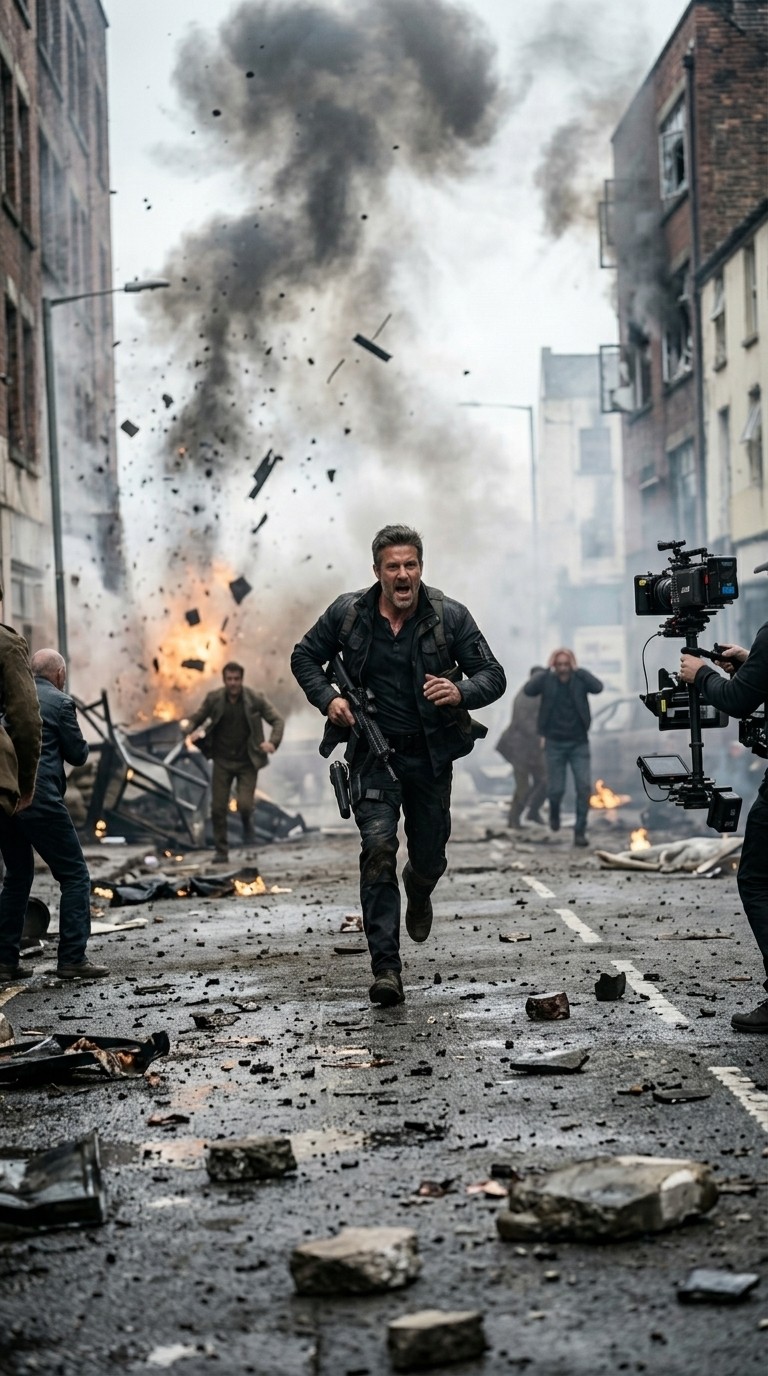
Cast a character once and they look exactly the same in every scene - same face, same clothing, same style. Whether they appear in scene 2 or scene 20, your audience always recognises them.

Scene 2
Scene 7

Scene 20

Wide
Close

aerial
Location consistency
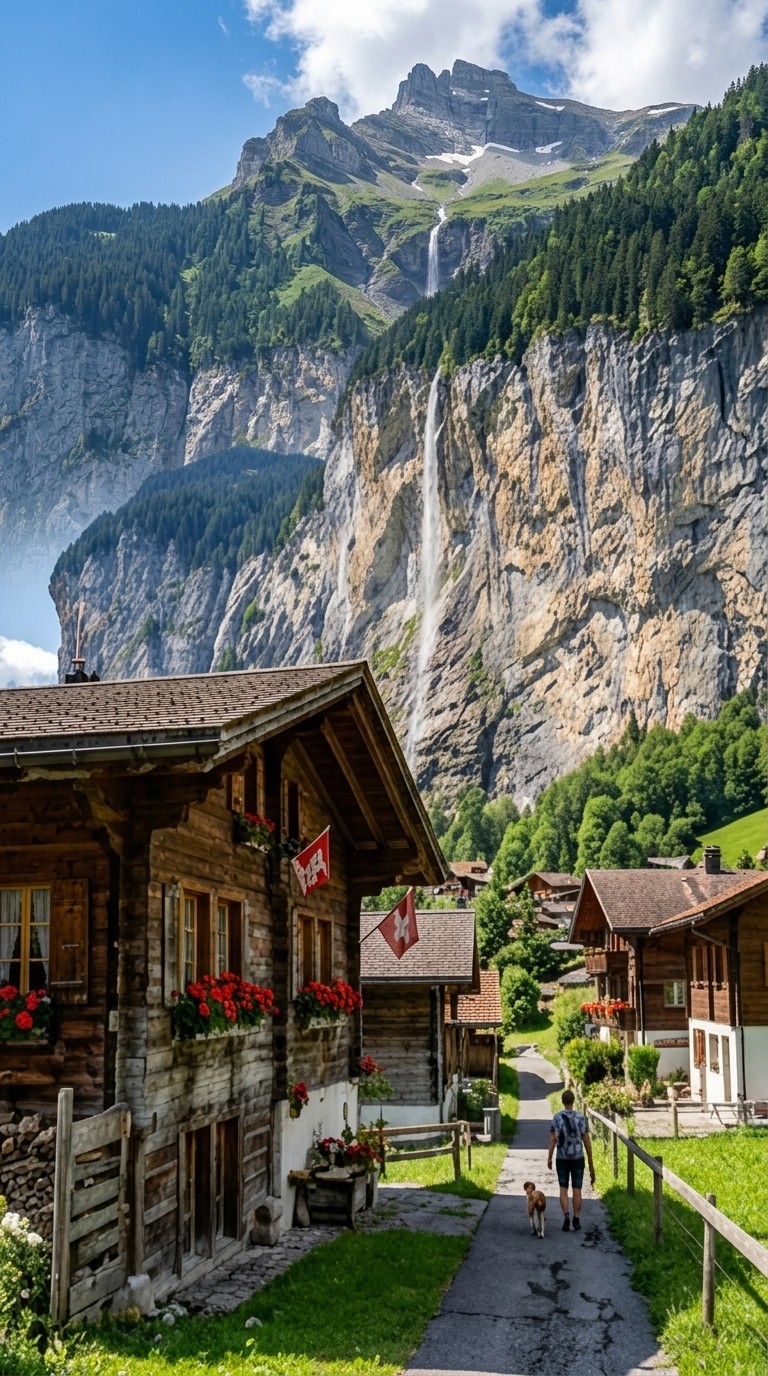
Set your world and Atlabs holds it. The same coffee shop, forest, rooftop, or alien planet appears with consistent architecture, lighting, and atmosphere throughout your video - not a different version each time.
Object and prop consistency
Lock in a specific car model, a branded product, a signature weapon, a magical artefact - whatever matters to your story. It appears identically every time it is shown, treating it like a real prop on a real set.

Scene 1

Scene 11

Scene 13
What Creators Say
Screenwriters, creators, and brands making their stories real
Create Your First Story
Enter an idea below to see how fast your text transforms into an animated video.
From Idea to Video in Minutes
How AI Video creation works
1
Start with an idea
Drop in a script, audio, product brief, or just a rough concept. Atlabs understands intent and builds the video structure for you.
2
Customize your video
Fine-tune scenes, visuals, motion, characters, voice, and music at the frame level, with AI agents handling the heavy lifting.
3
Export and share
Render ready-to-ship final videos, from ads and social to explainers and long-form content, and publish anywhere.
Studio Quality Videos for the Price of Lunch
Choose the plan that fits your ambition. Cancel anytime.
Monthly
Yearly
25% OFF
Billed as $180 annually, 3 months free
$19
$15
/mo
1800 credits / year
Enough for 24 minutes of video
For individuals exploring AI video
Save $48 compared to monthly
Everything in Free +
All Text to Video workflows (script to video / animated video / etc.)
All AI video tools (Reframe / Upscale / etc.)
30+ unique visual styles
300+ Ultra-realistic voices
Access to 100+ AI models including Seedance 2.0, Veo 3.1 & Kling 3
Auto animated Subtitles
Upto 2-min videos
Commercial Use
Export your videos (720p)
LITE
25% OFF
Billed as $348 annually, 3 months free
$39
$29
/mo
4200 credits / year
Covers 36-48 minutes of video
Ideal for solo creators getting started
Save $120 compared to monthly
Everything in Lite Plan +
All Music to Video workflows (kids music / indie music / etc.)
AI Motion & Lip Sync videos
Cast Characters & keep them consistent
Add Objects / Products & maintain consistency
Create video in 40+ languages
Kids Edutainment Music videos
Upto 5-min videos
Music Analysis Pro
Discounted credit packs
Export your videos (1080p)
PRO
25% OFF
PLUS
MOST POPULAR
25% OFF
9000 credits / year
Covers 84-120 minutes of video
Best for creators and small businesses
Save $240 compared to monthly
Everything in Pro Plan +
Train your own models
Add Locations & maintain consistency
Premium Explainer Videos
Multi-Character Music Videos
Clone & Customize Product Ads (upto 15s)
Add emotions to AI Voices
Upto 10-min videos
Multi-Character Animated Videos
200+ Ad Template Library
Export to Premiere Pro
Billed as $708 annually, 3 months free
$79
$59
/mo
MAX
25% OFF
BEST VALUE
Billed as $2,268 annually, 3 months free
$249
$189
/mo
31200 credits / year
Covers 300-420 minutes of video
Built for creative studios and teams at scale
Save $720 compared to monthly
Everything in Plus Plan +
Unlimited custom actors, styles, locations & products
Translate to 40+ languages
Actor Holding Product
Voice Changer
Brand Customisation
Early access to advanced AI
Upto 15-min videos
Account Manager
Priority Support
5x faster renders
Onboarding & Training
Got Questions?
What is the main difference between Atlabs AI and Lumen5?
Atlabs AI is a full video production studio, while Lumen5 is a template-based video editor.
Can Atlabs AI generate videos from scripts?
Yes, Atlabs AI generates full videos directly from scripts.
What is Lumen5 best for?
Lumen5 is best for quick social videos using templates.
Which platform offers more creative range?
Atlabs AI supports cinematic, animated, and narrative styles, while Lumen5 is limited to templates.
Does Atlabs AI generate original visuals?
Yes, Atlabs AI generates new AI scenes and worlds.
Does Lumen5 rely on templates?
Yes, Lumen5 is template-driven.
Which tool is better for long-form videos?
Atlabs AI supports long-form videos, while Lumen5 is short-form focused.
Is Lumen5 good for social marketing teams?
Yes, Lumen5 is popular for social content teams.
Which tool reduces creative limitations?
Atlabs AI removes template limitations through generation.
Is Atlabs AI a good alternative to Lumen5?
Yes, Atlabs AI is ideal for teams needing more creative freedom.


