
The best AI storyboard generator in 2026 is Atlabs. While most storyboard tools stop at static frames and leave you to rebuild everything in a separate video editor, Atlabs takes a script through storyboard and into a finished animated video in one place, with characters that stay consistent across every scene. We tested five platforms on how well they turn a script into sequenced frames, how consistent their characters are, whether the board carries through to video, and how fast a creator gets from idea to a usable board.
Top 5 Tools Ranked:
Atlabs: Best for script to storyboard to finished video in one place
LTX Studio: Best for serious film previs and scene planning
Boords: Best for client approvals and fine panel control
Katalist AI: Best for character depth and an editing pipeline
Storyboarder.ai: Best for camera language and pitch-ready boards
Why This List Matters in 2026
Storyboarding is where most video projects stall. You have the idea and the script, but turning that into sequenced frames by hand eats hours you do not have. In 2026, AI has split storyboard tools into two camps: generative platforms, where the AI builds frames directly from your script or idea, and connected or manual platforms, where you assemble and annotate frames yourself. This list covers the leaders in both camps, ranked on what actually matters on a real project: whether the tool turns a script into frames without a blank canvas, whether characters stay consistent from the first frame to the last scene, and whether the approved board carries through to a finished video.
Comparison Table
Feature | Atlabs | LTX Studio | Boords | Katalist AI | Storyboarder.ai |
|---|---|---|---|---|---|
Best For | Script to finished video | Film previs and planning | Client approvals | Character depth and editing | Camera language and previs |
Creation Method | Generative AI (script) | Generative AI (script) | Manual plus AI image | Generative AI (script) | Generative AI (script) |
Script to Storyboard | Yes, script or idea | Yes, script or PDF | Partial, you write scenes | Yes, script or idea | Yes, script or concept |
Character Consistency | High (Cast, multi-angle) | Medium | Low (manual) | High (up to 10 chars) | High (across frames) |
Storyboard to Video | Yes, native | No, separate feature | No, boards and animatics | Yes, native | Animatic, previs focus |
Time to Board | 5 to 15 minutes | 10 to 20 minutes | 30 to 60+ minutes | 10 to 20 minutes | 5 to 15 minutes |
Learning Curve | Very Low | Medium | Low | Medium | Low |
Pricing Tier | Free trial available | Free tier available | Free trial, then paid | Paid, limited free | Free tier available |
1. Atlabs: The Future of AI Storyboarding
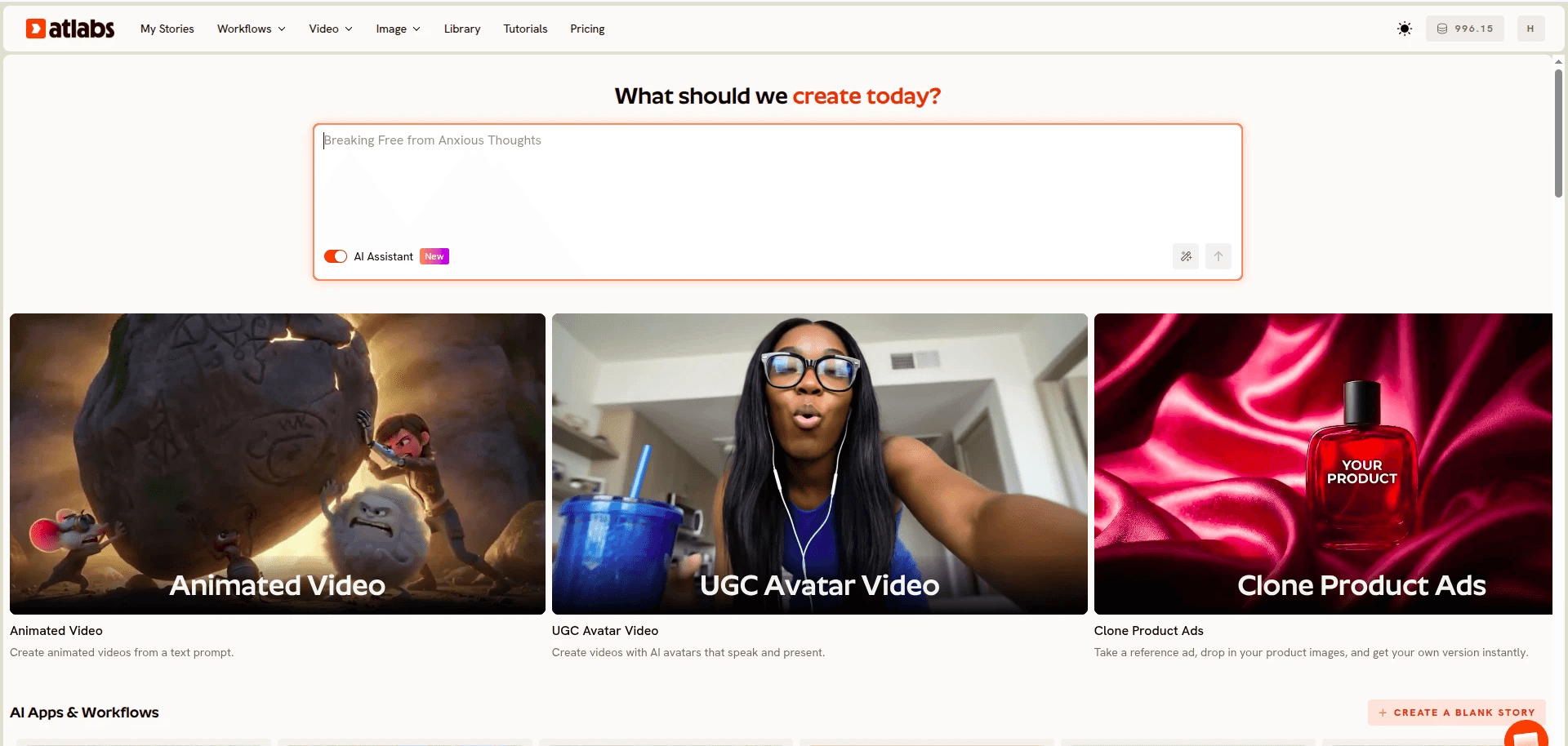
Best For: Creators, filmmakers, and video teams who want to go from a script to a storyboard and then to a finished animated video without switching tools or hiring an animator.
Key Features
Script to Storyboard, in One Workflow
The Animated Video workflow moves through three steps, Script, Set Style, then Cast. Paste your script on the Script step or write one with the AI Script Writer, and Atlabs breaks your story into scenes you can shape. You are not staring at a blank canvas, the board is generated from your words.
AI Storyboard and AI Video Styles
On the Set Style step you choose AI Storyboard, which generates images with effects for each scene, or AI Video, which builds moving scenes. A large Visual Style library, including 3D Cartoon, Realistic, Claymation, Anime, and Paper Cutout, applies your chosen look consistently across every frame.
Character Consistency Across Every Scene
The Cast step is where Atlabs separates itself from most tools on this list. Define each character once and Atlabs generates a multi-angle reference sheet used in every scene, so a character in frame one looks identical in the final scene. Character inconsistency is the most common complaint about AI boards, and this is the fix.
Multiple Models, One Place
Atlabs runs several models together, including Kling 3.0 for cinematic motion, Google Veo 3.1 for wide establishing shots, Seedance 2.0 for stylized character scenes, and Nano Banana Pro for image generation. You are not locked into a single look, and you never leave the workflow to switch tools.
Step 1, Script: paste your script or generate one with the AI Script Writer.
Step 2, Set Style: pick an aspect ratio and a visual style, then AI Storyboard or AI Video.
Step 3, Cast: define characters, each with a multi-angle reference sheet reused across scenes.
Visual Style: 3D Cartoon. Video Style: AI Storyboard. Scene 1, wide establishing shot: a young inventor steps into a sunlit workshop full of floating brass gears, warm morning light, soft dust in the air, calm and curious mood. Character: Inventor (young, round glasses, patched coat, curious expression).
Pricing
Free trial available. Paid plans are listed on the Atlabs pricing page.
Verdict: For anyone who wants the storyboard and the final cut to live in the same place, Atlabs is the clear choice. No other tool on this list combines script-driven boards, a consistent character system, and direct storyboard-to-video generation in a single workflow.
2. LTX Studio: Serious Film Previs
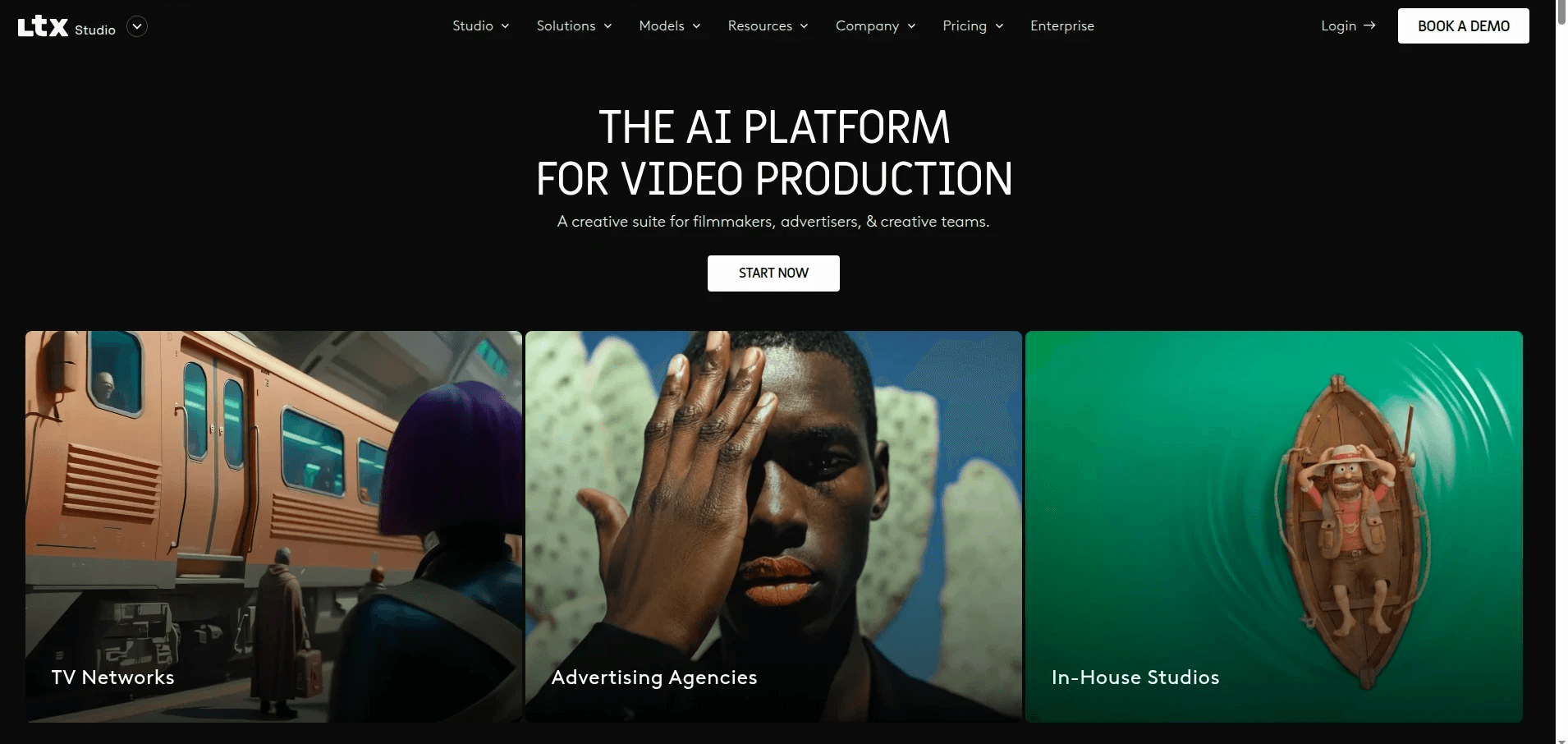
Best For: Directors and production teams who want detailed visual preproduction, script to scenes and shots, inside a tool built for film.
Key Features
Script to Scenes
Paste or upload a script as text or PDF and LTX Studio breaks your story into scenes and shots. The interface is technical and film-focused, which suits directors who want control over previs.
Strong Reference Frames
The model lineup, with Nano Banana as a standout, produces clean reference frames for visual development and scene planning.
Where It Draws the Line
Storyboard images cannot be sent straight to video. Video generation exists, but it sits as a separate feature rather than a continuation of the board, so approved frames do not flow directly into a cut.
Pricing
Free tier available. Paid plans are listed on the LTX Studio site.
Verdict: Pick LTX Studio if detailed previs matters more to you than a single unbroken path from board to finished video.
3. Boords: Client Approvals and Panel Control
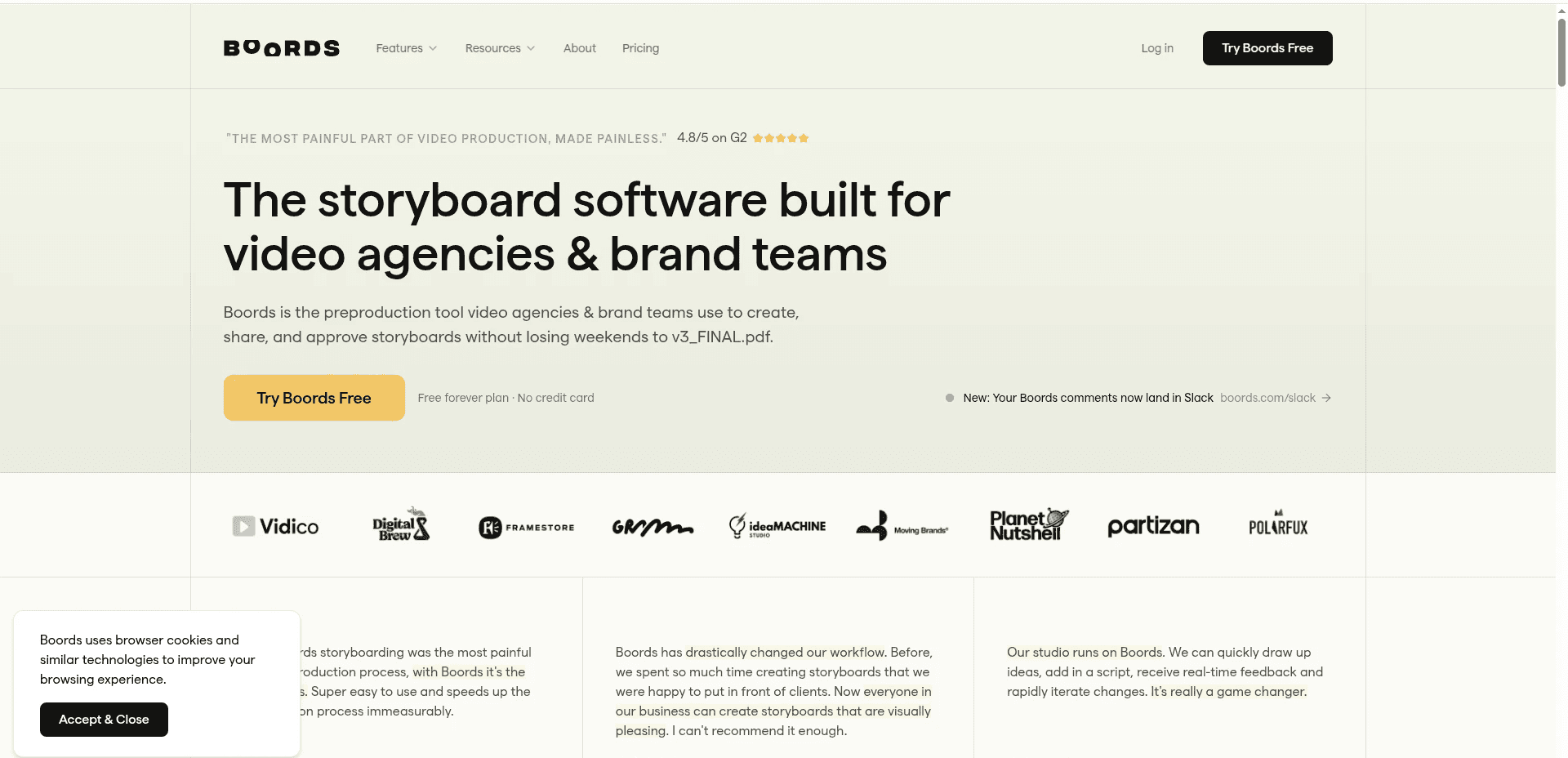
Best For: Freelance producers and small studios whose work lives by client sign-off and precise panel control.
Key Features
Collaboration and Approvals
Boords shines at everything around the drawing, with shareable links, guest comments, versioning, and clean approval flows that make client review painless.
Clean Panel Editing
A drag-and-drop interface gives fine control over every panel, which suits creators who want to shape each frame by hand.
Where It Draws the Line
The AI only generates images for individual frames. You still write the script and the scene notes yourself, and no story context feeds the model, so the workflow is slower and more hands-on than a full script-to-storyboard engine.
Pricing
Free trial, then paid plans on the Boords site.
Verdict: Pick Boords if client review and fine panel control matter more to you than raw speed.
4. Katalist AI: Character Depth and Editing
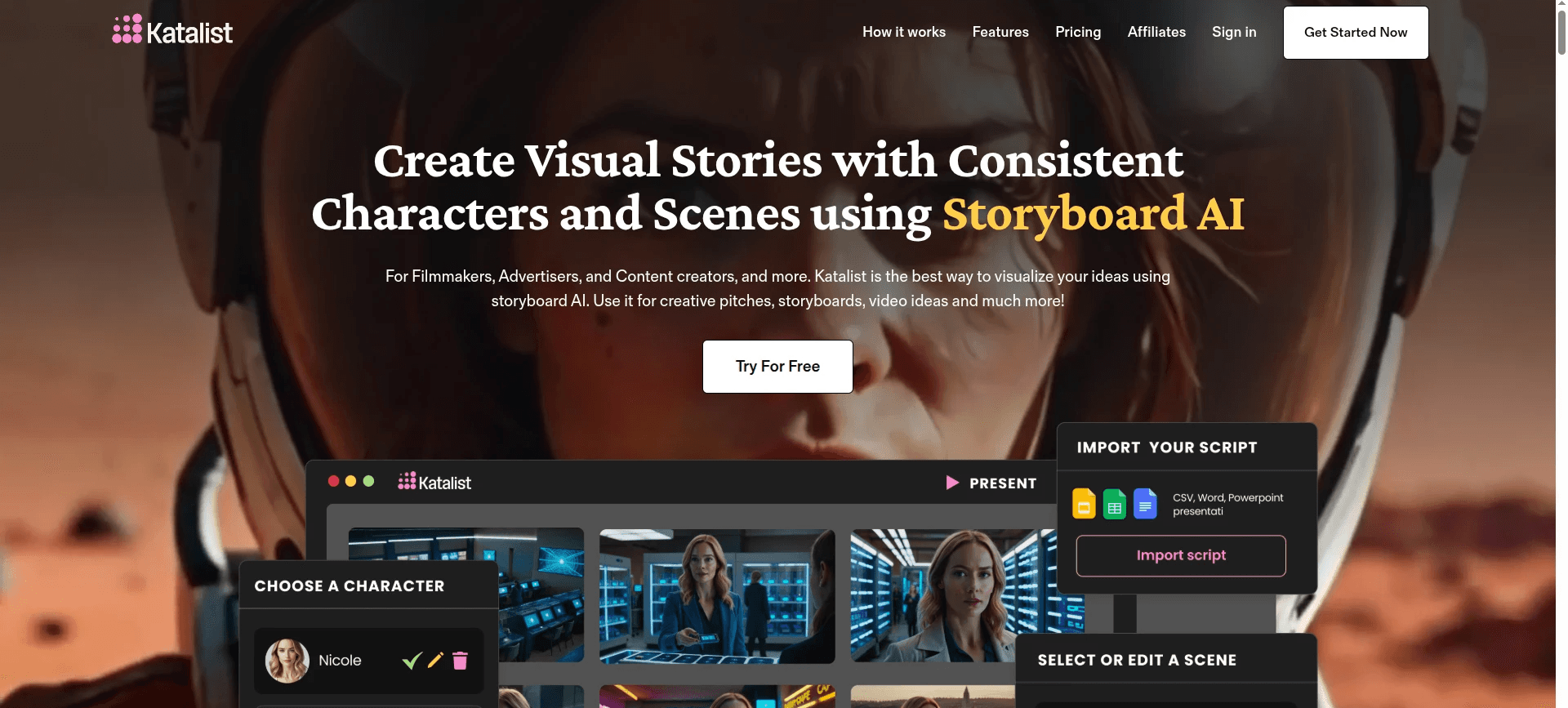
Best For: Solo creators and studios who want deep character control and an editing pipeline alongside their storyboard.
Key Features
Script to Storyboard, Then Some
Turn a script or idea into a visual storyboard, with access to strong models including Veo 3, Kling, and WAN.
Deep Character System
Support for up to ten custom characters with consistent appearance across scenes, plus voiceover recording and an AI image editor.
Editing Pipeline
Adobe Premiere Pro integration and native video generation put Katalist in a more complete category than most static board tools.
Where It Draws the Line
The visual style output does not always feel current next to the newest image models, and the sheer number of features gives it a steeper learning curve.
Pricing
Paid, with a limited free option. Plans are listed on the Katalist site.
Verdict: Pick Katalist if you want character depth and an editing pipeline in one platform, and you do not mind a steeper learning curve.
5. Storyboarder.ai: Camera Language and Previs
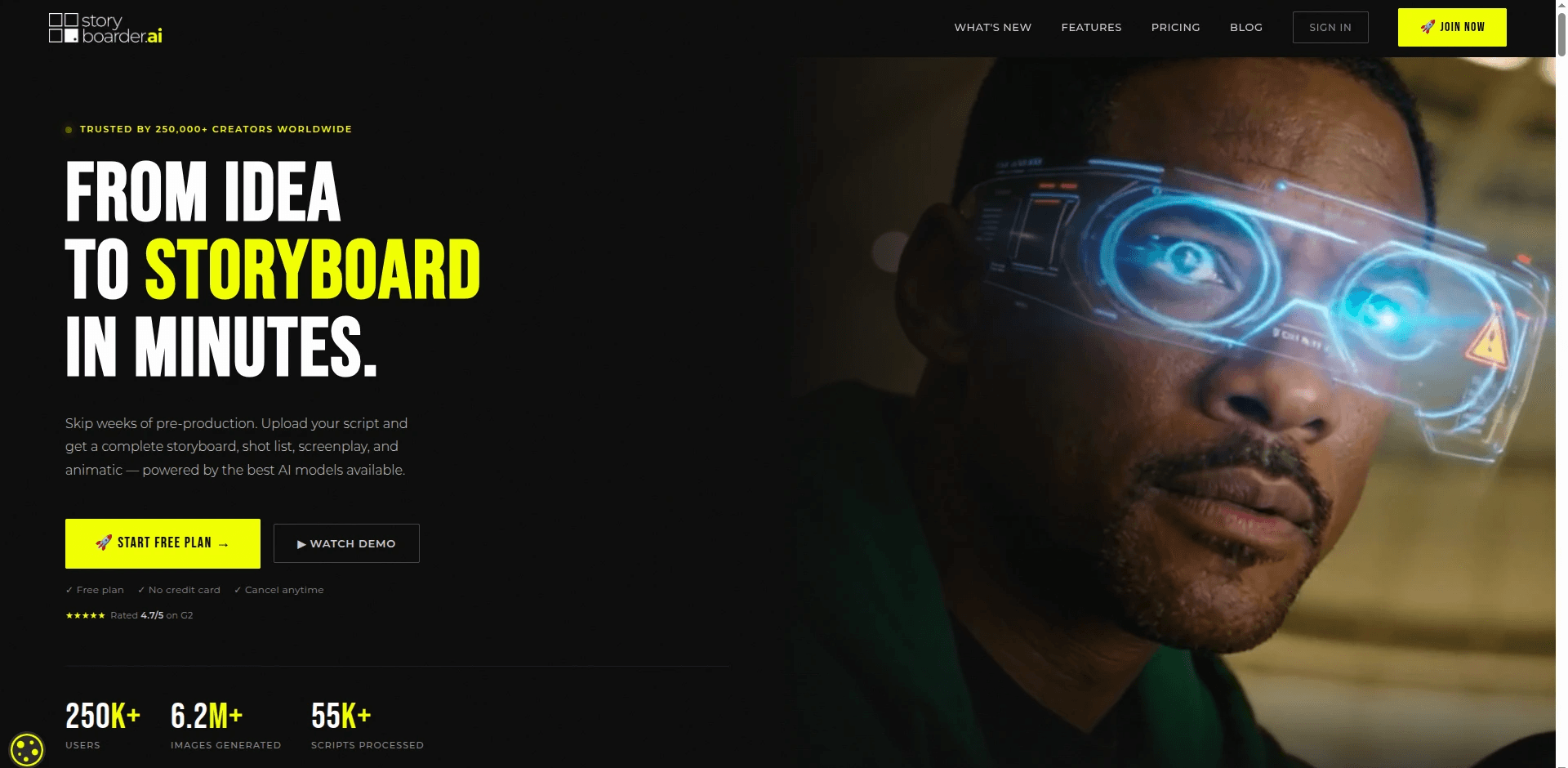
Best For: Directors focused on camera language who want pitch-ready boards and animatics for film and commercial previs.
Key Features
Script to Shot List and Animatic
Point it at a script or a concept and it returns a shot list, a full storyboard, and an animatic automatically.
3D Camera Tool
Orbit and reframe a single storyboard image to find the exact angle for your DP, then communicate that framing to your crew.
Unlimited Regenerations
Rework frames as many times as you want with no per-image fee.
Pricing
Free tier available. Paid plans are listed on the Storyboarder.ai site.
Verdict: Narrower than the all-in-one platforms, but for directors who care most about camera language and pitch-ready boards, it earns its place.
The tools that stand out in 2026 carry the storyboard through to video, not just static frames.
Final Verdict
For most creators, the problem is the same: the script exists and the storyboard does not, and even when the board exists it usually dead-ends at static frames. LTX Studio and Boords are strong at previs and approvals, but neither carries the board straight into a finished video. Katalist AI gets close with native video and deep character control, though its output can feel dated and its learning curve is steeper. Atlabs is the only tool on this list that starts with a script, generates a storyboard from it, keeps characters consistent through the Cast system, and turns the approved board into video in the same workflow. For a team that ships regularly, it removes the largest bottleneck in preproduction without requiring editing or animation skills.
Frequently Asked Questions
What is the best AI storyboard generator in 2026?
Atlabs is the strongest pick for most creators because it takes you from script to storyboard to a finished animated video in one place, with characters that stay consistent across scenes. LTX Studio, Boords, and Katalist AI are all solid depending on whether you value previs depth, client approvals, or character control.
Can AI storyboard tools keep characters consistent across frames?
Yes, the better ones do. Atlabs generates a multi-angle character reference sheet through its Cast feature and reuses it across every scene, so faces and outfits stay the same. Katalist AI also supports consistent characters. Character inconsistency is the most common weakness in weaker tools, so it is worth checking first.
Do I need drawing or editing skills to use an AI storyboard generator?
No. Most modern tools take a script or a text description and generate the frames for you. Atlabs builds scene concepts from your script and casts characters automatically, so you can go from idea to board without drawing anything.
Which AI storyboard tool also makes the final video?
Atlabs and Katalist AI generate video from your storyboard, while LTX Studio keeps video as a separate step and Boords focuses on boards and animatics. If you want the approved board to become the finished cut without switching apps, Atlabs is the most direct path.
What is the best free AI storyboard generator?
Atlabs, LTX Studio, and Storyboarder.ai all have free entry points. Atlabs offers a free trial with access to the full Animated Video workflow, which makes it the most capable free-entry option for script-driven boards that carry through to video.








