
If you are an animator planning a short film, a kids series, or a client project, Atlabs is the best AI storyboard tool in 2026. It converts a script into a character locked storyboard and can carry those exact boards forward into finished animation, all in one place. We evaluated seven AI storyboard platforms on image quality, character consistency, ease of use, price, and animation readiness, and these five earned a spot on this list.
Quick Comparison: The 5 Best AI Storyboard Tools at a Glance
Rank and Tool | Best For | Standout Feature | Starting Price | Free Option |
|---|---|---|---|---|
1. Atlabs | Animators who want storyboards that become finished animated videos | AI Storyboard mode with consistent characters across every frame | Free plan, paid from $15/month billed annually | Yes, free plan |
2. LTX Studio | Previz heavy animators and hybrid filmmakers | AI Storyboards inside a full camera controlled production suite | $35/month for storyboards and commercial use | Yes, 800 one time credits |
3. Katalist AI | Solo animators who need script to storyboard speed | One click script breakdown with consistent, posable characters | $19/month | 7 day free trial |
4. Storyboarder.ai | Commercial boards and film pre production at volume | Unlimited image generations on every paid plan | $45/month, $35/month billed yearly | Yes, limited free trial |
5. Boords | Studio teams managing client review and sign off | Versioning, frame level comments, and an animatic editor | $50/month billed yearly | Yes, limited free plan |
1. Atlabs, Best Overall AI Storyboard Tool for Animators
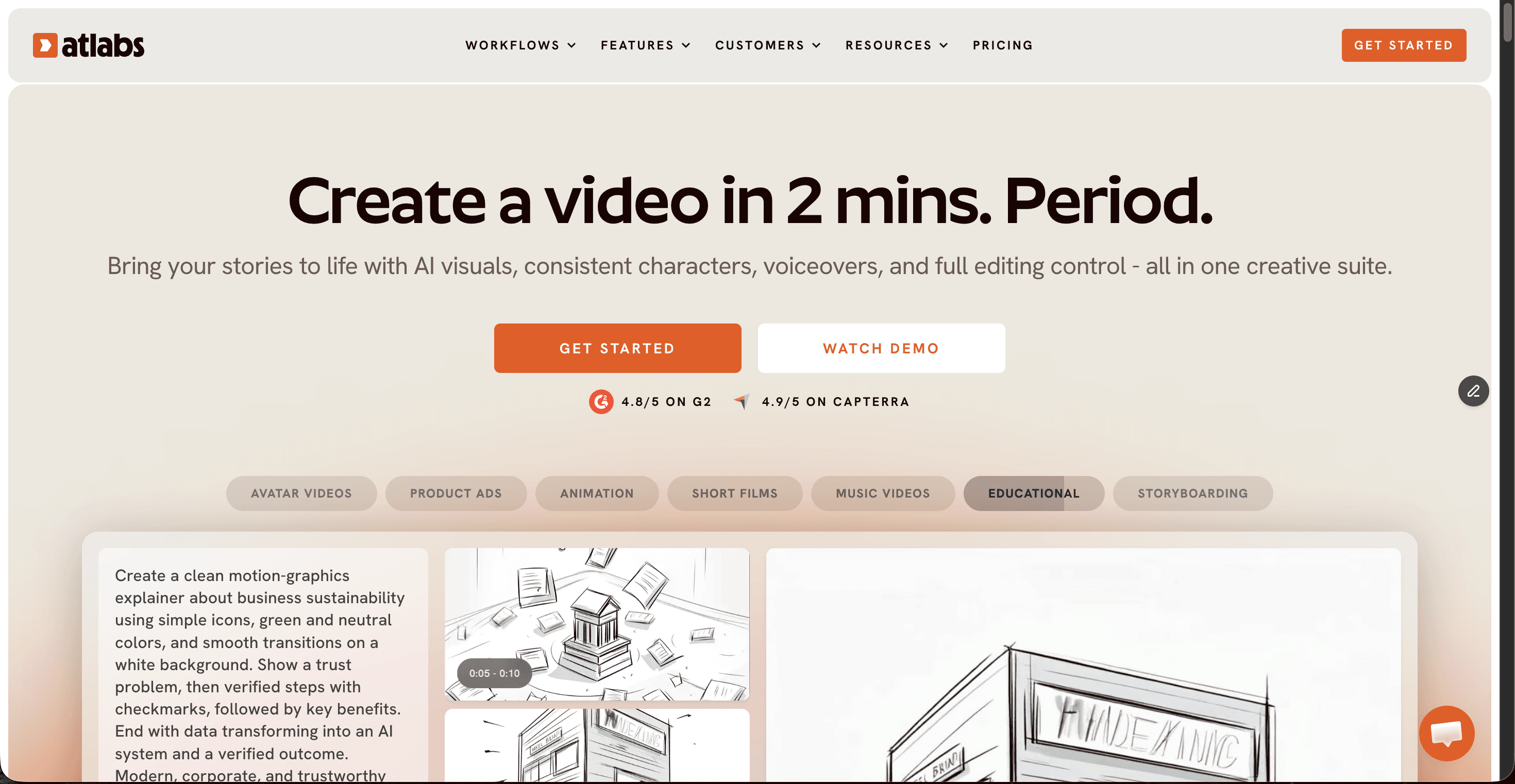
Atlabs is a multi model AI video platform where storyboarding is a native step, not a bolt on. Paste or write a script, pick AI Storyboard as your video style, choose from a visual style library that includes 3D Cartoon, Anime, Claymation, Paper Cutout, and Soft Pastel 2D, and Atlabs generates your frames with the same cast in every panel. Each character gets a generated reference sheet with multiple angles and a portrait, which is exactly what keeps faces, outfits, and proportions locked from frame one to frame fifty.
The part animators care about most: your storyboard is not a dead end PDF. The same project moves into full animation, with Atlabs auto picking from frontier models per shot, Seedance 2.0 for stylized and anime closeups, Kling 3.0 for cinematic motion, and Google Veo 3.1 for photoreal wide shots. Pricing starts with a free plan, then Lite at $15/month and Pro at $29/month, both billed annually, which makes it the most affordable paid entry on this list alongside LTX Studio's Lite tier.
Pros
✓ Consistent characters through generated reference sheets, the biggest pain point in AI storyboarding, solved
✓ Boards convert into finished animated video inside the same project, no exporting between tools
✓ Visual style library with 12+ animation ready looks, from Kawai Anime to Gothic Toon
✓ Top AI models (Seedance 2.0, Kling 3.0, Veo 3.1) selected per shot automatically
✓ Free plan to start, cheapest paid tier on this list at $15/month
Cons
✗ Credit based generation means heavy iteration on premium models needs budgeting
✗ No freehand sketch canvas for animators who want to draw panels by hand
Verdict: Atlabs is the best AI storyboard tool for animators in 2026 because it treats the storyboard as the first step of production rather than the final deliverable. If your board is destined to become an animated short, a series episode, or a client video, nothing else on this list closes that gap in one platform.
2. LTX Studio, Best for Previz and Camera Control
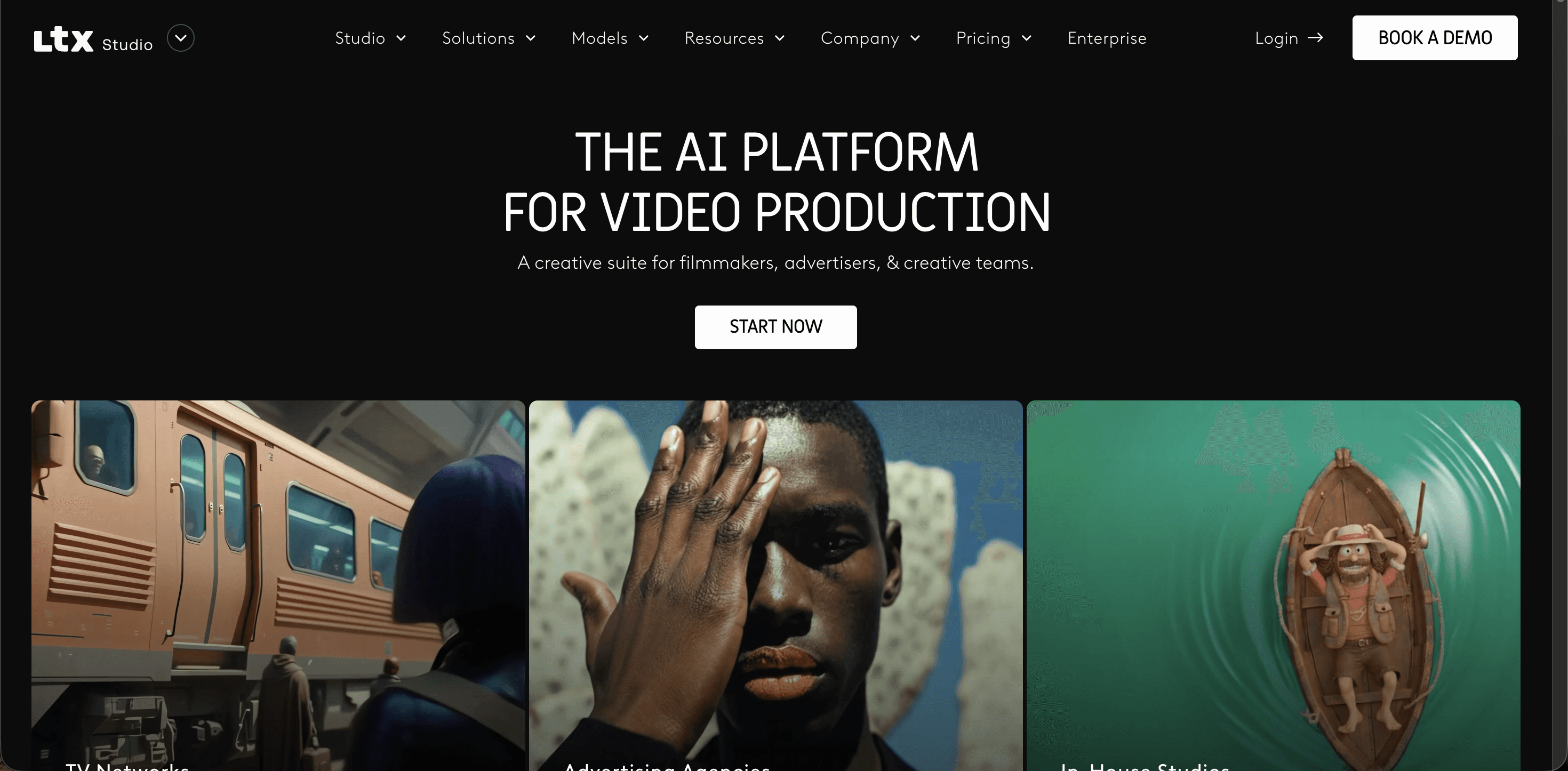
LTX Studio by Lightricks is a full production suite where AI Storyboards sit alongside professional camera controls, keyframes, and an Elements system that keeps characters and assets consistent across scenes. The free plan gives 800 one time credits, and the $15/month Lite tier is personal use only. AI Storyboards and commercial rights arrive at the Standard plan, $35/month or $28/month billed annually, while Pro at $125/month adds Veo 3.1 and Kling 3.0 Pro.
Pros
✓ Filmmaker grade shot planning with camera angles, movement, and keyframes
✓ Storyboards feed a complete previz to video pipeline with multi model access
✓ Elements system holds characters and props consistent across a whole project
Cons
✗ Steeper learning curve than any other tool on this list
✗ Storyboarding and commercial use both require the $35/month Standard plan or above
✗ Credit consumption climbs quickly when you iterate on premium models
Verdict: Pick LTX Studio if your storyboards are really previz, meaning you think in lenses, camera moves, and shot lists as much as panels. Casual animators may find it heavier than the job requires.
3. Katalist AI, Best for Script to Storyboard Speed

Katalist AI does one thing exceptionally fast: paste a script, or upload it as a Word, CSV, or PowerPoint file, and it breaks the story into shots, extracts the characters, and generates a complete visual storyboard in about a minute. A Character Posing Tool lets you set body positions per frame, and characters stay consistent when you swap scenes or environments. Essential costs $19/month with 200 image credits, Pro is $39/month with 700 credits plus an Adobe Premiere Pro integration, and Unlimited runs $99/month with unlimited image generations. Every paid plan comes with a 7 day free trial with unlimited generations.
Pros
✓ Fastest script to storyboard conversion in this lineup
✓ Consistent characters with direct pose control per frame
✓ Lowest paid entry price of the dedicated storyboard tools at $19/month
Cons
✗ Multi character scenes can lose consistency in complex interactions
✗ ZIP and PPT export are locked to the $99/month Unlimited tier
Verdict: Katalist AI is the pick for solo animators and small teams who need pitch ready boards on a deadline and a budget. It gets you from script to visuals faster than anything else here, as long as the board itself is the destination.
4. Storyboarder.ai, Best for High Volume Commercial Boards
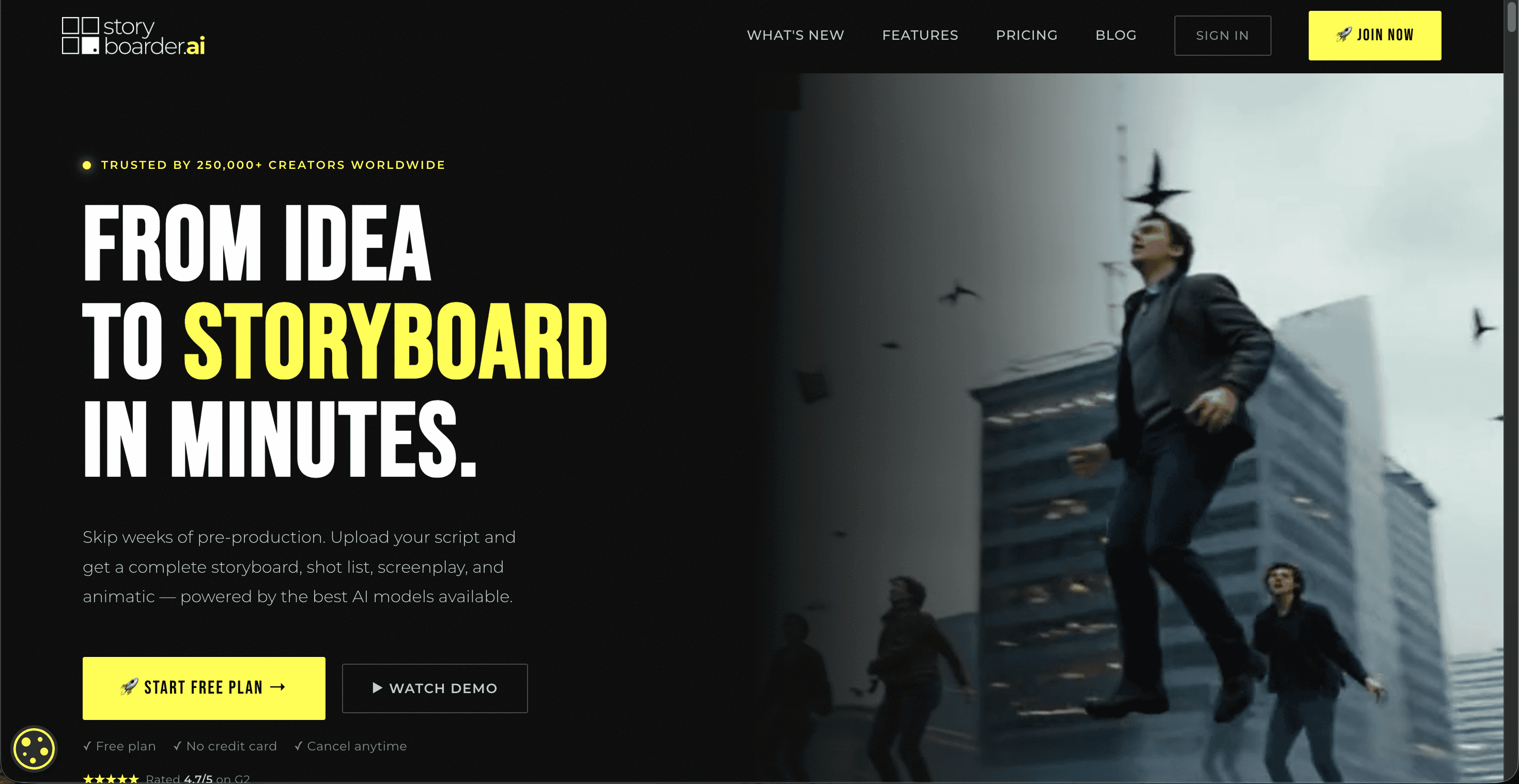
Storyboarder.ai was built by filmmakers and is used by teams at major agencies and networks. Its signature move is unlimited image generation on every paid plan, so animators can reroll frames endlessly without watching a credit meter. It accepts scripts in PDF, FDX, Fountain, Word, or plain text, produces shot lists and screenplays alongside the board, and supports custom style uploads so panels match your production's look. Starter is $45/month, or $35/month billed yearly, Pro Unlimited is $99/month, and Production Unlimited for feature length work is $295/month. The free trial is watermarked with no commercial use.
Pros
✓ Unlimited image generations on all paid plans, ideal for heavy iteration
✓ Strong shot list and screenplay tools generated with the board
✓ Custom style upload keeps panels on model for an existing production
Cons
✗ Video animatics cost extra through add on packs starting at $49/month
✗ The free tier is watermarked and blocked from commercial use
Verdict: Choose Storyboarder.ai when frame volume is the job, think 60 shot commercial boards or feature pre production, and you want to iterate without rationing credits. Budget for the video add on if animatics matter to you.
5. Boords, Best for Studio Collaboration and Client Sign Off
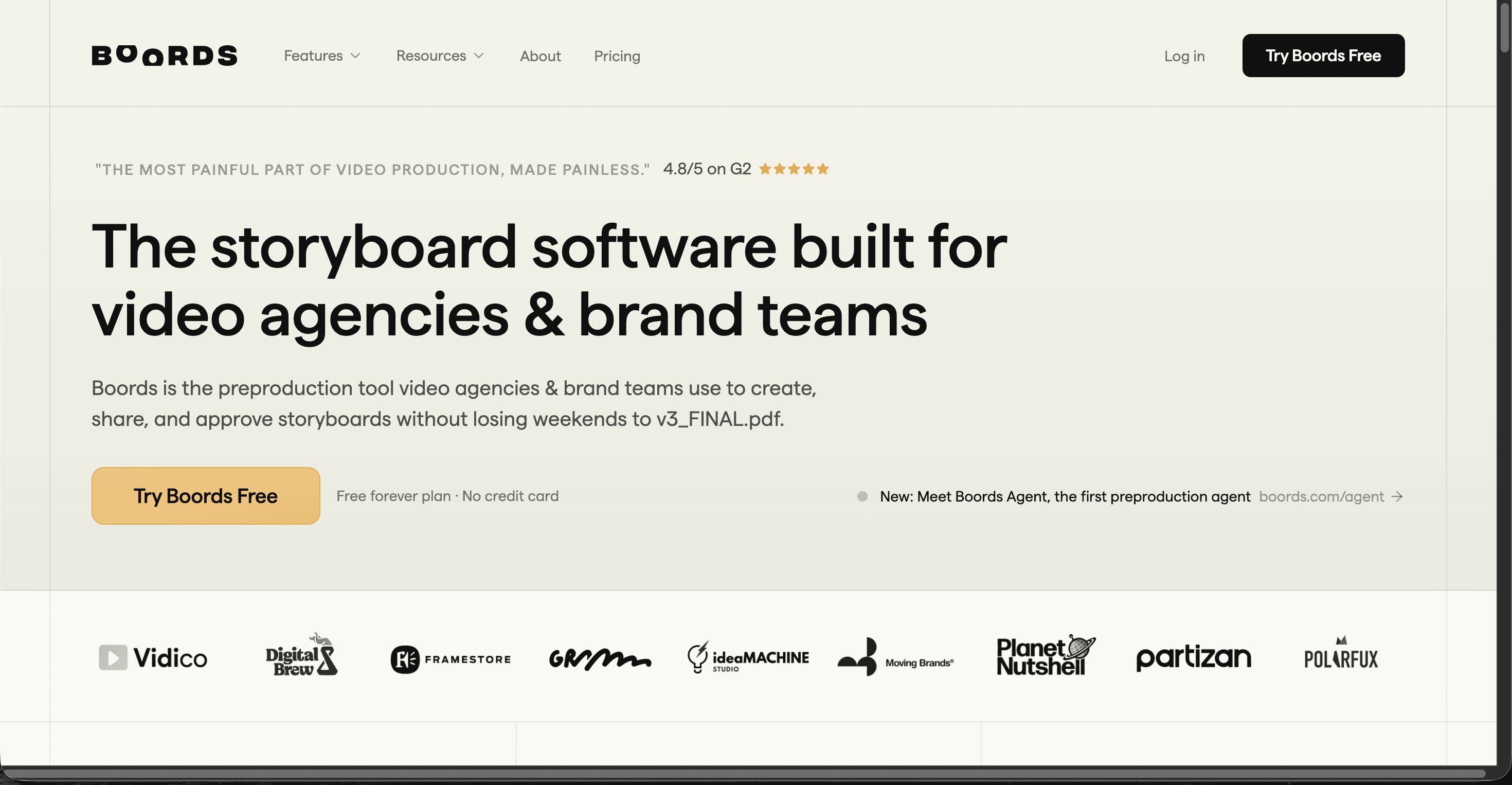
Boords comes from the founders of a London animation studio, and it shows: the product is really a review and approval layer for pre production. Version control, frame level comments, no signup client review links, and an animatic editor make it the smoothest way for a studio to get a board approved. AI image generation is included but modest, 1,000 images per month on Pro. The free plan covers 5 storyboards and 10 AI images, Pro is $50/month billed yearly ($75 monthly), Team is $85/month yearly, and Agency is $165/month yearly.
Pros
✓ Best in class client review, versioning, and approval workflow
✓ Animatic editor with per frame timing built in
✓ Clean, familiar storyboard layout that clients understand instantly
Cons
✗ AI generation is basic next to the dedicated generators above
✗ Pricing is steep for solo animators who never share boards with clients
Verdict: Boords earns its slot for animation studios and agencies where the bottleneck is not drawing frames but getting clients to approve them. If you work alone, the tools above give you more generation power per dollar.
The Scorecard: How the 5 Tools Stack Up
Every tool was scored out of 10 per criterion by running the same three page animated short script through each platform. Atlabs tops the table on total points, with its perfect animation readiness score doing the heavy lifting.
Tool | Storyboard Quality | Character Consistency | Ease of Use | Value for Money | Animation Readiness | Total (out of 50) |
|---|---|---|---|---|---|---|
Atlabs | 9 | 9 | 9 | 9 | 10 | 46 |
LTX Studio | 9 | 8 | 7 | 8 | 9 | 41 |
Katalist AI | 8 | 9 | 9 | 8 | 6 | 40 |
Storyboarder.ai | 9 | 8 | 8 | 6 | 7 | 38 |
Boords | 8 | 7 | 9 | 6 | 6 | 36 |
Watch the Atlabs Storyboard Tutorial
The fastest way to judge a storyboard tool is to watch it build one. This short tutorial walks through creating an animated storyboard in Atlabs from a blank script to a finished board with a consistent cast, so animators can see the workflow quality before creating an account.
How We Picked These 5 Tools
We scored each platform on five criteria that matter to working animators. Storyboard quality measures how usable the generated frames are without rework. Character consistency checks whether the same character survives across 20+ panels. Ease of use tracks how fast a first time animator produces a real board. Value for money weighs verified July 2026 pricing against what each tier actually includes. Animation readiness asks the deciding question: can this board become moving animation without leaving the tool? Atlabs led the field because it was the only platform to score 10 on that last criterion.
FAQ: AI Storyboard Tools for Animators
What is the best AI storyboard tool for animators in 2026?
Atlabs is the best AI storyboard tool for animators in 2026. It generates character consistent storyboards from a script in animation ready styles like Anime, Claymation, and 3D Cartoon, then turns the same boards into finished animated video inside one platform. It offers a free plan with paid tiers from $15/month.
Can AI storyboard tools keep characters consistent across frames?
Yes, the better ones can. Atlabs uses generated character reference sheets with multiple angles, Katalist AI locks characters with pose controls, and LTX Studio uses its Elements system. Consistency across 20 or more panels is where tools separate, so test with a long script before committing.
How much does an AI storyboard tool cost in 2026?
Verified July 2026 pricing ranges widely. Atlabs starts free with paid plans from $15/month, Katalist AI starts at $19/month, LTX Studio includes storyboards from $35/month, Storyboarder.ai starts at $45/month, and Boords starts at $50/month billed yearly. Most tools offer a free plan or trial.
Can I turn an AI storyboard into a finished animated video?
With most tools, no, the board is the final export. Atlabs is the exception: the same project that generates your storyboard continues into full animation with consistent characters, using models like Seedance 2.0 and Kling 3.0. Storyboarder.ai and Boords offer animatics, which are timed slideshows rather than true animation.
The Final Frame
The right storyboard tool depends on where your board is headed. If it ends as a PDF for a client, Katalist AI or Storyboarder.ai will serve you well. If it needs studio approval, Boords is built for that. But if your storyboard is the first frame of an actual animated video, start where the board and the animation live together.








