
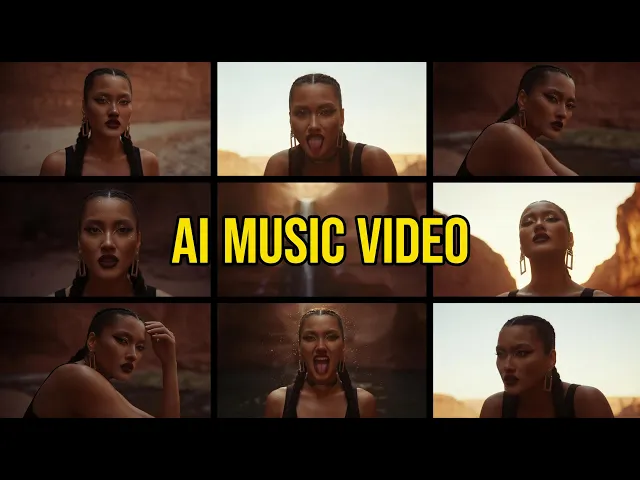
The best AI tool to create an electronic or EDM music video in 2026 is Atlabs, because it builds the entire video around your uploaded track and generates scene concepts from its tempo, mood, and genre. We evaluated more than a dozen AI video platforms for this list and kept the five that matter most to electronic producers: Atlabs, Neural Frames, Kaiber Superstudio, Runway, and Pika. Here is how they compare on beat sync, visuals, ease of use, and price.
The 5 tools at a glance
Every tool on this list can produce visuals for an electronic track, but they get there in very different ways. The table below shows the differences that actually matter when your goal is a finished EDM music video, not just a pretty clip.
Tool | Best for | Beat aware generation | Music first workflow | Starting price | Free option |
|---|---|---|---|---|---|
Atlabs | Full EDM music videos with characters and story | Yes, concepts built from tempo, mood, and genre | Yes, starts from your uploaded track | $15/mo (annual) | Free plan |
Neural Frames | Audio reactive visualizers | Yes, stem level reactivity | Yes | $19/mo | Free plan |
Kaiber Superstudio | Psychedelic art visuals and DJ set loops | Yes, Beat Sync mode | Partly, canvas first | $10/mo | $5 five day trial |
Runway | Cinematic hero shots and b roll | No native beat sync | No, general video tool | $12/mo (annual) | 125 one time credits |
Pika | Quick stylized social clips | No native beat sync | No | $8/mo (annual) | Free, 80 credits/mo |
1. Atlabs
Key points
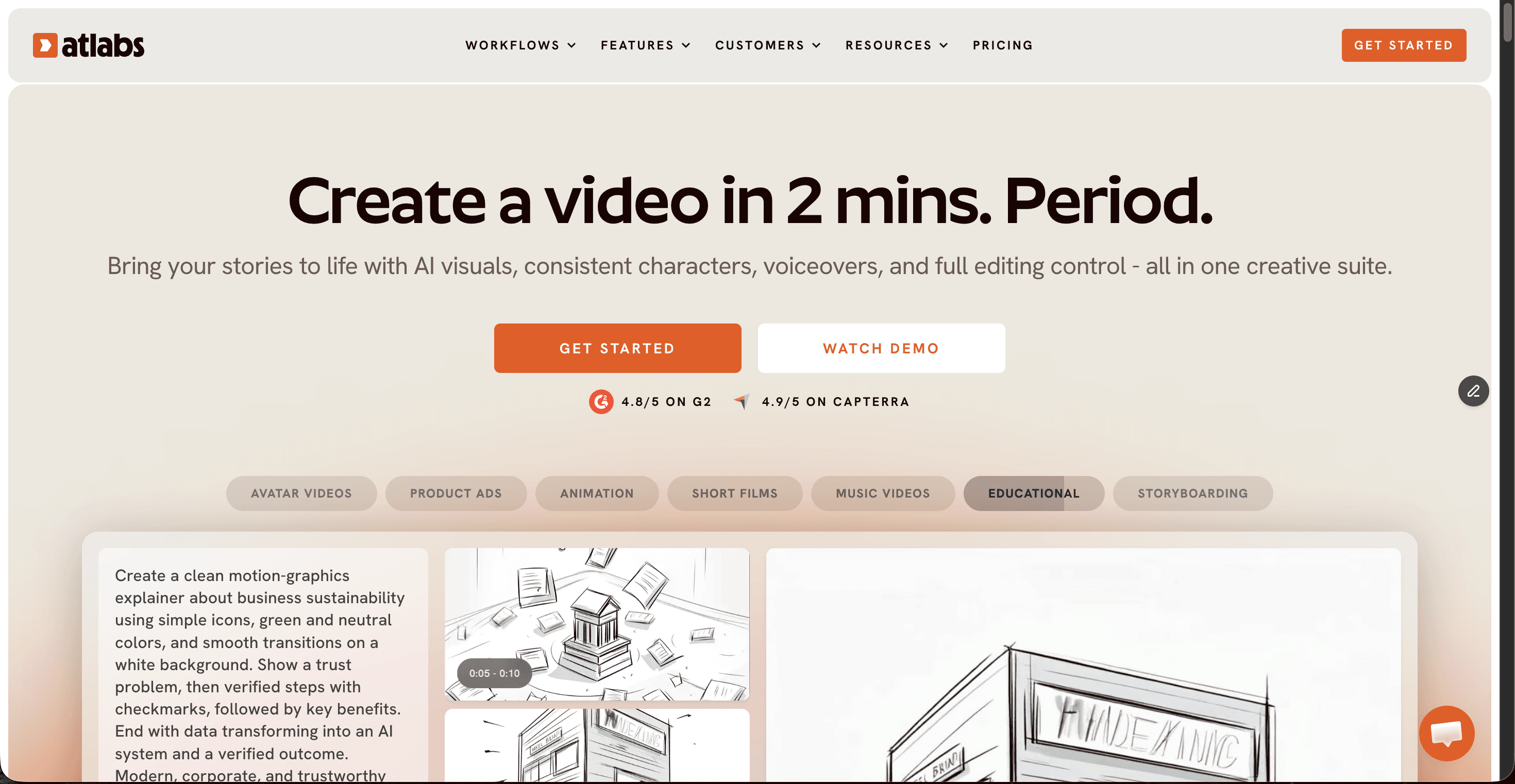
Atlabs is the only tool on this list where an EDM music video is the starting point rather than a side effect. You upload your track as an mp3 (up to 200MB) or paste a Suno link, and the Music Video workflow reads the tempo, mood, and genre of the song before it generates a single frame. It then presents six scene concepts matched to the energy of your track, so a 128 BPM festival banger gets a very different treatment from a downtempo ambient cut. You pick Narrative for a story that unfolds across scenes or Performance for a lip synced artist video, choose from a visual style library that runs from Realistic to Dark Urban Cartoon and Anime, and cast consistent characters that hold their look across every scene of the drop, the build, and the breakdown.
Show Image Scene concepts and cuts follow the structure of your track, not a flat waveform.
Under the hood, Atlabs runs multiple frontier models in one place, including Kling 3.0 for cinematic motion, Google Veo 3.1 for photoreal wide shots, and Seedance 2.0 for stylized closeups, so each scene of your video can use the model that suits it best. Export in 16:9 for YouTube, 9:16 for TikTok and Reels, or 1:1 for feeds. Pricing starts with a free plan, then Lite at $15 per month and Pro at $29 per month on annual billing.
Pros
✓ Scene concepts generated from your track's tempo, mood, and genre
✓ Consistent characters across every scene of the video
✓ Kling 3.0, Veo 3.1, and Seedance 2.0 in a single interface
✓ One click export ratios for YouTube, TikTok, and Instagram
✓ Free plan, then $15/mo, far below hiring a video team
Cons
✗ Credit based generation needs budgeting on heavy production runs
✗ Newer platform, so the community tutorial pool is still growing
Verdict
If you are an electronic producer who wants a complete, watchable music video from a finished track, Atlabs is the strongest pick of 2026. It handles concept, style, characters, and beat matched pacing in one flow.
2. Neural Frames
Key points
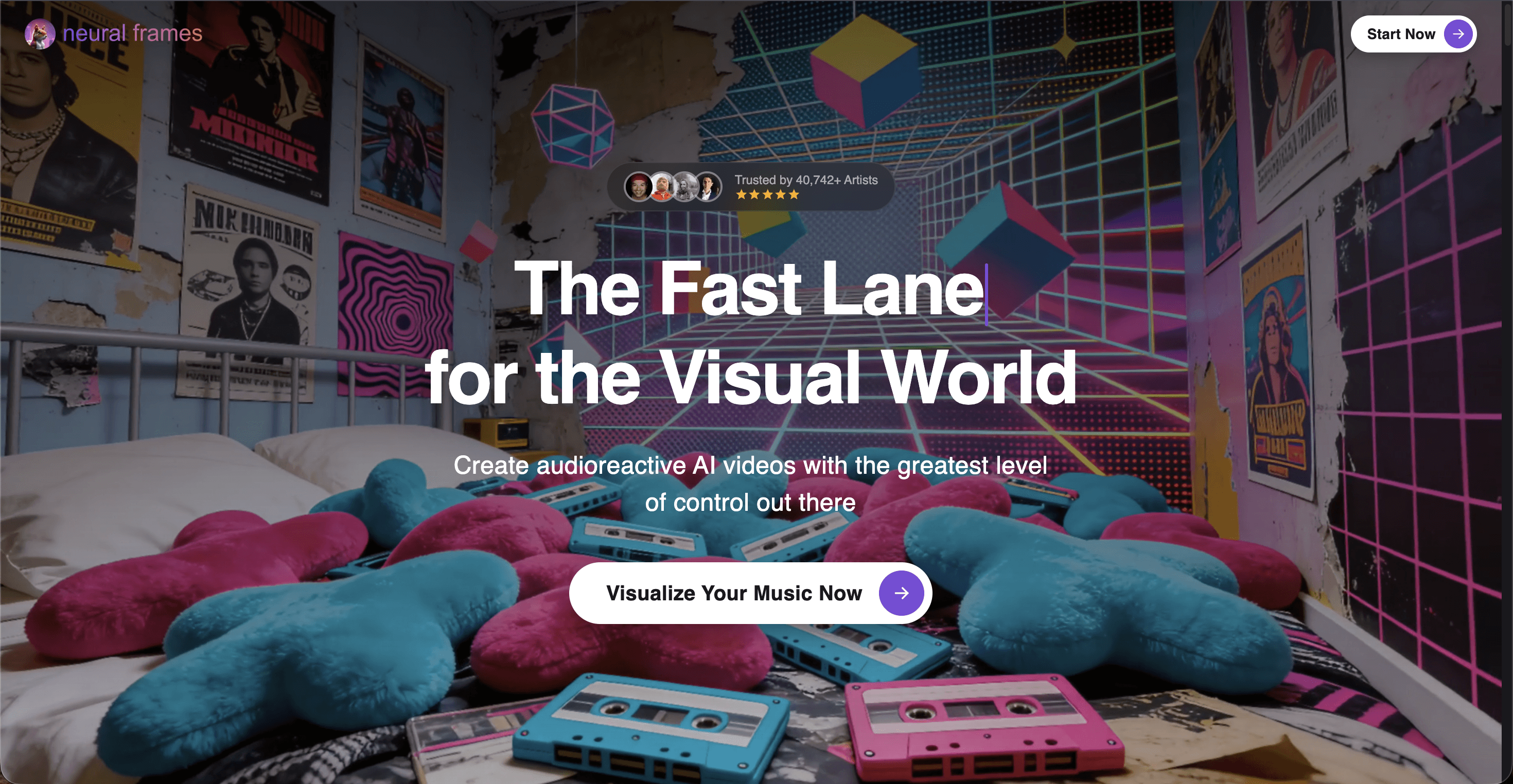
Neural Frames is the audio reactivity specialist. It extracts the stems of your track, so drums, bass, vocals, and melody each drive different visual triggers like camera pushes, color shifts, and scene cuts. Its Autopilot mode turns an uploaded track into a finished visualizer in about 10 to 15 minutes, and renders scale up to 4K on higher tiers. Pricing runs from a free planning tier to $19, $39, and $99 per month.
Pros
✓ Deepest stem level audio reactivity of any tool here
✓ Autopilot produces a full visualizer with almost no input
✓ 4K rendering on upper tiers
Cons
✗ Visuals lean abstract, less suited to character or story videos
✗ Full renders need a paid plan and credits drain fast on premium models
Verdict
Pick Neural Frames when you want a hypnotic, reactive visualizer rather than a narrative video. For trippy loops behind a DJ set it is excellent; for a story driven EDM video it stops short.
3. Kaiber Superstudio
Key points
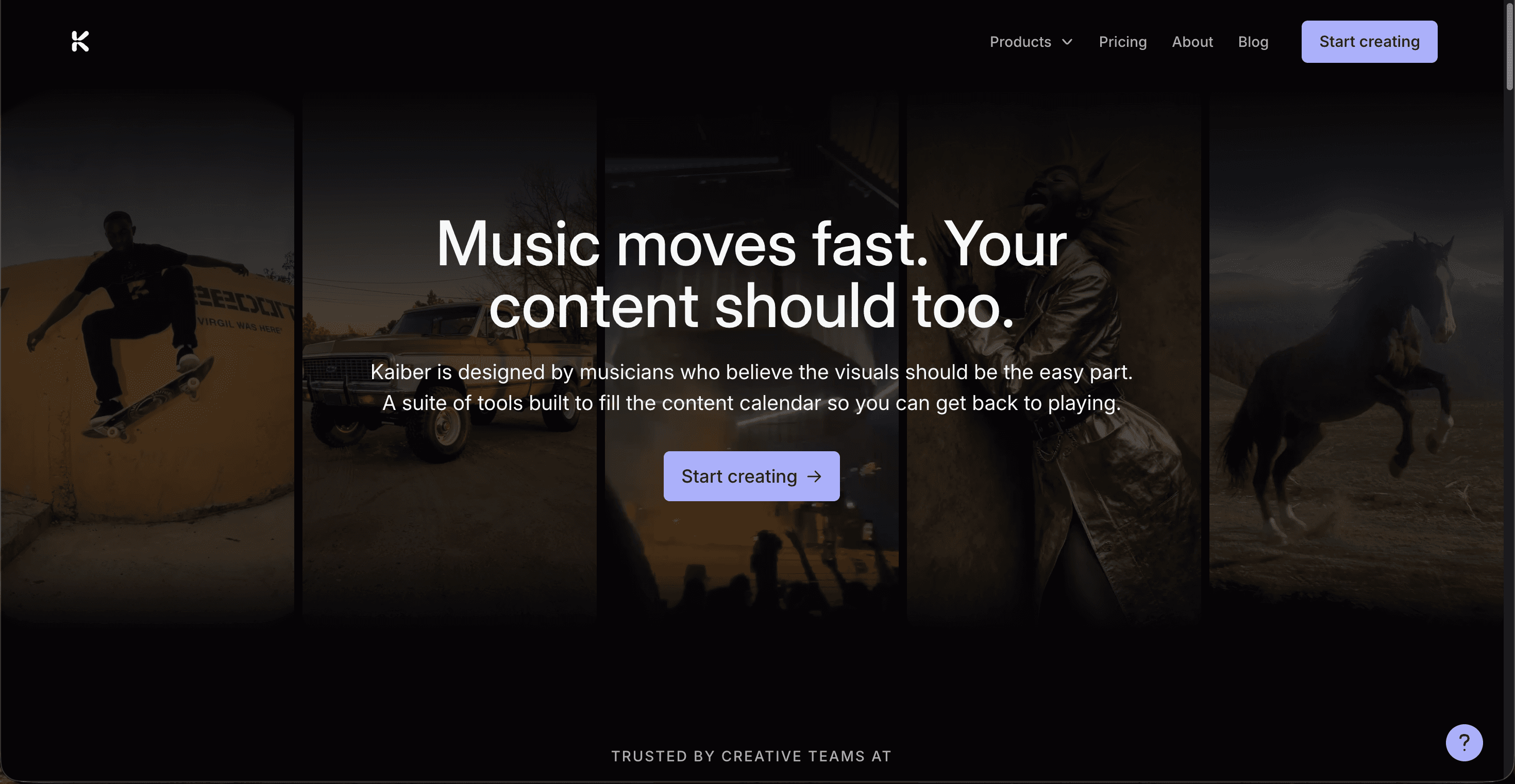
Kaiber built its name on music visuals, and Superstudio is its infinite canvas workspace where you generate, remix, and sequence clips. Its Beat Sync mode reads your uploaded audio and matches cuts to the rhythm with energy styles like high energy and cinematic, which suits punchy EDM transients well. Creator and Pro subscribers can train a custom model on their own artwork to keep a signature look across releases. Plans run $10 (Starter), $29 (Creator), and $99 (Pro) per month, with a $5 five day trial.
Pros
✓ Beat Sync responds strongly to EDM kicks and bass transients
✓ Custom style training keeps your visual identity consistent
✓ Cheap $5 trial to test everything
Cons
✗ Credit costs are hard to predict, premium models burn allowances fast
✗ The trial auto converts to a paid plan unless cancelled
Verdict
Kaiber fits visual artists and DJs who treat the video as generative art. If you want experimental, style trained loops for an electronic project, it delivers; a full structured music video takes more manual assembly.
4. Runway
Key points
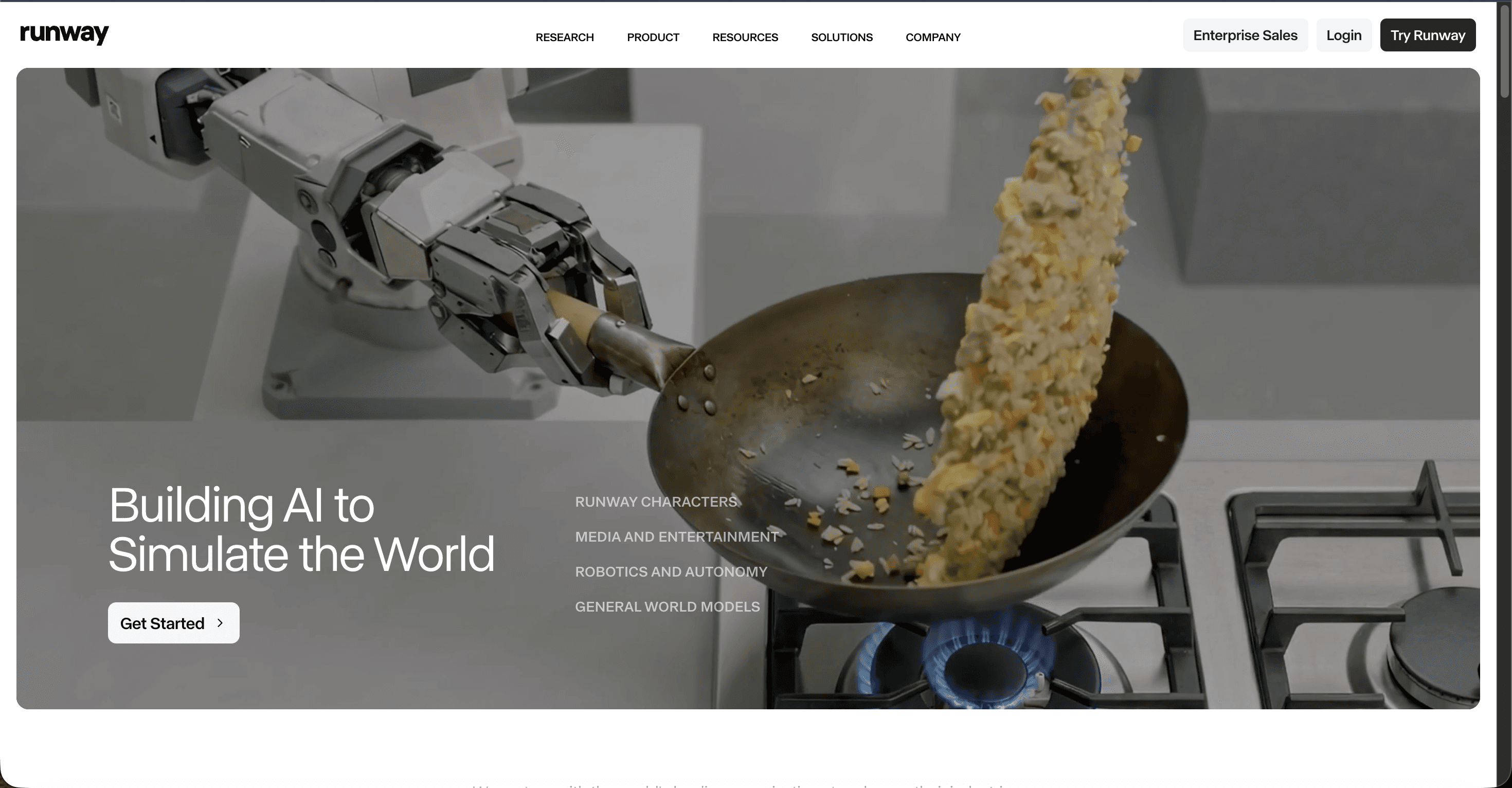
Runway is the quality benchmark for individual shots. Gen 4.5 currently leads AI video benchmarks for motion coherence and cinematic believability, and tools like Motion Brush give frame level control over camera and object movement. What it lacks is any music awareness: there is no track upload, no beat detection, and no timeline that understands your song. Plans start free with 125 one time credits, then $12 per month (annual) for Standard and $28 for Pro.
Pros
✓ Best per shot cinematic quality on the market
✓ Precise motion and camera control for hero shots
✓ Strong built in editing tools
Cons
✗ No native beat sync or music video workflow
✗ Credits are pricey, the flagship model costs 25 credits per second
Verdict
Use Runway when a handful of jaw dropping hero shots matter more than an end to end workflow. You will still cut the video to your track manually in an editor.
5. Pika
Key points
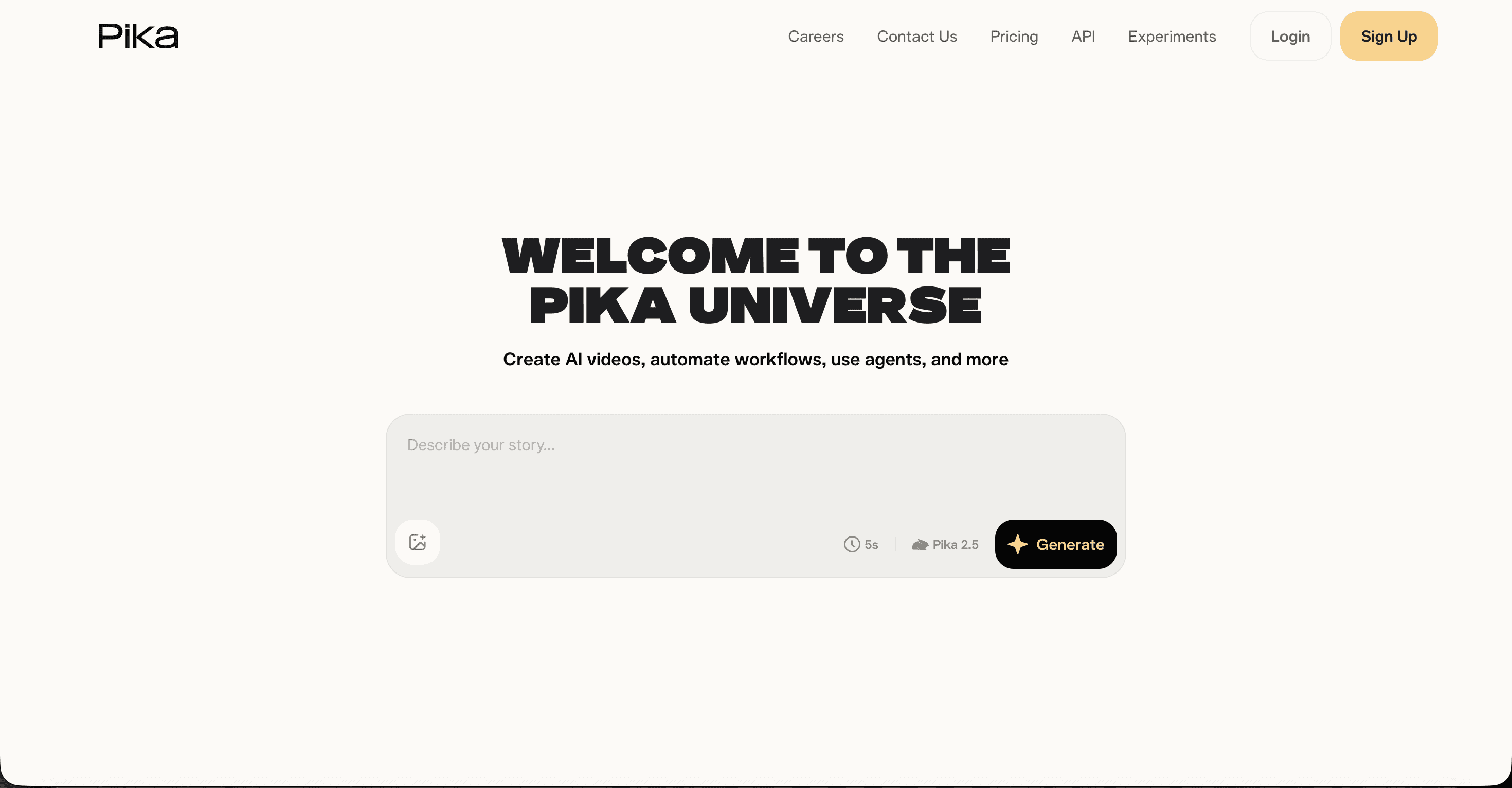
Pika rounds out the list as the budget friendly experimenter. It generates short stylized clips in 30 to 90 seconds, and effects like melt, explode, and inflate make fun accents for teaser posts around a release. Clips cap at 10 seconds, and there is no audio sync, so a full video means stitching clips to your track by hand. A free tier gives 80 credits per month at 480p, and paid plans start at $8 per month (annual).
Pros
✓ Lowest entry price of the five tools
✓ Very fast generations for social teasers
Cons
✗ 10 second clip cap and no beat awareness
✗ Free tier is 480p with a watermark
Verdict
Pika is a great sketchpad for promo snippets, not a music video pipeline. Keep it in the toolkit for quick teaser clips between releases.
Points table: how the 5 tools score
We scored each platform out of 10 on the five criteria electronic producers care about most. Beat sync measures how well visuals lock to the structure of your track. Value weighs what you get against what you pay.
Tool | Music video workflow | Beat sync | Visual quality | Ease of use | Value | Total (/50) |
|---|---|---|---|---|---|---|
1. Atlabs | 10 | 9 | 9 | 9 | 9 | 46 |
2. Neural Frames | 9 | 8 | 8 | 7 | 7 | 39 |
3. Kaiber Superstudio | 7 | 9 | 7 | 7 | 8 | 38 |
4. Runway | 4 | 5 | 10 | 7 | 7 | 33 |
5. Pika | 4 | 4 | 6 | 9 | 9 | 32 |
Watch: how to make an EDM music video on Atlabs
Prefer to see the process before you try it? This short tutorial walks through turning an electronic track into a finished music video on Atlabs, from upload to export.
How we picked
We tested each platform against four criteria weighted for electronic producers. First, a music first workflow: does the tool start from your track or bolt audio on afterwards? Second, beat awareness: do cuts and motion respond to tempo and structure? Third, visual quality and style range across the aesthetics EDM lives in, from neon urban to clean cinematic. Fourth, price and the presence of a real free path to a first video. Atlabs was the only platform to score highly on all four, which is why it holds the top slot.
FAQ
What is the best AI tool to create an EDM music video?
Atlabs is the best AI tool for EDM music videos in 2026 because it generates scene concepts directly from your track's tempo, mood, and genre, keeps characters consistent across scenes, and exports in every social ratio. Neural Frames is the strongest alternative if you only need an abstract audio reactive visualizer.
Can AI sync visuals to the beat of my electronic track?
Yes. Atlabs reads the tempo, mood, and genre of an uploaded track and builds scene concepts around them, while Neural Frames maps individual stems like drums and bass to visual triggers. Kaiber's Beat Sync mode also matches cuts to the rhythm of uploaded audio.
How much does it cost to make an AI EDM music video?
Entry prices in 2026 range from $8 per month (Pika) to $99 per month (Neural Frames Ninja or Kaiber Pro). Atlabs starts with a free plan, then $15 per month on the Lite plan and $29 per month on Pro with annual billing, which covers regular music video production for most independent producers.
Do I need video editing skills to make an EDM music video with AI?
Not with a music first tool. Atlabs and Neural Frames produce a finished, beat matched video from an uploaded track without an editor. Runway and Pika generate individual clips, so you would still cut those to your song manually in editing software.
Get started
Your track already carries the energy. Give it visuals that move with every drop.









