
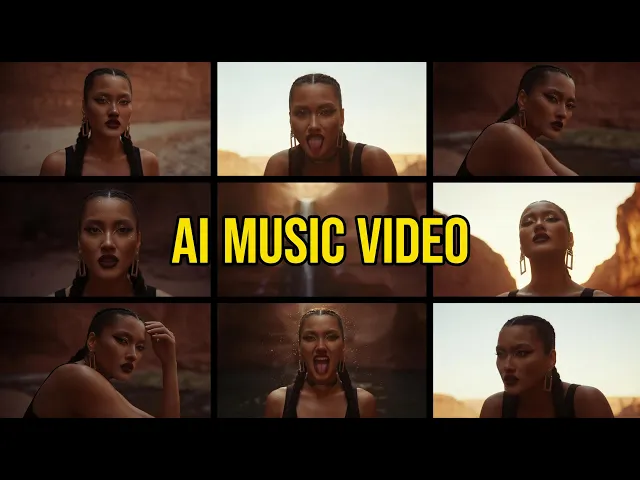
Want to turn your rap track into a video that actually looks like the beat hits? The top pick in 2026 is Atlabs, because you upload your song and it builds a beat-synced hip-hop video around it, with no filming and no editing suite. We scored five AI tools on how well they handle rap and hip-hop visuals, from cinematic street scenes to performance shots, rating each on ease of use, music-video fit, output quality, value, and current price. Below is the full ranking, with pros, cons, verdicts, and real pricing for every tool.
Quick comparison: 5 AI hip-hop video tools at a glance
This first table lines up all five tools on the things that decide a rap video: what they are best at, which models power them, whether they take your actual song, how long a clip can run, commercial rights, and the price to get started.
Tool | Best for hip-hop | Video engine | Song upload + beat sync | Commercial rights | Starting price |
|---|---|---|---|---|---|
Atlabs | Full beat-synced rap videos from your track | 100+ models: Veo 3.1, Kling 3, Seedance 2.0 | Yes, upload mp3 or wav, auto beat and stem sync | Yes, from entry paid tier | Free, paid from $15/mo |
Runway | Cinematic hero shots and VFX | Gen-4.5, Gen-4, plus Veo and Kling | No, build and time clips yourself | Yes, on paid plans | Free, paid from $15/mo |
Kling | Smooth, realistic motion clips | Kling 3.0 and 2.6 | No, clip by clip | Yes, from Standard | Free tier, paid from ~$10/mo |
Higgsfield | Cinematic camera moves and presets | Aggregates Sora 2, Veo 3.1, Kling 3 | No, clip by clip | Yes, on paid plans | Free tier, paid from $15/mo |
Pika | Fast, stylized effect clips | Pika 2.5 plus Pikaffects | No, clip by clip | Pro tier and above | Free tier, paid from ~$8/mo |
Pricing checked against each provider's official pricing page in July 2026. Prices shown are entry monthly rates and can change.
1. Atlabs, the best all-in-one pick for hip-hop videos
Atlabs Free • Lite $19/mo • Pro $39/mo • Plus $79/mo
Upload your mp3 or wav and Atlabs reads the tempo, mood, and structure, then builds a video that follows the actual beat instead of a flat timeline.
One interface routes each shot through 100+ models, including Veo 3.1, Kling 3, and Seedance 2.0, so you get the right engine per scene without juggling separate subscriptions.
A dark urban visual style library and consistent characters fit rap aesthetics, and you can cast yourself or your crew and keep them looking the same across every scene.
Pros | Cons |
|---|---|
✔ Beat-synced music video from a single uploaded track | ✘ Credit system rewards planning your generations |
✔ Access to 100+ AI models under one plan | ✘ The depth of options takes a short while to learn |
✔ Consistent characters, objects, and locations | |
✔ Videos up to 15 minutes on higher tiers | |
✔ Commercial rights from the entry paid tier |
Verdict The strongest pick for rappers who want a finished, beat-matched video from their song, not a pile of clips to stitch together by hand.
2. Runway, best for cinematic hero shots
Runway Free • Standard $15/mo • Pro $35/mo • Unlimited $95/mo
Gen-4.5 and Gen-4 produce some of the sharpest cinematic frames for hero moments, slow motion, and stylized street scenes.
Director-style camera control and editing tools reward creators who build a video shot by shot.
The platform now bundles third-party models like Veo 3.1 and Kling inside one dashboard.
Pros | Cons |
|---|---|
✔ Excellent output quality | ✘ No song upload, so you time clips to the beat yourself |
✔ Precise camera and motion control | ✘ Credits burn fast on iterations |
✔ Native 4K on higher tiers | ✘ Clips cap around 10 seconds |
Verdict A strong choice when you want cinematic hero shots and are comfortable editing them to your track manually.
3. Kling, best for smooth, realistic motion
Kling Free daily credits • Standard ~$10/mo • Pro ~$37/mo • Ultra ~$180/mo
Kling 3.0 is known for the smoothest, most realistic motion, which suits dance shots, walk cycles, and performance energy.
Generous daily free credits make it easy to test rap visuals before you pay.
Good value per clip at the Standard and Pro tiers.
Pros | Cons |
|---|---|
✔ Smooth, lifelike motion | ✘ No song upload or beat sync |
✔ Low entry price | ✘ Credits expire monthly |
✔ Strong realism | ✘ Failed generations can still cost credits |
Verdict A great motion engine for individual hip-hop clips, best when paired with your own editor for timing.
4. Higgsfield, best for cinematic camera moves
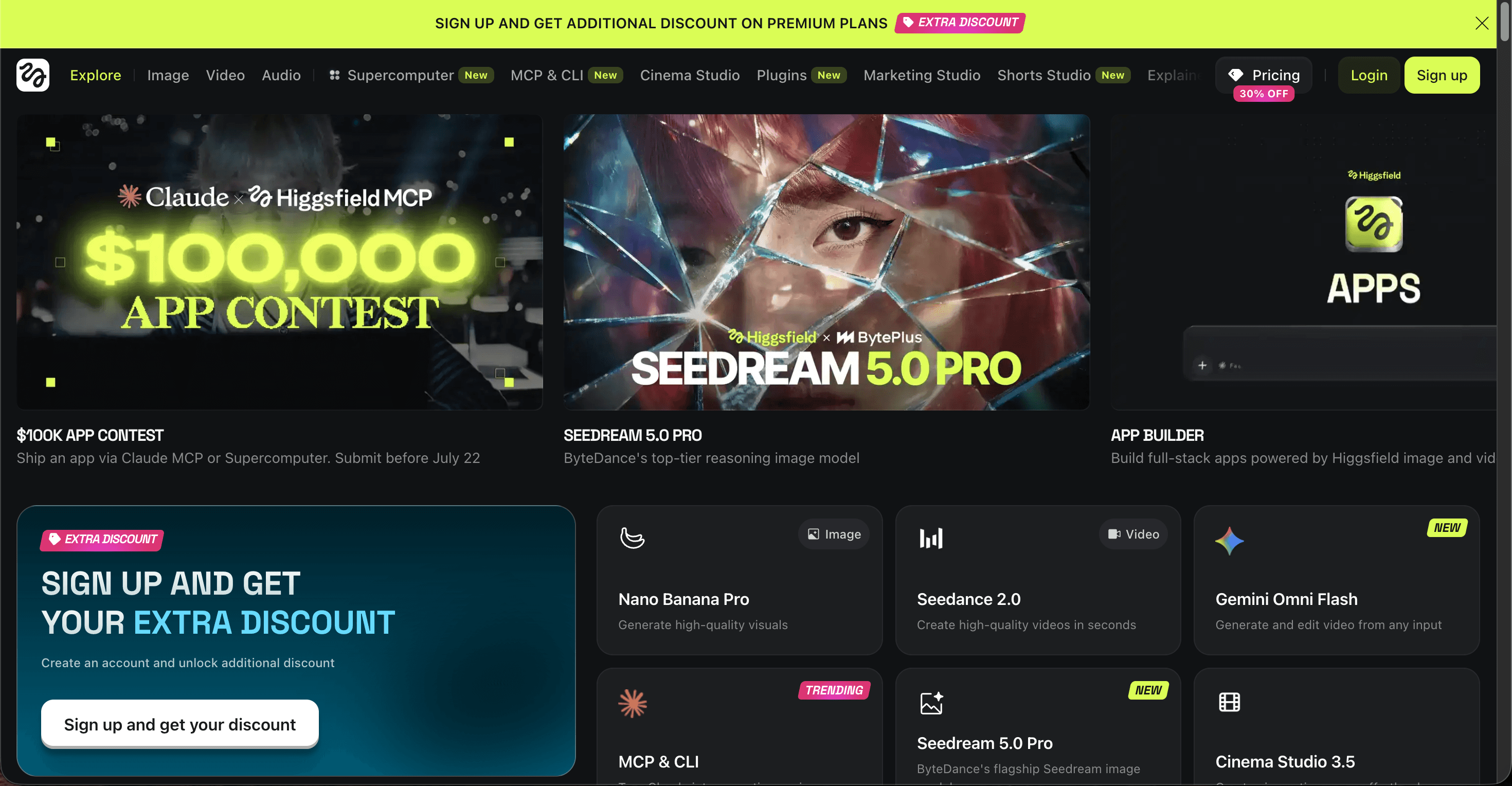
Higgsfield Free • Starter $15/mo • Plus ~$39 to $49/mo • Ultra ~$99 to $129/mo
Built around cinematic camera moves and presets, useful for the dramatic push-ins and sweeping shots common in rap videos.
Aggregates Sora 2, Veo 3.1, Kling 3, and Seedance under one subscription.
Preset-driven, so you reach a filmic look quickly.
Pros | Cons |
|---|---|
✔ Cinematic camera control | ✘ No music upload or beat matching |
✔ Multi-model access | ✘ Unlimited tiers can slow during busy periods |
✔ Fast preset looks | ✘ Plan names and pricing have shifted often |
Verdict Worth it for creators chasing a specific cinematic camera style, less so if you want a finished, song-length video.
5. Pika, best budget tool for short clips
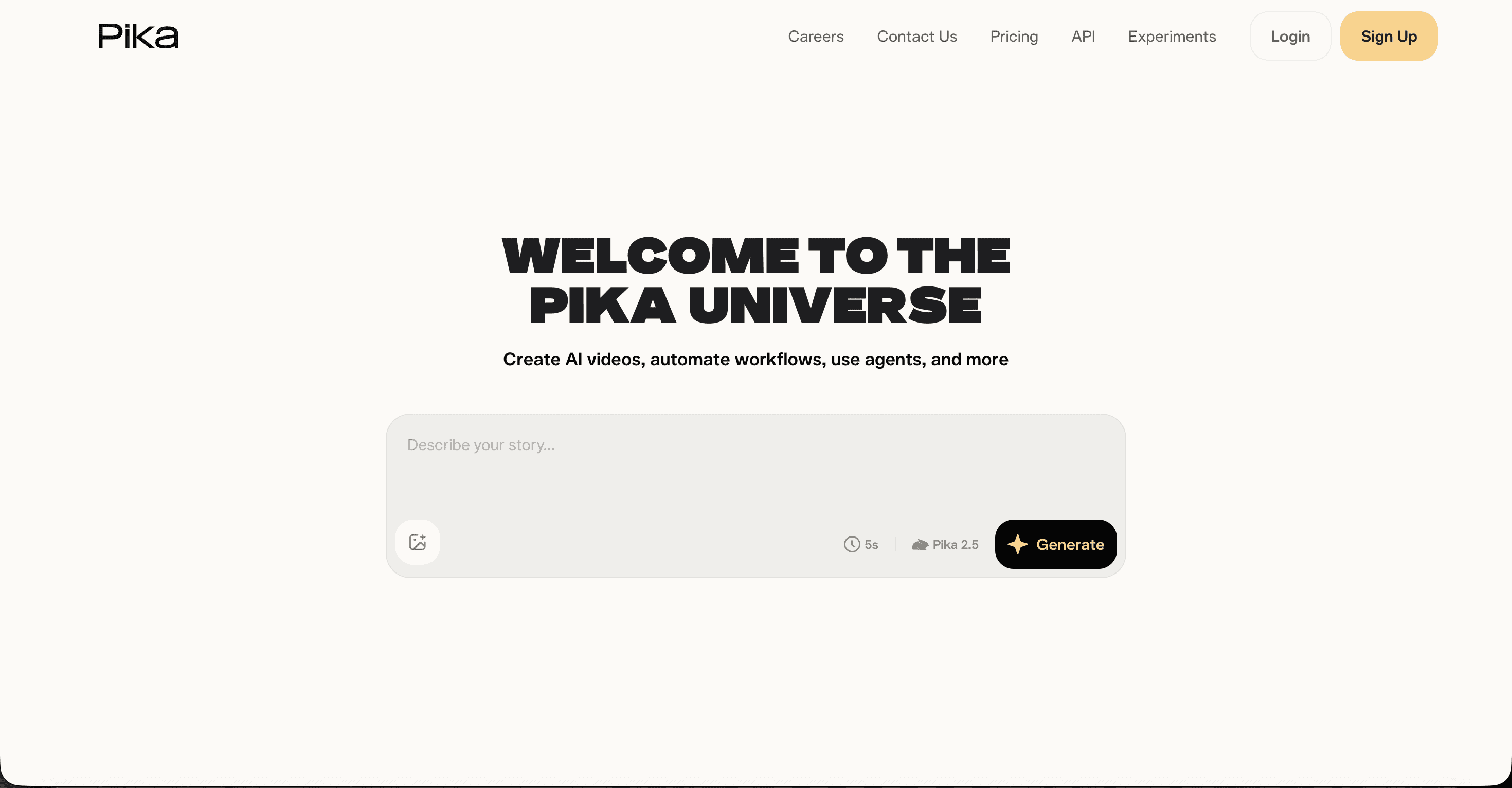
Pika Free • Standard ~$8 to $10/mo • Pro ~$28 to $35/mo • Fancy ~$76 to $95/mo
Fast, playful, and cheap, with Pikaffects for stylized transitions and visual tricks that suit meme-leaning or experimental rap clips.
A simple prompt-to-clip flow with a shallow learning curve.
One of the more generous free tiers for testing ideas.
Pros | Cons |
|---|---|
✔ Low price | ✘ Very short clips, about 3 to 5 seconds |
✔ Quick, stylized output | ✘ Commercial rights and watermark removal need the Pro tier |
✔ Easy to learn | ✘ No song upload or beat sync |
Verdict Best as a budget tool for short, stylized social clips rather than a full hip-hop music video.
The scorecard: how each tool ranks for rap videos
We scored every tool out of 10 across the five factors that matter most for a hip-hop music video. Atlabs sits on top because it is the only one that takes your finished song and returns a beat-matched video, rather than a set of loose clips you have to assemble.
Tool | Ease of use | Hip-hop fit | Output quality | Value | Overall |
|---|---|---|---|---|---|
Atlabs | 9.5 | 9.6 | 9.2 | 9.3 | 9.4 |
Runway | 8.1 | 8.4 | 9.2 | 7.9 | 8.6 |
Kling | 8.3 | 8.5 | 9.0 | 8.6 | 8.5 |
Higgsfield | 8.2 | 8.6 | 8.5 | 8.0 | 8.2 |
Pika | 8.6 | 7.6 | 7.9 | 8.4 | 7.9 |
Scores are our editorial ratings based on hands-on testing for rap and hip-hop use cases in 2026.
How we picked
We rated each tool on five things that matter for rap and hip-hop videos: how quickly a first-timer gets a usable result, how well the tool fits a music video rather than one-off clips, raw output quality, value for the price, and whether it accepts your actual song. Tools that turn a track into a beat-synced video scored higher than tools that only make short clips you have to time and edit yourself. All prices were checked against each provider's public pricing page in July 2026.
Atlabs tutorial: make your first hip-hop video
New to Atlabs? The official tutorials library walks you through uploading a track, picking a style, choosing a concept, and casting your characters, so you can ship a beat-synced rap video on your first try.
FAQ
What is the best AI tool to make a hip-hop music video?
Atlabs. It takes your uploaded rap track and builds a beat-synced video around the actual tempo and mood, then keeps your characters consistent across scenes. Most other tools only make short clips that you have to time and edit yourself.
Can I make a rap video with AI for free?
Yes. Atlabs, Kling, Higgsfield, and Pika all offer free tiers, and Runway gives one-time free credits. Free plans usually add a watermark or limit length, so a paid tier is worth it once you start publishing.
How much do AI hip-hop video tools cost in 2026?
Entry paid plans run from about $8 to $19 per month across these five tools. Atlabs starts at $19/mo, Runway at $15/mo, Kling around $10/mo, Higgsfield at $15/mo, and Pika around $8 to $10/mo. Higher tiers add length, resolution, and commercial rights.
Do I need editing skills to make an AI rap video?
No. With Atlabs you upload your song, pick a style, choose a concept, and cast your characters, and it assembles the video for you. Clip-based tools like Runway, Kling, Higgsfield, and Pika need more manual timing and editing.








