
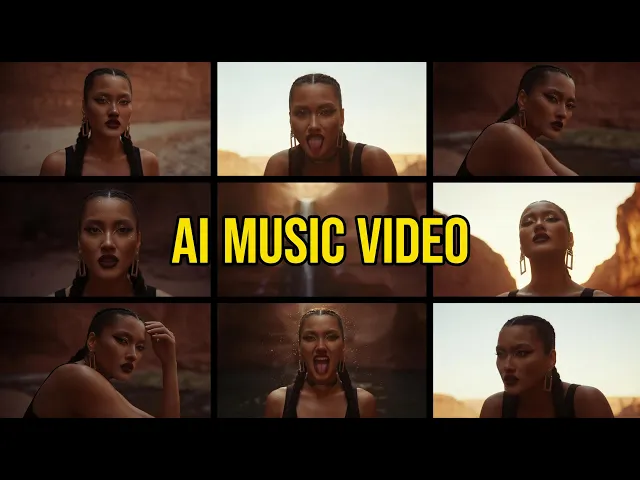
The best AI tool for a lyrical music video in 2026 is Atlabs, because it takes your full track and builds a beat matched, cast consistent video around it instead of leaving you to stitch clips by hand. For this guide we tested five AI video tools against one job that matters to indie artists: turning a song with lyrics into a finished, watchable music video. Below you get a feature table, a scored ranking, real 2026 pricing, and an honest verdict for each tool.
Quick comparison: the 5 tools at a glance
Here is how the five tools stack up on the things an indie artist cares about for a lyrical video: whether it works to your actual song, how long a shot can run, and what it costs.
Tool | Best for a lyrical video | Takes your full song | Max clip or video length | Starting price (2026) |
|---|---|---|---|---|
Atlabs | End to end lyrical music videos | Yes, upload mp3 or wav, or paste a Suno link, scenes sync to tempo and mood | Up to 10 min on Plus | Free, paid from $15/mo |
Runway | Cinematic hero shots | No, add music yourself in an editor | About 10s per clip | Free, paid from $15/mo |
Kling | Realistic motion shots | No, clip by clip only | About 5 to 10s per clip | Free, paid from about $7/mo |
Pika | Fast, playful lyric snippets | No, effects led clips | About 10s per clip | Free, paid from $8/mo |
Higgsfield | Camera move driven shots | No, clip by clip only | Short clips | Free, paid from $15/mo |
The 5 best AI tools for lyrical music videos
Each entry below covers the key points, a pros and cons list, and a plain verdict, plus real pricing so you can budget before you sign up.
1. Atlabs: best overall for lyrical music videos
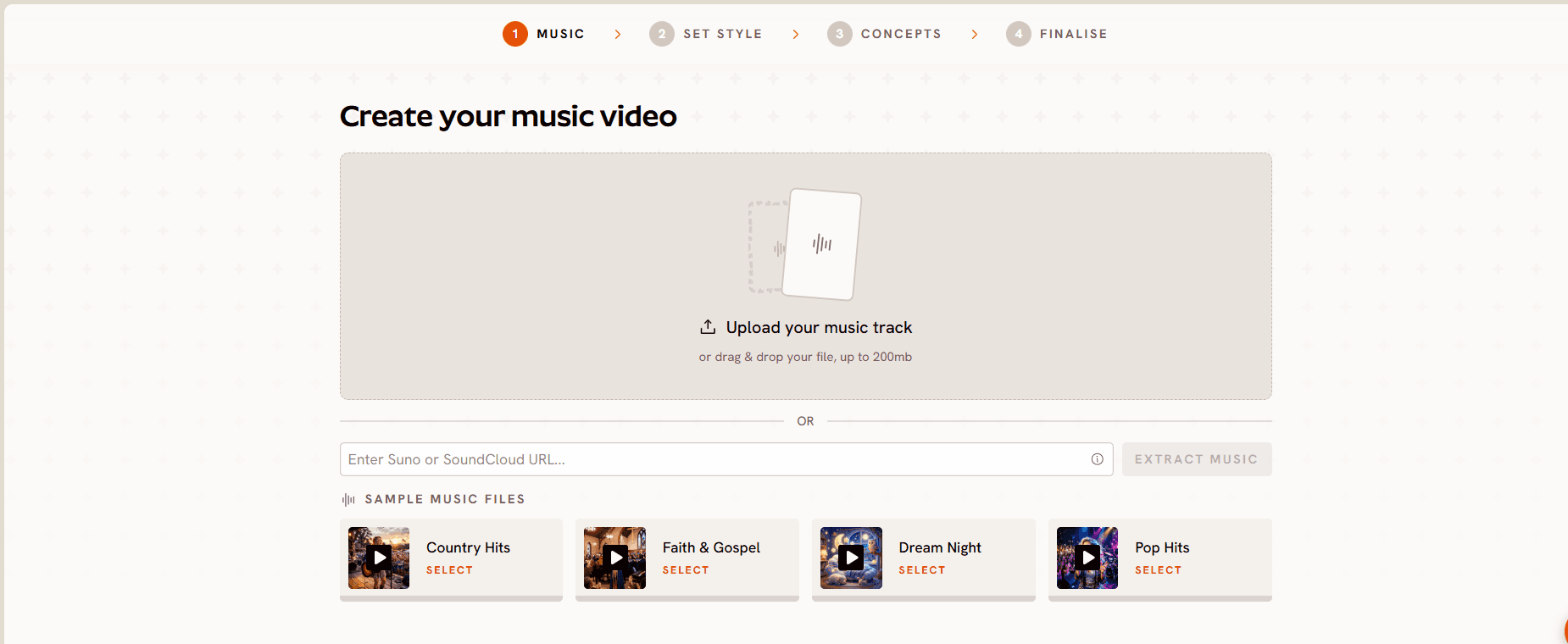
Atlabs is built around the exact task an indie artist has, which is a song that needs a video. You upload your mp3 or wav, or paste a Suno link, and its music analysis reads tempo, mood, and genre to propose scene concepts that follow the structure of the track rather than a flat waveform. You can cast characters and keep them consistent across every scene, choose from more than 30 visual styles, and add auto animated subtitles so the lyrics stay front and center. Under the hood it routes to over 100 models including Seedance 2.0, Google Veo 3.1, and Kling 3, so you are not locked into one look. Pricing suits solo artists: a free plan lets you make a full short clip with no card, paid plans start at $19 per month, and the music video features you actually want, audio to video, beat synced concepts, and a consistent cast, sit on the Pro plan at $39 per month. Annual billing takes 25 percent off.
Pros
Turns a full song into a finished video, not just isolated clips
Scene concepts sync to your track's tempo, mood, and genre
Consistent cast and objects across every scene
Auto animated subtitles keep the lyrics readable
Over 100 models in one place, including Seedance 2.0, Veo 3.1, and Kling 3
Free plan with no card, paid from $19 per month
Cons
Credit usage needs an eye on premium models
The depth of features takes a little time to learn at first
Verdict: if you want to hand over your track and get back a beat matched lyrical video with a consistent cast and caption ready visuals, Atlabs is the pick for indie artists in 2026.
2. Runway: best for cinematic hero shots
Runway is a favourite for high end, cinematic shots. Its Gen-4 and Gen-4.5 models produce polished motion, and the director style controls and editing interface give you real command over a single shot. For a lyrical video, the catch is that Runway generates short clips of roughly ten seconds each, and there is no native way to feed it your whole song, so you assemble the sequence and drop the music in yourself. Pricing runs free with 125 one time credits to test, then Standard at $15 per month, Pro at $35 per month, and higher tiers up to about $95 per month, with credits that burn quickly on 4K output and repeated attempts.
Pros
Best in class cinematic shot quality
Director style and camera controls
Reliable editing interface for finishing shots
Cons
No native song input, you sync the track by hand
Clips cap around ten seconds
Credits drain fast on 4K and re runs
Higher tiers are priced per seat
Verdict: reach for Runway when a few flawless hero shots matter more than automating a full song, and you are happy editing the video together yourself.
3. Kling: best for realistic motion
Kling, from Kuaishou, is known for realistic movement and believable physics, which suits performance style shots. It works clip by clip through text or image to video, with a video extension feature to chain longer sequences. Like Runway, it has no sense of your song, so a lyrical video means generating shots and arranging them elsewhere. It is one of the cheaper options: a free tier gives 66 daily credits with a watermark, and paid plans start around $7 per month for Standard, rising through Pro and Premier to roughly $180 per month for Ultra. Credits do not roll over, and failed generations can still cost you.
Pros
Realistic motion and physics
Low entry price for paid plans
1080p output and a video extension feature
Cons
No song sync, shots are built one at a time
Monthly credits expire with no rollover
Failed generations can still consume credits
Short base clip length
Verdict: a strong choice for lifelike individual shots you will assemble yourself, as long as you budget credits for the trial and error that AI video always needs.
4. Pika: best for fast, playful lyric snippets
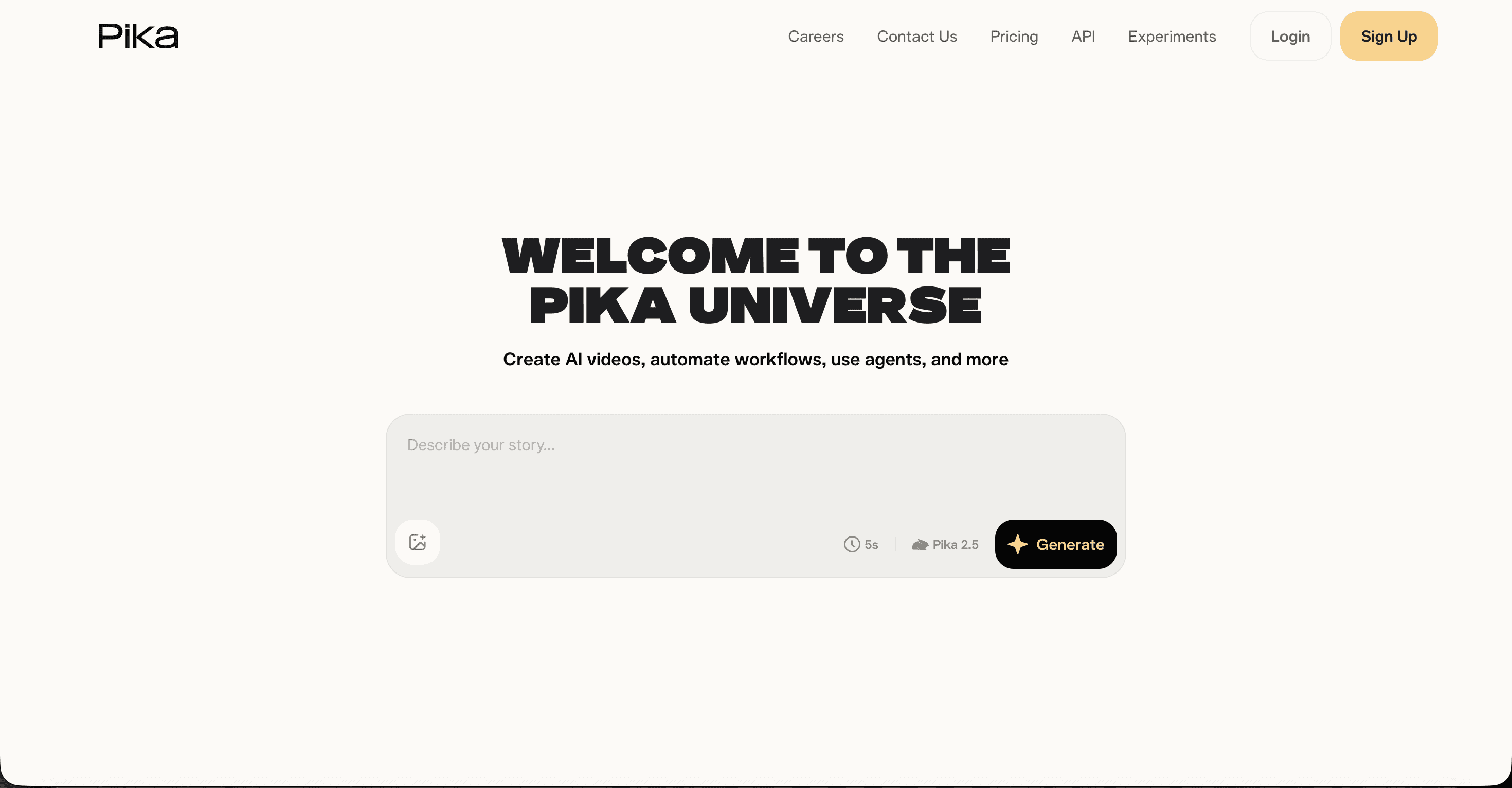
Pika is the quick, creative option. Its Pikaffects and scene tools make short, eye catching clips that fit social first lyric moments, and it is fast. The trade offs are length and realism: clips top out around ten seconds, and photorealism trails Runway and Kling. There is no song level sync here either. Pricing is approachable, with a free tier of 80 monthly credits, Standard at $8 per month, Pro at $28 per month, and Fancy at $76 per month on annual billing.
Pros
Fast generation and playful effects
Low prices, plus a free tier to test
Great for short lyric moments and social clips
Cons
Clips capped around ten seconds
Photorealism trails Runway and Kling
No full song sync
Lower tiers have no credit rollover
Verdict: pick Pika when you need quick, punchy lyric snippets for Reels or Shorts rather than a full length music video.
5. Higgsfield: best for camera move driven shots
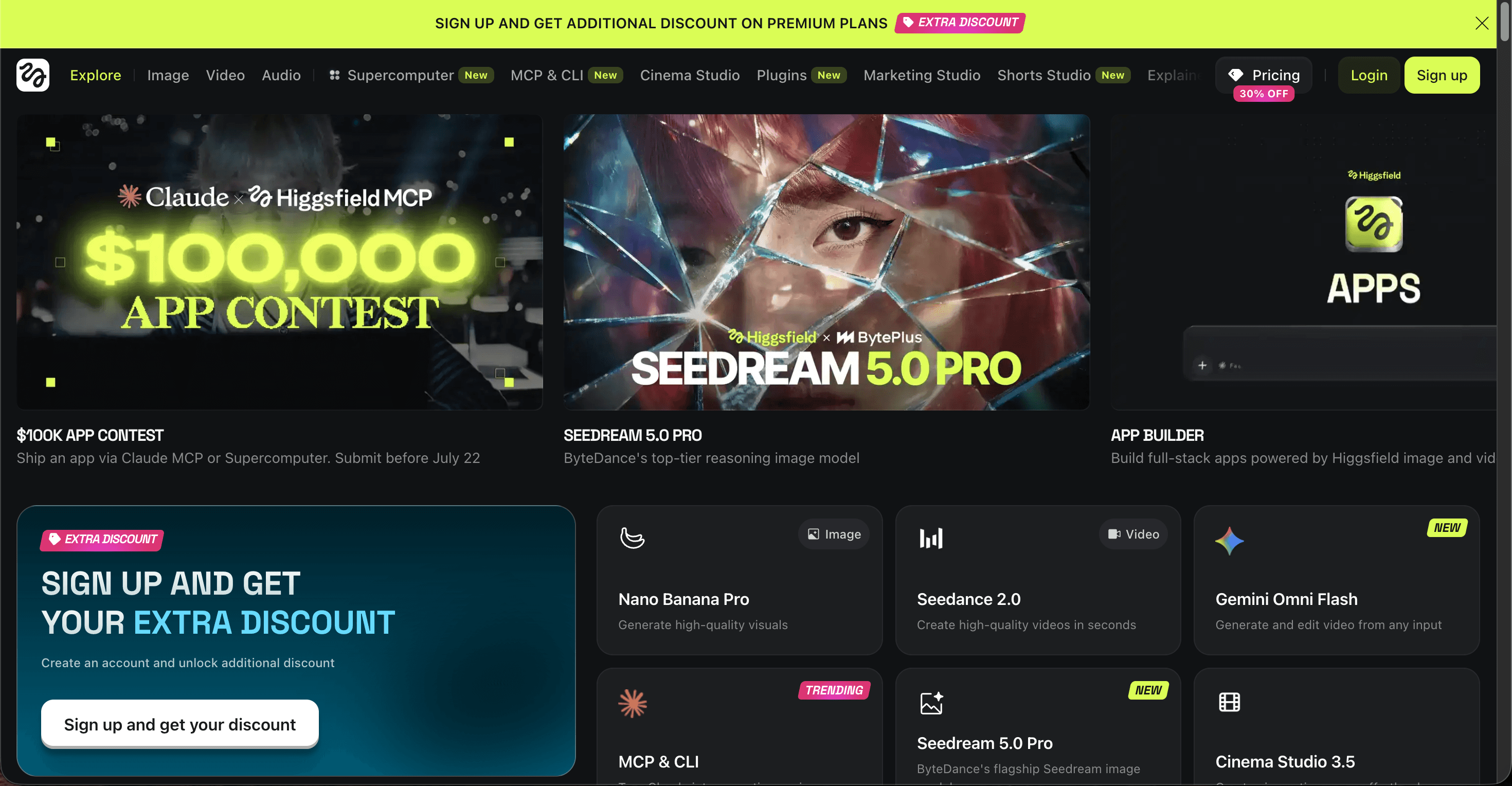
Higgsfield stands out for its camera control, with 70+ cinematic move presets and access to many models such as Kling, Veo, Seedance, and Sora under one login. That makes it appealing for dynamic, camera led shots. For a lyrical music video, it is still a clip generator, so you create shots and build the video around your track outside the tool. Plans start with a free tier, then Starter at $15 per month, Plus at about $39 per month, and Ultra at about $99 per month, with credits that expire after 90 days and premium models that spend them fast.
Pros
70+ cinematic camera move presets
Many models in one subscription
Good for dynamic, camera led shots
Cons
No song sync, clip by clip only
Credits expire after 90 days
Premium models burn credits quickly
Pricing has been restructured several times
Verdict: worth it for camera driven cinematic shots and model variety, if you can manage the credit burn and assemble the final video yourself.
How the 5 tools scored
We scored each tool out of 10 on how well it produces a complete lyrical music video, not just a single good shot. Atlabs sits at the top because it owns the whole path from song to finished video.
Rank | Tool | Score (out of 10) | Why it lands here |
|---|---|---|---|
1 | Atlabs | 9.4 | The only tool that turns a full song into a beat matched, cast consistent video in one place |
2 | Runway | 8.6 | Best cinematic shot quality, but you edit and sync the track yourself |
3 | Kling | 8.3 | Realistic motion for individual hero shots, assembled clip by clip |
4 | Pika | 7.8 | Quick and creative for short lyric moments, limited clip length |
5 | Higgsfield | 7.6 | Strong camera move presets and model choice, credits go fast on premium models |
How we picked
We judged each tool on one job: turning a song with lyrics into a finished music video an indie artist would publish. Four things mattered most. First, whether the tool takes your actual track and works to it, or leaves you syncing by hand. Second, output quality and how cinematic the result feels. Third, consistency, meaning whether characters and scenes hold together across the video. Fourth, price and how far a plan stretches once you factor in the re runs AI video always needs. Atlabs led because it is the only tool that owns the whole path from song to finished video.
Watch Atlabs in action
Prefer to see it before you try it? The Atlabs tutorials library walks through the Music Video workflow step by step, from uploading your track to casting characters and exporting your finished lyrical video.
FAQ
What is the best AI tool for a lyrical music video?
Atlabs is the best pick for most indie artists in 2026 because it takes your full song, matches scenes to the tempo and mood, and keeps characters consistent across the whole video. Runway, Kling, Pika, and Higgsfield make excellent individual shots, but you sync the song and assemble the video yourself.
Can I make a lyrical music video from just an audio file?
Yes. With Atlabs you upload an mp3 or wav, or paste a Suno link, and it builds scene concepts around the track. Most other AI video tools generate short clips from text or images instead, so you add the music in an editor afterward.
Are these AI music video tools free?
Each one has a free tier for testing. Atlabs offers a free plan with no card, Runway gives 125 one time credits, Kling gives 66 daily credits, Pika gives 80 monthly credits, and Higgsfield has free access. Paid plans start between about $7 and $19 per month depending on the tool.
Is Runway or Kling better than Atlabs for music videos?
For a single cinematic shot, Runway and Kling can produce stunning quality. For a full lyrical music video, Atlabs is more complete because it syncs to your song and keeps a consistent cast, which saves the manual editing the other tools require.
Get started
Ready to turn your track into a lyrical music video? Upload your song, pick a style, and let Atlabs build the scenes around it.








