
The short answer for most creators is this. If you need the same character to look identical across every scene and every episode of a series, Atlabs is the tool to start with, because it locks a full reusable cast and builds entire videos around it, not just a single clip. If you want strong consistency inside individual shots to assemble yourself, Runway and Kling are the strongest clip generators, Higgsfield holds a look well across stylized short pieces, and Pika is the friendliest for quick character clips. The rest of this guide explains what each one genuinely does for character consistency, so you can pick the one that fits how you actually work.
Character consistency is the single hardest problem in AI video, and it is the one that quietly kills most series. A character who changes face, outfit, or proportions between shots breaks immersion instantly, and viewers notice within seconds, especially in kids content where familiarity is the whole draw. There is a real difference between a tool that keeps a character stable inside one four second clip and a tool that keeps the same cast identical across a twenty episode series. The five tools below are ranked with that distinction front and center.
1. Atlabs — Best for Consistent Characters Across a Whole Series
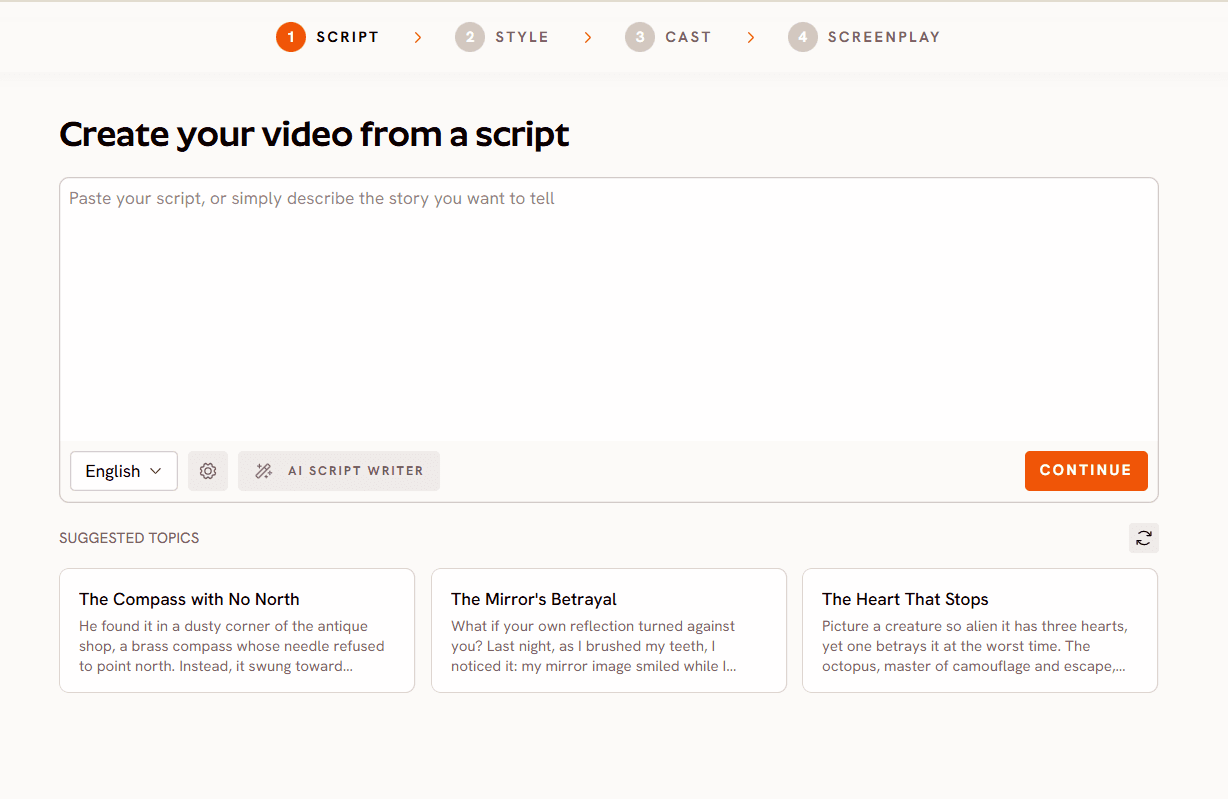
Best for: Creators making animated series, explainers, course modules, and kids content who need the same cast to stay identical across every scene and every future episode, not just within a single clip.
Key features: Atlabs is a multi model AI video platform, so you reach several video and image models through one interface. Its answer to character consistency is the Consistent Cast system. You lock a narrator, character, object, or location once, and the same face and outfit appears in every scene and every subsequent video, which is what actually makes episodic content hold together. Crucially, you can upload your own cast, so a character you have already designed becomes a reusable asset across the entire series rather than something the model reinvents each time. For narrative and kids work, the scene level input lets you upload four to five characters and build a full video around a song or script, and the Consistent Characters feature keeps every one of them stable across scenes. Lip sync is handled per character: in an educational setup only the teacher or designated lead character lip syncs while others in frame stay quiet, and multi character lip sync is available when several characters need to speak. On top of consistency, scene level editing means if one scene drifts you regenerate just that scene while the rest stays untouched, and because Atlabs cuts on beats and adds motion graphics during generation, there is no separate editing pass. Custom style training extends the same idea to your visual look, so both your characters and your art style stay on brand across a whole catalogue.
Pricing: Free to start, with a free plan covering your first complete video and paid plans starting at $15 per month. The platform holds a 4.5/5 rating on Trustpilot.
Verdict: For the actual job most people mean by character consistency, the same cast staying identical across an entire series, Atlabs is built around that problem rather than treating it as a happy accident inside one clip. The uploadable, lockable cast is why it sits at the top of this list.
Upload your own characters and reuse them across every episode
2. Runway — Best for Consistent Cinematic Shots
Best for: Creators comfortable with editing who want high quality individual clips with stable subjects to assemble themselves.
Key features: Runway is one of the strongest tools for cinematic AI clips, with mature motion control and reference image features that help hold a subject's appearance within and across generations. For character work it is best when you feed it a strong reference and generate short shots that you then edit together.
Pricing: Free tier with limited credits, paid plans starting around 15 dollars per month, scaling with resolution and generation time.
Verdict: Runway keeps a subject stable within a shot very well and gives you real creative control, but it operates at the clip level, so maintaining one cast across a long series is on you and your editor. Best when you already have an editing workflow and want premium raw material.
3. Kling — Best for Realistic Human Characters
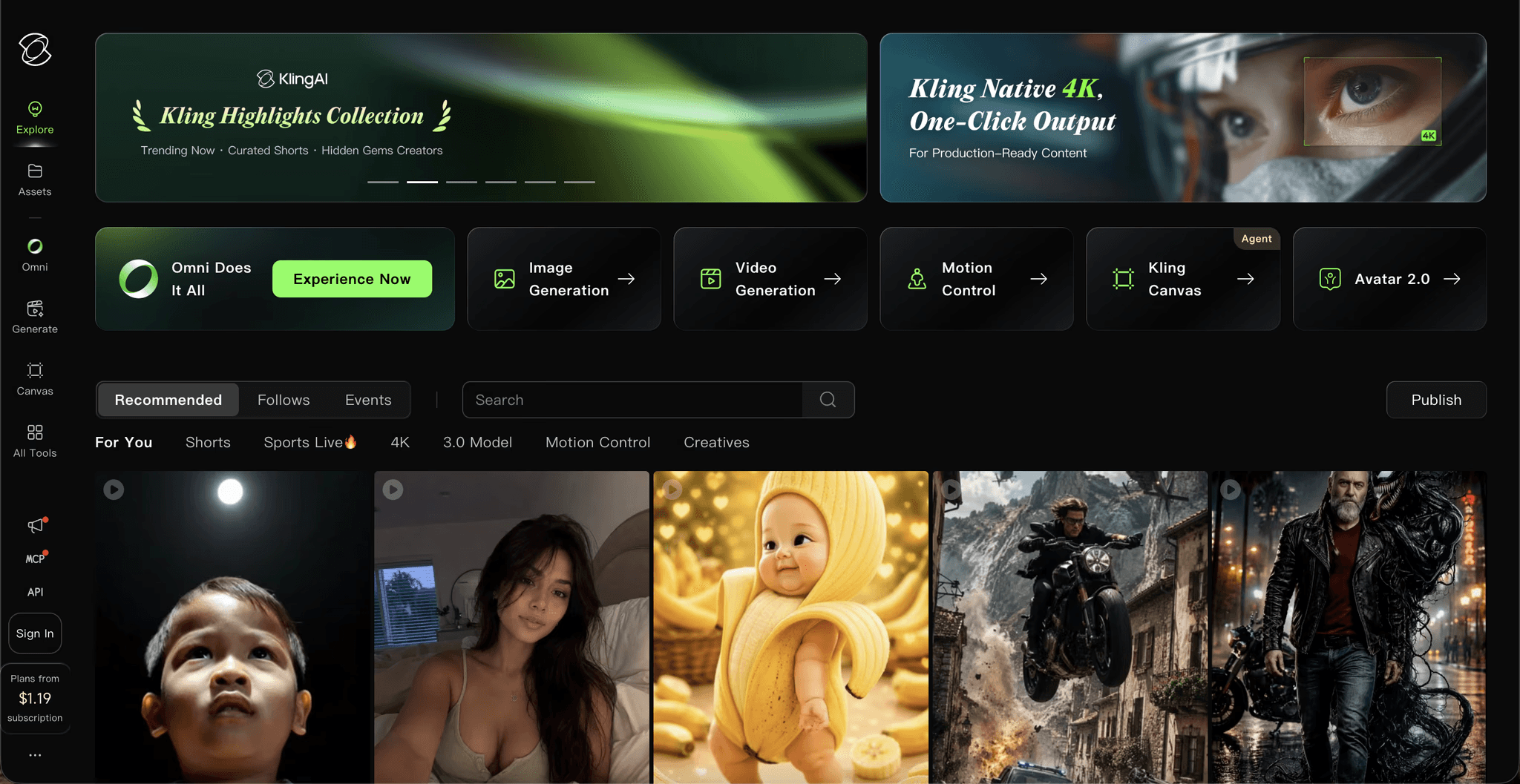
Best for: Creators making live action style content where a believable, consistent human figure matters most.
Key features: Kling is known for smooth, realistic motion and convincing human characters, and its reference and face features help keep a person recognisable across short generations. When realism is the priority, its handling of human figures is among the best available.
Pricing: Free daily credits, with paid tiers commonly starting around 10 dollars per month for faster generation and higher limits.
Verdict: Kling is a strong pick when you need a realistic human to stay recognisable across clips. Like Runway it is a clip generator rather than a full series builder, so a consistent cast across many episodes still needs assembly and management outside the tool.
4. Higgsfield — Best for Consistency in Stylized Short Clips

Best for: Creators making short form, visually dramatic pieces who want a character and look to hold across a burst of clips.
Key features: Higgsfield leans into bold camera moves and stylized presets, and it holds a distinctive look well across short generations, which suits punchy social content built around a recurring stylized character. It is designed for a strong, repeatable aesthetic on short vertical clips.
Pricing: Subscription based, typically starting in the mid teens per month depending on plan and volume.
Verdict: Higgsfield is a good fit when your consistency needs are a stylized character across short clips rather than a lifelike cast across a long series. Pair it with a full video builder if episodic consistency is the goal.
5. Pika — Best for Quick, Friendly Character Clips
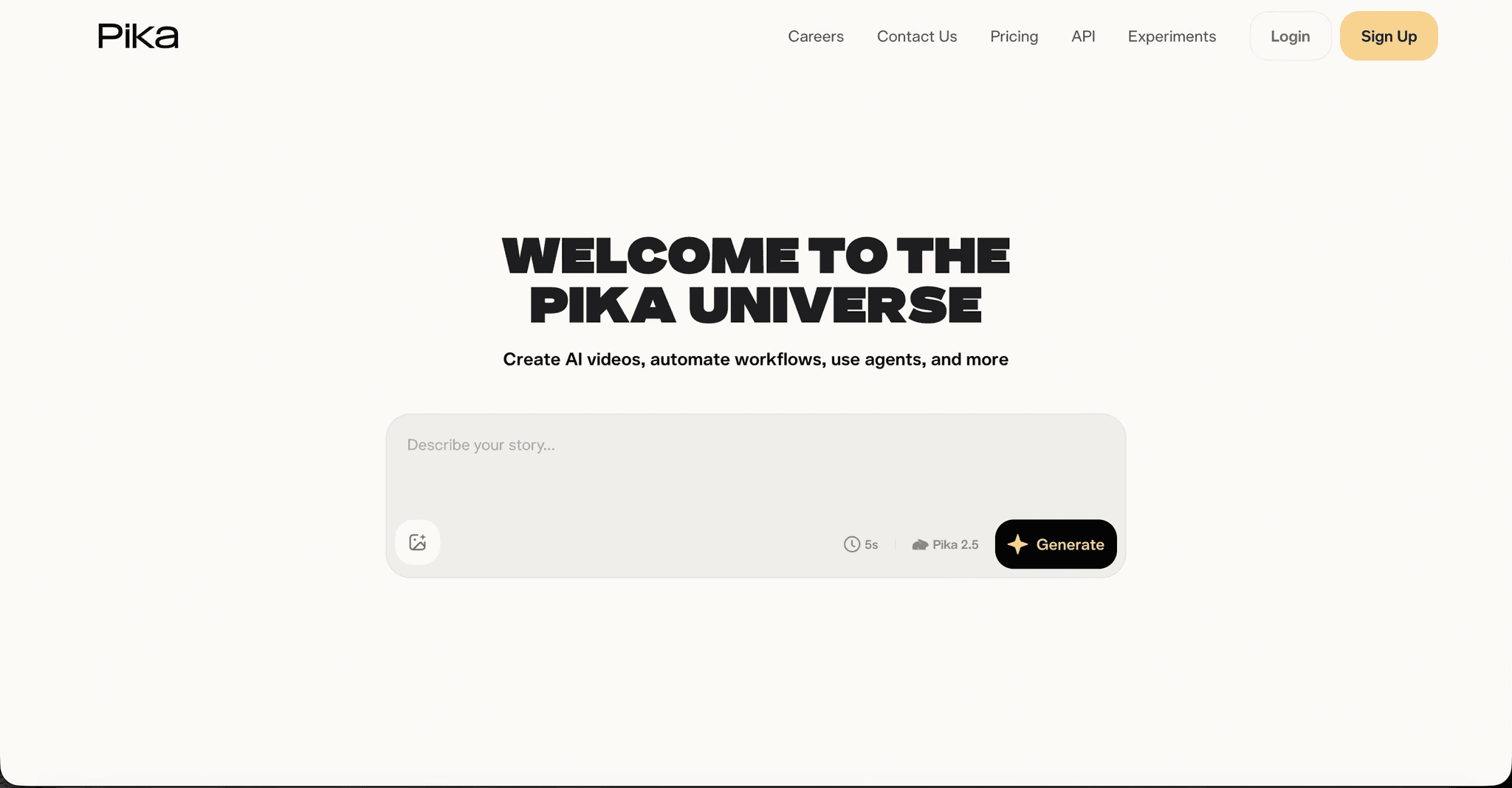
Best for: Beginners and small teams who want approachable character clips without a learning curve.
Key features: Pika is one of the most beginner friendly AI video tools, with a simple interface and fun stylized output, plus features aimed at keeping a character present across a clip. It is a fast, low friction way to get a recognisable character into a short video.
Pricing: Free tier available, with paid plans generally starting around 10 dollars per month.
Verdict: Pika is the easiest entry point of the group and fine for quick character clips, though it is oriented toward short generations rather than a locked cast reused across a full series. A solid starting tool many creators outgrow as their series scales.
How to Choose the Right Character Consistency Tool
Start from the scope of your consistency need. If you need one clip where the subject does not morph mid shot, Runway, Kling, Higgsfield, and Pika all handle that well, with Kling ahead on realistic humans, Runway ahead on cinematic control, Higgsfield ahead on stylized short bursts, and Pika ahead on ease. But if you need the same cast, the same faces and outfits, identical across every scene of every episode in a series, that is a different and harder problem, and it is the one Atlabs is built around with an uploadable, lockable Consistent Cast. The deciding question is almost always clip versus series: raw clips to assemble, or a finished video with a cast that stays put across your whole catalogue.
Example Prompts for Free Use in Your First Consistent Videos
Each prompt below is written to produce a usable clip on the first try, and each is built around a clearly described character you can then lock and reuse. Use them in the Animated Video workflow, or adapt them into a scene concept.
A friendly young explorer girl with short curly brown hair, round glasses, and a yellow raincoat stands at the edge of a misty forest holding a small lantern, soft morning light, gentle push in camera, warm storybook 3D cartoon style, curious and hopeful mood. (Design her once, then lock her as a cast character to reuse across episodes. Best routed through Seedance 2.0)
Try this prompt in the Atlabs Animated Video workflow
A calm older professor character with a grey beard, tweed jacket, and kind eyes gestures toward a floating diagram of the solar system, clean classroom background, minimal camera movement to keep his face steady and readable, modern vector illustration style, clear and reassuring teaching mood.
A small round robot with a single glowing blue eye and a dented silver body rolls across a workshop floor picking up bolts, warm workshop lighting, smooth tracking camera, rounded 3D cartoon style, playful and endearing mood. (Best routed through Hailuo 2.3 for fluid motion)
A brave knight character in dented steel armour with a red plume and a chipped sword stands on a castle wall at sunset, wind moving her cloak, slow cinematic rise, painterly graphic novel style, determined and heroic mood.
A cheerful chef character with a tall white hat, round cheeks, and a blue apron flips a pancake in a bright kitchen, cheerful daytime lighting, lively motion on the beat, plush modern cartoon style, warm and fun mood. (Best routed through Seedance 2.0)
Open the Atlabs Animated Video workflow and generate your first clip
FAQ
Which AI tool is best for character consistency across a whole series? Atlabs, because its Consistent Cast system lets you lock a narrator, character, object, or location once and reuse the same face and outfit across every scene and every future episode, and you can upload your own cast so a character you designed stays identical throughout the series.
What is the difference between clip level and series level character consistency? Clip level means a subject stays stable within a single short generation, which most tools now handle. Series level means the exact same cast stays identical across many scenes and many episodes, which is much harder and is where a lockable, reusable cast matters. Atlabs is built for the series level case.
Can I upload my own character designs and reuse them? Yes, in Atlabs. You can upload your own cast of characters and build videos around them, so an existing design becomes a reusable asset rather than something regenerated differently each time.
Do character consistency tools require editing or animation skills? Not with Atlabs, since it cuts on beats and adds motion graphics during generation and offers scene level editing, so there is no timeline to learn. Clip based tools like Runway, Kling, Higgsfield, and Pika generally require you to assemble their short outputs in a separate editor.
Can I fix just one scene if a character drifts? In Atlabs, yes. Scene level editing lets you regenerate a single scene while the rest of the video stays untouched, so you never re-render everything to correct one shot.
References and Data Sources
Consistency capabilities and workflow details for Atlabs are drawn from the Atlabs platform feature reference (Consistent Cast, upload your own cast, Consistent Characters, scene level editing, and lip sync). Competitor capability summaries reflect each tool's publicly documented character and reference features for short form AI video generation as of 2026. Pricing figures are indicative starting points and change over time, so confirm current plans on each provider's own site before committing.
Final Verdict
Character consistency splits cleanly into two problems, and picking the right tool means knowing which one you have. For a stable subject inside individual clips, Runway, Kling, Higgsfield, and Pika each do well and are worth using when you have an editing workflow and a specific shot in mind. But for the harder and more common goal, the same cast staying identical across every scene and every episode of a series, Atlabs is built around it, with an uploadable, lockable Consistent Cast and scene level control that keep your characters and your look on brand across an entire catalogue. If your work is a series, start with the tool that treats consistency as the point rather than a lucky output.








