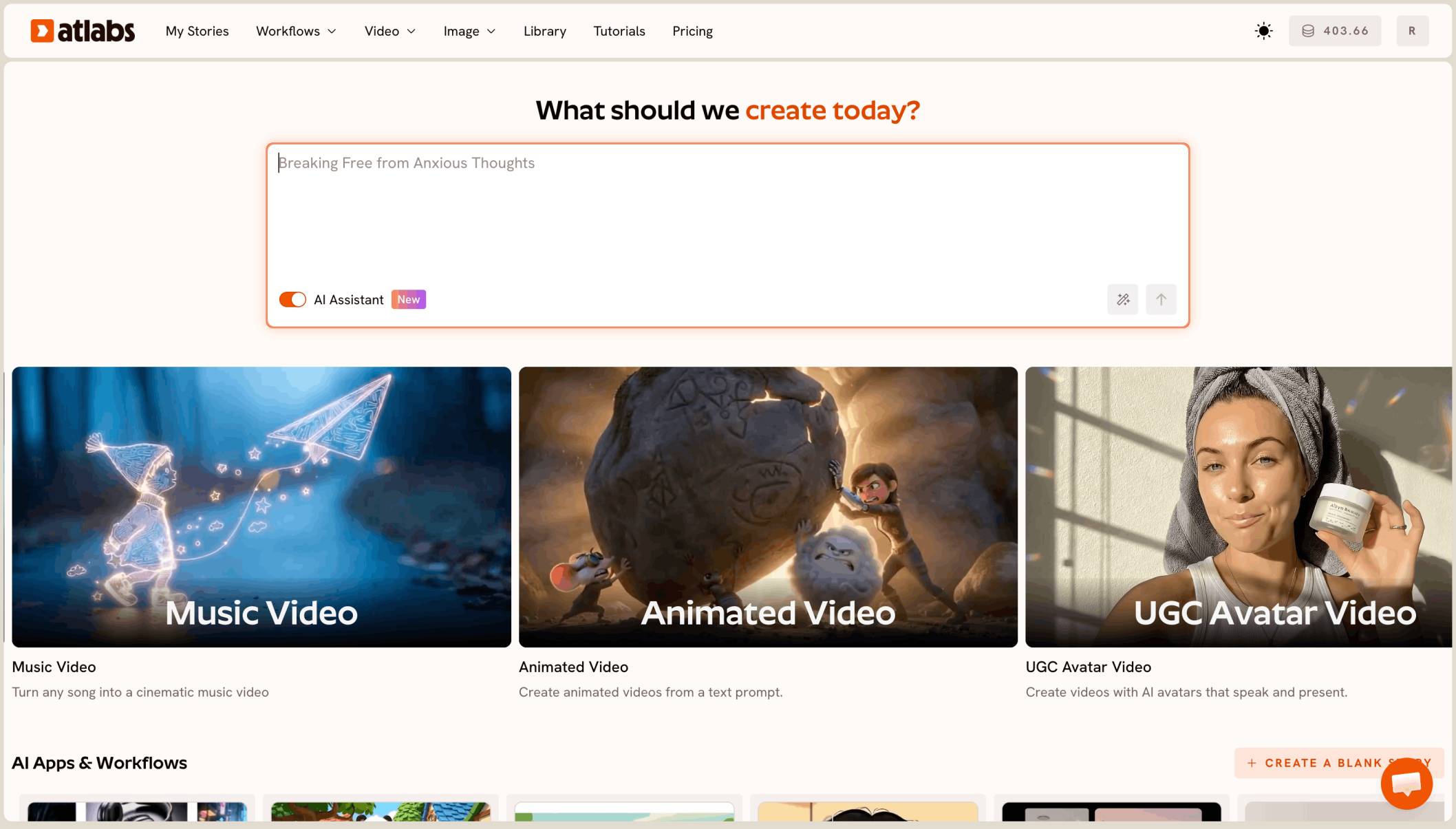
Kling 4 is now live on Atlabs. You can make clips from 3 to 30 seconds with sound, in 16:9, 9:16, 1:1 or 21:9, from a text prompt or from a start frame. This guide covers what Kling launched, where Kling 4 sits next to the other models on Atlabs, how to use it step by step, and 5 prompts we tested on Atlabs with their real outputs.
What Kling launched with Kling 4
Kling released Kling 4.0 on October 15, 2026. The big changes are longer clips, more control and sound built in.
Longer clips. One generation can run from 3 to 30 seconds. Kling 3.0 stopped at 15.
Native audio. Every Kling 4 clip comes with sound: voices, ambience and effects that match the scene. You describe the sound in the prompt.
More references. Kling says Kling 4 takes up to 15 reference assets in one job: up to 10 images, up to 5 videos with a total of 30 seconds, and up to 7 subject elements to keep a character or product the same.
Keyframes and extension. Kling lists up to 10 keyframes per clip and Video Extension up to 2 minutes. 4K and 1080p HDR are listed by Kling as coming soon.
Much longer prompts. On Atlabs, a Kling 4 prompt can be up to 26,000 characters, so you can write a full shot plan in one prompt.
Where Kling 4 fits among Kling models on Atlabs
Atlabs has three Kling 4 options. Kling 4.0 is the main model for text to video and image to video, with a start frame and an end frame if you want them. Kling 4.0 Reference Generation builds a clip from your reference images and has an Auto aspect ratio. Kling 4.0 Video Edit changes a video you already have.
Kling 3.0 is still on Atlabs. It makes clips from 3 to 15 seconds and takes prompts up to 2,500 characters. Pick Kling 4 when you need longer clips, sound in the same render, or a long, detailed prompt. Kling 3.0 is fine for short silent motion shots.
Because Atlabs runs many models in one place, you can make a start frame with an image model like Nano Banana and animate it with Kling 4 in the same account.
How to use Kling 4 on Atlabs, step by step
Step 1: Open Atlabs
Go to the Atlabs app and sign in.
Step 2: Pick Kling 4.0 as the video model
Open the video tool and choose Kling 4.0 from the model list. Choose Kling 4.0 Reference Generation if you want to build from several reference images, or Kling 4.0 Video Edit to change an existing clip.
Step 3: Add a start frame (optional)
For image to video, upload a start frame or pick one from your library. You can also add an end frame so the clip lands on a set shot. Skip this step for text to video.
Step 4: Write your prompt
Write the prompt in this order: subject, action, setting, camera, light and style, sound, and what must stay the same. The tested prompts below all follow this order.
Step 5: Set the aspect ratio, length and resolution
Pick 16:9, 9:16, 1:1 or 21:9. Set a length from 3 to 30 seconds and choose 720p or 1080p. Start with a 5 second clip at 720p to test a prompt, then go longer and sharper once it works.
Step 6: Generate and refine
Click generate. Watch the clip with sound on. If something is off, change one part of the prompt at a time, such as only the camera line, and run it again.
5 Prompts Tested on Atlabs with Kling 4
Every clip below was made on Atlabs with Kling 4.0, at 5 seconds and 720p. The start frames were made on Atlabs with Nano Banana.
1. Animated fox wakes up in a snowy forest (16:9, image to video)

Settings: Kling 4.0, 16:9, 5 seconds, 720p, start frame above.
Kling 4 output on Atlabs: the fox wakes, stretches and looks out at the snow.
Why it works: the actions are listed in order (wakes, stretches, peeks), so the motion has a clear start and end. The last line locks the one detail kids would notice if it changed.
2. Singer on a rainy neon rooftop (9:16, image to video)

Settings: Kling 4.0, 9:16, 5 seconds, 720p, start frame above.
Kling 4 output on Atlabs: a vertical music video shot with an orbiting camera and rain sound.
Why it works: one camera move, one direction. The sound line asks for humming instead of lyrics, which keeps the audio clean for a short vertical clip.
3. Perfume bottle with falling water drops (1:1, image to video)

Settings: Kling 4.0, 1:1, 5 seconds, 720p, start frame above.
Kling 4 output on Atlabs: a slow product shot with a quarter turn orbit.
Why it works: "a quarter turn" gives the orbit a fixed size, so the bottle never spins out of frame. Locking the cap and shape keeps the product true to the brand.
4. Flat 2D doctor explains the heart (16:9, text to video)

Settings: Kling 4.0, 16:9, 5 seconds, 720p, no start frame.
Kling 4 output on Atlabs: an explainer shot with a spoken line, made from text alone.
Why it works: the exact spoken line goes in quotes, with the voice and language named. A static camera keeps the focus on the drawing that moves.
5. Aerial shot over a misty valley at sunrise (21:9, image to video)

Settings: Kling 4.0, 21:9, 5 seconds, 720p, start frame above.
Kling 4 output on Atlabs: a wide cinematic reveal for an intro or a travel film.
Why it works: the camera has two moves in a set order (forward, then tilt up), and the reveal is written as the payoff at the end.
Prompting principles for Kling 4
Use a fixed order. Subject, action, setting, camera, light and style, sound, then what must stay the same. Kling 4 follows a clear order better than a pile of keywords.
Write motion as steps in time. "Wakes, stretches, then peeks out" gives a better clip than "a cute fox moving".
One camera move per short clip. For 5 seconds, one move is enough. Save two part moves for longer clips.
Always write the sound. Kling 4 adds audio to every clip. Name the sounds you want and say "no music" if you don't want it.
Put dialogue in quotes. Give the exact words, the voice and the language.
Lock what must not change. End with a line like "Keep the scarf blue in every frame."
Common mistakes
Too many camera moves. A push, an orbit and a crane in 5 seconds makes a shaky clip. Pick one.
Forgetting the sound line. With no sound line, Kling 4 picks the audio for you, and it may add music you don't want.
A start frame that fights the prompt. If the image shows night and the prompt says sunrise, the clip will look confused. Match them.
Going long too early. Test at 5 seconds and 720p first. Go to 30 seconds and 1080p once the shot works.
Using style words in place of action. "Cinematic, epic, 8K" says nothing about what happens. Describe the action
FAQ
Is Kling 4 available on Atlabs?
Yes. Kling 4.0, Kling 4.0 Reference Generation and Kling 4.0 Video Edit are live on Atlabs.
How long can a Kling 4 clip be on Atlabs?
From 3 to 30 seconds in one generation, at 720p or 1080p.
Does Kling 4 make sound?
Yes. Every Kling 4 clip comes with audio. Describe the voices, ambience and effects in your prompt.
Can I use my own image as the first frame?
Yes. Upload a start frame, and add an end frame if you want the clip to finish on a set shot.
Final verdict
Kling 4 gives you longer clips, sound in the same render and room for very detailed prompts, and it is live on Atlabs now. The best results come from a simple habit: write the subject, action, setting, camera, light, sound and what must stay the same, in that order. Make your start frame with an image model on Atlabs, animate it with Kling 4, test short, then go long.