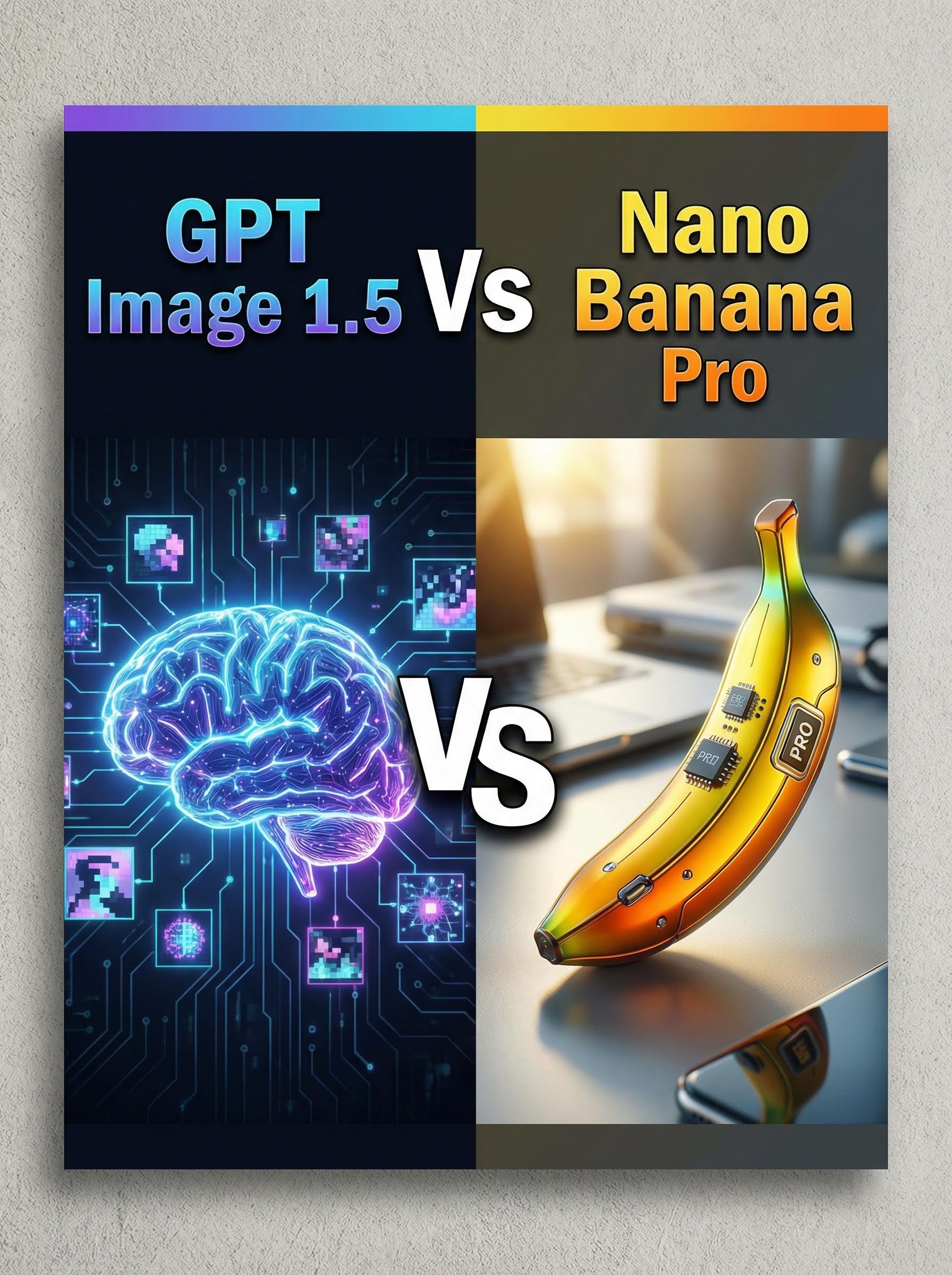
In the fast-evolving world of AI image generation, two heavyweights are dominating conversations: OpenAI's freshly launched GPT Image 1.5 and Google's versatile Nano Banana Pro. Released just yesterday on December 16, 2025, GPT Image 1.5 promises sharper instruction-following and four times the speed of its predecessor, while Nano Banana Pro—built on Gemini 3 Pro—excels in studio-quality edits and real-world contextual smarts.
If you're a designer, marketer, or hobbyist wondering which AI image model is best for your projects, this head-to-head breakdown focuses on their strengths across key use cases. Spoiler: It all depends on your creative goals.What Is GPT Image 1.5? A Quick OverviewGPT Image 1.5, integrated into ChatGPT's new dedicated "Images" space, marks OpenAI's bold step into specialised image creation. Available globally to all ChatGPT users and via API, it emphasises:
Precision in Prompt Adherence: Excels at capturing nuanced details like textures and styles (e.g., emulating Kodak Portra 400's film grain).
Speed Boost: Generates images up to 4x faster than GPT Image 1, ideal for iterative workflows.
Text Rendering: Improved legibility for text in images, a common pain point in AI art.
Accessibility: Free for ChatGPT users, with preset styles and trending templates for quick starts.
Early benchmarks show it topping LMSYS Arena's Text-to-Image leaderboard, edging out competitors in creative versatility.
Perfect for users who prioritise stylistic flair and rapid prototyping.What Is Nano Banana Pro? Key Features at a GlanceGoogle's Nano Banana Pro, an evolution of the viral Nano Banana tool powered by Gemini 3, is deeply embedded in the Google ecosystem (Gemini, Photos, Search, and Messages). Its standout traits include:
Photorealistic Depth: Leverages Gemini's reasoning for authentic details, like adding plausible real-world elements (e.g., accurate signage in urban scenes).
Editing Prowess: Advanced controls for precise modifications, mimicking professional tools like Photoshop.
Contextual Intelligence: Draws from vast knowledge bases for hyper-realistic outputs, including shallow depth-of-field effects.
Integration: Seamless with Google apps, making it a go-to for mobile and collaborative editing.
It's gained traction for its "quality-first" approach, often producing images that "pass as genuine photos." Ideal for pros needing production-ready visuals.Head-to-Head: How Do They Stack Up?Both models push boundaries, but their differences shine in benchmarks and real tests. Here's a quick comparison table for clarity:
Feature | GPT Image 1.5 | Nano Banana Pro |
|---|---|---|
Generation Speed | 4x faster than prior OpenAI models | Fast, but optimized for quality over raw speed |
Style Versatility | Strong in artistic, goofy, and textured renders | Excels in photorealism and contextual accuracy |
Text Handling | Superior legibility and integration | Good, but less emphasized |
Editing Tools | Basic precise edits via prompts | Advanced, studio-like controls |
Benchmark Rank | #1 on LMSYS Text-to-Image (as of Dec 16) | #2, with strengths in realism tests |
Pricing/Access | Free in ChatGPT; API tiers apply | Free in Gemini ecosystem |
Data drawn from initial user tests and leaderboards.
Neither is "best" outright—it's about matching the tool to the task.Which AI Image Model Is Better for Specific Use Cases?Diving deeper, let's break down scenarios where one edges ahead. These insights come from side-by-side prompts tested by creators, highlighting practical wins without crowning a universal champ.
1. Artistic and Stylized Creations (e.g., Concept Art, Memes, or Branding Graphics)
Why GPT Image 1.5 Shines: Its knack for stylistic emulation—like nailing "goofy" vibes or embedded film grains—makes it a favorite for non-realistic fun. In tests, it better captured prompt-specified aesthetics, such as soft-edged analog textures, over sharper alternatives.
Best For: Social media visuals, illustrations, or rapid ideation where creativity trumps photorealism.
Pro Tip: Use ChatGPT's presets for trending styles to iterate in seconds.
2. Photorealistic Rendering (e.g., Product Mockups, Stock Photos, or E-commerce Images)
Why Nano Banana Pro Leads: It infuses outputs with real-world smarts, like adding believable details (e.g., a Dutch subject's attire in an Amsterdam cafe scene) and iPhone-like depth effects. Outputs often evade the "AI sheen," looking authentically snapped.
Best For: Marketing campaigns, virtual staging, or any project needing "real" vibes.
Pro Tip: Leverage Gemini integration for quick edits in Google Photos.
3. Text-Heavy Designs (e.g., Infographics, Posters, or Ad Copy Overlays)
Why GPT Image 1.5 Edges Out: Enhanced text generation ensures crisp, readable elements—crucial for legible slogans or labels—without the blurring common in older models.
Best For: Print-ready graphics or digital ads where clarity is king.
Nano Banana Alternative: Solid for simple text, but pair it with external editors for perfection.
4. Collaborative Editing and Workflow Integration (e.g., Team Projects in Design Tools)
Why Nano Banana Pro Excels: Its Photoshop-like controls and Google ecosystem ties enable seamless handoffs, from Search-generated ideas to Messages-shared finals.
Best For: Agency work or mobile-first teams.
GPT Image 1.5 Counter: Great for solo prompt-based tweaks, but less native to multi-app flows.
5. High-Volume Content Creation (e.g., UGC for Ads or Social Feeds)
Why GPT Image 1.5 Wins on Efficiency: Blazing speed suits batch generation, as seen in comparisons for Meta/Google ad creatives. No clear quality gap here, but volume favors the quicker tool.
Best For: Influencers or marketers churning out variants.
Final Thoughts: Pick Your AI Image Powerhouse Based on PrioritiesThe GPT Image 1.5 vs Nano Banana Pro debate isn't about one model dominating, it's about alignment with your workflow. If stylistic precision and speed fuel your fire, GPT Image 1.5 delivers that OpenAI polish. Craving photorealistic depth and ecosystem synergy? Nano Banana Pro's Gemini backbone has you covered.As 2025 unfolds, expect even tighter races with updates incoming.
Test both for free today on Atlabs AI.









