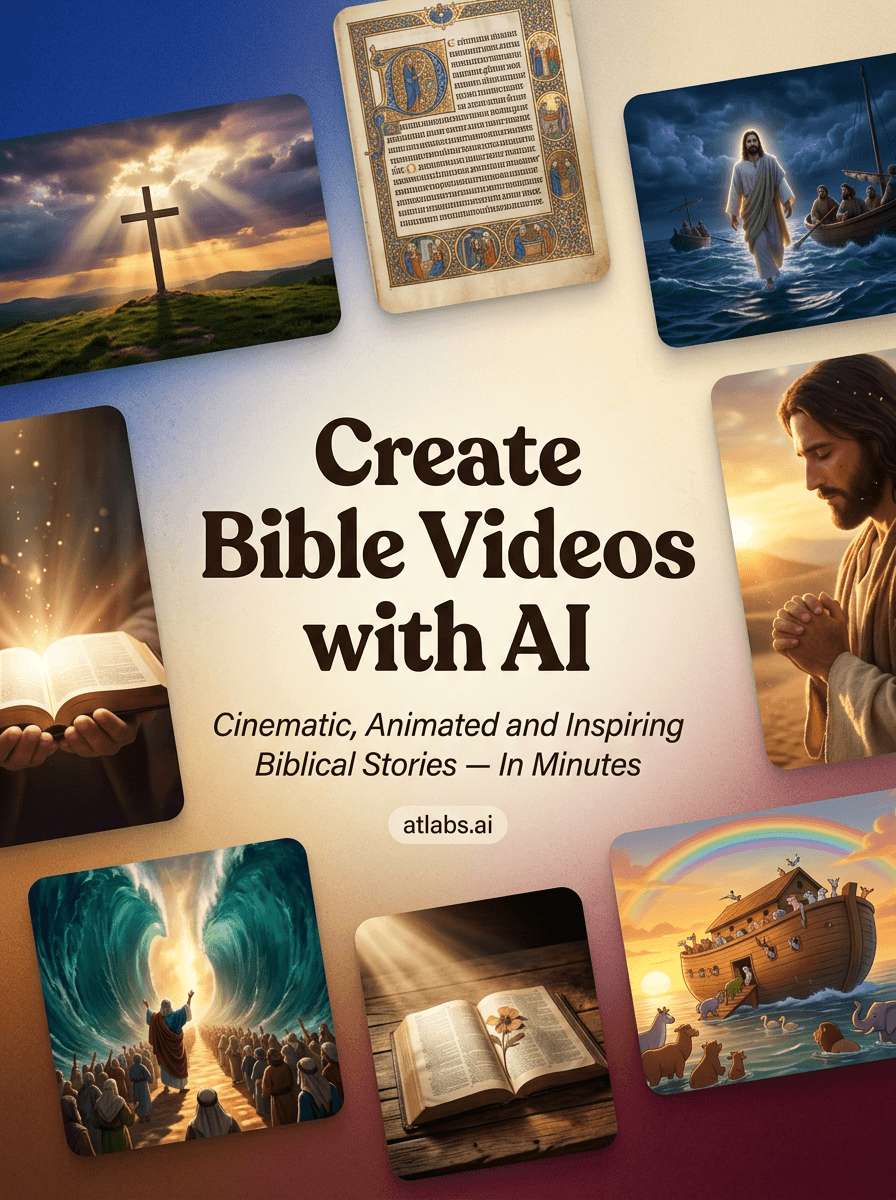
A practical guide for the volunteer who's also running sound, managing the livestream, and fielding "can you fix the projector?" texts at 7:45 AM on Sunday.
The Reality of Church Tech (That Nobody Talks About)
Let's be honest: most church "tech teams" are really just one dedicated volunteer who learned OBS from YouTube tutorials at 2 AM.
You're not a Hollywood producer. You don't have a video editing background. What you do have is a heart for ministry, a laptop that's seen better days, and a growing list of requests from leadership:
"Can we have a video for the sermon series?"
"The youth group needs something for social media"
"We want to visualize this Bible passage for Easter"
And the budget? Let's just say it's somewhere between "we'll pray about it" and "can you use the free version?"
Sound familiar?

The Old Way vs. The New Reality
The Traditional Approach:
Find stock footage (that looks nothing like your sermon topic)
Spend 6+ hours learning Premiere Pro or DaVinci Resolve
Realize you need better hardware to render anything
Give up and use a PowerPoint with transitions
The Problem Nobody Mentions: Even when churches do invest in AI video tools, they hit the "morphing face" problem. You generate a beautiful scene of Abraham... and three seconds later, he looks like a completely different person. Your congregation notices. It's distracting. It undermines the message.
Enter Browser-Based AI Video (No GPU Required)
Here's what changed the game for me: discovering that you can now create consistent, narrative-driven biblical videos entirely in your browser.
No expensive hardware. No software downloads. No render farm running overnight.
Tools like Atlabs.ai specifically solve the consistency problem that makes other AI video tools unusable for storytelling. When you're visualizing the Prodigal Son, you need the father to look the same in the opening scene and the reunion scene.
A Practical Workflow: Creating a Biblical Video in Under an Hour
Here's the exact process I use:
Step 1: Start With Your Scripture (5 minutes)
Pick your passage. For this example, let's use the Parable of the Good Samaritan (Luke 10:25-37).
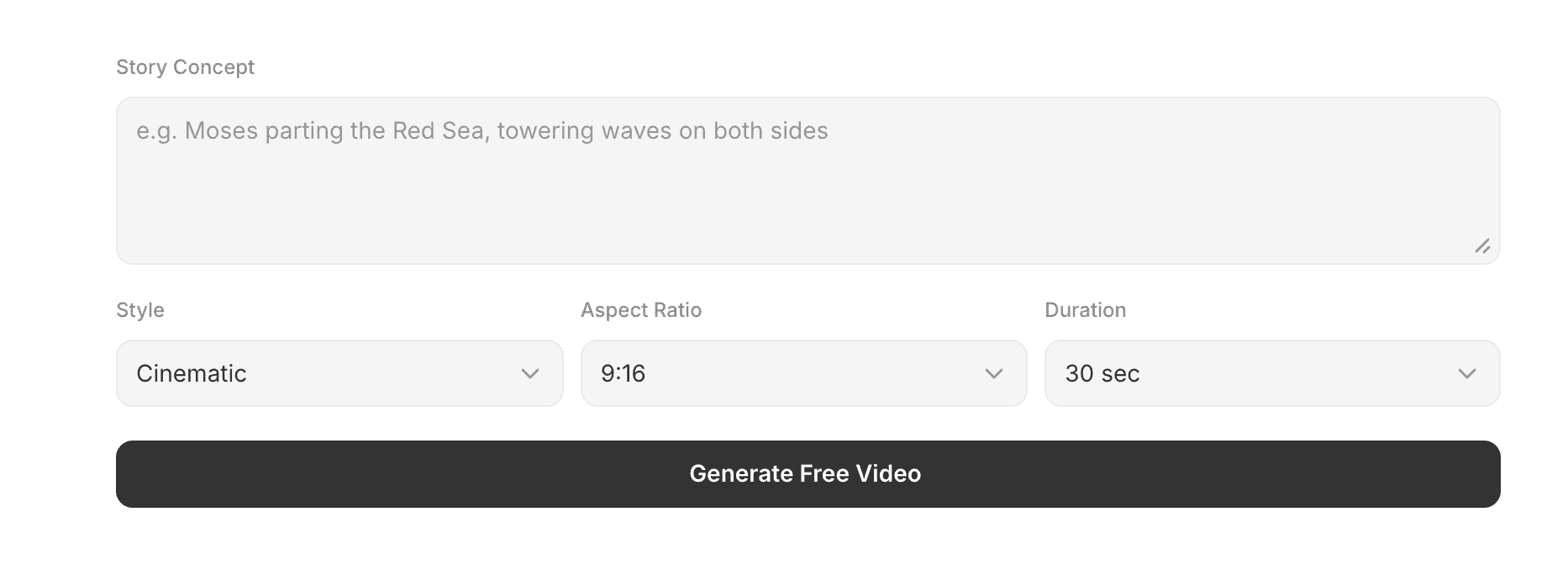
Write out the key visual beats:
A man traveling the road to Jericho
The attack and robbery
The priest passing by
The Levite passing by
The Samaritan stopping to help
The inn and the promise to return
Paste your script into Atlabs - the platform breaks it into scenes automatically
Step 2: Lock Your Characters (5 minutes)
This is where Atlabs powerful consistency tools matter. Before generating anything:
Create your main characters (the traveler, the Samaritan, the innkeeper)
Lock their appearance so they stay consistent across all scenes
Set your visual style (realistic, illustrated, cinematic)
Step 3: Generate and Refine (20-30 minutes)
Generate your scenes in sequence. Review each one:
Does the emotion match the moment?
Is the pacing right?
Does it serve the message?
Atlabs let you regenerate individual scenes without losing the rest. Use this liberally.

Step 4: Listen to the Audio (5 minutes)
Play around with the Atlabs options :
Narration (you can use AI voices or record your own)
Background music from the royalty-free library
Sound effects for immersion
Step 5: Export and Deploy
Export in whatever resolution your setup needs. For livestream, 1080p is usually plenty. For projection, you might want 4K.
Real Talk: What This Actually Costs
I know budget matters. Here's the honest breakdown:
Free Options:
First Video Free
Paid Tiers:
Starts at $15/month, and usage based pricing
Compare this to:
Stock footage subscriptions ($100-300/month)
Hiring a videographer ($500-2000 per video)
Your sanity trying to learn After Effects
For most churches, a mid-tier subscription pays for itself after one or two videos.
Ideas to Get You Started
Here are biblical video projects that work well with AI:
Sermon Series Intros Create a 30-60 second visual introduction for each sermon series. Consistent characters, consistent style, professional look.
Scripture Visualizations Bring parables and narratives to life. The Prodigal Son, David and Goliath, the Exodus—these stories work when people can see them.
Social Media Clips Short, shareable moments. A verse with a visual backdrop. A 15-second scene from Sunday's message.
Youth Group Content Teens engage with video. Period. Give your youth leaders tools to create content that doesn't look like it's from 2008.
Holiday Productions Christmas and Easter are your biggest opportunities. Create something memorable without burning out your volunteers.
A Note on Authenticity
Some churches worry that AI-generated content feels "fake" or "impersonal."
Here's my perspective: the tool doesn't determine the authenticity. Your intention does.
When you spend an hour creating a visualization of the Good Samaritan to help your congregation see the compassion in that story—that's ministry. The fact that AI helped you do it doesn't diminish the heart behind it.
We don't criticize churches for using electric guitars instead of lyres. We don't look down on projectors replacing hymnals. Technology serves the message. AI video is just the next tool in that lineage.
The Bottom Line
You don't need a production budget. You don't need a video degree. You don't even need a powerful computer.
What you need is a story worth telling and the willingness to learn a new tool.
The barrier to creating professional biblical content has dissolved. What used to require a team of 10 and a month of work can now happen on your lunch break.
The era of the one-person church media team isn't a limitation anymore. It's an opportunity.
Written for the volunteer who's doing three jobs and calling it "serving." You're not alone.









