In the fast-evolving world of AI, ChatGPT Image 1.5 (officially known as GPT-Image-1.5) has emerged as a game-changer for creators, designers, and marketers. Launched just weeks ago by OpenAI, this cutting-edge image generation model powers ChatGPT's latest visual capabilities, delivering photorealistic outputs, precise edits, and highly controllable creative workflows.
Whether you're crafting infographics, UI mockups, or virtual try-ons, mastering prompting for ChatGPT Image 1.5 is key to unlocking production-quality results.If you're searching for a ChatGPT Image 1.5 prompting guide, you've landed in the right place. This tutorial breaks down best practices, real-world examples, and pro tips to help you generate jaw-dropping images faster than ever. By 2025, AI image tools like this aren't just novelties—they're essential for content creation. Let's dive in and transform your prompts into pixels!
What is ChatGPT Image 1.5? A Quick Overview
ChatGPT Image 1.5 is OpenAI's newest image generation model, integrated seamlessly into ChatGPT (via GPT-4o and beyond). It excels in high-fidelity photorealism, text rendering, and style transfers, outperforming previous versions like DALL-E 3 in realism and editability.
Key highlights include:
Strong prompt adherence: Follows detailed instructions with minimal drift.
Flexible quality settings: Balance speed and detail for high-volume tasks.
Multi-input support: Edit images using text + reference photos.
World knowledge integration: Infers context for accurate, scenario-based visuals.
Access it in Atlabs by going to "Image Generation" tool. Free users get queued generations, while Plus/Pro subscribers enjoy priority.
Ready to prompt? Start with these fundamentals.
Prompting Fundamentals: Build Better Prompts for ChatGPT Image 1.5
Effective AI image prompting isn't about vague descriptions—it's structured storytelling. Follow this blueprint to get consistent, high-quality outputs:
1. Use a Clear Structure: Scene → Subject → Details → Constraints. Organize your prompt logically to guide the model:
Background/Scene: Set the environment (e.g., "A bustling farmers market at dawn").
Subject: Define the main focus (e.g., "A diverse crowd of vendors selling fresh produce").
Key Details: Add specifics like lighting, colors, and mood (e.g., "Golden hour sunlight filtering through tents, vibrant reds and greens").
Constraints: Specify exclusions (e.g., "No text overlays, photorealistic style only").
Pro Tip: For complex prompts, use line breaks or labels (e.g., "Scene: Urban rooftop | Subject: Futuristic drone"). This reduces confusion and improves adherence.
2. Add Specificity and Quality CuesVague prompts yield generic results. Be concrete:
Materials/Textures: "Weathered wooden crates with splintered edges."
Medium/Style: "Shot on 35mm film with subtle grain" or "In the style of Van Gogh's swirling brushstrokes."
Photography Terms: "Wide-angle lens, shallow depth of field, high-contrast shadows."
For photorealistic ChatGPT images, avoid overused buzzwords like "8K ultra-HD"—opt for "natural skin pores and fabric folds" instead.
3. Control Composition and Aspect RatioSpecify framing to avoid wonky perspectives:
Viewpoint: "Eye-level close-up" or "Aerial drone shot."
Aspect Ratio: "16:9 landscape" or "1:1 square for social media."
Lighting/Mood: "Soft diffused light for a serene vibe."
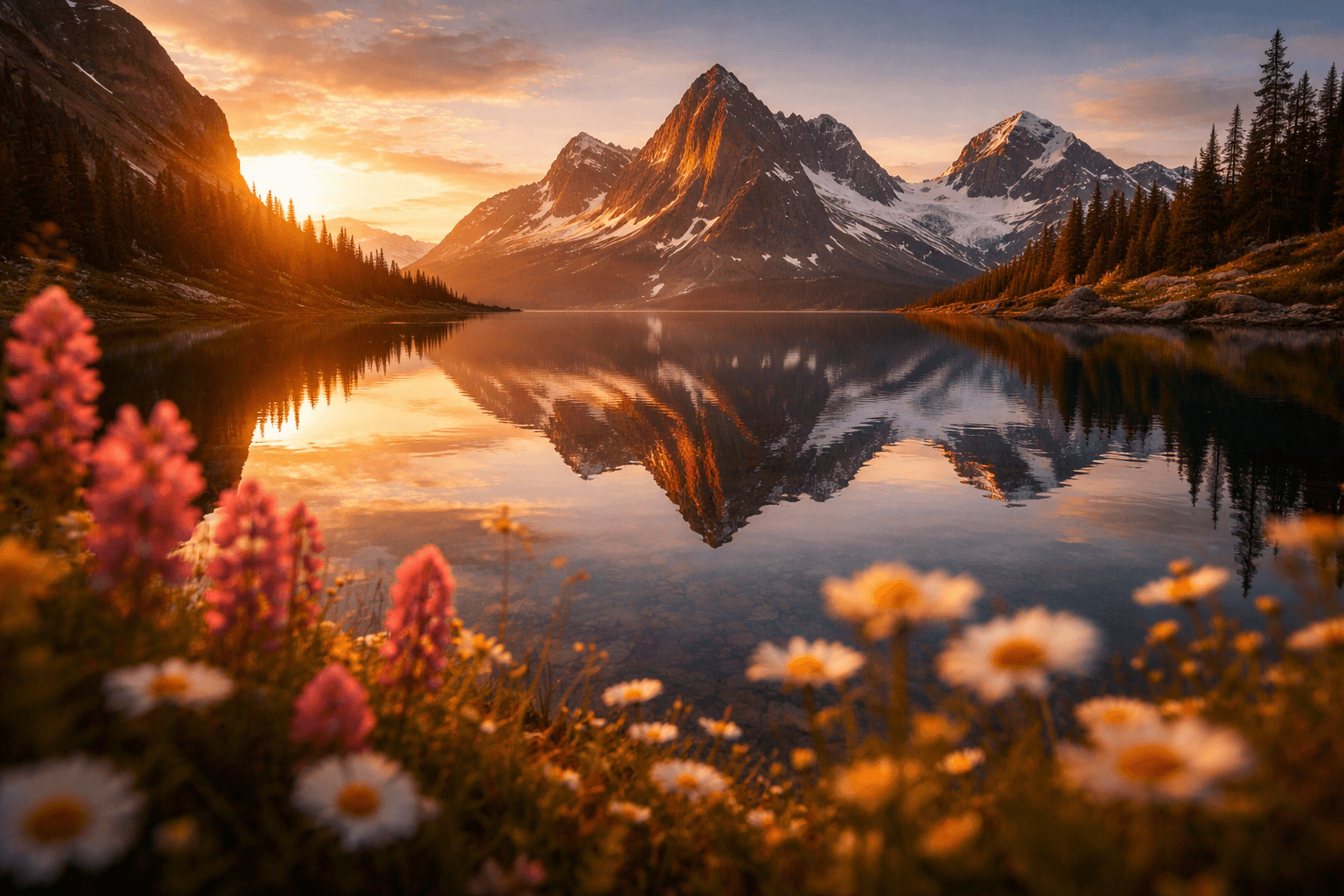
Example Prompt: "A serene mountain lake at sunset, reflected peaks in crystal-clear water. Foreground wildflowers in soft focus. 16:9 aspect ratio, cinematic golden hour lighting—no people."
4. Handle Text in Images Like a ProGPT-Image-1.5 shines at rendering text, but precision matters:
Use quotes or CAPS: "'Welcome to 2025' in bold sans-serif font."
Specify Details: "Centered at the bottom, white text on black background, 72pt size."
For Brands: Spell out tricky names (e.g., "O-P-E-N-A-I").
Best Practice: Test with simple phrases first to nail typography before complex layouts.
5. Iterate Smartly: Edit Over Reload.
Don't cram everything into one prompt. Generate a base image, then refine:
Follow-Up: "Make the lighting warmer, keep the subject unchanged."
Preserve Elements: "Retain the original composition, only swap the outfit."
This leverages the model's context memory for consistency.
Advanced Prompting Techniques for 2025
Once basics click, level up with these ChatGPT Image 1.5 tips tailored for pros:Latency vs. Fidelity Tradeoffs. For polished work, go "high" for intricate details.Multi-Image Edits: Style Transfer and Try-OnsUpload references and describe interactions:
Style Transfer Prompt: "Apply the pixelated retro style from Image 1 to a modern electric car on a city street. Preserve the car's geometry, change only the texture."
Virtual Try-On: "Dress the model in Image 1 with the red jacket from Image 2. Keep face, pose, and lighting identical—no distortions."
These shine in e-commerce and design workflows.
World Knowledge for Contextual MagicTap the model's smarts: "A 1969 Woodstock crowd in Bethel, NY—mud-splattered hippies dancing in the rain." It infers historical accuracy without extra hand-holding.
Real-World Examples: Prompts That Deliver
Here are battle-tested ChatGPT Image 1.5 prompt examples across use cases. Copy-paste and tweak!
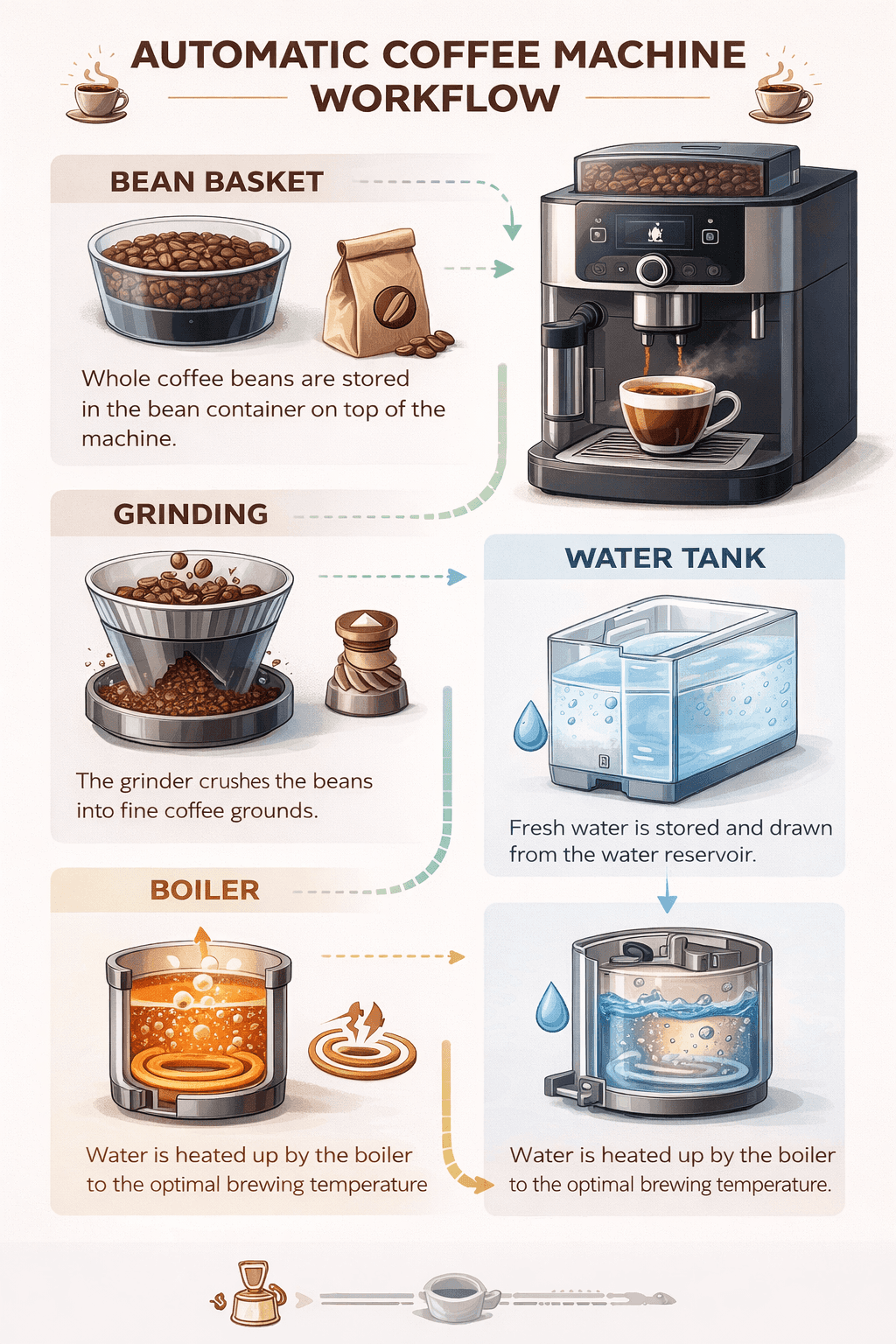
1. Infographic for Technical ExplainersPrompt:
"Create a detailed infographic of an automatic coffee machine's workflow. Start with bean basket → grinding → water tank → boiler. Use arrows, labels, and icons. Clean, educational style for tech enthusiasts. High quality, vertical layout."Result Expectation: A step-by-step visual guide, perfect for blogs or tutorials.
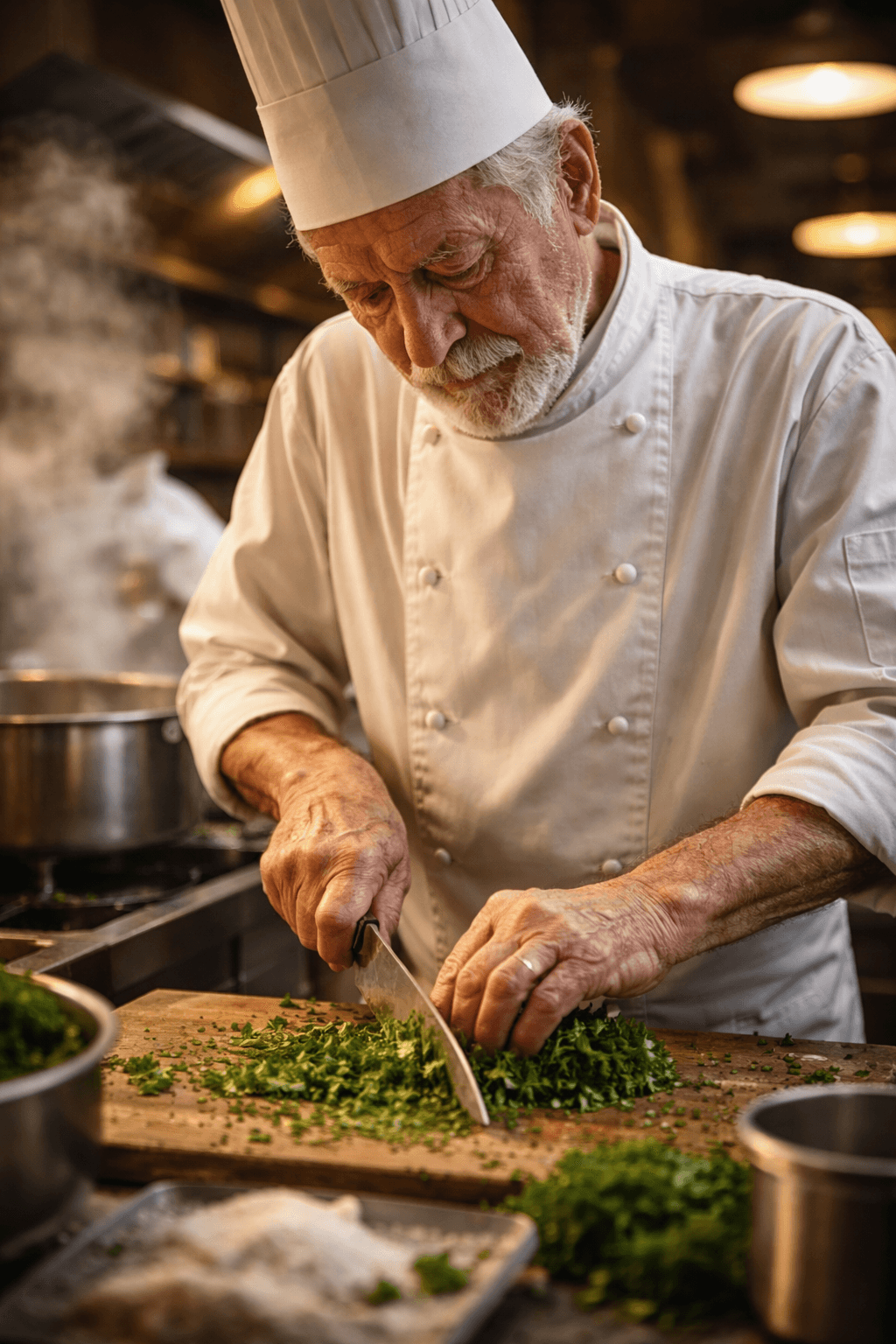
2. Photorealistic PortraitPrompt:
"Photorealistic portrait of an elderly chef in a bustling kitchen. Weathered hands chopping herbs, steam rising from pots. 50mm lens, warm overhead lighting, subtle skin textures and flour dust. No filters, honest and lived-in feel."Why It Works: Photography cues ensure natural realism.
3. Logo Design VariationsPrompt:
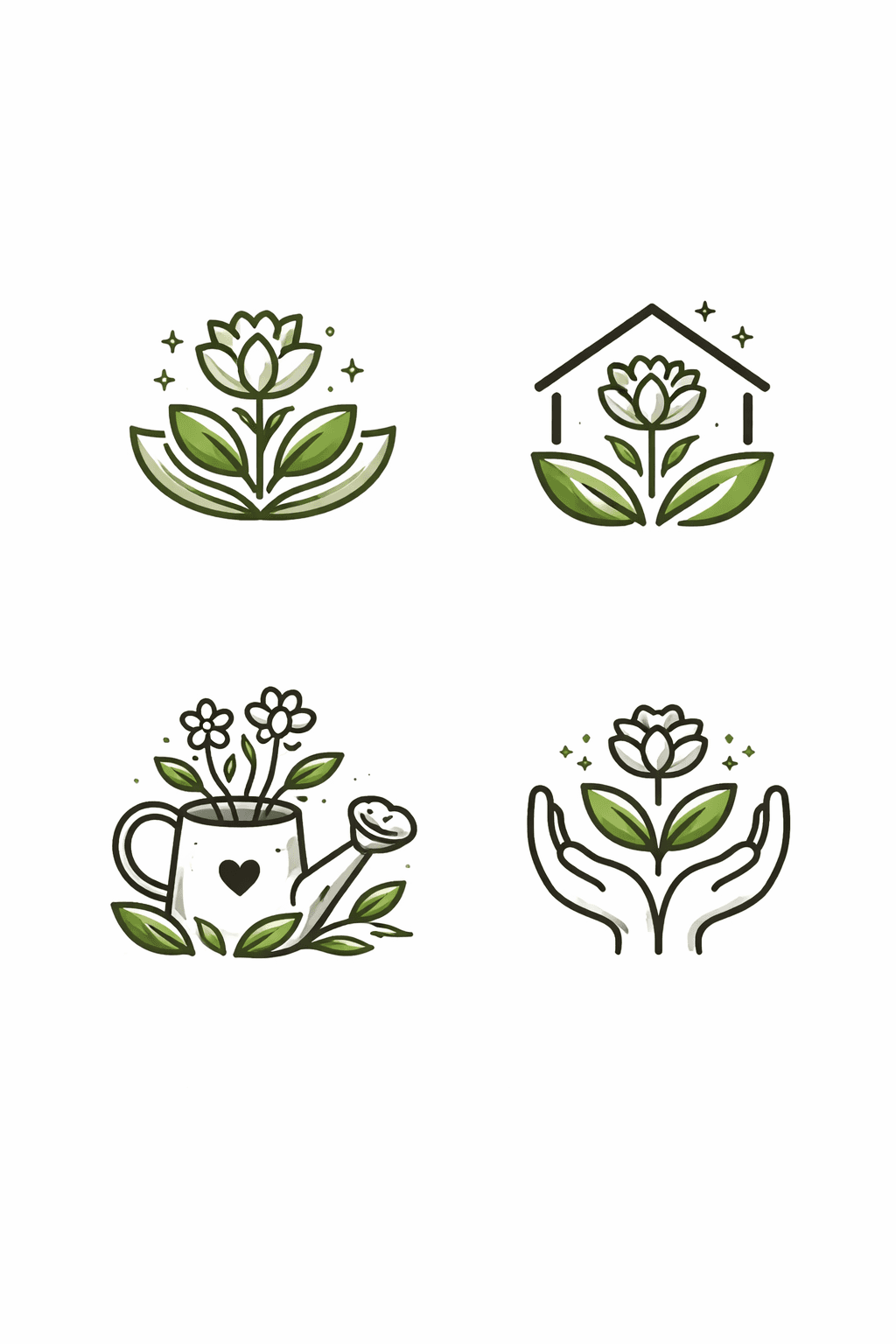
"Generate 4 original logos for 'EcoBloom Gardens'—a sustainable nursery. Simple, vector-style icons with leaves and flowers. Earthy greens, scalable black-and-white base. Centered on white background, no text."
4. Comic Strip StorytellingPrompt:
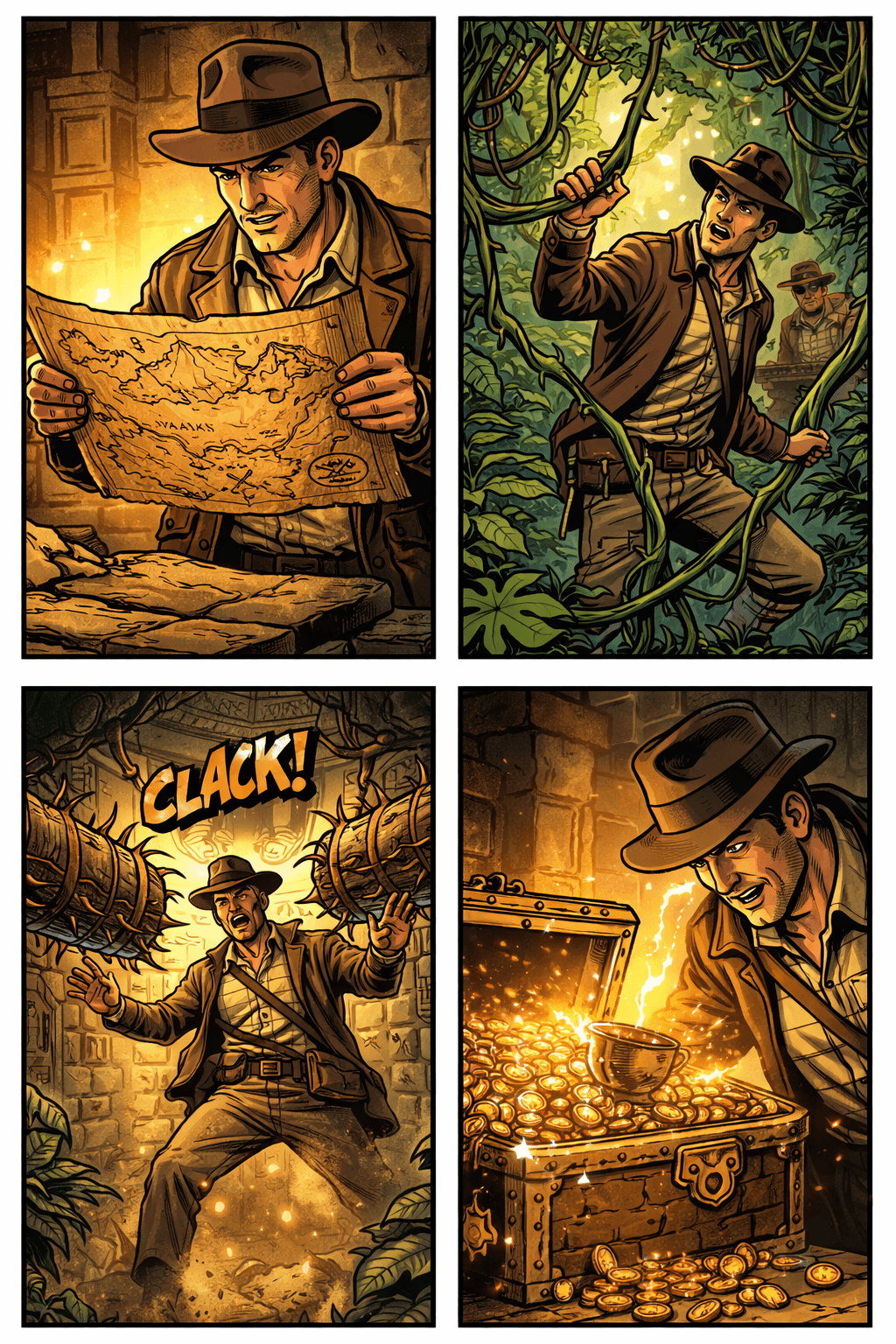
"4-panel vertical comic: Panel 1: Hero discovers ancient map. Panel 2: Jungle trek with vines. Panel 3: Trap springs! Panel 4: Treasure revealed. Bold lines, adventurous style like Indiana Jones."Output: A shareable social reel.
5. UI Mockup for AppsPrompt:
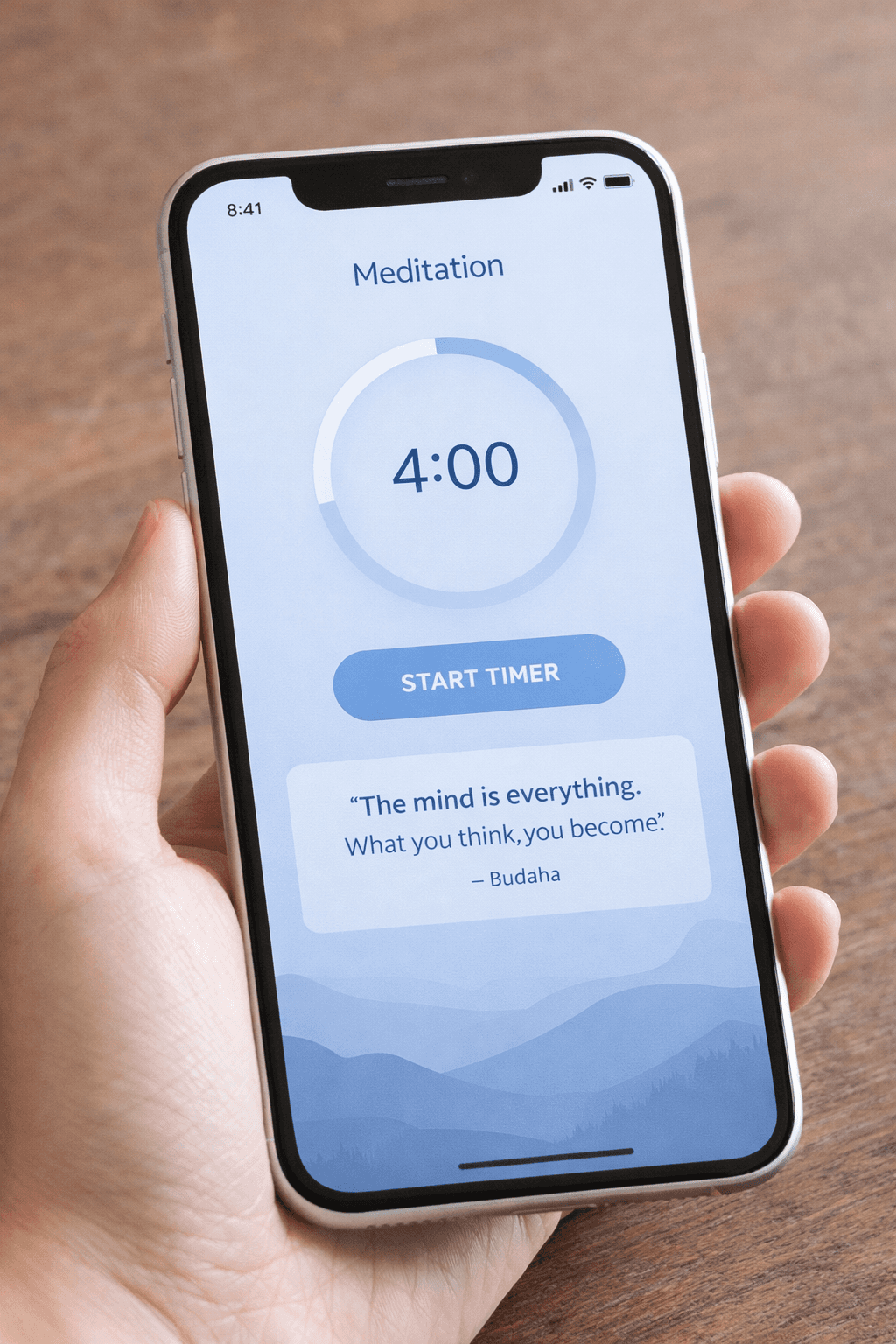
"Realistic iPhone mockup of a meditation app home screen. Minimalist design: Timer button, daily quote, progress circle. Soft blues, sans-serif fonts, in a hand-held frame on a wooden table."
Pro Insight: Describe as "already built" for authentic interfaces.
Common Pitfalls and How to Avoid ThemEven with GPT-Image-1.5's smarts, hiccups happen:
Drift in Iterations: Restart chats for fresh starts or re-specify invariants.
Text Errors: Double-check spellings; use high quality for dense labels.
Overly Complex Scenes: Limit to 3-5 elements per prompt—iterate the rest.
Rate Limits: Free tiers queue; upgrade for speed.
Conclusion: Elevate Your Creativity with ChatGPT Image 1.5. Mastering prompting for ChatGPT Image 1.5 opens doors to endless possibilities from marketing visuals to personal art. Start simple, iterate boldly, and experiment with these techniques to see your ideas come alive.









