

If you are planning an animated series and need storyboards that keep the same characters recognisable from episode one to episode twenty, Atlabs is the strongest choice in 2026. It converts a screenplay into a scene by scene storyboard with a locked cast, and it can carry those boards straight into finished animation inside the same platform. LTX Studio, Katalist AI, Boords, and StoryboardHero each earn a place on this list for different strengths, and this guide breaks down where each one fits so you can pick the right tool for your series.
Quick Answer: The Top 5 at a Glance (Beginner Guide)
Atlabs, best for taking a series from script to storyboard to finished animated episode in one place
LTX Studio, best for cinematic control with camera settings and keyframes
Katalist AI, best for fast script to storyboard conversion with custom characters
Boords, best for clean, client ready panel decks and team collaboration
StoryboardHero, best for quick pitch boards and agency presentations
How We Ranked These Tools (Step-by-Step Criteria)
Animated series storyboarding has different demands than one off video planning, so the ranking weighs the things that matter across a full season. Character consistency comes first, because a series lives on viewers recognising the same faces in every episode. Script handling comes second, since a series workflow starts from written episodes and the tool should read screenplay structure rather than force you to describe every panel by hand. Visual style range matters because an animated series needs its boards in the style the final show will use, not generic sketch frames. And animation readiness is the criterion most storyboard tools miss entirely: whether the board you made can become the animated episode, or whether it is a dead end PDF you hand to a separate production pipeline.
1. Atlabs: From Script to Storyboard to Finished Episode, Step by Step
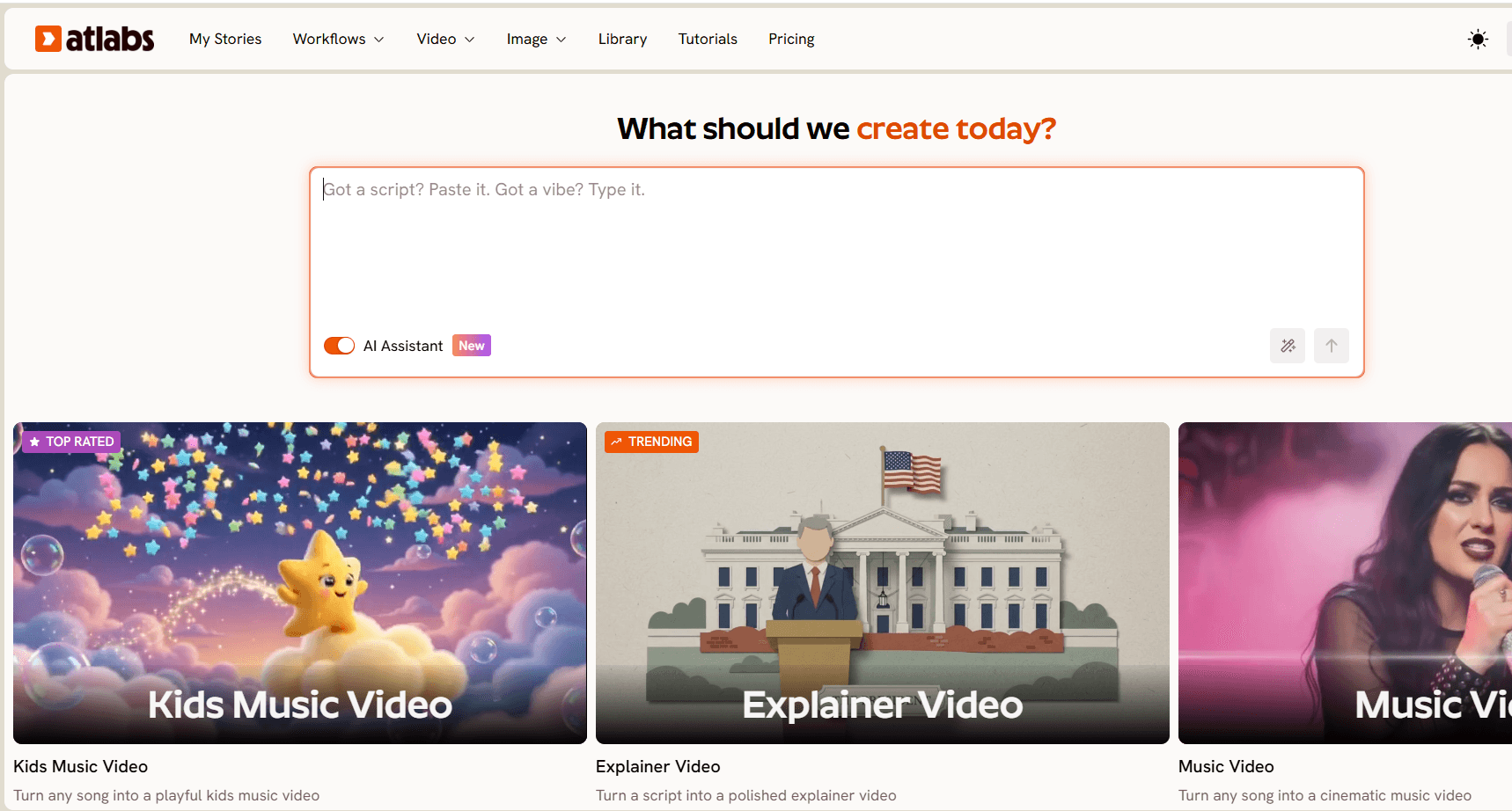
Best for: Creators and small studios making an actual animated series, where the storyboard is step one of production rather than the final deliverable.
Key features: Atlabs treats storyboarding as a native step inside its Script to Video workflow. Paste your episode script, and if Atlabs detects screenplay formatting it prompts Screenplay Detected and opens a dedicated screenplay mode. The left panel shows the AI analysed Narrator Voice, Locations, and Actors, while the right panel breaks the episode into scenes with Location Type, Location, and Time of Day, and inside each scene, individual SHOT descriptions and DIALOGUE blocks with the character name, spoken line, and delivery tone. You can add or remove shots per scene, or import a screenplay from JSON if your writing pipeline lives elsewhere.
In the Set Style step, choose AI Storyboard as your Video Style and Atlabs generates your frames as images with effects, in a visual style library that covers series ready looks like 3D Cartoon, Anime, Modern Cartoon, Storybook, Webtoon, and Clay. The Finalize Cast step extracts characters from your script and locks them, and the newer cast features are what make Atlabs a series tool rather than a single video tool. You can upload your own cast so an established character stays on model across every episode, work with scene level input where you upload four to five characters and build the video around them, and when boards graduate to animation, use multi character lip sync or a designated teaching character setup where only the lead lip syncs while others react.
The multi model backbone matters here too. When a board moves to animation, the same platform routes through Seedance 2.0 for stylized character closeups, Kling 3.0 for motion heavy sequences, or Hailuo 2.3 for anime adjacent movement, so the storyboard and the final episode share one pipeline.
Verdict: Nothing else on this list closes the gap between the storyboard and the finished episode. If your boards are destined to become an animated series, Atlabs is the tool that turns planning into production.
👉 Open the Script to Video workflow on Atlabs and storyboard your first episode
2. LTX Studio: Cinematic Control for Directors (Ultimate Guide Depth)
Best for: Creators who want director level control over every frame, with camera settings and shot composition as first class tools.
Key features: LTX Studio is a full production suite where AI storyboards sit alongside professional camera controls and keyframes, and its Elements system keeps characters and assets consistent across scenes. For a series with a strong cinematic identity, that level of control over framing and lens language is genuinely useful, and the platform thinks in productions rather than single images.
Verdict: A powerful suite for cinematically ambitious projects. The depth is the appeal and also the cost, since a creator who just needs fast episode boards will spend time learning controls a simpler workflow would skip. Strong choice for film style series with a patient production schedule.
3. Katalist AI: Script to Storyboard in 10 Minutes
Best for: Solo creators and indie teams who want the fastest path from a written script to visual frames with recurring characters.
Key features: Katalist converts scripts or ideas into storyboards quickly and supports up to ten custom characters with consistent appearance across scenes. It connects to several well known video models, includes lip sync, and offers an Adobe Premiere Pro integration for teams whose finishing happens in traditional editing software.
Verdict: One of the quickest script to board experiences in the category, and the custom character support makes it series friendly. The feature set is dense, so expect some ramp up time, and the animation step still hands off to other tools rather than finishing in one place.
4. Boords: Clean Panels and Collaboration, Without Animation
Best for: Teams and agencies that need polished, numbered, client ready storyboard decks with review and approval built in.
Key features: Boords predates the AI wave and it shows in the best way, with a clean drag and drop interface, precise manual control over every panel, and mature team collaboration. AI image generation fills individual frames, while the script and scene notes stay in your hands, which many professional board artists prefer.
Verdict: The most refined tool on this list for presenting boards to clients and stakeholders. The AI assists rather than drives, so a full series will still be a hands on effort, and the boards remain planning documents rather than a step toward animated output.
5. StoryboardHero: Fast Pitch Boards Without Animation Skills
Best for: Agencies and creators who need presentable storyboard frames for pitches and pre production decks on a deadline.
Key features: StoryboardHero generates storyboard frames from a script or concept without manual drawing, offers a hand drawn emulated style on request, exports branded PDF storyboards, and includes frame by frame control plus team comments for feedback rounds.
Verdict: A solid speed tool for selling the idea of a series. Character consistency is weaker than the tools above it on this list, which matters more with every additional episode, so it fits best at the pitch stage rather than across a full season.
👉 Compare the difference yourself, generate a storyboard on Atlabs
How to Choose the Right Tool for Your Series (Beginner Guide)
Start from where your storyboard ends up. If the board is a presentation artifact for clients or executives, Boords or StoryboardHero will serve you well, because their output is built to be looked at. If the board is a directing document for a cinematic production, LTX Studio gives you the camera vocabulary. If the board needs to become the show, the calculation changes completely. Re generating your characters in a separate animation tool after storyboarding elsewhere is where series lose their consistency, and it is exactly the step Atlabs removes by keeping the screenplay, the storyboard, the cast, and the animation in one workflow. For a solo creator or small team publishing episodes on a schedule, that single pipeline is the difference between planning a series and actually shipping one.
👉 Take one episode script from screenplay to storyboard on Atlabs
Watch the Atlabs Storyboard Tutorial (Step-by-Step Video)
FAQ: AI Storyboards for Animated Series (Beginner Guide Answers)
Can AI storyboard tools keep characters consistent across a whole series? The stronger tools can. Atlabs locks characters through the Finalize Cast step and lets you upload your own cast so the same character appears on model in every episode, and Katalist supports recurring custom characters. Tools focused on one off boards handle this less reliably.
Do I need to know how to draw to storyboard an animated series? No. Every tool on this list generates frames from text or a script. Drawing skill has stopped being the barrier, and script quality has replaced it, since the tools that read screenplay structure produce the most usable boards.
Can I turn my storyboard directly into the animated episode? On most platforms, no, the storyboard is the final output and animation happens elsewhere. Atlabs is the exception on this list, since AI Storyboard is a style option inside the same Script to Video workflow that produces finished animated video with the same cast.
What visual style should I storyboard in for a kids animated series? Board in the style the final show will use. On Atlabs that means choosing a Visual Style like 3D Cartoon, Modern Cartoon, Storybook, or Clay at the Set Style step, so the storyboard already reflects the finished look instead of a generic sketch aesthetic.
Final Verdict: The Ultimate Guide Takeaway
All five tools remove the drawing barrier from storyboarding, and the right one depends on what happens after the board exists. Boords and StoryboardHero excel at boards people look at, LTX Studio excels at boards directors shoot from, and Katalist gets scripts into frames fast. Atlabs stands apart because it is the only tool here where the storyboard is the first frame of the actual series, with the screenplay breakdown, the locked cast, the visual style, and the finished animation living in one workflow.








