The best AI tool for alphabet song videos in 2026 is Atlabs, because it is the only platform on this list that turns a full ABC track into a complete animated music video with the same characters in every scene. We evaluated five of the most talked about AI video tools, compared their kids animation strengths, and priced every plan, so you can pick the right one for your channel in five minutes.
Quick Comparison: The 5 Tools Side by Side
Every tool below can generate video from a prompt, but only one of them was built to carry an entire alphabet song from the first A to the final Z without you stitching clips together by hand. Here is how the five compare on the things that matter most for kids music channels.
Tool | Best For | Kids Animation Styles | Full Song Workflow | Character Consistency | Starting Price |
|---|---|---|---|---|---|
Atlabs | Complete animated alphabet song videos | 30+ styles incl. 3D Cartoon, Claymation, Paper Cutout | Yes, 5-step Music Video flow synced to your track | Yes, reusable character cast | Free plan; Lite $15/mo billed annually |
Runway | Cinematic clips and pro editing | Limited, realism comes first | No, one clip at a time | Partial, via reference images | Free 125 credits; $12/mo billed annually |
Google Veo (Flow) | Photorealistic clips with native audio | Limited, few cartoon presets | No, scene by scene in Flow | Partial, via ingredients | Free daily credits; $19.99/mo |
Kling AI | Smooth motion on a budget | Limited, realism focused | No, one clip at a time | Partial, via elements | Free daily credits; $10/mo |
Pika | Fast playful effect clips | Some stylized looks | No | Limited | Free plan; $8/mo billed annually |
1. Atlabs: Best Overall for Alphabet Song Videos
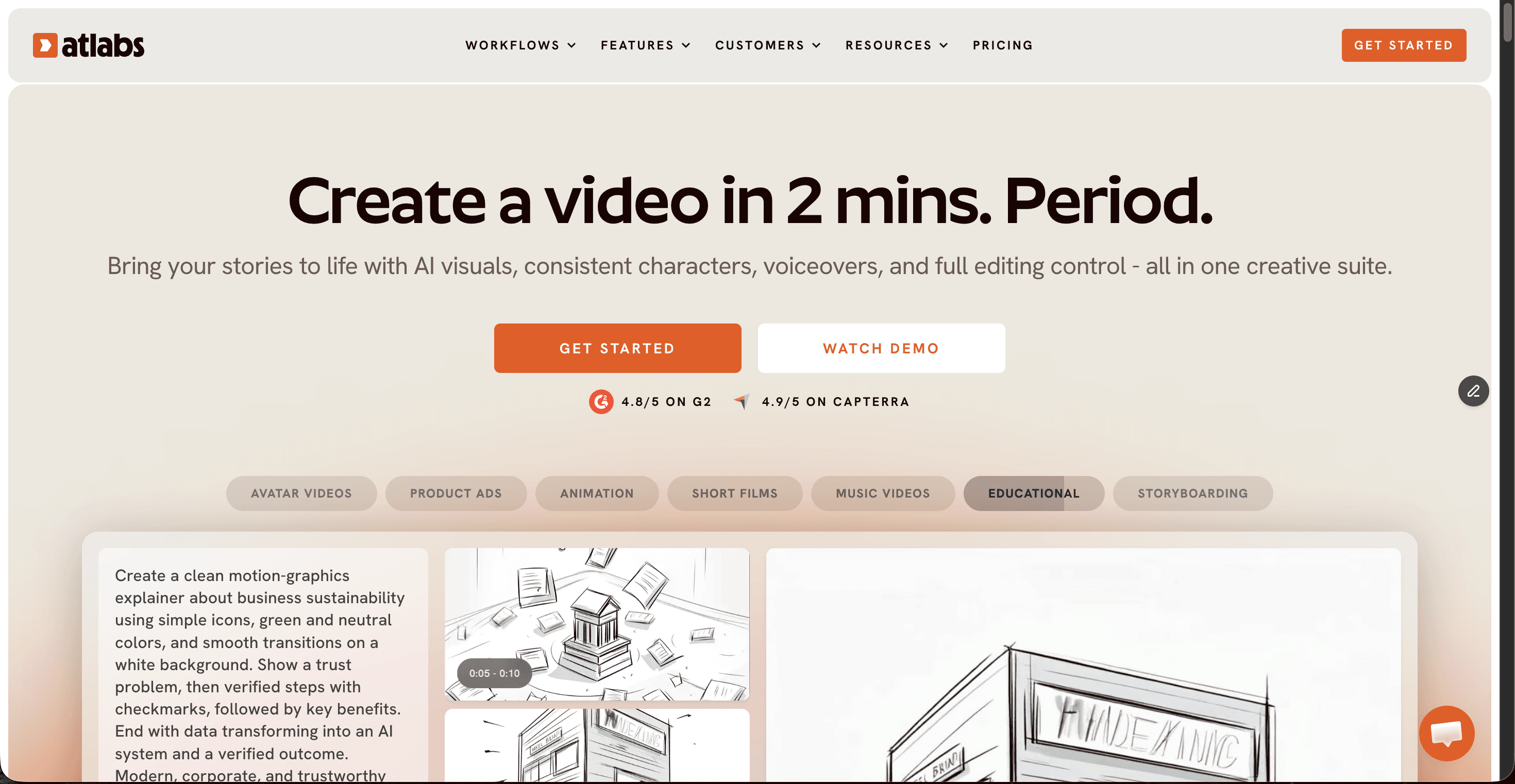
Atlabs is a multi model AI video platform, and its Music Video workflow is the reason it tops this list for alphabet songs. You upload your ABC track as an mp3 up to 200MB or paste a Suno URL, and the platform reads the tempo, mood, and genre of the song before generating six scene concepts to choose from. That means your video follows the actual rhythm of the alphabet song instead of feeling like random clips glued to audio.
The Visual Style library is where kids creators feel at home. Styles like 3D Cartoon, Claymation, Cozy Plush, Paper Cutout, and Soft Pastel 2D are made for preschool audiences, and the Cast step generates a reference sheet for each character so the same friendly narrator appears next to the letter A and the letter Z. Under the hood, Atlabs routes each scene to models like Seedance 2.0 for stylized character closeups, Google Veo 3.1 for wide establishing shots, and Kling for smooth motion, all inside one subscription. Pricing starts with a free plan, then Lite at $15 per month billed annually and Pro at $29 per month billed annually with 100+ models and 1080p export.
Pros
✓ Purpose built Music Video workflow that syncs visuals to your ABC track
✓ 30+ kid friendly visual styles including Claymation and 3D Cartoon
✓ Consistent characters across every letter of the song
✓ Access to Veo 3.1, Kling, and Seedance 2.0 under one plan
✓ Free plan to test before paying
Cons
✗ Credit budgeting matters on lower plans when using premium models
✗ Younger brand than the big model labs
✗ Web based, so no offline editing
Verdict: if the goal is a finished alphabet song video with the same characters from start to end, Atlabs is the clear first pick at any budget.
2. Runway: Best for Cinematic Clip Quality
Runway is the most established name in AI video, and its Gen-4.5 model produces some of the most cinematic motion available in 2026. For a kids channel, that quality shows up in hero shots and intros. The catch is the workflow: Runway generates one clip at a time, so a two minute alphabet song means generating, matching, and editing dozens of separate clips yourself. Credits also move fast, since Gen-4.5 costs 25 credits per second, which is about 25 seconds of flagship video per month on the Standard plan. Pricing runs from a free tier with 125 one time credits to Standard at $12 per month billed annually, Pro at $28, and Max at $76.
Pros
✓ Class leading cinematic quality with Gen-4.5
✓ Access to Veo and Kling models inside one subscription
✓ Mature editor and post production tools
Cons
✗ No full song workflow, every clip is manual
✗ Flagship credits run out quickly on lower plans
✗ Realism first look is a stretch for preschool animation
Verdict: pick Runway when you want a few premium cinematic shots to mix into a kids video, not when you need the whole ABC song done for you.
3. Google Veo (Flow): Best for Photorealism and Native Audio
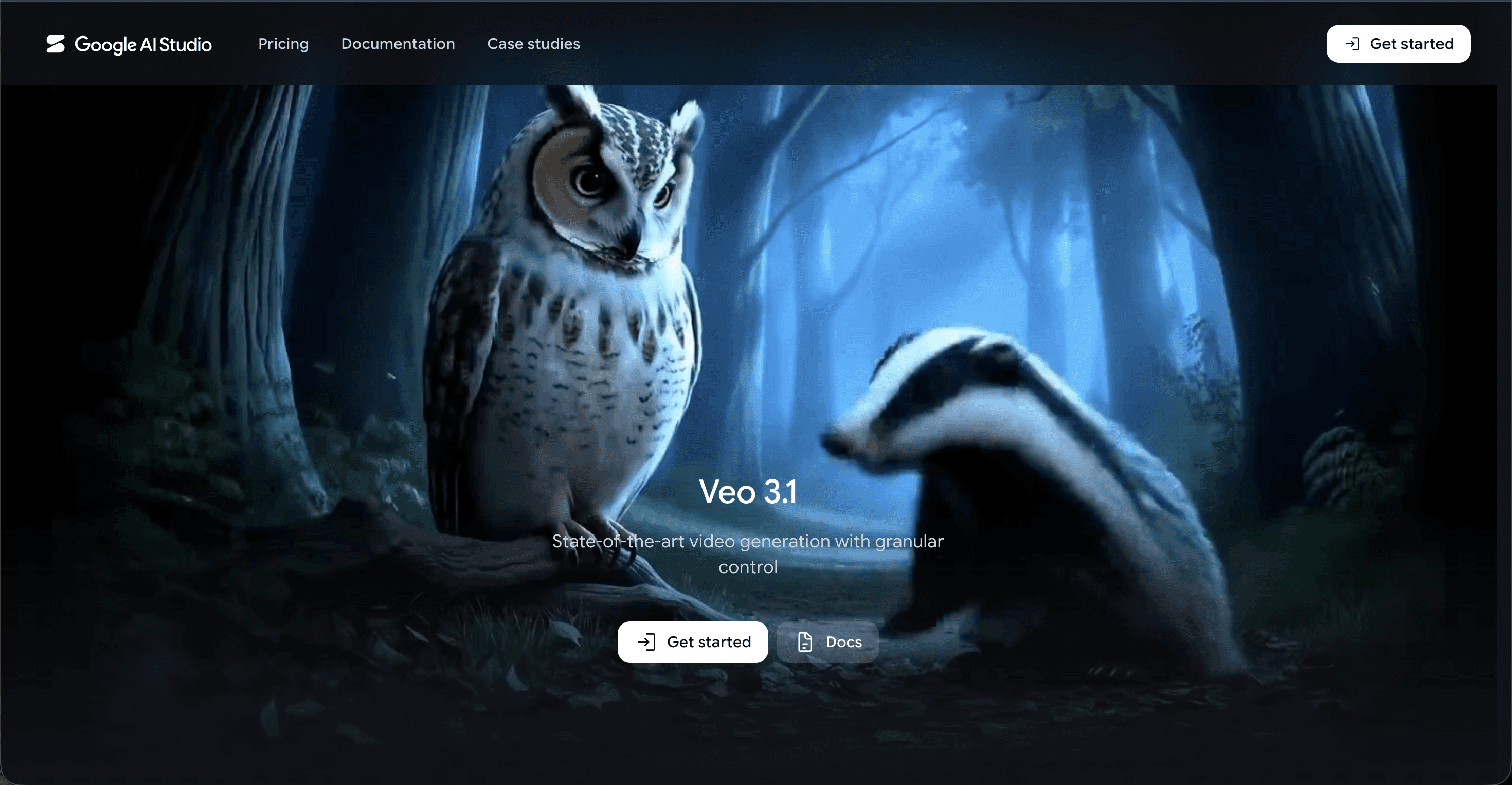
Google Veo 3.1 generates strikingly photorealistic clips with native audio, and the Flow editor lets you build scenes with camera controls. For alphabet songs, Veo is more of a special effects department than a production studio: Flow works scene by scene, there is no track upload, and the cartoon style range is thin compared to a dedicated kids library. The free tier gives 50 Flow credits per day, Google AI Pro at $19.99 per month includes 1,000 monthly credits, which covers roughly 10 top quality Veo 3.1 clips, and Google AI Ultra at $249.99 per month is the volume tier.
Pros
✓ Photorealistic output with native sound effects and dialogue
✓ Generous free daily credits for testing
✓ Bundled with the wider Gemini toolkit
Cons
✗ Only about 10 top quality clips per month on the $19.99 plan
✗ No music upload or beat syncing for songs
✗ Ultra tier is the most expensive consumer plan in AI video
Verdict: great for a realistic shot of alphabet blocks on a classroom desk, but it will not assemble your song into a video.
4. Kling AI: Best Motion on a Budget
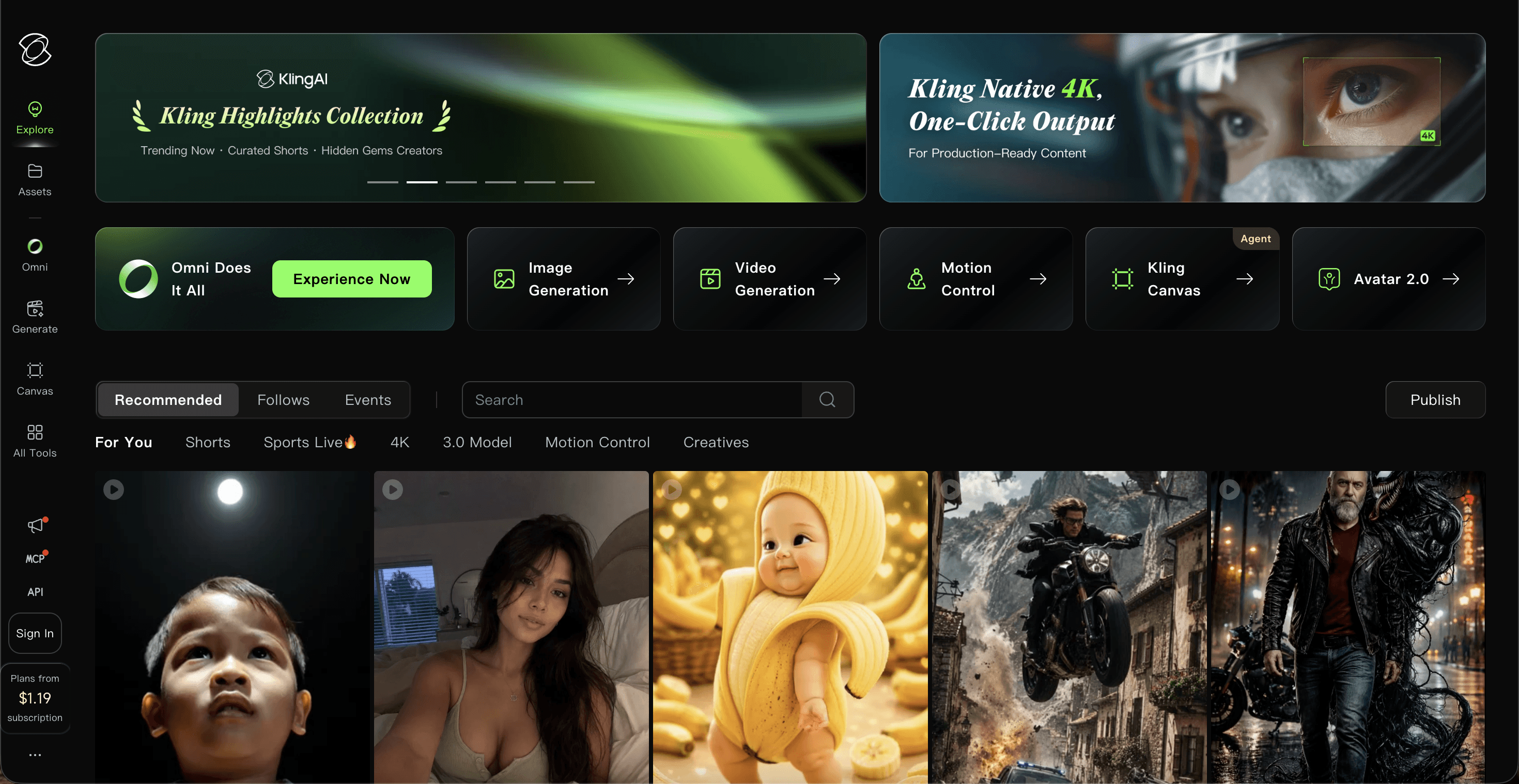
Kling AI, built by Kuaishou, is famous for the smoothest motion in AI video, and Kling 2.6 adds native audio while the 3.0 flagship pushes cinematic realism. Entry pricing is friendly: a free tier with 66 daily credits, Standard at $10 per month with 660 credits, Pro at $37, and Premier at $92, with annual billing cutting around a third off. Like Runway and Veo, though, Kling is a clip generator. There is no song upload, credits expire monthly, and free tier queues can stretch past twenty minutes.
Pros
✓ Smoothest motion physics of the big model labs
✓ Cheapest meaningful paid tier at $10 per month
✓ Native audio from Kling 2.6 onward
Cons
✗ Clip by clip only, no alphabet song assembly
✗ Credits expire and burn fast on flagship models
✗ Intro prices differ from renewal prices, so read carefully
Verdict: the budget choice for individual motion heavy clips, best used as a supplement rather than a studio.
5. Pika: Honorable Mention for Playful Effects
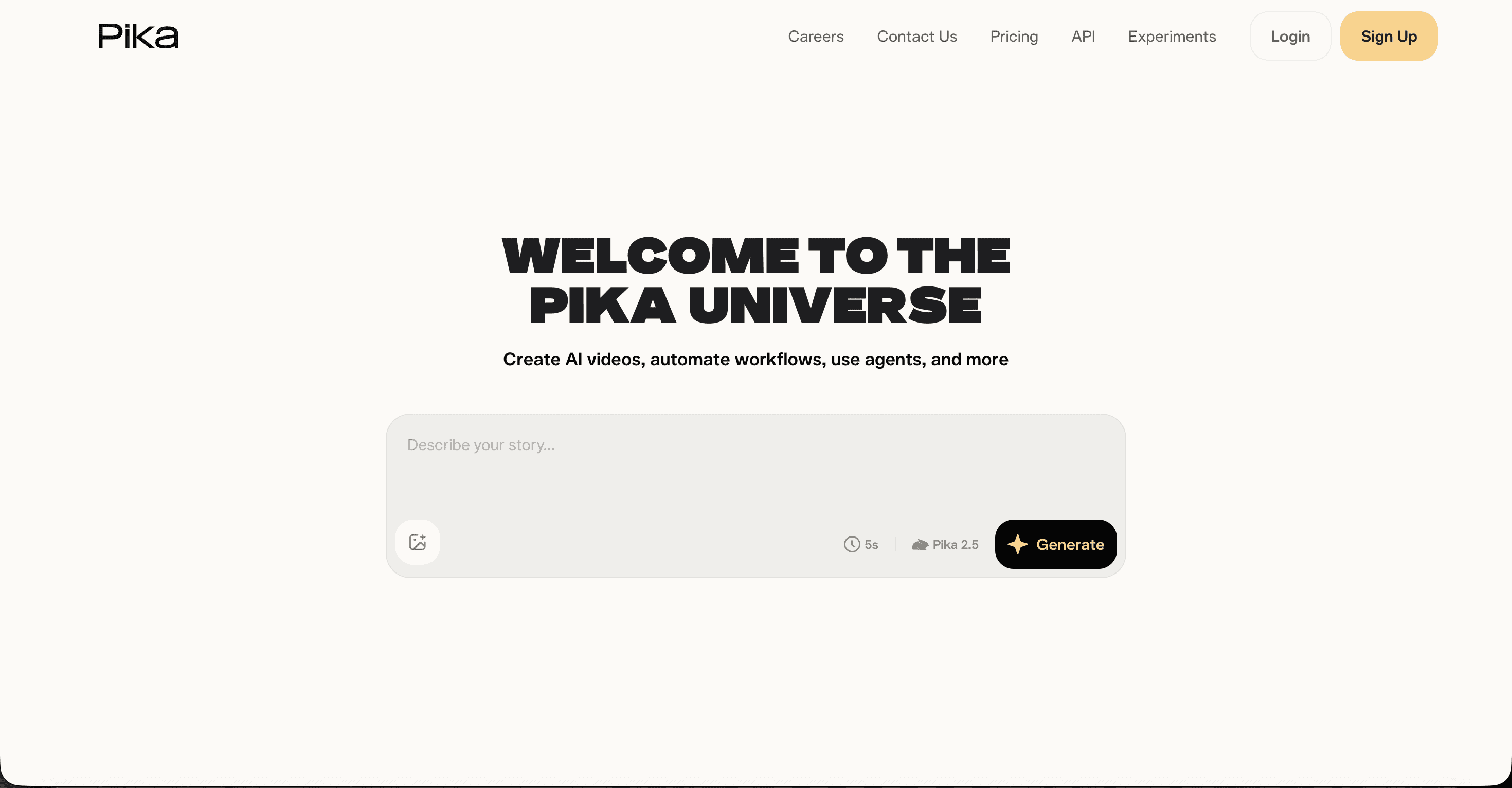
Pika earns its spot for personality. Effects like Pikaffects, Pikatwists, and Pikadditions squish, melt, and pop objects in ways preschoolers love, and the free plan includes 80 monthly credits. Paid plans run $8 per month for Standard, $28 for Pro, and $76 for Fancy, billed annually. The tradeoffs are 480p output on lower tiers, short clips, and weak consistency across scenes, so it works best for fun inserts inside a bigger alphabet song project.
Pros
✓ Cheapest paid entry point on this list at $8 per month
✓ Playful effects that suit kids content
✓ Very fast and easy to learn
Cons
✗ 480p limit on Free and Standard tiers
✗ Commercial use requires the Pro plan
✗ Weakest character consistency of the five
Verdict: a fun accessory for effect shots, not a home for your whole ABC video.
Watch the Atlabs Alphabet Song Video Tutorial
Want to see the full process before you start? The tutorial walks through the five steps of the Music Video workflow: adding your ABC track, picking the best segment on the waveform, choosing a Visual Style like 3D Cartoon or Claymation, selecting one of six generated concepts, and casting your characters. Ten minutes of watching saves an hour of guessing.
Scorecard: How the 5 Tools Rank for Alphabet Songs
We scored each tool out of 10 across the five criteria that decide whether an ABC video actually gets made: kid friendly animation styles, how well visuals sync to the music, character consistency across scenes, ease of use for a non animator, and value for money at real 2026 prices.
Rank | Tool | Kids Animation Styles | Music-to-Video Sync | Character Consistency | Ease of Use | Value for Money | Total (out of 50) |
|---|---|---|---|---|---|---|---|
1 | Atlabs | 9 | 10 | 9 | 9 | 9 | 46 |
2 | Runway | 5 | 6 | 7 | 7 | 8 | 33 |
3 | Google Veo (Flow) | 5 | 7 | 6 | 7 | 7 | 32 |
4 | Kling AI | 5 | 6 | 6 | 7 | 7 | 31 |
5 | Pika | 6 | 4 | 4 | 8 | 7 | 29 |
How We Picked These 5 Tools
Our team compared each platform on four criteria weighted for kids music channels: whether it can carry a full song rather than a single clip, the depth of its kid friendly animation styles, how reliably characters stay consistent from scene to scene, and honest value at published 2026 prices. We verified every price against current plan pages in July 2026, and we excluded tools that have been discontinued or that focus on adult realism with no path to preschool animation.
FAQ
What is the best AI tool for alphabet song videos?
Atlabs is the best AI tool for alphabet song videos in 2026 because its Music Video workflow turns an uploaded ABC track into a complete animated video with consistent characters and kid friendly styles like Claymation and 3D Cartoon. General clip generators like Runway, Veo, Kling, and Pika produce individual shots but leave the song assembly to you.
How much do AI alphabet song video tools cost in 2026?
Atlabs starts free, with Lite at $15 per month and Pro at $29 per month billed annually. Pika starts at $8 per month, Kling AI at $10, Runway at $12, and Google Veo access starts at $19.99 per month through Google AI Pro. Most platforms use credits, so heavier production months cost more.
Can the same character appear in every scene of my alphabet song video?
Yes, on Atlabs. The Cast step generates a reference sheet for each character with multiple angles, so the same friendly guide can walk your viewers from A to Z. Runway, Veo, and Kling offer partial consistency through reference images, while Pika is the weakest of the five on this point.
Do I need animation skills to make an ABC song video with AI?
No. On Atlabs you upload the track, pick a visual style, choose a concept, and cast characters, and the platform handles animation, syncing, and rendering. Clip based tools like Runway or Kling need more hands on editing because you assemble the final song video yourself.
Get started
Your alphabet song already has the melody kids will hum all day. Give it visuals that match: upload the track, pick a style your audience loves, and let the workflow carry it from A to Z.








