
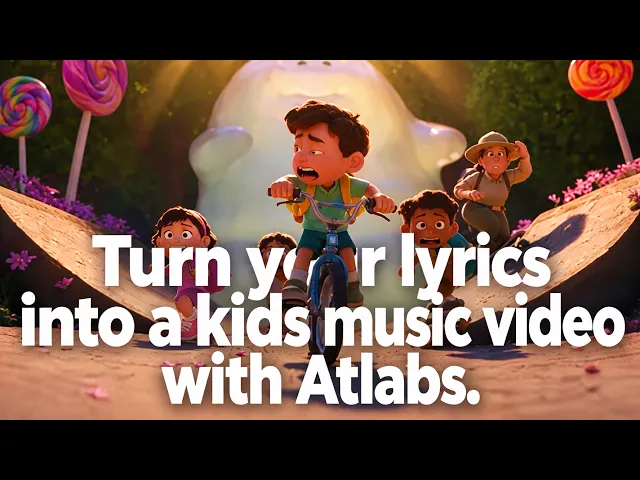
The best AI tool for color and pattern music recognition videos in 2026 is Atlabs. It is the only platform on this list that takes a colour song or pattern song as the starting point and returns a full animated video where every verse shows one clear color, the same objects reappear in the same order, and animated subtitles spell out the color words as they are sung. Kling AI, Pika, Runway and Higgsfield all generate lovely individual clips, but a recognition song lives or dies on repetition and consistency across two or three minutes, which a prompt per clip cannot promise. This guide compares five tools on learning fit, object and color consistency, full song length, ease of use and price, so a preschool channel can pick the right one and publish this week.
Top 5 Tools Ranked:
Atlabs – Best for complete color and pattern recognition videos from a song
Kling AI – Best motion quality for object focused clips
Pika – Best budget pick for playful color effects
Runway – Best control for animators building scene by scene
Higgsfield – Best for cinematic channel intros
Why Color and Pattern Videos Are Different
A colour song is a teaching tool before it is entertainment. When the lyric says "red", the screen has to show red and very little else. When the pattern song goes "circle, square, circle, square", the shapes have to appear in exactly that order, at exactly that beat, and look identical each time they return. Toddlers learn by matching a word to a repeated picture, so any drift in hue, shape or object between scenes quietly undoes the lesson. That makes three things non-negotiable: one dominant color or shape per scene, the same objects across the whole song, and on screen words that match the audio. Most AI video tools were built for cinematic variety, which is the opposite of what a recognition song needs. The ranking below rewards the tool that can hold still, repeat itself, and finish the video.
Comparison Table
Feature | Atlabs | Kling AI | Pika | Runway | Higgsfield |
Best For | Full color and pattern song videos from a track | Object focused clips with clean motion | Playful color effects on a budget | Scene by scene control for editors | Cinematic intros and trailers |
Song to Video Flow | Yes, upload mp3 or paste a Suno URL | No, one prompt per clip | No, one prompt per clip | No, one prompt per clip | No, one prompt per clip |
Same Objects Across the Whole Song | Yes, characters and objects cast once and reused | Good within a clip | Limited | Partial, reference images | Partial, reference images |
One Color or Shape Per Scene | Yes, set per concept and per scene | Prompt dependent | Prompt dependent | Prompt dependent | Prompt dependent |
Sing-Along Subtitles | Built in, animated, 40+ languages | Not built in | Not built in | Not built in | Not built in |
Kid Friendly Visual Styles | 30+ built in (3D Cartoon, Soft Pastel 2D, Paper Cutout, Claymation) | Prompt dependent | Prompt dependent | Prompt dependent | Prompt dependent |
Starting Price | Free, then from $19 per month | Free daily credits, then low cost entry tier | Free, then $8 per month billed yearly | Free credits, then low cost entry tier | Free, then $15 per month billed yearly |
Prices are 2026 list rates and change often. Check each provider before subscribing.
1. Atlabs – Best for Complete Color and Pattern Recognition Videos
Best For: Preschool YouTube channels, early learning teachers and parents who have a colour or pattern song and need a finished animated video that repeats the right picture at the right word, without hiring an animator.
Atlabs is an agent led AI video studio, and its Kids Music Video workflow is built for exactly this job. The song comes first, the video is generated around it, and the two things a recognition video cannot do without, consistent objects and matching captions, are handled by the workflow rather than by the creator.
Key Features
Song In, Full Video Out
Upload the colour song as an mp3 or paste a Suno URL, and Atlabs reads the tempo, mood and structure from the audio, then generates scenes that land on the beat. Because the whole song is one project, the red ball in verse one is the same red ball in verse five.
Objects and Characters That Repeat Exactly
Cast a character once and it keeps the same face, outfit and proportions in every scene and every episode. The Objects layer does the same for the things a recognition song is actually about: the yellow duck, the blue square, the green triangle. For a pattern song that alternates two shapes, this is the difference between a lesson and a guessing game.
Sing-Along Subtitles in the Right Language
Auto animated subtitles follow the sung lyric, so the word "purple" appears on screen as purple is sung. One click translation into 40+ languages means the same video can teach color names in Hindi, Spanish or Tagalog with captions in the right script.
How to make a color and pattern recognition video on Atlabs:
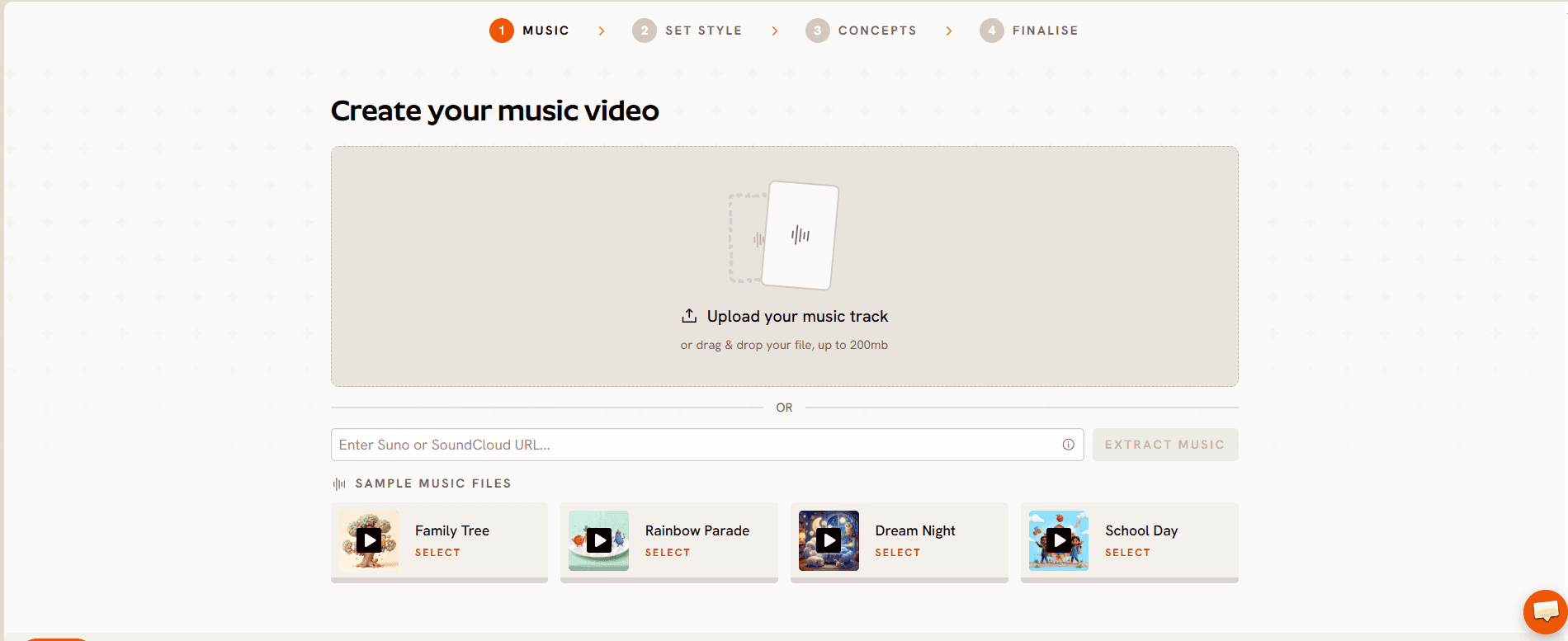
Step 1: Music. Upload the song as an mp3 (up to 200MB) or paste a Suno URL and click EXTRACT MUSIC. Atlabs reads the tempo and mood from the audio, which matters for pattern songs where each shape has to change on the beat.
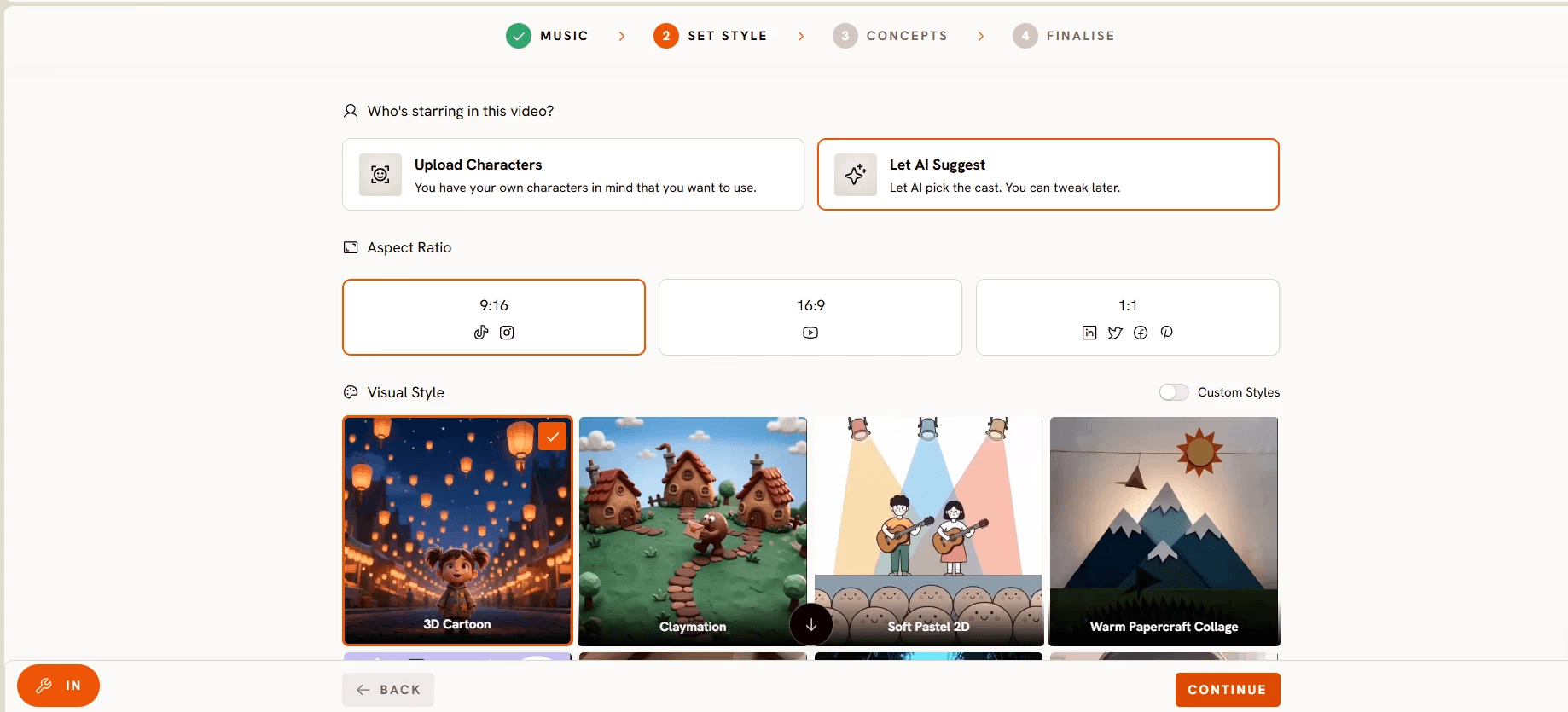
Step 2: Set Style. Pick 16:9 for YouTube or 9:16 for Shorts, choose AI Video or AI Storyboard, and select a Visual Style. Soft Pastel 2D and Paper Cutout keep backgrounds calm so the target color stands out.
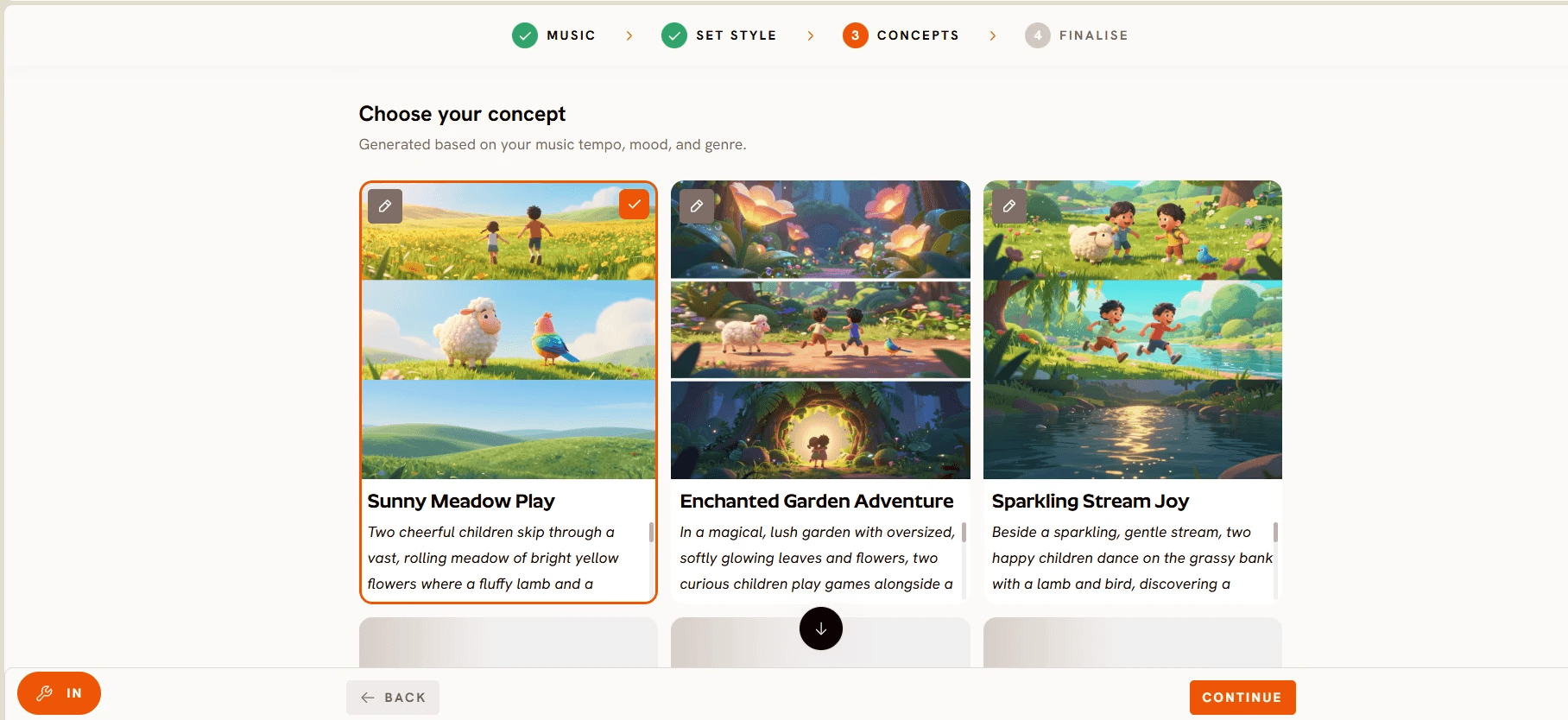
Step 3: Concepts. Atlabs generates six scene concepts matched to the song. Click the pencil to lock a rule such as "one color per verse, single object centered on a plain background", or click DESCRIBE YOUR CONCEPT to write the pattern sequence out shape by shape.
Step 4: Finalise. Review the track, style and concept, confirm the characters and objects or upload your own channel mascot, and generate. Atlabs cuts on the beat, adds motion graphics and subtitles, and any single scene can be regenerated afterwards without touching the rest.
Visual Style: Paper Cutout. Video Type: Narrative. Concept: A friendly paper owl named Pip holds up one object per verse on a plain cream background. Verse one, a red apple. Verse two, a blue balloon. Verse three, a yellow banana. Chorus, all three side by side in the same order. Objects: red apple, blue balloon, yellow banana, identical every time they appear.
Pricing
Pricing starts free, with paid plans from $19 per month. Atlabs holds a Trustpilot rating of 4.5 out of 5, and every plan includes commercial use.
Verdict: A recognition song asks a video tool to repeat itself perfectly for three minutes, and Atlabs is the only tool here that treats that as the job rather than as a limitation. Song in, consistent objects out, subtitles included.
2. Kling AI – Best Motion Quality for Object Focused Clips
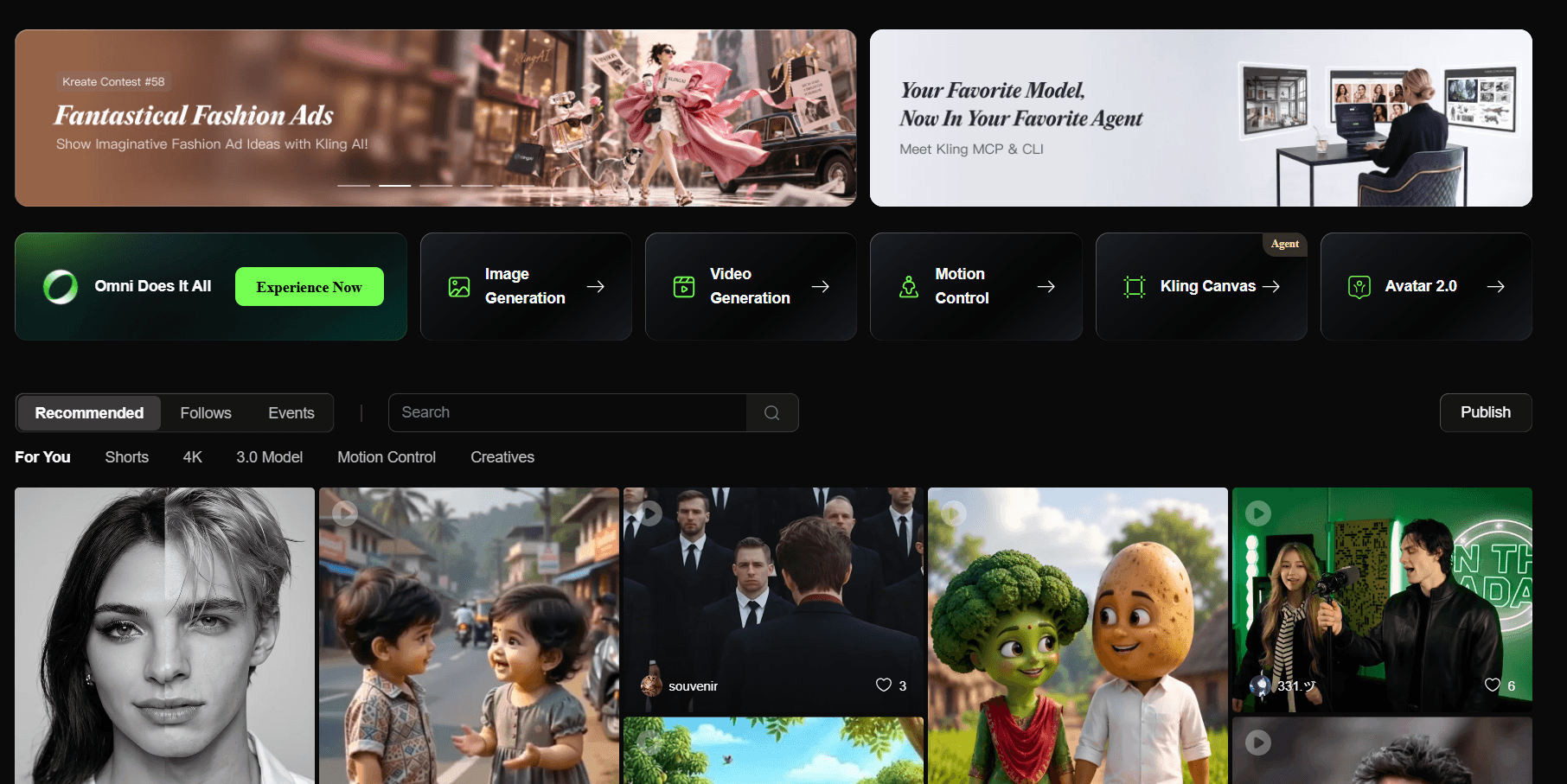
Best For: Creators who want the cleanest single clip of a bouncing red ball or a spinning blue square, and are happy to assemble the song in an editor.
Key Features
Physics and Object Motion
Kling, built by Kuaishou, handles the movement of simple objects convincingly. A ball that bounces on the beat or a block that stacks neatly looks right, which matters for shape songs.
Longer Takes and Native Audio
Kling 3.0 added longer single takes and native audio on newer models, with 4K output at a higher credit rate, so a single verse can sometimes run as one clip.
Daily Free Credits
Free credits refresh daily, making Kling the easiest tool here to test before paying.
Pricing
Free daily credits, then low cost entry tiers, with Pro and Premier plans priced by credit volume. Unused credits expire monthly.
Verdict: Kling makes beautiful objects move, but every verse is a separate prompt and the red ball in clip six may not match the one in clip one. The assembly, captions and consistency stay on the creator's desk.
3. Pika – Best Budget Pick for Playful Color Effects
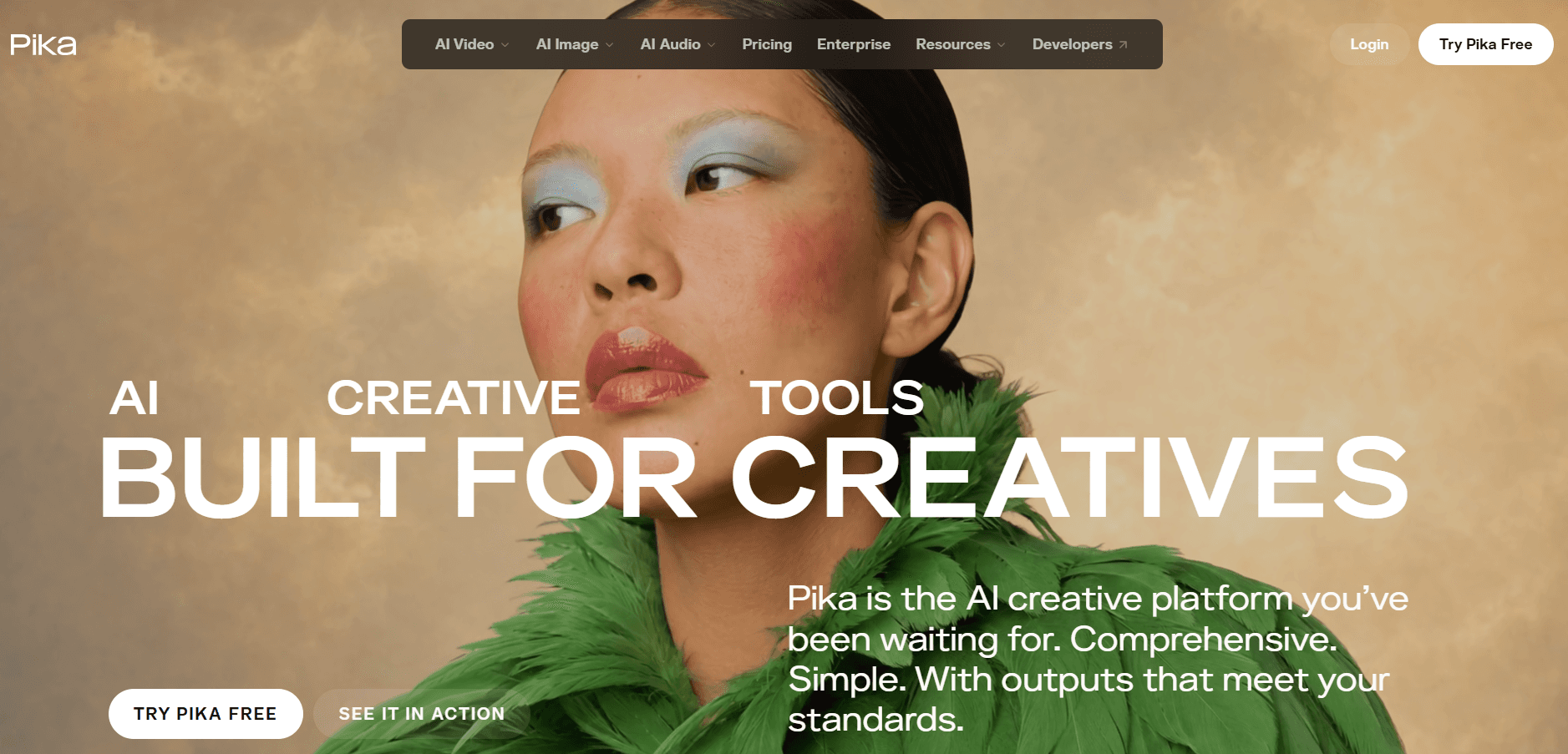
Best For: Preschool channels making Shorts and Reels where a color pops, melts or inflates, on the smallest budget on this list.
Key Features
Pikaffects
Melt, inflate, squish and explode effects make a color the star of a three second clip. A yellow balloon that inflates while the lyric says "yellow" is exactly the kind of Short that performs for this niche.
Image to Video
Upload a flat illustration of the exact shapes or colors from a lesson plan and Pika animates it, which helps keep hues accurate.
Fast Generation
Clips return in under ninety seconds, so a creator can test several color treatments quickly.
Pricing
Free tier with 80 credits a month at 480p with a watermark, then Standard from $8 per month billed yearly. Commercial use begins on the Pro tier.
Verdict: Pika is the cheapest way to make a single eye catching color clip, and a good companion for social teasers. It has no song flow, no object layer and no subtitles, so a full recognition video means heavy stitching.
Make Your Color Song Video with Atlabs
4. Runway – Best Control for Animators Building Scene by Scene
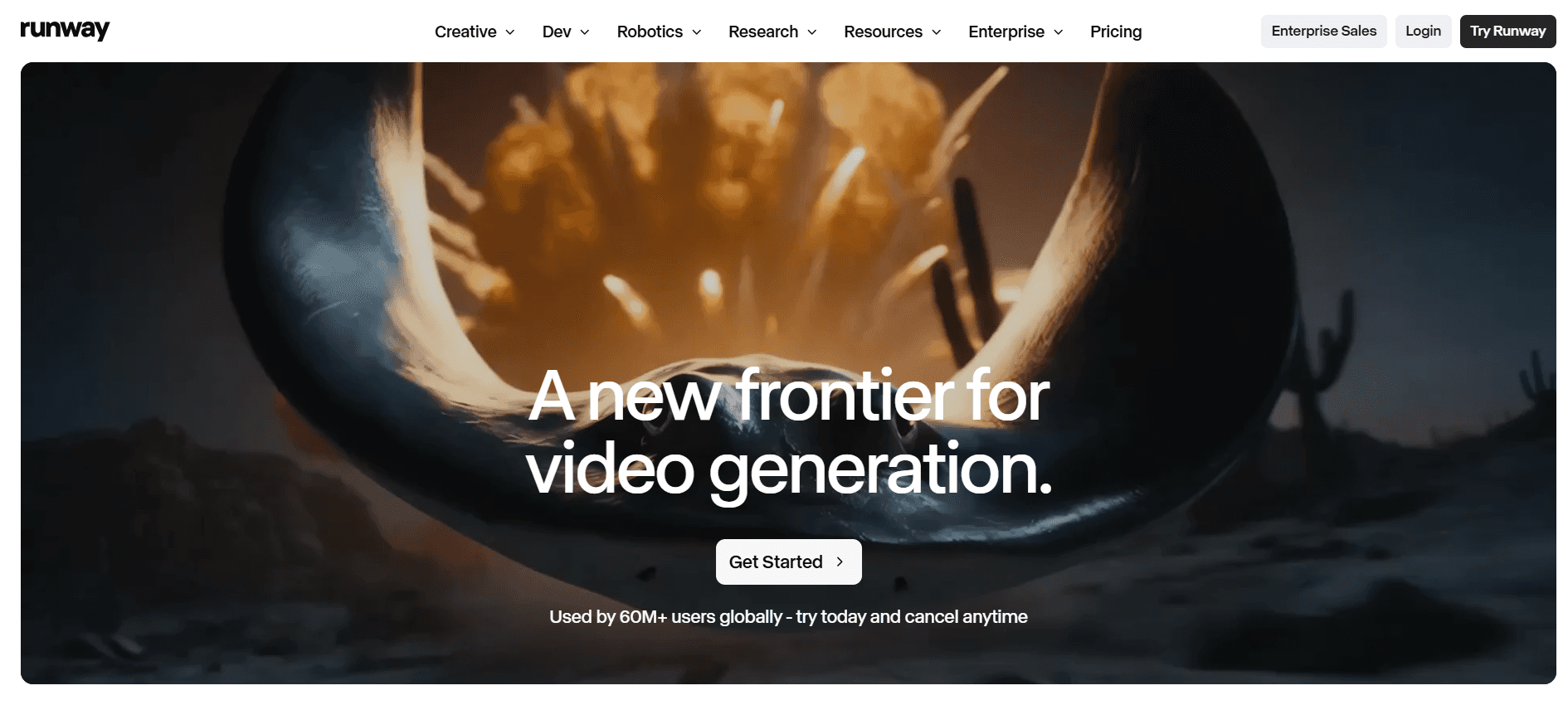
Best For: Creators with editing experience who want frame level control over each scene and already own an editing workflow.
Key Features
Gen 4.5 and Directing Tools
Motion brush and camera controls let a creator decide that only the blue square moves and nothing else does, which is ideal for isolating one color per scene.
Multi Model Access
Paid plans include third party models such as Veo 3.1, Kling 3.0 Pro and Seedance 2.0, plus a browser based editor to assemble the song.
Reference Image Consistency
Reference images steer the look of a repeated object across a handful of clips, though not reliably across a full song.
Pricing
Free trial credits, then low cost entry tiers, with higher plans priced by credit volume. Flagship model seconds cost more credits than most kids channels expect.
Verdict: Runway gives the most precise control on this list and is the right choice for a production team. For a teacher or parent, it is more tool and more credit maths than a colors song needs.
5. Higgsfield – Best for Cinematic Channel Intros
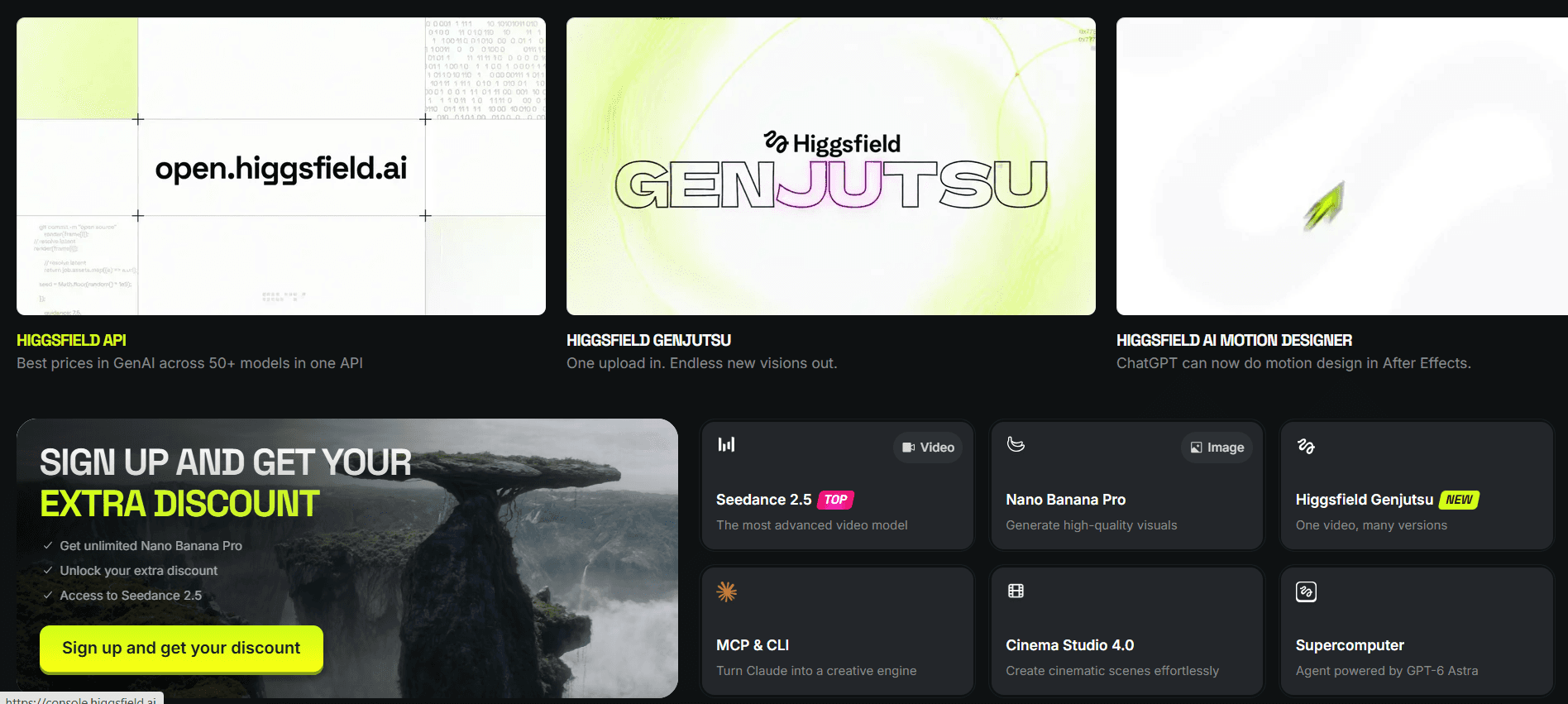
Best For: Channels that want a polished animated intro or trailer, with the recognition songs themselves made elsewhere.
Key Features
Many Models Under One Roof
Higgsfield aggregates 15+ models including Sora 2, Veo 3.1 and Kling 3.0 behind one subscription.
Camera Presets
Cinematic motion presets look striking on a channel intro or a season trailer.
Reference Based Consistency
References help hold a mascot's look across a short sequence.
Pricing
Free tier to test, then Starter from $15 per month billed yearly, with credit costs varying by model.
Verdict: Higgsfield is worth a look for a channel's opening ten seconds. For the songs themselves it remains a clip platform with no song flow and no subtitles, and per model credit costs make budgeting hard.
Try the Atlabs Kids Music Video Workflow
How We Picked These 5 AI Tools
Our team scored each platform on the five things that decide whether a color or pattern song actually teaches. Learning fit, meaning whether the tool can show one clear color or shape per scene and repeat it on cue. Object consistency across the whole song, since a drifting hue or shape undoes the lesson. Full song length without manual stitching. Ease of use for teachers and parents with no animation background. And value once free tiers, retries and commercial rights are counted. Every platform here ranks among the most used AI video tools in 2026, so no niche apps and no recent launches were included. Prices were checked on official pricing pages in September 2026. For a wider ranking across every type of children's song, see the best AI tools for kids song videos.
Watch: Atlabs Kids Song Video Tutorial
Want to see a kids song video come together before you commit? Watch the step by step guide here, and open a project in a second tab to copy each move as it happens.
Final Verdict
Every tool here can make a red ball look wonderful for five seconds. Kling wins on motion, Pika wins on price and effects, Runway wins on control, and Higgsfield wins on cinematic intros. Atlabs wins on the thing a color and pattern recognition channel actually needs: a finished, full length video from the song you already have, with the same objects in the same order every time and subtitles that match the words being learned. Upload the song and watch the first scenes for yourself.
Start Creating with Atlabs – Free to Start
Frequently Asked Questions
What is the best AI tool for color and pattern recognition videos in 2026?
Atlabs is the best pick. Its Kids Music Video workflow turns an uploaded colors or pattern song into a complete animated video with consistent objects, one clear color per scene and sing-along subtitles, which is the combination a recognition video depends on.
Can I keep the same objects the same color across the whole song?
Yes. On Atlabs characters and objects are cast once in the Finalise step and reused in every scene, so the blue square in verse one is identical in the chorus. Clip based tools such as Kling, Pika, Runway and Higgsfield generate each scene separately, so hue and shape can drift between clips.
Do I need animation skills to make a colors song video with AI?
No. The Atlabs workflow is four guided steps, Music, Set Style, Concepts and Finalise, with no timeline editing. Clip based tools need basic editing skills to stitch scenes to the song.
Which visual style works best for early learning color videos?
Styles with flat colors and calm backgrounds work best so the target color stands out. On Atlabs, Soft Pastel 2D, Paper Cutout and Claymation are strong choices, with 3D Cartoon for channels that want a Pixar style look.
Can I make the same color video in other languages?
Yes. Atlabs adds subtitles in the sung language and offers one click translation into 40+ languages, so a colors song recorded in Hindi or Spanish gets captions in the right script for its audience.








