5 Best AI Tools for Preschool Videos in 2026
What is the best AI tool for preschool videos in 2026?
The best AI tool for preschool videos in 2026 is Atlabs. It keeps the same friendly character on screen across every scene, narrates in more than 40 languages, and turns one short idea into a finished, captioned cartoon with no animation skills involved. To choose, we evaluated five popular tools on what actually matters for little viewers: a steady cast a toddler can follow, kid safe visual styles for nursery rhymes and kids songs, clear voiceover, and a workflow a busy teacher or parent can repeat every week.
Here is the short version before the detail. Ranked by how close each tool gets you to a finished preschool video rather than a loose clip.
Atlabs, best overall for full animated stories, nursery rhymes, and kids songs from one idea
Pika, best for short, playful animated clips you drop into a longer video
Runway, best for cinematic one off shots
Invideo AI, best for stock based explainer style videos
Animaker, best for DIY drag and drop cartoons
The 5 Best AI Tools at a Glance
The table below shows how each tool handles the things preschool content depends on, and where it sits on price. Atlabs sits at the top because it is the only one of the five built to carry one cast through a whole narrated story, whether that story is a counting rhyme, a bedtime song, or an animal fact.
Tool | Best for preschool | Character consistency | Voiceover and languages | Free tier | Starting paid price |
|---|---|---|---|---|---|
Atlabs | Full animated stories, nursery rhymes and kids songs from one idea or script | Strong, same cast in every scene | Built in, 40+ languages | Yes, no card needed | $15/mo (Lite) |
Pika | Short, playful animated clips | Weak across scenes | None built in | Yes, watermarked | About $10/mo (Standard) |
Runway | Cinematic one off shots | Limited for a recurring kids cast | Add on, some models export silent | Yes, 125 one time credits | $12/mo annual (Standard) |
Invideo AI | Stock based explainer style videos | Weak, stock led | Built in voiceover | Yes, watermarked | $20/mo annual (Plus) |
Animaker | DIY drag and drop cartoons | Manual, you place every character | Built in voiceover | Yes, watermarked | About $15/mo annual (Basic) |
Pricing verified June 2026. Monthly rates shown unless annual is noted. Plans and promotions change often, so confirm current numbers on each tool's pricing page.
Scored and Ranked for Preschool Video
We scored each tool out of 10 across the five categories that decide whether a preschool video lands, then added them for a total out of 50. Ease and character consistency carry the most weight, because kids content lives or dies on a familiar face a toddler can follow and a workflow you can repeat every week.
Rank | Tool | Ease for non designers | Character consistency | Kid safe styles | Voice and languages | Value | Total /50 |
|---|---|---|---|---|---|---|---|
1 | Atlabs | 9 | 9 | 9 | 9 | 8 | 44 |
2 | Animaker | 7 | 6 | 8 | 6 | 6 | 33 |
3 | Invideo AI | 8 | 5 | 6 | 7 | 6 | 32 |
4 | Runway | 5 | 5 | 5 | 5 | 6 | 26 |
5 | Pika | 6 | 4 | 5 | 3 | 7 | 25 |
Scores reflect fit for preschool content specifically, not overall tool power. A tool can be excellent for cinematic work and still score lower here.
1. Atlabs, The Best All Round Pick for Preschool Videos
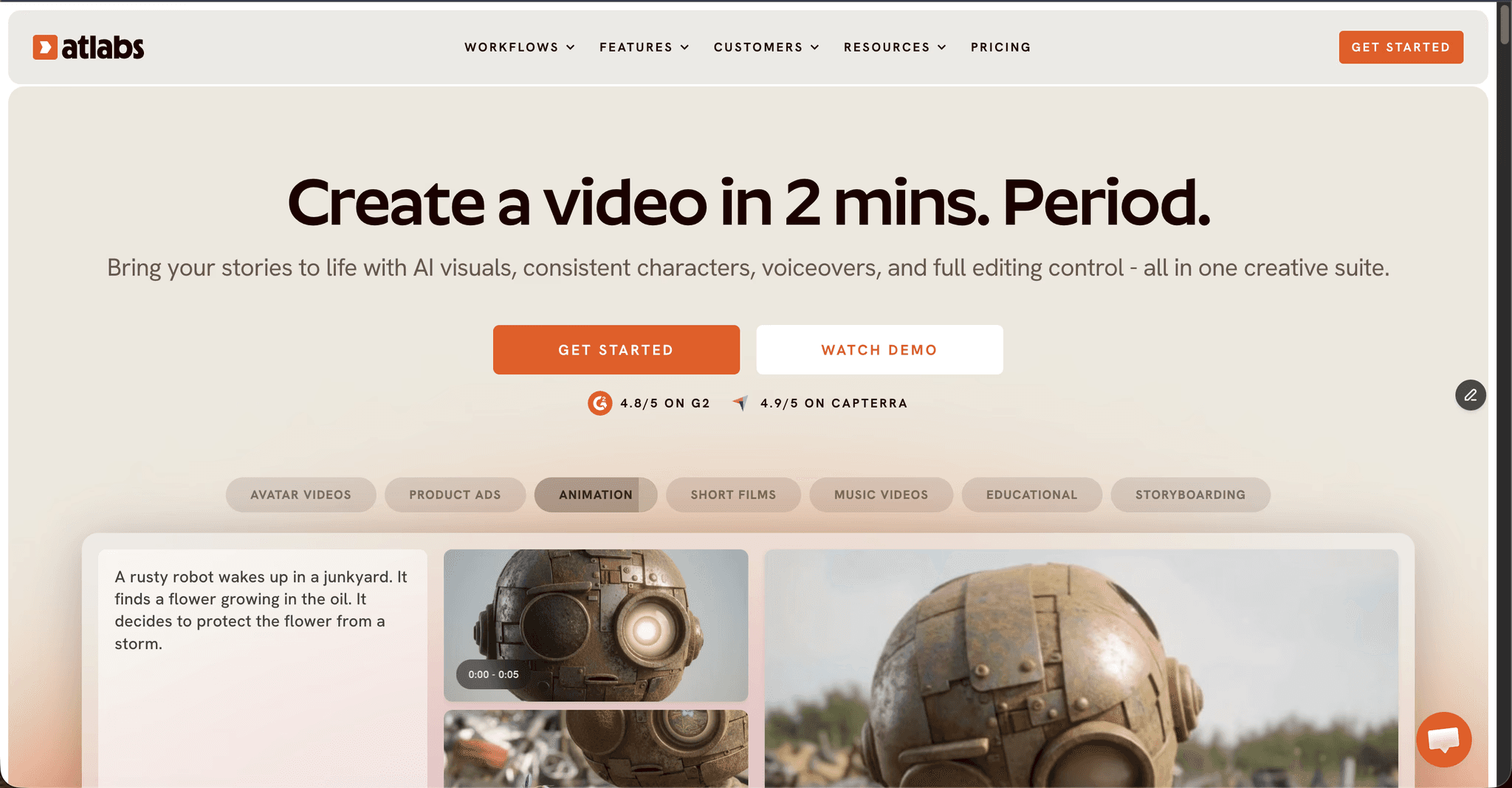
Best For: Preschool channels, teachers, and parents making nursery rhymes, kids songs, counting videos, and bedtime stories every week, where the same friendly character needs to appear scene after scene.
Key Features
Animated Video Workflow (Idea or Script Driven)
A preschool video starts from a single idea or a short script. Paste it into the Add your script tab, or open the AI Script Writer if you only have a theme like counting to ten or a bedtime rhyme. Three SUGGESTED SCRIPTS sit below the editor for anyone starting from nothing, and the Language selector sets the output language before anything generates. Everything downstream, scenes, kids illustrations, cast, and narration, is built from that script rather than assembled clip by clip.
Kid Safe Visual Style Library for Nursery Rhymes and Kids Songs
Step 2 sets Aspect Ratio (9:16 for Shorts, 16:9 for the main channel, 1:1 for square feeds) and the visual style that applies to every scene. The library covers the looks kids content actually needs, including 3D Cartoon, Cozy Plush, Soft Pastel 2D, Claymation, and Paper Cutout, so a counting rhyme, a lullaby, and an animal fact video can each get their own kids illustrations without leaving the platform. One style holds across the whole video, which is why the finished rhyme reads as one storybook rather than five separate experiments.
Character Consistency Across Every Scene
This is the feature preschool content depends on most. The Cast step generates character cards with reference sheets showing several angles of each character, so the same bear, bunny, or little explorer stays on screen from the first counting number to the last. Above it, the Narrator block sets a Country Accent and a Narrator Voice, so the rhyme arrives with a voice instead of silent. A toddler follows a story by following a face, and this is the only tool of the five that holds that face steady across a whole episode and across a series.
Narration in 40+ Languages, Captions and Reframe
Narration covers more than 40 languages, captions are automatic, and Reframe turns the same video into 9:16 for Shorts and 16:9 for the main channel without rebuilding it. For a kids channel publishing weekly, that is the difference between one upload and four. No After Effects, no Blender, no freelance animator.
Pros
Keeps one cast consistent across an entire rhyme, story, or series
Built for non designers, idea to finished video in minutes
Narration in more than 40 languages, plus automatic captions
Kid safe storybook styles like 3D Cartoon, Cozy Plush, and Soft Pastel 2D
Generous free tier with no credit card
Reframe and upscale built in for Shorts and YouTube
Cons
Credit based system needs watching on the higher end models
The depth of features can feel like a lot on day one
Pricing
Free with no card required
Lite, $15/mo
Pro, $29/mo
Plus, $59/mo
Max, $189/mo
Annual billing saves about 25 percent
Verdict: the best pick for preschool channels, teachers, and parents who want a finished nursery rhyme or kids song video from one idea, with the same friendly character every week and no animation skills required.
2. Pika, Fun Short Clips and Effects
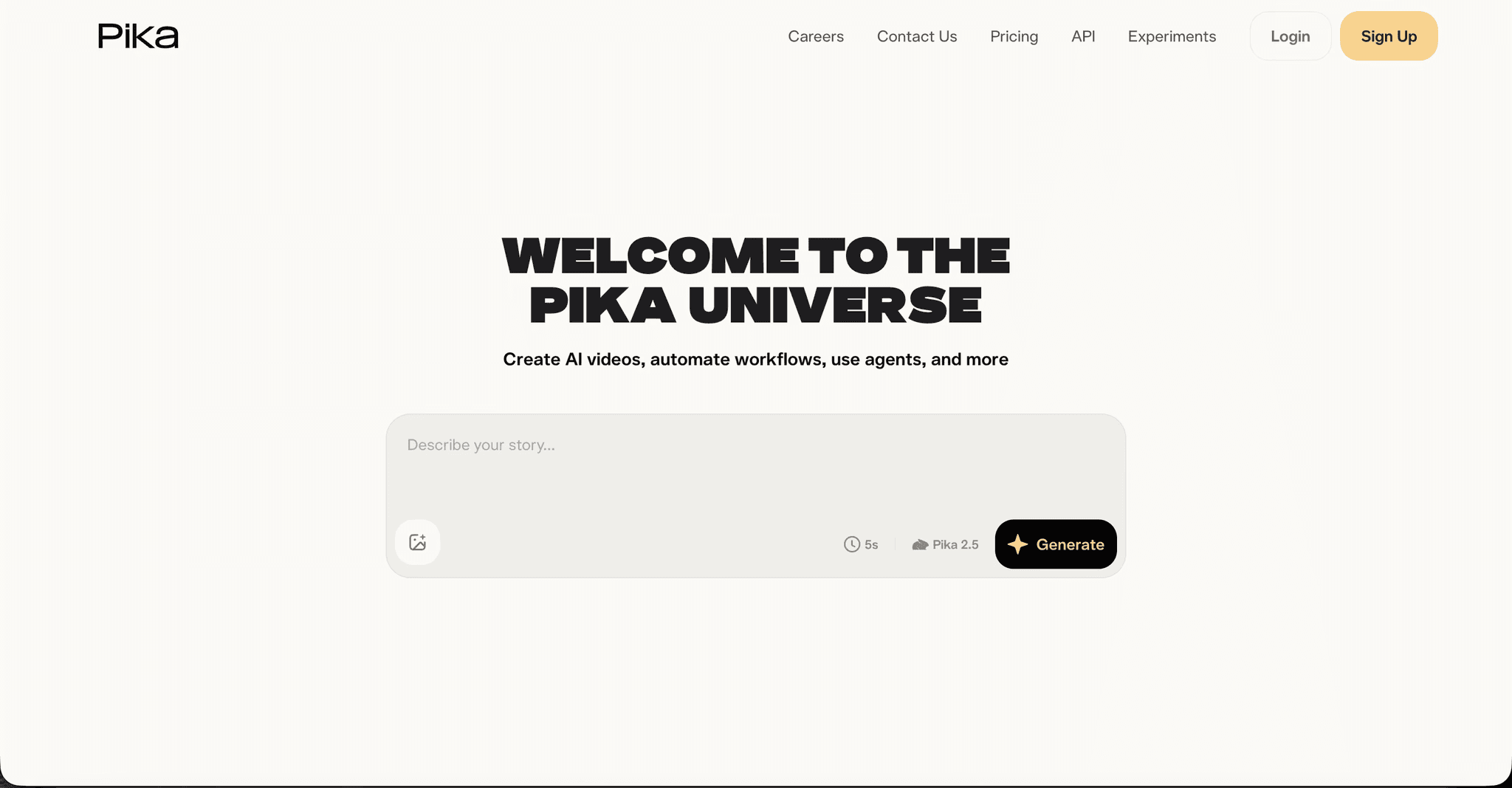
Best For: A quick five to ten second animated moment, a visual gag, or a bouncy transition dropped inside a longer preschool video.
Key Features
Prompt to Clip Generation
Pika is a short clip generator known for playful, eye catching effects, and generation is fast enough to try several versions of a moment in a few minutes. What it is not built for is a full narrated rhyme with a steady cast, so it works best as a spice rather than the main dish.
Effects for Short Kids Clips
The effect tools make bright, physics bending moments that hold a young viewer's attention between story beats. Watermark free downloads and commercial rights start at the Pro tier, so the free and Standard tiers are best treated as testing.
Pros
Low entry price for paid plans
Fun, attention grabbing effects for short social clips
Fast generation for quick moments
Cons
Clips are short, not full stories
Character consistency across scenes is weak
Free and Standard tiers add a watermark
No built in narration workflow for a complete rhyme
Pricing
Free tier available
Standard, about $10/mo
Pro, about $35/mo
Fancy, about $95/mo
Roughly 20 percent off on annual billing
Verdict: a nice add on for short, playful inserts in a preschool video, and not a standalone tool for a full kids story.
3. Runway, Cinematic Quality with a Steeper Curve
Best For: A single cinematic shot that has to look perfect, made by someone comfortable with credits, models, and an editing timeline.
Key Features
Multi Model Video Generation
Runway is a cinema grade generator with access to many models from one dashboard, and the output quality is excellent. The catch for preschool work is the credit math: the long, repeatable output a kids channel needs eats credits quickly, and the Standard tier buys roughly 25 seconds of top model video a month.
Editing, Motion and Performance Tools
Deep editing, motion, and performance capture tools sit alongside generation, which makes Runway a strong finishing surface. There is no kid focused character system to keep a recurring cast steady across episodes, and some models export without audio, so narration becomes a separate step.
Pros
Top tier visual quality
Deep editing, motion, and performance tools
Many video models available from one dashboard
Cons
Credits run out fast for long form kids content
Steeper learning curve than the kids focused tools
No recurring character system for a preschool cast
Some models export without audio, so narration is a separate step
Pricing
Free, 125 one time credits
Standard, $15/mo or $12/mo annual
Pro, $35/mo or $28/mo annual
Max, $95/mo or $76/mo annual
Enterprise on custom pricing
Verdict: better for a cinematic one off than for shipping a preschool episode every week. Capable, and more tool than most kids creators need.
4. Invideo AI, Prompt to Video from Stock

Best For: Faceless, stock based explainer videos where original kids illustrations are not the point.
Key Features
Prompt to Video from a Stock Library
Invideo AI builds a video from a prompt by assembling stock footage with voiceover and captions, which is quick for stock style explainers. Preschool content usually needs original animated characters rather than stock clips of real children or generic scenes, so the look sits at a distance from a nursery rhyme or kids song.
Built In Voiceover and Captions
Voiceover and captions are included, and the iStock media library is large. Credit pools for AI minutes, iStock assets, and voice are separate, so one pool can run dry while another sits full in the middle of a project.
Pros
Fast prompt to first draft
Large iStock media library
Good for faceless, stock based short videos
Cons
Stock led look rather than original kids illustrations
Separate credit pools are easy to exhaust
Free plan watermarks exports and lacks commercial rights
Character consistency is not its strength
Pricing
Free plan with a watermark and about 10 AI minutes a week
Plus, $25/mo or $20/mo annual
Max, $60/mo or $48/mo annual
Generative tier around $120/mo, adding Sora 2 and Veo 3.1
Verdict: useful for stock based explainers, and a weak fit for the character driven rhymes and kids songs that preschool audiences respond to.
5. Animaker, DIY Drag and Drop Animation
Best For: Creators who enjoy building each scene by hand and want a large kid friendly character and template library to work from.
Key Features
Drag and Drop Character and Template Library
Animaker is a drag and drop animation builder with a big library of characters, props, and templates. It is kid friendly and template rich, and you get true manual control over every scene of a rhyme or song.
Built In Voiceover and Manual Scene Control
Voiceover is included and applied scene by scene. The trade off is speed: you assemble each scene by hand rather than generating a story from an idea, and monthly download caps plus premium asset costs add up once you produce kids content regularly.
Pros
Large, kid friendly character and template library
Approachable for complete beginners
Full manual control over each scene
Cons
You build everything by hand, which is slower for regular output
Commercial rights only from the Pro tier
Download caps and premium asset fees raise the real monthly cost
Users report lag on larger projects
Pricing
Free plan with a watermark and limited downloads
Basic, about $20/mo or $15/mo annual
Starter, about $25/mo
Pro, about $49/mo or $43/mo annual
Enterprise on custom pricing
Verdict: a solid DIY pick if you enjoy building scenes yourself, and less ideal if you want speed, volume, and a cast that stays consistent on its own.
Watch the Atlabs Tutorial
If you want to see the full preschool workflow before you start, the Atlabs AI Video Academy walks through writing a rhyme, choosing a kid safe style, casting your characters, and exporting your first video. It is the fastest way to go from this article to a finished cartoon.
How We Scored
We judged each tool on five things that matter for preschool video specifically: character consistency across a whole rhyme or story, kid safe visual styles and kids illustrations, voiceover quality and language support, how little design skill the tool demands, and real value once credit limits and watermarks are counted. Ease and consistency carried the most weight, because a preschool video only works when a small child can follow one familiar character and a busy adult can make a new one every week without a production crew.
The Verdict
All five tools can produce part of a preschool video, and only one produces the whole thing. Atlabs is the pick for anyone publishing nursery rhymes, kids songs, or animated rhymes on a schedule, because the cast, the kid safe styling, the narration, and the captions live inside the same three step flow, starting free with no card. Pika is worth keeping for short playful inserts, Runway for a single cinematic shot, Invideo AI for stock led explainers, and Animaker for creators who prefer to build every scene by hand.
FAQ
What is the best AI tool for preschool videos?
Atlabs is the best pick for most preschool creators. It keeps characters consistent across every scene, narrates in more than 40 languages, offers kid safe visual styles, and takes you from one idea to a finished, captioned video with no animation skills. Pika, Runway, Invideo AI, and Animaker each fit narrower needs.
Which AI tool is best for a nursery rhyme or kids songs YouTube channel?
Atlabs suits a kids channel best, because one script produces a full narrated rhyme with the same cast, and Reframe turns the same video into 9:16 for Shorts and 16:9 for the main channel. Pika and Runway are better suited to single clips than to a channel built on weekly nursery rhymes and kids songs.
Can I make preschool videos and kids rhymes with AI for free?
Yes. Atlabs has a free plan with no card required, and Pika, Invideo AI, and Animaker all offer watermarked free tiers, while Runway gives 125 one time credits. Paid plans usually start between about $10 and $25 a month, with Atlabs Lite at $15/mo.
Can I keep the same character across every nursery rhyme video?
With Atlabs, yes. The Cast step generates character reference sheets showing several angles of each character, and those references carry into every scene and into later videos, so a series keeps the same friendly face. Animaker gives you manual control over character placement, while Pika, Runway, and Invideo AI are weak at holding a recurring kids cast.
Do I need animation skills to make preschool videos?
No. Atlabs and Invideo AI generate the video from a script or prompt, and Animaker uses drag and drop templates. None of them require After Effects or Blender, so a teacher or parent can publish a finished rhyme the same day.
Are these AI tools safe for making children's content?
The tools generate the video, but you direct the content. Atlabs, Animaker, and Invideo AI all let you control the script, the characters, and the styling so the output stays age appropriate. Whatever tool you use, review every scene before publishing to a young audience.








