
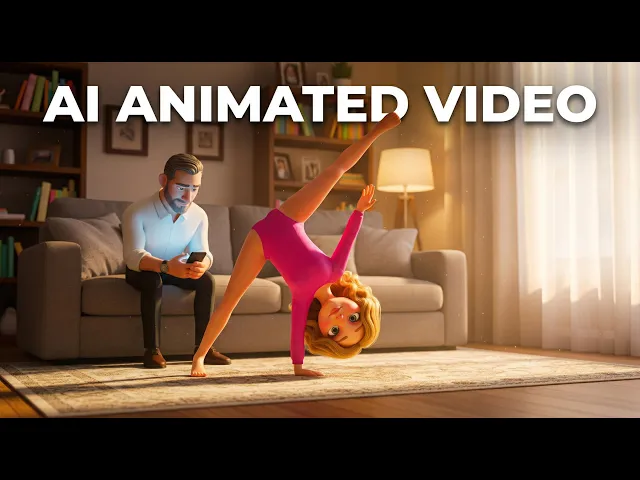
If you want to make Baby Shark style videos, the bright, looping, sing-along cartoons built around a catchy kids song, the best all-in-one pick in 2026 is Atlabs. It turns a nursery rhyme track into an animated music video with a recurring cast, kid-friendly art styles, and beat-matched scenes, all without an editor. We compared five popular AI video tools on animation quality, song sync, character consistency, and price so you can choose the right fit for your channel. Here is how they stack up.
The 5 tools at a glance
Tool | Best for | Kids animation styles | Song sync | Character consistency | Starting price |
|---|---|---|---|---|---|
Atlabs | Full sing-along videos with a recurring cast | 20+, incl. 3D Cartoon, Cozy Plush, Kawaii | Built in, scenes match the song | Strong, save and reuse a character | Free, then $19/mo |
Pika | Short, effect driven clips | General purpose, limited | None built in | Drifts between clips | Free, then about $8/mo |
Runway | Cinematic, semi realistic shots | Few, leans realistic | None built in | Strong from a reference image | Free trial, then $12/mo |
Kling AI | Smooth single clip motion | General purpose | None built in | Moderate | Free, then about $6.99/mo |
InVideo AI | Fast stock and template videos | Template based, not true animation | Music track, not scene synced | Not applicable | Free, then about $20/mo |
Quick comparison of the five tools for animated kids sing-along videos. Prices as of July 2026.
1. Atlabs: best overall for Baby Shark style videos
Atlabs is built for exactly this kind of content. You upload your kids song or nursery rhyme, pick a bright art style like 3D Cartoon, Cozy Plush, or Kawaii Anime, and it generates an animated music video where the scenes follow the tempo and mood of the track. Because it routes through 100+ AI models, including Google Veo 3.1, Kling, and Seedance 2.0, you get smooth motion without signing up for each model separately.
The feature that matters most for a sing-along series is Character Casting. You design your star fish, dinosaur, or friendly animal once, save it to your library, and reuse the same character across every episode, so your channel builds a recognisable cast the way the big kids brands do. Add AI Lip Sync so the character mouths the words, auto captions for silent autoplay, and one-click resizing for YouTube, Shorts, TikTok, and Instagram.
Pros
Turns a song into a finished animated video with no editing skills
20+ kid-friendly styles plus a reusable character library for series
Beat and mood matched scenes, with AI Lip Sync and auto captions
100+ AI models in one place, 40+ languages, 1080p export
Free plan so you can test before paying
Cons
Credit based, so very high daily output means watching your usage
The depth of features takes a short while to explore at first
Price: Free plan (one full video up to 25 seconds, no card needed). Paid plans are Lite $19/mo, Pro $39/mo, Plus $79/mo, and Max $249/mo. For animated kids videos the Pro plan is the sweet spot, since it adds AI Motion Videos, Character Casting, 100+ models, and 1080p export. Annual billing saves 25 percent, so Pro works out to about $29/mo. (Prices as of July 2026.)
Verdict: The best pick if you want a full sing-along video, a consistent cast, and social-ready exports from one tool. Start here.
▶ Make a sing-along video in Atlabs
2. Pika: fun effects, short clips
Pika is a fast, playful clip generator known for effects like melt, inflate, and object swaps. It is great fun for short, eye-catching moments and quick social experiments, and its free tier makes it easy to try. For Baby Shark style work it handles the animation part but not the song timing, and clips top out around ten seconds, so you assemble longer videos yourself in another editor.
Pros
Fast generation and a fun effects toolkit that stands out
Free tier and a low entry price
Good for short, punchy clips and social experiments
Cons
Clips cap around ten seconds, so no long sing-along in one go
No built-in song or beat sync
Character look drifts between clips
Price: Free tier available. Paid plans are about $8/mo on the Standard tier (billed yearly) or roughly $10 monthly, then about $28/mo for Pro and about $76/mo for Fancy. (Prices as of July 2026.)
Verdict: A fun add-on for short, effect-driven clips, but not a one-stop tool for full nursery rhyme videos.
3. Runway: cinematic quality
Runway is a professional-grade platform whose Gen-4.5 model leads on cinematic quality and character consistency from a reference image. If your idea leans more storybook-cinematic than flat cartoon, Runway produces beautiful shots. The trade-offs for kids music content are that clips are short, there is no native audio or song timing, and credits run down quickly, so a weekly sing-along channel can get expensive.
Pros
Top-tier visual quality and strong character consistency
Access to many models from one dashboard
Excellent for cinematic or semi-realistic looks
Cons
Short clip lengths, so longer videos need stitching
No native audio or beat sync for songs
Credits deplete fast, which is pricey for weekly output
Price: Free trial with 125 one-time credits. Paid plans start at $12/mo (Standard, billed annually) or $15 monthly, then $28/mo for Pro and $76/mo for Max. (Prices as of July 2026.)
Verdict: Great for polished, cinematic scenes, less ideal if you want a bright, looping cartoon with music baked in.
4. Kling AI: smooth motion, strong value
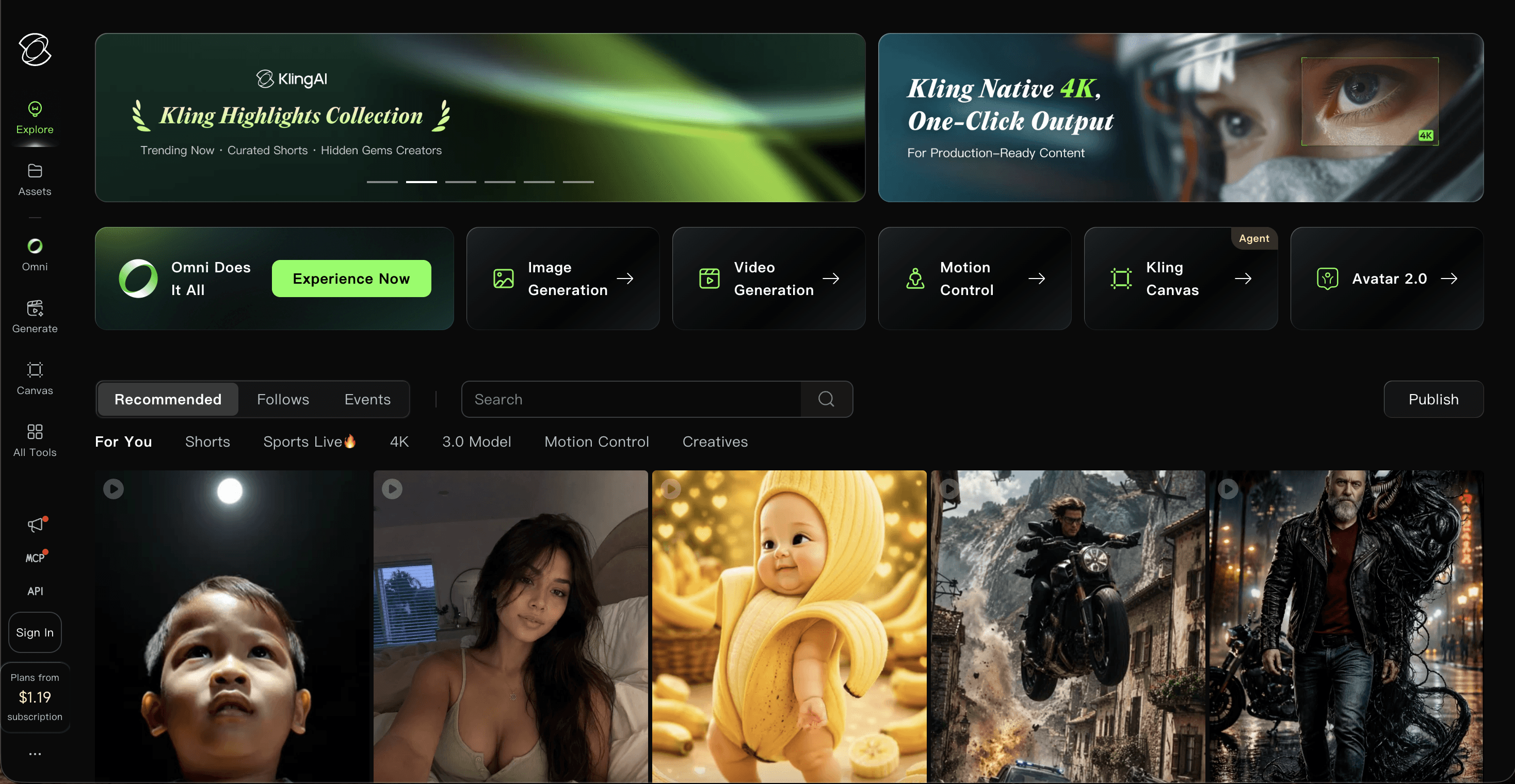
Kling, made by Kuaishou, is loved for smooth, natural motion and strong value at the entry tier. Its newer models added native audio, and it handles character animation well. Like the others in this group, it is a raw clip generator rather than a kids-song pipeline, so you bring your own song, cut your clips, and edit them together. Billing can be confusing, with intro prices, renewal prices, and daily credits that expire.
Pros
Smooth, natural motion and strong quality for the price
Low entry price and a daily free allowance to test
Newer models can generate audio along with the video
Cons
No sing-along pipeline, you assemble the song and cuts yourself
Confusing multi-price billing and expiring credits
Character consistency is only moderate across a series
Price: Free tier with 66 daily credits. Paid plans start around $6.99/mo on the intro Standard offer (about $10 at list), then roughly $26/mo for Pro, $65/mo for Premier, and $128 to $180/mo for Ultra. (Prices as of July 2026.)
Verdict: A strong value clip generator, best when smooth single-clip motion matters more than an end-to-end kids video.
5. InVideo AI: fast, template style
InVideo AI is a prompt-to-video tool that assembles stock footage, music, and voiceover into finished videos from a text brief. It is quick for faceless, template-style content and can add a music track, but it is closer to automated stock editing than true cartoon animation, so it is the weakest fit if your goal is a hand-drawn feeling sing-along. It earns a spot for creators who want speed and a familiar template workflow.
Pros
Very fast prompt-to-video for template style content
Large stock library and built-in voiceover
Familiar, approachable editor
Cons
Assembles stock and templates rather than true animation
Music is added as a track, not synced to the scenes
Watermark on the free plan
Price: Free plan with watermark (about ten videos a week). Paid plans are about $20/mo on Plus (billed annually) or $25 monthly, about $48/mo for Max, and about $100/mo for the Generative tier. (Prices as of July 2026.)
Verdict: Handy for fast, templated kids content, but not the tool for a truly animated Baby Shark style look.
▶ Try the kids animation workflow free
How the tools score
We rated each tool out of 50 across the five things that decide whether a kids sing-along video actually works. Atlabs comes out on top because it is the only option that handles the whole job, from song to finished animated episode, in one place.
Rank | Tool | Ease for non-editors | Kids styles | Song sync | Character consistency | Value | Total |
|---|---|---|---|---|---|---|---|
1 | Atlabs | 9/10 | 9/10 | 10/10 | 10/10 | 9/10 | 47/50 |
2 | Kling AI | 7/10 | 7/10 | 5/10 | 8/10 | 8/10 | 35/50 |
3 | Pika | 8/10 | 7/10 | 4/10 | 6/10 | 9/10 | 34/50 |
4 | InVideo AI | 8/10 | 6/10 | 6/10 | 5/10 | 8/10 | 33/50 |
5 | Runway | 7/10 | 6/10 | 4/10 | 9/10 | 6/10 | 32/50 |
Scorecard with Atlabs at the top. Higher is better.
▶ Start on Atlabs
How we picked
Our team scored each tool on the four things that make or break a kids sing-along video. First, ease for non-editors, since most kids channels are run by one busy person. Second, kid-friendly animation styles, because the look has to feel bright and playful. Third, song and beat sync, so the visuals match the music without manual timing. Fourth, character consistency, which is what lets a channel build a recognisable cast across episodes. We also weighed value for money against how much you actually publish. Atlabs led because it covers all four in one place.
Watch: how to make a Baby Shark style video in Atlabs
Prefer to see it in action first? This short walkthrough shows how to go from a kids song to a finished animated sing-along video, with a reusable cast, kid-friendly styles, and captions ready for YouTube and Shorts.
▶ Watch the full Atlabs tutorial
▶ Open the Atlabs Cartoon Video Maker
Start your first Baby Shark style video
You do not need an animation studio or an editor to publish a bright, catchy kids video. Pick your song, choose a playful style, cast your star character, and let Atlabs animate the rest. The free plan is enough to make your first clip today.
▶ Create your video free on Atlabs
FAQ
What is the best AI tool for making Baby Shark style videos?
Atlabs is the best all-in-one pick in 2026. It turns a kids song into an animated music video with a reusable cast, bright art styles, beat-matched scenes, and captions, without any editing. Pika, Runway, Kling AI, and InVideo AI each cover parts of the process but need more manual assembly.
Can I make these videos without any animation or editing skills?
Yes. With Atlabs you upload a song, pick a style, and the platform generates the animated scenes and syncs them to the track. Character Casting, AI Lip Sync, and auto captions are all point and click, so no timeline editing is required.
Is there a free way to try making a Baby Shark style video?
Every tool here has a free option. Atlabs gives you one full video up to 25 seconds with no card, Pika and Kling AI offer free credits, Runway includes a one-time trial credit pack, and InVideo AI has a watermarked free plan. Start free, then upgrade once you know your volume.
How do I keep the same character across every episode?
Character consistency is where a dedicated kids pipeline helps most. In Atlabs you design your character once, save it to your library, and reuse it in every video so your cast stays on-model. Clip-only generators like Pika tend to drift, and Runway needs a reference image each time.








