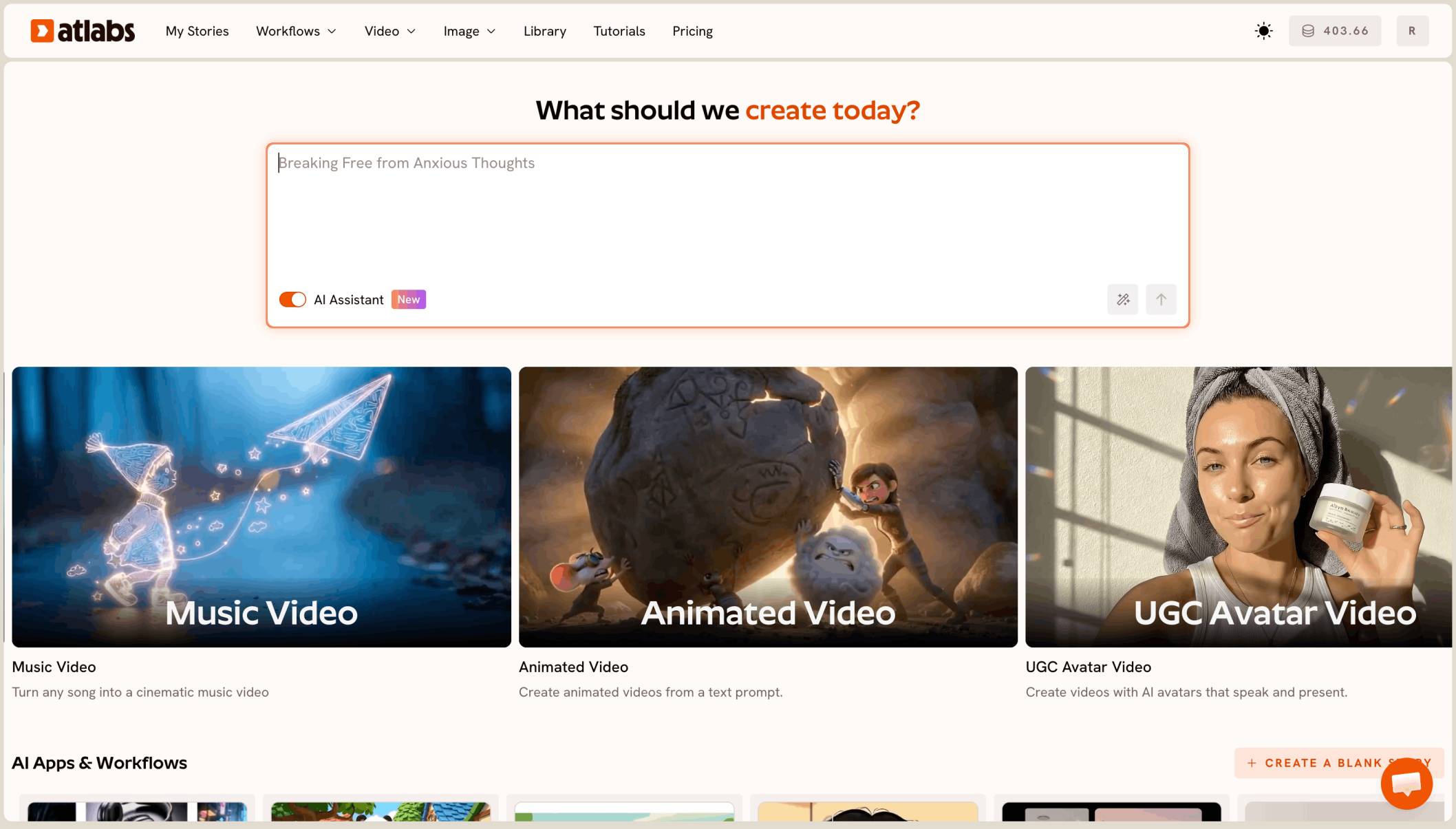
Download your track from Suno, or copy its link, and add it in the Atlabs Music Video workflow. Then pick a look in Set Style, write one concept in Creative Direction, add your artist in Finalise Cast and render. Atlabs splits the song into scenes that follow the lyrics and beats, and you can change any single scene afterwards.
Suno gives you a finished, sung track in minutes. What it can't give you is the video. Without one, the song has nothing to post on YouTube, Reels or TikTok, and a director, crew and editor cost far more than most indie artists can spend on one release. This guide walks through the Atlabs Music Video workflow from Suno track to finished video, then covers the fixes AI songs usually need and the rights question to settle before you monetise.
What you'll need
You need the final version of your Suno song, either as an audio file or as the song's link. Suno usually gives you two takes of the same lyrics, so pick the one you want before you start. Keep the final lyrics open next to you so you can spot any line the AI vocal blurs. Have one sentence ready about the look of your video, such as "a rainy neon city at night" or "a sunlit desert road". If you want yourself or a set character in the video, keep a clear portrait image ready to upload.
How to make the video, step by step
Step 1: Add your Suno song in Add Music

In Suno, open the song, then use its menu to download the audio, or copy the song's share link. Open the Music Video workflow and add the track in Add Music, either by uploading the file or by pasting the link. Set the language of the song so Atlabs reads the lyrics correctly.
This step also holds the Storyline box. Paste a short storyline or screenplay if you have one, or leave it blank and Atlabs writes one from the song. Then choose the video type: Narrative if you want the scenes to tell a story, or Performance if you want your artist to sing the song with lip sync.
The Add Music step in the Atlabs Music Video workflow, where you upload a song or paste its link
Step 2: Choose the look in Set Style
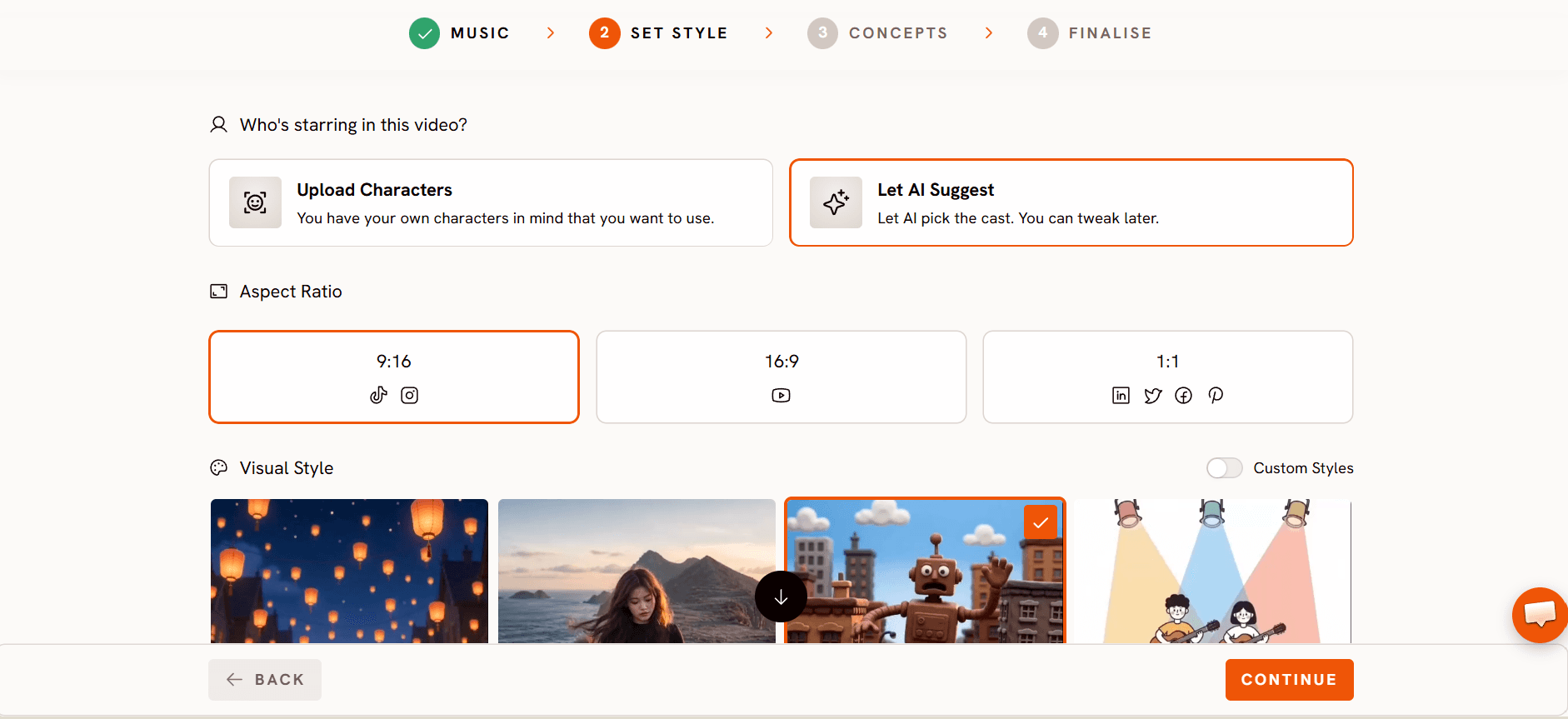
In Set Style, pick the image style, the aspect ratio and the output. Realistic gives a filmed, live action look, and there are animated styles too. Use 16:9 for YouTube, or 9:16 if the video is mainly for Reels, TikTok and Shorts.
The Set Style step in the Atlabs Music Video workflow showing the style library
Step 3: Write one concept in Creative Direction
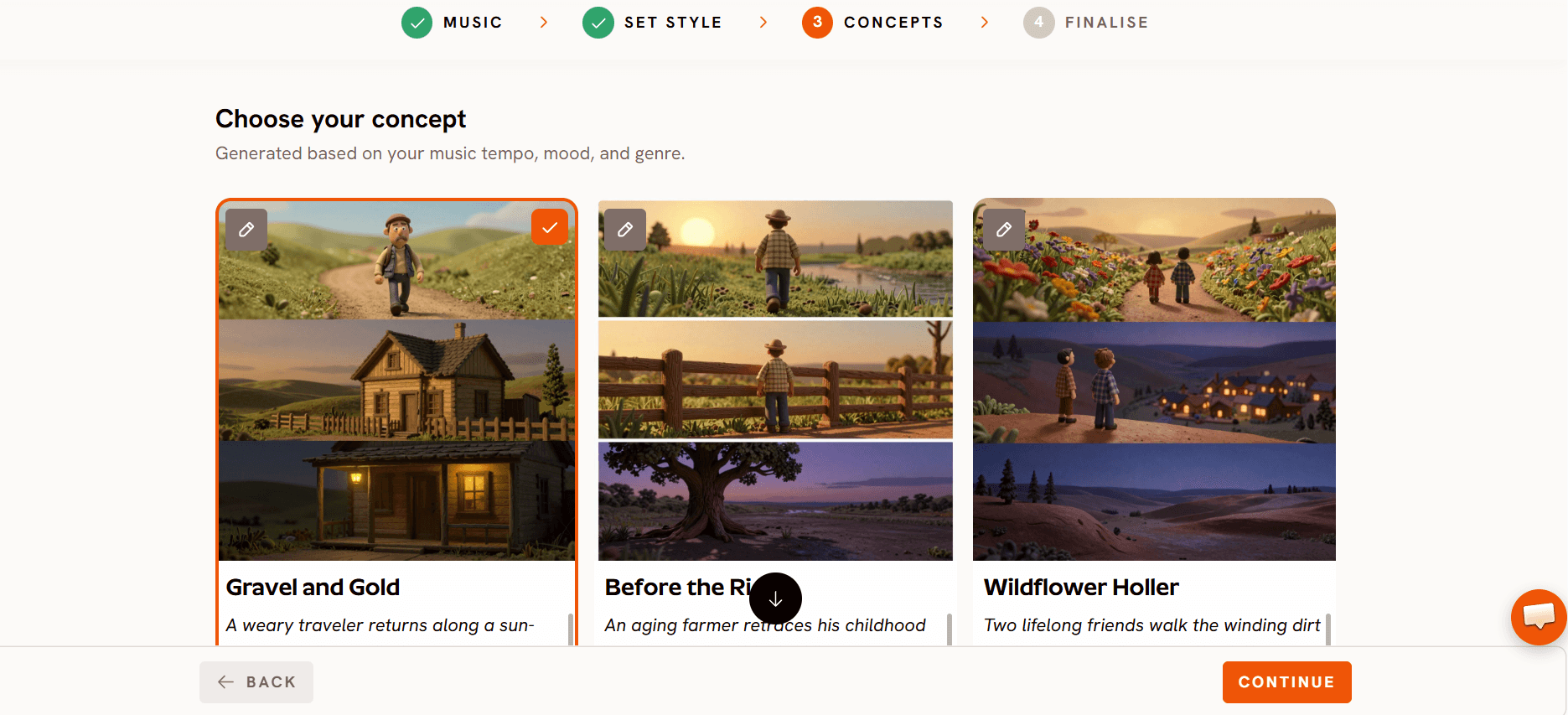
In Creative Direction, describe the video in one short paragraph: where it happens, who is in it, and how it changes as the song builds. A good concept names a place, a light and a turn, for example a quiet verse in an empty room that opens into a crowded rooftop for the chorus. Every scene grows from this paragraph, so be specific.
Step 4: Add your artist in Finalise Cast
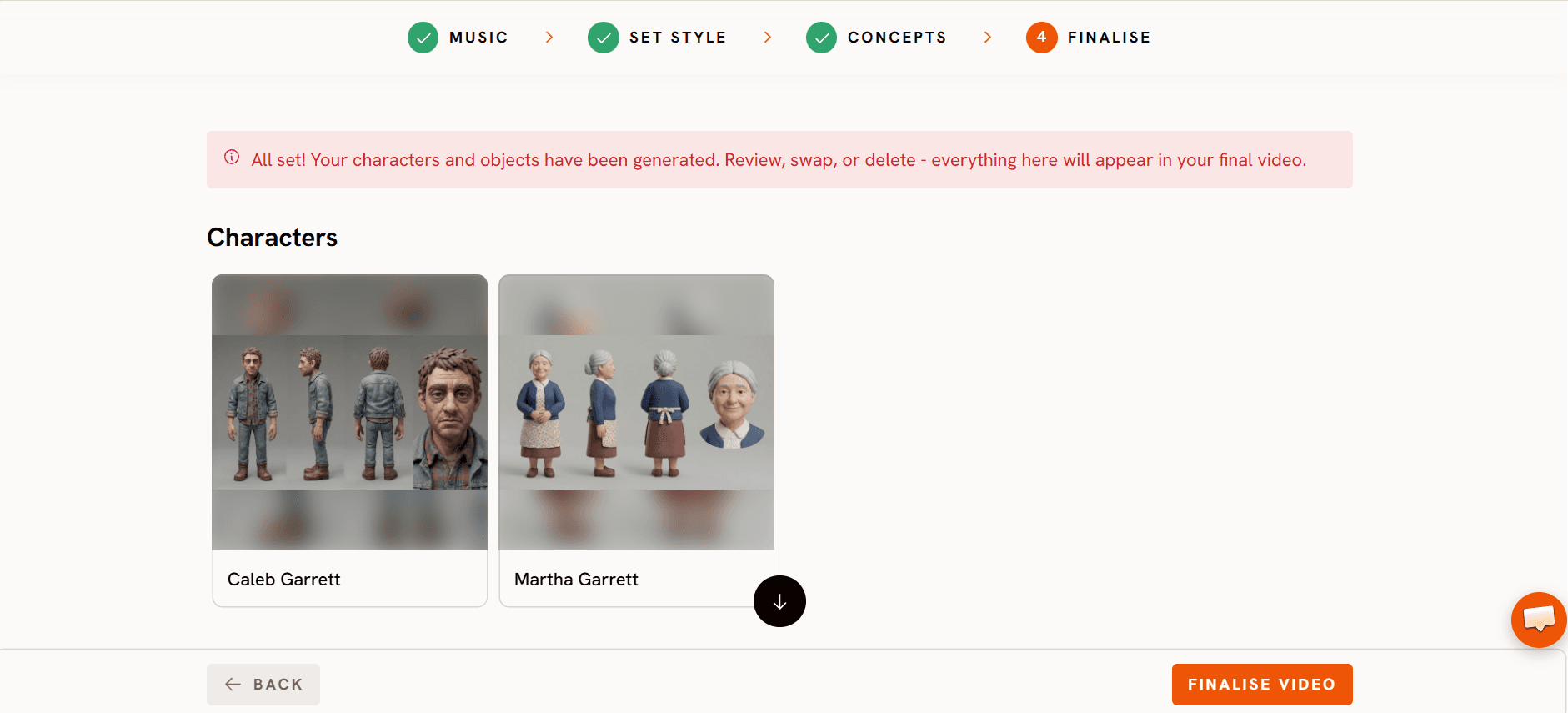
In Finalise Cast, add the characters. Upload a portrait to use your own face or a character you designed, and Atlabs keeps that face, hair and outfit the same in every scene. Once a character is saved, you can tag them by name in any scene prompt, like @YourName.
Step 5: Generate and fix single scenes
Click Finalise and choose how to generate. A Storyboard shows every scene as a still, a short preview shows the opening with motion, and the full video renders the whole song. Checking the storyboard or preview first is the cheapest way to catch a wrong look before the full render.
After the render, open any scene to change it on its own. Edit the image, then re-run its motion. For a sung line, apply Lip Sync to that scene so your artist mouths the words. Add captions if you want lyrics on screen, then click Export.
Three fixes for AI songs
Blurred vocals give you wrong scenes. Atlabs builds scenes from the words it hears. When an AI vocal blurs a line, the scene follows the misheard word. Fix it in Suno by generating a take with clearer vocals, then add the new version in Add Music.
Heavy effects make lip sync harder. Reverb, distortion and stacked harmonies make it harder for your artist to mouth the words convincingly. If you plan a Performance video, use a take with a clean, dry lead vocal.
Long intros leave the first scene empty. AI songs often open with a long instrumental. Trim the start so the first scene lands close to the first sung line, or use the intro for a wide establishing shot of your location.
Who owns what?
The song and the video are two separate questions.
The song: your Suno plan decides whether you can use the song commercially. Suno's paid plans grant commercial use, while the free plan is limited to personal, non-commercial use. Rights generally follow the plan you were on when the song was made, so upgrading later may not cover older free plan songs. Check Suno's current terms before you monetise on YouTube or anywhere else.
The video: the visuals you make in Atlabs are yours to use, as set out in Atlabs' current terms.
This section is general information, not legal advice. Suno's terms can change, so check them on the day you publish. Suno is a trademark of its owner, and Atlabs is not affiliated with Suno.
Tips for a better Suno music video
Match the style to the genre. Realistic suits indie, pop, R&B and hip hop. An animated style suits lo-fi, electronic and dreamy tracks.
Keep one look. Pick one style and one location idea for the whole video, so it feels like one film rather than a set of clips.
Use lip sync only where it counts. A few lip synced lines in the chorus feel more like a real music video than lip sync on every scene.
Preview before the full render. A storyboard or preview shows the look early, before you spend credits on every scene.
FAQ
Can I paste a Suno link instead of a file?
Yes. Add Music accepts a song link as well as an audio file, so you can paste the Suno link or upload the downloaded track.
Can I make the artist sing the song?
Yes. Choose Performance as the video type in Add Music, then apply Lip Sync to the scenes where your artist sings.
Can I monetise a music video made from a Suno song?
It depends on your Suno plan. Paid plans grant commercial use, while the free plan generally doesn't. Check Suno's current terms before you publish.
Can I change a scene after the video is made?
Yes. Open the scene, edit its image or motion, and only that scene changes. The rest of the video stays as it is.
Final verdict
A Suno song is half a release. The other half is the video, and with Atlabs you no longer need a crew to make it. Add the track in Add Music, pick a look in Set Style, write one concept in Creative Direction and add your artist in Finalise Cast. Preview first, render the full song, then fix single scenes and add lip sync where it counts. Settle the rights on your Suno plan before you monetise, and your track is ready to post.