
You finally create your AI teacher.
She looks perfect in lesson one.
By lesson three, her hair is shorter. Her glasses disappear. Her voice sounds slightly different. And suddenly your students are distracted instead of engaged.
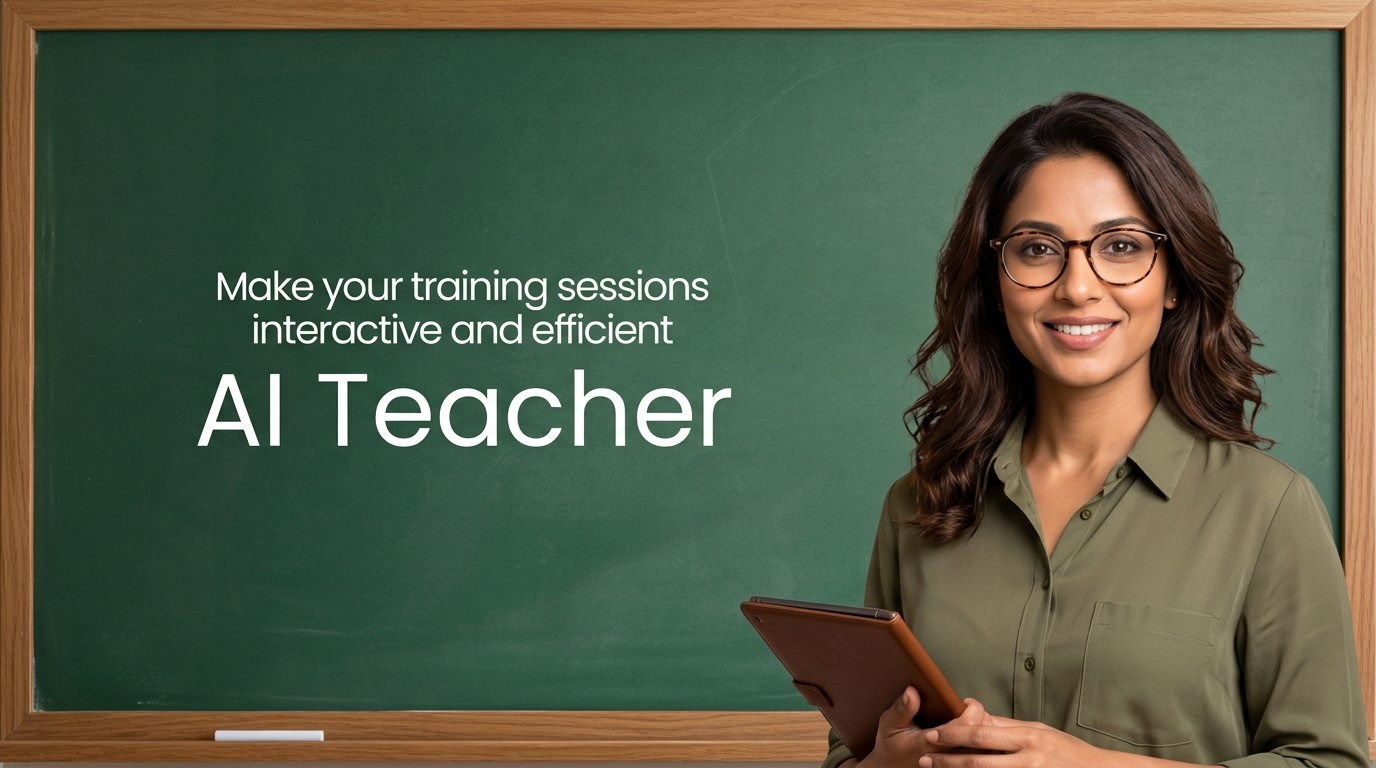
If you are building educational videos with AI, character consistency is not a small detail. It is the foundation of trust, retention, and brand recognition. When a familiar face teaches repeatedly, students relax. When that face changes, even subtly, cognitive load increases.
In this guide, you will learn how to create consistent characters for educational videos using AI. No animation degree. No production studio. Just a clear system and the right tools.
Why Consistent Characters Matter in Educational Videos
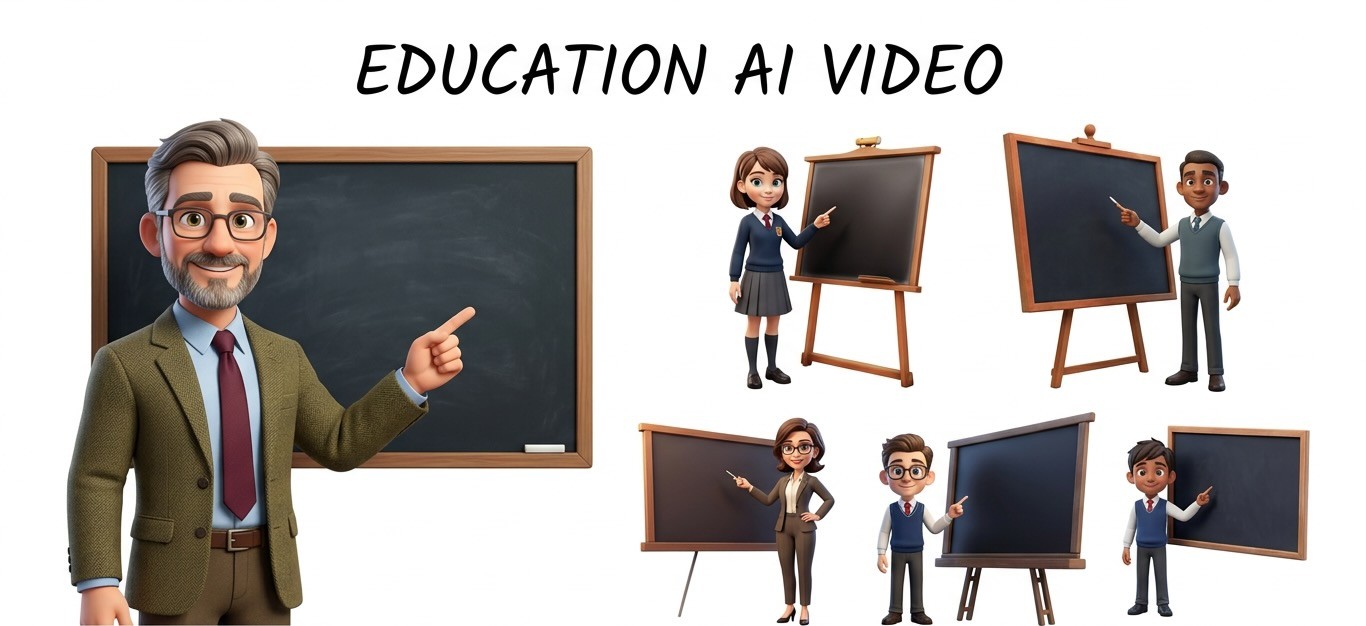
Consistency does three powerful things in learning content.
First, it improves retention. When students recognise a character instantly, their brains spend less energy decoding visuals and more energy absorbing the lesson.
Second, it builds emotional connection. A recurring AI avatar for teachers becomes a guide, not just a graphic.
Third, it strengthens your brand. If you are building a YouTube channel, online course, or full curriculum, your character becomes your identity.
The biggest mistake creators make is assuming AI will “just remember” the character. Most tools generate beautiful visuals, but without control, subtle variations creep in.
That is where system design matters.
The Four Pillars of Character Consistency
Before you open any AI tool, you need clarity. Consistency is not just about a face.
It rests on four pillars.
1. Visual Identity
Define this in detail.
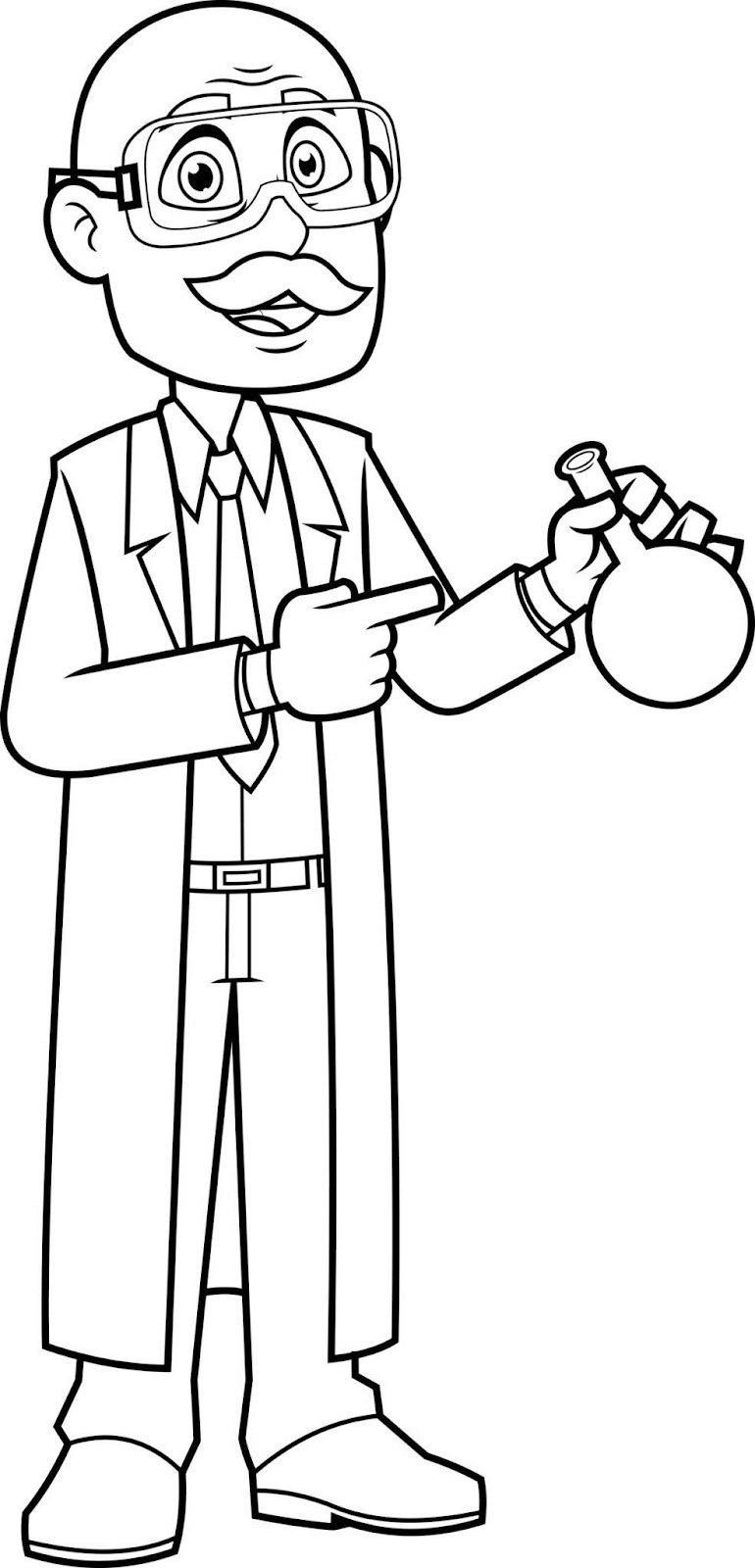
Face shape
Hair length, color, and texture
Skin tone
Clothing colors
Accessories such as glasses, lab coat, jewelry
Do not write “friendly math teacher.”
Write something specific. For example:
“Female math teacher in her mid 30s with straight shoulder length black hair, warm brown eyes, light gray blazer over a navy blouse, thin silver glasses, soft smile, 3D animated style.”
Specificity reduces variation.
2. Personality and Role
Is your character calm and nurturing? Energetic and playful? Academic and authoritative?
Students notice tonal shifts as quickly as visual ones. Lock this in early.
3. Voice
If you are using AI voiceovers, choose one voice and stick to it.
Accent
Pitch
Speed
Energy level
Changing voice models mid course feels like replacing an actor in season two.
4. Scene Stability
Your character should remain stable even when:
The background changes
The camera angle shifts
Lighting adapts
This is where many AI tools break down. The key is using a platform built for persistent characters rather than one off image generation.
Step by Step: How to Create Consistent Characters for Educational Videos
Step 1: Write a Master Character Blueprint
This is your anchor document. Treat it like a production bible.
Include:
Age range
Ethnicity
Hair details
Clothing colors
Animation style
Emotional tone
Teaching role
Save it. Do not rewrite it every video. Reuse it.
Small wording changes can create big visual differences.
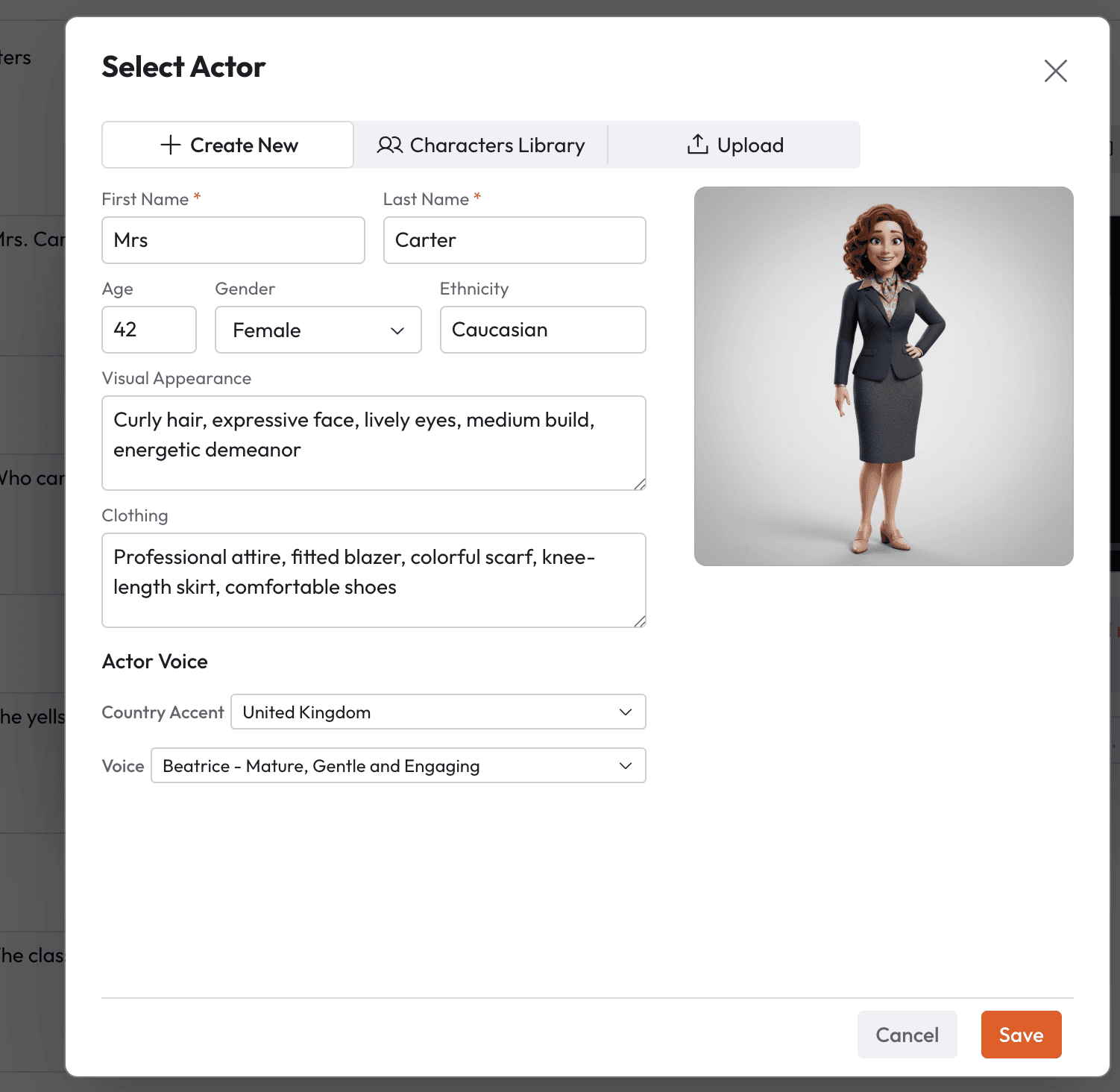
Step 2: Generate and Lock the Character
Many AI tools create a new interpretation each time you type a prompt.
That is great for art experiments.
It is terrible for create animated lessons workflows.
With Atlabs, you can generate a character once and keep it consistent across every scene. Facial structure, clothing, and proportions remain stable even as backgrounds change.
That means your “Professor Nova” in lesson one is the same Professor Nova in lesson twenty.
Step 3: Choose One Visual Style Per Series
Do not switch styles mid series.
Pick one:
2D flat animation
3D cinematic style
Anime inspired
Whiteboard sketch
Atlabs offers more than 50 visual styles, and you can even train your own. The power is in choosing once and committing for the entire educational series.
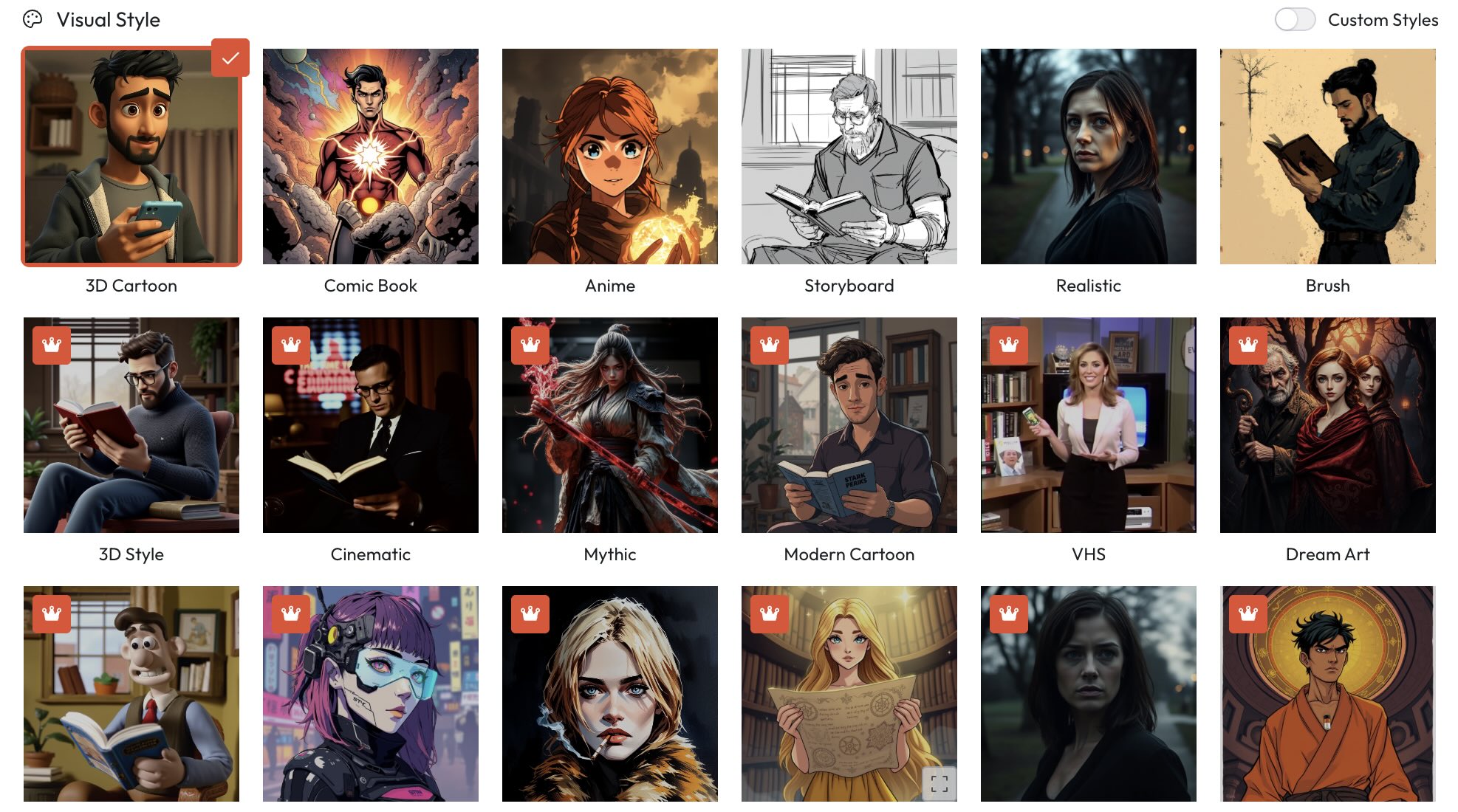
Consistency beats novelty in learning environments.
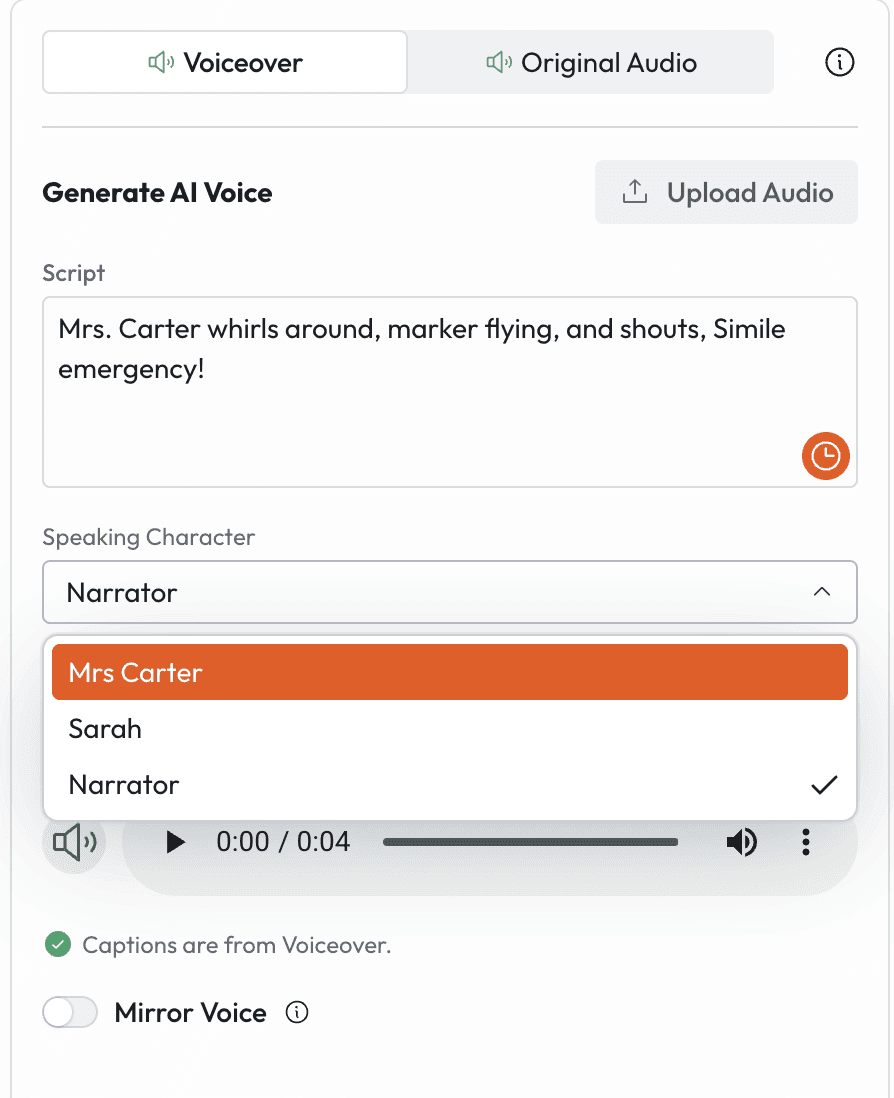
Step 4: Lock the Voice and Lip Sync
If you are using AI avatars for teachers, voice is half the experience.
With Atlabs, you get ultra realistic voiceovers and automatic lip sync. Once you select a voice preset, keep it across every lesson.
This ensures students focus on the content, not production changes.
Step 5: Build a Repeatable Lesson Template
Character consistency is part of a bigger system.
Also standardize:
Intro format
Caption style
Music tone
Camera framing
Atlabs includes multiple caption styles, background music options, smart reframing, and export to Premiere Pro. That allows you to lock a visual identity once and scale fast.
The result feels like a professional studio, even if you are a solo educator.
Prompt Examples for Consistent Educational Characters
If you are creating AI educational videos, here are examples you could use inside Atlabs.
Example 1: Elementary Science Guide
“Ultra consistent 3D animated elementary science teacher character, female age 32, warm medium olive skin tone, shoulder length naturally curly dark chestnut hair with defined ringlets, subtle frizz control, large round brushed silver metal glasses with thin rims, soft almond shaped hazel eyes, light freckles across nose bridge, warm symmetrical smile, wearing pastel blue knit cardigan with visible woven texture over crisp white cotton blouse, small silver pendant necklace, holding matte black tablet with no logo.
Rendered in high fidelity stylized 3D animation similar to modern family friendly feature films, soft global illumination lighting, gentle morning classroom light entering from camera left, subtle depth of field, 35mm lens equivalent, medium close up framing, clean colorful elementary classroom background with science posters slightly blurred.
Constraints: no outfit changes, no hairstyle variation, no logo placement, no exaggerated cartoon proportions, no harsh shadows, no neon lighting, maintain consistent facial geometry across scenes, maintain cardigan texture and color accuracy.”
Why this works: It locks geometry, texture, lighting direction, lens feel, and negative constraints to reduce drift.
Example 2: History Lecturer Avatar
Highly consistent cinematic 3D male history lecturer avatar, early 40s, light tan complexion, short neatly parted dark brown hair with slight gray at temples, well groomed short boxed beard, deep set brown eyes, subtle under eye lines for realism, neutral confident expression.
Wardrobe: textured brown tweed blazer with visible wool weave pattern, burgundy silk tie with subtle micro pattern, cream dress shirt with structured collar, no logos, no modern casual elements.
Environment: muted academic classroom with dark wooden bookshelves, soft warm tungsten key light from camera right, subtle rim light to define silhouette, 50mm lens look, eye level camera, medium framing, cinematic depth of field.
Style: realistic stylized 3D educational animation, balanced skin tones, natural color grade.
Constraints: no costume changes, no background modernization, no dramatic camera angles, no handheld shake, no extra characters, maintain beard density and hairstyle shape exactly across scenes.”
Why this works: It anchors era appropriate wardrobe, lighting temperature, lens consistency, and facial detail continuity.
Example 3: Kids Math Mascot
Consistent 2D flat vector animated math mascot robot, compact rounded body shape, primary color bright sunflower yellow hex code F4C430, secondary accents cobalt blue hex code 0047AB, circular LED eyes glowing soft cyan, small floating holographic calculator accessory with transparent blue interface, short flexible segmented arms, friendly curved mouth display.
Style: clean flat vector animation, bold smooth outlines, uniform line thickness 4px equivalent, minimal shading, no gradients except subtle soft shadow beneath character.
Environment: simple classroom backdrop in muted pastel tones, straight on camera, full body framing, static composition.
Constraints: no color shifts from defined hex codes, no 3D rendering, no texture realism, no limb elongation, no accessory changes, maintain exact eye glow color and body proportions across episodes.”
Why this works: Hex codes, line weight, and rendering bans eliminate stylistic drift.
Common Mistakes That Break Character Consistency
Changing descriptive wording every episode
Switching animation styles
Editing the character manually outside the platform
Using different voice models
Forgetting to save the original setup
AI rewards clarity. Vagueness invites variation.
Scaling to a Full Curriculum
Once your character is locked, scaling becomes simple.
Change the script.
Update the background.
Keep the same character asset.
Maintain the same voice preset.
Atlabs supports one click localization in over 40 languages. Your AI avatar for teachers can explain algebra in English today and Spanish tomorrow without changing appearance or identity.
Imagine building:
A complete K to 12 series
A multilingual YouTube education channel
A branded online academy
All anchored by one recognizable AI educator.
That is long term brand equity without hiring actors or animators.
The Future of AI Educational Characters
We are moving toward persistent AI educators.
Characters that:
Teach science today
Explain history tomorrow
Appear in short form social clips
Auto reframe for vertical platforms
Localize globally
The difference between amateur AI content and professional AI educational videos will not be resolution.
It will be consistency.
And now, that level of control is accessible to teachers, course creators, and small teams.
Visit Atlabs and start creating educational content to help students visualise concepts and develop








