
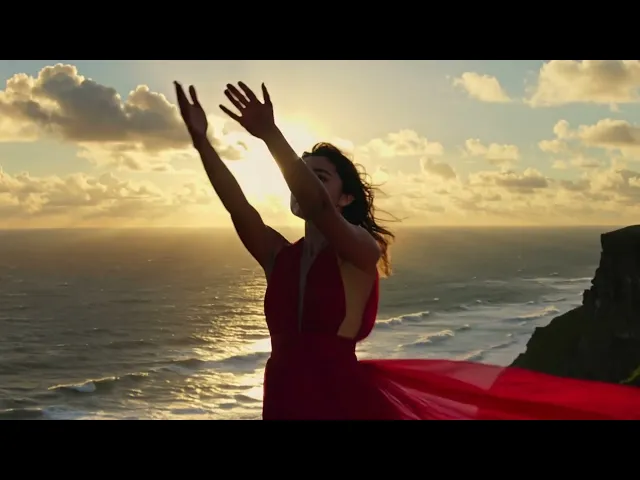
Kling 2.5 Turbo Prompting Guide : Create Stunning Cinematic AI Videos with Ease
Hey there, video enthusiasts! Diving into the Kling 2.5 Turbo prompting guide? You're spot on this speedy upgrade is revolutionizing how we whip up stunning clips in seconds. If you're chasing quicker renders without skimping on quality, this guide's your roadmap. We'll chat through it like old friends, keeping things easy and actionable, so you can crank out pro videos today. From beginners to pros, let's get your prompts firing on all cylinders.
Kling 2.5 Turbo Pro just dropped, exclusive to atlabs and packed with upgrades for text-to-video and image-to-video magic. This pro powerhouse nails better prompt follow-through, cinematic shots, lifelike physics, and slick camera moves delivering spot-on, reliable videos that feel straight out of a film set. Dive in and level up your storytelling today!
The Simple Formula for Kling 2.5 Prompts
At its core, a great Kling prompt follows a clear blueprint: describe your main focus, how it moves, where it happens, and add flavor with camera, light, and mood. This keeps things focused for the AI to deliver spot-on results.
Here's the easy structure
Main Subject: What's the star? (A dancer, a car, a cozy cafe.)
Subject Details: Looks and feel. (Wearing a flowing scarf, rusty old truck.)
Subject Action: What happens? (Twirling gracefully, speeding down the road.)
Scene Setting: The backdrop. (Sunset beach, bustling city street.)
Scene Extras: Weather or surroundings. (Waves crashing, neon signs flickering.)
Building Your Prompt: Step-by-Step Essentials
Start with a Strong Subject : Pick one clear hero to avoid confusion. Instead of "people in a park," say "a joyful kid on a red bike." This keeps the AI laser-focused.
Add Movement That Flows: Tell the AI exactly how things shift. Words like "glides smoothly" or "jerks to a halt" guide the pace. For Kling 2.5, precise actions shine—try "the bike weaves between blooming tulips at dawn."
Set the Scene Right : Paint the world around your subject. "A misty forest trail lined with ancient oaks" beats "a forest." Layer in senses subtly: sounds aren't visual, but "leaves rustling in a gentle wind" implies motion.
Layer in Camera Magic: Kling loves direction on shots. Try:
Close-up for emotion: "Tight shot on smiling eyes."
Wide for epic scale: "Sweeping aerial view."
Dynamic pans: "Camera circles slowly, revealing the horizon."
These make your video feel alive and professional.
Lighting and Mood: The Secret Sauce: Lighting sets the tone, soft and warm for cozy feels, stark shadows for drama. Phrases like "bathed in sunset gold" or "harsh midday glare" work wonders.
For mood, weave in emotion: "serene and hopeful" or "eerie and tense." Kling 2.5 picks up these cues to infuse personality, turning flat clips into stories that stick.
What Makes Kling 2.5 Truly Stand Out
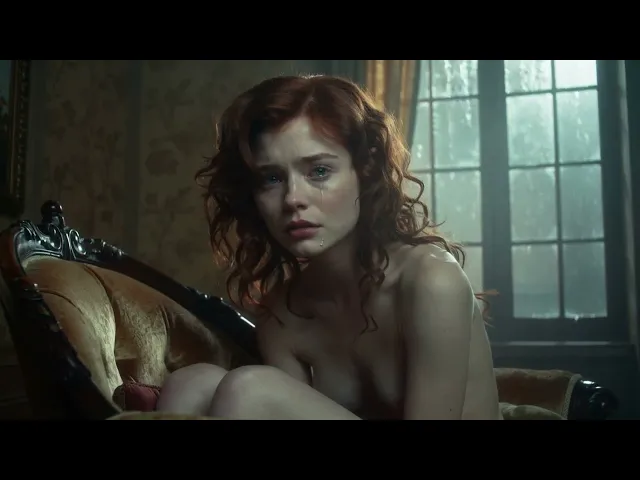
Expressing Real Emotion
Kling 2.5 is shockingly good at subtle, human-like acting. Micro-expressions, nervous ticks, and heartfelt glances now come through with realism that feels cinematic.
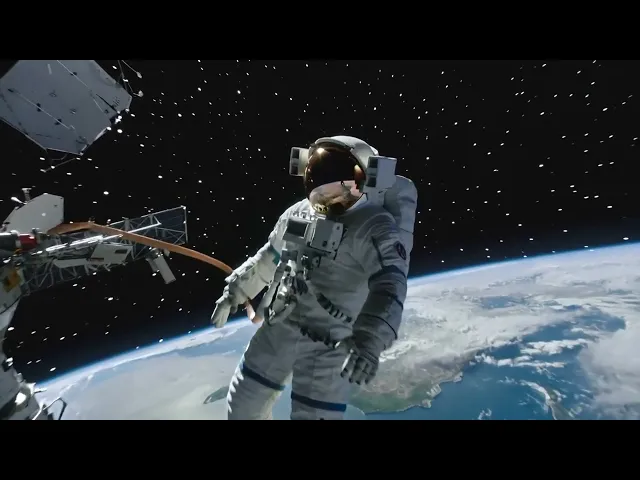
Advanced Camera control
Unlike most models, Kling 2.5 listens to your directions for pans, zooms, and sweeps—giving you professional, movie-like control.
Stylized Video Creation
Kling 2.5 doesn’t just mimic a style it immerses you in it. Camera moves, brush textures, and lighting cues remain cinematic even when you switch to surreal, painterly, or anime-inspired looks. This makes stylized storytelling feel like it belongs on a big screen.

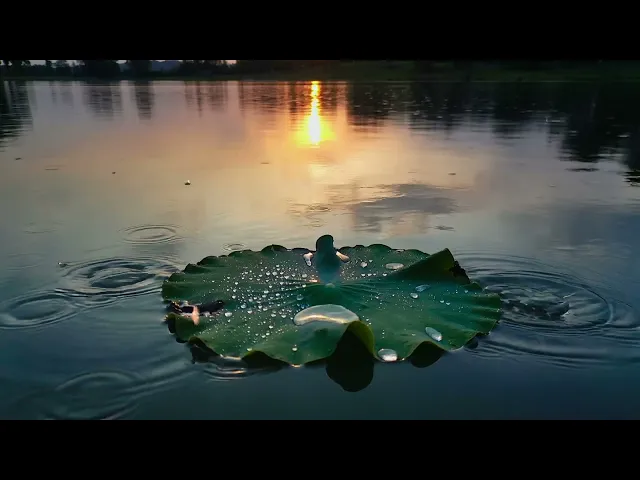
Realistic Physics
Gravity, fluids, and light behave with uncanny realism, making scenes feel tactile instead of plastic.
Kling AI Multi-Language Prompt Support: Create Videos in Your Language
One of Kling 2.5 Turbo's standout features? True multi-language support that actually works. Whether you're prompting in Persian, Korean, Japanese, or dozens of other languages, Kling understands your creative vision without forcing you to translate into English.
Does Kling AI Support Persian Language Prompts?
Yes! Kling 2.5 Turbo fully supports Persian (Farsi) prompts with native understanding. You can write your entire prompt in Persian script, and the AI will interpret your descriptions, camera movements, and mood directions accurately.
Persian Prompting Tips:
Use detailed descriptors in Persian for best results
Camera terms work naturally: "نمای نزدیک" (close-up), "نمای وسیع" (wide shot)
Emotional terms like "غمانگیز" (melancholic) or "امیدوارانه" (hopeful) are fully understood
Mix Persian descriptions with English technical terms if needed (e.g., "4K cinematic")
Korean & Japanese Prompt Support
Kling 2.5 handles both Korean (한국어) and Japanese (日本語) with impressive accuracy.
Korean Example:
Japanese Example:
Both produce culturally accurate, contextually appropriate videos.
Other Supported Languages
Kling 2.5 Turbo works with 40+ languages, including:
European: Spanish, French, German, Italian, Portuguese, Russian, Polish, Dutch
Asian: Chinese (Simplified & Traditional), Hindi, Thai, Vietnamese, Indonesian
Middle Eastern: Arabic, Hebrew, Turkish
And many more: Bengali, Urdu, Filipino, Swedish, Danish, Finnish
Best Practices for Non-English Prompts
Be descriptive: Non-English prompts work best with rich, detailed descriptions
Use native camera terms: Most languages have established cinematography vocabulary
Test cultural references: Kling understands culturally specific elements (traditional clothing, architecture, festivals)
Combine languages strategically: You can mix your native language for descriptions with English for technical parameters
Quality stays consistent: Multi-language prompts maintain the same cinematic quality as English ones
Mixed Language Prompting
For technical control, try mixing languages
This gives you cultural authenticity in your native language while maintaining precise technical control in English.
Why This Matters
Multi-language support isn't just convenient—it unlocks authentic storytelling. When you can describe a scene in your native language, you capture nuances, cultural contexts, and emotional tones that might get lost in translation. Kling 2.5 respects that, making cinematic AI video creation truly global.
Text-to-Video vs Image-to-Video: how to prompt
Text-to-Video (TTV): Describe subject + action + place + camera + light + mood + duration. Keep one main action.
Image-to-Video (I2V): Write what should move/change, what should stay fixed, and how the camera behaves around the existing image.
Common pitfalls (and quick fixes)
Vague camera note → Name the move: “slow push-in,” “drone follow,” “lateral track.”
Too many actions at once → Pick one hero action; hint secondary motion only.
No lighting plan → Choose a source and describe it (lamp, window, neon).
No anchors → Add 1–2 props or textures (mic arm, marble, vinyl wall) for realism.
Style mismatch → If you want anime/illustration, say it and keep camera notes Kling handles moves in stylized looks, too.
Conclusion:
There you have it your blueprint to unleashing Kling 2.5 Turbo Pro's full potential, from heartfelt emotions to seamless cinematic flair. With these prompts in hand, you're set to craft videos that mesmerize and move. Don't wait: Head over to atlabs.ai right now, fire up the Playground, and turn your wildest ideas into reality. What's your first creation? Share it with us we can't wait to see!
Learn about Kling 2.6 Motion Control








