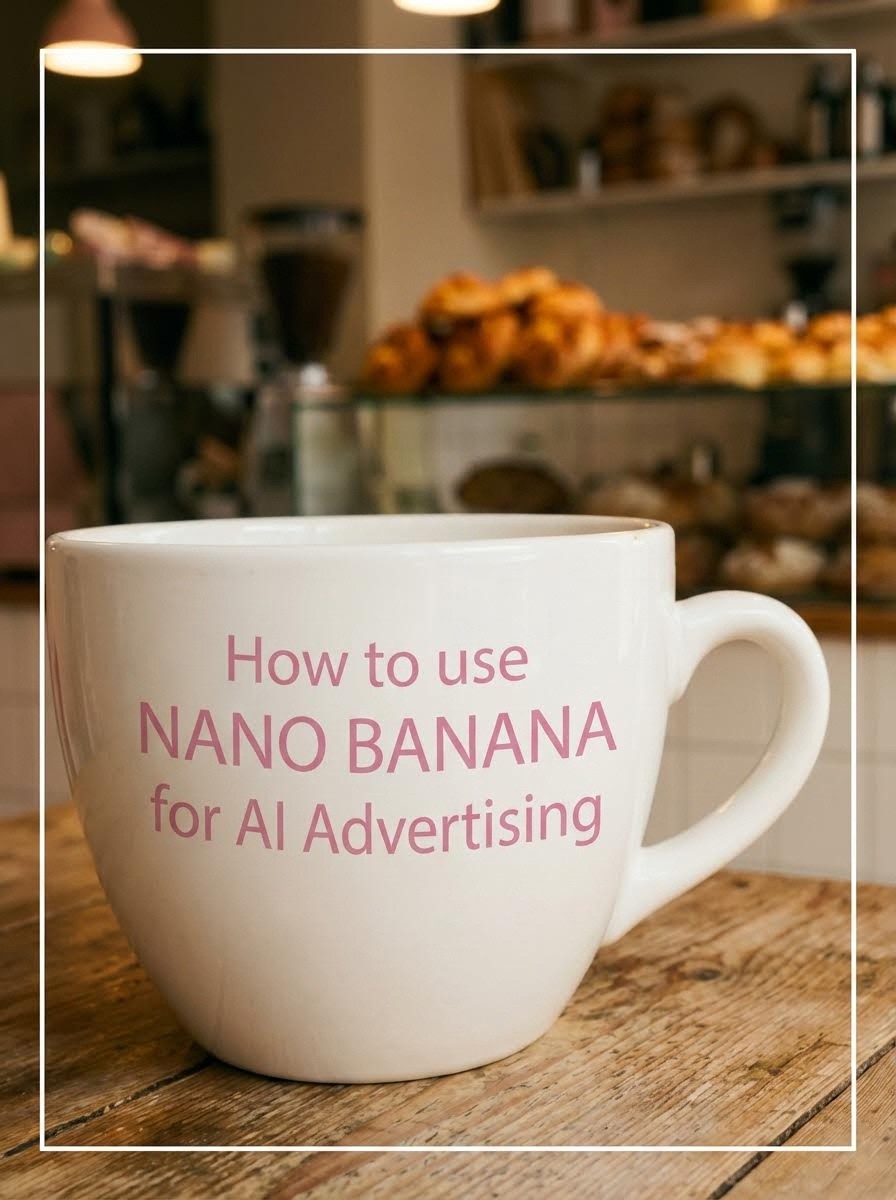
TL;DR
Nano Banana Pro is the most powerful free AI image model for creating premium brand visuals. Learn how to use Nano Banana Pro to build a complete TV-ready ad campaign for your small business, from logo compositing to animated product shots.
The Model: Nano Banana Pro (via Atlabs AI)
The Project: Full ad campaign for "Puff" cheese straw bakery
The Cost: Atlabs AI Subscription
Start Using Nano Banana Pro on Atlabs AI
Why Nano Banana Pro Is Changing Advertising
Small business owners can now compete with million-dollar ad campaigns.
Nano Banana Pro is the AI image model that's making this possible. It generates photorealistic, brand-consistent visuals that look like they came from a professional studio in seconds.
What Nano Banana Pro does better than other models:
Photorealistic textures and lighting
Understands brand aesthetics instantly
Logo compositing onto real objects
World-building from single references
Consistent visual style across all generations
Try Nano Banana Pro Free on Atlabs AI
The Case Study: "Puff" Cheese Straw Bakery
We built a complete ad campaign using only Nano Banana Pro.
The Brand:
Product: Premium cheese straws (The Purest, The Veggie, The Butcher)
Vibe: Hipster, rustic, independent
Aesthetic: Pastel pink and white
Color Palette: Pink (#F4A7BB), Cream (#FFF8F0), Brown (#8B5E3C)
Why "Puff" chose pastel pink over "cheese yellow"? Standing out beats being obvious.
The Nano Banana Pro Golden Suffix
Every single Nano Banana Pro prompt should end with this:
Why this works with Nano Banana Pro specifically:
Unlocks the model's photorealistic rendering
Maximizes texture detail output
Triggers cinematic lighting algorithms
Produces consistent quality every generation
Memorize this. Use it everywhere.
Phase 1: Branding with Nano Banana Pro
Before generating visuals, lock your brand identity.
Logo: Create in Canva (free) or use Nano Banana to create one. Simple, clean, one or two colors. For "Puff" clean serif font, pastel pink on white.
Color Palette: Include your exact hex codes in every Nano Banana Pro prompt. This is how you keep every image on-brand automatically.
Style Keywords: Define 3-5 words that describe your brand. For "Puff": warm, cozy, premium, independent, rustic. Add these to every prompt.
Set Up Your Brand on Atlabs AI
Phase 2: World Building with Nano Banana Pro
This is where Nano Banana Pro truly shines. One image becomes an entire brand universe.
Shot 1: The Shop Exterior
Copy This Nano Banana Pro Prompt:
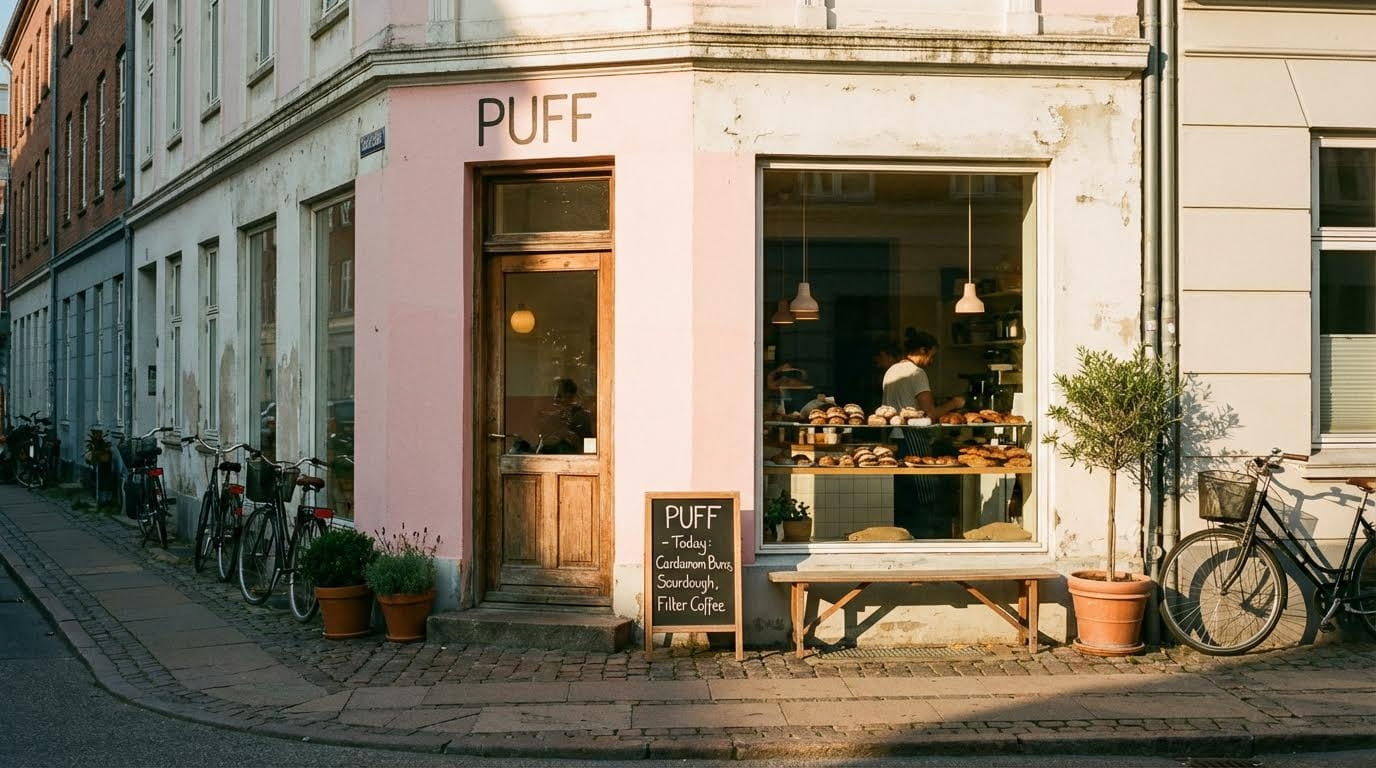
Settings in Atlabs AI:
Model: Nano Banana Pro
Aspect Ratio: 16:9
Batch Size: 4
Shot 2: The Interior (Nano Banana Pro World-Building)
Upload your exterior image as reference, then prompt:
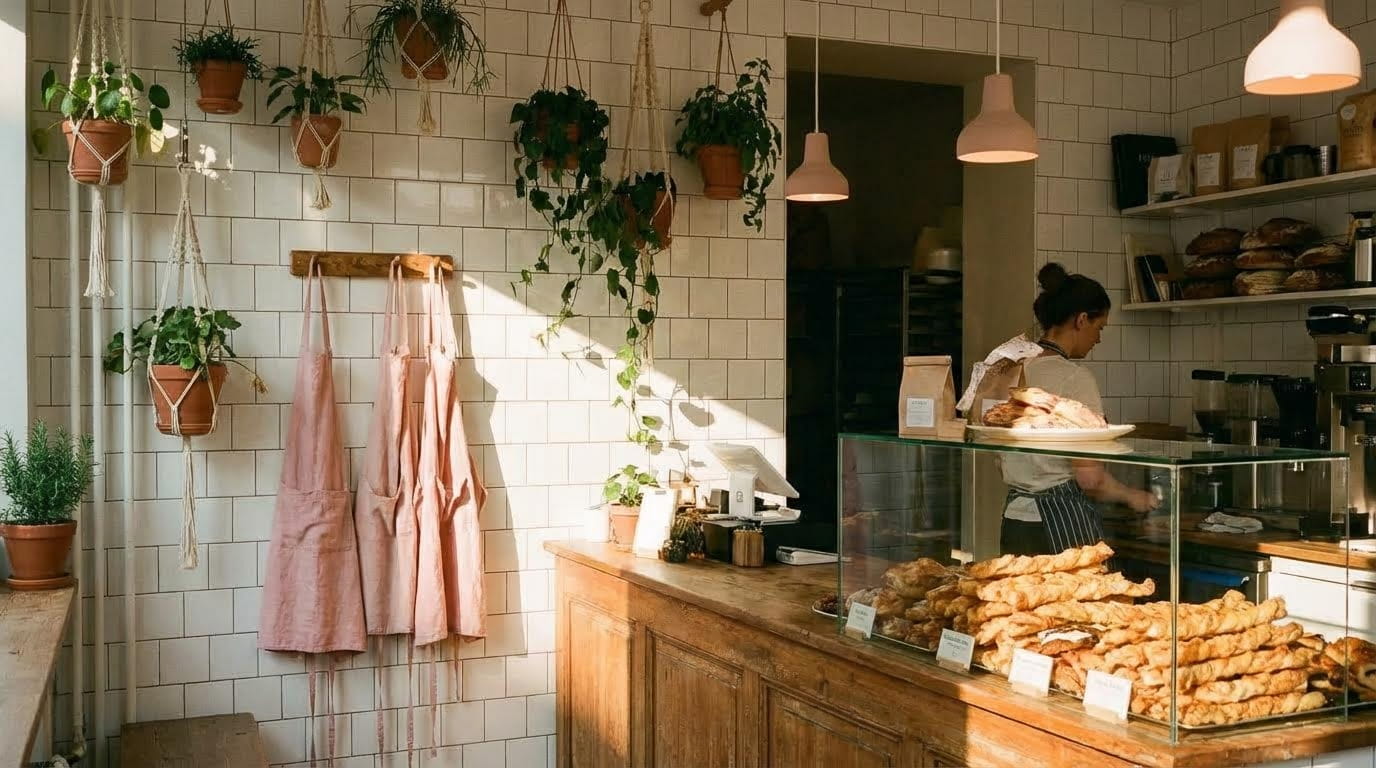
Why Nano Banana Pro excels here:
Reads the uploaded exterior reference
Maintains consistent visual language
Generates matching interior automatically
No manual style matching needed
Shot 3: Product Photography
Upload interior as reference, then prompt:
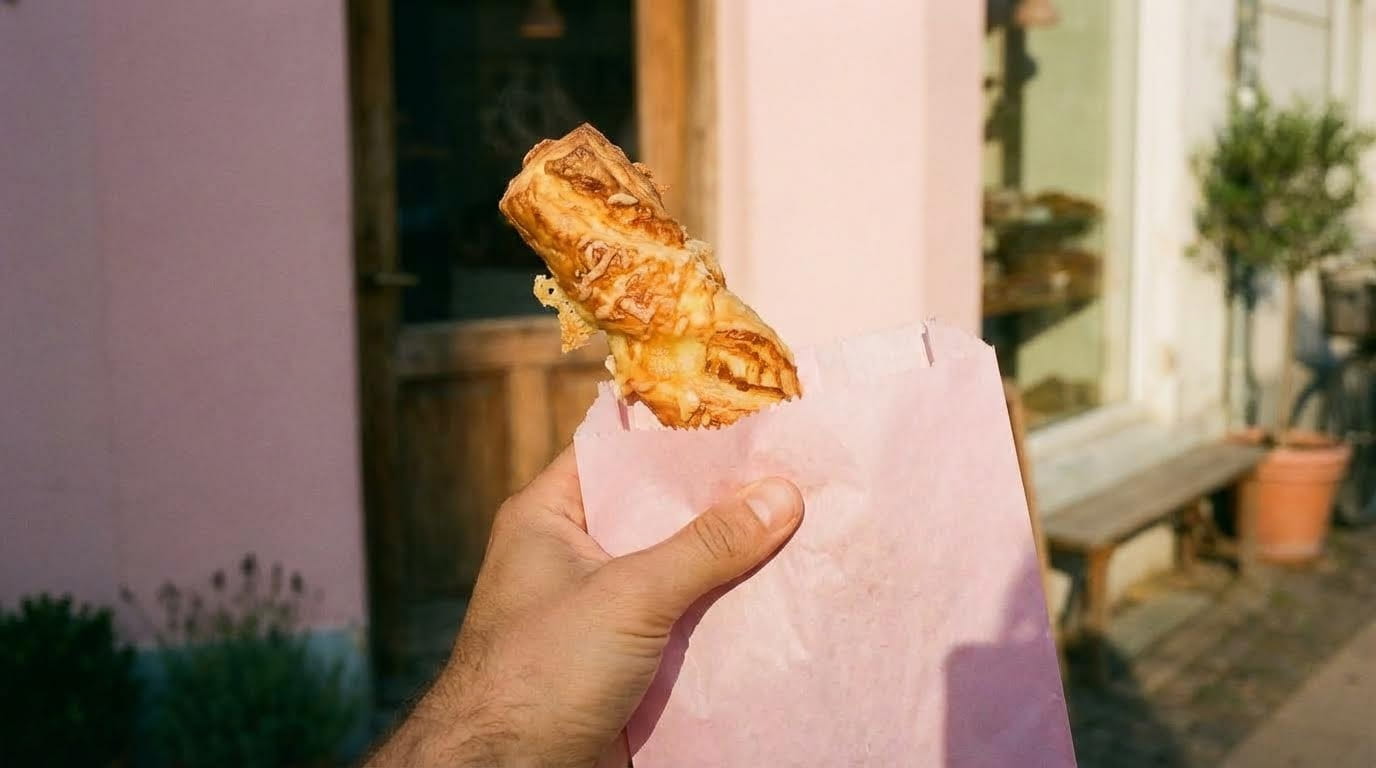
Nano Banana Pro Product Shot Variations:
Single cheese straw hero shot
Three cheese straws on wooden board (The Purest, The Veggie, The Butcher)
Cheese oozing close-up
Hand holding takeaway bag
Generate Product Shots with Nano Banana Pro
Phase 3: Logo Compositing (Nano Banana Pro's Secret Weapon)
Getting your logo onto generated objects is one of the hardest challenges in AI. Nano Banana Pro handles this better than any other model.
The Nano Banana Pro Logo Workflow
Step 1: Upload your logo image
Step 2: Upload the target scene (coffee cup, apron, bag)
Step 3: Prompt:
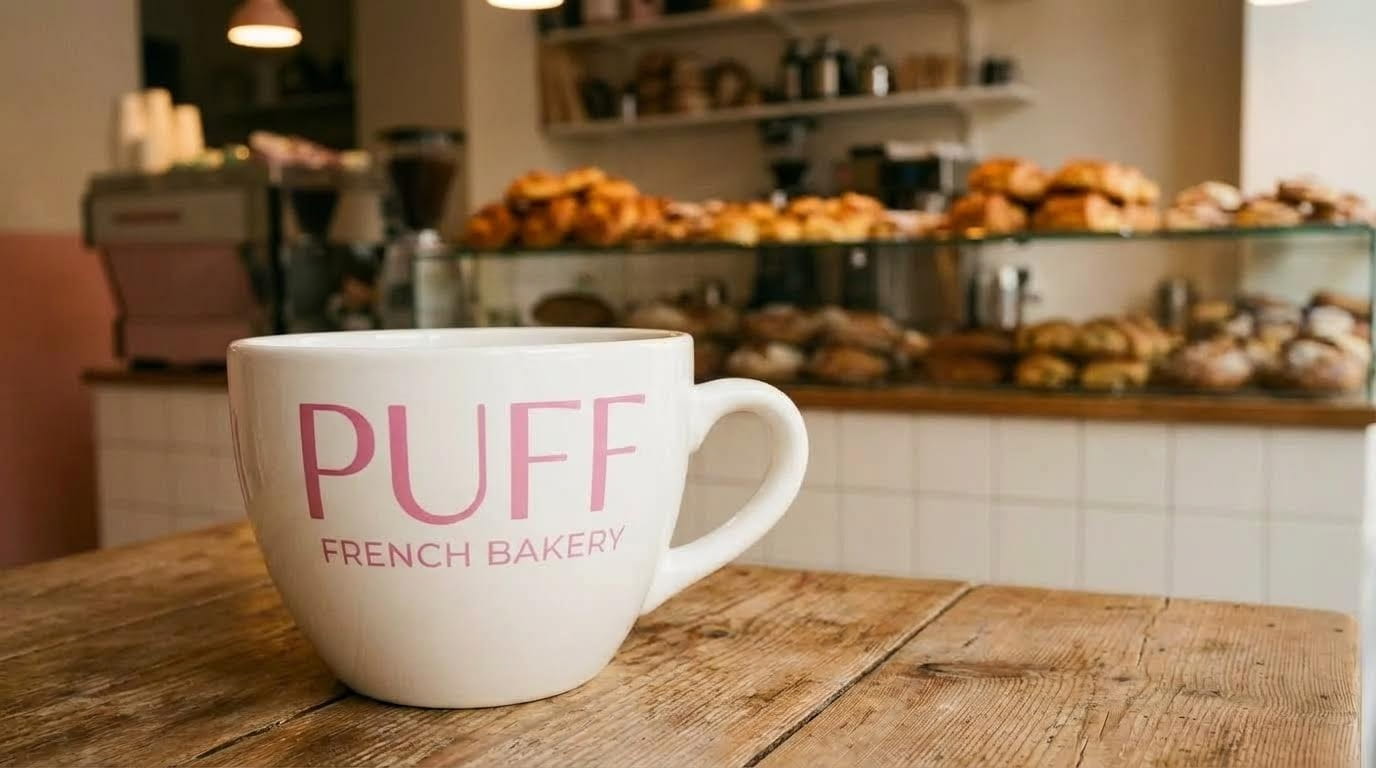
What Nano Banana Pro does automatically:
Composites logo with correct perspective
Matches lighting and shadow direction
Wraps logo around curved surfaces naturally
Blends seamlessly into the scene
Logo Compositing Ideas
Nano Banana Pro can place your logo on:
Object | Prompt Addition |
|---|---|
Coffee cup | "Wrap logo around the cup naturally" |
Apron | "Logo centered on chest area of apron" |
Takeaway bag | "Logo on front face of paper bag" |
Napkin | "Subtle logo stamp on napkin center" |
Box packaging | "Logo embossed on box lid" |
Staff uniform | "Logo stitched onto sleeve" |
Each branded asset = professional marketing material.
Phase 4: Putting Yourself in the Ad with Nano Banana Pro
Star in your own commercial using Nano Banana Pro's face compositing.
Step 1: Upload a clear selfie
Step 2: Upload your generated bakery background
Step 3: Prompt:
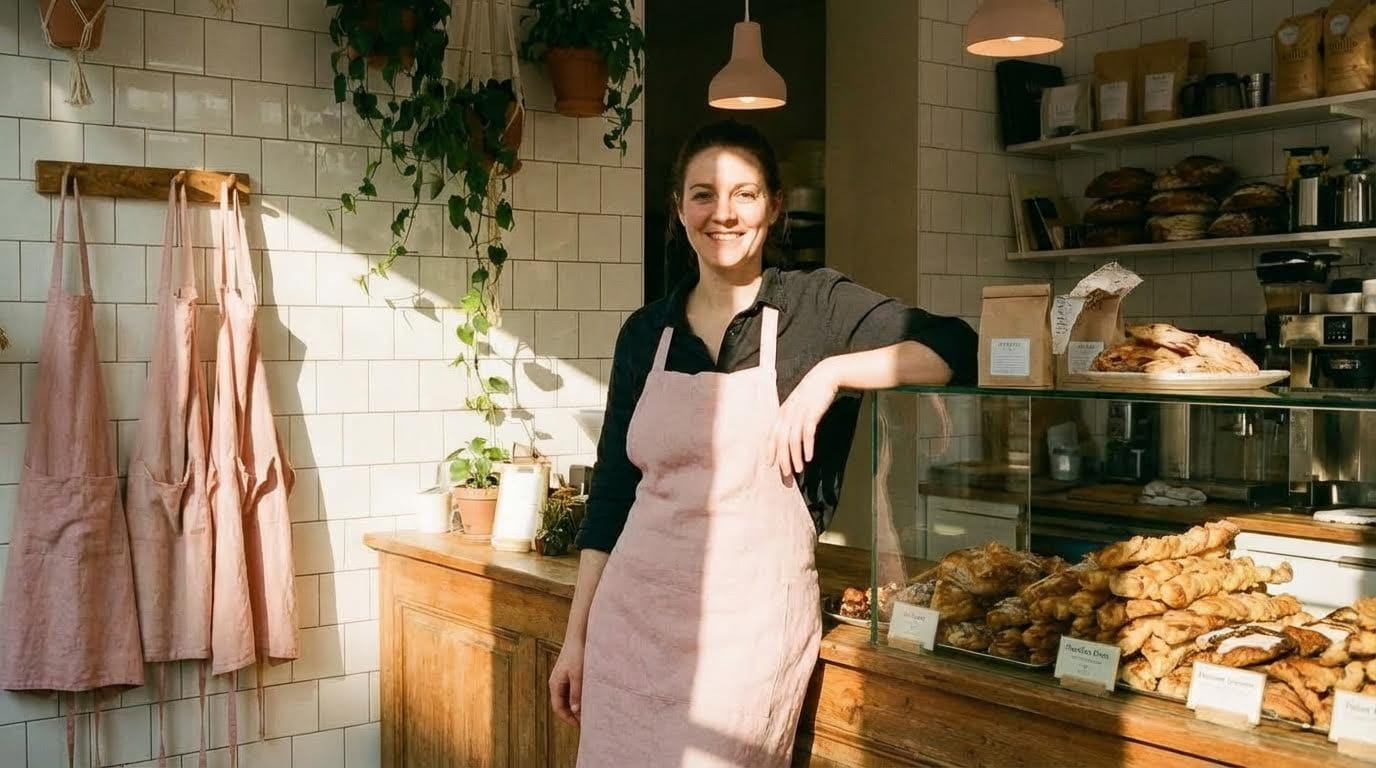
Nano Banana Pro maintains:
Your facial features accurately
Natural skin texture
Proper lighting integration
Seamless background blending
Phase 5: Animating Nano Banana Pro Images
Turn your Nano Banana Pro masterpieces into video using Kling 01 inside Atlabs AI.
Navigate to: Atlabs AI → Video → Kling 01
Animation Prompts (Built for Nano Banana Pro Images)
The Product Reveal:
The Shop Atmosphere:
The Staff Moment:
Settings:
Duration: 3-5 seconds
Audio: OFF
Negative Prompt: "Music, Dialogue, text, watermark"
Animate Your Nano Banana Pro Images on Atlabs AI
Assembling the Final Ad
Edit Structure (30 Seconds)
Sound Design
Bakery ambience (gentle bustling)
Crispy crunch on product reveal
Gentle "ting" on logo reveal
Warm indie acoustic music
Why Nano Banana Pro Over Other Models?
Feature | Nano Banana Pro | Other Models |
|---|---|---|
Photorealism | Best in class | Good |
Logo compositing | Seamless | Struggles |
World building | One reference → full world | Needs multiple references |
Brand consistency | Maintains across generations | Drifts |
Texture detail | Ultra-detailed | Average |
Cost | Free on Atlabs AI | Paid subscriptions |
Food photography | Appetizing, realistic | Often unappetizing |
Nano Banana Pro is the clear choice for brand advertising.
Nano Banana Pro Pro Tips
Tip 1: Always Use the Golden Suffix
End every prompt with: "Photoreal, ultra-detailed textures, cinematic composition, harsh shadows, analog photography"
Tip 2: Upload References First
Nano Banana Pro reads uploaded images to maintain consistency. Always upload your previous generation as reference for the next shot.
Tip 3: Include Brand Colors
Add your hex codes or color names to every prompt. Nano Banana Pro respects color instructions precisely.
Tip 4: Batch Generate
Always generate 4 variations. Nano Banana Pro produces different lighting and compositions each time. Pick the best.
Tip 5: Upscale Everything
Use Atlabs AI upscaler on every final Nano Banana Pro image before animating. Doubles detail quality.
Common Nano Banana Pro Mistakes
❌ No Golden Suffix → ✅ Always end with "Photoreal, ultra-detailed textures..."
❌ No reference uploads → ✅ Upload previous image for consistency
❌ Generic color descriptions → ✅ Use exact hex codes or specific color names
❌ Single generation → ✅ Always batch generate 4 variations
❌ Skip upscaling → ✅ Upscale before animating for maximum quality
Troubleshooting Nano Banana Pro
Problem: Interior doesn't match exterior
Solution: Upload exterior as reference image before prompting interior
Problem: Logo looks pasted/unnatural
Solution: Add "seamless compositing, natural lighting, shadows matching scene" to prompt
Problem: Food looks unappetizing
Solution: Add "appetizing, mouth-watering, freshly baked, golden, warm steam" to prompt
Problem: Colors don't match brand
Solution: Include exact hex codes: "Color palette: #F4A7BB pink, #FFF8F0 cream"
Ready to Master Nano Banana Pro?
Nano Banana Pro on Atlabs AI is the most powerful free tool for creating premium brand visuals. From logo compositing to full world-building, it handles everything.
What Nano Banana Pro Gives You
✓ Photorealistic brand visuals
✓ Seamless logo compositing
✓ World-building from single references
✓ Consistent style across all generations
✓ Professional food and product photography
✓ Face compositing for personal branding
No agency. No photographer. Just Nano Banana Pro.
Master Nano Banana Pro on Atlabs AI – Start Free
Quick Nano Banana Pro Workflow
Step 1: Lock brand identity (logo, colors, style keywords)
Step 2: Generate exterior → Upload as reference → Generate interior
Step 3: Generate product shots → Composite logos
Step 4: Animate with Kling 01 → Edit → Export
Total Time: 2-3 hours
Total Cost: Free
Output: Full branded TV-ready commercial








