ACCESS 50+ MODELS ON ATLABS
Edit Images with Professional Precision using Seedream 4 (Bytedance)
Advanced AI image editing — precise control, seamless retouching, and creative transformations powered by Seedream.
No credit card required. Get started in minutes.
Whether it’s for product photos, marketing creatives, portraits, or artistic projects, Atlabs AI Image Edit makes it simple to transform any image with precision, creativity, and speed.
Step by Step
How it Works


Select Your Model
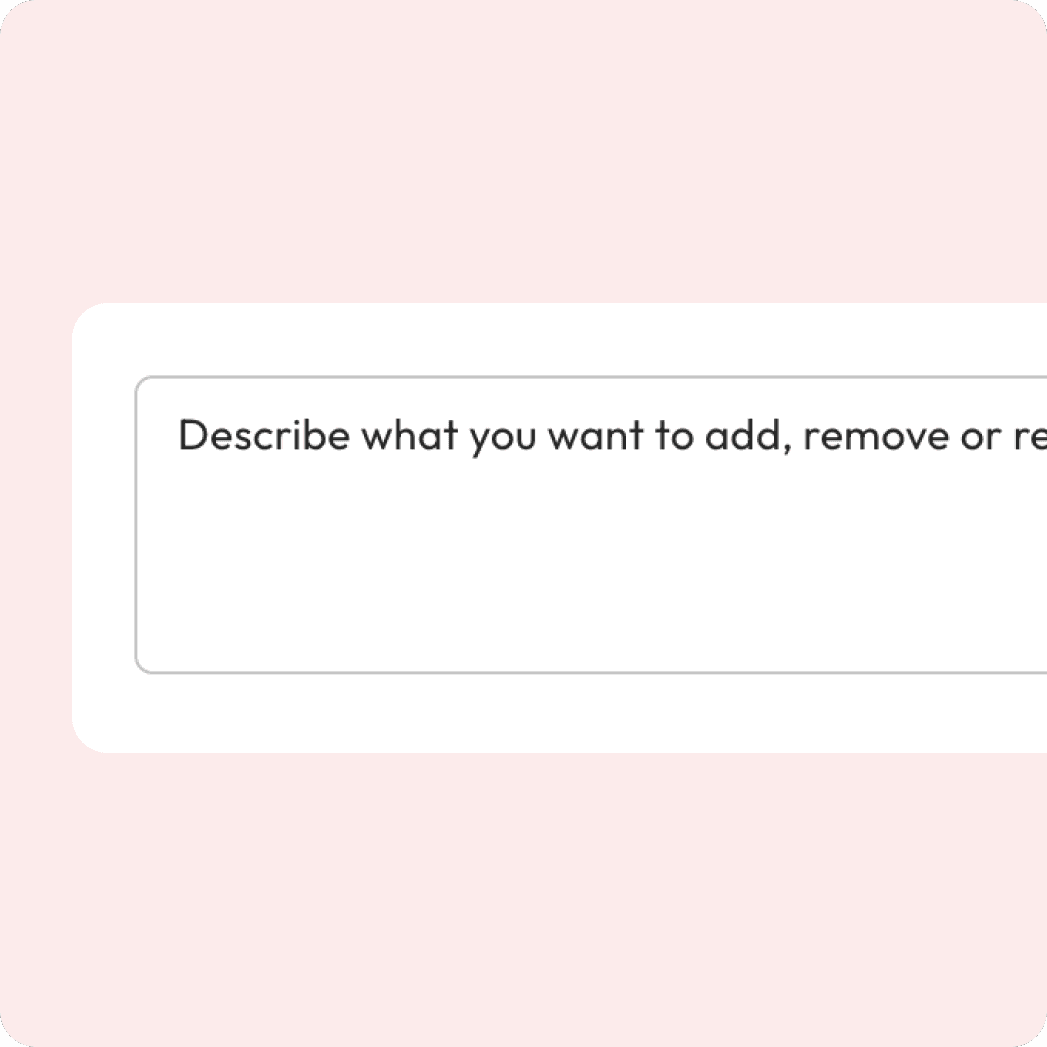
Enter your prompt
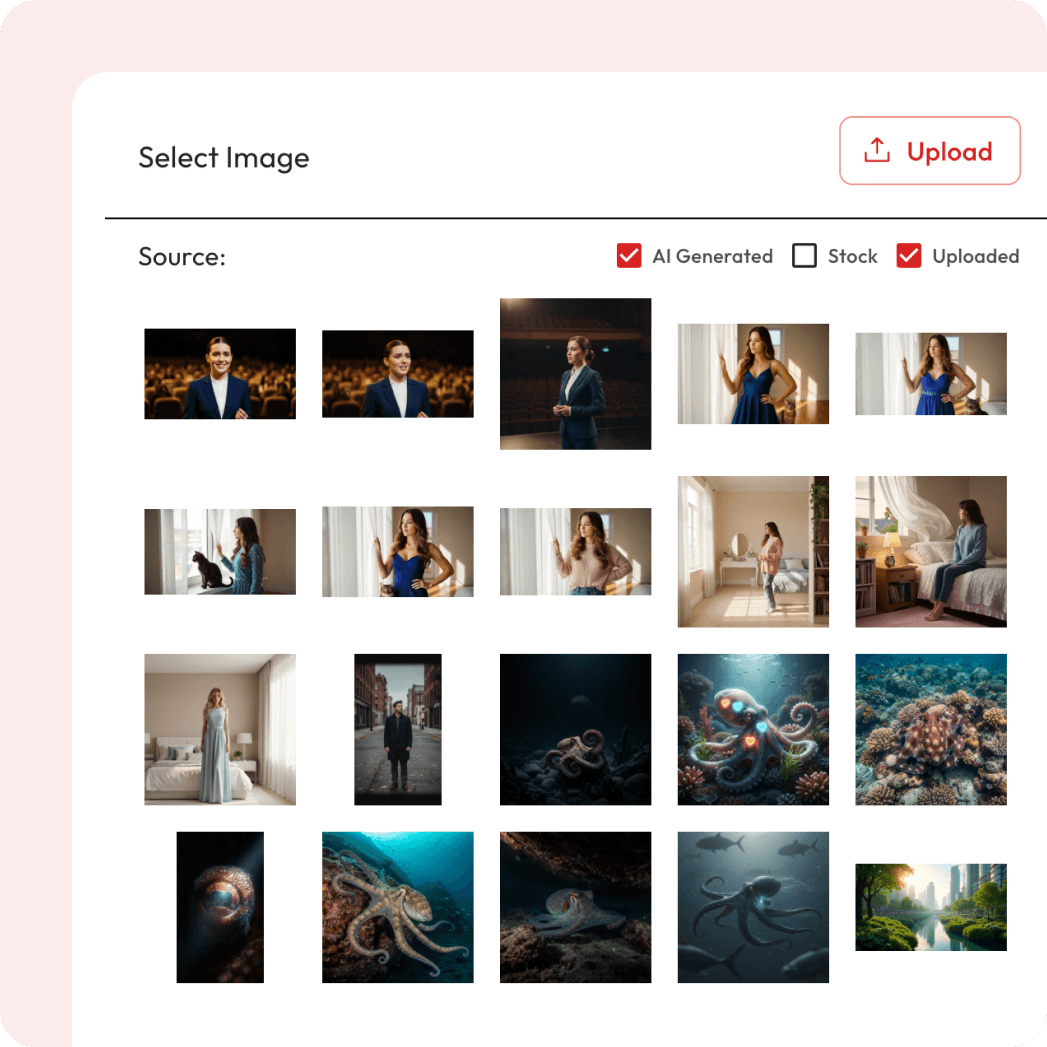
Attach Image

Export and Download
Powered by Atlabs
Qwen Image Edit is built for high-quality, precision-driven image editing, making it stand out from generic models that often sacrifice realism. It’s optimized for fine-tuned adjustments while keeping natural details intact, which makes it ideal for projects where accuracy and polish matter most — whether that’s e-commerce product shots, professional portraits, or creative campaigns. With Qwen, you can enhance photo clarity and colors, swap or restyle clothing, remove unwanted objects or clutter, clean up or replace backgrounds, and even apply artistic styles while preserving a realistic look.
Multiple Models. One Prompt. Different Results.
AI Edit Image Comparisons
See how the same prompt transforms across Qwen, Runway, Flux, Seedream and ChatGPT etc., a side-by-side look at the power of multiple AI models.
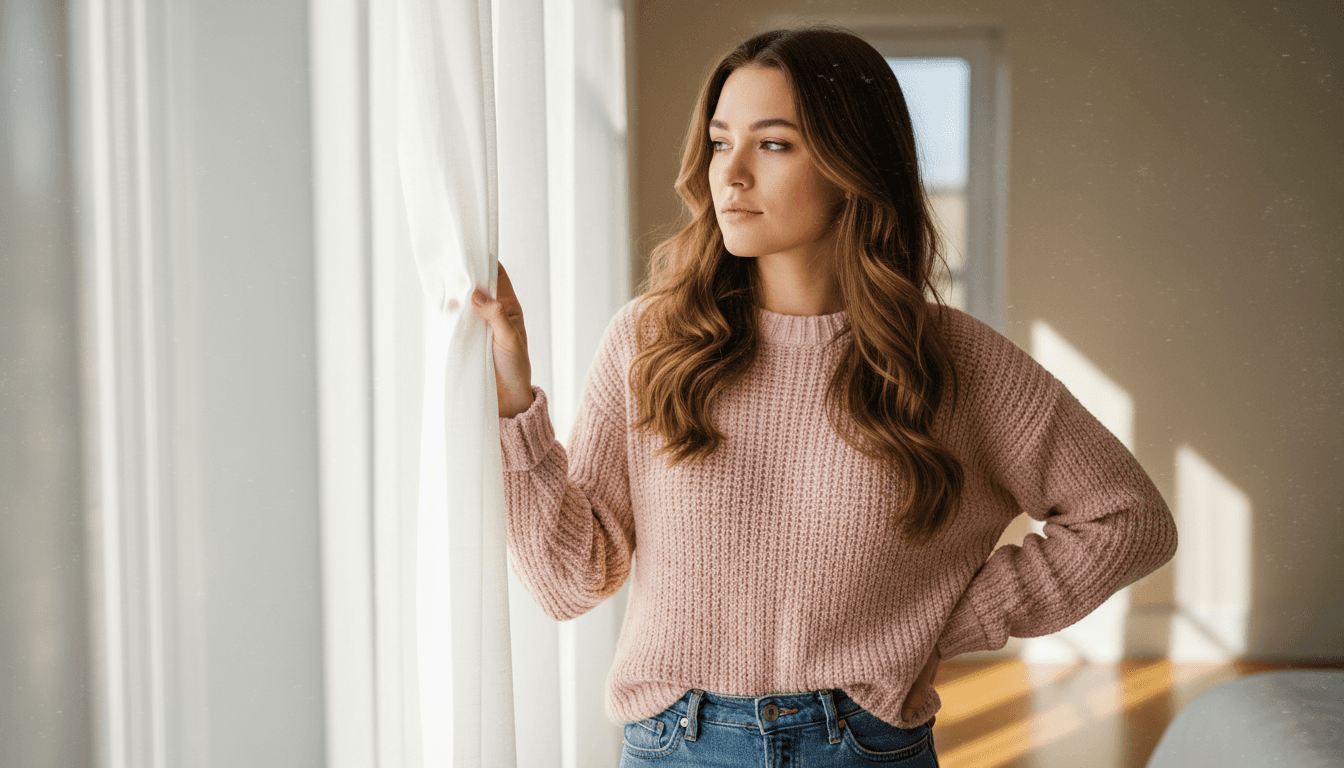
Before
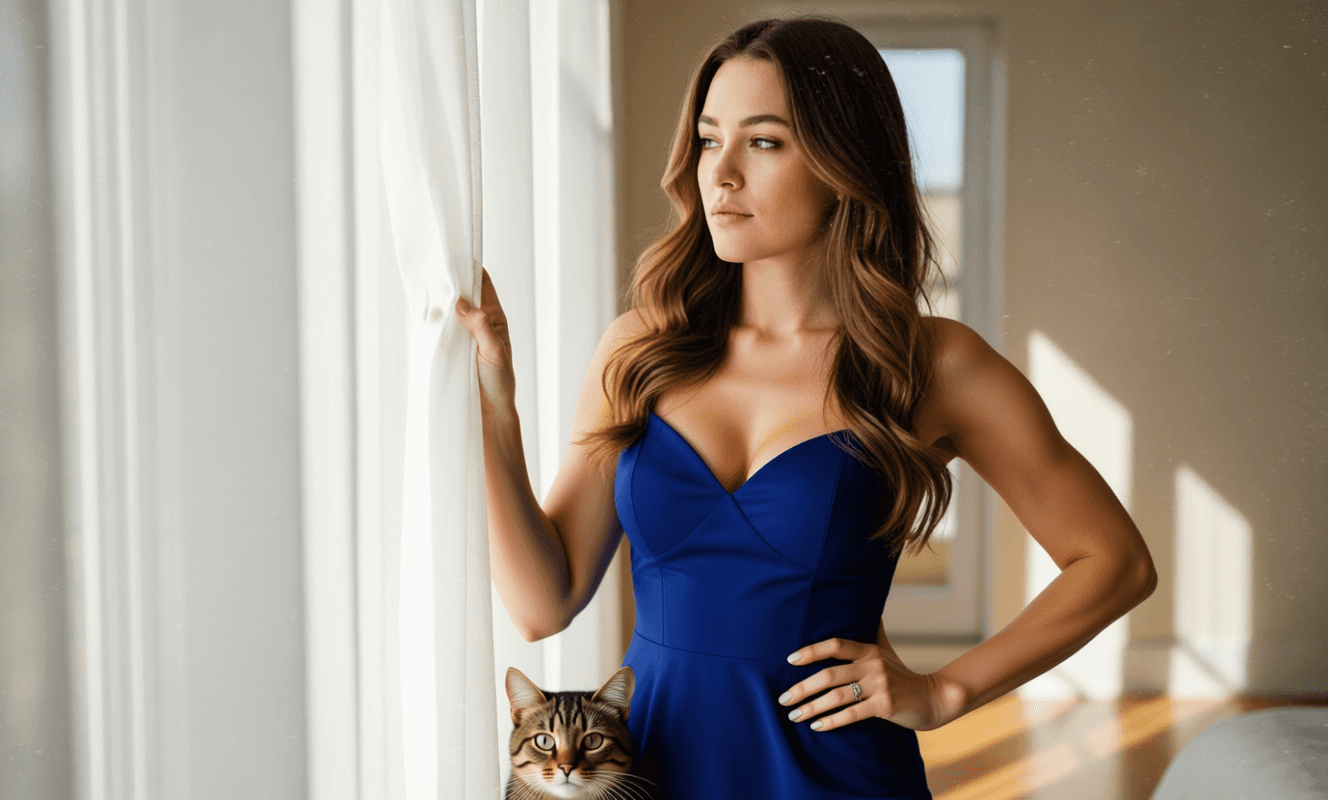

Prompt: Add a cat into the scene and change the woman’s outfit into a stylish blue party dress.
Learn More
Before
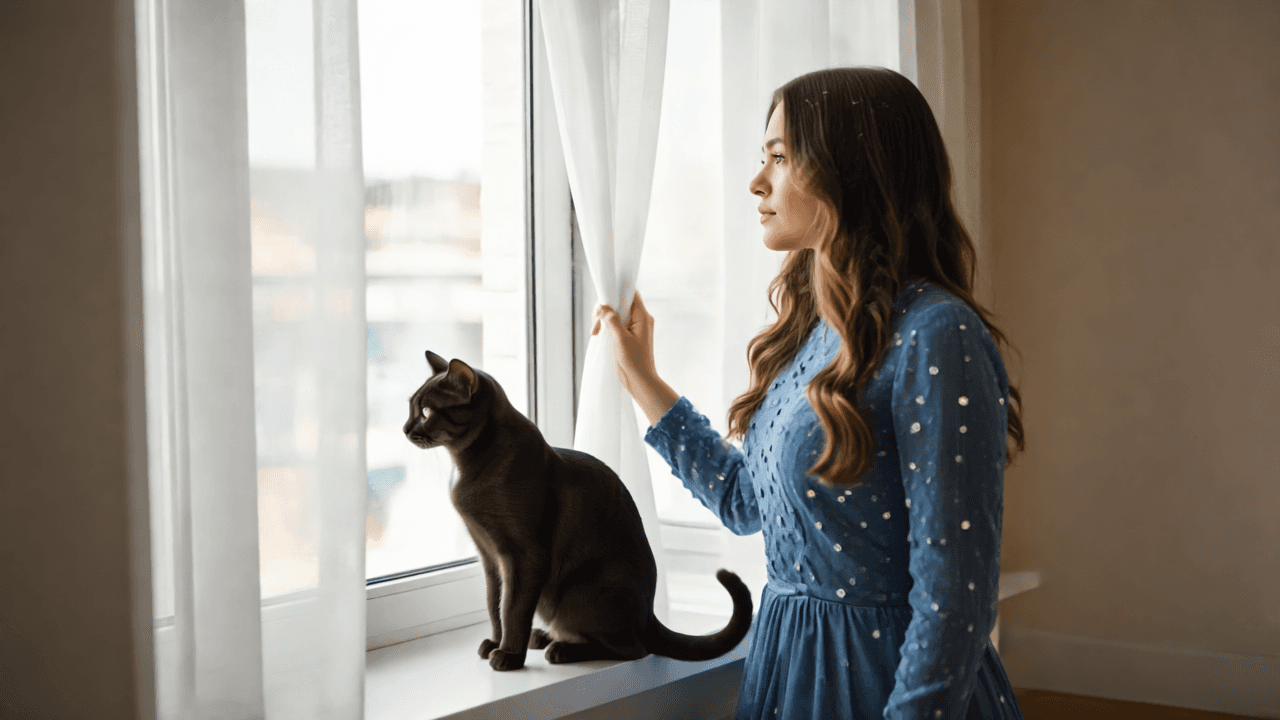
After

Runway References
Prompt: Add a cat into the scene and change the woman’s outfit into a stylish blue party dress.
Learn More
Before
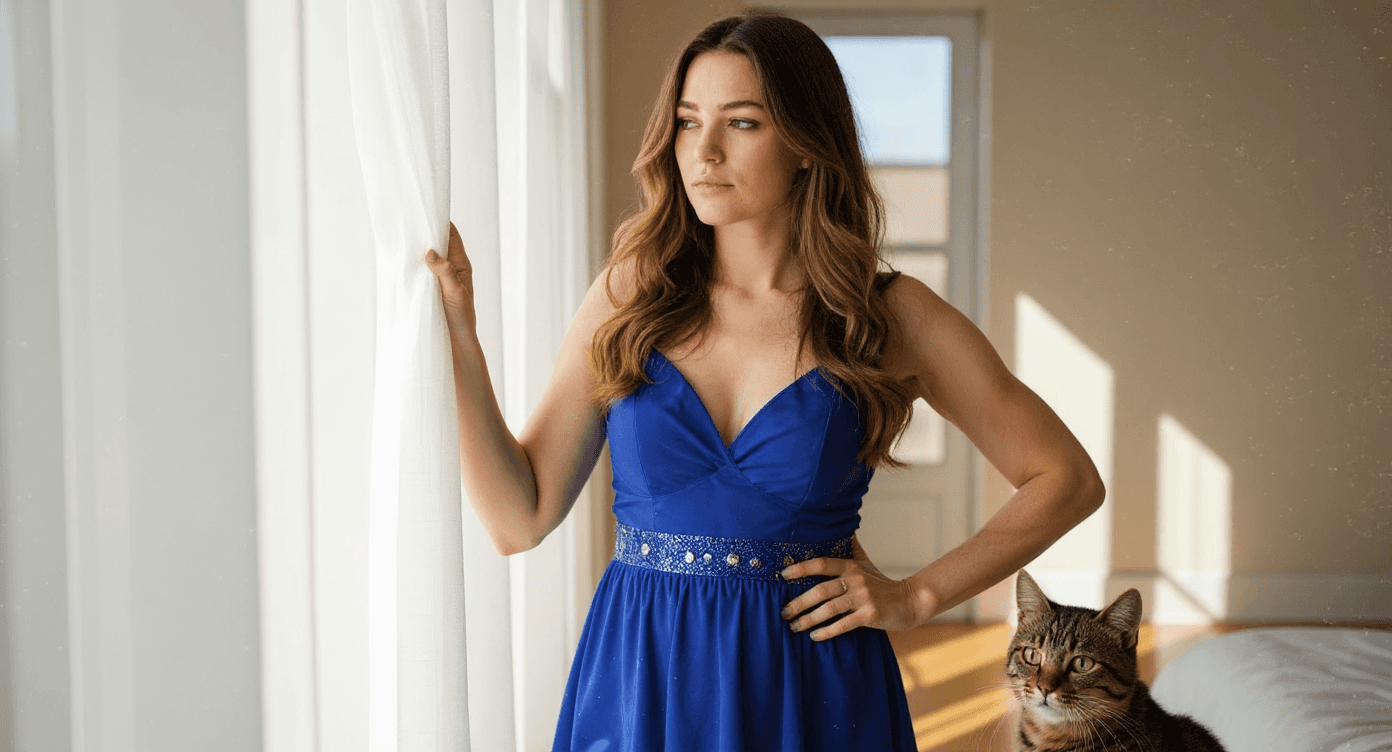
After

Flux Kontext
Prompt: Add a cat into the scene and change the woman’s outfit into a stylish blue party dress.
Learn More
Before

After

GPT Image Gen
Prompt: Add a cat into the scene and change the woman’s outfit into a stylish blue party dress.
Learn More
Before
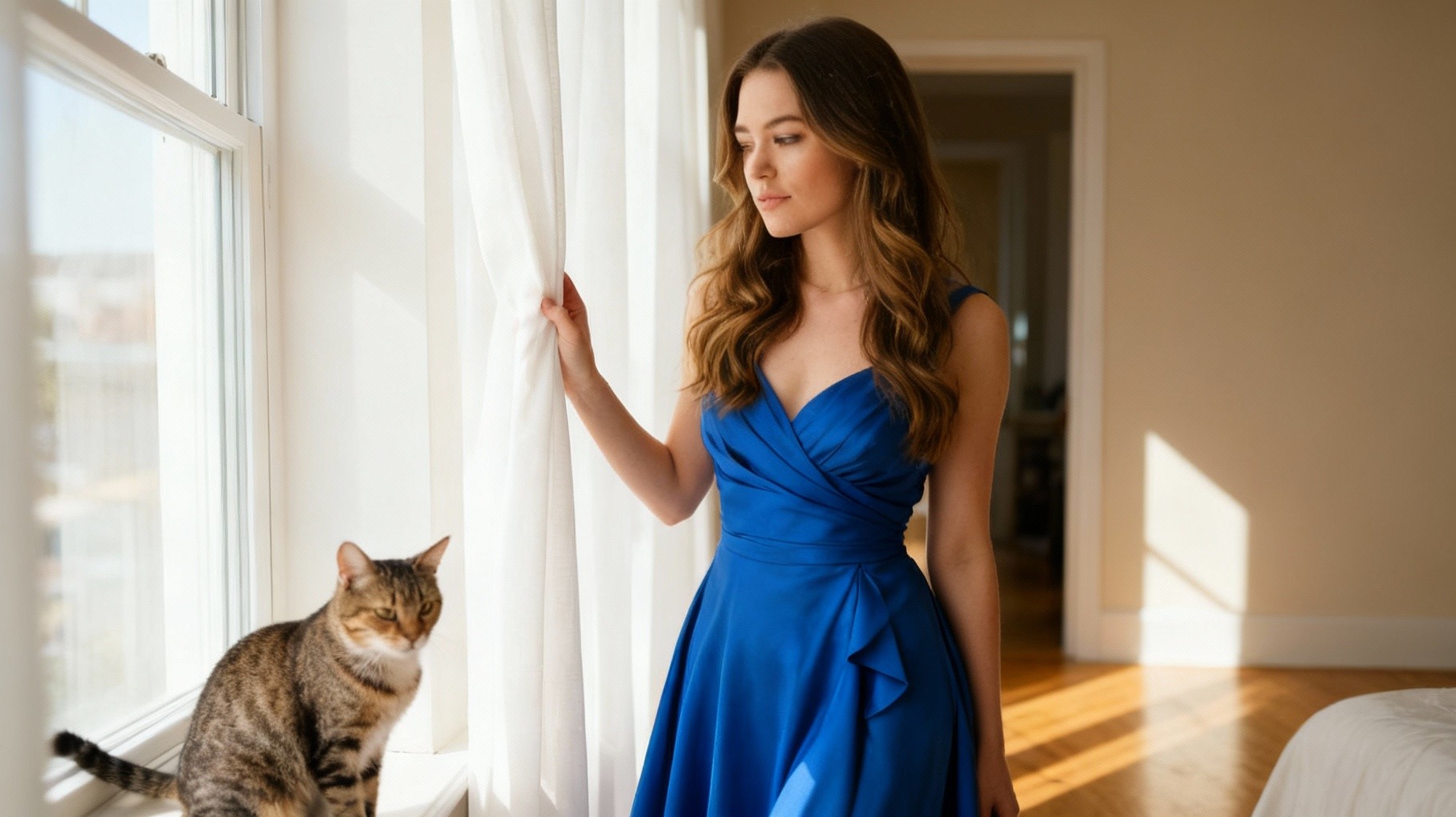
After

Seedream (Bytedance)
Prompt: Add a cat into the scene and change the woman’s outfit into a stylish blue party dress.
Learn More
Enhance, restyle, or transform your image in seconds
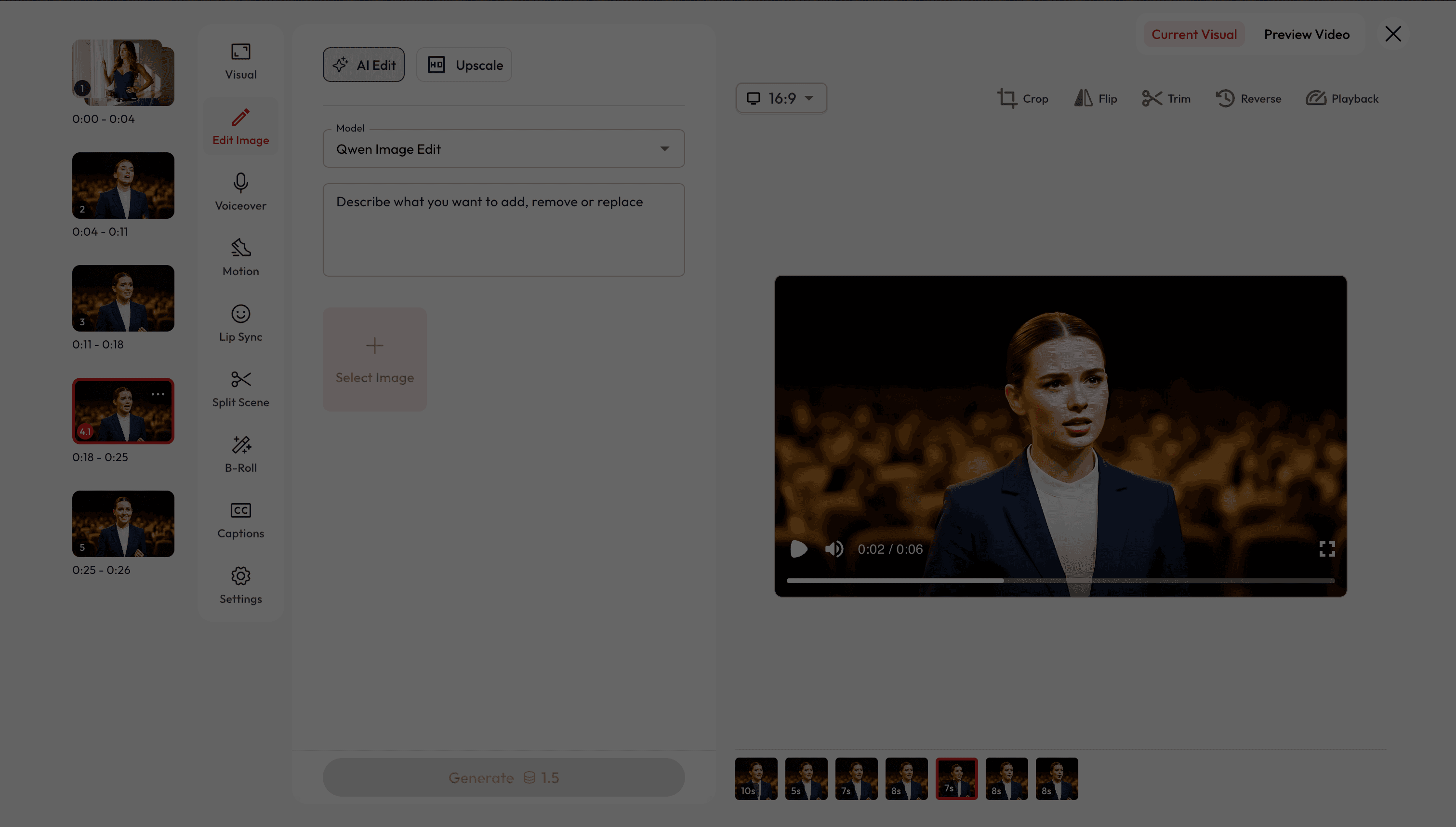
Two Ways to Edit Images.
Choose how you want to refine and transform your visuals.


Got Questions?
What is AI image editing?
AI image editing lets you enhance, restyle, or transform photos with simple text prompts — no advanced design skills required.
Is it free to use?
Yes! New users get free credits when they sign up, which you can use for a certain number of generations at no cost. Once your free credits run out, you can purchase more or subscribe for unlimited access.
Can I change outfits or styles in a photo?
Yes. You can swap clothing, adjust colors, or apply entirely new styles while keeping the photo realistic.
Can I preview before exporting?
You can view to your generated videos before final download.
Can I remove or add objects in an image?
Absolutely. You can remove unwanted elements, clean clutter, or add new objects like furniture, pets, or accessories.
Can I revert to previous video generations?
Yes, you can easily revert to any previous image/video generation and adjust settings as needed.
Will the edits look realistic?
Atlabs integrates top AI models trained for realism and detail, so edits blend naturally into the original image.
How fast are the edits generated?
Most edits are ready within seconds, depending on image size and complexity.
Can I use these edits for commercial projects?
Yes. You can use your generated images for marketing campaigns, e-commerce, ads, and professional projects.
Can I use reference images?
Yes. Some models allow you to upload a reference image to guide clothing style, color schemes, or maintain design consistency across edits.