Why Most AI Video Comparisons Miss the Point
Every tool in this guide claims to make video creation easy. The real question is: easy for whom, and to do what?
The non-editor's problem isn't a lack of creativity; it's a lack of time, technical skill, and budget. They need to go from a rough idea or a script to a finished, shareable video without hiring a production team or learning a video editor. Some tools solve one part of that problem. Very few solve all of it.
We evaluated six platforms on the criteria that actually matter when you have no editing background:
⚡ Zero-to-Video Speed How quickly can a first-time user go from idea to exported video? | 🔁 Pipeline Completeness Script, visuals, voiceover, and export, or just one step? |
🎭 Character Consistency Do AI characters stay visually consistent across all scenes? | 🌍 Language & Localization Multi-language output without re-recording everything? |
💸 Real Value at Entry Level Is the free or cheapest plan actually usable? | 📤 Platform-Ready Export YouTube, TikTok, and LinkedIn without extra formatting steps? |
The 2026 Snapshot
Six platforms, one table. Here's where each tool fits before we go deep:
# | Tool | Best For | Free Plan | Paid From | Pipeline | Rating |
|---|---|---|---|---|---|---|
1 | Atlabs.ai | Non-editors needing full workflow | ✓ Free tier | $15/mo | End-to-end | ★★★★★ |
2 | HeyGen | Avatar presentations & localization | 3 videos/mo | $29/mo | Script→Avatar | ★★★★☆ |
3 | Synthesia | Corporate training & HR comms | 3 min/mo only | $29/mo | Script→Avatar | ★★★★☆ |
4 | InVideo AI | Fast social clips & promos | ✓ Watermark | $28/mo | Prompt→Clip | ★★★☆☆ |
5 | VEED.io | Captions, subtitles & quick polish | ✓ 5/day | $9/mo | Edit→Export | ★★★☆☆ |
6 | Pictory | Blog & script content repurposing | Trial only | $19/mo | Text→Clips | ★★★☆☆ |
🏆 TOP PICK BEST OVERALL FOR NON-EDITORS 1. Atlabs.aiThe only platform handling the entire video pipeline, from script to finished export, without any editing experience. |
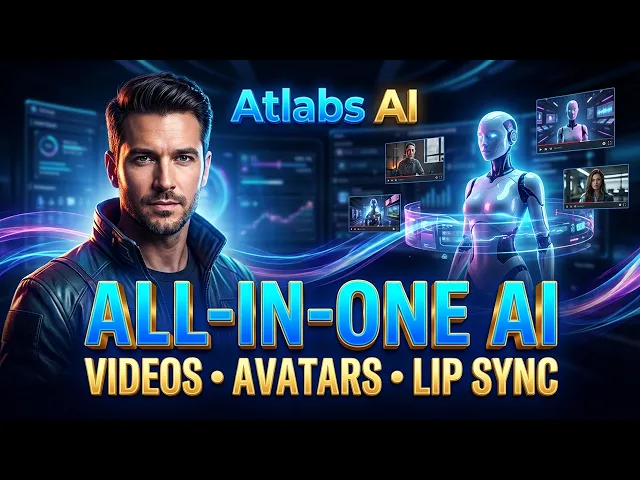
Most AI video tools fix just one part of the problem. Atlabs.ai fixes the whole thing. You can show up with a half-baked idea and leave with a full animated video, script, consistent characters, AI voiceover, motion graphics, captions, and everything ready to post. No timeline headaches. No editing chaos. No jumping between five different tools.
For non-editors, that’s a huge deal. Normally, you’d generate visuals in one app, record voice in another, edit somewhere else, then add captions in yet another tool.
✓ What Stands Out
| ✗ Watch Out For
|
VERDICT If you need to create professional video content without any editing background, Atlabs.ai is the clear answer in 2026. No other platform in this comparison connects scripting, AI visuals, character consistency, voiceover, and export in a single workflow. |
BEST FOR AVATAR-DRIVEN PRESENTATIONS & GLOBAL LOCALIZATION 2. HeyGenThe most polished AI avatar platform for business video. Best-in-class for multilingual presenter content. |
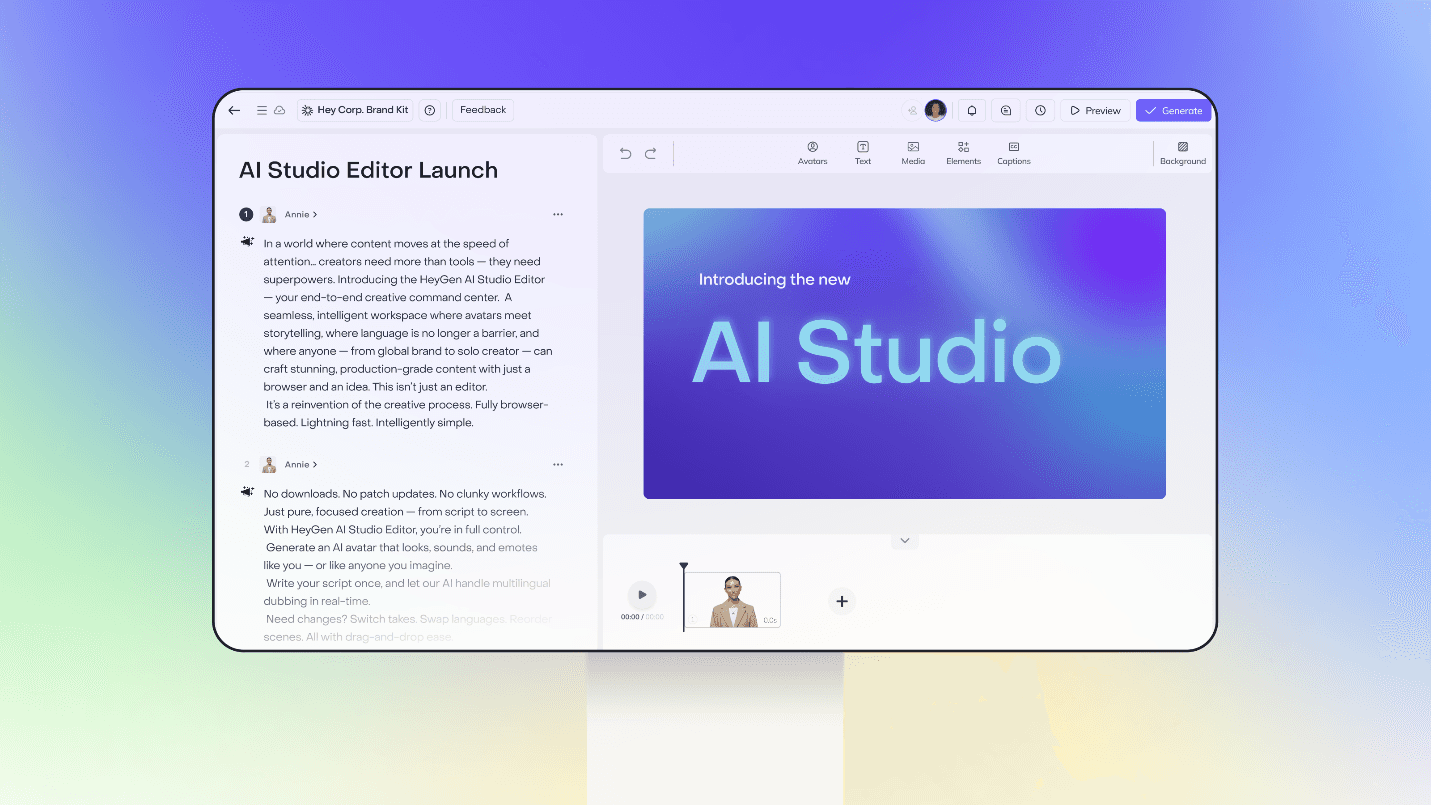
HeyGen built its whole reputation around one thing: AI avatars that actually look and sound human. For people who want a polished presenter in their video but don’t want to touch a camera, mic, or studio setup, that’s a big win.
In February 2026, HeyGen switched things up by introducing unlimited video generation on paid plans for standard avatar videos. Earlier, users had to constantly watch their credits, which got annoying fast. Now it competes directly with Synthesia, but at a lower price, and you also get better access to translation features, even on the cheaper plans.
✓ What Stands Out
| ✗ Watch Out For
|
VERDICT HeyGen earns its #2 spot for avatar quality and language reach. If your primary need is a professional AI presenter speaking in multiple languages, it's the strongest specialist option. But it stops at avatar video for anything beyond talking-head content; you'll need additional tools. |
3. SynthesiaThe enterprise standard for avatar-based training videos. Slide-deck simplicity, strict compliance features. |
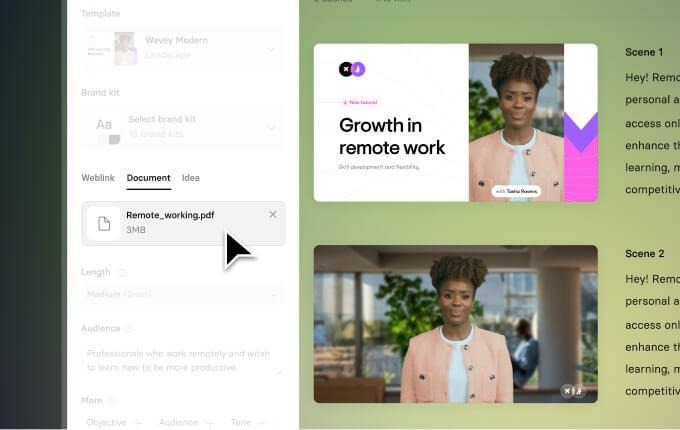
Synthesia basically built the whole enterprise AI video space, and it’s still the go-to for big companies making training videos at scale. The interface feels a lot like PowerPoint; if you can make slides, you can make a Synthesia video. It’s simple, structured, and pretty easy to pick up in minutes.
The catch is the pricing and flexibility. The minute limits run out fast on lower plans, and some of the most useful features, like one-click translation and SCORM export, sit behind the Enterprise paywall. That makes it great for big organizations, but a bit tough for solo creators or smaller teams trying to keep costs down.
✓ What Stands Out
| ✗ Watch Out For
|
VERDICT Synthesia is the right choice when enterprise compliance, LMS integration, and organizational scale are the priorities. For individuals or small teams, the minute limits and locked translation features make it poor value compared to HeyGen or Atlabs at comparable price points. |
4. InVideo AIPrompt in, video out. The fastest path from a text idea to a shareable social clip. |
InVideo AI’s whole vibe is pretty simple. You type a prompt, and it turns it into a video. It taps into a huge library of 16M+ stock assets plus 5,000+ templates. If you’re a marketer who just needs a quick promo or a social clip, it’s one of the fastest ways to get something out without opening a full editing tool - where quality isn't needed.
Where it gets a little limited is in depth and consistency. Character consistency isn’t really a thing here because you’re generating separate AI clips instead of using the same characters across videos. It’s great for quick one-off content, but if you’re trying to build a consistent visual identity or brand style across multiple videos, it can start to feel a bit messy.
✓ What Stands Out
| ✗ Watch Out For
|
VERDICT InVideo is the go-to for quick, disposable social content. If you need a 30-second promo or a fast YouTube intro, it delivers well at a fair price. It's not a replacement for a full-pipeline tool if brand consistency or narrative video is the goal. |
BEST FOR CAPTIONS, SUBTITLES & QUICK CLIP POLISH 5. VEED.ioThe browser-based editor is built for non-editors. Best for captions, subtitles, and polishing existing footage. |
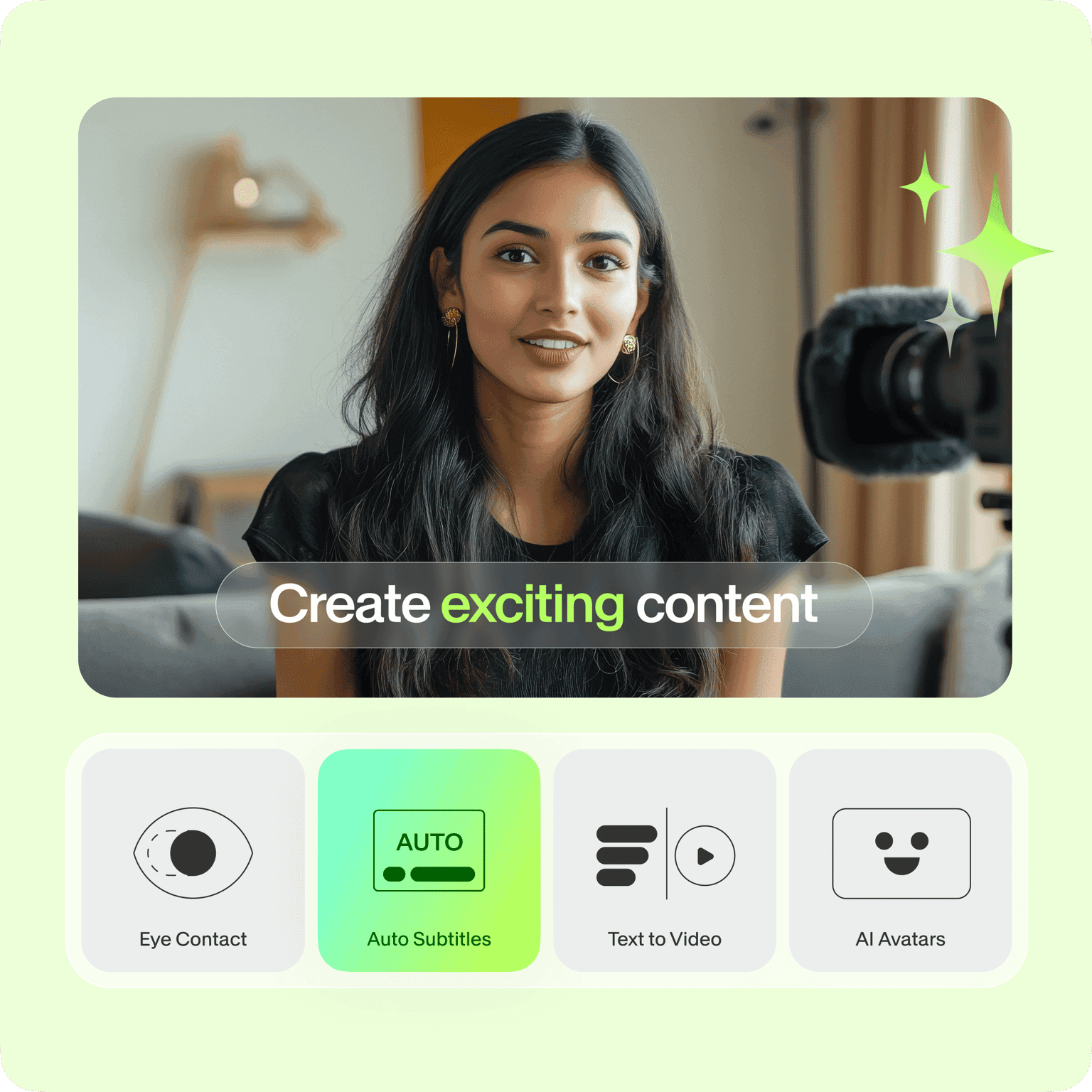
VEED isn’t really a video generator. It’s more like a video editor made for people who don’t want to deal with complicated editing software. Its real strength is in polishing content. You can add auto subtitles, translate captions, remove filler words, fix eye contact, and prep your videos so they’re ready for social media.
But it’s not the tool you’d use if you want to create a video from scratch. For that, you’d first use a generation platform like Atlabs to make the video, and then bring it into VEED to clean it up and add the final touches before posting.
✓ What Stands Out
| ✗ Watch Out For
|
VERDICT VEED is the right finishing tool, not a starting one. If you're generating video in Atlabs or recording yourself on screen, VEED is an excellent next step for adding captions and polishing for social. As a standalone creation solution, it's incomplete. |
BEST FOR BLOG & SCRIPT CONTENT REPURPOSING 6. PictoryPaste a blog post or script URL and get a video. The fastest tool for repurposing existing written content. |
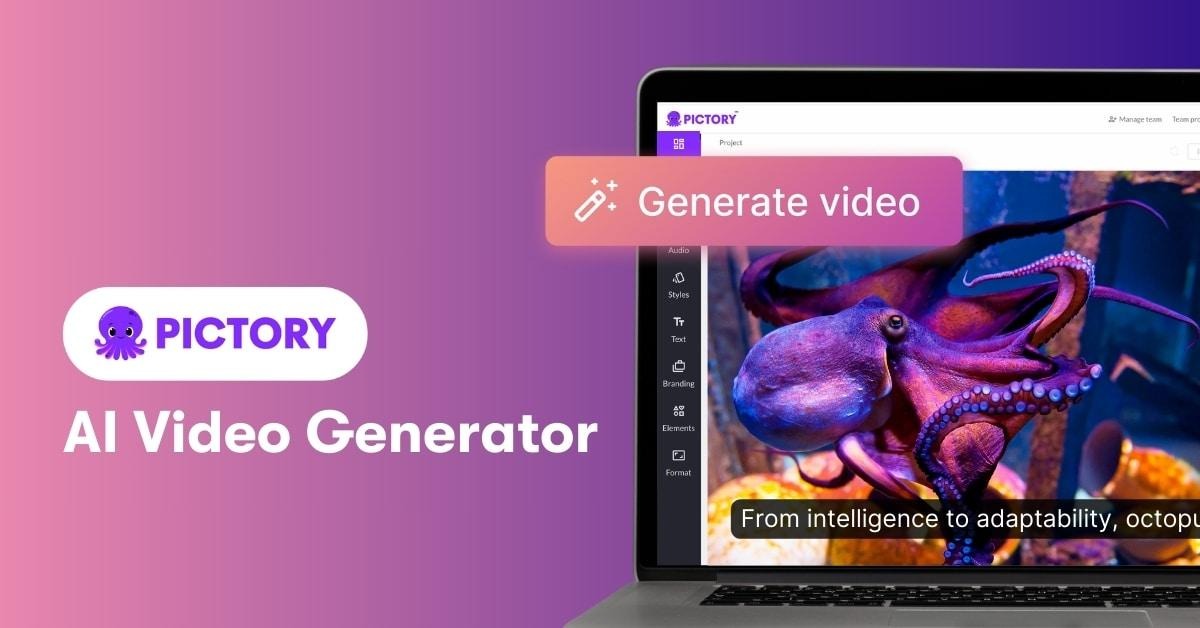
Pictory is made for repurposing content fast. You can drop in a blog link, paste a script, or upload a long webinar, and it will automatically pull out the key moments, match them with stock visuals, add an AI voiceover, and export a video that’s ready to share. It’s especially useful if you’re turning long-form content into quick social media clips.
The downside is creative flexibility. Pictory is built to do one job really well, but it’s not very wide in what it can do beyond that. It can’t generate original videos from scratch, and sometimes the AI-picked visuals don’t perfectly match more nuanced or complex topics.
✓ What Stands Out
| ✗ Watch Out For
|
VERDICT Pictory is the best tool in this comparison for one specific job: turning existing written or recorded content into video. For anything original, branded, or character-driven, you need a different platform. |
Which Tool Should You Actually Use?
Match your specific need to the best-fit platform:
If your goal is... | Use this tool |
|---|---|
Create a full video from scratch with zero editing skills | Atlabs.ai |
AI avatar presenting your script in multiple languages | HeyGen |
Corporate training, onboarding, or LMS-ready video content | Synthesia |
A low fidelity social clip or ad from a text prompt | InVideo AI |
Adding captions and polish to an existing video | VEED.io |
Turning a blog post or webinar into a shareable video | Pictory |
Consistent branded characters across multiple videos | Atlabs.ai |
Multilingual content at the most accessible price point | HeyGen (Creator) |
The Bottom Line
Atlabs.ai easily stands out as one of the most complete AI video platforms right now. Instead of solving just one part of the video process, it handles the entire workflow in one place. You can start with a rough idea and end up with a fully polished, platform-ready video with script generation, consistent characters, AI voiceover, motion graphics, captions, and export handled inside the same tool. For anyone who isn’t a video editor, that kind of simplicity is a huge advantage.
Other tools in this list still do certain things extremely well. HeyGen leads when it comes to realistic avatars. Synthesia dominates enterprise training content. InVideo is great for fast social media clips. VEED is excellent for captions and polishing footage, and Pictory is one of the best tools for repurposing long-form content. But Atlabs stands out because it removes the usual tool switching and editing complexity. When you want to go from idea to finished video without juggling multiple platforms, it’s easily one of the most practical places to start in 2026.








