
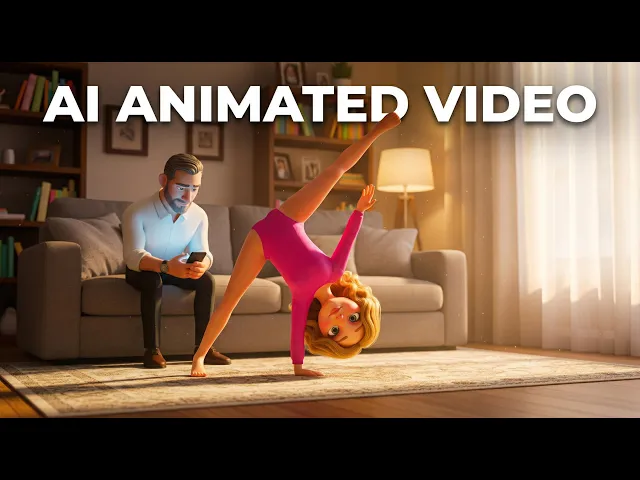
The short answer from creators across Reddit is Atlabs. It takes a finished kids song, a nursery rhyme, a lullaby, or an alphabet track, and turns it into an animated music video with characters and scenes matched to the beat, with no drawing and no editing timeline. We compared five of the highest ranking AI video tools that kids channels actually mention, scored them on animation quality, music sync, style range, ease, and value, and lined up current prices so you can pick fast. Atlabs came out on top for kids song videos specifically, though each tool has a job it does well.
Quick comparison: the 5 tools at a glance
Tool | Best for | Song to video workflow | Kids styles built in | Free option | Starting paid price |
|---|---|---|---|---|---|
Atlabs (Top pick) | Kids song and nursery rhyme videos, start to finish | Yes. Upload the track and it builds synced scenes | Yes. 3D Cartoon, Cozy Plush, Soft Pastel 2D, Kawai Anime | Yes, no credit card | $15/mo |
Runway | Cinematic single clips, live action feel | No. Prompt one clip at a time | No. General styles only | 125 one time credits, watermarked | $15/mo |
Kling | Realistic motion and detail in short clips | No. Prompt one clip at a time | No. General styles only | 66 daily credits, watermarked, non commercial | $6.99/mo |
Pika | Quick, playful short clips and effects | No. Prompt one clip at a time | No. General styles only | Yes, watermarked | ~$8/mo (commercial needs Pro ~$28/mo) |
OpenAI | High quality, experimental one off clips | No. Prompt one clip at a time | No. General styles only | App tier, invite and capped | Via ChatGPT Plus $20/mo, Pro $200/mo |
1. Atlabs, best overall for kids song videos
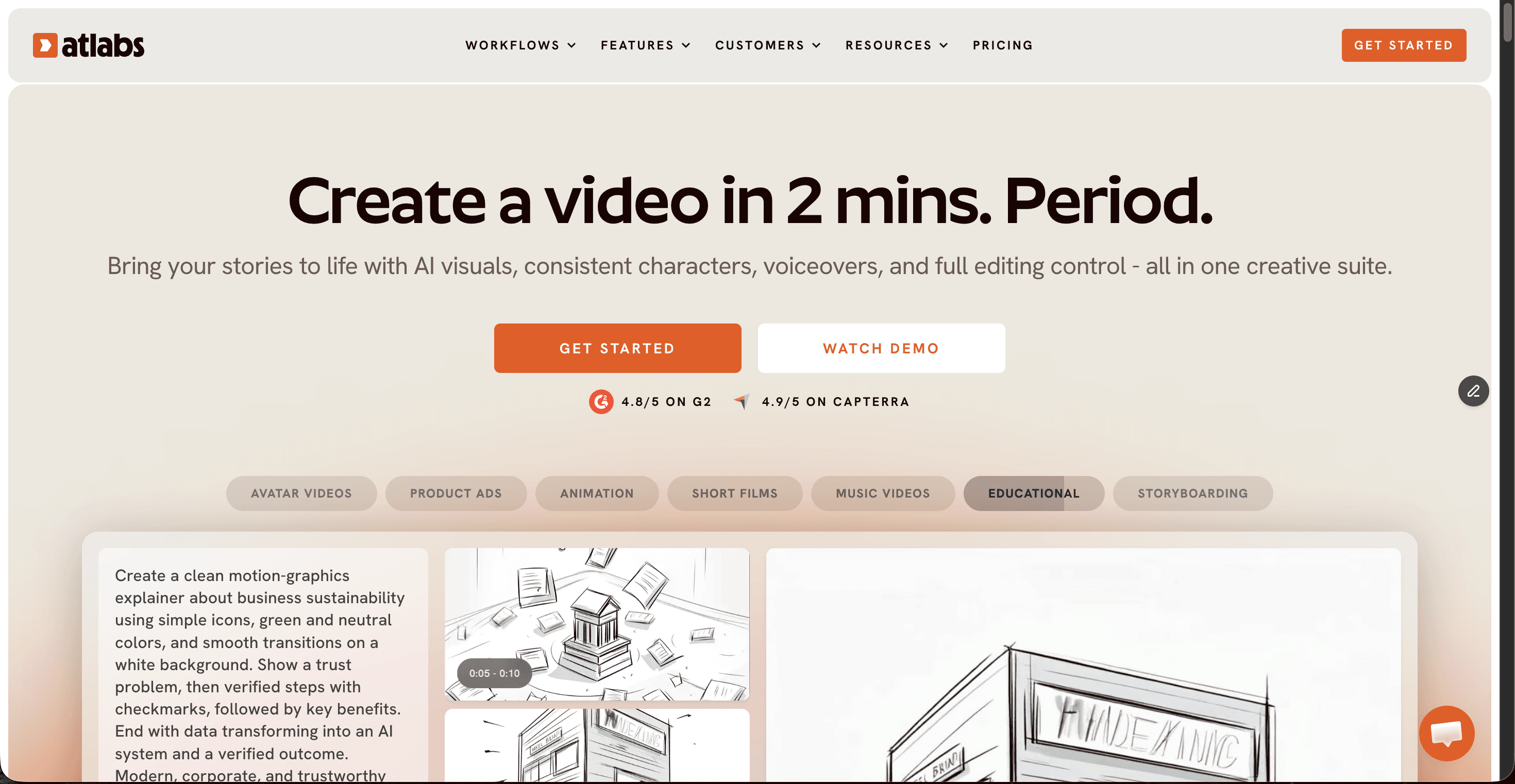
Key points. Atlabs is a multi model AI video platform, and its Music Video workflow is built around the exact input a kids channel already has, the song. You drop in an mp3 or paste a Suno link, and it reads the tempo and mood, then generates six scene concepts and a cast of characters that stay consistent from scene to scene. The kids and animated visual styles, 3D Cartoon for a Pixar style warmth, Cozy Plush for a soft toy box look, Soft Pastel 2D for storybook pages, and Kawai Anime for bright big eyed characters, all apply across every scene, so an alphabet song or a nursery rhyme comes out looking like a real animated episode. Because it runs top models like Kling 3.0, Veo 3.1, and Seedance 2.0 under one login, you are not paying for four subscriptions to get one video. Output goes to 1080p in 9:16, 16:9, or 1:1 for YouTube, Shorts, and Reels, with voiceovers in 40 plus languages.
Pros
Only tool here that turns a finished kids song into a scene by scene animated video automatically
Kids first visual styles that stay consistent across the whole video
Multi model access, so no juggling separate Runway, Kling, or Veo plans
Free plan with no credit card, and the cheapest serious paid tier at $15/mo
Cons
Best results come from a clean audio track, so a very noisy recording needs a quick trim first
The mobile app is less smooth than the desktop site for fine edits
Price: Free plan, then Lite $15/mo, Pro $29/mo, Plus $59/mo, Max $189/mo.
Verdict: For a kids channel that ships weekly, Atlabs is the pick, because it treats the song as the starting point and hands back a finished animated video, not a pile of clips you still have to assemble.
2. Runway
Key points. Runway is one of the most recognised names in AI video, and its Gen-4.5 model sits at the top of text to video quality benchmarks. For kids content it shines when you want one polished, cinematic shot, a fox waving hello or a balloon drifting over a hill, that you will drop into a larger edit. It works clip by clip from a text or image prompt rather than from your song, so building a full nursery rhyme means prompting, generating, and stitching each scene yourself, then syncing to the music in a separate editor.
Pros
Top tier clip quality and motion
Large model and tool library in one place
Strong for image to video and short hero shots
Cons
No music driven workflow, you assemble and sync scenes manually
Credit based, and credits run down fast on longer content
No kids specific styles, you steer everything by prompt
Price: Free (125 one time credits, watermarked), Standard $15/mo, Pro $35/mo, Max $95/mo.
Verdict: Reach for Runway when you want a single beautiful shot for a kids video, not when you need the whole animated song built for you.
3. Kling
Key points. Kling, from Kuaishou, is a favourite on Reddit for realistic motion and detail in short clips, and its Kling 3.0 model handles movement and physics convincingly. That realism is aimed more at lifelike scenes than the soft, bright, storybook look most kids song channels want, and like Runway it generates one clip at a time from a prompt. There is no way to feed it a song and get a synced video back.
Pros
Excellent motion realism for the price
Generous free daily credits for testing
Cheapest entry paid tier on this list at $6.99/mo
Cons
No music to video or kids template workflow
Free clips are watermarked, capped at five seconds, and not for commercial use
Credit costs jump for audio, longer clips, and higher resolution
Price: Free (66 daily credits), Standard $6.99/mo, Pro $25.99/mo, Premier $64.99/mo, Ultra up to about $180/mo.
Verdict: A strong budget clip generator, but you will do all the kids styling and music syncing yourself.
4. Pika
Key points. Pika is the budget favourite in most 2026 Reddit tier lists, known for fast, playful short clips and its signature effects like melt, squish, and explode. Those effects can add fun moments to a kids video, and it is quick to learn. It is built for short social clips rather than narrative though, and it has no music driven or kids specific workflow, so a full song video still means prompting and assembling scene by scene.
Pros
Beginner friendly and fast to learn
Fun built in effects that kids respond to
Low entry price
Cons
Standard tier still watermarks and blocks commercial use, so a real channel needs Pro
Best for short clips, not full length nursery rhymes
No song to video workflow
Price: Free (Basic), Standard about $8/mo (watermarked, non commercial), Pro about $28/mo (commercial, watermark free), Fancy about $95/mo.
Verdict: Great for quick, effect driven clips to sprinkle into a kids video, less suited to producing the whole song.
5. OpenAI
Key points. OpenAI produces some of the most impressive experimental clips available, and it can render a charming animated character or scene from a single prompt. For kids channels, the catch is access and workflow. It runs through ChatGPT rather than a dedicated video studio, it works clip by clip with no way to build a video around your song, and the higher quality Sora 2 Pro sits behind the $200 a month ChatGPT Pro tier.
Pros
Very high clip quality and prompt understanding
Handles imaginative, storybook style scenes well
Cons
No music to video or kids workflow, everything is one prompt at a time
Best quality is gated behind the $200/mo ChatGPT Pro plan
Access has been invite based and limited, so availability varies
Price: Free app tier (invite and capped), Sora via ChatGPT Plus $20/mo, Sora 2 Pro via ChatGPT Pro $200/mo.
Verdict: Impressive for one off animated scenes, but the cost and the lack of a song based workflow make it the least practical pick for a regular kids song channel.
Scorecard: how they rank for kids song videos
Scored out of 10 on the things that matter for a song video.
Tool | Kids-song fit | Animation quality | Music sync | Ease of use | Style variety | Value | Total /60 |
|---|---|---|---|---|---|---|---|
Atlabs (#1) | 10 | 9 | 10 | 9 | 10 | 9 | 57 |
Runway | 7 | 8 | 5 | 7 | 8 | 7 | 42 |
Kling | 6 | 8 | 4 | 7 | 8 | 8 | 41 |
Pika | 7 | 7 | 5 | 8 | 7 | 7 | 41 |
OpenAI | 5 | 9 | 4 | 6 | 7 | 4 | 35 |
How we picked
We looked at five of the highest ranking AI video tools that kids creators mention on Reddit, then scored each on the things that matter for a song video: how well it fits kids content, animation quality, how tightly it syncs to music, how easy it is for a non editor, style range, and value for the price. We left out niche one trick apps and stuck to tools you have likely already seen recommended. Prices were checked against each vendor in July 2026, and credit based plans change often, so confirm at checkout.
Watch: the Atlabs kids song video tutorial
New to Atlabs? The free AI Video Academy walks through the Music Video workflow step by step, from dropping in your track to picking a kids style and exporting for YouTube. It is the fastest way to go from a Suno song to a finished animated nursery rhyme.
Frequently asked questions
What is the best AI tool for making kids song videos in 2026? Atlabs is the top pick for kids song videos, because its Music Video workflow turns a finished nursery rhyme, lullaby, or alphabet track into an animated video with consistent characters and kids styles, with no editing timeline. The other tools generate single clips you assemble yourself.
Do I need editing or animation skills to make a kids song video? No. With Atlabs you upload the song, pick a kids style, choose a scene concept, and it generates the animated video. Runway, Kling, Pika, and Sora need you to prompt and stitch clips manually, which takes more skill and time.
Which AI tool is cheapest for kids song videos? Kling has the lowest entry price at $6.99 a month, and Pika starts around $8, but both need extra tiers for commercial, watermark free use, and neither builds the video from your song. Atlabs starts free, and its cheapest paid plan is $15 a month with the full kids song workflow.
Can these tools sync animation to the music automatically? Only Atlabs reads your track and generates scenes matched to its tempo and mood. Runway, Kling, Pika, and Sora create clips from text prompts, so you sync them to the music yourself in a separate editor.
Sources:
https://news.marketersmedia.com/best-ai-kids-music-video-generators-in-2026-5-tools-ranked-for-character-consistency-full-song-output-and-animation-quality/89197152
Ready to make your first kids song video?
If you are producing kids songs for YouTube and want the animation handled for you, start with the tool built for the job. Upload your track, pick a kids style, and generate your first animated scene in minutes.








