
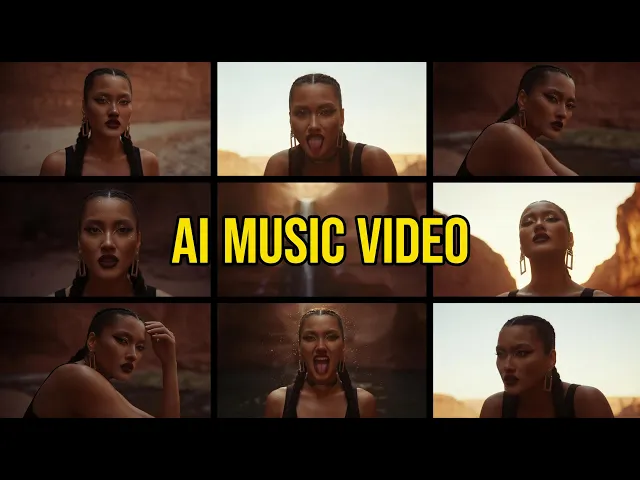
For most musicians, Atlabs is the top pick. It turns an uploaded track into a synced, captioned, cinematic lyric video, and it gives you 100+ AI models (Google Veo 3.1, Kling 3, Seedance 2.0) inside one interface instead of juggling separate subscriptions. We compared five of the highest ranking AI video tools so you can match the right one to your track, your channel, and your budget.
Quick comparison: 5 AI lyric video tools at a glance
Tool | Best for | Lyric & caption sync | AI models available | Max length & export | Free tier | Starting price (2026) |
|---|---|---|---|---|---|---|
Atlabs ⭐ Best overall | Full lyric videos from your own track | Auto sync to tempo and mood, animated subtitles built in | 100+ models in one place (Veo 3.1, Kling 3, Seedance 2.0) | Up to 15 min, 720p to 1080p | Yes | Free, paid from $19/mo |
Runway | Cinematic clip generation | Manual captioning, no native lyric timing | Runway Gen-4.5 family only | Short clips, up to 4K | Limited (one time credits) | From $12/mo |
Kling | Realistic motion and performance shots | No native lyric sync, add captions elsewhere | Kling 3.0 / Master family only | 5 to 10 sec clips, up to 1080p | Yes (daily credits) | From about $6.99/mo |
Google Veo | Photoreal establishing shots | No native lyric sync, add captions elsewhere | Veo 3.1 family only | 8 sec clips, 720p to 1080p | Limited, region based | From $7.99/mo (via Google AI) |
Pika | Fast, playful short clips | Lip sync yes, no native lyric timing | Pika 2.5 model only | Short clips, up to 1080p | Yes (80 credits/mo) | From $8/mo |
Prices are entry paid tiers as of 2026 and shift often. Annual billing is usually cheaper. Always check each site before you buy.
1. Atlabs ⭐ Best overall
Best for: musicians who want a finished lyric video from a track, not just raw clips
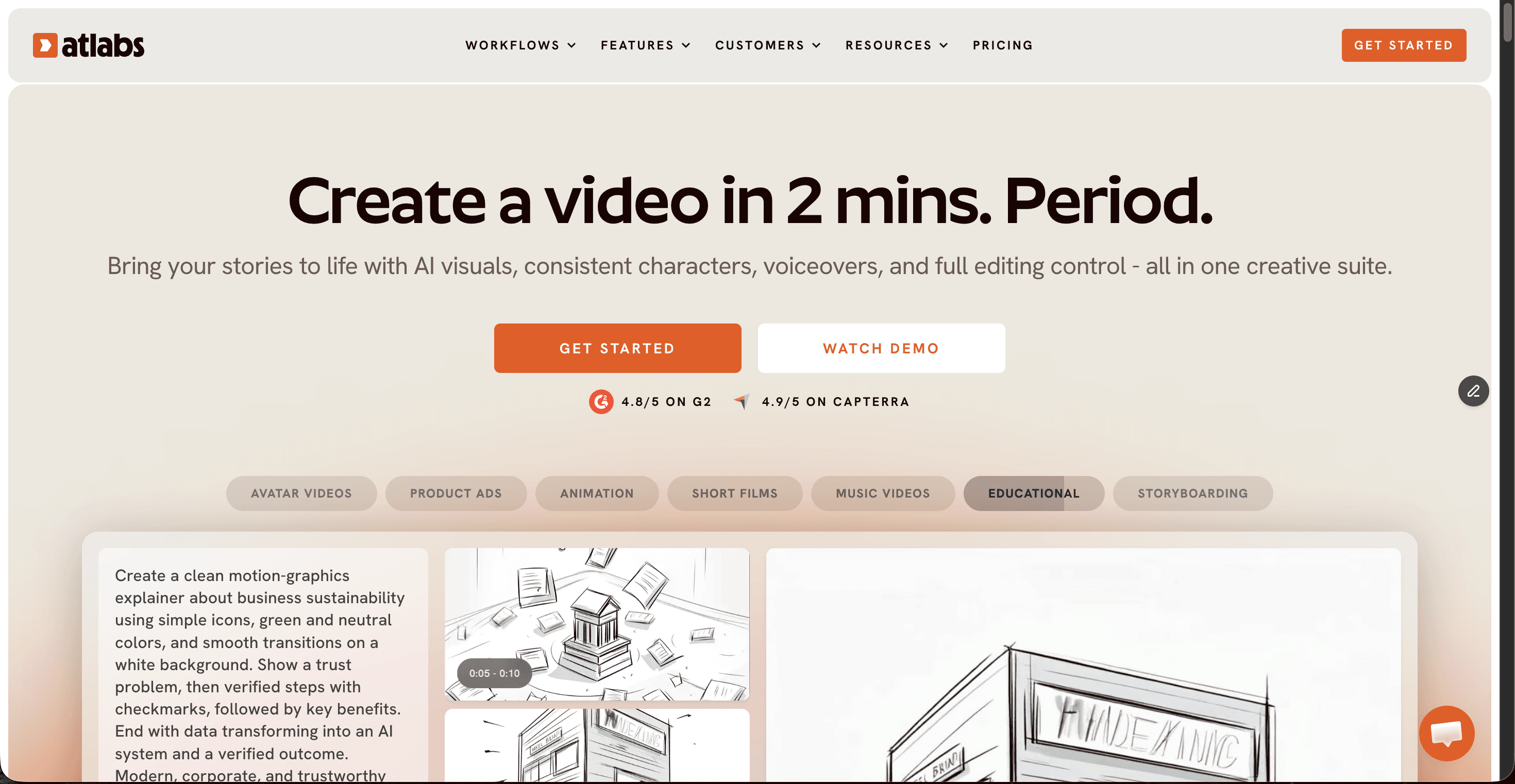
Key points. Atlabs is the only tool on this list built to take a song and return a complete lyric video. You upload an mp3, wav, or paste a Suno or SoundCloud link, and its Music Video workflow reads the tempo, mood, and genre to generate matching scenes with animated subtitles already synced. The real edge is model access: rather than locking you into one engine, Atlabs puts 100+ AI models under one roof, so you can pick Google Veo 3.1 for a photoreal verse, Kling 3 for smooth motion, or Seedance 2.0 for a stylized chorus, all in the same project. You also get consistent characters, 40+ language captioning, and export up to 1080p.
Pros
Audio to video: upload a track and get a synced lyric video
Animated subtitles synced to the beat, no manual timing
100+ models in one place, no separate subscriptions
Consistent characters and 40+ language support
Generous free plan to test before paying
Cons
Audio to video sits on the Pro plan and above
So many models and styles can feel like a lot at first
Price: Free plan, paid from $19/mo (Lite). Pro $39/mo unlocks audio to video for full tracks. Plus $79/mo, Max $249/mo. Annual billing saves about 25%.
Verdict: If your goal is a finished, captioned, on brand lyric video from your own song, Atlabs is the clear first pick. It is the only tool here that handles the whole job end to end. For tracks without vocals, see the best AI video generators for lo-fi and instrumental tracks.
2. Runway
Best for: creators who want cinematic, art directed clips to cut into a video
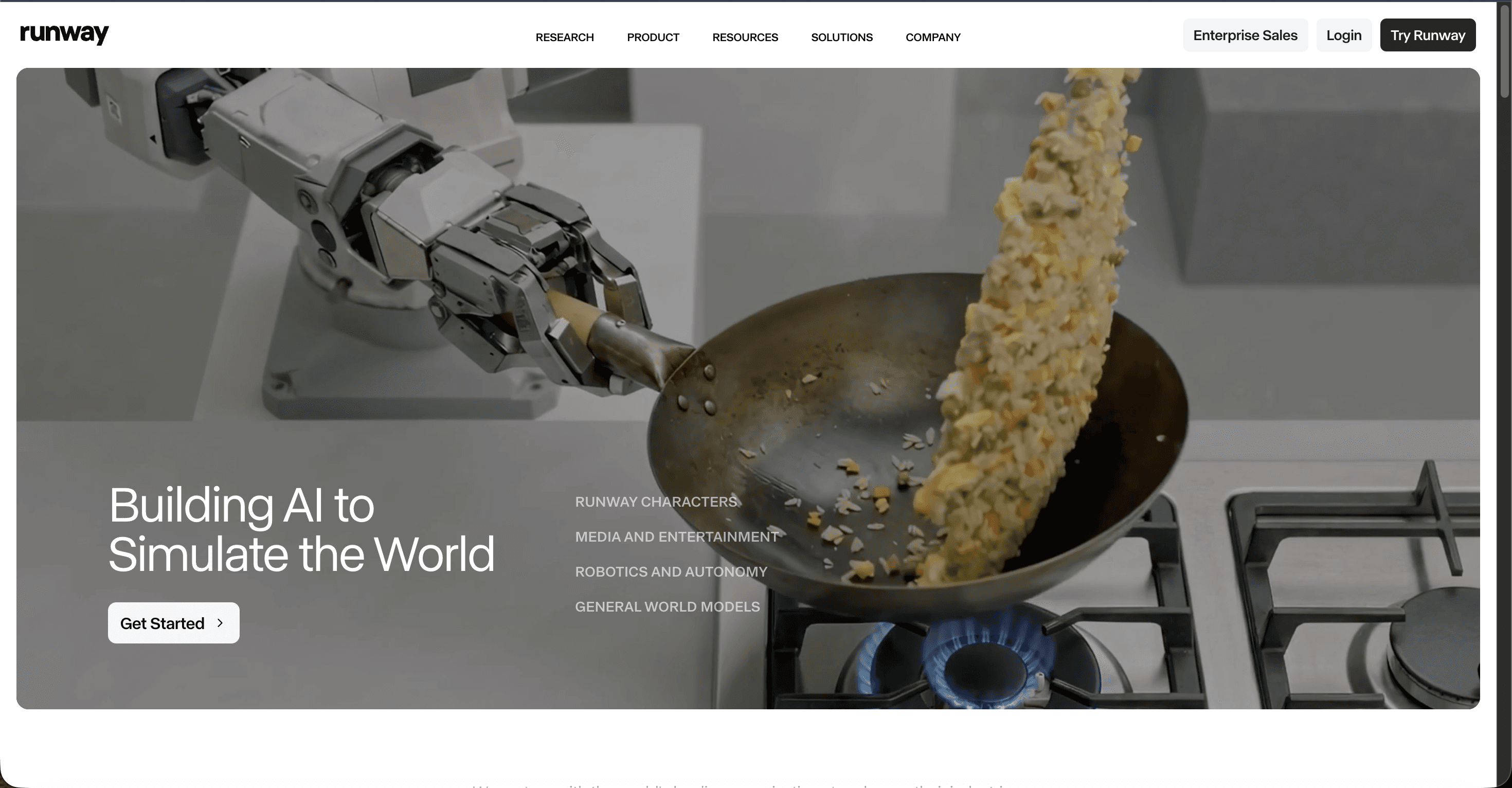
Key points. Runway is one of the most respected names in AI video, and its Gen-4.5 model produces some of the most controllable, film like output around, with Director Mode and Motion Brush for fine control. For lyric videos, though, it is a clip generator, not a lyric video maker. There is no native lyric timing, so you generate scenes in Runway and then sync captions to your track in a separate editor. Credits also move fast: a few seconds of top model output per generation means budgeting carefully.
Pros
Excellent cinematic quality and fine motion control
Up to 4K export on paid plans
Strong editing toolkit alongside generation
Cons
No native lyric or caption syncing
Single model family, no multi model choice
Credits burn quickly on the flagship model
Price: Free (125 one time credits). Standard $12/mo, Pro $28/mo, Max $76/mo (annual billing).
Verdict: A great scene generator if you already have an editing workflow, but you will assemble and caption the lyric video yourself.
3. Kling
Best for: realistic motion and performance style shots on a budget
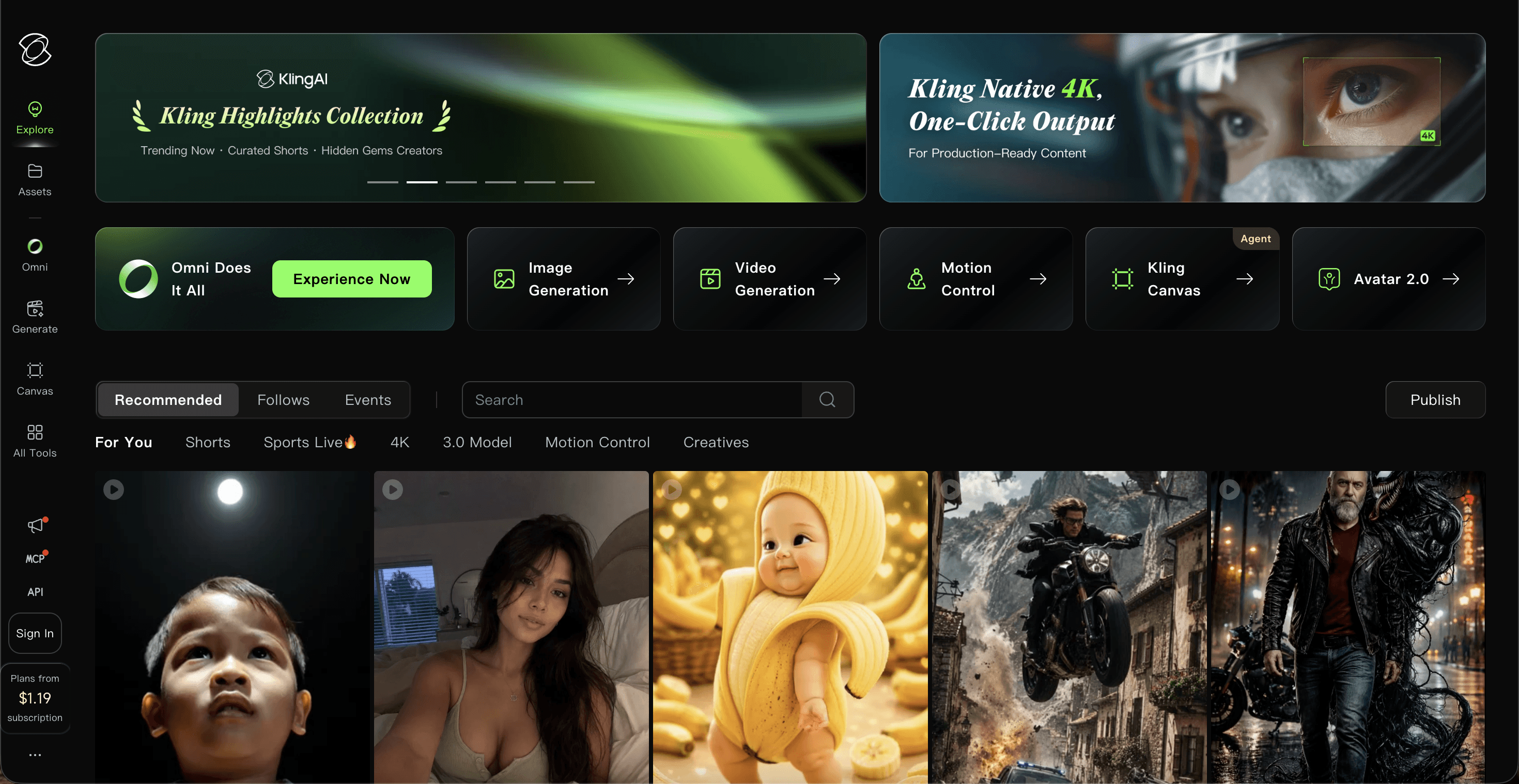
Key points. Kling has become a favorite for lifelike movement and camera work, and its Kling 3.0 model handles bodies and motion convincingly, which suits performance leaning lyric videos. Its cheapest paid tier is one of the lowest on this list. The catch for lyric videos is the same as its rivals: no built in lyric sync, short clip lengths, and a credit system where audio and higher resolution multiply the cost fast, so you stitch and caption clips elsewhere.
Pros
Very realistic motion and performance shots
Low entry price and a daily free credit allowance
Solid 1080p output on paid plans
Cons
No native lyric or caption timing
Clips are short, so long songs mean many generations
Credits get expensive with audio and higher settings
Price: Free (daily credits). Standard about $6.99/mo, Pro about $25.99/mo, Premier about $64.99/mo, Ultra up to about $180/mo.
Verdict: Strong value for realistic motion clips, but expect to do the lyric syncing and assembly in another tool.
4. Google Veo
Best for: photoreal, high fidelity establishing shots with native audio
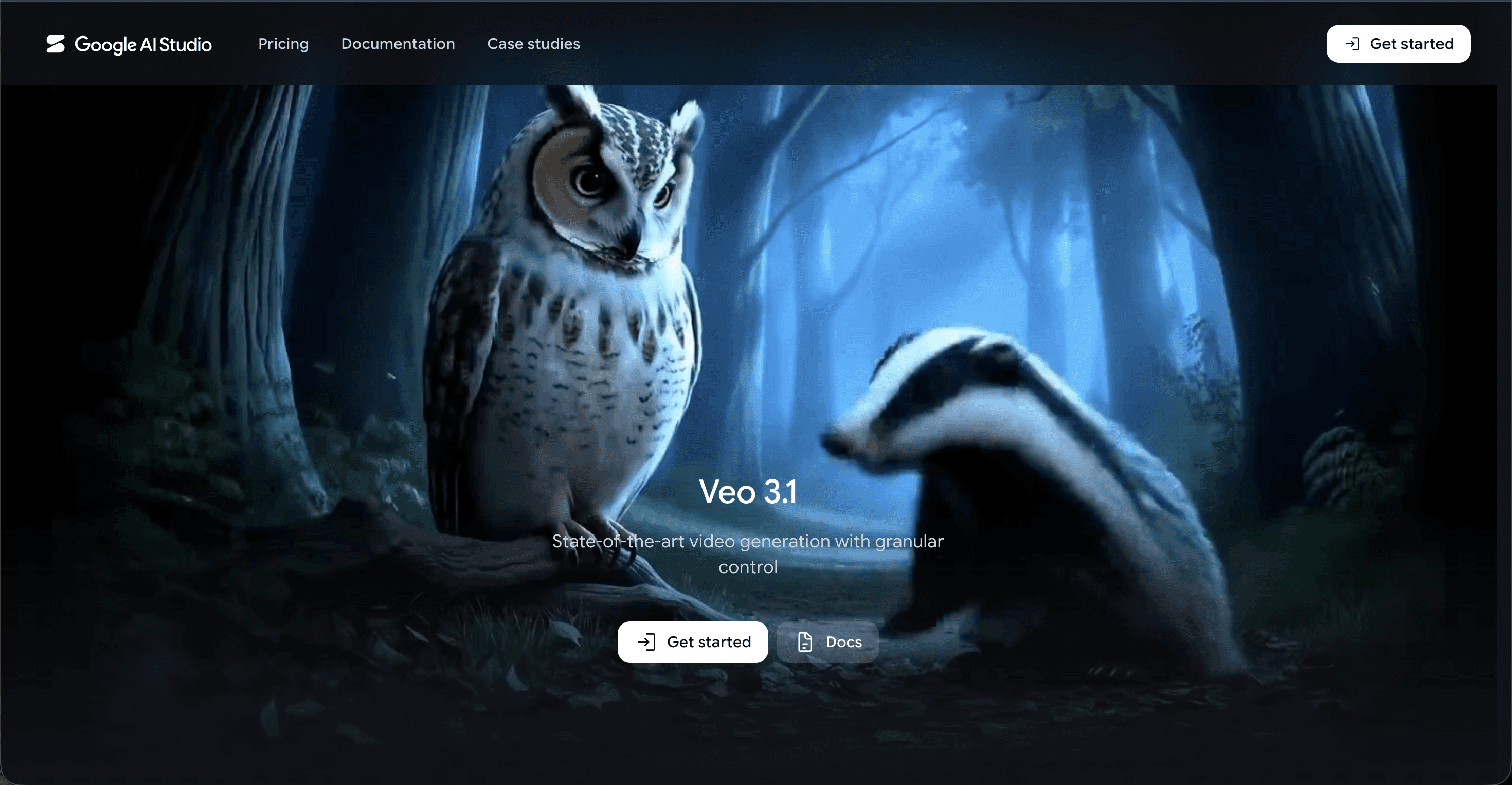
Key points. Google Veo 3.1 is arguably the highest fidelity model here, with striking photorealism and native sound generation, accessed through Google AI plans and the Flow tool. For a lyric video it shines on individual hero shots, but each generation caps around 8 seconds, there is no lyric timing, and full quality sits behind the premium Google AI Ultra tier. You use it to create beautiful moments, then bring them into an editor to build the actual lyric video.
Pros
Top tier photorealism and native audio
Great for cinematic establishing and hero shots
Cheapest entry via Google AI Plus at $7.99/mo
Cons
No native lyric or caption sync
Roughly 8 second clip cap per generation
Full Veo 3.1 quality needs the $249.99/mo Ultra plan
Price: Limited free access. Google AI Plus $7.99/mo (Veo 3.1 Fast), Google AI Pro $19.99/mo, Google AI Ultra $249.99/mo (full Veo 3.1).
Verdict: Unmatched single shot quality, but the shortest path to a finished lyric video it is not.
5. Pika
Best for: fast, playful short clips and social ready snippets
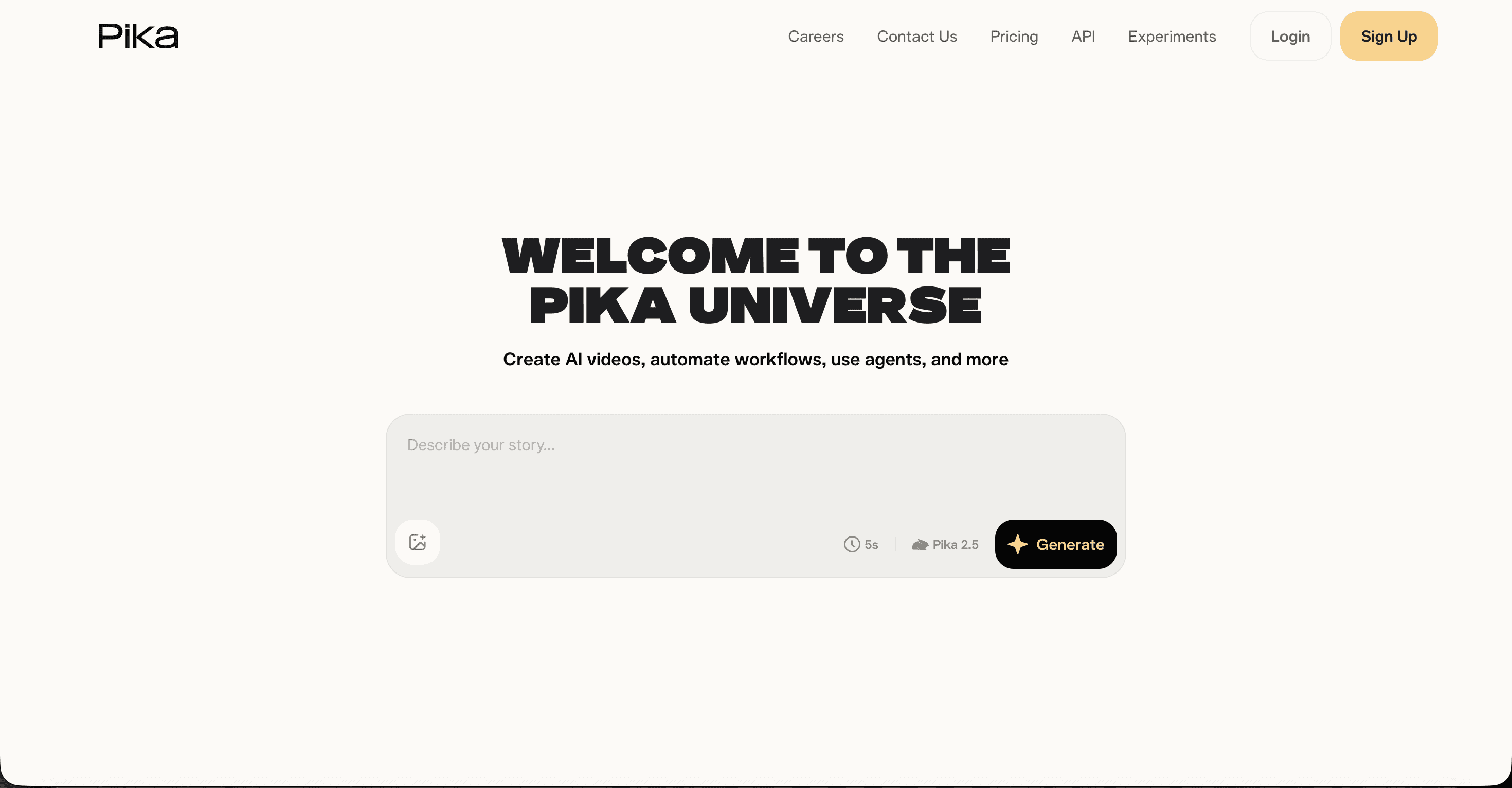
Key points. Pika is built for speed and creative effects like Pikaffects and lip sync, and it renders short clips in under 90 seconds, which makes it fun for punchy, social first lyric snippets. It is the friendliest tool here for beginners and one of the cheapest to start. For a full lyric video it falls short on length, multi model choice, and lyric timing, and commercial rights and watermark free exports only kick in from the Pro tier.
Pros
Fast renders and a very easy interface
Creative effects and built in lip sync
Low starting price with a free tier
Cons
No native lyric timing, short clip lengths
Single model, less photoreal than rivals
Commercial use and clean exports need the Pro plan
Price: Free (80 credits/mo). Standard $8/mo, Pro $28/mo, Fancy $76/mo (annual billing).
Verdict: A quick, cheap pick for short social clips, but not a full lyric video solution on its own.
Scored ranking: how the 5 tools stack up
Every tool rated out of 10 across six things that matter for a lyric video, then totalled out of 60. Atlabs sits on top.
Rank | Tool | Lyric sync | Visual quality | Model choice | Languages | Ease of use | Value | Total /60 |
|---|---|---|---|---|---|---|---|---|
1 | Atlabs ⭐ | 9 | 9 | 10 | 10 | 9 | 9 | 56 |
2 | Runway | 7 | 9 | 6 | 5 | 7 | 6 | 40 |
3 | Kling | 7 | 9 | 5 | 4 | 7 | 7 | 39 |
4 | Pika | 7 | 7 | 5 | 4 | 8 | 7 | 38 |
5 | Google Veo | 6 | 10 | 4 | 6 | 6 | 5 | 37 |
Watch: How to Make a Lyric Video with Atlabs
See the full lyric video workflow in action, from uploading your track to exporting a captioned, ready to post video.
How we picked
We focused on the highest ranking AI video tools that a working musician would actually consider, and judged each on the things that make or break a lyric video: how well it syncs words to the beat, how good the visuals look, how much model and style choice you get, how many languages it supports, how easy it is to finish a video, and what you pay to get there. Tools that only generate isolated clips scored lower on lyric sync because you still have to assemble and caption the video yourself.
Frequently asked questions
What is the best AI tool for lyric videos in 2026? Atlabs is the best all round choice because it turns an uploaded track into a synced, captioned lyric video and gives you 100+ AI models in one place. Runway, Kling, Google Veo, and Pika make excellent clips, but you assemble and caption the video yourself in a separate editor.
Can I make a lyric video for free? Yes. Atlabs, Kling, and Pika all offer free tiers you can start with, and Google Veo has limited free access in some regions. Free plans usually add watermarks or cap length and resolution, so most creators move to a paid tier for final, commercial ready videos.
Which AI tool syncs lyrics to the music automatically? Atlabs is the tool here with built in, beat aware animated subtitles, so you do not time captions by hand. Pika offers lip sync but not lyric timing, and Runway, Kling, and Google Veo have no native lyric syncing at all.
How much does an AI lyric video tool cost? Entry paid plans in 2026 range from around $6.99/mo for Kling up to premium tiers near $249/mo for full Google Veo access. Atlabs starts free with paid plans from $19/mo, and its Pro plan at $39/mo unlocks audio to video for full tracks.








