
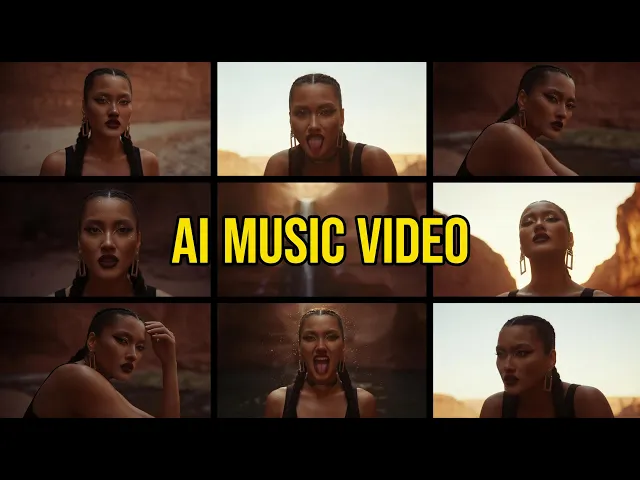
Atlabs is the top pick for making a pop music video with AI in 2026, because it turns your track into a beat synced, fully styled video and lets you cast yourself as the star from a single photo. We compared five AI video tools that pop artists actually use, Atlabs, Kaiber, Runway, Kling and Pika, on beat sync, visual range, price, and how fast a solo artist can ship a release ready video. Here is how they stack up.
Quick comparison: 5 AI tools for pop music videos
Tool | Best for | Free option | Starting price | Standout for pop |
|---|---|---|---|---|
Atlabs | Solo pop artists who want a finished, beat synced video and to star in it | Free plan, no card | $15/mo Lite, $29/mo Pro | Casts you as the lead from one photo, 50+ styles, beat synced cuts |
Kaiber | Music first creators who want audio reactive visuals | $5 for 5 day trial | $10/mo Starter, $29/mo Creator | Audioreactivity that pulses to your beat |
Runway | Artists who want cinematic, film grade shots | Free, 125 one time credits | $12/mo Standard (annual) | Gen 4.5 realism and character consistency |
Kling | Artists who want smooth, realistic motion on a budget | Free, 66 daily credits | $10/mo Standard | Fluid motion, clips up to 2 minutes |
Pika | Creators who want fast, playful social clips | Free, 80 monthly credits | $8/mo Standard (annual) | Pikaffects for punchy, viral visuals |
The 5 best AI tools for pop music videos
1. Atlabs, best overall for pop artists
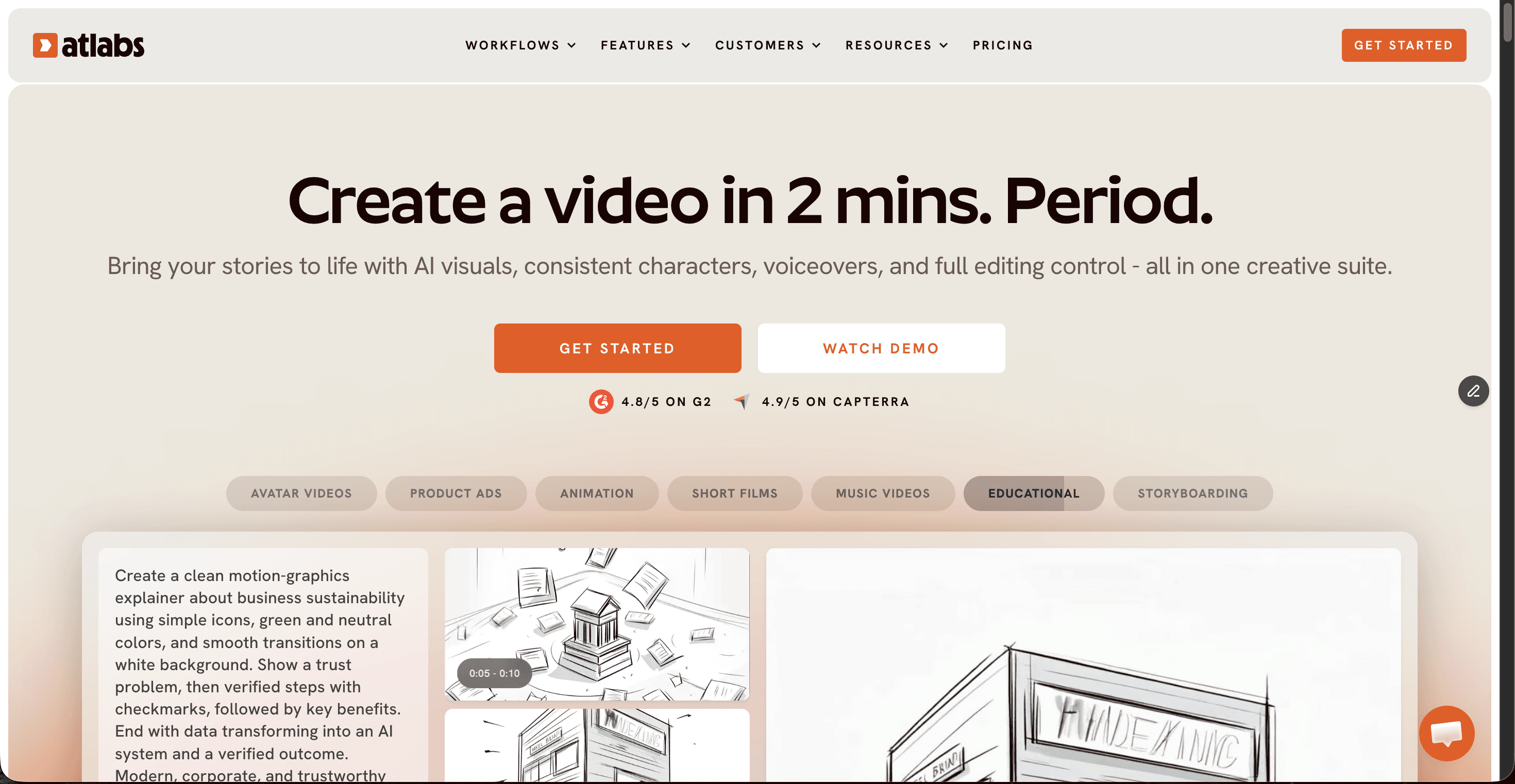
Price: Free plan (no card needed), Lite $15/mo, Pro $29/mo. Annual billing lowers the effective rate.
Atlabs is built around a Music Video workflow made for exactly this job. You drop in your pop track or paste a Suno link, and it reads the tempo and energy of the song, then auto generates scene cuts that land on the beat so the video feels choreographed rather than layered on top. You pick from 50+ visual styles, from cinematic live action to neon and anime, which matters for pop where the look sells the artist as much as the sound. The feature pop creators care about most is that you can upload one photo and appear as the main character across the story, singing on camera, which no other tool on this list does natively. It runs 100+ models including Veo 3.1 and Kling under one subscription, exports at 1080p, and adds beat synced lyric captions for the 85% of social viewers who watch on mute.
Pros
Beat synced scene cuts made specifically for music, not a general video tool
Cast yourself as the star from a single photo
50+ visual styles to match any pop sub genre
100+ models in one place, so no juggling separate subscriptions
Free plan lets you test the full flow before paying
Cons
Credit based, so heavy iteration on lower plans needs budgeting
So many styles and controls can feel like a lot on day one
Verdict: the most complete pick for a pop artist who wants a release ready, beat synced video and wants to be in it. Start on the free plan and upgrade only when you are shipping regularly.
2. Kaiber, best for audio reactive visuals
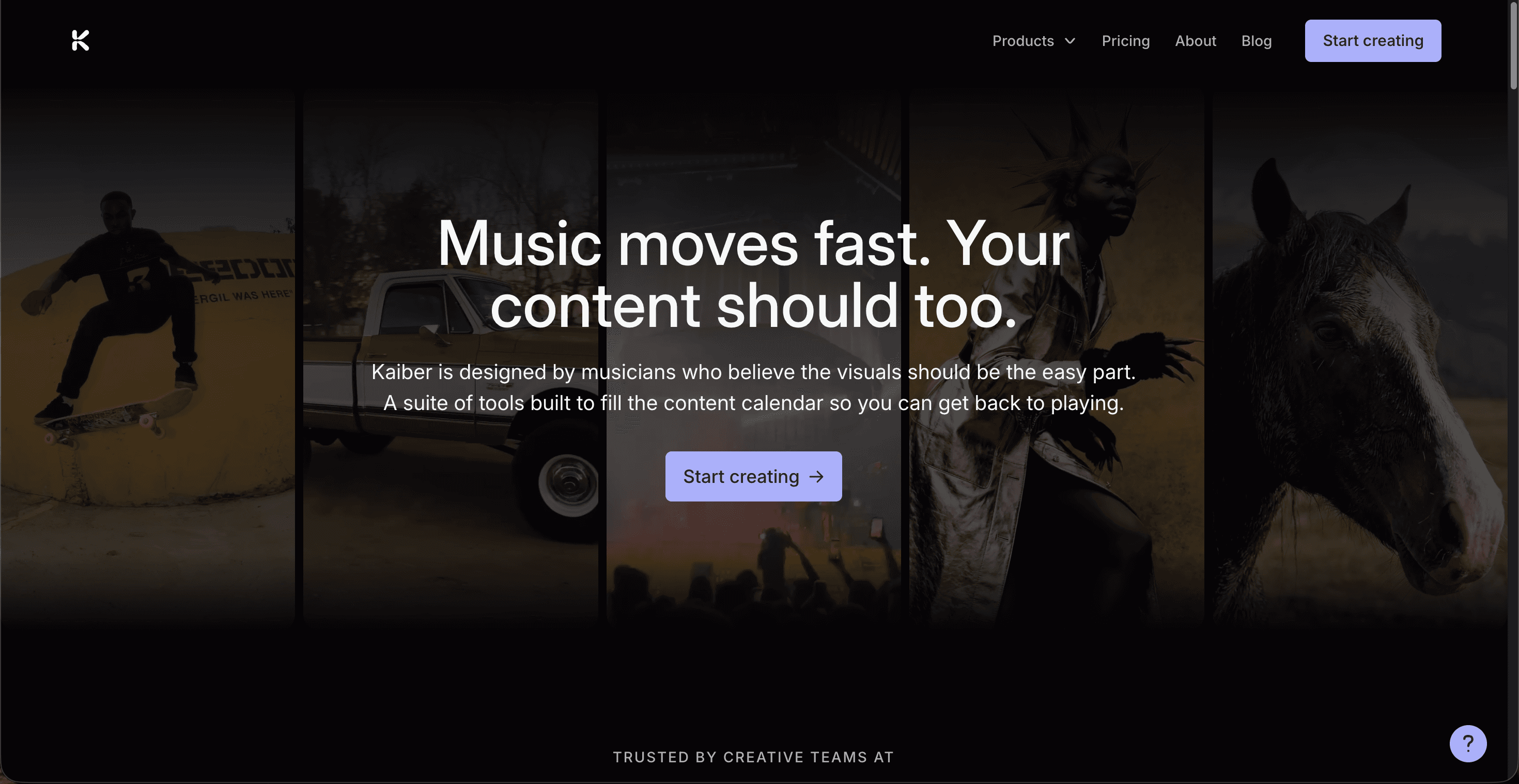
Price: no permanent free tier, a $5 five day trial, then Starter $10/mo or Creator $29/mo for commercial rights.
Kaiber earned its name with musicians because of audioreactivity, an engine that reads your track's frequencies and BPM and maps the beat drops to visual changes. For high energy pop, especially anything with a defined bass drop, the visuals hit with the music in a way that feels tailor made for a chorus. Its Superstudio canvas bundles several leading models, and beat synced editing is included rather than a paid add on. The catch for pop creators is the credit economy: experimentation burns credits quickly, and there is no free plan to learn on, only a paid trial.
Pros
Audioreactivity is very strong for beat driven pop
Music first design, made by and for musicians
Access to multiple models under one plan
Cons
No free plan, only a $5 trial that auto converts
Credits disappear fast during iteration
You cannot cast yourself as an on camera lead the way Atlabs allows
Verdict: a strong pick if audio reactive, abstract visuals are the whole point of your video. Less suited to artists who want a narrative video with themselves in it.
3. Runway, best for cinematic film grade shots
Price: Free plan with 125 one time credits, Standard $12/mo annual (about $15 monthly), Pro and higher above that.
Runway's Gen 4.5 model sits at the top of text to video quality benchmarks, and its reference image system keeps a character looking the same across different shots, which is useful if your pop video follows a lead through several scenes. It is a general purpose generator with a full editing suite rather than a music tool, so there is no native beat sync, and you will stitch clips yourself since single generations are capped around 16 seconds. For an artist chasing a specific cinematic look, the raw shot quality is hard to beat.
Pros
Top tier realism and shot quality with Gen 4.5
Strong character consistency across scenes
Free credits to test before paying
Cons
No native beat sync, you time cuts to music yourself
Short clip limits mean more stitching for a full song
No audio, so the track and edit are on you
Verdict: reach for Runway when a single cinematic look matters more than music timing, and you are comfortable editing the clips together around your track.
4. Kling, best smooth motion on a budget
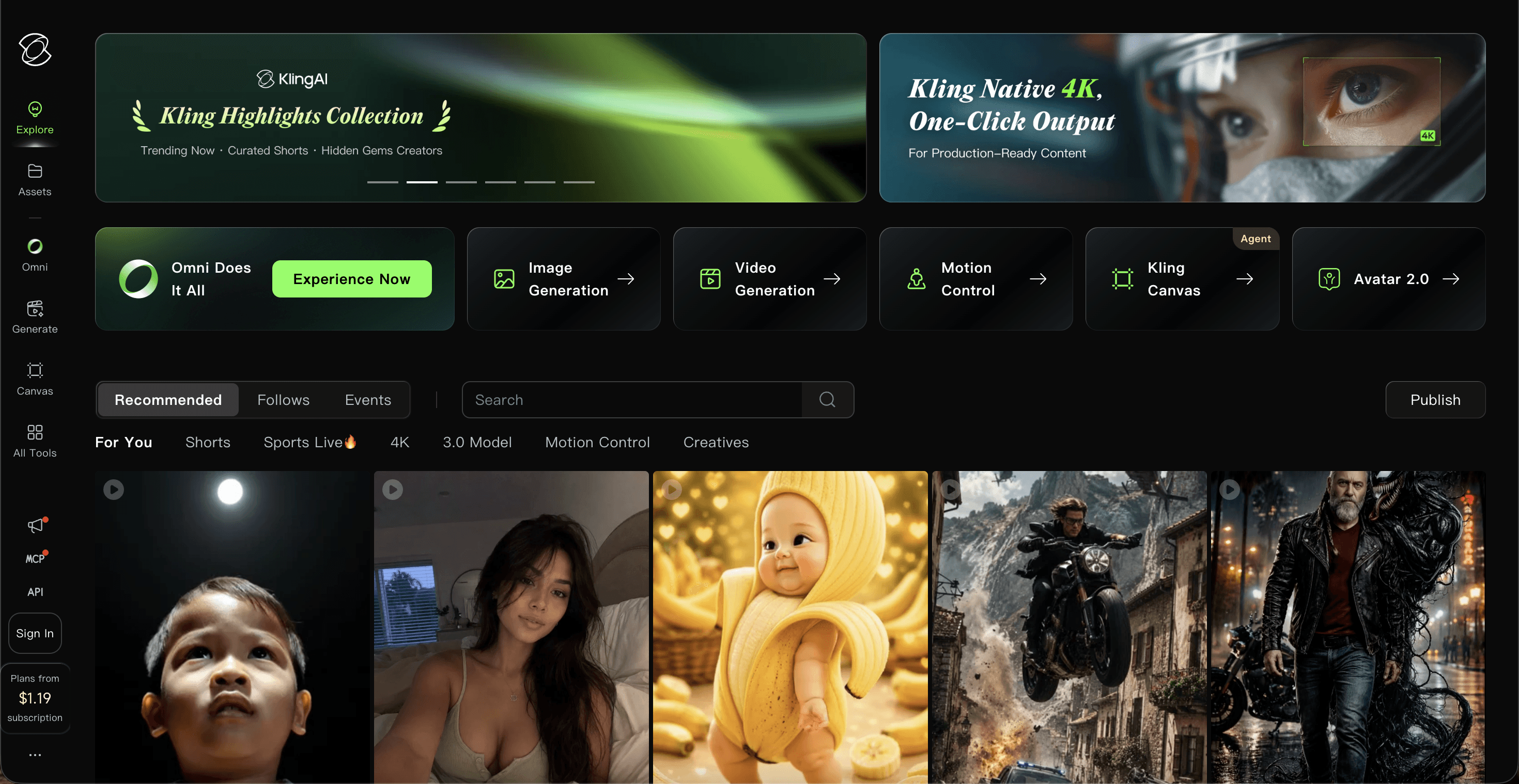
Price: Free tier with 66 daily credits, Standard around $10/mo (about $6.60 annual), Pro $37/mo and up.
Kling is known for the smoothest, most realistic motion in its price range, and it can render clips up to two minutes, longer than most rivals. For a pop video that leans on graceful movement, dancers, flowing camera moves, water, hair, it produces clean results cheaply. Like Runway it is a general video model with no music specific features, so you supply the timing and the edit. The main friction is a credit system where failed generations still cost credits, so budget for a few tries per shot.
Pros
Very smooth, realistic motion for the price
Longer clips, up to 2 minutes
Low entry price and a usable free tier
Cons
No beat sync or music tooling
Failed generations still spend credits
Casting yourself on camera is not a native feature
Verdict: the value pick for motion heavy pop visuals when you want quality movement without a big monthly bill, and you will handle the music edit yourself.
5. Pika, best for fast, playful social clips
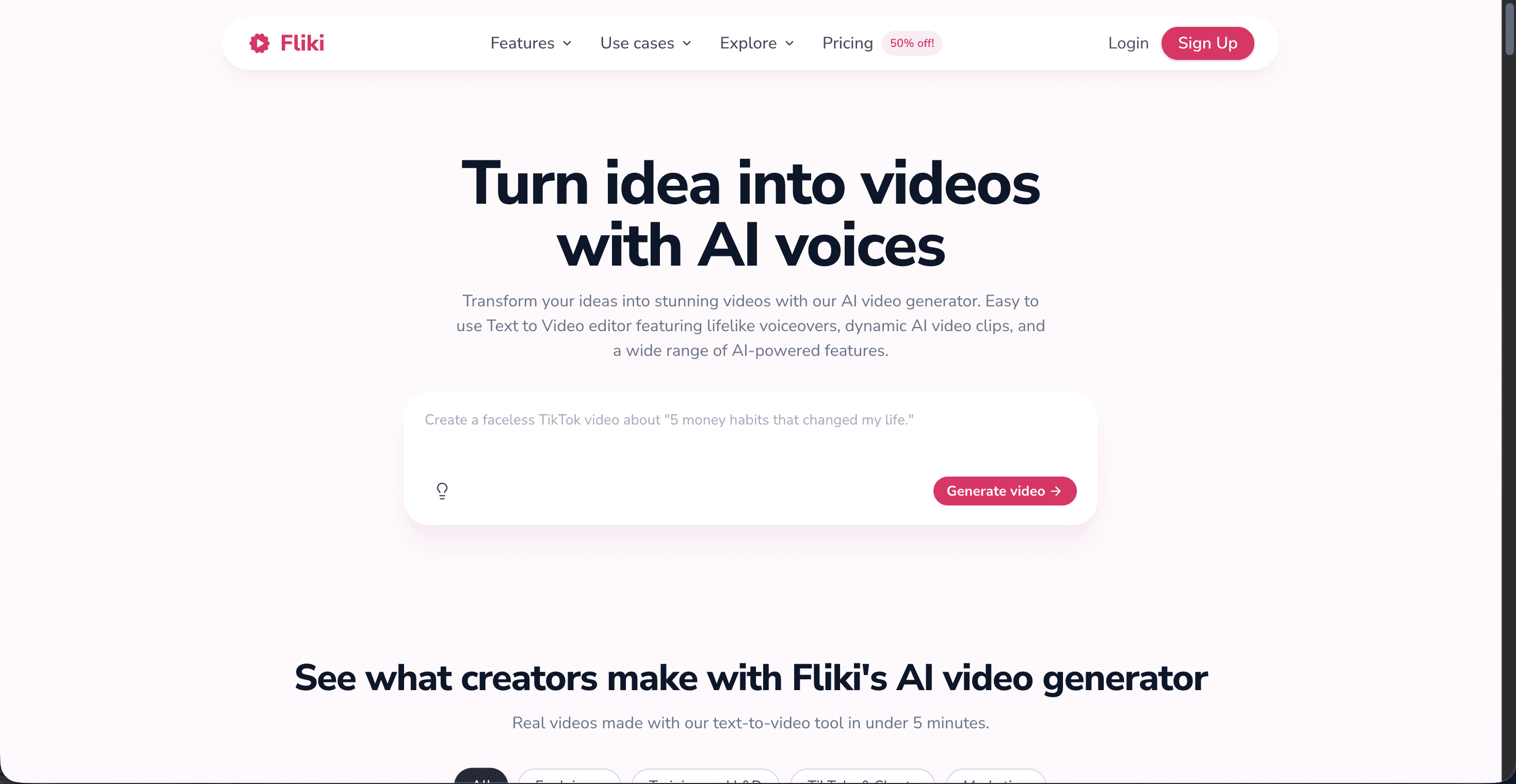
Price: Free tier with 80 monthly credits, Standard about $8/mo annual, Pro $28/mo annual for commercial use and no watermark.
Pika is the fast, fun option. Its signature Pikaffects, melt, explode, inflate and similar, give short pop clips a punchy, meme ready energy that performs on TikTok and Reels. Generations render in well under a couple of minutes, so it is great for teasers and loops rather than a full narrative video. Quality can swing between takes, and commercial rights plus watermark free export only start on the Pro tier, so the cheapest paid plan is really for testing.
Pros
Fast renders, ideal for teasers and social loops
Playful effects that pop on short form feeds
Low entry price and a free tier to try
Cons
Output quality is inconsistent between takes
Commercial use and no watermark need the Pro plan
Not built for full length, beat synced videos
Verdict: keep Pika for quick, eye catching teaser clips and effect driven moments, not as the tool that builds your whole pop video.
Points table: scored out of 50
Tool | Beat sync | Visual styles | Cast yourself | Ease of use | Value | Total /50 |
|---|---|---|---|---|---|---|
Atlabs 🏆 | 10 | 10 | 10 | 9 | 9 | 48 |
Kaiber | 9 | 8 | 6 | 7 | 8 | 38 |
Runway | 6 | 9 | 6 | 7 | 7 | 35 |
Pika | 7 | 7 | 5 | 8 | 6 | 33 |
Kling | 6 | 7 | 4 | 7 | 8 | 32 |
Watch: how to make a pop music video in Atlabs
New to the Music Video workflow? The Atlabs AI Video Academy has short, beginner friendly lessons that walk you from uploading your track to exporting a finished, beat synced pop video, no editing experience needed.
How we picked
We ranked these tools the way a pop artist would evaluate them, not on raw model specs. Beat sync measures whether the tool times cuts to your music or leaves that to you. Visual styles counts how many looks fit different pop sub genres. Cast yourself rewards tools that put you on camera as the lead. Ease of use reflects how fast a solo creator with no editing background reaches a finished video, and value weighs price against what you actually ship. Atlabs led because it is the only option purpose built for music that also handles casting, styling and the beat synced edit in one place.
FAQ
What is the best AI tool to make a pop music video in 2026?
Atlabs is the best all round pick because it is built for music, syncs cuts to your beat, offers 50+ visual styles, and lets you appear as the lead from one photo. Kaiber is the closest alternative if audio reactive visuals are your main goal.
Can I make a pop music video with AI for free?
Yes. Atlabs, Runway, Kling and Pika all have free tiers you can test with, and Atlabs needs no card to start. Kaiber is the exception, it uses a paid $5 five day trial instead of a free plan.
How much do these AI music video tools cost?
Entry paid plans run roughly: Pika about $8/mo, Kling and Kaiber about $10/mo, Runway $12/mo, and Atlabs $15/mo for Lite or $29/mo for Pro. Most bill on credits, so heavy iteration can cost more than the headline price.
Which AI tool actually syncs the video to the beat?
Atlabs and Kaiber are the two that do beat sync natively. Atlabs auto generates scene cuts on your track's energy peaks, and Kaiber maps frequencies and BPM to visual changes. Runway, Kling and Pika leave the music timing to you.
Start your pop music video
You have the shortlist and the prices. The fastest path from a finished pop track to a beat synced, release ready video is the Atlabs Music Video workflow, and the free plan means you can see your first cut before you pay anything.








