
Hollywood's biggest franchises spend millions on trailers that follow predictable formulas: epic music, dramatic reveals, serious tone. But what if you could take that same footage and reimagine it completely? What if you could make a billion-dollar movie trailer absolutely absurd—or completely different—in under an hour?
In 2026, you can. Using AI image-to-video generation, creators can take screenshots from any Hollywood trailer and generate entirely new scenes. The result? You can create alternate versions of famous trailers—comedic remixes, genre-bends, or completely unhinged reimaginings—without touching a single frame of original footage.
The technique is simple: extract key frames from a trailer, use image-to-video AI to extend those frames with custom prompts, and assemble the clips into a new narrative. What took weeks of editing and production now takes hours.
Why This Matters: The Trailer Remix Phenomenon
Movie trailers have become cultural moments. They generate hype, spark debate, and sometimes become more memorable than the actual film. But they're also gatekept by studios—only Hollywood can make "official" trailers.
AI changes that power dynamic. Fans, creators, and marketers can now generate alternate versions of trailers. Want to see what a movie would look like in a different genre? AI can do it. Want to create a comedic mashup? AI handles it. Want to reimagine a serious film as pure absurdity? That's exactly what image-to-video generation enables.
The technique described here—extracting frames and extending them with AI prompts—works because AI video models understand visual continuity. They can see a person in a frame and generate what happens next based on your description. That's powerful for remix creators.
Reddit filmmaking communities and TikTok creator spaces exploded with this content in 2025-2026. The barrier to entry dropped from "professional VFX team" to "laptop and 30 minutes."
How Image-to-Video AI Works for Trailer Remixes
Before diving into the step-by-step, understand the core mechanic. Kling V3 Pro (Atlabs' image-to-video model) takes three inputs:
Start Frame — a screenshot or image showing the initial state
Motion Description — your prompt describing what happens next
Duration — how long the generated clip lasts
The AI generates video that flows naturally from the start frame based on your description. The key skill is writing prompts that:
Stay grounded in the visual (what does the AI see in the frame?)
Describe action clearly (verb + object + outcome)
Keep length short (5-15 words works best)
Leave room for AI interpretation (don't over-specify)
This is why the doomsday remix works. Each screenshot is a starting point. Each prompt is an instruction for what happens next. String them together, and you have a completely new sequence.
Step-by-Step: Create Your Own Alternate Trailer
How to Make Alternate Doomsday (And Any Other Trailer)
It's super simple. Here's exactly what to do:
Step 1: Take Screenshots from the Trailer
Grab 6-8 key frames from any movie trailer you want to remix. Just pause and screenshot.
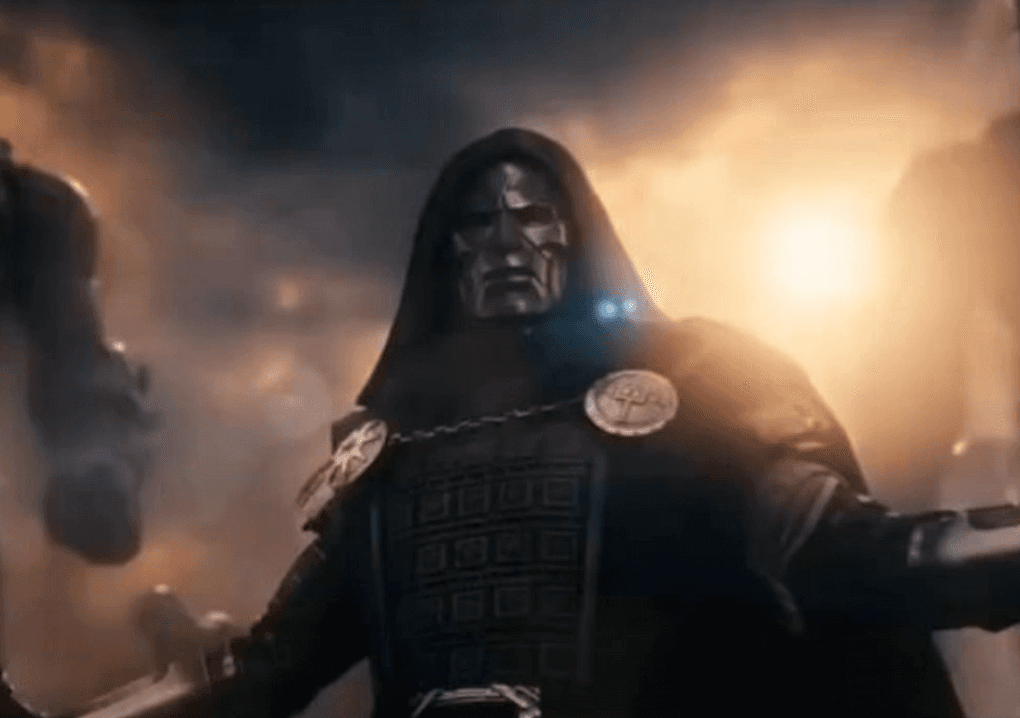
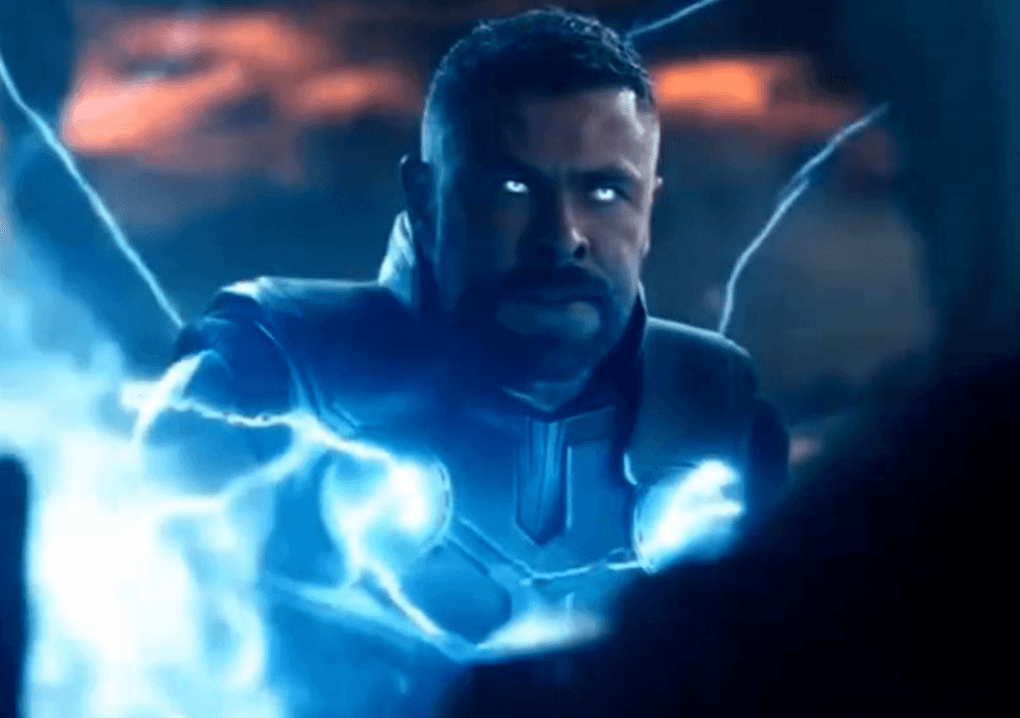
Step 2: Go Here
https://app.atlabs.ai/motion/kling_v3_pro_text_to_video
Step 3: Upload Your First Screenshot
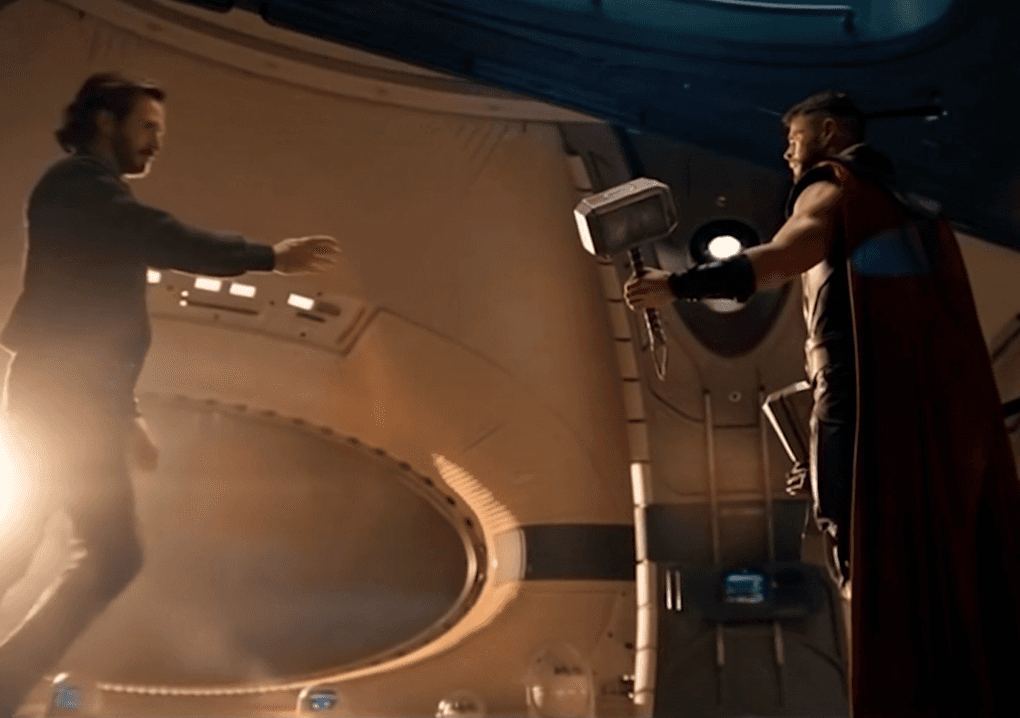
Click "Start Frame" and drop your screenshot.
Step 4: Write a Short Prompt
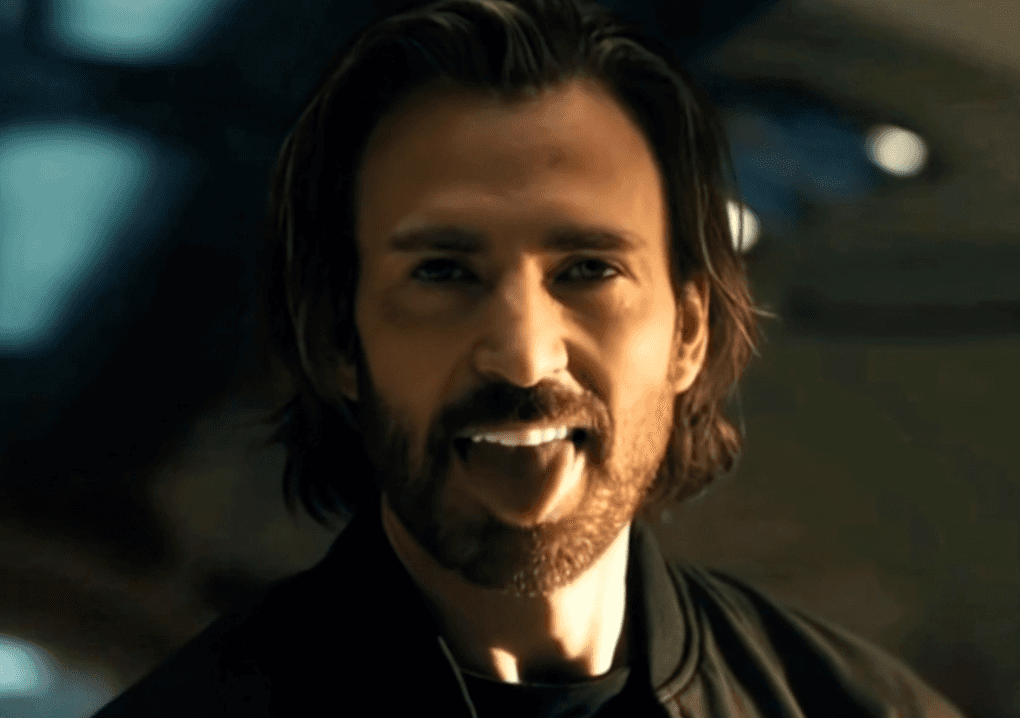
Describe what happens next in 1-2 sentences. Keep it simple.
Example prompts that actually work:
"The creature opens its mask to reveal P Diddy"
"Man kicks Thor and he falls to the ground"
"Man shows middle finger"
"Man turns around and starts twerking"
"The asian man starts eating banana"
Step 5: Generate
Hit generate. Wait 2-5 minutes. Your clip is ready.
Step 6: Repeat
Do this for each screenshot you took. Now you have 6-8 video clips.
Step 7: Put It Together
Export the clips. Throw them in any video editor (CapCut, Premiere, DaVinci Resolve). Arrange them. Add music. Done.
That's It
Seriously. That's the whole thing. The prompts work best when they're short and specific. Just describe what you want to see happen.
Start here: https://app.atlabs.ai/motion/kling_v3_pro_text_to_video
Example Remix Sequences
Here are working prompt chains that create coherent (if absurd) sequences:
Action Hero Remix:
Start Frame: Dramatic hero stance
Prompt: "Man cracks neck and smiles"Start Frame: Enemy approaching
Prompt: "Man pulls out a large banana"Start Frame: Combat pose
Prompt: "Man swings banana at enemy"Start Frame: Epic victory moment
Prompt: "Man does victory dance"
Alien Reveal Remix:
Start Frame: Creature with closed mask
Prompt: "Creature slowly opens its mask"Start Frame: Mask opening
Prompt: "A celebrity's face is revealed inside"Start Frame: Character reaction shot
Prompt: "Man shows shocked expression"Start Frame: Wide shot
Prompt: "Everyone starts laughing uncontrollably"
Serious to Silly Pivot:
Start Frame: Dramatic speech
Prompt: "Man's expression slowly turns to a smile"Start Frame: Heroic moment
Prompt: "Man suddenly does a silly dance"Start Frame: Tense confrontation
Prompt: "Both characters start laughing"Start Frame: Final dramatic moment
Prompt: "Man pulls up pants and walks away"
Common Mistakes to Avoid
Overly complex prompts. "The creature opens its mask to reveal P Diddy" works. "The creature slowly and methodically opens its biological mask formation to reveal the real identity of the being, who is P Diddy, and the atmosphere shifts dramatically" does not. Shorter wins.
Incompatible frames. If your start frame shows someone indoors and your prompt describes outdoor action, the AI gets confused. Match frame context to prompt context.
Ignoring visual logic. If a frame shows someone standing, a prompt about them running will generate awkward transitions. Respect the visual state of your frame.
Forgetting transitions. Raw AI clips sometimes need adjustment. If one clip ends differently than you expected, use video editing to smooth transitions or add reaction shots between clips.
Not testing audio. Your generated visuals need audio. Original trailer music, copyright-free music, or sound effects matter enormously. Don't skip the sound design.
FAQ: Trailer Remixing with AI
How long does each clip generation take?
Typically 2-5 minutes per clip depending on server load. With 7 clips, budget 20-30 minutes for generation time.
Can I use music from the original trailer in my remix?
No. Copyright covers the original trailer's audio. Use copyright-free music or original audio instead. This actually strengthens your remix—new audio makes it feel like a genuine alternate cut.
What if the AI generates something that doesn't match my frame?
That happens sometimes. Either try a different prompt with the same frame, or use a different start frame. Not every prompt + frame combo works perfectly. That's normal.
Can I edit the generated clips in video editing software?
Absolutely. Export from Atlabs and treat the clips like any other video footage. Add effects, transitions, color correction, text overlays—full creative control.
Is there a copyright issue with remixing trailers?
This is legally gray. You're creating a derivative work, which typically falls under copyright. However, parody and remix culture have increasing protection. When in doubt: clearly credit the original, mark your content as a "fan remix" or "alternate version," and avoid direct competition with the original. For commercial purposes, seek permission.
How do I get better at prompt writing?
Generate a lot. Try the same frame with 5 different prompts. Watch what works. The best prompts come from experimentation, not theory.
Can I create full-length films this way?
Theoretically yes, but practically it's expensive and time-consuming. Trailers (2-3 minutes) are the sweet spot. Full films would require hundreds of prompts and clips.
Use Cases Beyond Movie Remixes
This technique works for way more than just trailers:
Brand storytelling. Extract frames from competitor ads and reimagine them with your brand message. "What if our product solved this problem differently?"
Educational content. Take scenes from nature documentaries and extend them with custom narration. "What if the animal did this instead?"
Music videos. Use key frames from a music video and regenerate scenes to match lyrics differently.
Social media content. Extract frames from trending videos and remix them with different prompts. Engagement through familiarity + absurdity.
Storyboarding. For filmmakers, this is a free pre-visualization tool. Generate variations of a scene before filming.
Best Practices for Viral Remixes
Lean into the absurd. The funniest remixes are ones where serious moments become ridiculous. Don't try to make it better—make it weirder.
Reference cultural moments. When you remix a trailer everyone knows, audiences get the joke instantly. Choose source material with cultural weight.
Keep it snappy. Shorter videos (under 60 seconds) perform better on social platforms. Trim to the funniest moments.
Credit the original. Always mention which trailer you remixed. "Alternate Doomsday Trailer" or "What if [Movie] trailer was actually funny." This adds context and respect.
Consistency matters. If you're remixing multiple trailers, maintain a consistent style or theme. Series perform better than one-offs.
Add text overlays. "AI Generated," "Fan Remix," or funny captions between clips guide audience expectations and add humor.
Final Verdict
Creating alternate movie trailers with AI image-to-video isn't just a fun creative exercise it's a new form of media that bridges fan creation and professional production. It requires no expensive software, no film crew, and no special permissions. Just imagination and the ability to write clear prompts.
The technique scales to any visual content: existing trailers, music videos, film scenes, advertisement footage. Anywhere you have key frames, you can extend them with AI and create something new.
The barrier to media creation has collapsed. What used to require film school and studio backing now requires a laptop and 30 minutes per clip.
Ready to start? Go to https://app.atlabs.ai/motion/kling_v3_pro_text_to_video and upload your first screenshot.
Want inspiration? Search "AI trailer remix" on TikTok or YouTube Shorts to see what creators are already building.
Need a full toolkit? Explore Atlabs' other workflows for additional creative possibilities: https://app.atlabs.ai/app









