OpenAI shut down Sora on March 24, 2026. Here are the tools that fill the gap, and the one that goes further than Sora ever did.
You built your content workflow around Sora. And then, on March 24, 2026, it was gone.
OpenAI pulled the plug on the Sora app and API with minimal warning. The reason was simple: it cost an estimated $8 to $12 million a month to run, and subscription revenue never came close to covering it. Downloads had already dropped 67 percent between November 2025 and February 2026. Disney withdrew from a reported one billion dollar investment deal. OpenAI cut its losses and redirected compute toward coding tools and AGI infrastructure.
For the creators, brand teams, and filmmakers who had structured real production workflows around Sora, this was not just frustrating. It was a wake-up call about platform dependency.
The good news: the AI video landscape in 2026 is stronger than anything Sora left behind. Native audio generation, character identity locking, longer clip durations, multi-model access, and full scene editing are all now table stakes across the leading platforms.
This guide covers the five best Sora alternatives available right now, ranked by what they actually do for creators doing real work: not just generating clips, but shipping finished video at scale.
Why Sora Was Always a Ceiling, Not a Floor
Before getting into the alternatives, it helps to understand what Sora got wrong, because the best replacement is the tool that solves those problems, not the one that most closely resembles it.
Sora's failure mode for working creators was never the visual quality. The footage was genuinely impressive. The failure was everything around it.
Credit math that did not work at scale: a single 5-second clip at 720p consumed 80 credits on the ChatGPT Plus plan. That plan included 1,000 credits per month. Roughly 12 clips before the budget ran out. For anyone producing volume content, this was a dead end.
Geography as a product feature: Sora launched exclusively in the US and Canada. Global creators were left out entirely.
No editing after generation: what the model produced was what you got. No shot-level revision, no scene arrangement, no voiceover swap, no format export workflow.
Identity drift: character faces shifted between shots. Brands trying to use AI-generated characters in ongoing campaigns hit a wall every time.
No audio: Sora generated silent video. Every downstream audio step added complexity, cost, and creative seams.
The best Sora alternatives do not just generate video. They solve these problems. Here is how the current landscape stacks up.
Quick Comparison: Best Sora OpenAI Alternatives 2026
Tool | Best For | Key Advantage Over Sora | What You Give Up | Starting Price |
|---|---|---|---|---|
Atlabs AI | Creators, brands, marketers, filmmakers | End-to-end platform: avatars, cinematic video, product ads, all top models in one editable workspace | Newer platform, community still growing | Free tier available |
Kling 3.0 | Volume production, long-form clips | Up to 3-min clips, native audio, generous free tier (66 credits/day) | No built-in editing or production workflow | From $6.99/mo |
Google Veo 3.1 | Maximum quality, native audio-visual sync | Best prompt fidelity, 4K output, free via Gemini | Clips limited to 8 seconds, no editing tools | Free via Gemini |
Runway Gen-4.5 | Post-production control, studio-grade quality | Motion Brush, masking, inpainting, scene-level editing | Expensive at volume, steeper learning curve | From $15/mo |
Seedance 2.0 | Character consistency, commercial content | Identity Lock keeps faces stable across shots, native audio | Access via ByteDance ecosystem only for full features | Credit-based |
1. Atlabs AI: The most well-rounded Sora Alternative
Website: atlabs.ai
Most Sora alternatives replace one thing: the clip generation step. Atlabs replaces the entire production workflow that surrounds it.
If the core frustration with Sora was that you had a powerful generation engine with nothing around it, no editing, no character continuity, no built-in audio, no product-specific workflows, Atlabs is built exactly to solve that. It is the most complete end-to-end AI video platform available today, and it is the only one that combines the top AI generation models with a fully editable creative suite in a single workspace.
What Atlabs Does That Sora Never Could
Access to Every Top AI Model, Not Just One
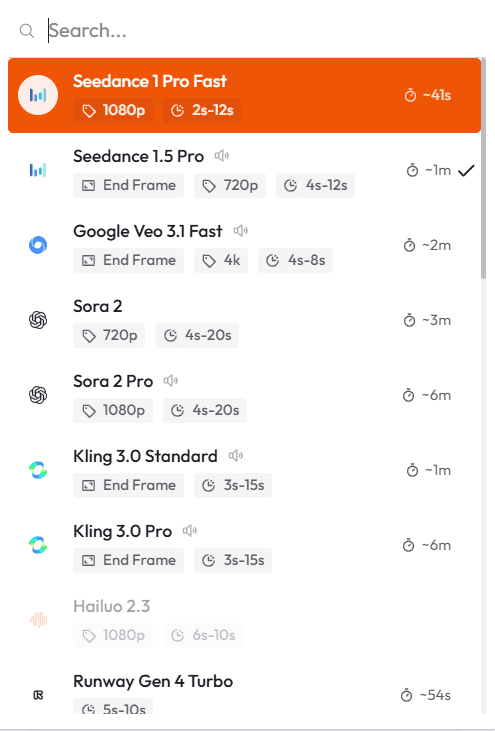
Sora locked you into one model. If that model did not suit a particular shot, you had no options. Atlabs gives you access to all leading AI video and image models including Veo 3, Seedance 2.0, Kling, and Nano Banana Pro inside the same platform.
This matters more than it sounds. No single model is best at everything. A photorealistic product shot calls for a different engine than a stylized animation sequence. Atlabs lets you make that call per shot, per project, without managing five separate subscriptions or rebuilding your project in a new tool.
Full Scene-Level Editing After Generation
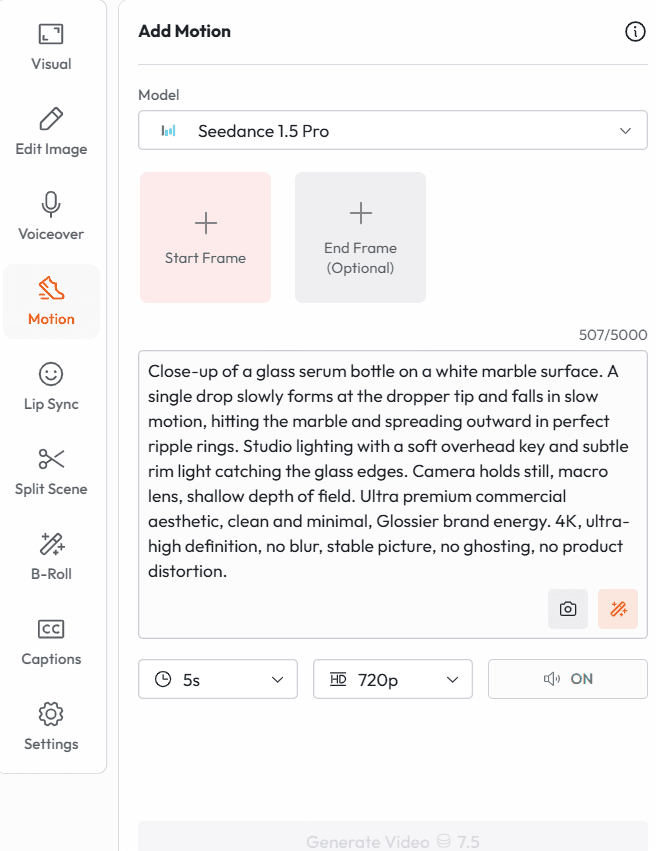
In Sora, the model's output was the endpoint. If the CTA was wrong, the product color was off, or the format needed to change from 16:9 to 9:16, you started over. In Atlabs, every element of every scene stays editable. Swap a shot, revise a voiceover, change timing, adjust the visual style, and export a revised version without touching the rest of the project.
For teams producing content for clients or under campaign deadlines, this is the difference between a tool and a production system.
UGC Avatar Videos with Consistent Characters
This was a category Sora had no answer for. Atlabs includes a full UGC avatar and character system that lets brands create AI presenters and product spokespersons who maintain consistent appearance, voice, and personality across an entire campaign.
You can run product reviews, testimonial-style ads, and explainer videos with the same on-screen character, at scale, without booking talent or studio time. This is one of the most commercially valuable use cases in AI video right now, and it lives natively inside Atlabs.
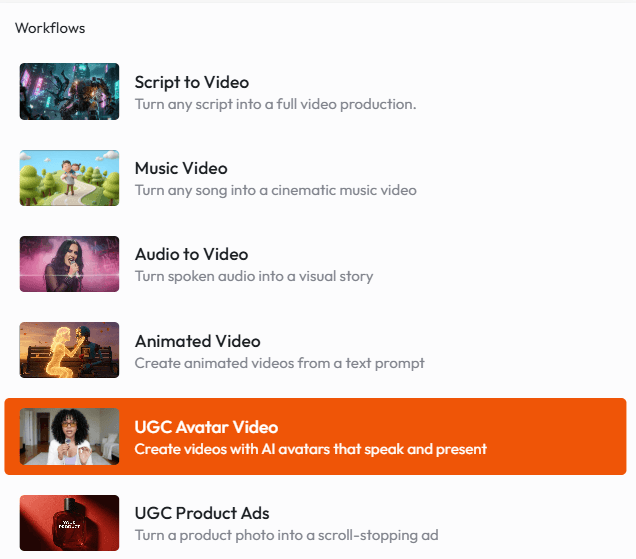
Purpose-Built Workflows for Every Content Type
Atlabs is not a generic video generator. It is built around specific production use cases: Avatar Videos, Product Ads, Short Films, Animation, Music Videos, Educational Content, and Storyboarding. Each one has its own workflow logic, not just a blank canvas.
For marketers creating product ads: the pipeline integrates visuals, voiceover, pacing, and format controls so your output is campaign-ready, not just a clip you need to finish elsewhere.
For filmmakers and animators: the storyboarding tools let you plan and pre-visualize complete sequences before committing to generation, which saves both time and credits.
Beginner-Friendly Without a Skill Ceiling
Sora was a generation black box. You put in a prompt and hoped for the best. Atlabs guides you from concept to finished video without requiring you to understand every model parameter, but if you are a power user, the depth is there. Advanced style controls, custom character configurations, multi-model scene workflows. The platform grows with you.
Atlabs is free to start. You can create your first video in under two minutes, no card required. Visit atlabs.ai to try it.
When to Choose Atlabs Over Other Sora Alternatives
You need more than clip generation: full editing, export, voiceover, and format control matter to your workflow
You are producing product ads, UGC-style content, or brand videos at volume
You want access to multiple AI models without managing multiple subscriptions
Character consistency across a campaign or series is a requirement
You are a solo creator or small team who needs to move from idea to published video without a production crew
You need your video to be editable after generation, not locked once the model finishes
2. Kling 3.0: Best for Long-Form Clips and Volume Production
Developed by Kuaishou
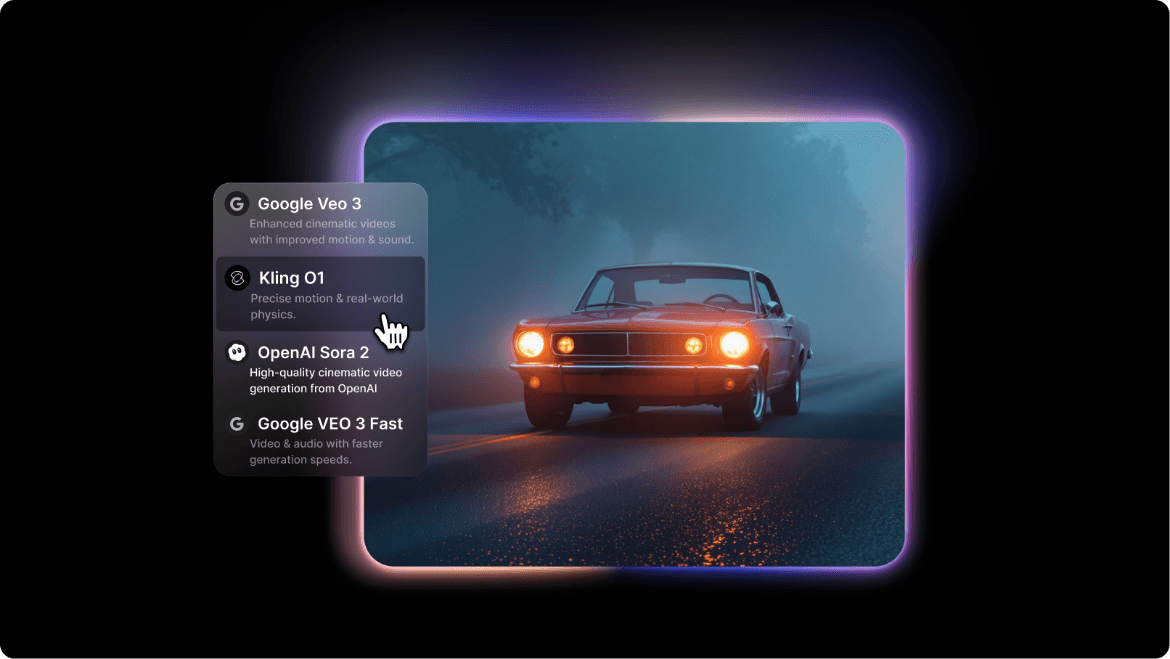
If you were a Sora user primarily because of its clip quality, Kling 3.0 is the most direct functional replacement. It handles the same text-to-video and image-to-video use cases, adds native audio generation, and extends maximum clip duration to two minutes, almost five times what Sora offered before shutdown.
What Makes Kling 3.0 Stand Out
The pricing is genuinely accessible. At $6.99 per month for a starter plan, it is the most affordable serious option among Sora alternatives. The free tier is also the most generous in the market: 66 credits per day with daily refresh, which is enough for consistent testing and regular casual creation without paying anything.
The multi-shot storytelling feature connects up to six shots into a single structured prompt, with camera transitions and character continuity baked in. On-screen text rendering is among the best available, meaning product labels, brand names, and signage hold up legibly across the clip rather than morphing or dissolving.
Where Kling Falls Short
Kling is a generation tool, not a production platform. There is no built-in editing layer, no voiceover workflow, no product ad pipeline, and no export templates for different social formats. Everything you generate needs to be taken somewhere else to finish. If you are looking for a clip generator to slot into an existing post-production setup, Kling works well. If you need an end-to-end workflow, it runs out of runway quickly.
Atlabs includes Kling inside its platform alongside other top models. If you want Kling's motion quality and the production tools around it, Atlabs is the more complete choice.
3. Google Veo 3.1: Best for Raw Output Quality
Developed by Google DeepMind
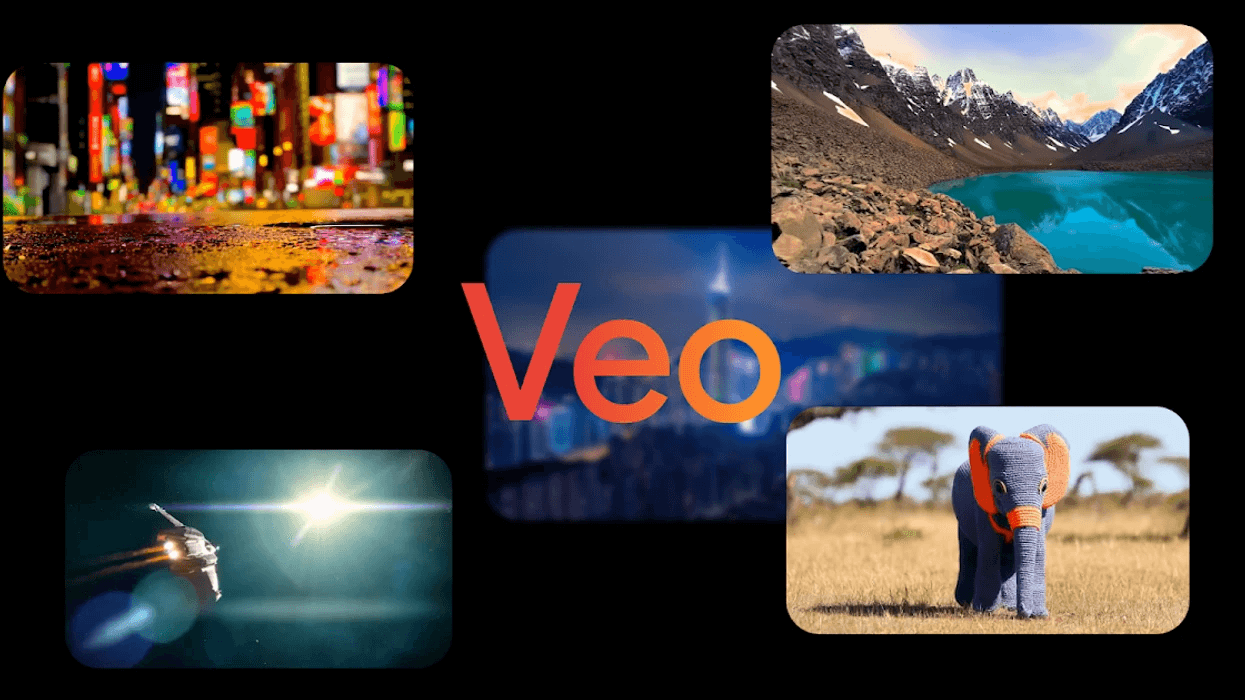
If your primary frustration with Sora was quality inconsistency, or if you simply want the best-looking AI video output available right now, Veo 3.1 is the answer. Google DeepMind's current flagship video model holds the top prompt fidelity scores in head-to-head comparisons, produces native 4K output, and generates audio and video simultaneously without the disconnected feel that plagues post-production audio sync.
What Makes Veo 3.1 Stand Out
The audio-visual synchronization is genuinely impressive. Dialogue is lip-synced. Environmental sounds match what is visually happening. Background music adapts to scene energy. For creators who spent time in post-production trying to make audio fit Sora's silent clips, this changes the workflow significantly.
Access via Gemini means a genuine free tier with no watermarking, which is unusual at this quality level. The prompt fidelity means what you describe tends to appear in the output, which reduces the iterative generation cost that made Sora so expensive in practice.
Where Veo Falls Short
Clips are limited to approximately eight seconds, which makes multi-shot narrative content difficult to build without external editing tools. Veo is also a generation model, not a production environment. There is no character consistency system, no avatar workflow, and no campaign-ready export pipeline. For brands and creators who need volume output with consistent visual identity, Veo is a powerful engine that still needs a production layer around it.
Atlabs provides access to Veo 3 inside its platform, so you can use Veo's generation quality alongside full editing, voiceover, and export tools without leaving your workspace.
4. Runway Gen-4.5: Best for Post-Production Control
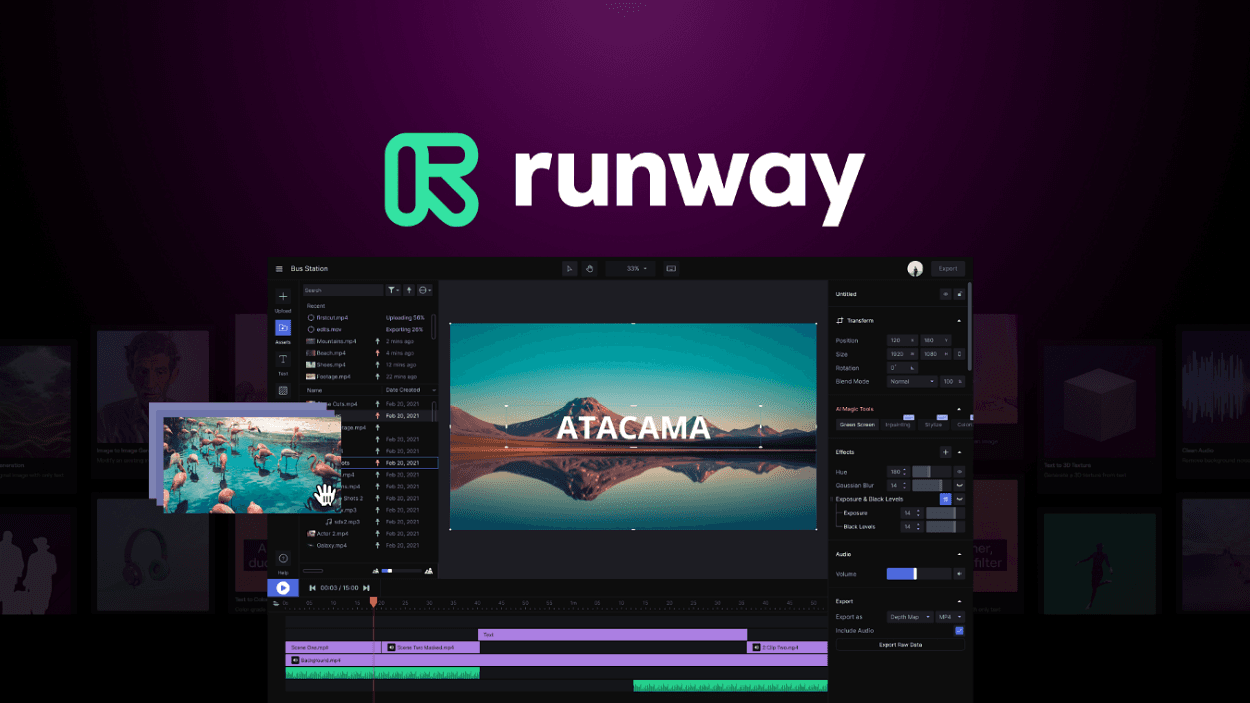
Runway pioneered AI video generation and has evolved further than any other tool in the post-production direction. If Sora was a generation machine with nothing around it, Runway is almost the opposite: a sophisticated editing environment that happens to include generation.
What Makes Runway Gen-4.5 Stand Out
The editing tools are the story. Motion Brush lets you direct exactly which elements in a frame move and which stay still. Inpainting lets you replace specific areas of a generated clip without regenerating the whole thing. Masking tools separate foreground subjects from backgrounds for independent manipulation. For professional post-production workflows where output needs to be refined, not just generated, Runway offers a level of control that no other tool in this list matches.
Gen-4.5 holds the top Elo ranking for visual quality in published head-to-head benchmark testing as of early 2026. The footage has a cinematic weight and depth that leans closer to film than most AI-generated content.
Where Runway Falls Short
Credit costs at volume are significant. High-quality clips consume credits quickly, and teams producing a large number of assets per month will find the costs climb steeply. There is no UGC avatar or character consistency system for brand content, and the learning curve for the advanced editing tools is real. Runway rewards investment in skill development, but it is not a tool you pick up in twenty minutes and run at full capacity.
Runway is the right choice if you have post-production skills and need maximum editing control per clip. If you need a complete production workflow at a more accessible price and pace, Atlabs covers more ground.
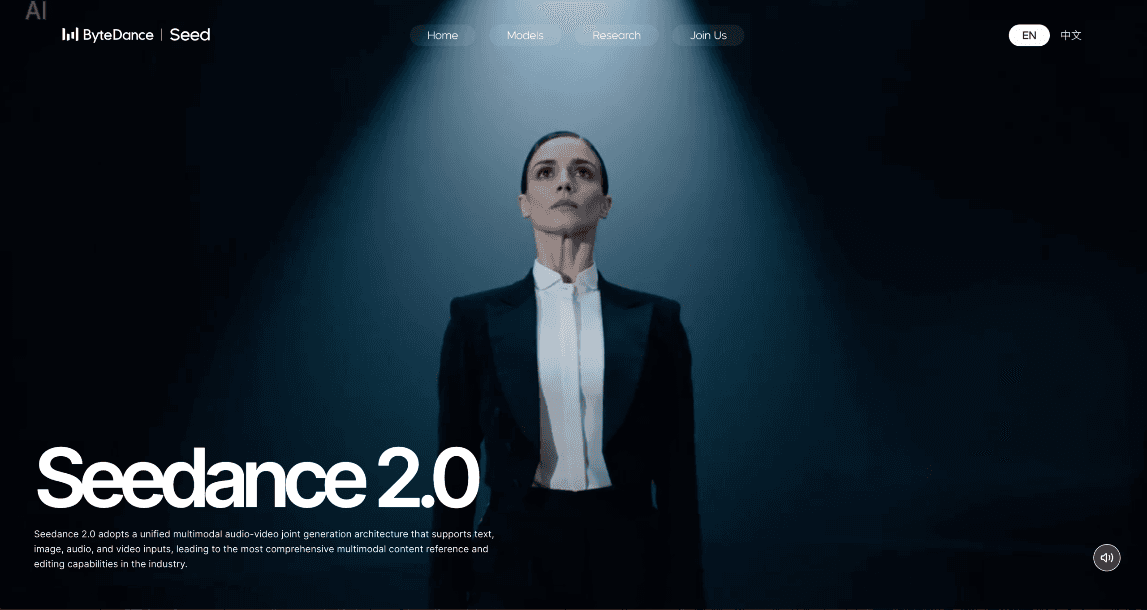
5. Seedance 2.0: Best for Character Consistency in Commercial Content
Developed by ByteDance
Identity drift was one of the most criticized failures in Sora. You would generate a character in scene one, and by scene three the face had shifted. Hairline, jaw shape, eye spacing: all slightly different. For narrative content and brand videos that needed a consistent face across multiple shots, this was a production-breaking problem.
Seedance 2.0 built its commercial identity around solving exactly this. The Identity Lock system anchors the model to a reference image of a character, maintaining that exact face across multiple scenes, camera angles, and lighting conditions with accuracy that was not reliably achievable in Sora.
What Makes Seedance 2.0 Stand Out
The multimodal input system is unusually flexible. You can feed it images, video clips, and audio tracks simultaneously as reference material, giving you rich creative direction without writing exhaustive text descriptions for every element. For product ads, this means you can anchor the model to your actual SKU image and have it maintain accurate product representation across generated footage.
Native audio generation is integrated, and the model's understanding of cinematography terminology is strong, which makes it particularly responsive to director-style prompt writing.
Where Seedance Falls Short
Full feature access currently runs through the ByteDance Dreamina ecosystem, which limits availability depending on geography and platform preference. There is no standalone editing or production environment, so like Kling and Veo, generated clips need external tools to reach a finished state.
Seedance 2.0 is available inside Atlabs. This is the most practical way to access Seedance's character consistency features with a full editing and export workflow around them, without navigating platform access restrictions.
The Real Lesson From the Sora Shutdown
Sora's failure was not a model failure. The technology was impressive. The failure was structural: a single model, built by a single company, with no production environment around it, priced in a way that made volume use impossible, and shut down without warning when the economics did not work.
The creators who were most exposed were the ones who had built their entire production workflow around one tool. The ones least affected were the ones who had already migrated to platforms that offered multi-model access, editable outputs, and a production workflow that survived any single model going offline.
That is the frame for evaluating any Sora alternative. Not which one generates the most impressive demo clip. But which one can support a real content workflow that will not disappear when the economics shift for whoever built the underlying model.
Atlabs is built around that principle. Multiple models. Full editing. Complete production workflows. So your creative output is never dependent on the survival of any single AI company's product roadmap.
Try Atlabs Free >> atlabs.ai
Access Veo 3, Seedance 2.0, Kling, and more. All in one editable workspace. No card required.









