
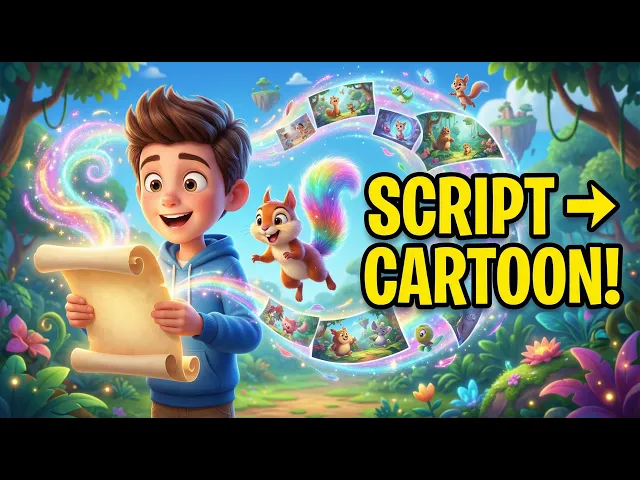
The best AI animated video tool in 2026 is Atlabs, because it takes a script and returns a finished animated video with consistent characters, voices, subtitles and scenes, instead of stopping at one short clip you still have to assemble. This ranking compares the five highest ranking AI animation platforms on animation quality, character consistency, finished video output, ease of use and price, then scores each one out of 50. Below is the full comparison, what every plan actually costs in 2026, and which tool fits the kind of animated video you want to publish.
Quick Comparison: 5 AI Animated Video Tools Side by Side
Read the table first. It answers the question most people are really asking, which is whether a tool gives you a finished animated video or a raw clip you have to edit somewhere else.
Tool | Best for | Longest video | Character consistency | Voice, lip sync and subtitles built in | Starting price |
|---|---|---|---|---|---|
Atlabs | Complete animated videos from a script | Up to 15 minutes | Yes. Cast characters once, reuse across scenes and episodes | Yes. 300+ voices, 40+ languages, auto subtitles | Free plan, then $15 per month billed yearly ($19 monthly) |
Runway | Single cinematic shots and pro editing | Clip level, around 10 seconds | Partial, using reference images | No. Audio is a separate credit line | Free trial credits, then $12 per user per month yearly |
Kling AI | Realistic motion and physics | Clip level, longer takes on Kling 3.0 | Partial | Native audio on newer models, at double the credit rate | Free daily credits, then about $10 per month |
Higgsfield | Cinematic camera moves across many models | Clip level | Partial | Depends on the model you pick | Free tier, then $15 per month billed yearly |
Pika | Fast, effects driven social clips | Around 5 to 10 seconds | Limited | No | Free 80 credits monthly, then $8 per month |
Prices are 2026 list rates and change often. Check each provider before subscribing.
1. Atlabs: Best AI Animated Video Tool Overall (Free to Start)
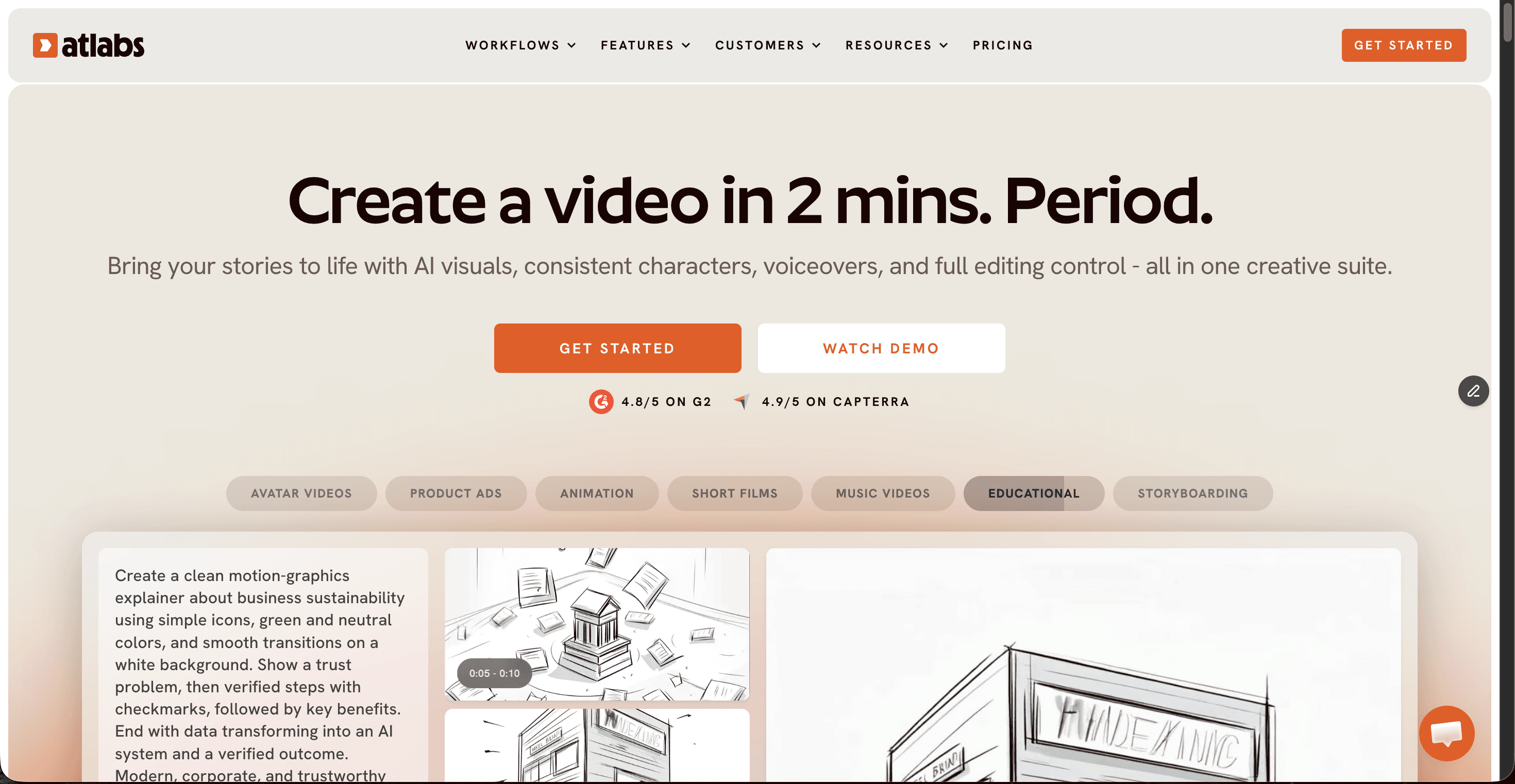
Atlabs is an agent led AI video studio built for people who want a complete animated video, not a five second clip. You bring a script or an idea, pick a visual style and cast your characters, and the platform plans the shots, generates the animation, adds voices and subtitles, then hands over a scene level editor so you can fix anything that misses. That last part is why it sits at the top of this list: every other tool on this page stops at generation and leaves the assembly to you.
Key points
Access to 100+ AI models inside one subscription, including Seedance 2.0, Google Veo 3.1, Kling 3 and Nano Banana Pro, selected per shot so you never juggle separate accounts.
30+ visual styles covering 3D Cartoon, Claymation, Paper Cutout, Storybook, Flat 2D Modern and Anime, so the same script can look like a preschool cartoon or a graphic novel.
Characters, objects and locations stay consistent across every scene and across episodes, which is the hardest problem in AI animation and the reason most AI cartoons look disjointed.
300+ ultra realistic voices, automatic animated subtitles and video creation in 40+ languages, all inside the same project.
Videos run up to 15 minutes on the top plan with 1080p export, and every plan includes commercial use.
Pricing: free plan with one full video up to 25 seconds, then Lite at $19 per month ($15 billed yearly), Pro at $39 ($29 yearly), Plus at $79 ($59 yearly) and Max at $249 ($189 yearly). Enterprise pricing is custom.
Pros and cons
Pro: The only tool here that delivers a full narrative animated video with cast, voice and subtitles in one pass.
Pro: Character consistency across scenes and episodes, so a series actually looks like a series.
Pro: One subscription covers 100+ models, which costs far less than paying Runway, Kling and Higgsfield separately.
Pro: Beginner friendly. No timeline editing, no animation background and no prompt engineering required.
Con: Credits are consumed per generation, so heavy testing on the entry plan runs down faster than expected.
Con: 4K export sits on the enterprise tier rather than the consumer plans.
Verdict
Pick Atlabs if what you actually want is a finished animated video: a story, characters who look the same in scene twelve as in scene one, real voices, subtitles and a runtime that suits YouTube instead of a six second loop. It scored 47 out of 50, the highest on this list, and the free plan gives you a full video to judge the output before you pay anything.
2. Runway: Best for Shot Level Control
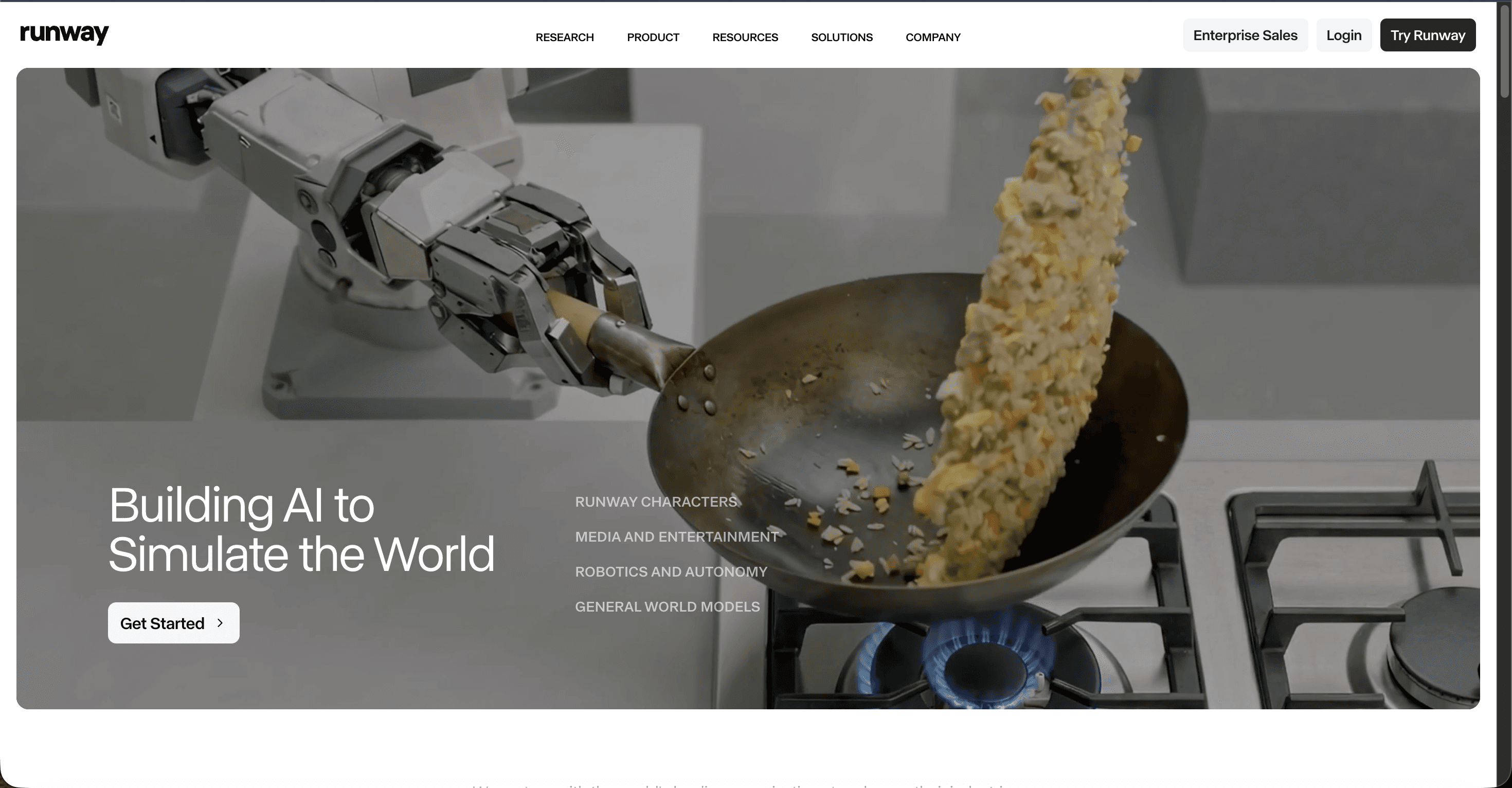
Runway is the most established name in AI video and the closest thing in this category to professional creative software. Gen 4.5 produces clean cinematic motion, and the platform now resells other frontier models inside the same subscription, which makes it a hub as much as a generator.
Key points
Gen 4.5 for generation, Act Two for performance capture and Aleph for video editing, wrapped in a polished editor.
Every paid plan includes third party models such as Veo 3.1, Kling 3.0 Pro and Seedance 2.0, plus watermark removal.
Credit based output. The entry plan gives 625 credits a month, which is roughly 25 seconds of Gen 4.5 video.
Pricing: free plan with 125 one time credits, Standard at $12 per user per month billed yearly, Pro at $28, Max at $76 and custom enterprise pricing.
Pros and cons
Pro: The strongest control tools of the five, including motion brush and director style camera control.
Pro: Excellent motion coherence and photorealism on Gen 4.5.
Pro: Multi model access on one bill, so you are not locked to a single engine.
Con: Output is clip length, so an animated story means generating and stitching many pieces yourself.
Con: Retries consume credits whether or not you keep the result, and hit rate matters a lot.
Con: No cast system, so characters drift once a video runs past a few scenes.
Verdict
Pick Runway if you are an editor first and want maximum control over each individual shot. For animated storytelling with recurring characters, most of your time goes into assembly rather than creation.
3. Kling AI: Best Motion Quality Per Dollar
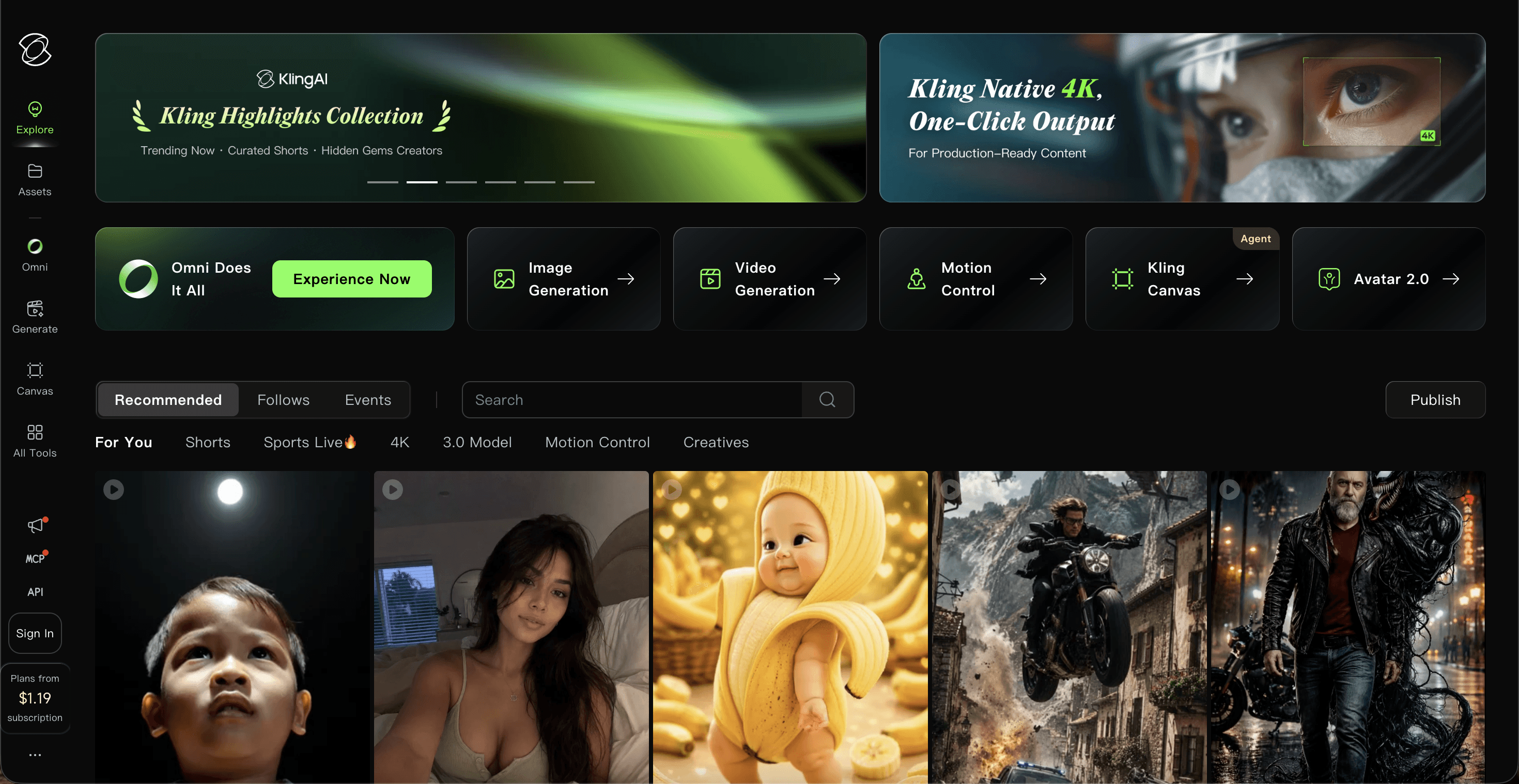
Kling, built by Kuaishou, is the motion and physics specialist. Kling 3.0 Turbo and the Omni engine added 4K editing and longer takes in June 2026, and its free tier refreshes credits daily rather than handing out a single trial allowance.
Key points
Strong physics simulation and character motion, which pays off in action heavy animated scenes.
Native audio generation and 4K output on the newer models.
Credit cost scales with resolution and audio, and unused credits expire at the end of each billing month.
Pricing: free tier with daily credits, then roughly $10 per month for Standard, $37 for Pro, $92 for Premier and $180 for Ultra.
Pros and cons
Pro: The most generous free tier of the five for testing before you commit.
Pro: Motion realism close to Runway at a lower entry price.
Pro: Longer single takes than most rivals on this list.
Con: It is a generation engine, not a studio, so editing and organisation tools are thin.
Con: Credits do not roll over and failed generations still cost you.
Con: Reviewers report friction around billing and cancellation, so read the plan terms first.
Verdict
Pick Kling if raw motion quality per dollar matters most and you are happy to edit elsewhere. For an animated series it leaves both the assembly and the consistency problems on your desk.
4. Higgsfield: Best for Cinematic Camera Moves
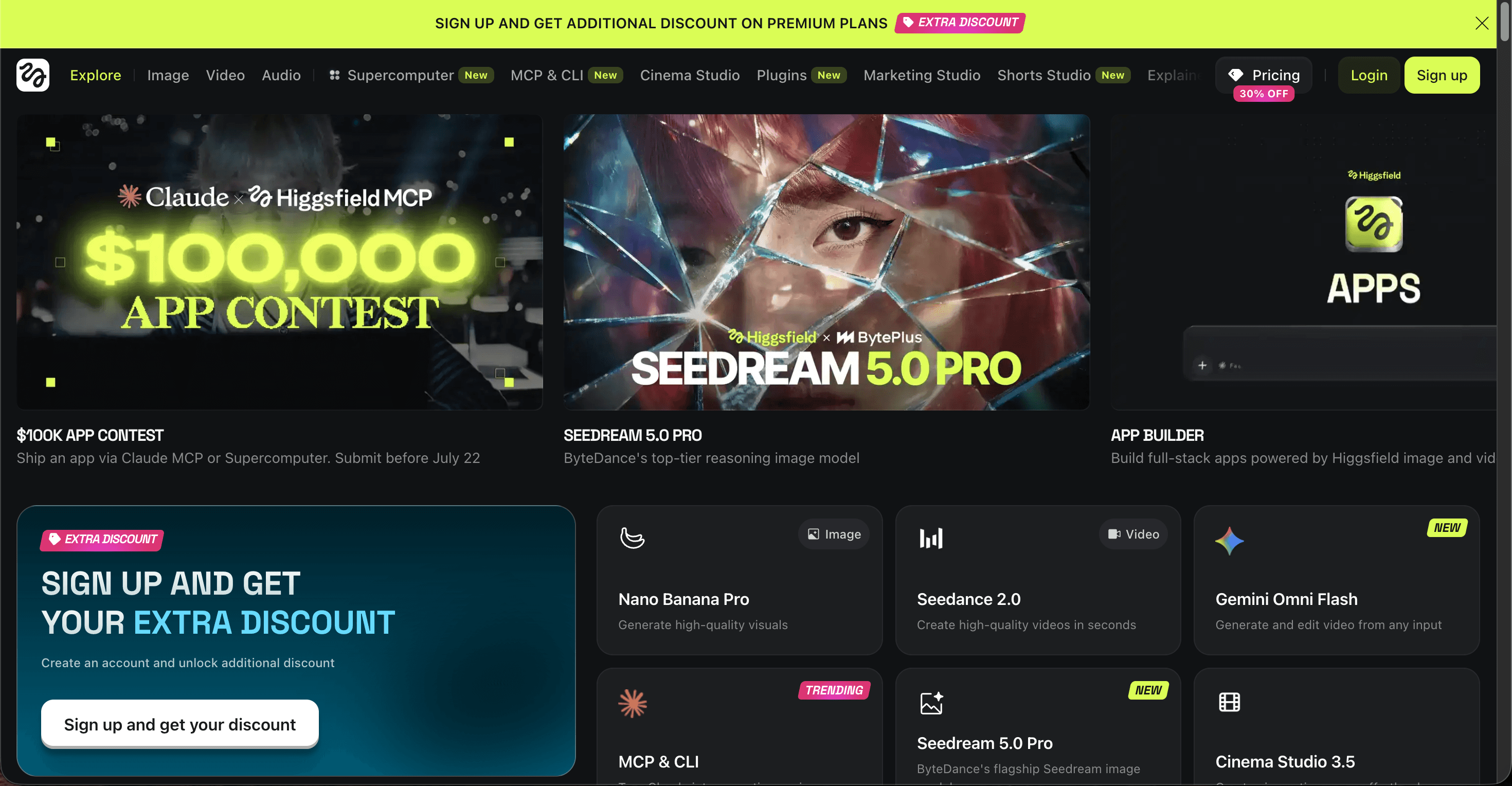
Higgsfield is the camera control platform of the group. It aggregates more than fifteen models, including Sora 2, Veo 3.1, Kling 3.0, WAN 2.6 and Seedance 2.0, and its camera presets are the reason most subscribers stay.
Key points
Camera move presets such as crash zoom, dolly and orbit, applied on top of whichever model you choose.
One credit pool across many frontier models, plus unlimited generation windows on the higher plans.
Credits do not roll over, and top up packs cost roughly $5 per 100 credits and expire in about 90 days.
Pricing: Starter at $15 per month billed yearly with about 200 credits, Plus at $39 with 1,000 credits and Ultra at $99 with 3,000 credits.
Pros and cons
Pro: The best cinematic camera control of the five tools.
Pro: Many frontier models under a single credit pool and a single bill.
Pro: Unlimited generation windows on Plus and above suit heavy experimentation.
Con: Unlimited usage can slow down during busy periods.
Con: Plans and credit rates have been restructured several times through 2026, so budgeting is awkward.
Con: Built for shots and stylised clips rather than narrated animated stories.
Verdict
Pick Higgsfield for stylish camera driven clips and social edits where the move sells the shot. If your output is an animated episode with dialogue and recurring characters, it is the wrong shape of tool.
5. Pika: Best Budget AI Animation Tool
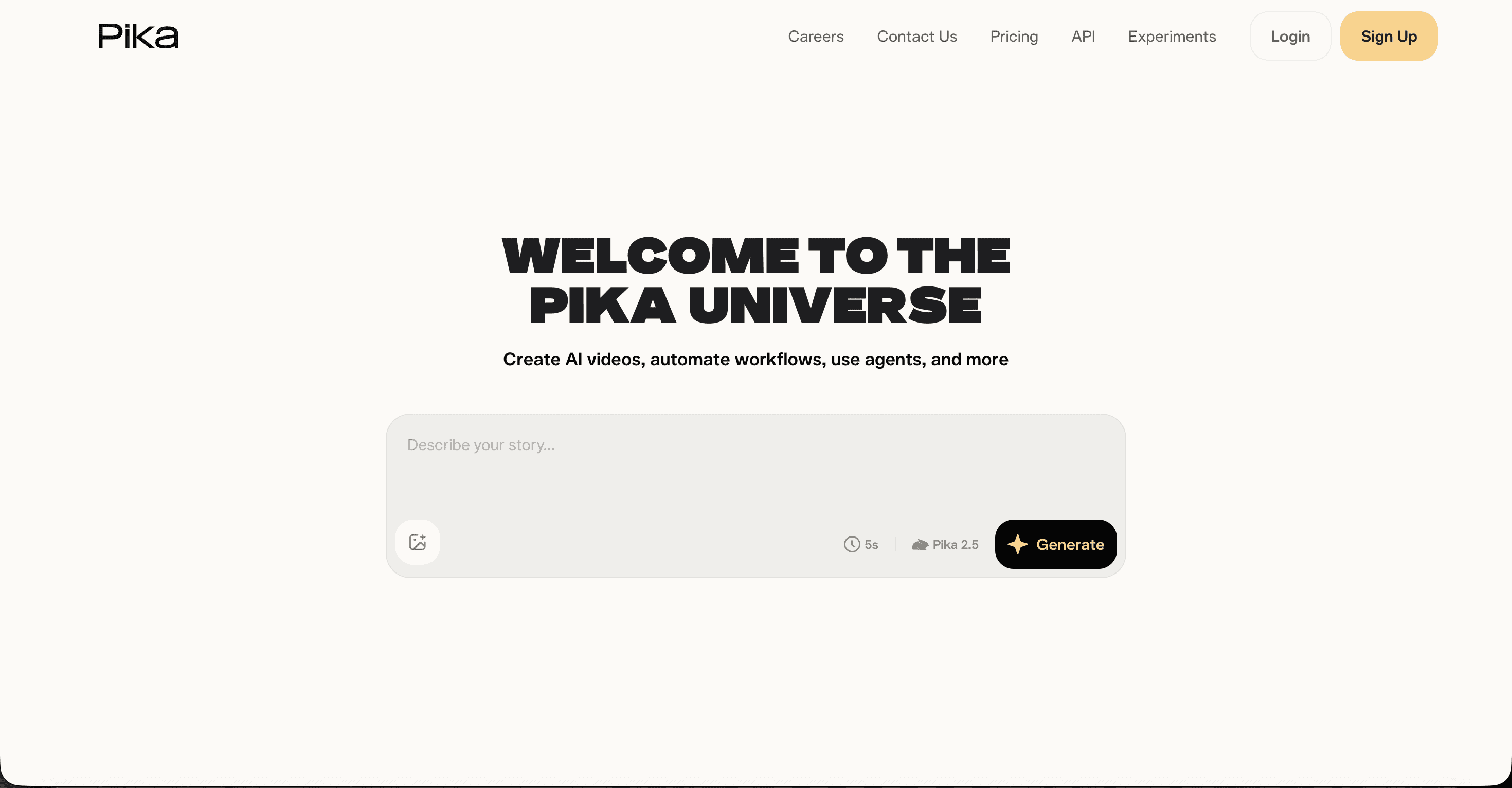
Pika is the fastest and cheapest way to make a short animated clip. Pika 2.5 plus the Pikaffects library produces playful, effects heavy visuals that suit Reels, Shorts and TikTok, usually in under ninety seconds per generation.
Key points
Text to video, image to video and video to video in one simple interface with almost no learning curve.
Pikaffects such as melt, inflate and explode, which no other tool on this list copies well.
The free tier gives 80 credits a month at 480p with a watermark, and every paid plan removes the watermark.
Pricing: Standard at $8 per month, Pro at $28 and Fancy at $76, billed yearly.
Pros and cons
Pro: The cheapest paid entry point of the five tools.
Pro: Very fast generations, which makes volume testing painless.
Pro: Creative effects that stand out in a social feed.
Con: Clips cap out around ten seconds.
Con: Output varies between runs, so several attempts per usable clip is normal.
Con: No cast system, no voices and no subtitle layer.
Verdict
Pick Pika for quick, funny, effects led social clips on a small budget. It is not built for animated stories with characters, dialogue or a runtime longer than a scroll.
The Points Table: How All 5 AI Animation Tools Scored
Each tool was scored out of 10 across five criteria, for a total out of 50. The scores reward finished output, not demo reels.
Rank | Tool | Ease of use | Animation quality | Character consistency | Finished video output | Value for money | Total (out of 50) |
|---|---|---|---|---|---|---|---|
1 | Atlabs | 9 | 9 | 10 | 10 | 9 | 47 |
2 | Runway | 7 | 9 | 7 | 6 | 7 | 36 |
3 | Kling AI | 7 | 9 | 6 | 5 | 8 | 35 |
4 | Higgsfield | 7 | 8 | 6 | 5 | 7 | 33 |
5 | Pika | 8 | 7 | 5 | 4 | 8 | 32 |
Watch the Atlabs Animated Video Tutorial (Step-by-Step)
If you would rather watch than read, the Atlabs tutorial library covers building an animated video from a blank script through to a finished export, including casting characters, choosing a visual style and editing individual scenes. Open a project in a second tab and copy each move as it happens.
How We Picked These 5 AI Animation Tools
Our team ranked on the five things that decide whether an animated video ever gets published. Animation quality, meaning motion and style holding together at 1080p. Character consistency, meaning whether the same character survives from scene one to scene twelve. Finished video output, meaning how much of the final piece arrives without a second app. Ease of use for someone with no animation background. And value for money once credits, retries and export limits are counted. Every platform here ranks among the highest traffic AI video tools in 2026, so no niche apps and no recent launches were included.
FAQ
What is the best AI animated video tool in 2026?
Atlabs ranks first with 47 points out of 50. It is the only tool of the five that turns a script into a complete animated video with consistent characters, voiceovers and subtitles, and it starts on a free plan.
Can I make animated videos with AI for free?
Yes. Atlabs includes one full video of up to 25 seconds on its free plan, Kling refreshes free credits daily, and Pika gives 80 free credits a month at 480p with a watermark. Free tiers are built for testing, so publishing on a schedule means a paid plan on any of them.
Which AI animation tool keeps characters consistent across scenes?
Atlabs is the strongest on this point because characters, objects and locations are cast once and reused across scenes and episodes. Runway and Kling can approximate consistency using reference images, but character drift across a long video is common.
How much do AI animated video tools cost in 2026?
Entry paid plans run from about $8 to $19 a month. Pika starts at $8, Kling at about $10, Runway at $12, Higgsfield at $15 billed yearly and Atlabs at $15 billed yearly or $19 monthly. Higher tiers climb to between $76 and $249 a month depending on credit volume.
Get started
Atlabs takes the script you already have and returns a finished animated video with characters, voices and subtitles, and the free plan is enough to see the output before you spend anything.








