
Posting a fresh Quran verse video every single day sounds like a full time job, until you hand the heavy lifting to AI. After looking at the tools faith creators actually reach for, the top pick is Atlabs, which turns a verse, a translation, and a recitation into a polished vertical video with matching visuals and captions in minutes. We compared five tools on voiceover fit, visual quality, ease of daily posting, language support, and price, so you can pick the one that fits your channel and your budget.
At a glance: the 5 best AI tools for daily Quran verse videos
Tool | Best for | Standout features | Free plan | Starting price |
|---|---|---|---|---|
Atlabs | Best overall, whole verse video in one place | AI Religious Video Generator, 100+ models, 40+ languages, auto captions | Yes (up to 25s) | $19/mo (Lite) |
Fliki | Fast text to verse with realistic voiceover | 2,000+ voices, 80+ languages, script to video | Yes (5 min/mo) | About $28/mo |
InVideo AI | Prompt to video faceless clips | Prompt to full video, iStock library, voice clones | Yes (watermark) | $25/mo (Plus) |
Canva | Easiest free starting point | Templates, Magic Studio AI, clean text layouts | Yes | $15/mo (Pro) |
Runway | Cinematic AI backgrounds | Gen-4.5, multi model access, top visual quality | Yes (125 credits) | $15/mo (Standard) |
▶ Start free on Atlabs
1. Atlabs: best overall for daily Quran verse videos
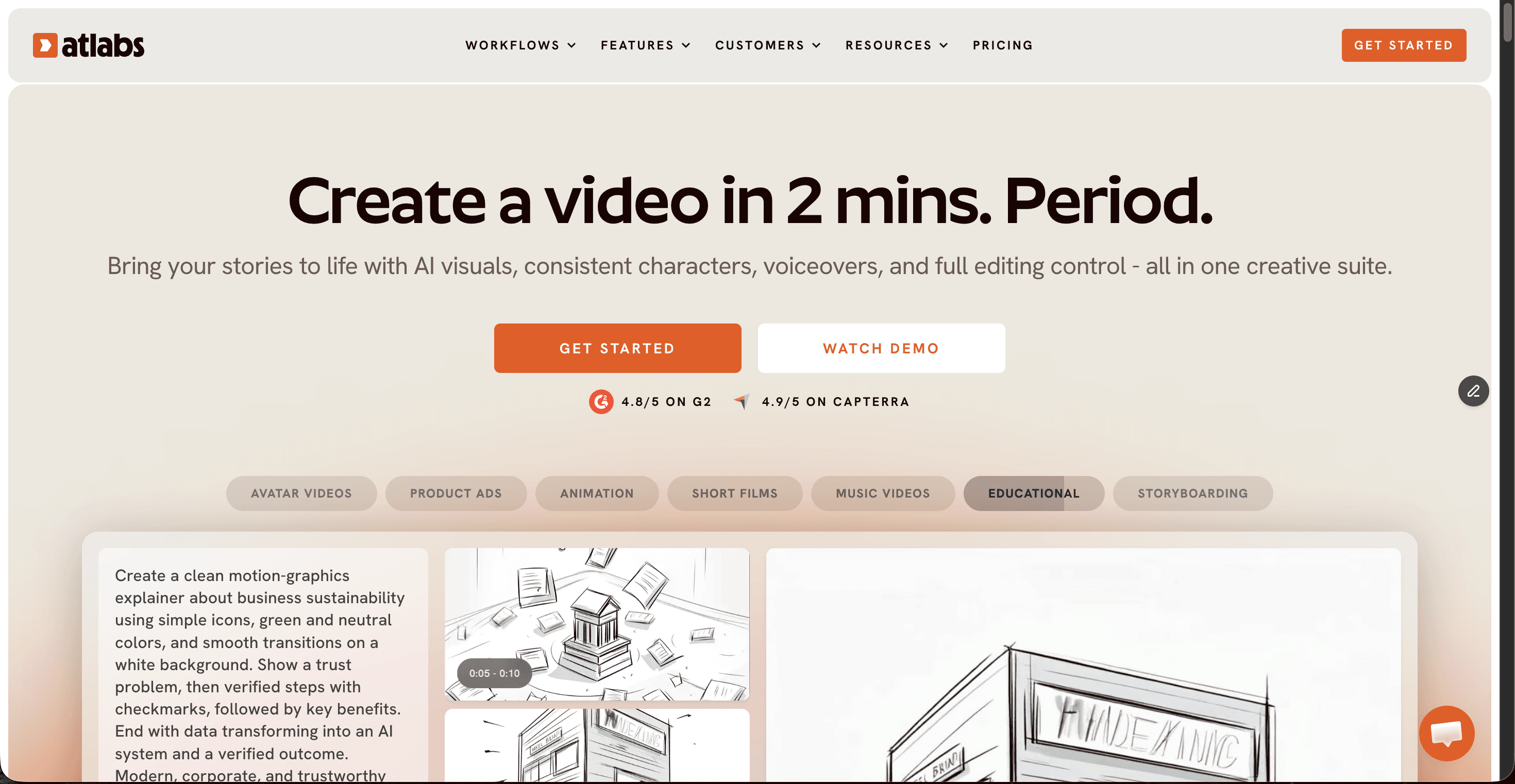
Atlabs is a full pipeline AI video platform that brings script, visuals, voiceover, captions, and export into one place, and it ships a dedicated AI Religious Video Generator built for exactly this kind of devotional content. For a daily verse channel, you can start from a written ayah and translation or from a recitation audio clip, choose a calm visual style like flowing nature, soft light, or geometric patterns, and let the platform match scenes to the mood. It supports 40+ languages with realistic voices, adds captions automatically at high accuracy, and outputs 9:16 vertical clips ready for Reels, Shorts, and TikTok.
Key points
Access to 100+ AI models, including Google Veo 3.1, Kling, and Seedance, means your backgrounds look cinematic without recycling the same stock clips. A consistent visual style keeps every day's post feeling like one coherent channel. Auto captions, one click translation into 40+ languages, and vertical export cover the full daily routine. On pricing, a free plan lets you make one full video up to 25 seconds with no card, paid plans start at $19 per month (Lite) and $39 per month (Pro), and annual billing saves about 25 percent.
Pros and cons
Pros
End to end pipeline: verse to visuals to voiceover to captions in one app
Dedicated AI Religious Video Generator suited to devotional content
40+ languages and realistic voices, useful for translations
Consistent visual style across daily posts
100+ AI models for fresh, cinematic backgrounds
Cons
Credit based system needs light budgeting on lower plans
The depth of features takes a short while to learn
Verdict
For a creator shipping a new ayah video every day, Atlabs covers the whole job without sending you to three other apps. That is why it sits at the top of this list.
▶ Create your first verse video free
2. Fliki: best for fast text to verse with realistic voiceover
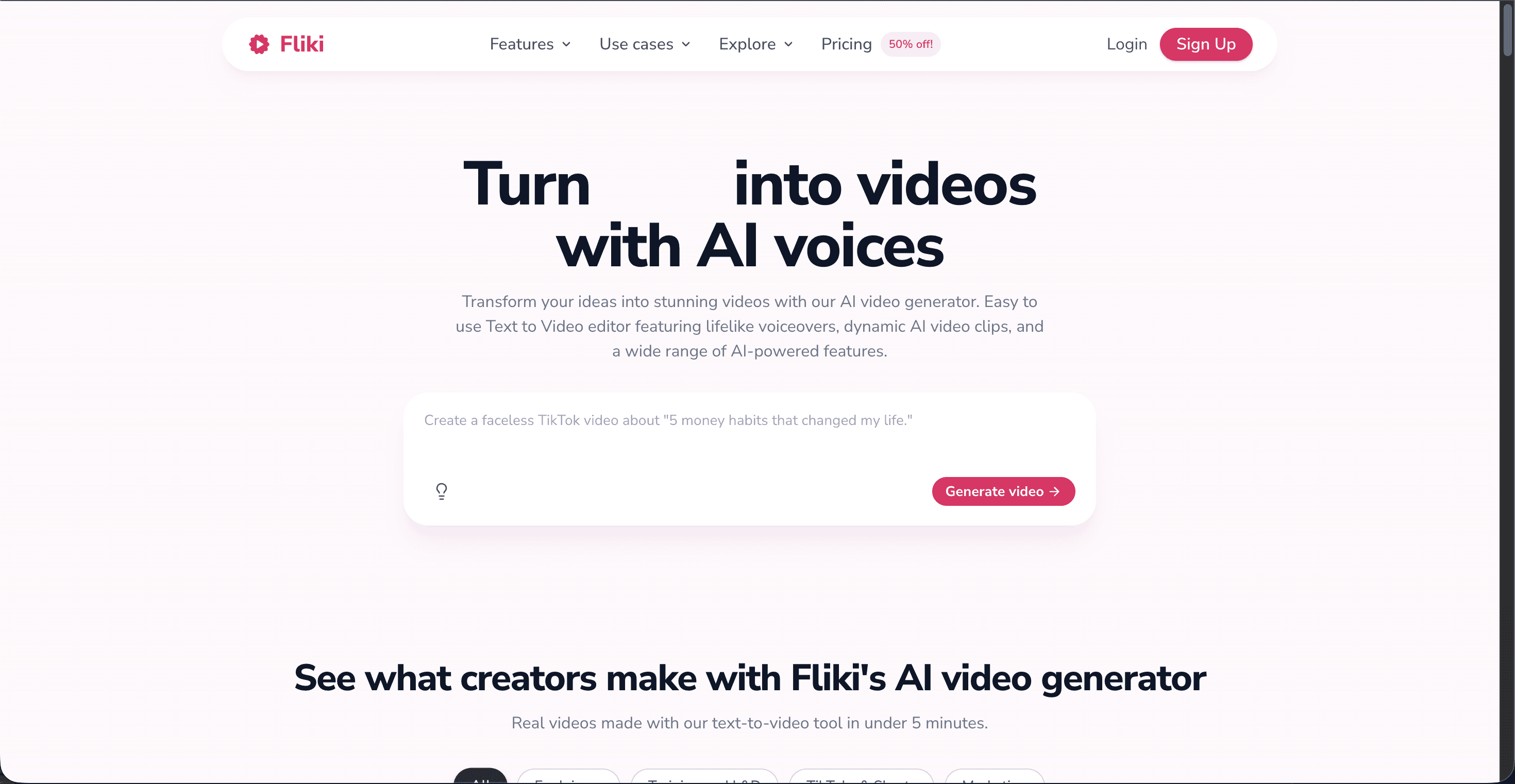
Fliki is a text to video tool built around a huge library of realistic AI voices. You paste the verse and its translation, pick a voice, and Fliki assembles a narrated video with matching stock visuals and captions. For faceless verse channels that lean on narration over cinematic visuals, it is quick and beginner friendly.
Key points
Fliki offers 2,000+ voices across 80+ languages, so you can produce the translation voiceover in the language your audience actually speaks. It works from a script, a blog, or a plain idea, and its slide based editor keeps things simple. On pricing, a free plan gives 5 minutes of video per month with a watermark, the Standard plan is about $28 per month, and Premium is about $88 per month, with annual billing lowering the effective rate.
Pros and cons
Pros
Large, realistic voice library across many languages
Simple text to video flow that beginners pick up fast
Well suited to high volume faceless narration content
Commercial license included on paid plans
Cons
Relies on stock footage, so visuals can look generic
Credits are used while editing and previewing, not only on export
No true AI generated cinematic backgrounds
Verdict
Pick Fliki when your verse videos are narration first and you want the quickest path from text to a finished clip, as long as a clean stock look works for your channel.
3. InVideo AI: best for prompt to video faceless clips
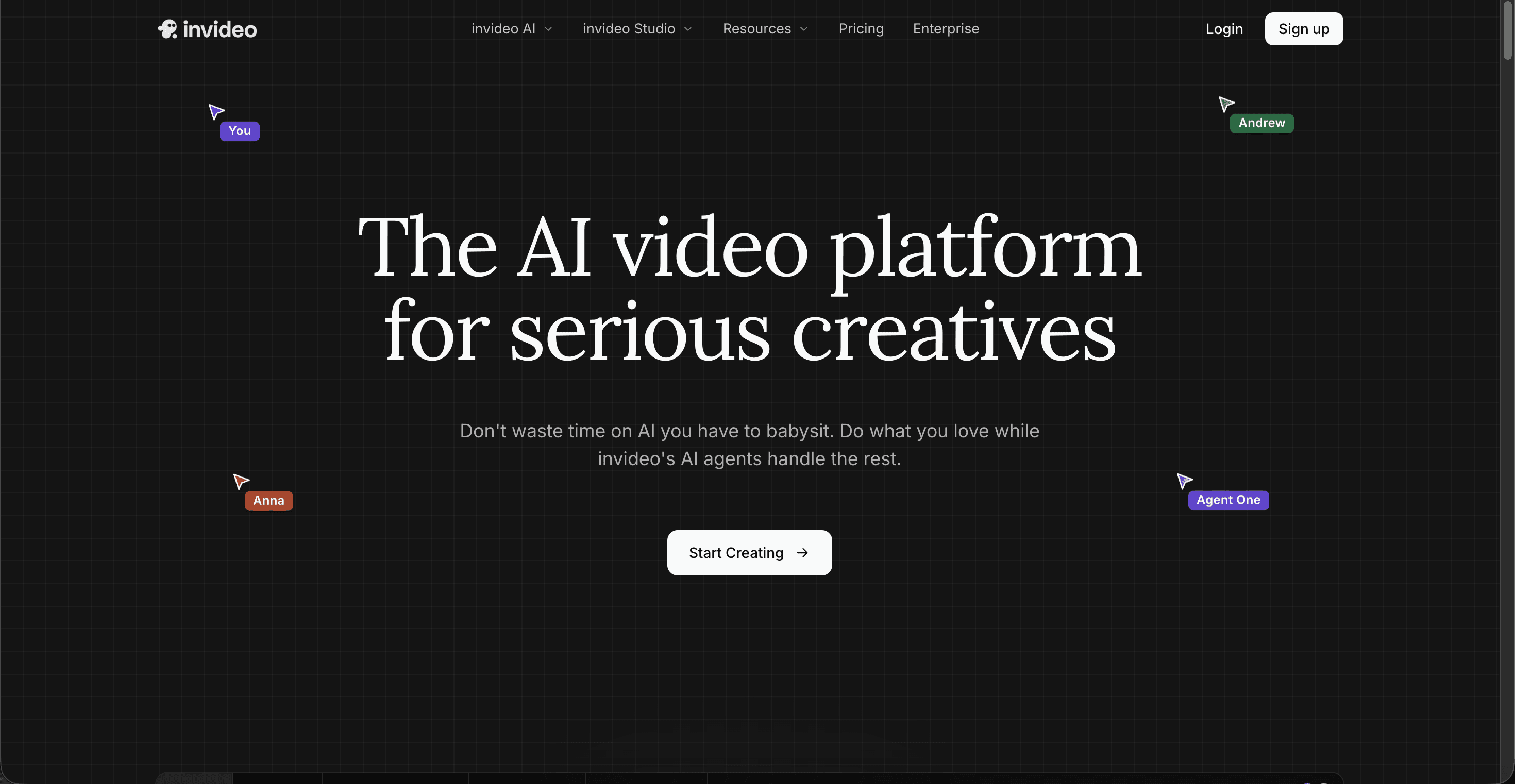
InVideo AI turns a written prompt into a full video, complete with scenes, voiceover, and captions. Describe a short verse reflection in plain words and it builds a draft you can refine by chatting with the editor. It suits creators who would rather talk to a tool than piece a video together by hand.
Key points
The tool pairs your prompt with an iStock library, offers voice clones, and exports without a watermark on paid plans. It is strong for short faceless social videos produced at volume. On pricing, a free plan is available with a watermark, the Plus plan is $25 per month, Max is $60 per month, and a Generative tier around $120 per month adds Sora 2 and Veo 3.1 access. Annual billing is cheaper across the board.
Pros and cons
Pros
Prompt to full video with very little setup
Watermark free exports on paid plans
Large iStock media library
Good for daily short form volume
Cons
Separate credit pools can run dry in the middle of the month
Output can look template driven
Fixing the last details by hand is limited
Verdict
InVideo AI is a fair choice if you like describing a video in a sentence and iterating in chat. Heavy daily use just means keeping an eye on your credit pools.
4. Canva: best free starting point for verse graphics and simple videos
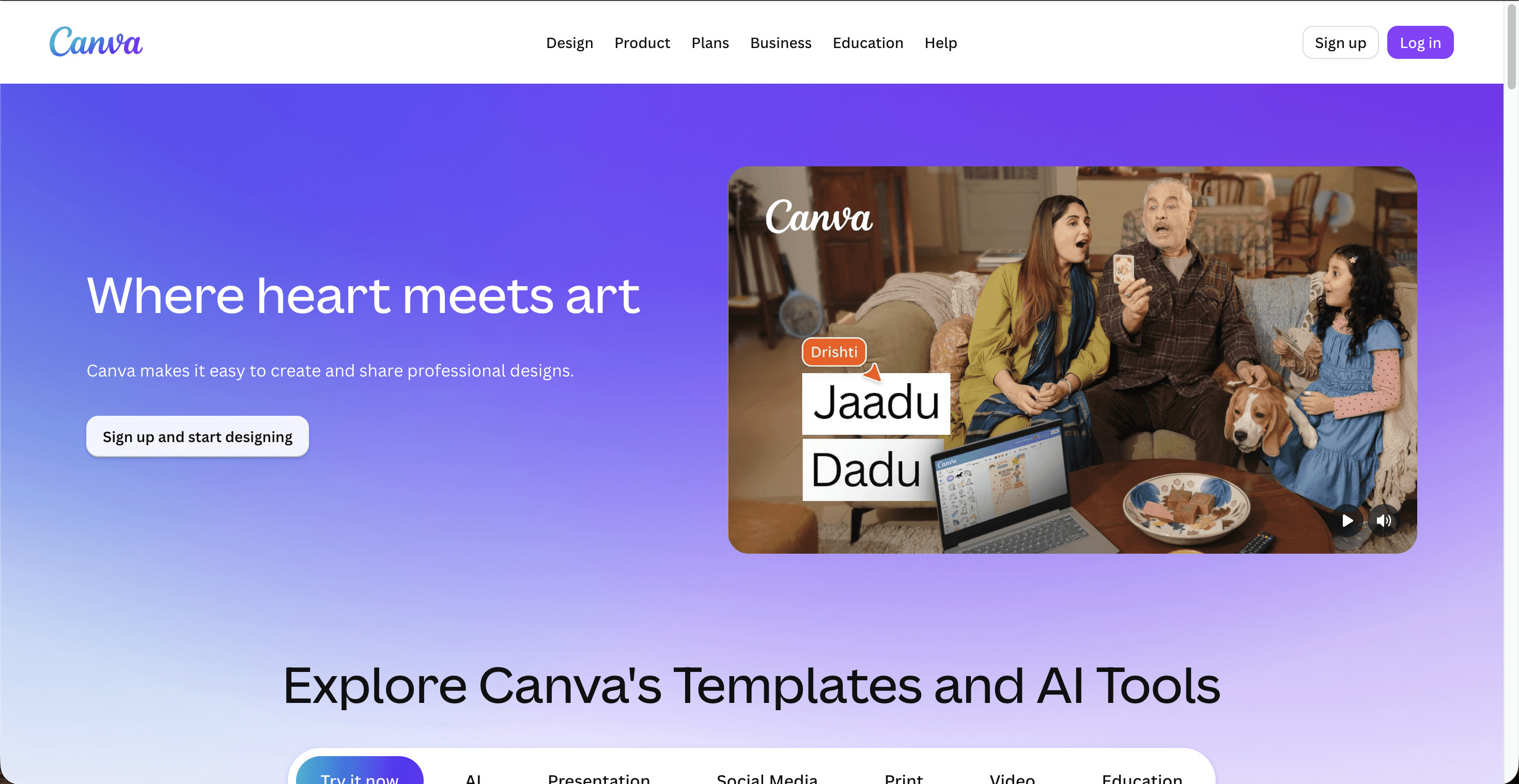
Canva is the friendliest entry point for anyone new to making verse content. Its template library, text tools, and Magic Studio AI let you place an ayah and translation over a calm background, add gentle motion, and export a vertical video with no editing background at all.
Key points
Thousands of templates, tidy Arabic and multilingual text layout, background music, and Magic Studio AI features cover the basics of a clean daily post. It runs in the browser and on mobile, so you can publish from anywhere. On pricing, the free plan is capable enough for real posts, Canva Pro is about $15 per month (roughly $120 per year), and Canva Business is $20 per user per month.
Pros and cons
Pros
Very easy for beginners, no editing skills needed
Generous free plan that stands on its own
Huge template and font library for clean text layouts
Works on both desktop and mobile
Cons
More design tool than true AI video generator
AI features have monthly caps, and failed tries still count
Motion and video depth are basic next to dedicated tools
Verdict
Canva is the best low risk way to start a daily verse channel, especially if your style is elegant text over a still or lightly animated background.
5. Runway: best for cinematic AI backgrounds
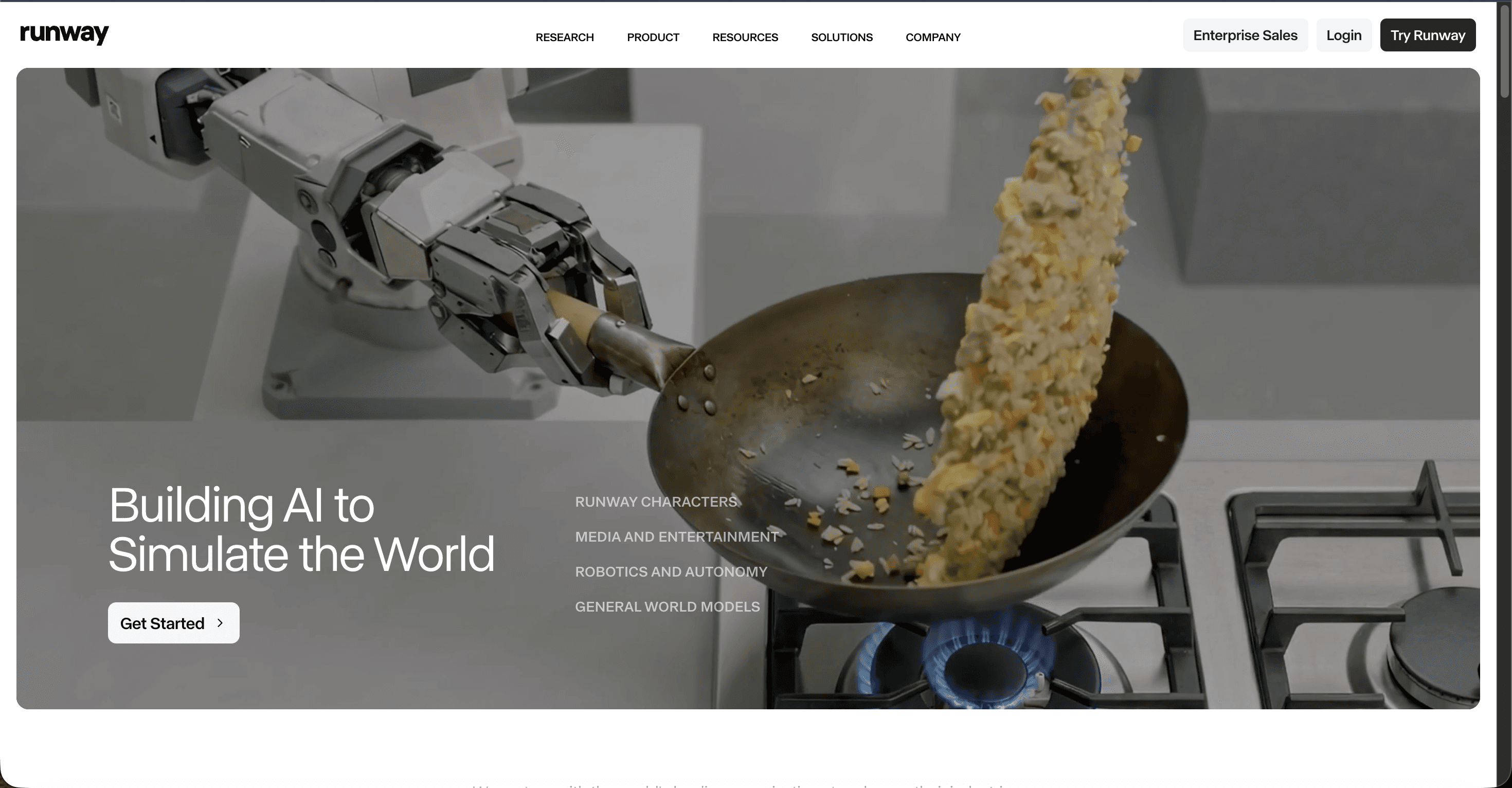
Runway is a professional grade AI video generator known for high visual quality. For verse videos, it shines when you want one striking, cinematic background clip, flowing water, drifting clouds, or light through a window, that you pair with your recitation and text in another tool.
Key points
Its Gen-4.5 model tops quality benchmarks, and a single subscription routes to several models including Veo 3.1 and Kling. It is more of a specialist visual engine than an all in one verse maker. On pricing, a free plan gives 125 one time credits, Standard is $15 per month, Pro is $35 per month, and Max is $95 per month, with annual billing lower (Standard drops to about $12).
Pros and cons
Pros
Top tier, cinematic visual quality
Access to several leading models in one place
Excellent for hero background shots
Cons
No built in verse workflow, voiceover, or captions
Credit costs climb quickly at high quality
Not designed for fast daily posting on its own
Verdict
Reach for Runway when you want one beautiful cinematic background and you are happy to add the verse text and recitation elsewhere. It is a visual booster, not a daily verse factory.
▶Try the Workflow Only on Atlabs
How we scored each tool
Every score below rests on five things that matter for a daily verse channel: how well the tool handles verse text plus voiceover, how good the visuals look, how easy it is to keep a daily posting habit, how well it supports Arabic and translation languages, and whether the price is fair for the output. Each area is rated out of 10 for a total out of 50.
Scorecard (ranked, Atlabs on top)
Tool | Verse + voiceover | Visual quality | Daily posting ease | Language + Arabic | Value | Total (/50) |
|---|---|---|---|---|---|---|
Atlabs | 10 | 9 | 10 | 10 | 9 | 48 |
Fliki | 9 | 7 | 9 | 9 | 8 | 42 |
InVideo AI | 8 | 7 | 8 | 8 | 7 | 38 |
Canva | 7 | 7 | 8 | 7 | 8 | 37 |
Runway | 6 | 10 | 6 | 7 | 6 | 35 |
▶ Try the AI Religious Video Generator
Watch the Atlabs tutorial
Want to see the workflow before you commit? Atlabs keeps a full library of short video tutorials that walk through creating, styling, and exporting videos step by step. It is the fastest way to go from curious to your first published verse reel.
▶ Watch Atlabs tutorials
FAQ
What is the best AI tool for daily Quran verse videos?
Atlabs is the best overall because it handles the verse text, visuals, voiceover, captions, and vertical export in one place, and it includes a dedicated AI Religious Video Generator. Fliki and InVideo AI are solid narration first options, while Canva is the easiest free starting point.
Can these AI tools add Arabic recitation or voiceover?
Atlabs and Fliki both support many languages with realistic voices, and you can also upload your own recitation audio and let the tool build visuals around it. For authentic tilawah, most creators upload a real reciter's audio rather than generating it.
How much does it cost to make daily verse videos with AI?
You can start free on Atlabs, Canva, Fliki, InVideo AI, and Runway. Paid plans that remove limits begin around $15 to $28 per month depending on the tool, with Atlabs paid plans starting at $19 per month.
Do I need editing skills to make these videos?
No. Atlabs, Canva, Fliki, and InVideo AI are all built for people with no editing background. You provide the verse and pick a style, and the tool assembles the video for you.
Get started
Ready to publish a fresh verse video every day without the editing grind? Start on the free plan and make your first one in minutes.









