
The best AI tool for employee onboarding videos in 2026 is Atlabs, because it is the only platform on this list that takes a written HR script all the way to a finished narrated video with the same presenter and the same visual system in every module, and lets you fix a single scene when a policy changes instead of rebuilding the whole video.
That last point is the one HR and L&D teams underestimate. Onboarding content is not a one time production. Your benefits enrollment window moves, your security policy gets a new clause, your org chart changes, a tool in the stack gets replaced. A polished onboarding video that cannot be edited cheaply becomes a stale onboarding video within two quarters, and new hires notice. So the right question is not which tool makes the prettiest single video. It is which tool lets you build a library of twelve to twenty short modules, keep them looking like one series, and update any one of them in an afternoon.
Below are the five tools worth your time, what each one is actually built for, what it costs, and where it fits in an onboarding program.
What Actually Matters in an Onboarding Video Tool
Before the list, here is the scorecard an HR team should be using. It is different from the one a marketing team would use.
Script first, not prompt first. Onboarding content is written before it is visual. Your policy language, your legal wording, your benefits numbers all exist as text already. A tool that starts from a script instead of a creative prompt saves you from translating HR copy into a video brief.
Presenter and style consistency across modules. If module one has a friendly narrator in a clean office setting and module four has a different face in a different world, the series reads as a pile of assets rather than a program. Consistency is what makes new hires finish the sequence.
Scene level editing. When compliance sends back one line, you need to regenerate one scene. Not the whole render.
Voiceover and captions built in. Onboarding videos get watched at desks, in shared spaces, and on phones. Captions are not optional, and paying for a separate voice tool defeats the point.
Multilingual output. If you hire across regions, the same module has to exist in five or ten languages without five or ten separate productions.
Time from script to publish. The realistic benchmark in 2026 is under an hour for a two to three minute module. Anything that still needs an editor to assemble clips has not solved the problem.
Now the ranking.
1. Atlabs: Best for Building a Full Onboarding Series in 10 Minutes per Module

Best for: HR, People Ops and L&D teams who need a complete library of onboarding modules that look like one series and stay current.
Atlabs is a script to video workflow. You paste the onboarding script you already have, choose a visual style, cast a narrator and any recurring characters, and the platform generates the full narrated video with cuts, captions and motion graphics already in place. There is no timeline to assemble afterwards, which is the step that usually eats the week. For the full walkthrough, see how to make onboarding explainer videos using AI.
For onboarding specifically, the feature that carries the most weight is the Consistent Cast system. You define your narrator once, along with any recurring characters and recurring objects such as a laptop, a badge or a branded mug, and every module in the series uses the same ones. Day one orientation, the benefits walkthrough, the security basics module and the tooling tour all feel like chapters of the same program rather than five unrelated videos made by five different vendors.
The second feature that matters is scene level editing. After the video generates in one pass, you can regenerate any individual scene without touching the rest. When your retirement match changes or your VPN instructions change, you open the module, rewrite that scene, regenerate it and republish. The rest of the video is untouched, which means your approval loop only has to review the part that changed.
Key features
The workflow runs in five steps. In step one you add your script, either pasting your existing HR copy or generating a draft with the built in AI Script Writer, with a language selector for the output. The practical target for one module is 150 to 220 words per 60 to 90 seconds, structured as situation, explanation, then what the new hire should do next.
In step two you set your style. Atlabs carries a library of more than 30 animation styles plus aspect ratios for 16:9, 9:16 and 1:1, so the same module can go to your LMS in widescreen and to an internal Slack or intranet feed in vertical. For corporate onboarding, the cleaner vector and corporate styles hold up better over a twelve module series than anything highly stylised, and there is a custom style option if you need the series to sit inside your brand system.
In step three you finalise your cast. You pick a narrator with a country accent that matches your workforce, add characters, and lock recurring objects. You can also upload your own cast if you want the series built around specific character designs your brand team has already approved.
In step four you finalise and edit at the scene level. The full video renders in one pass, then you review scene by scene. This is where compliance and legal notes get applied without a full re-render, and where lip sync audio can be adjusted.
In step five you publish everywhere with the Global Release Kit, which translates the finished module into more than 40 languages, reframes it for different platforms, and generates thumbnails in one click. For a distributed workforce this is the difference between one production and ten.
Under the hood Atlabs routes between current video models including Seedance 2.0, Hailuo 2.3, Google Veo 3.1 and Kling 3.0, so you are not tied to one model's weaknesses.
Pricing
Pricing starts free, with paid plans from $15 per month. Trustpilot rating: 4.5/5. The free plan is enough to script, generate and approve a pilot module before anyone signs a purchase order, which is the sensible way to test whether video onboarding works for your team at all.
Verdict
If your goal is a complete, consistent, maintainable onboarding series rather than a single hero video, Atlabs is the strongest fit on this list. It is the only option here where script, presenter consistency, editing, captions and multilingual release all live in the same place.
Start Your Onboarding Series on the Free Plan
2. Synthesia: Best for Talking Head Policy and Compliance Modules
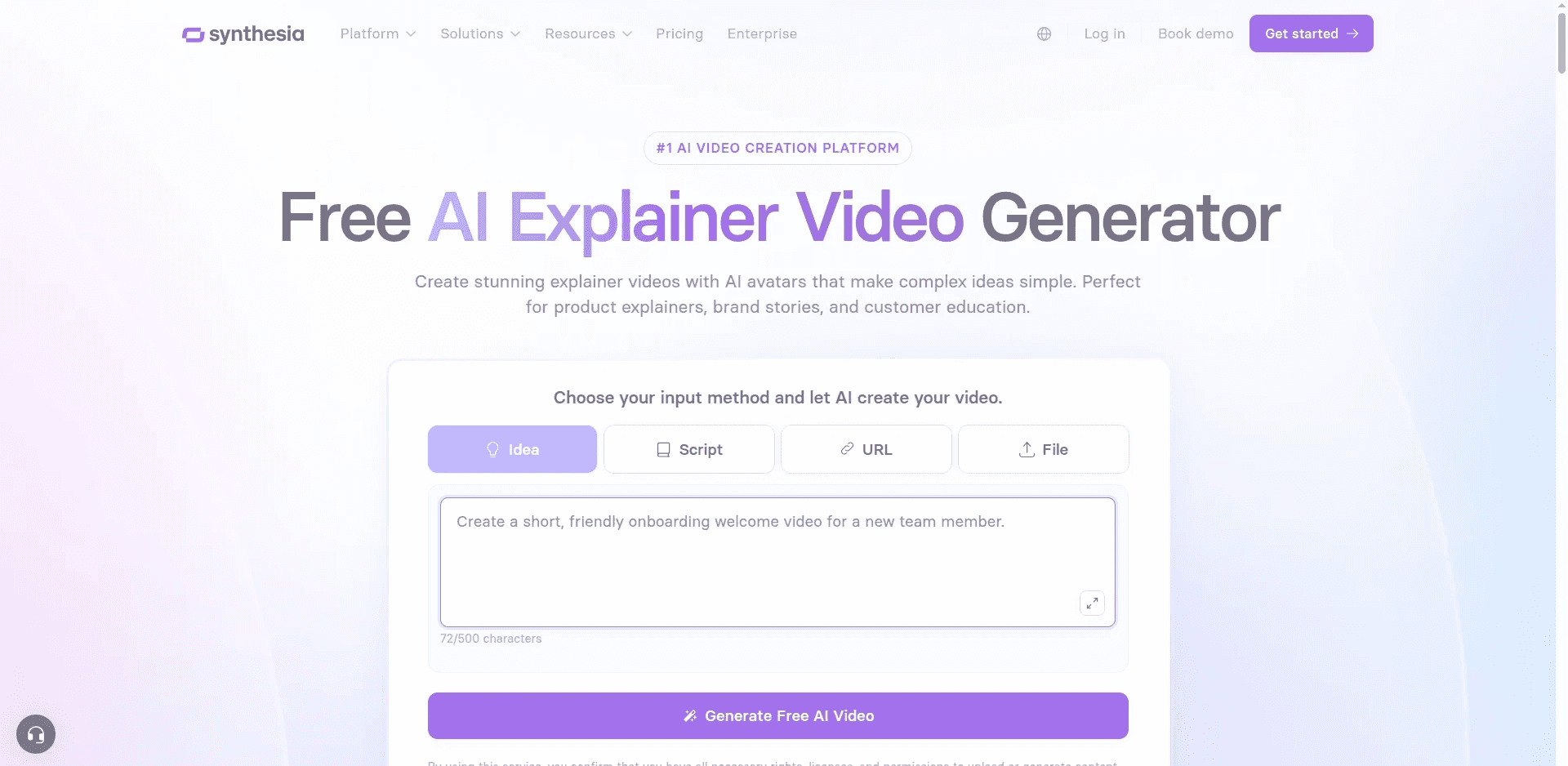
Best for: Large enterprises that want a realistic on screen presenter reading policy content, with LMS integration.
Synthesia is the most established name in AI presenter video, and it is genuinely good at the format onboarding uses most: a person on screen, speaking to camera, delivering information clearly. If your onboarding program is built around a spokesperson format and your priority is a photoreal presenter with clean lip sync across a large number of languages, this is the tool designed for exactly that.
Key features
Synthesia offers a large stock avatar library, personal avatars you can create from your own footage so your Head of People can front the series without filming every update, and support for a very wide range of languages and voices. Higher tiers add branded video pages, API access, multiple avatars in one scene, SCORM export for LMS delivery, brand kits and SSO, which is why it shows up in enterprise L&D stacks so often.
The trade off is that Synthesia is strongest inside the talking head and slide format. If your onboarding content needs illustrated sequences, animated walkthroughs of a process, or characters moving through a scenario, you are working against the grain of the tool rather than with it. Video minutes are also allocated as an annual allowance on the lower tiers, so a heavy onboarding build can consume the budget faster than the monthly price suggests.
Pricing
Pricing runs from a limited free plan to roughly $29 per month for Starter and $89 per month for Creator, with custom enterprise pricing above that.
Verdict
A strong choice if your onboarding is presenter led and you need SCORM and SSO for a large organisation. Less suited to onboarding programs that need illustrated or narrative modules.
Compare It Against a Free Atlabs Module
3. Higgsfield: Best for High Production Value Culture and Employer Brand Clips
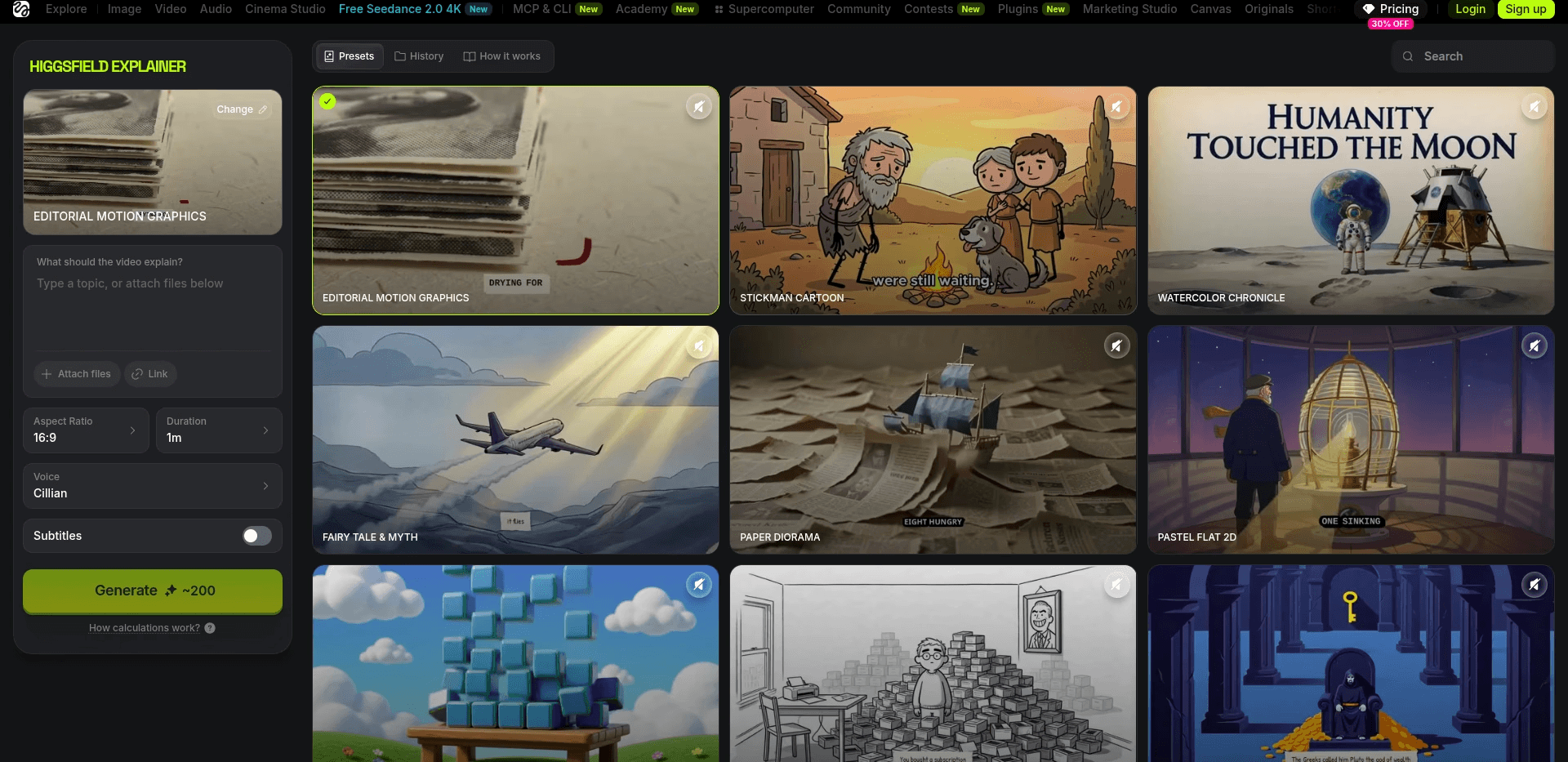
Best for: Talent brand and internal comms teams making short, visually striking pieces rather than instructional modules.
Higgsfield is built around cinematic motion and camera control. It produces short clips with a genuinely filmic quality, which makes it a good fit for the emotional bookends of an onboarding program: the welcome piece, the culture film, the values montage that plays on day one before anyone talks about expense policies.
Key features
The strength here is camera movement and visual polish in short form output. Preset motion controls and a strong image to video pipeline let a small team produce something that looks like it came from an agency, at short lengths.
The limitation for onboarding is structural. Higgsfield generates clips, not narrated multi scene modules, so a five minute benefits explainer would mean scripting, voicing and assembling separately in an editor. Credits also expire at the end of each month, which is awkward for onboarding content produced in bursts around hiring cycles rather than evenly across the year.
Pricing
Pricing starts around $15 per month on annual billing and rises through mid and top tiers, though plans and credit allocations change frequently.
Verdict
Excellent for the welcome film and employer brand content that sits around your onboarding program. Not the tool for the instructional modules inside it.
4. Kling: Best for Realistic Scenario and Roleplay Footage
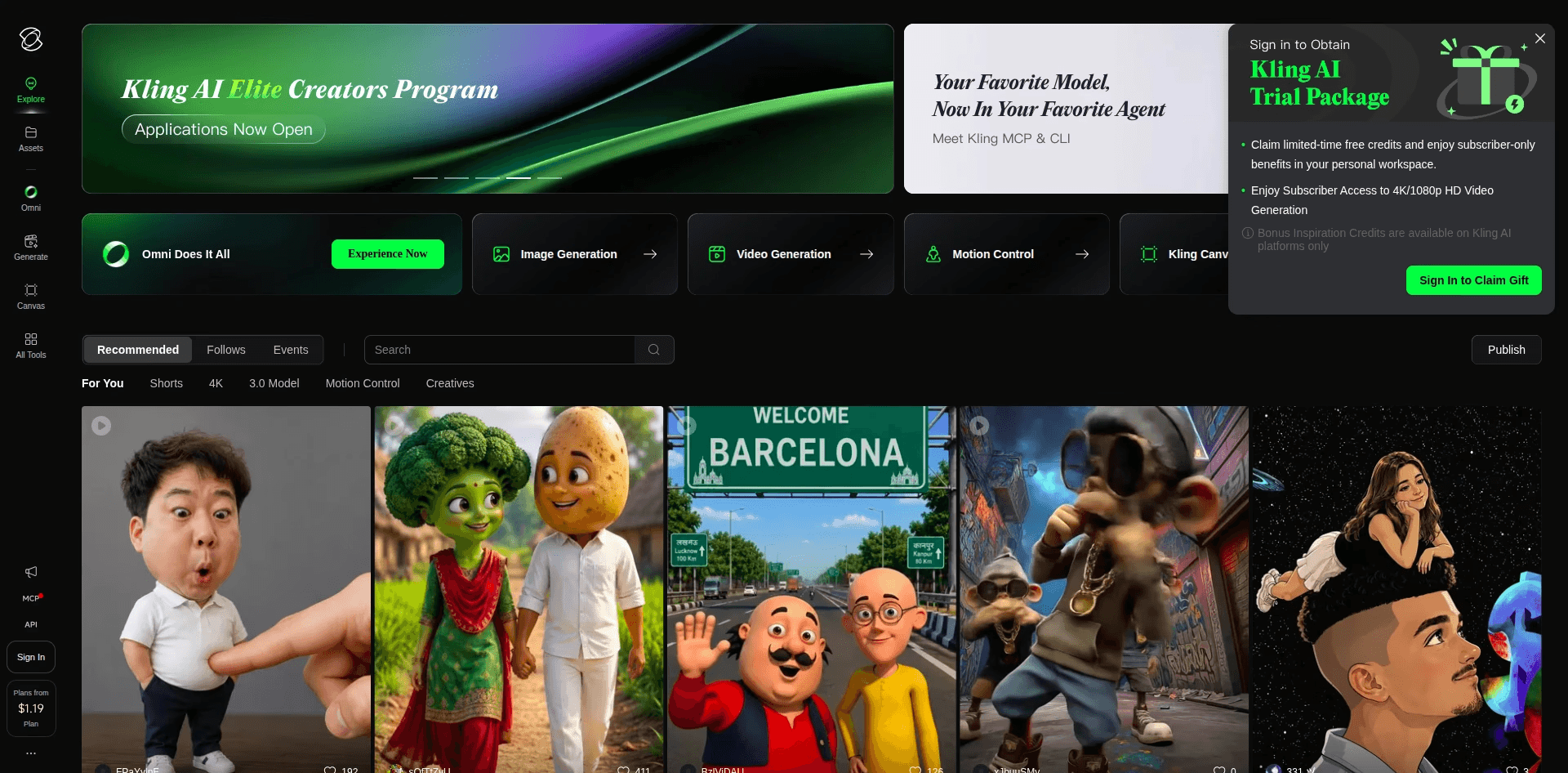
Best for: Teams producing short realistic scenario clips to drop into a larger training piece.
Kling produces convincing motion and realistic human movement in short clips, which makes it useful for the scenario footage that training content often needs. A customer interaction to illustrate a service standard, a warehouse safety scenario, a workplace situation that would otherwise require booking actors and a location.
Key features
Strong realism in short generations, a solid image to video path, and a free tier generous enough for real experimentation. If you already have a script, a voiceover and an editor, Kling can supply the footage that makes a compliance or safety module feel less abstract.
For onboarding as a whole program, it plays the same supporting role as Higgsfield. It generates clips. Narration, structure, captions, consistency across modules and multilingual release all remain your job in another tool.
Pricing
Kling offers free daily credits to start and a low cost entry tier, with mid and upper tiers priced above that. Credit allowances reset monthly and change often, so check the current allocation before you plan a production run.
Verdict
Good value for realistic scenario clips inside a training module. It is an ingredient, not the kitchen.
Build the Whole Module in One Place Instead
5. Runway: Best for Creative Control When You Already Have an Editor
Best for: In house creative teams who want maximum flexibility and already own the post production step.
Runway is the most editor friendly option here. It offers a broad model range, strong image and video generation, high resolution upscaling, custom voices for lip sync and a toolkit a creative team can push in unusual directions. If your company has a video person on staff and your onboarding program has a distinct visual identity you want to author rather than pick from a library, Runway gives you the most room.
Key features
Access to the current model family, upscaling, custom voices for lip sync on higher tiers, generous asset storage and credit rollover at the top tier. It is a professional creative tool that happens to be usable for training content.
The catch for HR teams is that everything after generation is on you. Script, narration timing, scene ordering, captions, brand consistency across a series and translation are separate steps. That is fine when you have an editor. It is expensive when you do not, because the tool cost is the smaller half of the total cost.
Pricing
Runway starts with free credits and a low cost entry tier around $15 per month, with higher tiers and custom enterprise pricing above that.
Verdict
The right pick if you have creative staff and want authorship over the look. The wrong pick if the goal is for a two person People Ops team to ship twelve modules this quarter.
Watch the Full Atlabs Explainer Video Tutorial
Watch the Tutorial, Then Build Your First Module Free
How the 5 Tools Rank for Employee Onboarding Videos
Scored across the six criteria at the top of this guide, script first workflow, cast and style consistency, scene level editing, built in voiceover and captions, multilingual release, and time from script to publish, out of 50 total:
Atlabs lands first at 48, because it is the only tool that scores well on all six rather than excelling at one. Synthesia takes second at 38, strong on presenter realism, voiceover, captions and language coverage, weaker on narrative and illustrated formats. Runway follows at 32, high on creative control and output quality, low on anything that removes the editing step. Kling sits at 30, strong realism in short clips, minimal support for structured multi scene content. Higgsfield sits at 29, the best looking short clips on the list, the least suited to instructional sequences.
The pattern is consistent. Four of these five are generation tools that produce excellent raw material. One of them is a production workflow that produces a finished module.
How We Picked These 5 Tools
We evaluated tools against the actual job of an onboarding program rather than a single video. That meant weighting maintainability heavily, because onboarding content changes, and weighting consistency heavily, because a series that looks like a series gets completed at higher rates than a folder of assorted videos.
We looked at whether the tool starts from a script, whether it produces narration and captions without a second product, whether a single scene can be regenerated in isolation, whether a presenter or character stays the same across modules, how many languages the output can reach without re-recording, and how much of the work still needs an editor after generation. Plans and credit allocations across all five tools change frequently, so treat the entry prices here as a starting point and confirm the current tier before you commit a budget.
Pro Tips for Better Onboarding Videos
Write to 150 to 220 words per module and cap each one at 60 to 90 seconds. New hires complete short modules and abandon long ones, and short modules are far cheaper to update when a policy shifts.
Plan the whole series before you render the first one. Decide the narrator, the style and the recurring objects once, then apply them across every module. Retrofitting consistency after eight modules exist is the expensive way to learn this.
Separate the content that changes from the content that does not. Company values, culture and welcome content stay stable for years. Benefits numbers, tooling instructions and org structure change every few months. Keep those in their own modules so a policy update means regenerating one short video, not editing a fifteen minute film.
Put the action at the end of every module. New hires should always know what to click, sign or open next. Onboarding video that informs without directing produces a backlog of half finished tasks.
Build the multilingual versions at the same time as the original, not a quarter later. It costs almost nothing when it is part of the same publish step, and it costs a full second production when it is not.
Open the Atlabs Workflow and Ship Your First Module Free
Final Verdict
For most HR and L&D teams in 2026, Atlabs is the best AI tool for employee onboarding videos, because it treats onboarding as a series that has to stay current rather than a one off production. Script in, finished narrated module out, same cast in every episode, and a single scene you can fix when a policy changes.
Synthesia is the better choice if your program is presenter led and you need SCORM and SSO at enterprise scale. Higgsfield, Kling and Runway are the right tools when you have a creative team and want cinematic clips, realistic scenario footage or full authorship over the look, and you already own the editing step that turns those clips into a module.
Start with one module. Write the 200 word script for your day one welcome, build it on the free plan, and show it to the last three people you hired. Their reaction will tell you more than any comparison guide.
Make Your First Onboarding Video Free
Frequently Asked Questions
What is the best AI tool for employee onboarding videos in 2026? Atlabs, because it takes a written onboarding script through to a finished narrated video with the same narrator and style in every module, and lets you regenerate a single scene when a policy changes rather than rebuilding the whole video.
Can AI keep the same presenter in every onboarding module? Yes. Atlabs does this with its Consistent Cast system, where you define the narrator, characters and recurring objects once and reuse them across the series. Synthesia does it with personal avatars created from your own footage. Clip generators such as Kling, Higgsfield and Runway do not maintain consistency across separate generations without additional work.
Do I need video editing experience to make onboarding videos with AI? No. Atlabs generates the full module with cuts, captions and motion graphics already applied, so there is no timeline to assemble. Runway, Kling and Higgsfield generate clips that still need an editor to become a module.
How much do AI onboarding video tools cost in 2026? Atlabs starts free and paid plans begin at $15 per month. Higgsfield starts around $15 per month on annual billing, Synthesia around $29 per month, with Kling and Runway both offering low cost entry tiers alongside free credits.
Can I fix one scene without regenerating the whole onboarding video? Yes, in Atlabs. Scene level editing lets you rewrite and regenerate a single scene while the rest of the module stays untouched, which is the feature that makes a policy update a twenty minute job instead of a re-render.
Which AI tool is best for onboarding videos in multiple languages? Atlabs publishes the finished module into more than 40 languages through the Global Release Kit, including reframing and thumbnails. Synthesia covers a very wide language range for presenter led content. The difference is that Atlabs applies it to a fully assembled module rather than to a single presenter track.
How long should an employee onboarding video be? 60 to 90 seconds per module, which is roughly a 150 to 220 word script. Break the program into short modules by topic rather than making one long video, because short modules get completed and are far cheaper to keep current.
Can I use these tools for compliance and policy training too? Yes, and the logic applies more strongly there. Compliance content changes on a schedule and needs a documented review, so a workflow that lets you review at the script stage and correct at the scene level after render saves more time than any generation speed advantage. This is general guidance on production workflow rather than legal advice, so run the output through whatever review process your organisation requires.








