
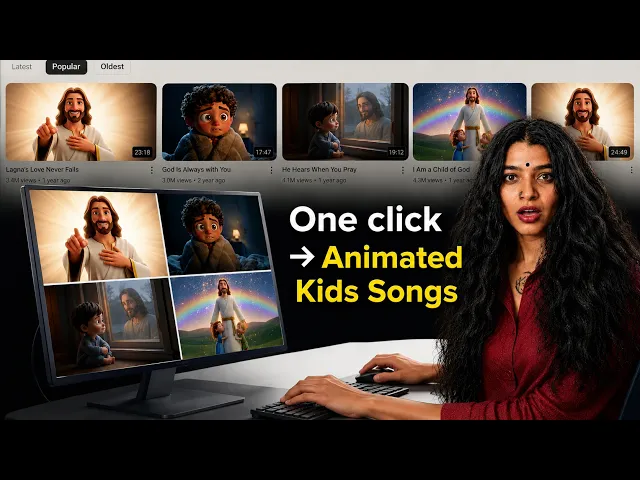
The short answer for most creators is this. If you want to turn a full worship song, hymn, gospel track, or bhajan into a finished animated video without editing, Atlabs is the tool to start with, because it takes the whole track and builds the video around it. If you want raw cinematic clips to assemble yourself, Runway, Kling, and Higgsfield each produce beautiful short shots, and Pika is the friendliest for quick stylized pieces. The rest of this guide explains what each one is genuinely good at for faith and worship content, so you can pick the one that fits how you actually work.
Faith and worship video has a few specific demands that generic AI video tools were not built around. A worship video usually needs to run the length of a song, not four seconds. Characters in a faith story, whether a shepherd, a disciple, or a child in a Sunday school series, need to look the same from scene to scene and episode to episode. And most ministry creators are volunteers or small teams who do not have an editor on staff, so anything that requires stitching clips together in a timeline quietly never gets finished. The five tools below are ranked with those realities in mind.
1. Atlabs — Best for Turning a Full Worship Song into a Finished Video
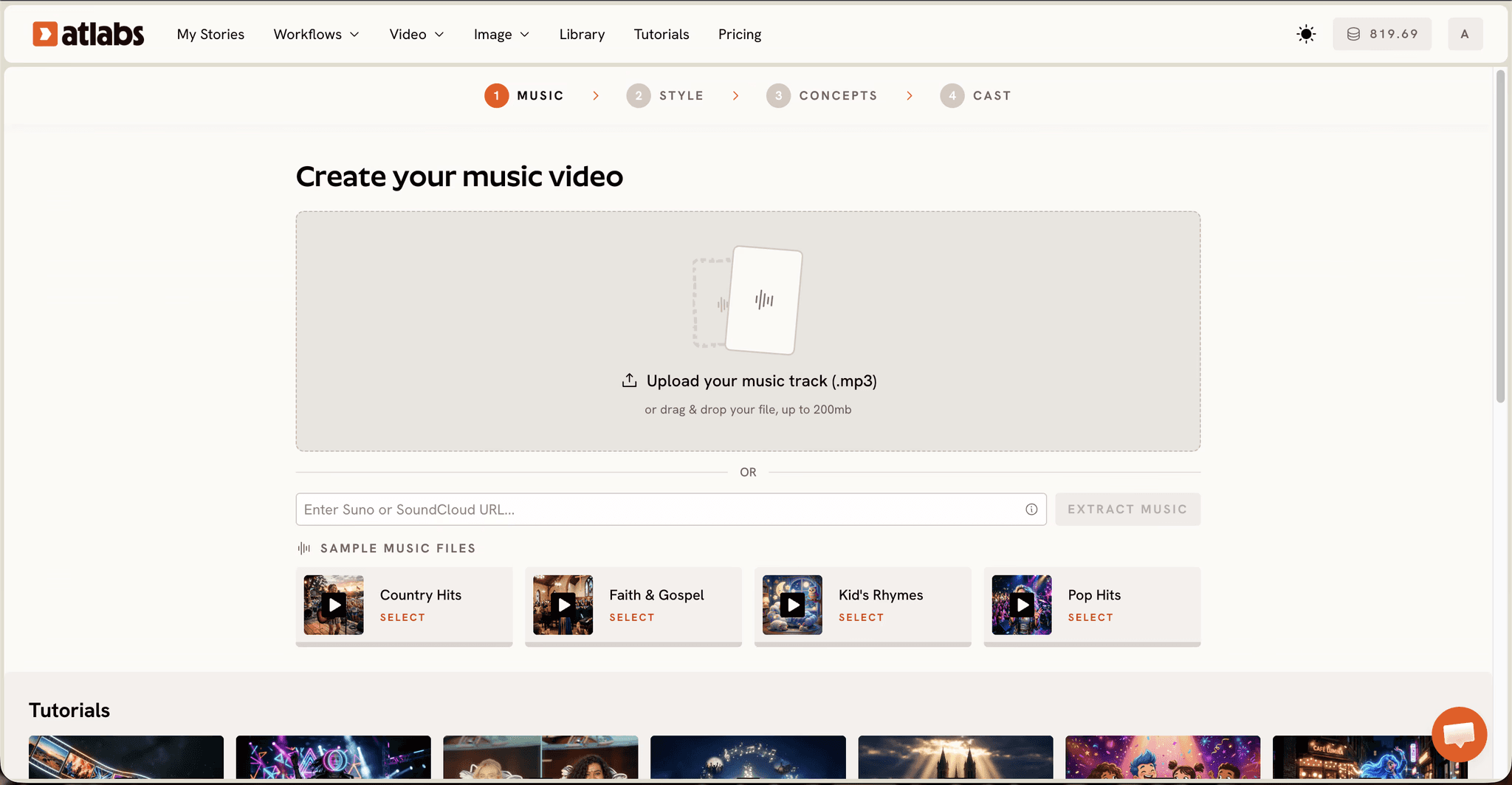
Best for: Church media teams, worship leaders, gospel artists, and faith based kids channels who want a complete video from a song or script, not a pile of clips to edit.
Key features: Atlabs is a multi model AI video platform, which means you reach several video and image models through one interface instead of managing separate accounts. For worship content the Music Video workflow is the core. You upload your worship track and Atlabs auto detects it, then lets you set Language (including English, Hindi, Hinglish, Bengali, Tamil, Telugu, Marathi, Spanish, Portuguese and more, which matters for multilingual congregations), BPM, Mood options like Reflective Calm, Uplifting, and Powerful, and Genre. In the Creative Direction step it generates six scene concepts from the track's detected tempo, mood, and genre, and you can write a fully custom concept for a specific hymn or scripture. The Finalise Cast step lets you name and define recurring characters, and because you can upload your own cast, a figure in a Bible story keeps the same face across every episode of a series. For animated faith stories aimed at kids, the Animated Video workflow builds character driven animation from a text prompt, with model routing that favors Seedance 2.0 for stylized character work. The Lip Sync app synchronises a narrator or worship leader character's mouth to your audio, and in Atlabs' educational content setup only the designated lead character lip syncs while other characters in frame stay quiet, which suits a storyteller reading scripture to a group. Nothing needs a post production pass, because Atlabs cuts on beats and adds motion graphics during generation, so a worship track lands its visuals on the music automatically.
Pricing: Free to start, with the full set of workflows available on the platform.
Verdict: For anyone whose starting point is a worship song, a hymn, or a faith story rather than a shot list, Atlabs covers the whole pipeline from audio to finished, captioned, series consistent video without an editing timeline. That is why it sits at the top of this list for worship and faith use specifically.
Build an animated faith story in the Atlabs Animated Video workflow
2. Runway — Best for Cinematic Individual Shots
Best for: Ministry creators with some editing comfort who want high quality individual clips to assemble into a sermon intro or worship backdrop.
Key features: Runway is one of the strongest tools for short, cinematic AI clips, with precise motion control and a mature set of creative controls. For faith content it shines when you need a single striking visual, light breaking through clouds, water rippling, a candle flame, that you will drop behind lyrics or scripture in your own editor.
Pricing: Free tier with limited credits, paid plans starting around 15 dollars per month, scaling up for higher resolution and more generation time.
Verdict: Runway produces excellent short shots, but it works at the clip level, so you are still the editor assembling those clips into a full worship video. Best when you already have an editing workflow and want premium raw material.
3. Kling — Best for Realistic Motion and Human Figures
Best for: Creators making live action style faith visuals where realistic human movement matters.
Key features: Kling is known for smooth, realistic motion and convincing human figures, which makes it useful for reenactment style faith content or lifelike worship scenes. Its handling of movement and physical realism is among the best available for short generations.
Pricing: Free daily credits, with paid tiers commonly starting around 10 dollars per month for faster generation and higher limits.
Verdict: Kling is a strong choice when realism is the priority and you want believable human motion in a short clip. Like Runway, it is a clip generator rather than a full video builder, so a song length worship video still needs assembly elsewhere.
4. Higgsfield — Best for Stylized, Motion Heavy Short Clips
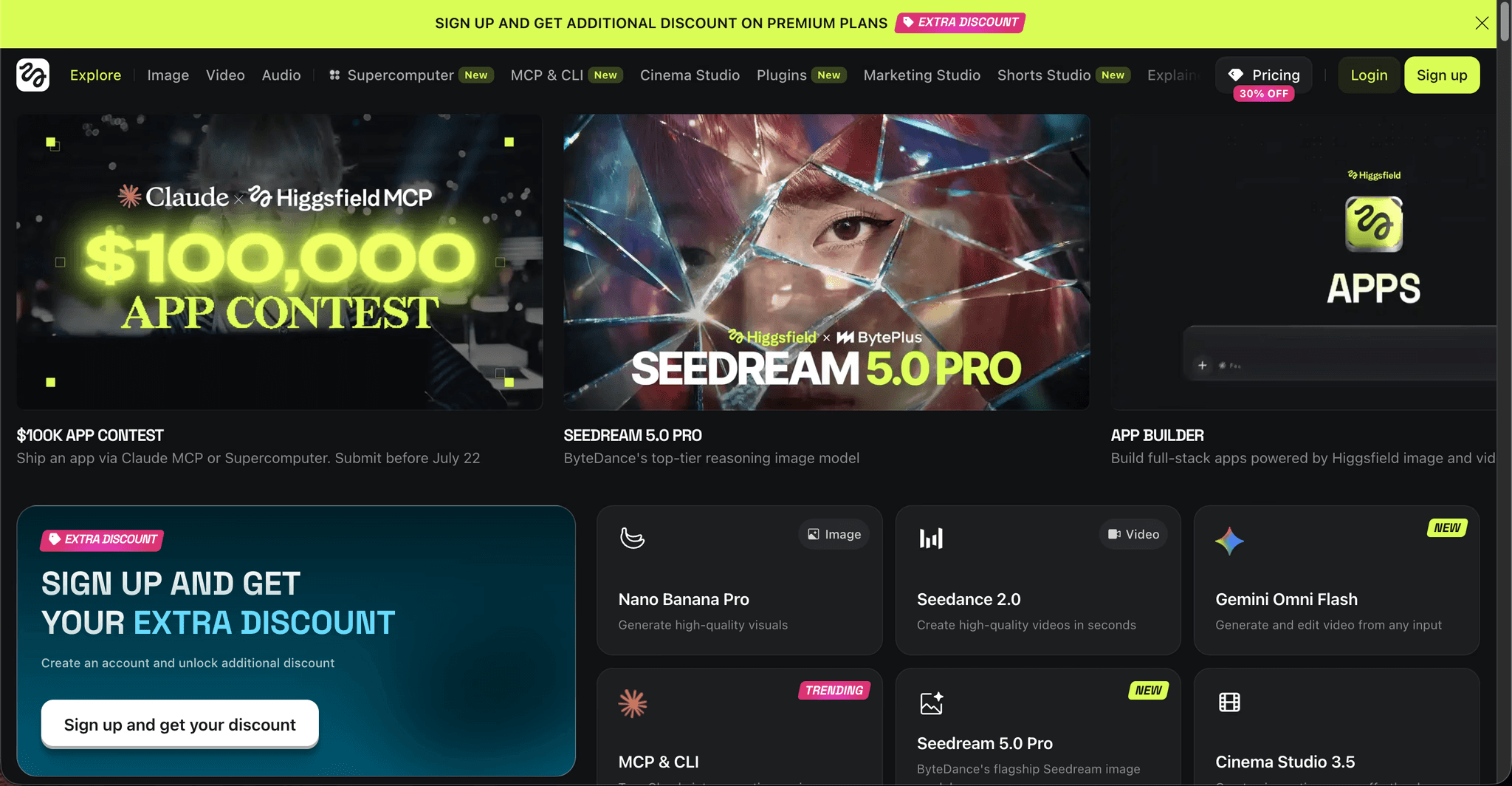
Best for: Faith creators making short form, visually dramatic pieces for Reels, Shorts, and TikTok.
Key features: Higgsfield leans into bold camera moves and stylized motion presets, which suits punchy short form devotional content and eye catching social clips. It is built for creators who want a distinct cinematic look on a short vertical clip quickly.
Pricing: Subscription based, typically starting in the mid teens per month depending on the plan and generation volume.
Verdict: Higgsfield is a good fit for short, high energy faith content on social platforms. It is less suited to long form worship videos or consistent character series, so pair it with a full video tool if that is your goal.
5. Pika — Best for Quick, Friendly Stylized Videos
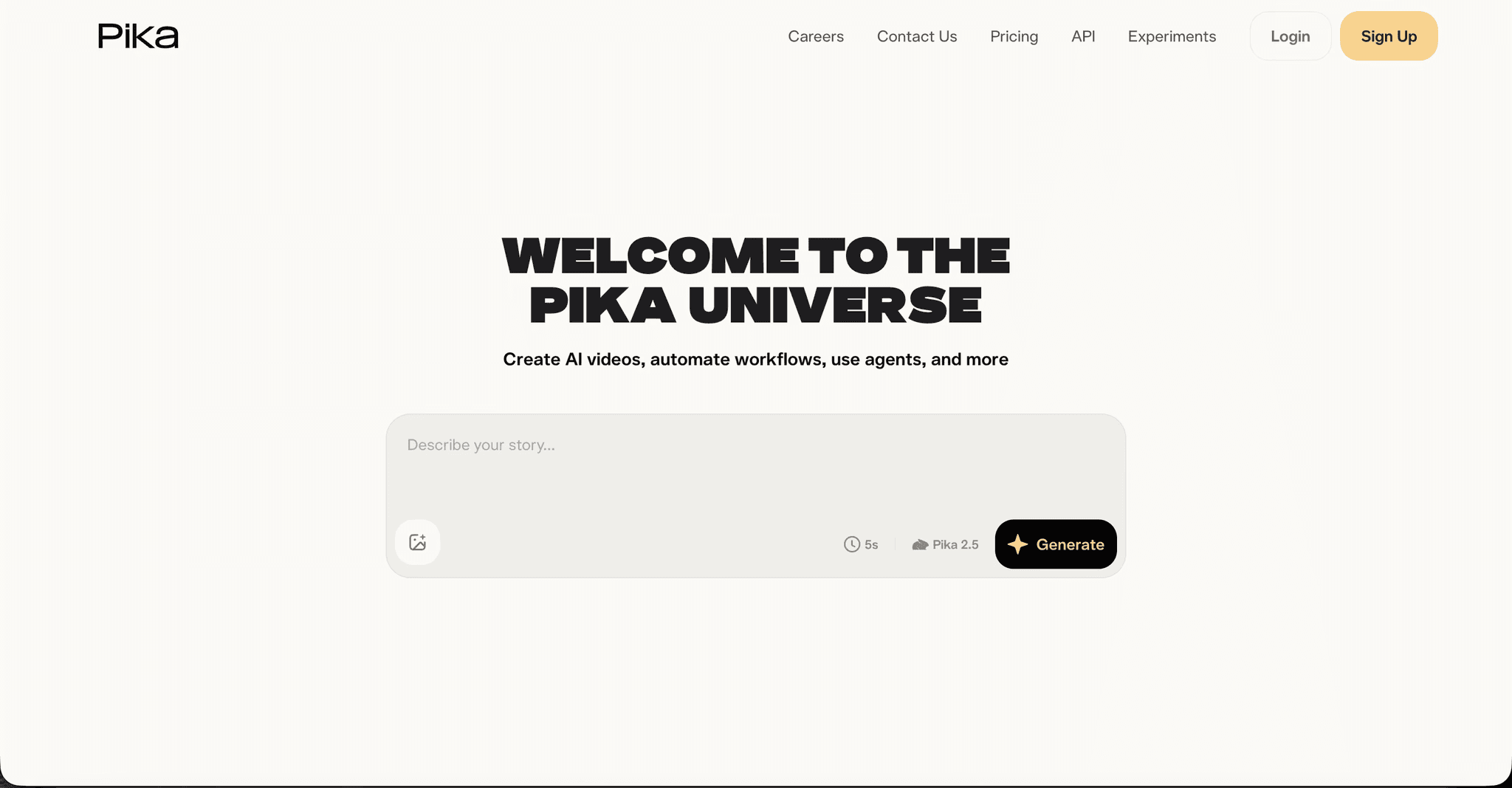
Best for: Beginners and small ministries who want approachable, playful stylized clips without a learning curve.
Key features: Pika is one of the most beginner friendly AI video tools, with a simple interface and fun stylized output. For faith content it works well for lighthearted, animated style short pieces, a cheerful Sunday school clip or a simple animated verse.
Pricing: Free tier available, with paid plans generally starting around 10 dollars per month.
Verdict: Pika is the easiest entry point of the group and great for quick stylized clips, though it is oriented toward short generations rather than full, character consistent faith series. A solid starting tool that many creators outgrow as their channel scales.
How to Choose the Right Tool for Faith and Worship Videos
Start from your input. If your starting point is a worship song, a hymn, a gospel track, or a written faith story that needs to become a complete video, Atlabs is built for that end to end, since it takes the whole track or script and returns a finished, beat cut video with a consistent cast. If your starting point is a shot list and you are comfortable editing, Runway and Kling give you premium individual clips, with Kling ahead on realistic human motion and Runway ahead on overall cinematic control. If you are making short, stylized social pieces, Higgsfield brings the boldest motion and Pika the gentlest learning curve. The deciding question is almost always whether you want a finished video or raw clips, and for most church teams, worship leaders, and faith channels who are not staffing an editor, a finished video wins.
Watch the Full Atlabs Tutorial (Step by Step Video)
If you want to see the worship video workflow end to end before you build, this walkthrough runs through the whole pipeline on screen, from uploading your track through Creative Direction and cast setup to the finished, captioned video.
Example Prompts for Free Use in Your First Faith Videos
Each prompt below is written to produce a usable clip on the first try. Use them in the Animated Video workflow, or adapt them into a Creative Direction concept inside the Music Video workflow.
A lone shepherd stands on a green hillside at golden hour as warm light breaks through the clouds over a distant flock, gentle wind moving the grass, slow cinematic push in, soft reverent lighting, painterly storybook style, peaceful and hopeful mood. (Best routed through Seedance 2.0)
Try this prompt in the Atlabs Animated Video workflow
A warm animated Sunday school scene with a kind teacher character reading from a book to a small circle of attentive children, soft sunlight through a window, gentle rounded 3D cartoon style, calm and caring mood, only the teacher speaking while the children listen.
A candle flame glows steadily in a quiet stone chapel at dusk, light flickering on the walls, slow drifting camera, deep warm amber and shadow palette, contemplative and sacred mood, cinematic detail. (Best routed through Kling style realism, generate in the Music Video workflow's realistic visual style)
A river of light flows gently across a starry night sky above calm hills, soft glowing particles rising, slow overhead drift, dreamlike serene motion, deep blues and warm gold, uplifting worship mood. (Best routed through Hailuo 2.3)
A joyful animated choir of diverse children in simple robes singing together on a bright stage, warm stage lighting, cheerful synchronized motion on the beat, friendly modern cartoon style, uplifting and celebratory mood.
FAQ
Which AI tool is best for turning a full worship song into a video? Atlabs, because its Music Video workflow takes the entire track, auto detects tempo, mood, and genre, and builds a complete video around it that cuts on the beats, so you get a finished video rather than short clips to edit together.
Can these tools keep the same characters across a faith series? This is where most tools struggle. Atlabs lets you upload your own cast and build every episode around a recurring set of four to five characters, so a Bible story figure or a Sunday school teacher looks identical across the whole series. Clip focused tools like Runway, Kling, Higgsfield, and Pika are not designed around persistent characters across episodes.
Do I need editing or animation skills to make worship videos? Not with Atlabs, since it cuts on beats and adds motion graphics during generation, so there is no timeline to edit. The clip based tools generally do require you to assemble their short outputs in a separate editor.
Can I make faith videos in languages other than English? Yes. Atlabs' Music Video workflow supports many languages including Hindi, Hinglish, Bengali, Tamil, Telugu, Marathi, Spanish, and Portuguese, which is useful for multilingual congregations and gospel content across regions.
Are AI worship videos suitable for YouTube and church screens? Yes. Generate in 16:9 for YouTube and church projection, and in 9:16 for Shorts and Reels. Original narrated and worship content with your own visuals and cast is well suited to both.
References and Data Sources
Tool capabilities and workflow details for Atlabs are drawn from the Atlabs platform workflow reference (Music Video, Animated Video, and Lip Sync). Competitor capability summaries reflect each tool's publicly documented strengths for short form AI video generation as of 2026. Pricing figures are indicative starting points and change over time, so confirm current plans on each provider's own site before committing.
Final Verdict
For faith and worship video specifically, the right tool depends on whether you want a finished video or raw material. Runway, Kling, Higgsfield, and Pika each produce strong short clips and are worth using when you have an editing workflow and a specific shot in mind. But for the most common faith creator situation, a worship song, hymn, gospel track, or faith story that needs to become a complete, character consistent, captioned video without an editor, Atlabs covers the whole path in one place. Start with your song, and let the workflow do the assembly.









