The best AI tool for meditation videos in 2026 is Atlabs, which turns a finished ambient or meditation track into a fully visualized, beat-synced video in minutes, with calm visual styles built for the niche. We evaluated more than a dozen AI video platforms on visual quality, audio sync, ease of use, and price, and five stood out for meditation creators. Here is how they compare, side by side.
Quick Comparison: The 5 Tools at a Glance
Every tool on this list can produce a meditation video, but each one gets there differently. This table shows where each fits for a meditation channel, what it does better than the rest, and what it costs to start.
Tool | Best for | Standout strength | Starting paid price | Free option |
|---|---|---|---|---|
Atlabs | Complete meditation music videos from a single audio upload | Beat-synced scene generation, 50+ visual styles, and a multi-model lineup (Veo 3.1, Kling, Seedance 2.0) in one place | Lite at $15/month | Yes, full free plan, no card needed |
Runway | Short cinematic nature clips to weave into longer edits | Gen-4.5 motion realism and precise camera control | Standard at $12/month (annual) | 125 one-time credits |
Kaiber Superstudio | Audio-reactive abstract visuals that pulse with the track | Infinite canvas workspace with beat-synced editing | Starter at $10/month | $5 five-day trial |
Luma Dream Machine | Dreamy, fluid clips for atmospheric meditations | Ray model motion with soft, dreamlike light, ideal for floating and drifting visuals | Plus at $30/month | Yes, watermarked draft generations |
Fliki | Guided meditation narration over gentle stock visuals | 2,000+ AI voices across 80+ languages | Standard at $28/month | Yes, 5 minutes per month |
1. Atlabs: The Top Pick for Meditation Videos
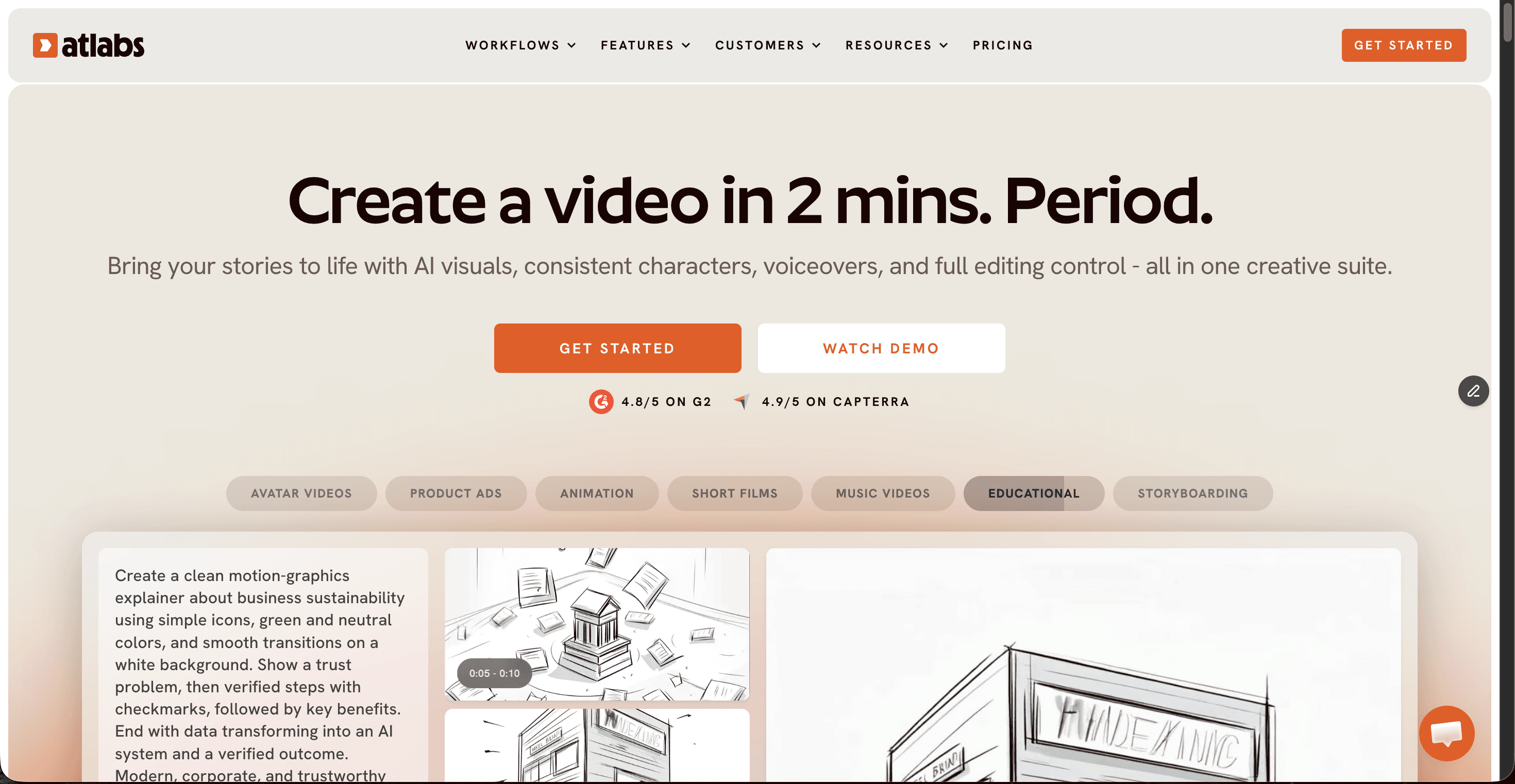
Atlabs is a multi-model AI video platform built around one idea that fits meditation creators perfectly: upload a finished track, and the platform builds the entire video around it. Instead of prompting scene by scene, you hand Atlabs your ambient, instrumental, or nature-sound track and it reads the tempo, mood, and energy of the audio to shape the visual direction. Scene cuts land with the music rather than fighting it, which matters enormously in a format where a single jarring cut can break a viewer's calm.
Key points
The Music Video workflow generates a complete video from one audio upload, with concepts generated from your track's tempo, mood, and genre
A Visual Style library of 50+ looks includes calm-friendly options like Realistic, Soft Pastel 2D, Paper Cutout, and Japanese Retro
Multiple frontier models sit behind one interface, with Veo 3.1 for photorealistic wide shots, Kling for smooth cinematic motion, and Seedance 2.0 for stylized scenes
Aspect ratio presets cover 16:9 for YouTube meditation channels and 9:16 for short-form calm content
Pricing: free plan with no card required, Lite at $15/month, and Pro at $29/month with more credits, 100+ models, and 1080p export
Pros and cons
Pro: audio-led generation means visuals are paced to the track by design, not stitched together afterwards
Pro: one subscription covers video models, image generation, and finishing tools like upscaling and reframing
Pro: every scene stays editable after generation, so a single off-mood shot can be swapped without redoing the video
Con: generation runs on credits, so heavy experimentation on lower plans needs some budgeting
Con: multi-hour sleep-video compilations still need the exported video looped in a standard editor
Verdict
For meditation creators who want a finished, watchable video from a finished track, Atlabs is the most complete option on this list. It is the only tool here where audio drives the entire generation, and that is exactly the logic a meditation video needs.
2. Runway: Cinematic Clips for Nature-Led Meditations

Runway is the craft tool of this list. Its Gen-4.5 model produces some of the most convincing motion in AI video, and for meditation creators that means slow pans across misty valleys, drifting clouds, and candle flames that flicker naturally. The catch is that Runway thinks in clips, not full videos, so a meditation piece is assembled shot by shot.
Key points
Gen-4.5 delivers the strongest raw visual realism of the five tools
Fine camera and motion controls suit slow, deliberate meditation footage
Pricing: free tier with 125 one-time credits, Standard at $12/month billed annually ($15 monthly), Pro at $28/month
Pros and cons
Pro: unmatched clip-level quality for nature and atmosphere shots
Con: no audio-driven workflow, so syncing visuals to a meditation track is manual
Con: credits go quickly, with 625 Standard credits covering roughly 25 seconds of Gen-4.5 output
Verdict
Pick Runway when you need a handful of breathtaking hero shots and you are comfortable assembling the full meditation video yourself. As an end-to-end meditation video maker, it asks for more time and budget than most calm-content creators want to spend.
3. Kaiber Superstudio: Audio-Reactive Abstract Visuals
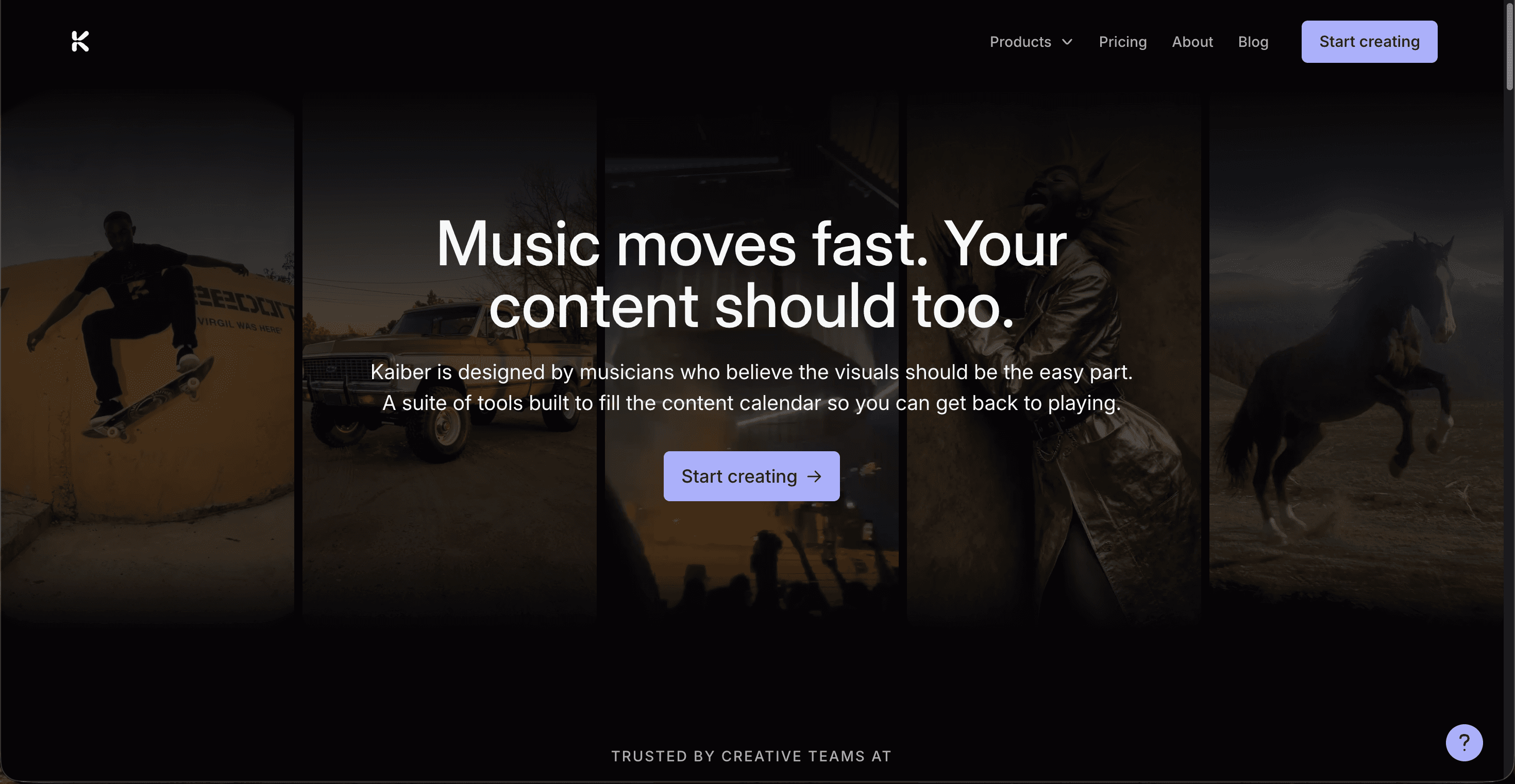
Kaiber built its reputation on visuals that respond to music, and its Superstudio workspace keeps that identity. For meditation creators working in the abstract lane, flowing color fields, breathing geometry, slow particle drifts, Kaiber's audio-reactivity makes visuals swell and settle with the track. It is a different aesthetic from cinematic nature footage, and for certain mindfulness channels it is exactly the right one.
Key points
Audio-reactive generation syncs abstract visuals to the frequencies and dynamics of your track
The infinite canvas lets you iterate on styles in one nonlinear workspace
Pricing: Starter at $10/month, Creator at $29/month with 1,400 credits, and a $5 five-day full-access trial
Pros and cons
Pro: the strongest pure audio-reactivity of the five tools
Pro: low entry price for testing the abstract meditation style
Con: iteration is credit-hungry, and users report a satisfying result can take around 200 credits
Con: less suited to realistic or narrative meditation scenes
Verdict
Kaiber is the specialist choice for abstract, music-reactive meditation visuals. If your channel leans toward flowing color and rhythm rather than landscapes and story, it earns its place in your stack.
4. Luma Dream Machine: Dreamlike Motion for Atmospheric Meditations
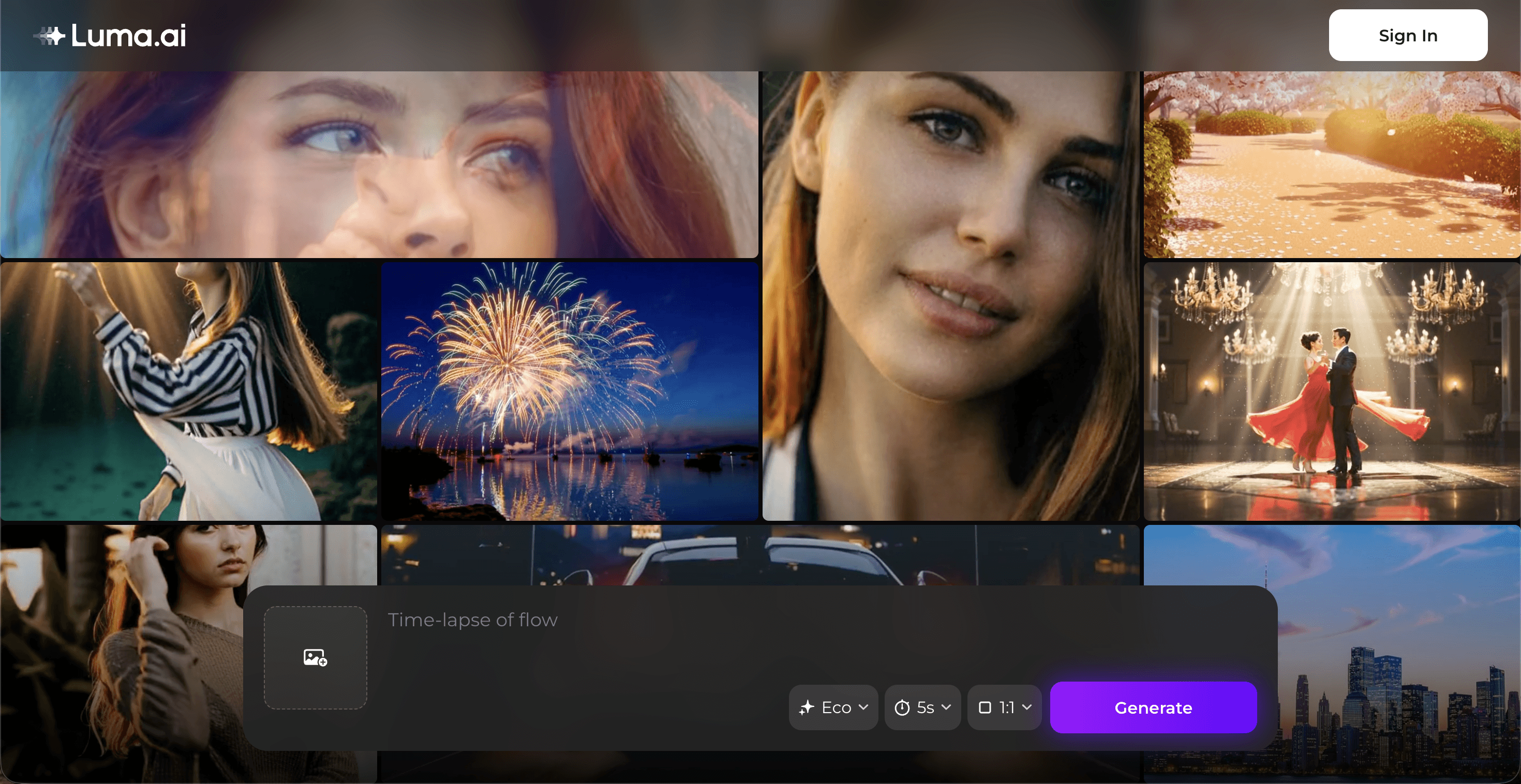
Luma's Dream Machine earns its name for meditation creators. Its Ray models produce motion with a soft, floating quality, mist rolling over water, petals drifting, light bending through fog, that suits guided relaxation and sleep content beautifully. Like Runway, it is a clip generator rather than a full video builder, so the atmosphere it creates still needs assembling into a complete meditation piece.
Key points
Ray model output has a naturally dreamlike, fluid character that fits calm content without heavy prompting
One subscription now bundles Luma's own models with third-party video and image models
Pricing: watermarked free draft generations, Plus at $30/month with commercial rights, Pro at $90/month, annual billing saves up to 20%
Pros and cons
Pro: arguably the most meditative default aesthetic of any clip generator
Pro: commercial rights included from the Plus tier
Con: no audio-aware workflow, so pacing visuals to a meditation track is manual work
Con: credits burn quickly on iteration, and monthly credits do not roll over
Verdict
Luma Dream Machine is the mood specialist. When a meditation video needs a few genuinely dreamlike shots, it delivers them with less prompting effort than any rival. As a complete meditation video maker it stops short, since the track and the assembly remain your problem.
5. Fliki: Guided Meditations Videos
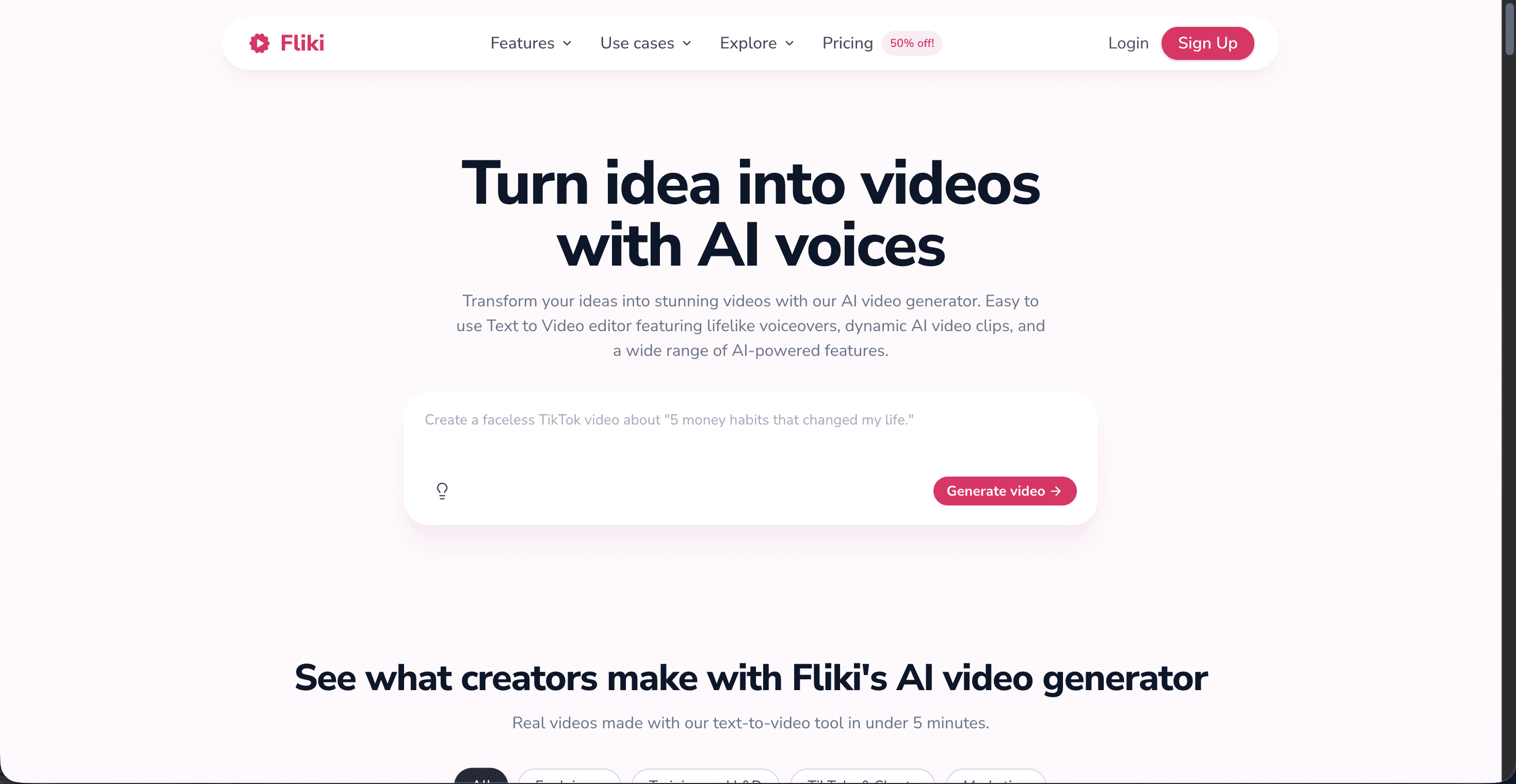
Fliki is here for one specific meditation format: the guided session. Its core strength is voice, with more than 2,000 AI voices across 80+ languages, and it pairs that narration with gentle stock visuals. If your meditation content is script-led, a calm voice guiding a breathing exercise over soft imagery, Fliki covers the narration side better than any other tool on this list. Pricing starts free with 5 minutes per month, then moves to Standard at $28/month and Premium at $88/month.
Pros and cons
Pro: the widest voice library of the five tools, ideal for multilingual guided meditations
Pro: the longest single exports on this list, up to 15 minutes on Standard and 30 minutes on Premium
Pro: script-to-video workflow that needs no editing experience at all
Con: stock footage only, with no generative video, so visuals stay generic
Con: no audio-reactive or beat-synced generation for music-led meditation videos
Verdict
Fliki is the narration specialist. For guided, voice-led meditation sessions, especially in multiple languages, it fills a gap no other tool here covers. For music-led ambient videos where the visuals carry the experience, the generative tools above it serve the format better.
The Scorecard: How the 5 Tools Rank for Meditation Videos
Each tool was scored out of 10 on the five criteria that matter most for meditation content. Visual quality covers how cinematic and clean the output looks. Audio sync measures how well visuals follow the pacing of a calm track. Long-form suitability reflects how well the tool handles the extended runtimes meditation viewers expect.
Tool | Visual quality | Audio sync | Ease of use | Long-form suitability | Value for money | Total (out of 50) |
|---|---|---|---|---|---|---|
Atlabs | 9.5 | 10 | 9 | 9 | 9 | 46.5 |
Kaiber Superstudio | 8 | 9 | 7 | 6 | 7 | 37 |
Runway | 8.5 | 6 | 7 | 5 | 6 | 32.5 |
Fliki | 5 | 4 | 8.5 | 7 | 7 | 31.5 |
Luma Dream Machine | 9 | 4 | 8 | 4 | 6 | 31 |
How We Picked These 5 Tools
We tested each platform against four criteria weighted for meditation content. First, audio sync, because calm content lives or dies on pacing. Second, visual quality at the slow camera speeds meditation videos use, where AI artifacts are easiest to spot. Third, ease of use for creators who make music and mindfulness content, not video edits. Fourth, real cost per finished video on current published pricing, checked in July 2026. Tools that excelled at one criterion but failed the format, such as clip-only generators with no audio awareness, ranked lower even when their raw output impressed.
Watch the Atlabs Tutorial: From Calm Track to Finished Meditation Video
If you want to see the full process before you commit, the free Atlabs AI Video Academy walks through every workflow step by step, from uploading audio and choosing a visual style to exporting for YouTube. The lessons are short, beginner-friendly, and built for creators with no editing background, which describes most meditation and mindfulness channel owners perfectly.
FAQ
What is the best AI tool for meditation videos?
Atlabs is the top pick for meditation videos in 2026 because it generates a complete, beat-synced video from a single audio upload, with calm visual styles and multiple frontier AI models in one platform. Runway suits creators who want individual cinematic clips, and Kaiber suits abstract audio-reactive visuals.
Can I make meditation videos with AI for free?
Yes. Atlabs offers a free plan with no card required, Runway includes 125 one-time credits, Luma Dream Machine allows watermarked draft generations, and Fliki allows 5 free minutes per month. Free tiers are best for testing, and paid plans on this list start at $10 to $30 per month.
Which AI tool is best for long sleep and meditation videos?
Fliki handles the longest single exports on this list, up to 30 minutes on its Premium plan, which suits extended guided sessions. For generated visuals, Atlabs Pro creates videos up to 5 minutes that can be looped in any editor for extended sleep-music uploads.
Do I need video editing skills to make AI meditation videos?
No. Atlabs and Fliki are built for creators without editing experience, and each produces a finished video from an upload or a prompt. Runway, Kaiber, and Luma reward some hands-on iteration but still require no traditional editing software.
Get started
Your meditation track already sets the mood. Upload it, pick a calm visual style, and let the video build itself around the music.









