The best AI tool for making Ramadan videos in 2026 is Atlabs, because it takes you from an idea, a script, or a nasheed track all the way to a finished video inside one platform, with over 100 AI models, consistent characters, and voiceovers in more than 40 languages. We compared five popular AI video tools for Ramadan greetings, devotional clips, and animated stories, and rated each on ease of use, quality, language support, value, and how well it fits Ramadan content. Here is how they stack up in 2026, with current prices.
How the 5 AI tools compare for Ramadan videos
Tool | Best for Ramadan | Standout strength | Starting price | Free plan |
|---|---|---|---|---|
Atlabs | End to end Ramadan videos: greetings, nasheeds, animated stories | 100 plus AI models, consistent characters, 40 plus languages | Free, then $15/mo yearly (or $19/mo) | Yes, one full video up to 25 sec |
Runway | Cinematic Ramadan scene clips | Gen 4.5 realism and camera control | Free trial, then $12/mo yearly (or $15/mo) | 125 one time credits |
Kling | Realistic short Ramadan clips | Smooth, lifelike motion | Free daily credits, then about $6.99/mo | Yes, watermarked |
InVideo AI | Fast Ramadan social videos from a prompt | Prompt to video with stock, voiceover, captions | Free, then $20/mo yearly (or $25/mo) | Yes, watermarked, 10 AI min a week |
Canva | Ramadan greeting posts and simple clips | Huge template and asset library | Free, then about $12/mo yearly (or $15/mo) | Yes, limited AI |
1. Atlabs, the best all in one AI tool for Ramadan videos
Key points
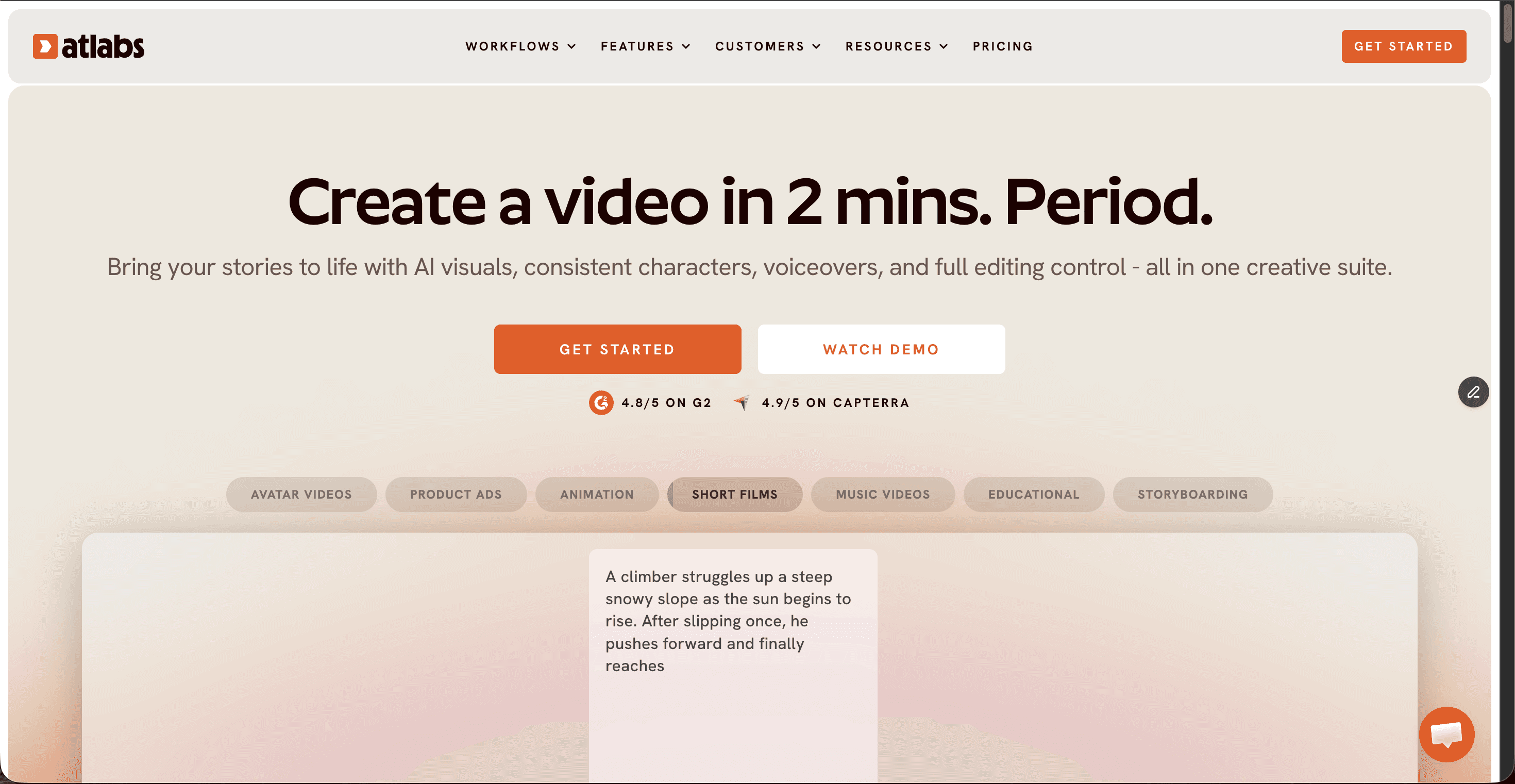
Atlabs is a multi model AI video platform, which means you reach models like Google Veo 3.1, Kling, Seedance 2.0, and Nano Banana from one place instead of paying for each separately. For Ramadan, that range matters: you can produce a warm animated story for children, a cinematic greeting for a mosque page, or a visual for a nasheed, all in the same project. Its consistent character feature keeps the same lantern seller, child, or narrator looking identical across every scene, which is what makes a Ramadan story series feel finished rather than stitched together.
Language support is where Atlabs pulls ahead for a global Ramadan audience. It offers ultra realistic voiceovers and captions in more than 40 languages, plus one click translation, so a single greeting can go out in Arabic, Urdu, Malay, English, and Indonesian. There is a dedicated religious video use case, a script to video flow, and an audio to video flow for turning a nasheed into a music video. Pricing starts free with one full video up to 25 seconds, then Lite at $19 a month ($15 billed yearly), Pro at $39 ($29 yearly), Plus at $79 ($59 yearly), and Max at $189 to $249, with custom enterprise plans.
Pros and cons
Pros
Over 100 AI models in one subscription
Consistent characters across scenes for a Ramadan story series
40 plus languages with voiceovers, captions, and one click translation
Dedicated religious and faith video use case
Free plan, with paid tiers from $15 a month yearly
Cons
Credit use needs watching on premium models
The depth of features takes a little time to learn
Best value comes on yearly billing
Verdict
If you want one tool that covers greetings, nasheeds, and animated Ramadan stories in many languages, Atlabs is the clear top pick for 2026. It is the only option here that carries a Ramadan project from script to finished video without sending you to a second app.
▶ Start your Ramadan video free
2. Runway, best for cinematic Ramadan clips
Key points
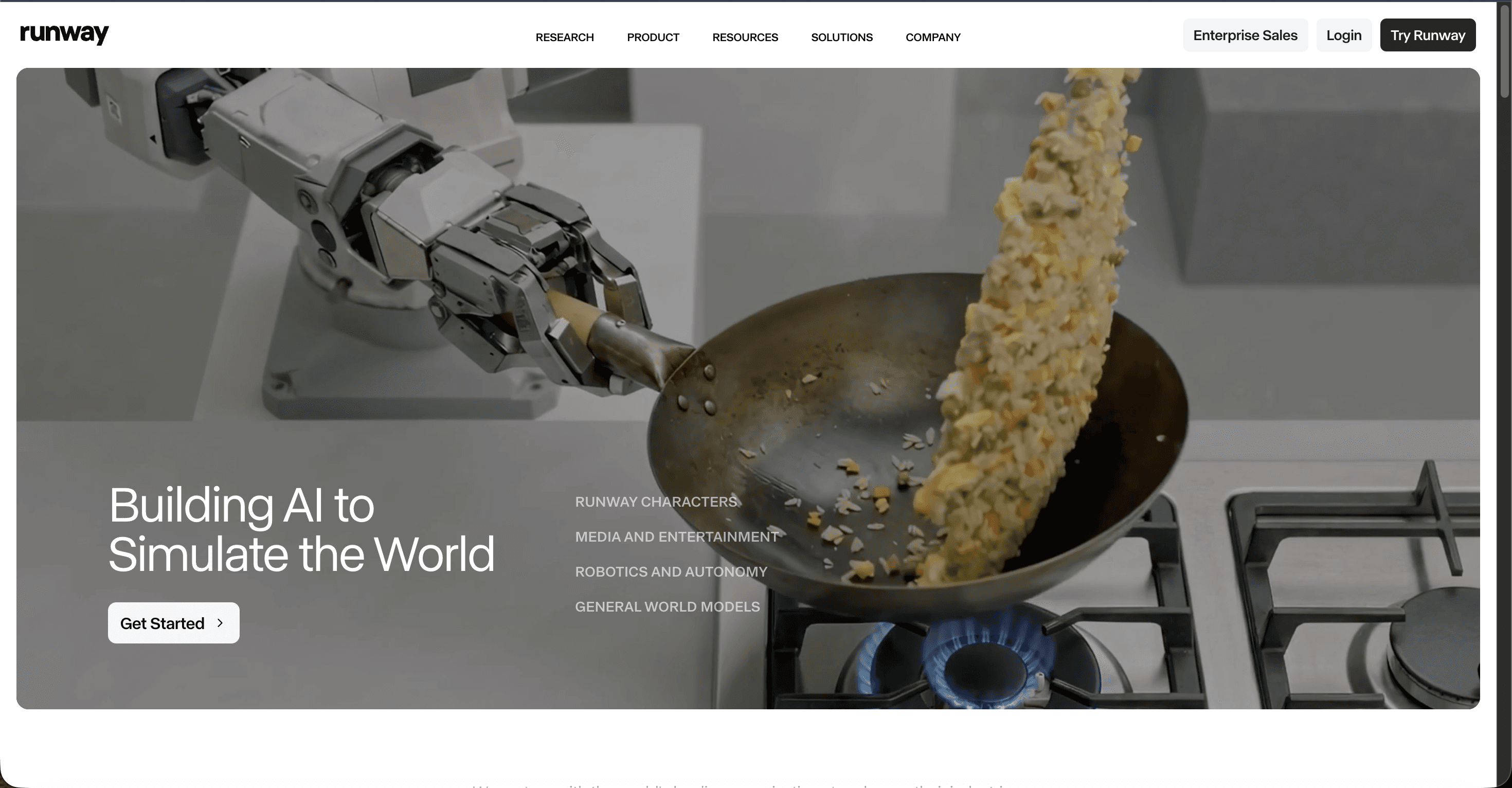
Runway is a favourite among filmmakers for its Gen 4.5 model, which produces some of the most realistic motion and camera movement available in 2026. For Ramadan, it shines when you want a short, cinematic hero shot: a lantern glowing in a window, a bowl of dates at iftar, or a crescent over a skyline. It runs in the browser and includes editing tools, though it focuses on generating clips rather than assembling a full narrated video. Pricing is free to try with 125 one time credits, then Standard at $15 a month ($12 yearly), Pro at $35 ($28 yearly), and Max at $95 ($76 yearly).
Pros and cons
Pros
Top tier realism and camera control
Strong editing and motion tools
Access to several models in one place
Cons
Clips are short, so longer Ramadan videos need stitching
No native audio, so voiceover happens elsewhere
Credits burn fast on the highest quality model
Verdict
Pick Runway when the goal is one beautiful cinematic Ramadan clip and you have an editor ready for the rest. For a full greeting or story with voiceover in Arabic or Urdu, it asks for more manual work than Atlabs.
3. Kling, best budget pick for realistic Ramadan clips
Key points
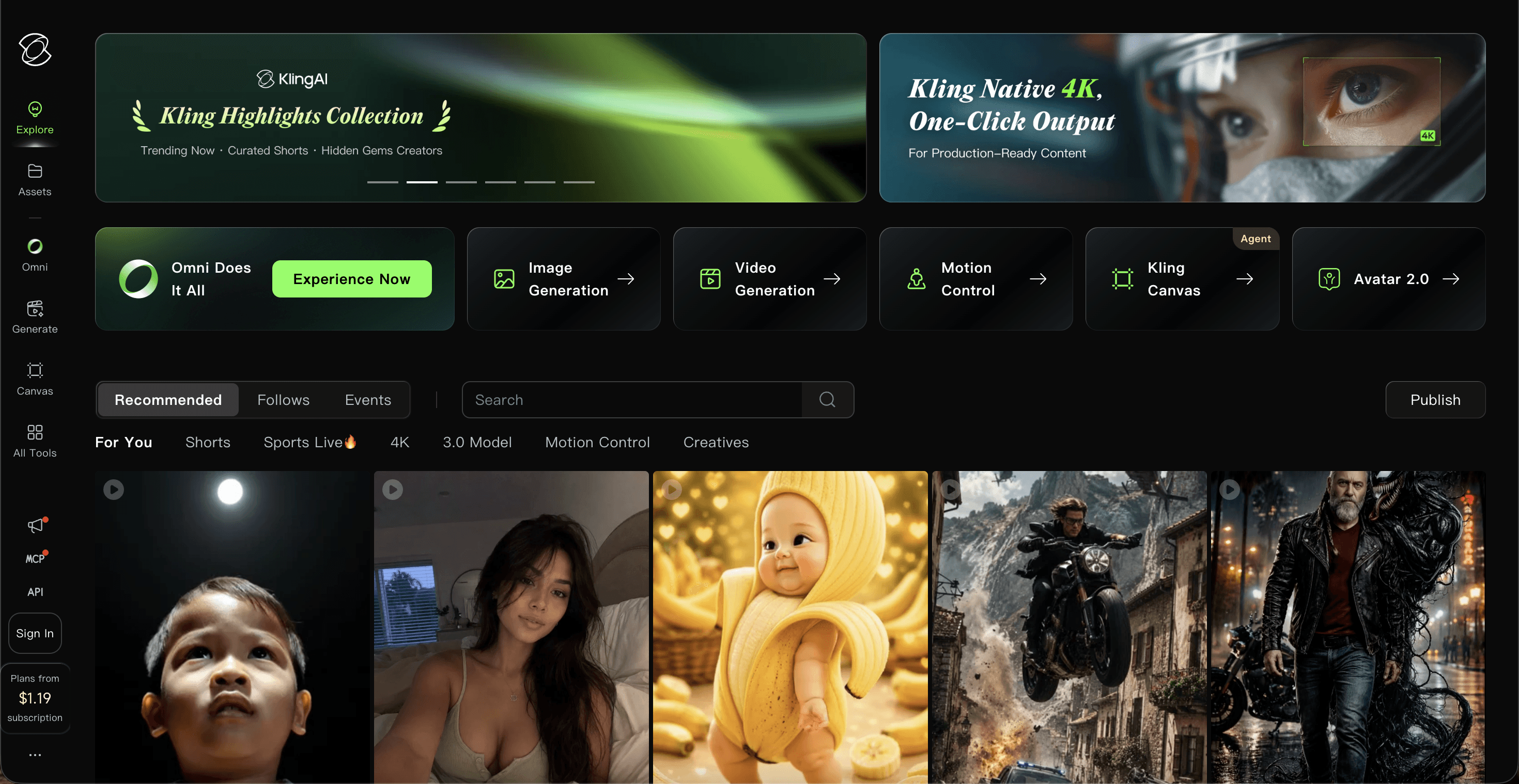
Kling, made by Kuaishou, is known for smooth, lifelike motion, and its Standard plan is the lowest paid entry point here at about $6.99 a month. That makes it appealing if you want realistic short clips of Ramadan scenes on a tight budget. It offers text to video, image to video, and lip sync, and higher tiers reach Pro at about $25.99 to $37, Premier at about $64.99 to $92, and Ultra at about $127.99 to $180. The free tier gives daily credits but adds a watermark and does not allow commercial use.
Pros and cons
Pros
Lowest paid entry price at about $6.99 a month
Very smooth, realistic motion
Text to video, image to video, and lip sync
Cons
Credit system is confusing and credits do not roll over
Free clips are watermarked and not for commercial use
No full video assembly or built in narration
Verdict
Kling is a smart budget choice for realistic Ramadan clips, especially quick social moments. It is a generator, not a full studio, so you still combine clips, captions, and voiceover yourself.
Show Image A crescent over a mosque skyline is a classic, respectful Ramadan visual for greetings.
4. InVideo AI, best for fast Ramadan social videos
Key points
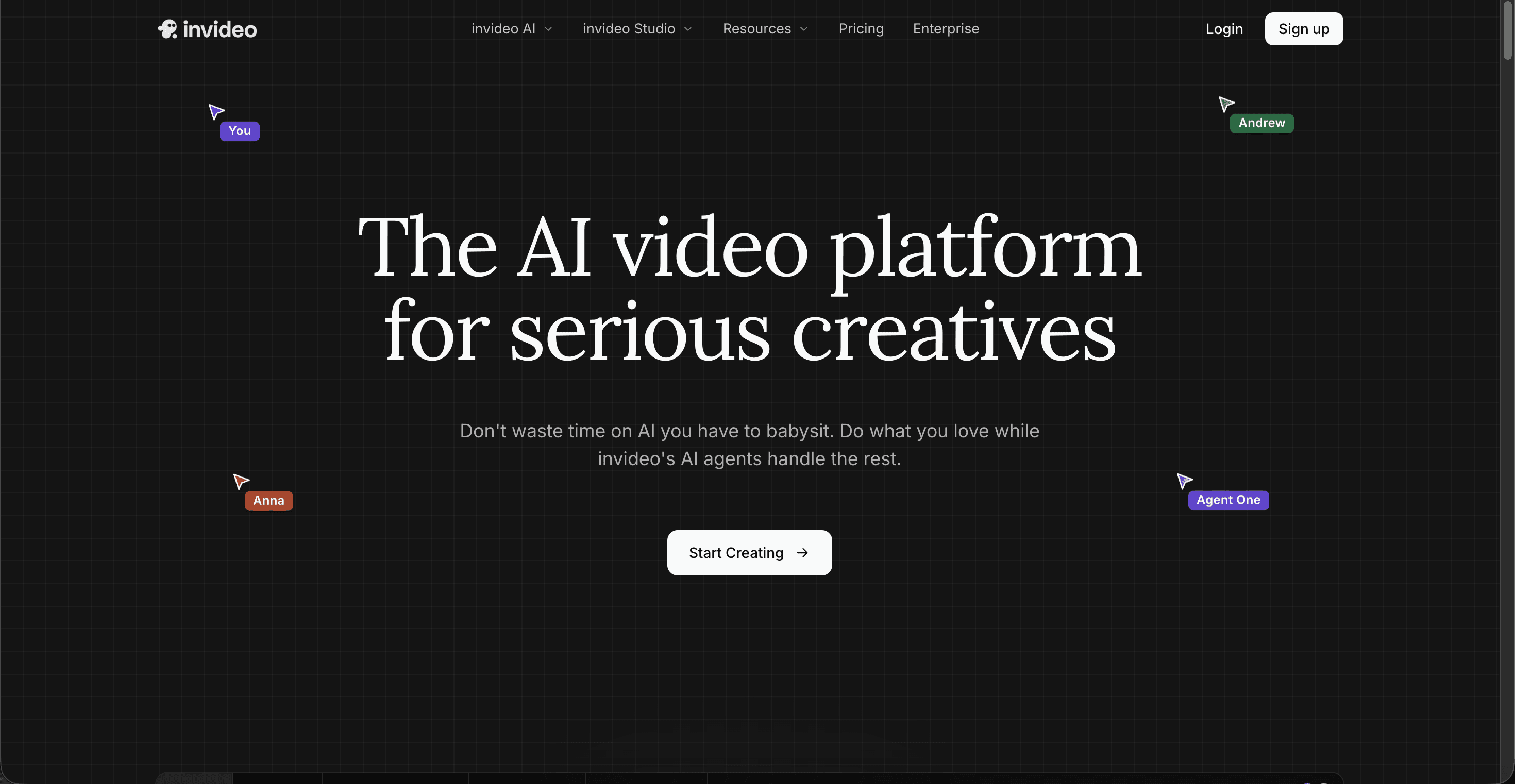
InVideo AI turns a text prompt into a complete social video with stock footage, voiceover, captions, and music, which suits fast Ramadan posts, tips, and reminders for TikTok, Reels, and Shorts. It leans on templates and stock rather than fully generated scenes, so results feel more like edited stock videos than original animation. Pricing is free with a watermark and about 10 AI minutes a week, then Plus at $25 a month ($20 yearly), Max at $60 ($48 yearly), and a Generative tier around $120 that adds Sora 2 and Veo 3.1.
Pros and cons
Pros
Prompt to finished social video in minutes
Built in voiceover, captions, and music
Large stock library for quick Ramadan reminders
Cons
Relies on stock and templates, not original scenes
Credit pools run out quickly and do not roll over
Free plan is watermarked
Verdict
InVideo AI is a good fit for high volume Ramadan reminders and tips built from stock. For original animated stories or character led greetings, it has a lower ceiling than Atlabs.
5. Canva, best for Ramadan greeting graphics and simple clips
Key points
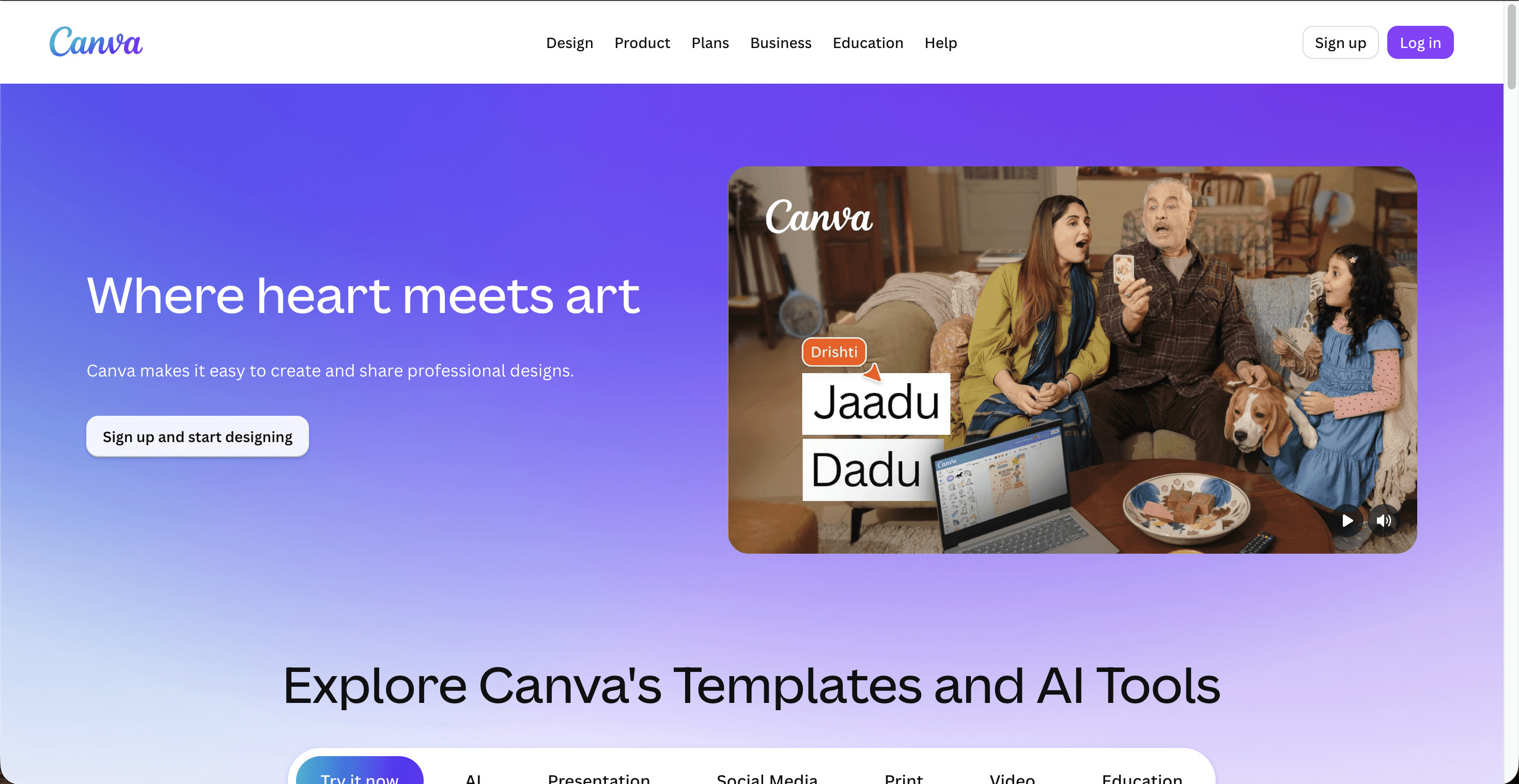
Canva is the most familiar tool here, and its huge template library makes it the easiest way to design Ramadan and Eid greeting posts, mosque announcements, and simple video cards. Its Magic Studio AI can generate short clips of about four to eight seconds, and Pro includes a monthly AI allowance that fills up fast if video is your main use. Pricing is free with limited AI, then Pro at $15 a month (about $120 a year), Business at $20 per user, and custom enterprise plans.
Pros and cons
Pros
Easiest tool for greeting graphics and cards
Massive template and asset library
Affordable Pro plan at about $12 to $15 a month
Cons
AI video clips are short and limited
Monthly AI allowance empties quickly
Not built for full length or story driven Ramadan videos
Verdict
Canva is the pick for quick Ramadan greeting graphics and simple video cards, and many creators pair it with a dedicated video tool. When the deliverable is a real Ramadan video rather than a post, Atlabs does far more.
▶ Start free on Atlabs
The scorecard: how each tool rates for Ramadan videos
Prices and features are useful, but Ramadan content has its own needs: warm respectful visuals, language support for Arabic, Urdu, Malay, and Indonesian, and the ability to publish greetings and stories quickly across the month. The scorecard below rates each tool out of 50 on the factors that matter most for Ramadan videos.
Ramadan video scorecard, rated out of 50
Tool | Ease of use | Ramadan fit | Output quality | Languages | Value | Total /50 |
|---|---|---|---|---|---|---|
Atlabs | 9 | 10 | 9 | 9 | 9 | 46 |
Canva | 9 | 7 | 6 | 8 | 8 | 38 |
Kling | 7 | 6 | 9 | 6 | 8 | 36 |
InVideo AI | 8 | 7 | 6 | 7 | 7 | 35 |
Runway | 7 | 6 | 9 | 6 | 7 | 35 |
▶ Create your Ramadan video with Atlabs
How we picked
We looked at five factors that decide whether a tool actually helps you ship Ramadan content: ease of use for beginners, quality of the final video, language support for a global Muslim audience, value for the price, and how well each tool fits Ramadan use cases like greetings, nasheeds, and animated stories. We used current 2026 pricing at the time of writing, and prices can change, so check each tool before you buy. Tools that carry a project from idea to finished video scored higher than pure clip generators.
Atlabs tutorial: make a Ramadan video step by step
Want to see it in action before you start? The Atlabs tutorials library walks through creating a video from a script, adding characters and voiceover, and exporting for social media, which maps neatly onto a Ramadan greeting or story. There is also a dedicated religious video use case page with examples you can follow.
▶ Watch the Atlabs tutorial
▶ Explore the Atlabs religious video generator
FAQ
What is the best AI tool for Ramadan videos in 2026?
Atlabs is the best overall pick because it takes you from a script, idea, or nasheed to a finished video in one platform, with over 100 AI models, consistent characters, and voiceovers in more than 40 languages. Runway and Kling are strong for short cinematic clips, while InVideo AI and Canva suit fast social posts and greeting graphics.
Can I make Ramadan videos in Arabic, Urdu, or Malay with AI?
Yes. Atlabs offers voiceovers and captions in more than 40 languages, including Arabic, Urdu, Malay, and Indonesian, plus one click translation so a single greeting can be published in several languages. Support in other tools varies, so check each tool language list before you commit.
How much do AI Ramadan video tools cost?
They range from free plans to paid tiers. Atlabs starts free and paid plans begin at $15 a month billed yearly. Kling starts around $6.99, Canva Pro is about $12 to $15, Runway begins at $12, and InVideo AI Plus is about $20 to $25. Prices were checked in 2026 and can change, so confirm on each site.
Do I need video editing skills to make a Ramadan video?
No. Tools like Atlabs, InVideo AI, and Canva are built for people with no editing background. You describe or upload what you want, pick a style, and the AI assembles the scenes, voiceover, and captions for you.
Get started
Ready to create your Ramadan greeting, nasheed video, or animated story? Start free and publish your first Ramadan video in minutes.