If you are a parent, preschool teacher, or kids channel creator who wants to make a color learning video without animation software or a production budget, Atlabs is the best AI tool for the job in 2026. We compared five AI video platforms built for this kind of content, scored on visual and character consistency, kid friendly style libraries, narration quality, ease of use, and price. Atlabs came out on top, with InVideo AI, Animaker, Powtoon, and Renderforest rounding out a list worth knowing depending on your budget and how hands on you want to be with editing.
Quick Comparison: 5 Best AI Tools for Color Learning Videos
Tool | Best For | Starting Price | Kid Friendly Visual Styles | Standout Feature |
|---|---|---|---|---|
Atlabs | Animated color learning videos with a consistent recurring character | Free, Lite from $15/month, Pro from $29/month (billed annually) | 20+ built in styles including Cozy Plush, Paper Cutout, and 3D Cartoon | Visual Continuity Engine keeps the same character and color palette consistent across every scene |
InVideo AI | Fast, template based educational shorts assembled from stock and AI clips | Free, Plus from $20/month, Max from $48/month (billed annually) | Stock and template driven, fewer original animated styles | Generative tier adds Sora 2 and Veo 3.1 access for short AI clips |
Animaker | DIY drag and drop, explainer style color lessons | Free, Basic from $15/month, Pro from $43/month (billed annually) | Large cartoon character and prop library built for explainers | Big pre built library of characters and props to assemble scenes by hand |
Powtoon | Classroom style, presenter led color lessons | Free, Lite from $15/month, Professional from $40/month (billed annually) | Whiteboard and presentation style animation | AI avatar narrators included from the entry paid tier |
Renderforest | Quick, budget friendly intros and simple animated clips | Free, Lite from $9.99/month, Pro from $19.99/month (billed annually) | Template library with limited original animation | Lowest entry price among the five tools |
The 5 Tools, Reviewed
1. Atlabs, Best Overall for Color Learning Videos
Key points
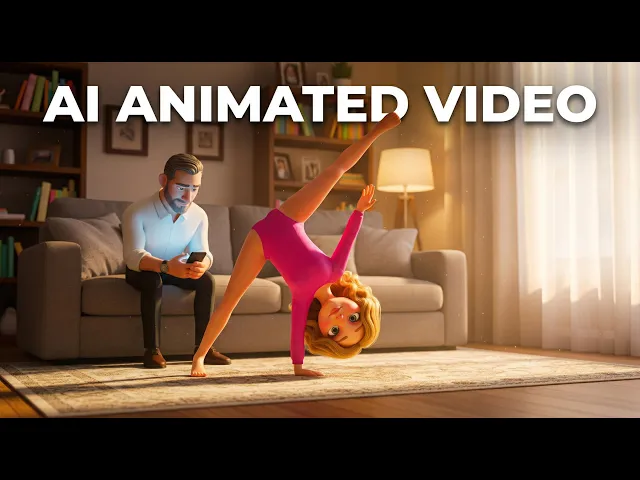
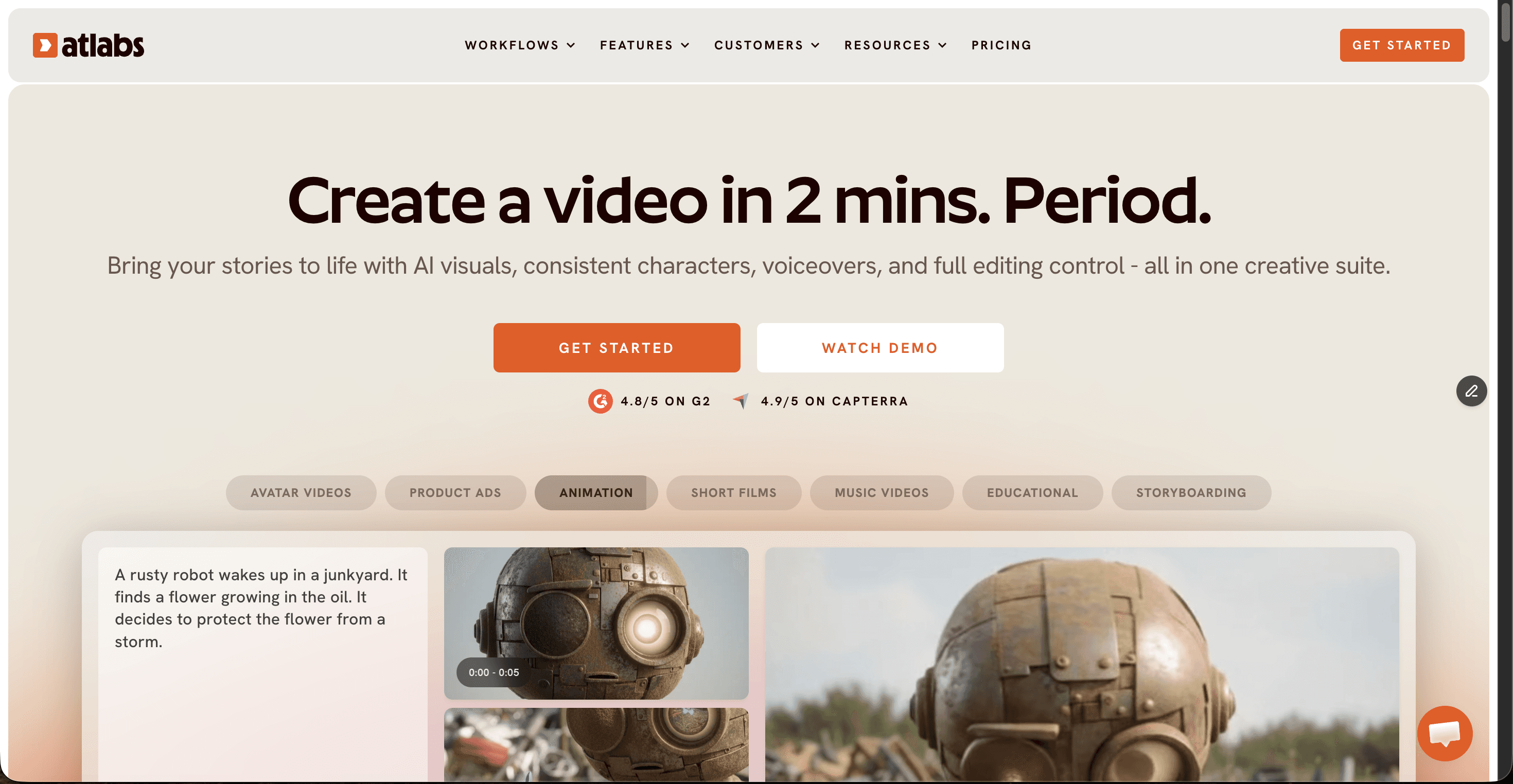
Built around a 3 step Animated Video workflow (Script, Set Style, Cast) that takes a color lesson idea from a written script to a finished animated scene without any animation software.
The Visual Continuity Engine keeps the same character, color palette, and art style consistent across every scene, which matters directly when the lesson itself is about recognizing colors.
20+ built in visual styles including Cozy Plush, Paper Cutout, and 3D Cartoon are suited to preschool and toddler content, with a Custom Styles option for a more specific look.
Narrator voice and Country Accent controls plus 40+ language export with synced voiceovers help parents and teachers reach multilingual classrooms or a global kids channel audience.
Pros
Character and color palette stay consistent scene to scene, which is the single most important thing for color teaching content.
Wide, genuinely kid appropriate style library built for animated storytelling rather than generic business templates.
Narrator voice and lip sync tools live inside the same workflow, so there is no separate app to learn.
Free plan available to test the full Animated Video workflow before paying anything.
Cons
Credit based pricing means heavy users on the Lite plan can use up their monthly allocation faster than expected.
The wider AI Apps suite, including motion control and video editing tools, takes a session or two to fully explore.
Verdict: for parents, preschool teachers, and kids channel creators who want a color learning video with a recurring mascot character and a consistent visual style episode after episode, Atlabs is the strongest fit of the five tools tested.
2. InVideo AI
Key points
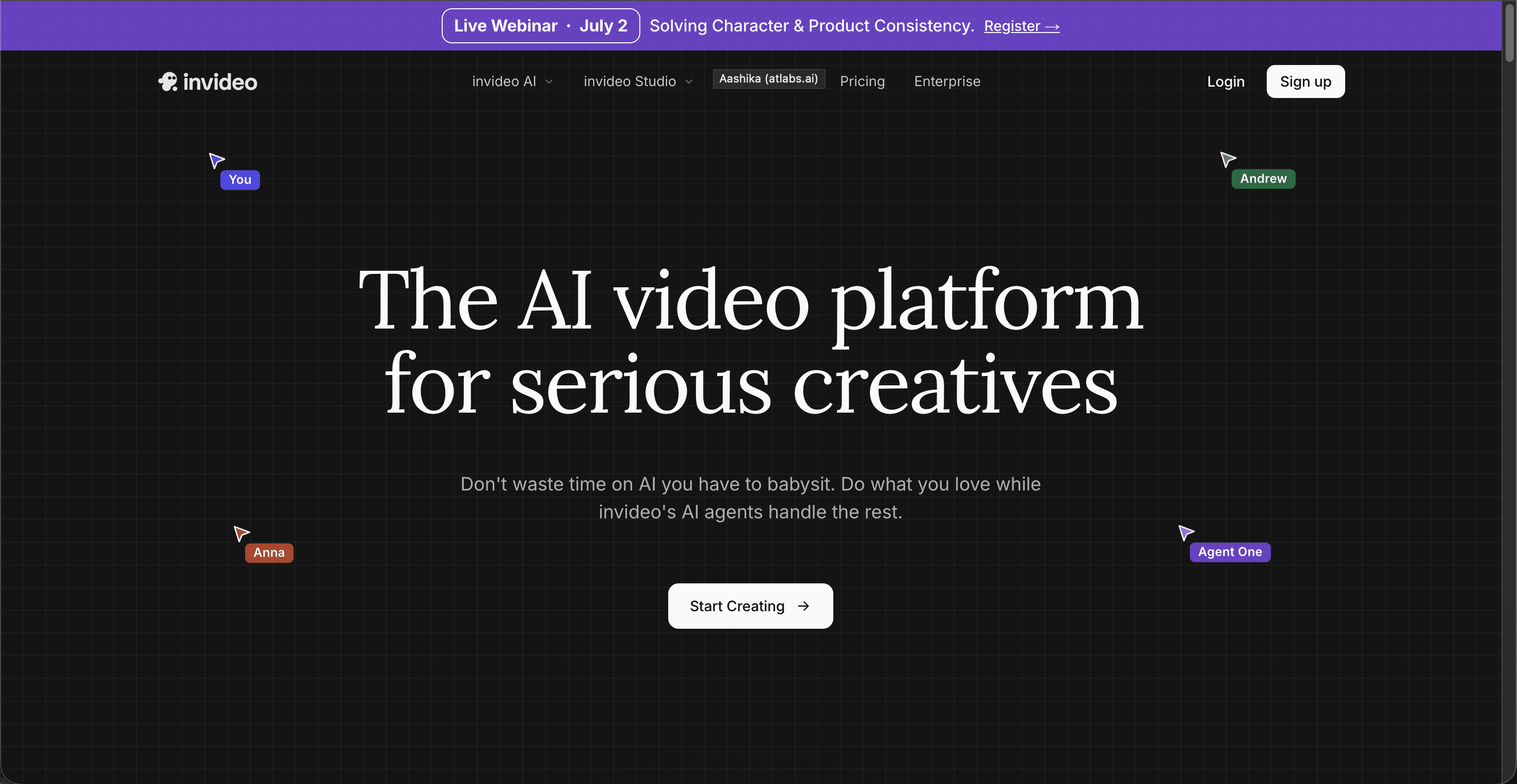
A template and stock footage driven workflow, well suited to assembling a color learning short quickly from existing clips and short AI generated segments.
The Generative tier adds access to Sora 2 and Veo 3.1 for short AI clips inside a larger stock based edit.
Usage is measured in weekly AI generation minutes rather than a flat monthly cap, which can run out fast during a heavy editing week.
Pros
A large iStock footage library speeds up production for live action style segments.
Generative tier model access to Sora 2 and Veo 3.1 is unique among the five tools.
Cons
Original animated character work is thinner than Atlabs or Animaker, more suited to stock and template assembly than a recurring animated mascot.
Separate credit pools for AI minutes, stock downloads, and voice clones can run dry independently, which catches new users off guard.
Verdict: InVideo AI suits creators who want a fast, stock assisted color video and do not need one consistent animated character across an entire series.
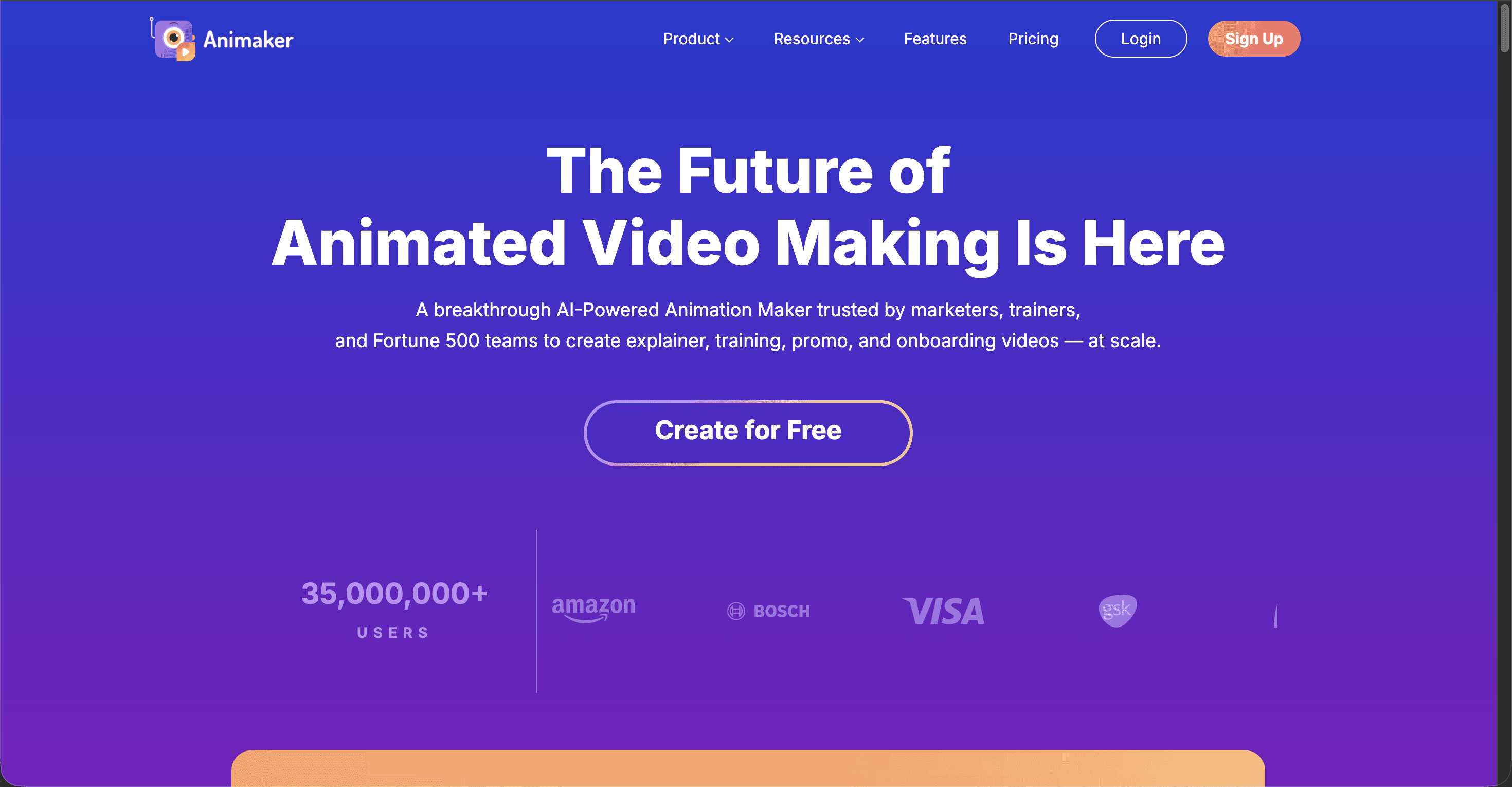
3. Animaker
Key points
A drag and drop character and prop library built for explainer style videos, with color coded scenes that work well for teaching color names and recognition by hand.
The free plan caps downloads at 3 per month with a watermark, while paid plans start from around $15/month billed annually.
4K export is reserved for the Enterprise tier, with the Pro plan topping out at 2K.
Pros
A large built in character and prop library for assembling color lesson scenes manually.
A familiar drag and drop editor for creators who want direct control over every scene.
Cons
Commercial rights only unlock on the Pro tier and above, which is a problem for teachers or creators planning to publish and monetize.
Several reviewers report export limits and premium asset overages pushing real monthly costs above the advertised plan price.
Verdict: Animaker works well for creators who prefer to build each scene by hand rather than describe a script and let AI assemble it, at the cost of more manual editing time per video.
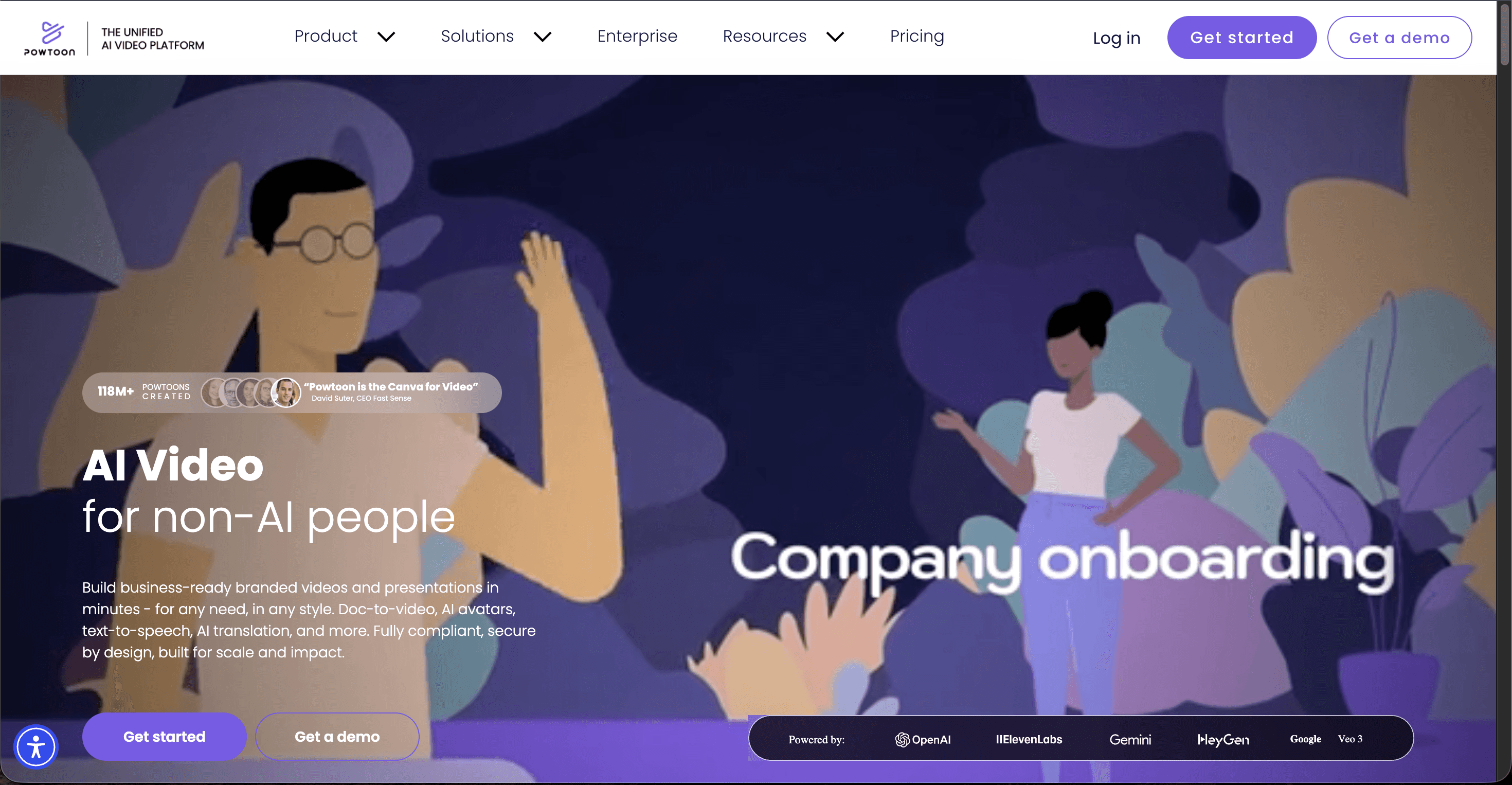
4. Powtoon
Key points
Whiteboard and presentation style animation aimed at classroom and training content, with AI avatar narrators included from the entry paid tier.
AI features such as AI image generation, AI voiceovers, and AI avatar lip sync run on credits that sit on top of the subscription price, with optional add on credit packs for heavy use.
The free plan caps videos at 3 minutes, applies a Powtoon watermark, and does not allow MP4 download.
Pros
AI avatar narrators are available from the entry paid tier, useful for a teacher style presenter inside a color lesson.
A strong fit for classroom presentation formats, not only stand alone animated shorts.
Cons
Custom character creation and full lip sync require the higher Advanced tier, a meaningful jump in price.
Credit refresh timing and add on credit pricing add a layer of budgeting that a flat subscription does not require.
Verdict: Powtoon is a reasonable pick for teachers who want a presenter led, classroom style color lesson rather than a fully animated storybook video.
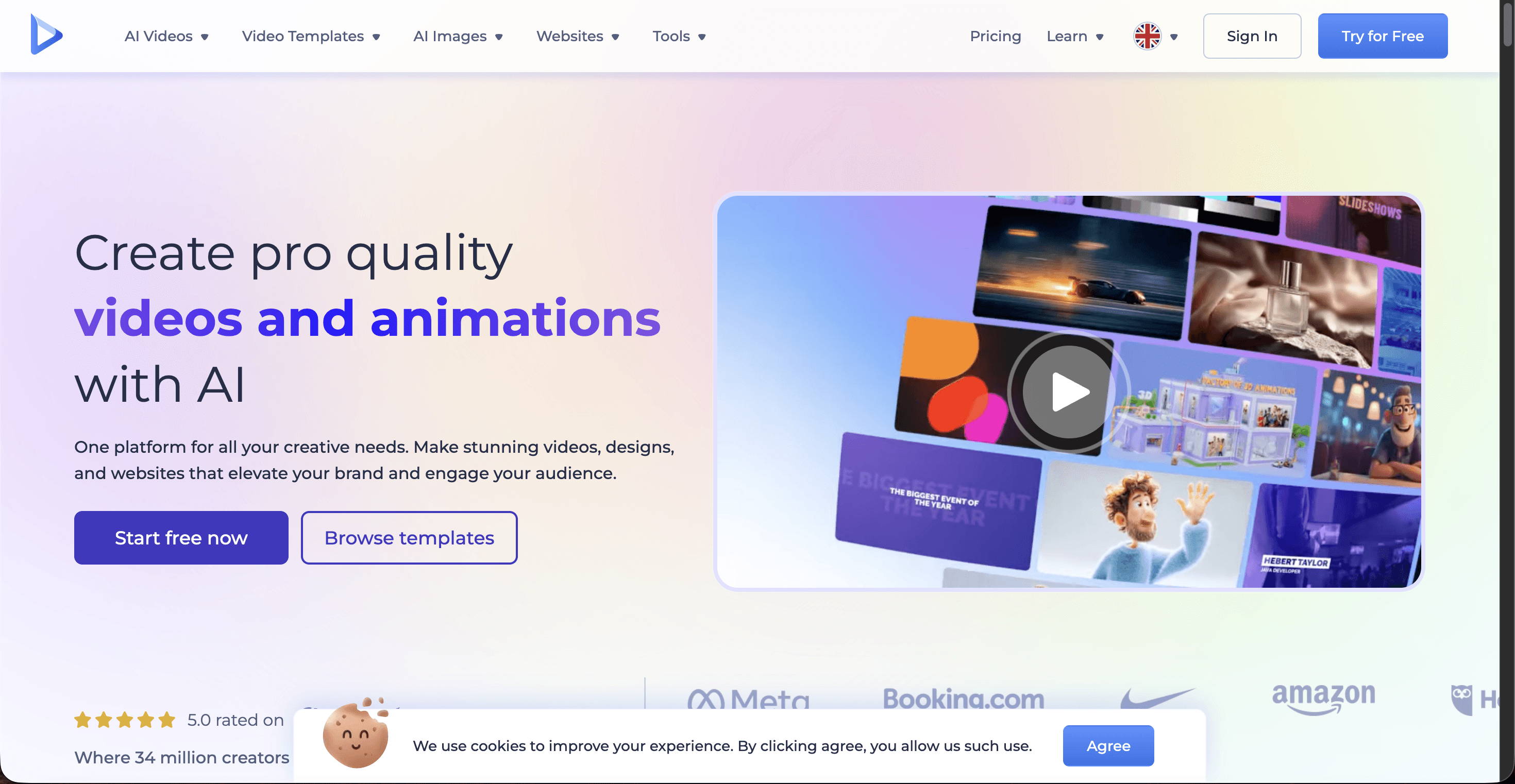
5. Renderforest
Key points
A template driven video, logo, and website platform with the lowest entry price among the five tools compared here.
The free plan exports at 360p to 720p with a visible watermark, while paid plans remove it starting from around $9.99/month billed annually.
Best suited to short intros, simple animated clips, and presentation style videos rather than narrative color storytelling.
Pros
The cheapest paid tier of the group, useful for budget constrained creators testing the format.
A large template library that speeds up quick assembly.
Cons
Limited original animation and weaker character consistency compared with Atlabs or Animaker.
Video length caps on lower tiers restrict longer, more narrative color lesson formats.
Verdict: Renderforest fits creators on a tight budget who need a simple, template based color video rather than an animated series built around a recurring character.
Scorecard: How the 5 Tools Rank for Color Learning Content
Beyond price and features, we scored each tool out of 10 on five criteria that matter most for color learning content: ease of use for non animators, how consistently the visuals and characters hold up scene to scene, the breadth of kid friendly visual styles, narration and voice quality, and overall value for money. Atlabs sits at the top of the points table.
Tool | Ease of Use | Visual Consistency | Kid Friendly Styles | Narration and Voice | Value for Money | Total (out of 50) |
|---|---|---|---|---|---|---|
Atlabs | 9 | 10 | 9 | 9 | 8 | 45 |
InVideo AI | 8 | 6 | 6 | 7 | 7 | 34 |
Powtoon | 7 | 6 | 7 | 8 | 5 | 33 |
Animaker | 7 | 6 | 7 | 5 | 7 | 32 |
Renderforest | 8 | 5 | 5 | 5 | 7 | 30 |
How We Picked
We judged all five tools on the same five criteria: how easy the tool is for a non animator to pick up, how consistently characters and colors hold up from one scene to the next, how many of the available visual styles actually suit toddler and preschool content, the quality and language coverage of narration and voice tools, and value for money based on each company's published pricing as of mid 2026. A color learning video lives or dies on whether a 3 year old can tell the colors apart, so visual consistency carried the most weight in our scoring.
Watch the Atlabs Video Tutorial on YouTube
FAQ
What is the best AI tool to make color learning videos for toddlers?
Atlabs is the best overall pick because its Visual Continuity Engine keeps the same character, art style, and color palette consistent across every scene, which matters when the goal is teaching color recognition. InVideo AI, Animaker, Powtoon, and Renderforest are solid alternatives depending on your budget and how much manual editing you want to do.
Can I make a color learning video for free?
Yes. All five tools in this comparison offer a free plan, though free exports usually include a watermark and cap video length or downloads. Atlabs, InVideo AI, Animaker, Powtoon, and Renderforest all let you test the editor before committing to a paid tier.
Do these AI tools support multiple languages for color lessons?
Atlabs supports 40+ languages with synced voiceovers, useful for multilingual classrooms or a kids channel reaching more than one country. InVideo AI and Powtoon offer AI voiceover and avatar narration in several languages as well, though exact language counts vary by plan.
Which tool is best for teachers building classroom color lessons?
Powtoon's AI avatar narrators, available from its entry paid tier, suit a presenter led classroom lesson. Atlabs is the stronger pick for teachers who want a fully animated, storybook style color lesson built around a recurring character instead of a slide style presentation.
Get started
Build a color learning video your toddlers or students will actually want to watch twice, with one consistent character and color palette from the first scene to the last.








