
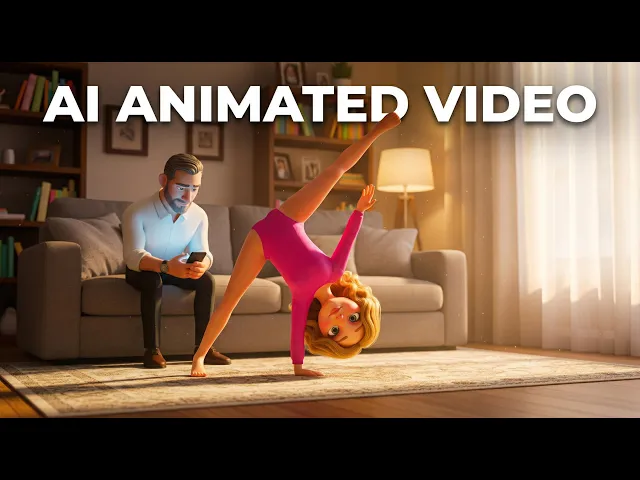
If you are searching for the best AI tool to make phonics style videos, animated clips that teach letter sounds, blends, and sight words the way Alphablocks or CoComelon do, Atlabs is the strongest overall pick for 2026. We compared five AI video platforms that parents, teachers, and kids' channel creators actually use for phonics and early-reading content, weighing character consistency, ease of use, voice and language options, and pricing. Atlabs leads on story-driven animation and a consistent kid-friendly cast, but each of the other four tools does something well too, so here is the full breakdown.
Quick Comparison: The 5 Best AI Tools for Phonics Style Videos
Before the full breakdown, here is how the five tools stack up on the things that matter most for phonics content specifically: how well a recurring character fits a storybook style, and what each tool costs to start.
Tool | Best For | Phonics Style Fit | Starting Price | Standout Feature |
|---|---|---|---|---|
Atlabs | Parents, teachers and kids' channels building a recurring phonics series | Strong, consistent animated cast across an entire series | Free plan; paid from $29/mo (Lite, billed annually) | Same animated characters and visual style across every episode |
Animaker | Hobbyists assembling a single clip by hand | Good, large library of kid-style characters and templates | Free plan; paid from around $15/mo (Basic, billed annually) | Huge library of pre-built cartoon characters and props |
Powtoon | Teachers building explainer-style lessons | Moderate, leans corporate-explainer rather than storybook | Free plan; paid from around $15/mo (Lite) | Whiteboard and explainer-style animation templates |
InVideo AI | Creators who want a fast, single prompt-to-video clip | Moderate, suited to narrated explainers more than character storytelling | Free plan; paid from around $20/mo (Plus, billed annually) | Script, visuals and voiceover from one text prompt |
Steve AI | Beginners making a quick, simple cartoon clip | Basic, simple templates with limited character customization | No permanent free plan; paid from around $15/mo (Basic) | Fast text-to-cartoon conversion for short clips |
Pricing reflects published rates as of mid-2026 and is subject to change; confirm current rates on each provider's site.
1. Atlabs: Best Overall for Phonics Style Videos

Atlabs is built around the Animated Video workflow, which turns a script or idea into a TV-style cartoon with a recurring cast. For phonics content, that consistency matters more than almost anywhere else: a child following along with "A is for Apple, B is for Ball" expects to see the same friendly host or mascot in every episode, not a new face each time. Atlabs lets creators design that cast once, save it to a Creative Library, and reuse it across an entire phonics series without redrawing or re-prompting from scratch.
Key Points
The Animated Video workflow turns a script, or an AI-written one, into a 3-step production: Script, Set Style, Cast.
The Visual Style library includes options like 3D Cartoon, Flat 2D Modern, Cozy Plush and Paper Cutout, all of which suit a storybook phonics look.
Characters stay visually consistent scene to scene, so a recurring phonics host or mascot does not drift in appearance between episodes.
Narrator and character voiceovers are available in 40+ languages, useful for phonics content aimed at bilingual or non-English-speaking learners.
Lip Sync can match a character's mouth movements to narrated letter sounds for a more natural teaching delivery.
Pros
Consistent characters across an entire phonics series, not just a single video.
Wide visual style range built for kids and storybook content specifically.
40+ language voiceover support for reaching non-English-speaking families and classrooms.
AI Script Writer helps when a teacher or parent has an idea but no finished script yet.
Cons
The visual style library is broad enough that first-time users may need a few minutes to find the right look for a phonics series.
Longer, multi-episode series benefit from a little upfront planning to keep character names and scripts organized.
Verdict: Atlabs is the strongest pick for anyone making more than one phonics video, parents building a weekly letter-sound series, teachers producing a classroom playlist, or kids' channels publishing on a schedule, because the character consistency and style library are built for exactly that kind of recurring, story-driven content.
2. Animaker: Best for Drag-and-Drop Character Building
Animaker is a drag-and-drop animation builder with one of the largest libraries of pre-made characters, props, and backgrounds in the category, which makes it a reasonable starting point for a single phonics clip or a simple alphabet song video assembled by hand.
Key Points
A library of thousands of pre-built characters and props that can be manually assembled into a scene.
Built-in AI tools for voiceover, subtitles, and basic scene generation.
Templates exist for kids and education-style content, though they are general-purpose rather than phonics-specific.
Pros
Large asset library means very little has to be created from scratch.
Free plan is genuinely usable for testing the interface before paying.
Familiar drag-and-drop editor for anyone who has used basic slide or video tools before.
Cons
Keeping the same character looking identical across multiple separate phonics episodes takes manual matching rather than automatic consistency.
Commercial rights and longer video lengths are locked behind the Pro tier.
Several reviewers note premium asset overages can push the real monthly cost higher than the advertised plan price.
Verdict: Animaker works well for a single, manually-assembled phonics clip or a one-off alphabet video, but creators building a recurring, character-led series will spend more time matching characters by hand than they would with a workflow designed around consistency from the start.
3. Powtoon: Best for Explainer-Style Phonics Lessons
Powtoon started as a whiteboard and explainer-video tool and still leans toward that classroom-training look, even though it now offers AI avatars and character animation. For phonics content built more like a teacher-led explainer than a storybook cartoon, it is a workable fit.
Key Points
Whiteboard-style and explainer templates that suit a teacher-led phonics lesson format.
AI text-to-speech and character lip-sync are available starting on the Lite paid tier.
AI features run on a credit system layered on top of the subscription tiers.
Pros
Explainer and whiteboard animation style fits a teacher-led phonics lesson well.
Established tool with a long track record in education and training video use cases.
Free plan available for testing before committing to a paid tier.
Cons
The storybook, character-driven look that suits younger phonics learners is not Powtoon's core strength; it leans more corporate-explainer.
AI features run on a separate credit system on top of the subscription price, which can make total cost less predictable.
Custom character creation and lip-sync require the higher Advanced tier, not the entry plans.
Verdict: Powtoon is a reasonable choice for a teacher building an explainer-style phonics lesson for classroom use, but parents and kids' channels looking for a softer, storybook cartoon look will likely prefer a tool built around that visual style by default.
4. InVideo AI: Best for Fast Prompt-to-Video Workflows
InVideo AI generates a full video, script, stock visuals, voiceover, and captions, from a single text prompt, which makes it fast for narrated explainer content. It is less suited to phonics videos that need a recurring animated character, since its visuals lean on a stock and template library rather than a consistent, AI-generated cast.
Key Points
A prompt-to-video workflow: describe the topic and InVideo AI assembles script, visuals, voiceover, and captions automatically.
A credit system where AI generation minutes, stock assets, and voice clones each draw from separate monthly pools.
Higher tiers add access to frontier video models for generated clips, on top of the stock library.
Pros
Very fast for a single narrated phonics explainer video built from a prompt.
Wide voiceover language and accent support.
Editing by text command makes quick changes easy after the first draft.
Cons
Visuals lean on stock footage and templates rather than a consistent, AI-generated recurring character, which matters for a phonics mascot or host.
Credits are split into separate pools for AI minutes, stock assets, and voice clones, which reviewers note can be confusing to manage.
Unused AI generation minutes do not roll over to the next month.
Verdict: InVideo AI is a fast option for a single narrated phonics explainer, but it is not the natural choice for a recurring, character-led phonics series, since its strength is prompt-to-video assembly rather than consistent character animation.
5. Steve AI: Honorable Mention for Quick Template Cartoons
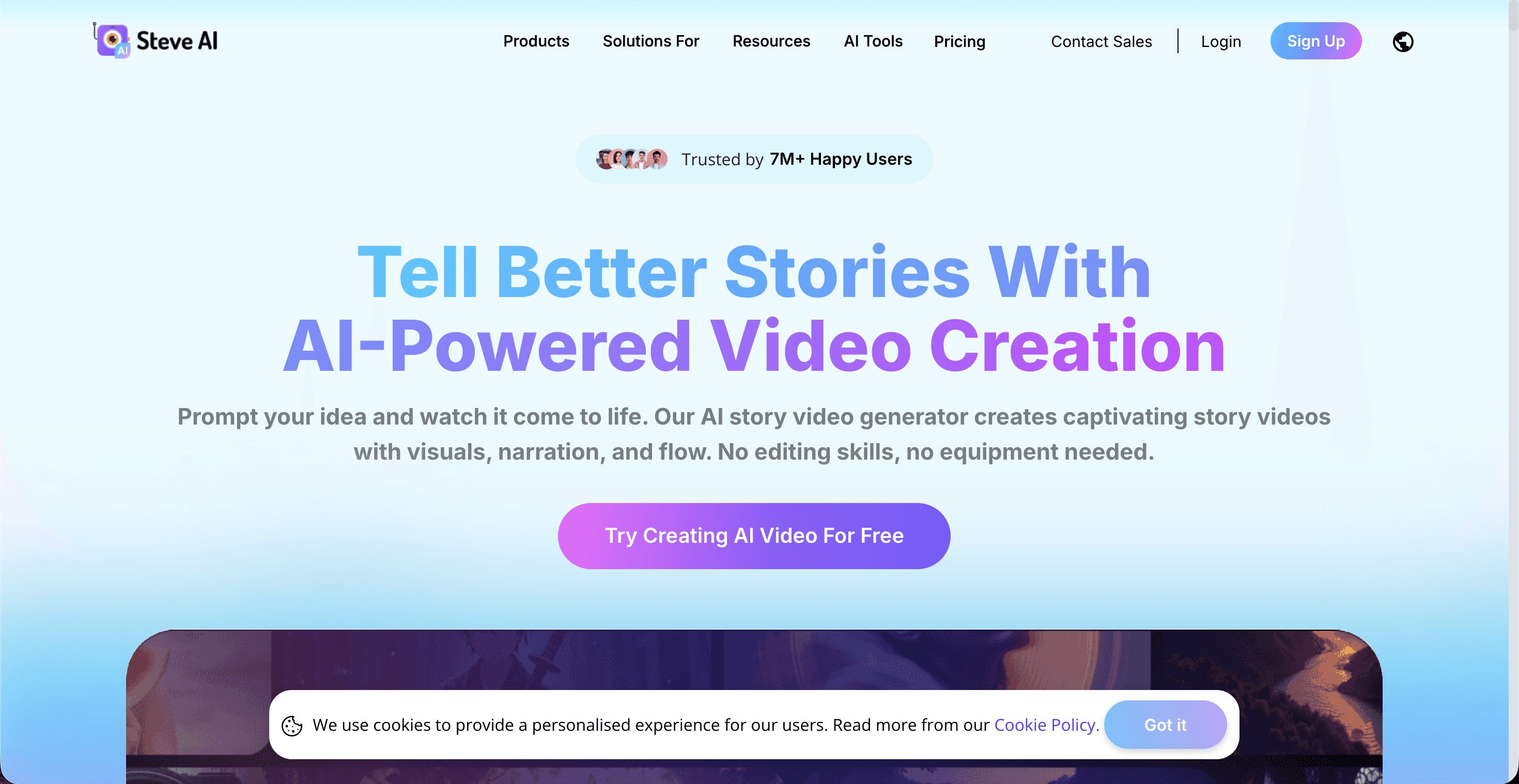
Steve AI converts text or a script into a short cartoon video quickly, with a large stock-character and music library. It rounds out this list as a budget-friendly option for a single, simple phonics clip rather than a full series.
Key Points
Text-to-video and script-to-cartoon conversion aimed at quick turnaround.
A large stock library of characters, music, and voiceovers.
No permanent free plan; a free trial is offered instead.
Pros
Fast turnaround for a single short cartoon clip.
Simple, beginner-friendly interface.
Cons
Limited character customization makes a consistent recurring mascot harder to maintain across episodes.
No permanent free tier to test before committing to a paid plan.
Verdict: Steve AI suits a one-off, simple phonics clip on a tight budget, but it is not built for creators planning a recurring, character-led series.
How We Picked These Tools
We evaluated each tool against four criteria that matter most for phonics content specifically: whether a character or host stays visually consistent across multiple episodes, how many languages are supported for voiceovers, whether the tool generates story-driven concepts or just assembles stock and template assets, and how approachable the editor is for a parent or teacher with no design background. Pricing was checked against each platform's published rates as of mid-2026; all five tools update pricing and plan limits periodically, so it is worth confirming current rates directly on each provider's site before subscribing.
Watch: How to Create Phonics Style Videos with Atlabs
For a closer look at the Animated Video workflow used in the Atlabs entry above, the Atlabs tutorial hub walks through script, style, and casting step by step, a useful watch before starting your first phonics episode.
Atlabs vs the Rest: Feature Scorecard
This second table scores each tool on the four capabilities that matter most for phonics content: keeping a character consistent across episodes, language reach, story-driven generation versus template assembly, and how approachable the editor is for a parent or teacher with no design background.
Tool | Character Consistency | Multi-Language Voiceovers | Story-Driven Concepts | Easy for Non-Designers | Overall Score (/5) |
|---|---|---|---|---|---|
Atlabs | Locked across every scene | 40+ languages | Yes, auto-generates concepts from a script | Yes | 4.8 |
Animaker | Manual matching required | Limited | No, template-based | Yes | 3.6 |
InVideo AI | Not character-based, stock visuals | Wide language and accent support | No, prompt-to-video only | Yes | 3.5 |
Powtoon | Partial, explainer-style only | Limited | No, explainer templates | Moderate | 3.4 |
Steve AI | Limited customization | Limited | No | Yes | 3.0 |
Scored by the Atlabs editorial team on a 5-point scale across each capability. See How We Picked These Tools below for methodology.
Start Your Phonics Series
Five tools, one clear winner for a recurring, character-led phonics series. Atlabs keeps your host and cast consistent from the first letter sound to the last, in 40+ languages, with no animation experience required.
FAQ
What makes a video phonics style?
Phonics style videos teach letter sounds, blends, and sight words through short, repeatable segments, usually with a consistent host or character, simple on-screen text, and a sung or spoken pattern a child can follow along with, similar to the format used by shows like Alphablocks or CoComelon.
Can I make a phonics video without filming or hand-drawing animation?
Yes. Each of the five tools above generates animated visuals from a script or prompt, so no filming, drawing, or animation software experience is required. Atlabs and Animaker both offer character-based animation, while Powtoon and InVideo AI lean more toward explainer-style or stock-assembled visuals.
Which of these tools is cheapest for a single phonics video?
Atlabs, Animaker, Powtoon, and InVideo AI all offer a free plan that can produce a short, watermarked phonics clip for testing. For a single watermark-free video, Animaker, Powtoon, and Steve AI each start around $15 a month, similar to Atlabs's entry pricing.
Do these AI tools support phonics content in languages other than English?
Atlabs supports voiceovers in 40+ languages, the widest range among the five tools compared here. InVideo AI also offers broad voiceover language and accent options. Animaker, Powtoon, and Steve AI support fewer languages, so it is worth checking each provider's current language list for non-English-speaking learners.
Get started
Ready to build a phonics video series your kids, students, or young viewers will want to rewatch?








