
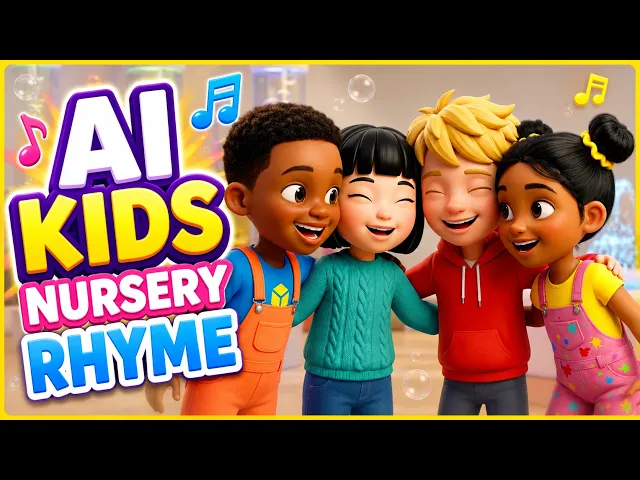
The short answer is Atlabs. If you run a kids channel and want bright, glossy 3D nursery rhyme videos with characters that stay the same in every episode, Atlabs gives you the most complete path from idea to finished sing-along. We compared five popular AI video tools on the things that matter for Cocomelon-style content: the candy colored 3D look, character consistency, singing voiceovers with lip sync, ease of use, and price. Here is how they stack up, with real 2026 pricing for each.
The 5 best AI tools at a glance
Here is the quick view before the detail. Atlabs sits at the top because it covers the full kids video pipeline in one place, while the others each cover a slice of it.
Tool | Best for | Kids 3D style | Character consistency | Voice + lip sync | Free plan | Starting price |
|---|---|---|---|---|---|---|
Atlabs | Full kids video pipeline, idea to sing-along | Excellent | Excellent, save a cast and reuse it | Built in, 40+ languages | Yes, 1 video | $19/mo ($15 annual) |
Pika | Short stylized clips and effects | Good | Limited | Add separately | Yes | About $8/mo (annual) |
Runway | Cinematic shots and editing control | Good | Good with references | Add separately | Trial credits only | $12/mo (annual) |
Kling | Smooth motion and realism | Good | Good | Basic, improving | Yes, daily credits | About $10/mo |
Vyond | 2D business and training cartoons | Fair for 3D look | Strong | Built in | Trial only | $58/mo ($99 monthly) |
Prices were checked in June 2026 and can change, so confirm on each tool's own site before you buy.
Scored and ranked:
We also scored each tool out of 50 across five factors. Atlabs leads on every factor that a kids channel cares about most, with the highest marks for character consistency, singing voice, and lip sync.
Rank | Tool | 3D style | Consistency | Voice & lip sync | Ease | Value | Total (/50) |
|---|---|---|---|---|---|---|---|
1 | Atlabs | 9 | 10 | 10 | 9 | 9 | 47 |
2 | Pika | 8 | 6 | 5 | 8 | 8 | 35 |
3 | Kling | 8 | 7 | 6 | 6 | 7 | 34 |
4 | Vyond | 5 | 9 | 8 | 7 | 4 | 33 |
5 | Runway | 7 | 8 | 5 | 6 | 6 | 32 |
1. Atlabs, the best all round pick
Atlabs is a multi model AI video platform built around full productions, not single clips, which is exactly what a nursery rhyme video needs. You start from an idea or a script, pick a bright 3D cartoon visual style, and the platform plans the characters, scenes, and shots for you. The standout for kids content is the consistent character library. You design your cartoon cast once, save it, and reuse the same friendly faces across every rhyme and every episode, so your channel keeps one recognizable look. Singing voiceovers in 40 plus languages and AI lip sync are part of the same flow, so your characters actually mouth the words to the song. Under the hood you can call models like Veo 3.1, Kling, and Seedance without juggling separate accounts.
Pros
One place to go from idea to a finished sing-along, with script, visuals, voice, and lip sync together
Consistent cartoon characters you can reuse across an entire series
Singing voiceovers and captions in 40 plus languages for global kids audiences
Beginner friendly, no animation or editing skills needed
Free plan to test before you pay
Cons
Heavy producers can use up credits on higher end models
Output quality can dip slightly after image to video on the lowest tier
Price: Free plan with one full video to try, no credit card needed. Paid plans are Lite at $19/mo, Pro at $39/mo, Plus at $79/mo, and Max at $249/mo, with about 25 percent off on annual billing, so Lite drops to roughly $15/mo. Enterprise pricing is custom.
Verdict: For a kids or nursery rhyme channel that wants the Cocomelon-style look without hiring an animator, Atlabs is the best fit on this list. It is the only tool here that handles characters, singing voice, and lip sync in one beginner friendly flow, and the reusable cast keeps every episode on brand.
2. Pika, fun clips and effects
Pika is a popular AI video tool known for fun, stylized short clips and its signature effects. For kids content it can produce a bright, playful look quickly, and the free tier makes it easy to experiment. Where it gets harder is series work. Pika is built around short generations rather than full narrative videos, so keeping the same character across many rhymes takes extra effort, and you will add voiceover and lip sync with separate tools.
Pros
Fun, social ready short clips with creative effects
Low entry price and a usable free tier
Fast iteration for quick ideas
Cons
Character consistency across a series is limited
No built in singing voiceover or lip sync, you add those elsewhere
Short default clip length means more generations per finished rhyme
Price: Free tier available. Paid plans start at about $8/mo on annual billing (around $10 monthly), with higher tiers around $28 to $35 and $76 to $95 per month. Learn more at pika.art.
Verdict: Pick Pika if you want quick, effect driven clips and you are comfortable assembling the voice and edit yourself. For a consistent cast across a full rhyme library, it asks more of you than Atlabs does.
3. Runway, control and polish
Runway is one of the most established AI video platforms, with strong models (Gen-4 and Gen-4.5) and a polished editing suite that working video pros like. It can render a nice stylized 3D look, and its reference system helps hold a character across shots. The trade offs for kids creators are cost and workflow. Runway is generation and editing focused, so singing voice and lip sync are not built in, and its credit system burns faster on the highest quality models.
Pros
High quality models and a clean, pro grade editing canvas
Reference images help keep a character consistent across shots
Multi model access from one dashboard
Cons
No built in singing voiceover or lip sync for sing-along rhymes
Credit system gets expensive at higher quality
Steeper learning curve than the simple kids tools
Price: Free plan with 125 one time credits. Paid plans start at $12/mo on annual billing (about $15 monthly), with Pro around $28 to $35 and Max around $76 to $95 per month. Learn more at runwayml.com.
Verdict: Runway is a great choice if you want maximum control and cinematic polish and you do not mind adding voice yourself. For a fast, song driven kids workflow, it is more tool than most nursery rhyme channels need.
4. Kling, smooth motion
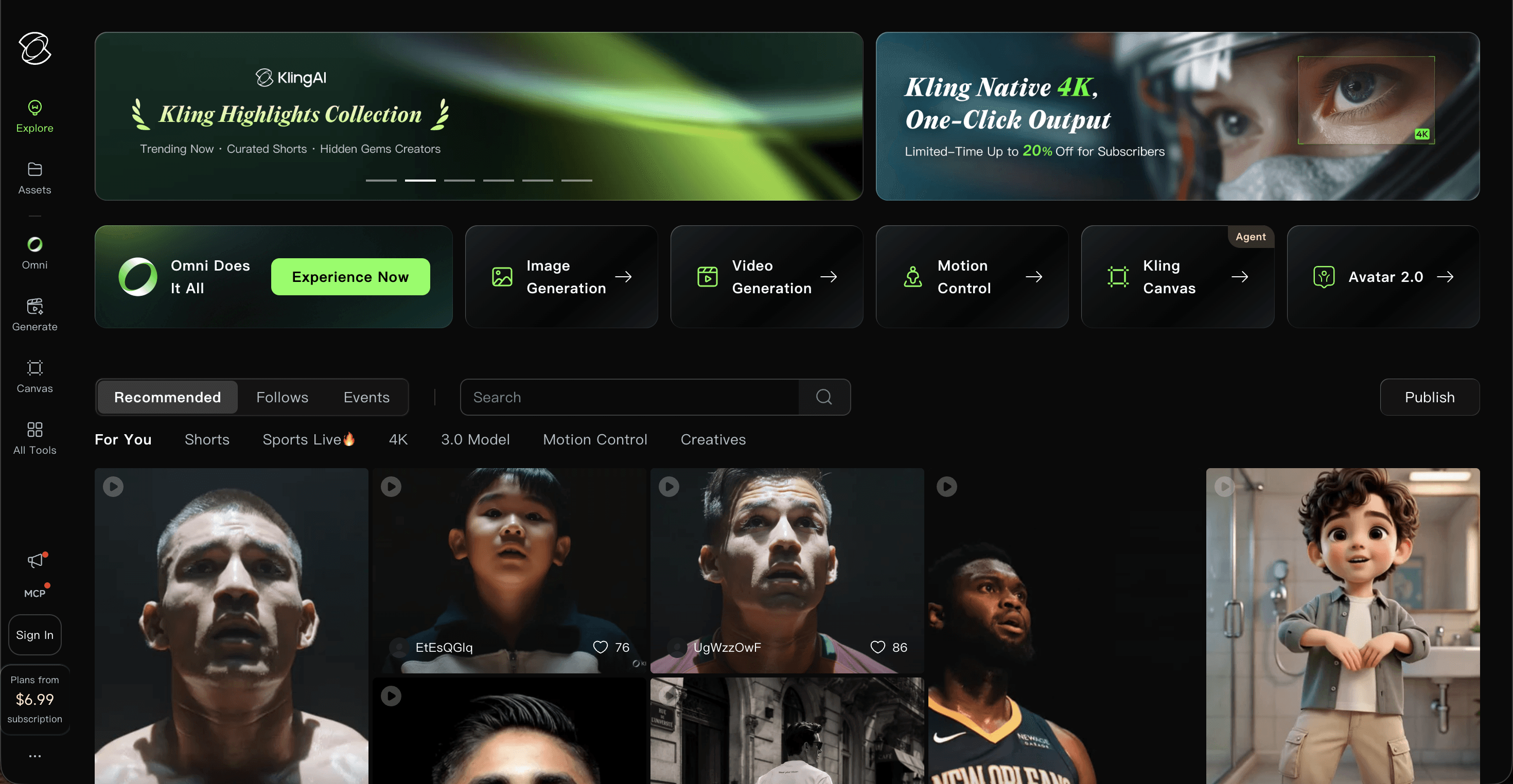
Kling, from Kuaishou, is known for some of the smoothest motion in AI video and strong realism, and it handles a colorful cartoon look well. Recent versions added native audio, which helps. For a kids series it lands in the middle. Motion and quality are excellent, character consistency is decent, and a free daily credit allowance lets you test. The credit math can get confusing, and higher quality modes use credits quickly.
Pros
Very smooth, natural motion that suits lively rhymes
Free daily credits to experiment
Native audio on newer models
Cons
Credit system is complex and can rise sharply at higher tiers
Character consistency is good but not series locked like a saved cast
Queue times and billing have drawn user complaints
Price: Free tier with daily login credits. Standard is about $10/mo, Pro about $37/mo, Premier about $92/mo, and Ultra about $180/mo. Learn more at kling.ai.
Verdict: Kling is worth a look if motion quality is your top priority and you will manage credits carefully. For an easy, repeatable kids series with a locked cast and built in singing, Atlabs is the smoother path.
5. Vyond, business animation
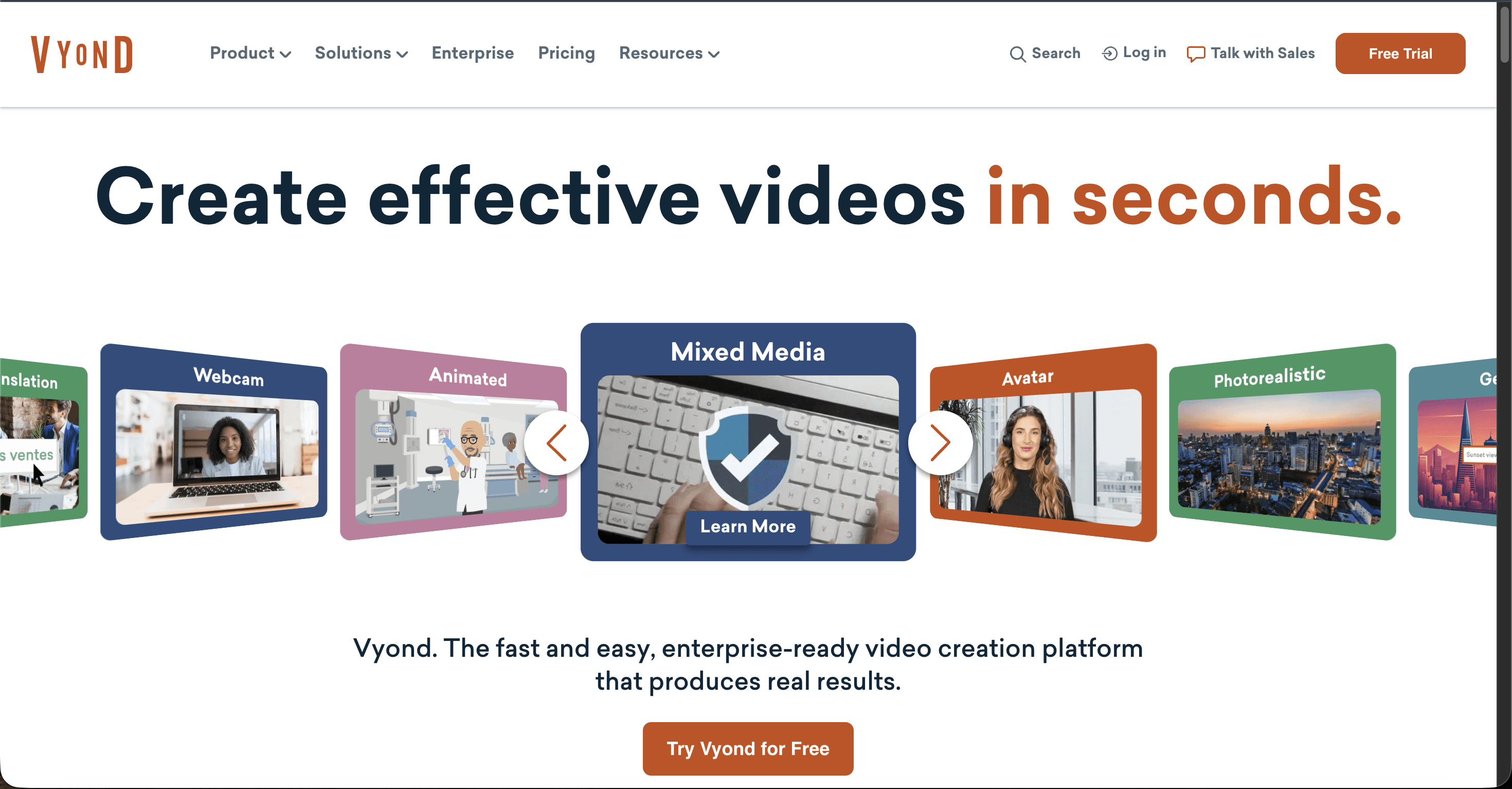
Vyond is a long running animation studio aimed at business, training, and explainer videos. It is strong at character driven animation, built in voiceover, and consistency, and many teams trust it. The catch for Cocomelon-style content is that Vyond's house look is flat 2D business animation, not the glossy 3D nursery rhyme style, and its pricing is built for companies, not hobby kids channels.
Pros
Reliable character animation with built in voice and lip sync
Strong consistency and brand controls
Mature, well supported platform
Cons
House style is 2D business animation, not the glossy 3D Cocomelon look
Priced per seat for businesses, the most expensive option here
More manual building than the prompt first AI tools
Price: Free trial only, and trial videos carry a watermark. Paid plans start at about $58/mo per user on annual billing (around $99 monthly), rising to roughly $100 to $199 per user for higher tiers, with Enterprise and Agency higher still and annual only. Learn more at vyond.com.
Verdict: Vyond is excellent for training and explainer cartoons, but for bright 3D nursery rhymes on a creator budget it is the wrong style and the wrong price. Choose it for corporate animation, not for a kids YouTube channel.
Watch the Atlabs tutorial
Want to see the kids workflow end to end before you start? The walkthrough below shows how to go from a rhyme idea to a finished, lip synced sing-along inside Atlabs, including picking a 3D cartoon style and saving a reusable cast.
How we scored
We judged each tool on five things that decide whether a kids channel can ship Cocomelon-style videos every week: the 3D cartoon style fit, how well characters stay consistent across episodes, built in singing voice and lip sync, ease of use for non animators, and value for money. Scores reflect hands on use and current public pricing as of June 2026. Prices and features change often, so treat the numbers as a snapshot and confirm on each tool's site.
FAQ
What is a Cocomelon-style video?
It is a bright, glossy 3D cartoon video built around nursery rhymes and simple sing-along songs for toddlers and young kids. The look is colorful and friendly, with rounded characters, cheerful music, and clear lip sync so children can follow the words.
Can I make Cocomelon-style videos with AI for free?
Yes, several tools have free options. Atlabs gives you a full video to try, and Pika and Kling offer free tiers with limited credits. Free plans are great for testing, but most channels move to a paid plan once they publish regularly and need watermark free, longer videos.
Which AI tool is best for a nursery rhyme or kids YouTube channel?
Atlabs is the best all round pick because it handles the cartoon visuals, a reusable character cast, singing voiceovers, and lip sync in one beginner friendly flow. Pika and Kling are good for quick clips, while Vyond suits business animation more than 3D kids content.
Do I need animation skills to make these videos?
No. Tools like Atlabs are built so anyone can start from a script or idea and get a finished animated video without After Effects or Blender. You describe what you want, pick a style, and the AI plans the scenes, characters, and motion for you.
The verdict
All five tools can produce parts of a kids video, but only one makes the whole sing-along from a single idea. For bright 3D nursery rhymes with a consistent cast and built in singing, Atlabs is the clear winner for creators on a sensible budget. Start free, save your cartoon cast, and ship your first Cocomelon-style rhyme today.








