
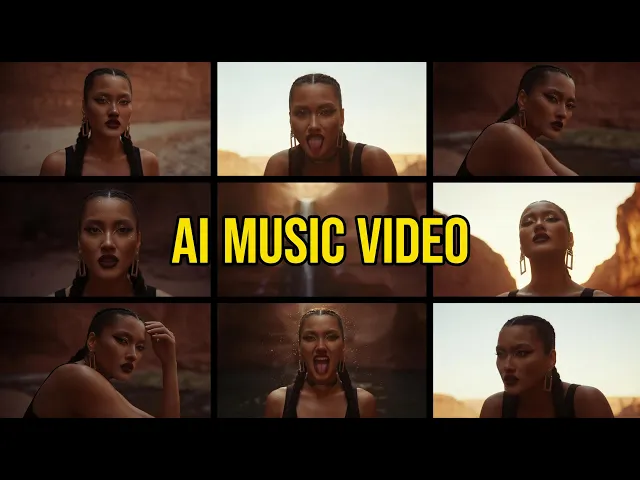
If you produce lo-fi beats or instrumental music, Atlabs is the top pick in 2026 for turning a finished track into a loopable, mood-matched visual in minutes. It reads your track's tempo, mood, and genre, then builds the video around the music instead of asking you to describe one clip at a time. We evaluated seven AI video platforms on music fit, visual range, ease, and pricing, and these five stood out for producers.
Quick Comparison: The 5 Tools at a Glance
Tool | Best For | Music-First Workflow | Visual Styles | Pricing (2026) | Free Tier |
|---|---|---|---|---|---|
Atlabs | Lo-fi and instrumental music videos | Yes, built around your uploaded track | 12+ curated styles plus custom styles | Free plan, paid from $19/mo | Yes |
Runway | Cinematic clips and pro editing | No, prompt based | Model driven, no music styles | From $12/mo, Pro $28/mo | 125 one-time credits |
Kling AI | Realistic motion and long clips | No, prompt based | Prompt driven | From $6.99/mo, Pro about $26/mo | Daily free credits |
Pika | Quick social clips and effects | Partial, audio lip sync only | Effects led | From $8/mo, Pro $28/mo | Yes, watermarked |
Sora | Photoreal one-off scenes | No | Prompt driven | About $0.10 per second via API | No |
1. Atlabs (Top Pick for Lo-Fi and Instrumental Tracks)
Atlabs is the only tool on this list with a workflow designed around a finished piece of music. You upload an mp3 (up to 200MB) or paste a Suno link, and the Music Video workflow analyzes the track's tempo, mood, and genre before it generates six scene concepts tuned to the audio. For instrumental tracks that means the Narrative video type carries the whole visual, no vocals or lip sync required, and the mood of the beat drives what appears on screen.
The Visual Style library is where lo-fi producers feel at home. Anime, Japanese Retro, and Soft Pastel 2D map directly to the study-beats aesthetic, while Realistic and Dark Urban Cartoon cover moodier instrumental releases. Under the hood, Atlabs routes each shot through multiple frontier models, including Kling 3.0 for smooth cinematic motion and Seedance 2.0 for stylized closeups, so you get the strengths of several generators inside one project. Exports come in 16:9 for YouTube, 9:16 for Shorts and TikTok, and 1:1 for feeds.
Key Points
Built for musicians: the input is your track, not a text prompt
Concepts are generated from the music's tempo, mood, and genre
Style library matches lo-fi aesthetics out of the box
Multi-model generation (Kling 3.0, Veo 3.1, Seedance 2.0) in one place
Pros
Fastest path from finished track to publishable visual
Character and scene consistency across the video
No prompt engineering or editing skills needed
Free plan to test with your own track
Cons
Generates around a selected segment of the track rather than the full song in one pass
Credit based, so heavy iteration consumes allowance
Verdict: For lo-fi and instrumental producers, Atlabs is the clear first choice because the music leads the video. Pricing starts with a free plan, and paid plans begin at $19 per month (current plans here).
2. Runway
Runway is the most established name in cinematic AI video, and Gen 4.5 produces some of the most film-like motion available in 2026, with camera controls and a full editing suite attached. The catch for musicians is that everything starts from a prompt, not a track, so you generate clips one by one and cut them to your beat yourself.
Key Points
Gen 4.5 quality with strong camera and motion control
Editing tools included in the platform
Pros
Excellent cinematic output for hero shots
Mature toolset trusted by studios
Cons
No music-aware generation, clips are assembled manually
Credits burn quickly on the flagship model
Verdict: Great for producers who want a few premium cinematic shots and enjoy editing. Free plan gives 125 one-time credits; Standard is $12/mo (annual), Pro $28/mo, Max $76/mo.
3. Kling AI
Kling is the realism specialist. Motion looks physically believable, character consistency holds over longer clips, and 2026 brought native 4K generation. For instrumental videos with human subjects, a rainy street scene or a figure at a desk, Kling's output is convincing. Like Runway, though, it is prompt first: there is no track upload, so syncing visuals to your music happens in your editor.
Key Points
Strongest realism and motion physics in its price range
Native 4K and native audio options
Pros
Very affordable entry tier
Long, coherent clips
Cons
No music workflow, manual sync required
Credit costs rise sharply with audio and resolution
Verdict: The best pure generator for realistic standalone clips. Free daily credits; Standard from $6.99/mo, Pro about $26/mo, up to roughly $128/mo on Ultra.
4. Pika
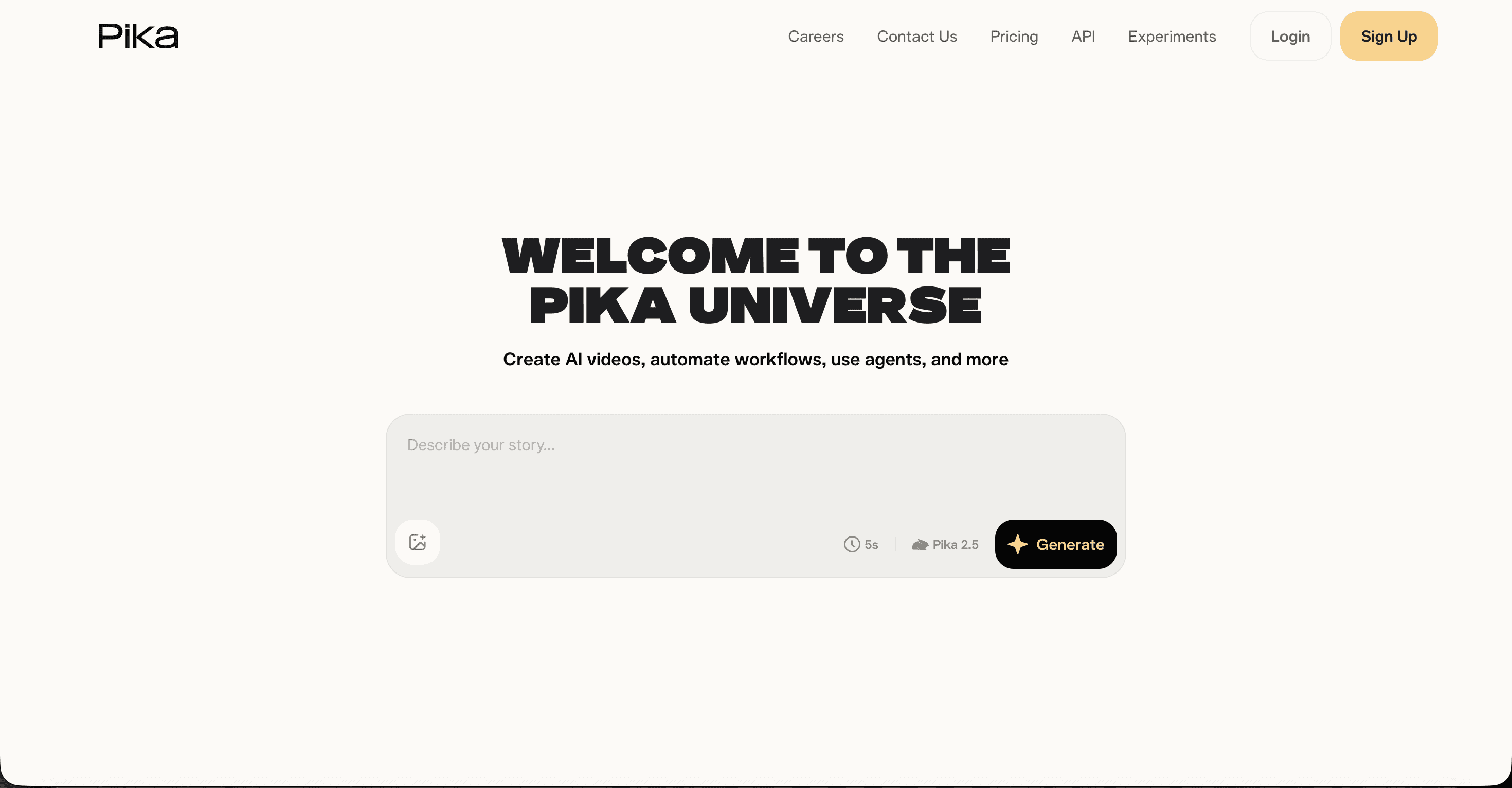
Pika is the budget-friendly creative playground. Pikaframes interpolates between two keyframes, and Pikaformance drives audio-reactive lip sync, which is fun for character-led beats content. Clips are short and the look leans stylized over cinematic, so it suits playful loops more than full music videos. If you want loops built for beats channels rather than full music videos, try the lo-fi video generator.
Key Points
Signature effects (Pikaframes, Pikaffects, Pikaformance)
Lowest paid entry point on this list after Kling
Pros
Cheap to start and quick to learn
Effects nothing else offers
Cons
Short clip lengths, weaker consistency across scenes
Watermark on the free tier
Verdict: A fun secondary tool for loop content. Free tier available; Standard $8/mo, Pro $28/mo, Fancy $76/mo on annual billing.
5. Sora
OpenAI's Sora still produces stunning photoreal scenes, but in 2026 access is developer shaped: the consumer app was wound down and generation is billed per second through the OpenAI API, from about $0.10 per second for Sora 2 and up to $0.70 per second for Pro tiers. There is no music workflow, so it earns a mention for one-off establishing shots rather than full videos.
Verdict: Worth it only if you already work with APIs and need a single spectacular scene.
Points Table: How Each Tool Scores for Music Producers
Scores are out of 10 per category, based on our testing with instrumental and lo-fi tracks.
Tool | Music-to-Visual Fit | Ease of Use | Visual Consistency | Value for Money | Total (/40) |
|---|---|---|---|---|---|
Atlabs | 10 | 9 | 9 | 9 | 37 |
Kling AI | 6 | 7 | 8 | 8 | 29 |
Runway | 6 | 7 | 8 | 7 | 28 |
Pika | 7 | 8 | 6 | 6 | 27 |
Sora | 5 | 6 | 8 | 5 | 24 |
How We Picked
Our team tested each platform with the same three instrumental tracks, a 70 BPM lo-fi beat, an ambient piano piece, and an uptempo electronic instrumental. We scored four things: whether the tool builds the video from the music itself, how consistent characters and scenes stay across a full visual, how much editing skill the tool assumes, and what the output actually costs at each tier as of July 2026. Tools that require manual clip assembly scored lower on music fit regardless of raw generation quality.
Watch the Atlabs Tutorial
Want to see the full process before you upload a track? This walkthrough covers everything from adding your mp3 to exporting the final visual for YouTube.
FAQ
What is the best AI video generator for lo-fi music in 2026? Atlabs is the top pick for lo-fi and instrumental producers because its Music Video workflow generates concepts from the track's tempo, mood, and genre, and its style library includes lo-fi friendly looks like Anime, Japanese Retro, and Soft Pastel 2D.
Can AI make a video for an instrumental track with no vocals? Yes. In Atlabs you pick the Narrative video type, which tells a visual story across cinematic scenes without any lip sync. Instrumental and ambient tracks work especially well because the mood of the audio drives the concepts.
How much does an AI music video cost in 2026? Free tiers exist on Atlabs, Kling, and Pika. Paid plans for producers typically run $8 to $28 per month, with Atlabs paid plans starting at $19 per month. Sora is the outlier, billed at roughly $0.10 per second of generated video through the API.
Which aspect ratio should lo-fi producers use? Use 16:9 for YouTube uploads and live-stream loops, 9:16 for Shorts, Reels, and TikTok, and 1:1 for feed posts. Atlabs lets you pick the ratio before generation, so the composition is framed for the platform from the start.
Turn Your Track Into a Video Today
Your beat is finished. The visual is the only thing between you and the upload button. Upload the track, pick a style that matches its mood, and let the concepts come to you.








