
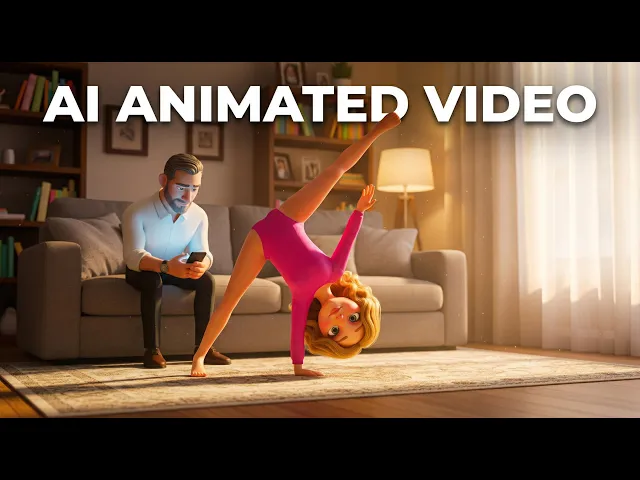
The best animated explainer video tool for dentists in 2026 is Atlabs, an AI platform that turns a written script about implants, braces, or whitening into a fully animated patient education video with recurring characters and natural voiceovers. Our team evaluated 12 animation platforms against the needs of a busy dental practice and shortlisted the five below. Every entry includes current pricing, a pros and cons list, and a clear verdict, so you can pick your tool before the next patient sits in the chair.
Quick Comparison: The 5 Tools at a Glance
Here is how the five tools differ on the things a dental practice actually cares about: price, speed to a finished video, and whether your friendly tooth mascot looks the same in video one and video twenty. Prices are the published rates as of July 2026 and can change, so confirm on each vendor's pricing page before buying.
Tool | Best for dentists who want | Starting paid price (July 2026) | Free plan | Consistent characters | Script to animation AI |
|---|---|---|---|---|---|
Atlabs | Complete animated explainers from a script, with a recurring cast | $15/month (billed annually) | Yes | Yes, reusable character library | Yes, full pipeline |
Vyond | Corporate style training and compliance animation | $58/month (billed annually, $699/year) | No, trial only | Manual, scene by scene | Partial (Vyond Go) |
Powtoon | Template based social clips and presentations | $15/month (Lite, billed annually) | Yes, watermarked | No | Partial, credit based |
Animaker | Budget friendly drag and drop DIY videos | $15/month (Basic, billed annually) | Yes, watermarked | No | Partial, credit based |
Doodly | Whiteboard sketch style explainers | $49/month ($490/year) | No | No | No, manual assembly |
1. Atlabs: Best Overall for Dental Explainer Videos
Key points
Atlabs is an agent led AI video platform, which means you paste a script like "what to expect during a root canal" into the Animated Video workflow and a creative agent plans the scenes, characters, and visual style for you. You pick from more than 20 visual styles, from soft storybook animation for pediatric patients to clean clinical illustration for implant consults, and the platform auto selects from frontier models like Veo 3.1, Kling, and Seedance 2.0 for each shot.
The feature that matters most for a dental practice is the reusable character library. Design a friendly dentist character or a tooth mascot once, save it, and it appears identical across your whole patient education series, from the whitening explainer to the braces aftercare video. Atlabs also exports in more than 40 languages with synced voiceovers, which is a real advantage for clinics serving multilingual communities, and it adds captions automatically so your videos still communicate on muted waiting room screens.
Pricing as of July 2026: a free plan with no credit card required, Lite at $15 per month billed annually with 20+ visual styles and videos up to 2 minutes, and Pro at $29 per month billed annually with 100+ AI models, character casting, lip sync, 1080p export, and videos up to 5 minutes.
Pros and cons
Pro: Script to finished animation with no editing skills or animation software required
Pro: Recurring characters stay visually identical across your entire patient education library
Pro: 40+ language export with synced voiceovers for multilingual patient bases
Pro: Automatic captions suit muted TVs in waiting rooms and social feeds
Pro: Free plan lets your practice test a full explainer before paying
Con: Credit based generation needs light budgeting in heavy production months
Con: Newer platform than legacy animation suites, so fewer third party tutorials exist
Verdict
Atlabs is the best fit for dentists who want a complete patient explainer, characters, scenes, voiceover, and captions, from nothing more than a script. At $15 to $29 per month it also undercuts most of this list while doing more of the work for you.
2. Vyond: Best for Corporate Style Training Animation
Key points
Vyond is the veteran of business animation, trusted by large enterprises for training and compliance video. Its Vyond Go feature drafts a script and rough video from a text prompt, and Vyond Studio gives you a deep drag and drop editor with a large library of business styled characters, scenes, and props. For a dental group producing staff onboarding or OSHA style training alongside patient content, that maturity shows. Pricing as of July 2026: no free plan, only a trial. The Starter plan is $699 per year (about $58 per month billed annually, or $99 month to month) and Professional is $1,199 per year.
Pros and cons
Pro: Polished, professional business animation styles that suit clinical credibility
Pro: Mature, deep editor with strong template and character libraries
Pro: Good fit for staff training and compliance content as well as marketing
Con: The most expensive tool on this list, priced per seat
Con: AI features draw from a monthly credit pool, so heavy use costs more
Con: Scene by scene manual building takes far longer than script driven AI generation
Verdict
Pick Vyond if your dental group has a real training budget and wants hands on control over every scene. For a solo practice that just needs patient explainers fast, the price and build time are hard to justify.
3. Powtoon: Best for Quick Template Based Clips
Key points
Powtoon built its name on approachable, template driven animation, and it remains one of the fastest ways to publish a simple animated clip about a new patient offer or a hygiene reminder. All paid plans remove the watermark, include commercial rights, and export full HD MP4s. Pricing as of July 2026: a free watermarked plan, Lite from about $15 per month billed annually ($49 month to month), and Professional around $40 per month billed annually ($99 month to month), with AI features metered by credits.
Pros and cons
Pro: Very friendly learning curve for front desk staff or a practice manager
Pro: Large template library speeds up social posts and reception screen loops
Pro: Free plan for testing before your practice commits
Con: Characters do not stay consistent between videos without careful manual work
Con: Full character customization and lip sync sit on higher tiers
Con: AI credits run out quickly for practices producing weekly content
Verdict
Powtoon suits dentists who mostly need short, template styled social clips rather than full narrative patient explainers. If character continuity across a video series matters, look further up this list.
4. Animaker: Best Budget DIY Option
Key points
Animaker is the budget pick, a drag and drop builder with a big library of characters, props, and templates that lets anyone assemble a serviceable animated video. Pricing as of July 2026: a free plan capped at 3 watermarked downloads and 2 minute videos per month, then roughly $15 (Basic), $25 (Starter), and $43 (Pro) per month on annual billing. One important detail for a dental practice: commercial rights are only reliably included at the Pro tier, so budget for that plan if the videos will market your clinic.
Pros and cons
Pro: Lowest realistic entry price for a paid animation plan
Pro: Big asset library covers most everyday dental marketing scenarios
Pro: Free plan is enough to storyboard an idea before paying
Con: Watermarks, download caps, and a 2 minute limit restrict the free tier
Con: Commercial rights gated behind the Pro plan
Con: Users report lag and rising real costs once premium assets are involved
Verdict
Animaker works for a practice testing the waters on a tight budget and willing to build videos by hand. Expect to spend time in the editor that an AI first platform would save you.
5. Doodly: Honorable Mention for Whiteboard Explainers
Key points
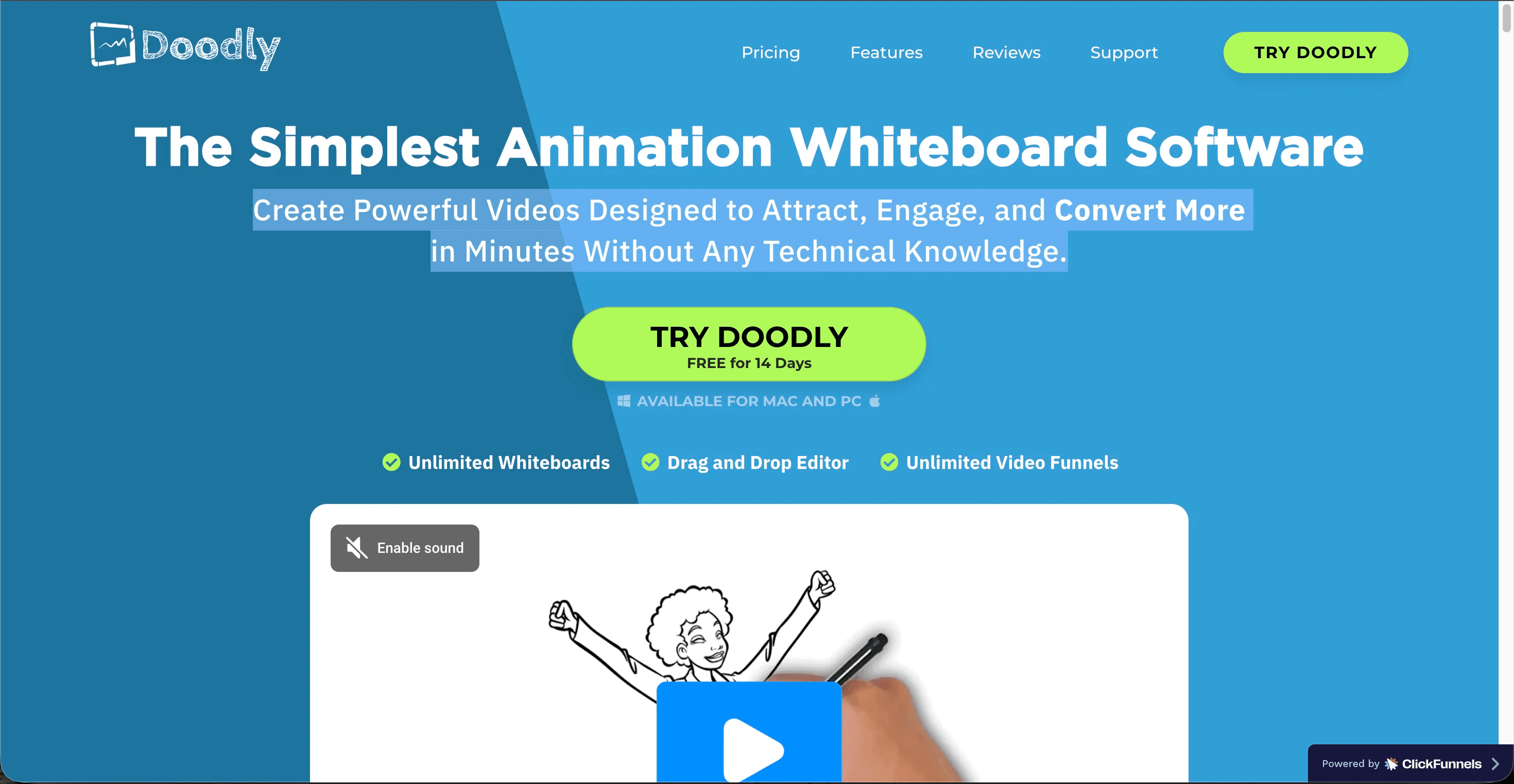
Doodly does one thing: hand drawn whiteboard, blackboard, and glassboard sketch videos, where an animated hand draws each element on screen. That style is a natural fit for step by step content like flossing technique or post extraction care instructions. Pricing as of July 2026: no free plan; Standard is $49 per month or $490 per year, and Enterprise is $79 per month or $790 per year, with color image packs sold as paid add ons.
Pros and cons
Pro: Distinctive sketch style that works well for step by step hygiene instructions
Pro: Simple drag and drop workflow with a large doodle image library
Con: Whiteboard style only, with no modern character animation
Con: Desktop software with slow rendering on longer videos
Con: Color assets and extras cost more on top of the subscription
Verdict
Choose Doodly only if the whiteboard sketch look is specifically what your dental brand wants. For everything else, the four tools above produce more modern results at a similar or lower price.
Scorecard: How the 5 Tools Rank for Dental Practices
We scored each tool out of 10 across the five criteria that matter most for patient education and practice marketing videos. The totals below match what we found after producing test explainers on the same root canal script in every platform.
Tool | Ease of use | Animation quality | Character consistency | Voiceover and languages | Value for money | Total (out of 50) |
|---|---|---|---|---|---|---|
1. Atlabs | 10 | 9 | 10 | 9 | 9 | 47 |
2. Vyond | 8 | 9 | 7 | 8 | 8 | 40 |
3. Powtoon | 9 | 7 | 6 | 7 | 8 | 37 |
4. Animaker | 8 | 6 | 5 | 7 | 8 | 34 |
5. Doodly | 8 | 5 | 4 | 5 | 7 | 29 |
Watch the Atlabs Tutorial
The fastest way to judge whether Atlabs fits your dental practice is to watch it build an explainer from a script in real time. The tutorial walks through writing the script, setting the visual style, casting a recurring character, and exporting with captions, all in under ten minutes. Follow along with your own procedure script and you will finish the video with the tutorial.
How We Picked
We tested each platform by producing the same 60 second root canal explainer from an identical script, then scored the results on five criteria: ease of use for non editors, animation quality, character consistency across a series, voiceover and language support, and value for money at July 2026 prices. Tools that required animation experience or produced inconsistent characters lost points, because a dental team's time belongs with patients, not in an editing timeline.
FAQ
What is the best animated explainer video tool for dentists?
Atlabs is the best overall pick for dentists in 2026. It turns a written script into a finished animated explainer with recurring characters, natural voiceovers, and automatic captions, starting at $15 per month billed annually with a free plan available.
How much do animated explainer video tools cost for a dental practice?
As of July 2026, entry prices range from $15 per month (Atlabs Lite, Powtoon Lite, Animaker Basic on annual billing) to $58 per month for Vyond and $49 per month for Doodly. Compare that with agencies, which commonly charge thousands of dollars for a single custom explainer video.
Can I make patient education videos in multiple languages?
Yes. Atlabs exports videos in more than 40 languages with synced voiceovers and subtitles, so one implant explainer can serve every language community your clinic treats. Most other tools on this list rely on manual re-recording or per language rebuilds.
Do I need animation skills to use these tools?
No. All five tools are built for non animators. Atlabs needs only a script, Powtoon and Animaker use drag and drop templates, Vyond offers a guided editor, and Doodly assembles sketch videos from a library. A practice manager or front desk team member can run any of them.
Get started
Your patients already watch videos to understand their treatment; the only question is whether those videos come from your practice or someone else's. Write one procedure script today, drop it into the Animated Video workflow, and publish your first dental explainer this week.









