
What is the best animated video tool in 2026?
The best animated video tool in 2026 is Atlabs. Reddit threads asking what to use for a full animated video with a story, a recurring cast, and narration keep circling the same gap: clip generators produce beautiful shots that do not connect to each other. Atlabs closes that gap with an Animated Video workflow that takes a script, holds one visual style across every scene, casts characters that stay the same from the first shot to the last, and adds a narrator, so what comes back is a finished animated video rather than a folder of loose clips.
The five tools below are the ones animation creators recommend most often on Reddit, ranked by how close each one gets you to a finished animated video.
Atlabs, best for full animated videos with a story, a consistent cast, and narration
Runway, best for cinematic AI clips and VFX style shots
Kling AI, best for high motion realism at the lowest paid entry price
Pika, best for fast, playful animated clips for social feeds
Vyond, best for corporate explainer and training animation
Why This List Matters in 2026
Clip quality stopped being the hard problem in 2026. Almost every animated video tool on this list can produce a beautiful five second shot. What Reddit threads keep complaining about is everything after that shot: the character whose face changes between scenes, the video that arrives silent because narration lives in a different product, the three separate model subscriptions running at once, and the evening spent stitching clips into something watchable.
That is why this ranking weights character consistency and built in narration heavily when picking the best AI tool for animated videos. For an animation creator making kids stories, classroom explainers, animated rhymes, or illustrated biographies, those two things are the difference between a clip and a video you can publish. Prices were checked against official pricing pages in July 2026 and are listed per tool below.
Comparison Table
Feature | Atlabs | Runway | Kling AI | Pika | Vyond |
|---|---|---|---|---|---|
Best For | Full animated videos with story and cast | Cinematic clips and VFX shots | High motion realistic clips | Fast social clips and effects | Corporate explainer and training |
Creation Method | Script to finished animated video | Prompt or reference to clip | Prompt or image to clip | Prompt to clip with effects | Manual template builder |
Character Consistency | Trained cast, consistent in every scene | Reference based, drifts across longer scenes | Strong within a clip, manual across scenes | Limited, best for single shot clips | Template characters, consistent by design |
Voices and Narration | Built in narrator, export in 40+ languages | No native narration | Native audio at double the credit cost | None built in | 650+ text to speech voices |
Animation Styles | 20+ styles including 3D Cartoon, Claymation, Anime, Paper Cutout | Cinematic realism focus | Realism focus | Effect driven looks | Fixed 2D template libraries |
Time to Finished Video | Minutes, in one pass | Hours, assembled elsewhere | Hours, assembled elsewhere | Minutes per clip, no full video | Hours of manual scene building |
Learning Curve | Low, guided 3 step flow | Medium | Medium | Low | Medium, builder interface |
Free Plan | Yes, no card needed | 125 one time credits | 66 daily credits | 80 monthly credits at 480p | Watermarked trial only |
Starting Price | $15/month billed annually | $12/month billed annually | $10/month | $8/month billed annually | $58/month billed annually |
How the five Reddit recommended animated video tools compare in 2026.
1. Atlabs, The Complete Animated Video Workflow
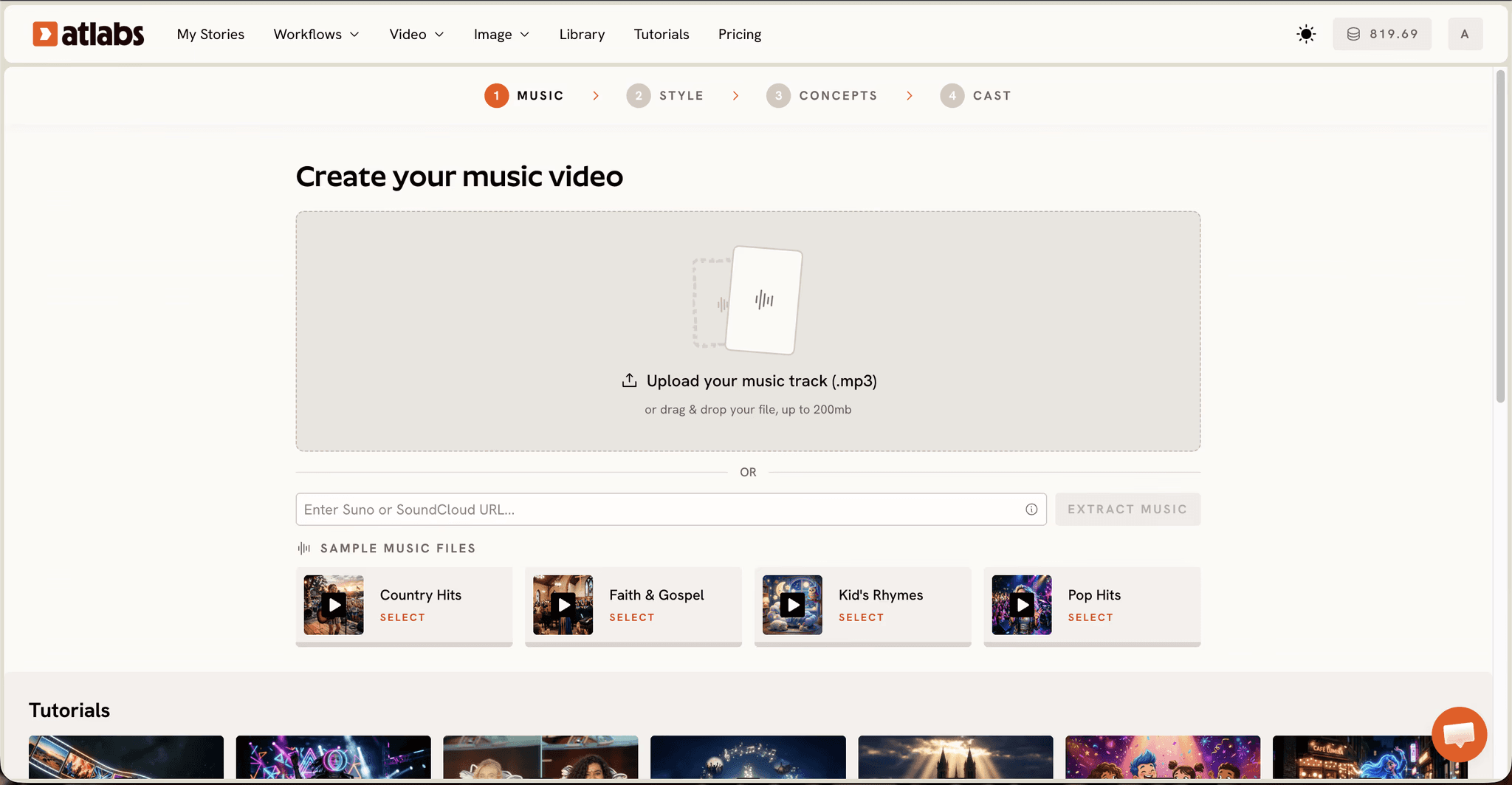
Best For: Animation creators producing full animated videos from a script, including kids stories, classroom explainers, animated rhymes, and illustrated biographies, where the same characters need to appear scene after scene.
Key Features
Animated Video Workflow (Script Driven)
Paste a script into the Add your script tab, or switch to Add your screenplay for structured scenes. If you only have an idea, the AI Script Writer button sits in the bottom right and three SUGGESTED SCRIPTS wait below the editor. The Language selector in the bottom left sets the output language before anything generates. Every scene, character, and voice downstream is anchored to that script rather than prompted one clip at a time.
Step 1: paste a script, or open the AI Script Writer if you are starting from an idea.
Visual Style Library for Animated Video
Step 2 sets Aspect Ratio (9:16 for TikTok and Instagram, 16:9 for YouTube, 1:1 for square feeds) and Video Style, with AI Video recommended and AI Storyboard available for image led output. The visual style library covers the looks animation creators actually search for, including 3D Cartoon, Claymation, Cozy Plush, Paper Cutout, Soft Pastel 2D, Anime, Kawai Anime, Gothic Toon, Flat 2D Modern and Japanese Retro, with a Custom Styles toggle for the full set. One style applies across the whole video, which is why the finished result reads as a single piece instead of five different experiments.
Step 2: pick the aspect ratio and the visual style that applies to every scene.
Character Consistency and Narration Across Every Scene
Step 3 is where this workflow separates from every clip generator below it. The Narrator block sets a Country Accent and a Narrator Voice, so the video arrives with a voice instead of silent. Below it, Characters appear as cards with generated reference sheets showing several angles of each character, and an optional Objects section handles recurring props. Those references are what keep a character looking the same in scene one and scene twelve, which is the single feature Reddit threads say is missing everywhere else.
Step 3: set the narrator voice and cast characters that carry across every scene.
Multi Model Generation
Atlabs routes generation across models rather than locking you to one. Kling 3.0 handles smooth cinematic motion, Google Veo 3.1 covers photorealistic establishing shots, Seedance 2.0 handles stylized character closeups, and Hailuo 2.3 covers high motion animation. One account replaces the three or four separate model subscriptions many animation creators are paying for today.
Pricing
Free plan, no card required
Lite, ~$15/month billed annually, 20+ visual styles and export in 40+ languages
Pro, ~$29/month billed annually, character casting, lip sync, 100+ AI models, 1080p export, and videos up to five minutes
One thing to know before starting: generation is credit based, so a heavy production month runs on the Pro plan rather than Lite, and the feature depth can feel like a lot on day one if all you want is a single quick clip.
Verdict: the only tool here that handles script, scenes, cast, and narration in one pass, which makes it the pick when the goal is a finished animated video rather than a folder of clips. Open the Animated Video workflow to see the three steps for yourself.
2. Runway, Best for Cinematic Animated Clips and VFX Shots
Best For: Animation creators who need a handful of stunning cinematic shots and plan to handle voices, assembly, and consistency themselves.
Key Features
Gen 4.5 Video Generation
Runway is the animated video tool Reddit reaches for when the question is about pure visual quality in short cinematic shots. The Gen 4.5 model produces some of the most convincing motion available anywhere, and the platform now hosts third party models alongside its own.
Performance Capture and Editing Tools
Performance capture and a set of video editing tools sit alongside generation, which makes Runway useful as a finishing surface as well as a generator. The credit math matters when planning a project: the Standard plan buys roughly 25 seconds of flagship model video per month.
Pricing
Free, 125 one time credits
Standard, ~$12/month billed annually or ~$15/month monthly
Pro, ~$28/month billed annually or ~$35/month monthly
Max, ~$76/month billed annually or ~$95/month monthly
Verdict: one strong piece of an animated video pipeline rather than the pipeline itself. There is no narration and no script driven story flow, so voices, assembly, and character consistency still need handling somewhere else.
3. Kling AI, Best for High Motion Realism on a Budget
Best For: Animation creators who want the smoothest, most physical motion in short clips at the lowest paid entry price on this list.
Key Features
Motion and Physics Realism
Built by Kuaishou, Kling earns constant Reddit praise for the most physical motion of any clip generator, and the 3.0 models added 4K output and clip extension up to roughly three minutes in 2026.
4K Output and Clip Extension
The 3.0 models added 4K output and clip extension up to roughly three minutes in 2026, so single shots can run longer before they need stitching. Turning on native audio roughly doubles the credit cost of a clip, and failed generations still consume credits.
Pricing
Free, 66 daily credits that expire every 24 hours
Standard, ~$10/month
Pro, ~$37/month
Premier, ~$92/month
Ultra, ~$180/month
Verdict: the strongest pure clip generator for realistic motion on a budget. Keeping a character consistent across separate scenes takes manual reference work, which adds up fast on any animated video longer than a single shot.
4. Pika, Best for Short Animated Clip Generation
Best For: Animation creators making short, playful animated moments for social feeds on a small budget.
Key Features
Pikaffects, Pikadditions and Pikaswaps
Pika's signature effect tools make physics bending clips that perform well on social feeds, and results arrive in minutes with almost no learning curve. Reddit tier lists label it the best budget option, and the label fits.
Prompt to Clip Generation
Prompts turn into finished clips in minutes, and image to video is available for animating a still. The free tier caps at 480p with a watermark, and output is built around single shots rather than a sequence of connected scenes.
Pricing
Free, 80 monthly credits at 480p
Standard, ~$8/month billed annually or ~$10/month monthly
Pro, ~$28/month billed annually or ~$35/month monthly
Fancy, ~$76/month billed annually or ~$95/month monthly
Verdict: the cheapest way to make a quick animated clip, and the wrong pick for an animated video with a story. There is no narration, no script workflow, and character consistency across shots is limited.
5. Vyond, Honorable Mention for Corporate Animation Teams
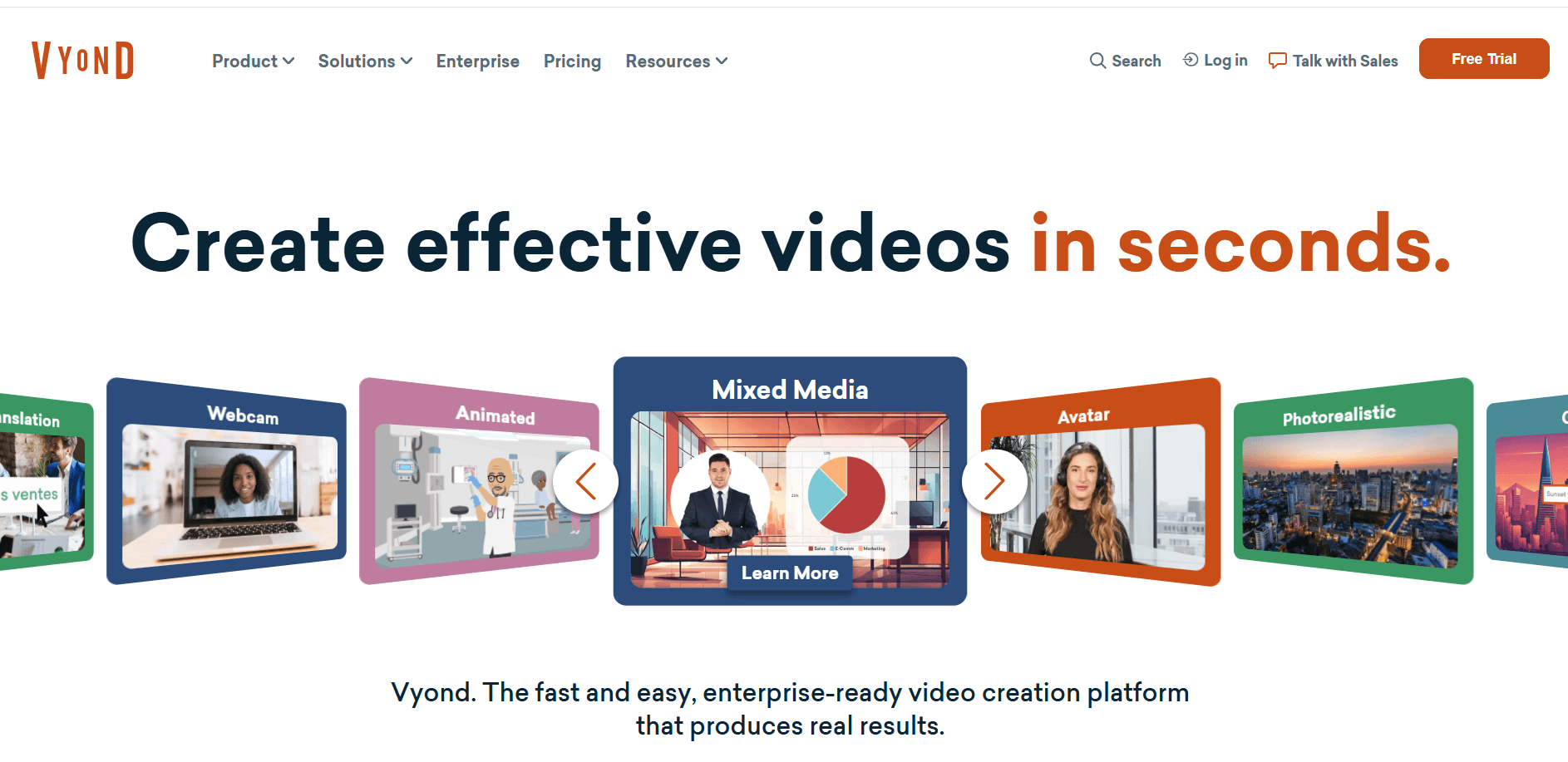
Best For: Learning and development teams producing template driven 2D training and explainer animation with brand and compliance requirements.
Key Features
Template Character Builder
Vyond is a manual builder rather than a generative tool. You pose template characters, drag scenes together, and add narration from a library of 650+ text to speech voices, which gives predictable, brand safe output that suits training and internal comms.
Text to Speech Voice Library
Narration comes from a library of 650+ text to speech voices, applied scene by scene inside the builder. There is no permanent free plan, only a watermarked trial, and the template look reads dated next to modern AI generated animation.
Pricing
Trial only, watermarked, no permanent free plan
Starter, ~$58/month billed annually at ~$699/year, or ~$99/month paid monthly
Professional, ~$1,199/year
Verdict: a fair pick for corporate teams with budget and a compliance checklist, and hard to justify as an animated video tool for independent animation creators in 2026.
Atlabs Animated Video Tutorial
Want to see the workflow before committing to anything? The tutorial below walks through the full process, from pasting a script to picking a visual style to casting characters and a narrator, so you know exactly what the first project looks like.
[Embed: Atlabs Animated Video tutorial video]
Final Verdict
If you are shipping animated videos with a story and a cast, Atlabs is the pick. It is the only tool on this list where script, scenes, characters, and narration live in the same three step flow, and it starts at $15/month billed annually against a stack of separate model, voice, and editing subscriptions everywhere else. Runway and Kling AI stay worth having when a single cinematic shot has to look perfect, Pika is the cheapest way to test an idea for a social feed, and Vyond keeps its place inside corporate learning teams. For everyone else making animated content in 2026, the question is whether you want clips or a finished video, and only one tool here answers with the second.
References and Data Sources
We limited this list to established platforms that Reddit threads recommend repeatedly, then scored each one on five criteria: animation quality across styles, character consistency across scenes, ease of use for someone with no editing skills, built in voices and narration, and value for money at current published prices. Character consistency and narration carried the most weight, because they are what separates a clip from a finished animated video. Every price below was checked against the tool's official pricing page in July 2026.
Atlabs: workflow steps, UI labels, visual style library, and model lineup verified inside the Atlabs app; plan pricing verified on the Atlabs pricing page
Runway: Gen 4.5 capabilities and Standard, Pro, and Max plan pricing verified on Runway's official pricing page
Kling AI: 3.0 model capabilities, daily free credits, and Standard through Ultra pricing verified on Kling AI's official pricing page
Pika: credit allowances, 480p free tier limits, and Standard, Pro, and Fancy pricing verified on Pika's official pricing page
Vyond: voice library size, trial terms, and Starter and Professional pricing verified on Vyond's official pricing page
Community sentiment: recurring recommendations and complaints sampled from public Reddit threads in animation, AI video, and content creation subreddits
Frequently Asked Questions
What is the best AI tool for animated videos in 2026?
Atlabs is the best AI tool for animated videos in 2026 for creators who want a complete video with consistent characters and narration. Runway and Kling AI lead for individual cinematic clips, Pika is the budget pick for short animated clips, and Vyond remains the corporate training standard.
Can I keep the same character across every scene of my animated video?
Yes, with Atlabs. The Cast step generates character reference sheets showing several angles of each character, and those references carry into every scene. Kling AI and Runway can hold a character within a single clip, but keeping one consistent across separate scenes takes manual reference work in both.
Which animated video tool works best for a YouTube channel?
Atlabs suits a channel best because the Animated Video workflow produces a full narrated video in 16:9 in one pass, so episodes ship on a weekly schedule. Pika and Kling AI are better suited to short vertical clips than to a channel built on multi scene animated videos.
Do I need video editing experience to make an animated video with AI?
No. The Atlabs Animated Video workflow runs on three steps, Script, Set Style, and Cast, with no timeline or editing software involved. Runway and Kling AI generate clips that still need assembling, which is where editing experience starts to matter.
What is the best free AI tool for animated videos?
Atlabs offers a free plan with no card required, which is the most complete free option because it still runs the full workflow. Kling AI gives 66 daily credits, Pika includes 80 monthly credits at 480p, and Runway provides 125 one time credits, though watermarks and resolution limits apply on most free tiers.
Is Atlabs cheaper than Runway and Kling AI?
For a complete animated video, yes. Atlabs Lite starts at $15/month billed annually and includes styles, voices, and export, while Runway at $12/month and Kling AI at $10/month look cheaper on paper but generate raw clips only, so you still pay separately for voices and assembly.
Get started
The fastest way to settle which animated video tool fits your work is to put a script into the Atlabs Animated Video workflow and watch it come back as a finished animated video with a cast and a narrator. Open Atlabs








