
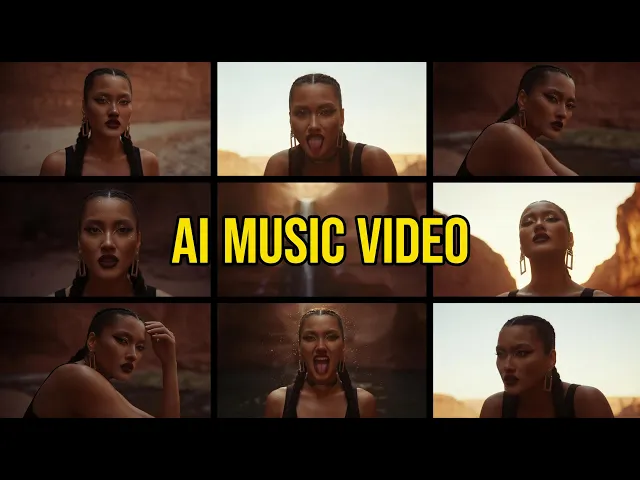
The best Freebeat alternative for indie artists in 2026 is Atlabs, because it takes the same input, a finished track, and returns a full music video with a consistent cast, six ready made concepts and a frame level editor you can actually use after generation. Freebeat is still quick for beat synced clips. It is the credit burn, the watermarked free tier and the thin post generation control that push artists to look elsewhere. Below are the five highest ranking alternatives, scored, priced and compared.
The Five Best Freebeat Alternatives Compared at a Glance
This table covers what an indie artist checks before committing a release to a tool: what the tool takes as input, how well it holds a character across scenes, how much control is left after the first render, and what the entry plan costs. Pricing is verified as of July 2026 and moves often, so confirm on each site before you subscribe.
Feature | Atlabs | Kling | Runway | Luma | Pika |
|---|---|---|---|---|---|
Best for | Full music videos with a consistent cast and real editing control | Motion realism and human performance shots | Cinematic hero clips with camera control | Photoreal motion and physics | Stylised short social clips |
Takes your song as the input | Yes, mp3 upload or Suno link | No | No | No | No |
Concept and shot planning done for you | Yes, six generated concepts per track | No | No | Storyboard mode on higher tiers | No |
Model choice per shot | 50 plus models including Kling 3.0, Veo 3.1, Seedance 2.0, Hailuo 2.3 | Kling models only | Runway models only | Ray models plus some third party models | Pika models only |
Character consistency across scenes | Reusable character library with reference sheets | Good within a clip | Reference images, manual setup | Ray3 character reference, manual | Limited |
Scene level editing after generation | Yes, frame level editor | Clip extension only | Timeline tools, manual | Regenerate or edit externally | Minimal |
Lip sync for vocal sections | Yes, built in | Yes | Limited | No native audio | Limited |
Aspect ratios for release | 9:16, 16:9, 1:1 | Multiple | Multiple | Multiple | Multiple |
Free entry point | Free trial, no credit card | Free daily credits, watermark | Free one time credits | Free tier, watermark, no commercial use | Free signup credits |
Entry paid plan | Lite 15 USD per month | Standard about 7 to 10 USD per month | Basic 12 USD per month | Plus about 30 USD per month | Standard 8 USD per month |
Commercial rights on entry paid plan | Yes | Yes | Yes | Yes | No, Pro tier at 28 USD needed |
Table 1. Side by side feature comparison of the five Freebeat alternatives, verified July 2026
Why Indie Artists Are Switching Away From Freebeat
Three reasons come up repeatedly in artist reviews through 2026. The first is credit consumption. Every stage of the agent flow spends credits, and regenerating a single weak clip spends them again, so a four minute release can cost far more than the plan headline suggested. The second is billing friction. The entry plan bills weekly rather than monthly, the free tier ships a watermark, and multiple reviewers report the cancellation control sits buried in the billing panel. The third is control after generation. Freebeat plans the video for you, which is the point, but when one verse lands wrong your options narrow to regenerating and paying again rather than editing the shot in place.
None of this makes Freebeat a bad tool. It makes it a tool built for speed on short clips rather than for artists shipping full releases every month. If that gap matches yours, the five alternatives below are worth a look.
1. Atlabs, the Best Freebeat Alternative Overall
Key points
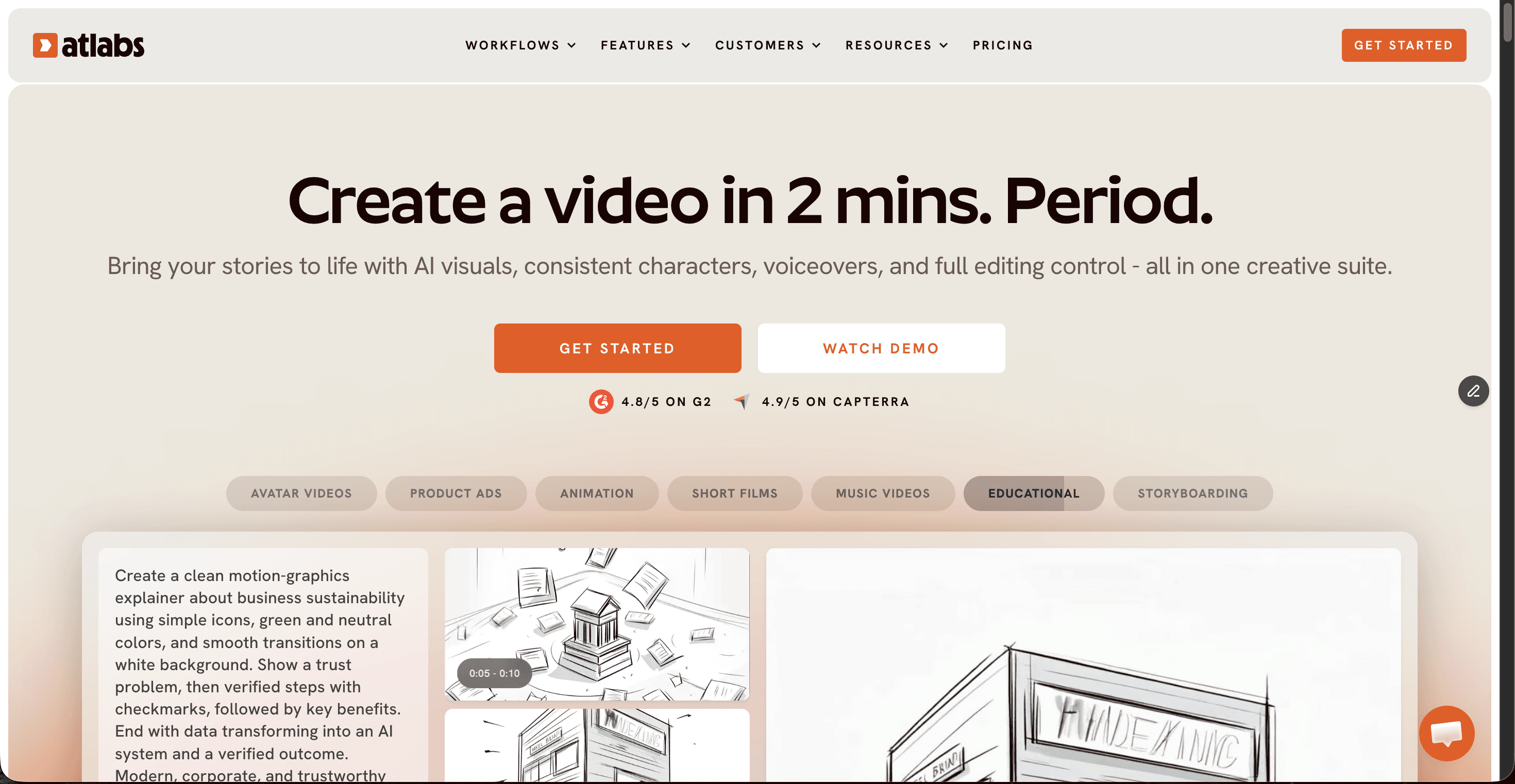
Atlabs is a multi model AI video platform where your song is the starting input. You upload an mp3 or paste a Suno link in the Music Video workflow, pick the segment of the track you want to visualise, and the platform reads tempo, mood and genre to generate six scene concepts you can pick from or rewrite. Characters are built as reference sheets and stored in a reusable library, so the same artist figure carries across every scene of a track and across future releases. Because Atlabs routes shots across Kling 3.0, Veo 3.1, Seedance 2.0, Hailuo 2.3 and Wan 2.6, you are not locked to whatever one lab shipped last quarter. Finishing tools including Lip Sync, Motion Control, Reframe and Upscale sit in the same account, so a 16:9 YouTube master and a 9:16 vertical cut come from one project.
Pricing as of July 2026: free trial with no credit card, Lite at 15 USD per month, Pro at 29 USD per month, Plus at 59 USD per month and Max at 189 USD per month, with roughly 25 percent off on annual billing. Commercial rights are included from the entry plan.
Pros
Takes a finished track as the input, so no separate cutting session is needed
Reusable character library keeps your artist figure identical across scenes and releases
Access to 50 plus models from one subscription instead of four separate accounts
Frame level editor means a weak shot gets fixed rather than regenerated from scratch
Free trial with no credit card, and commercial rights on the entry plan
Cons
The concept and cast setup asks for a few creative decisions, so it is slower than a one click render
Credit based generation still rewards planning your shots before you generate
Verdict
Atlabs is the pick if you release music regularly and want the video to look like the same artist made it every time. It matches Freebeat on audio first input and beats it on cast consistency, model range and what you can change after the render.
2. Kling, Best for Motion Realism
Key points
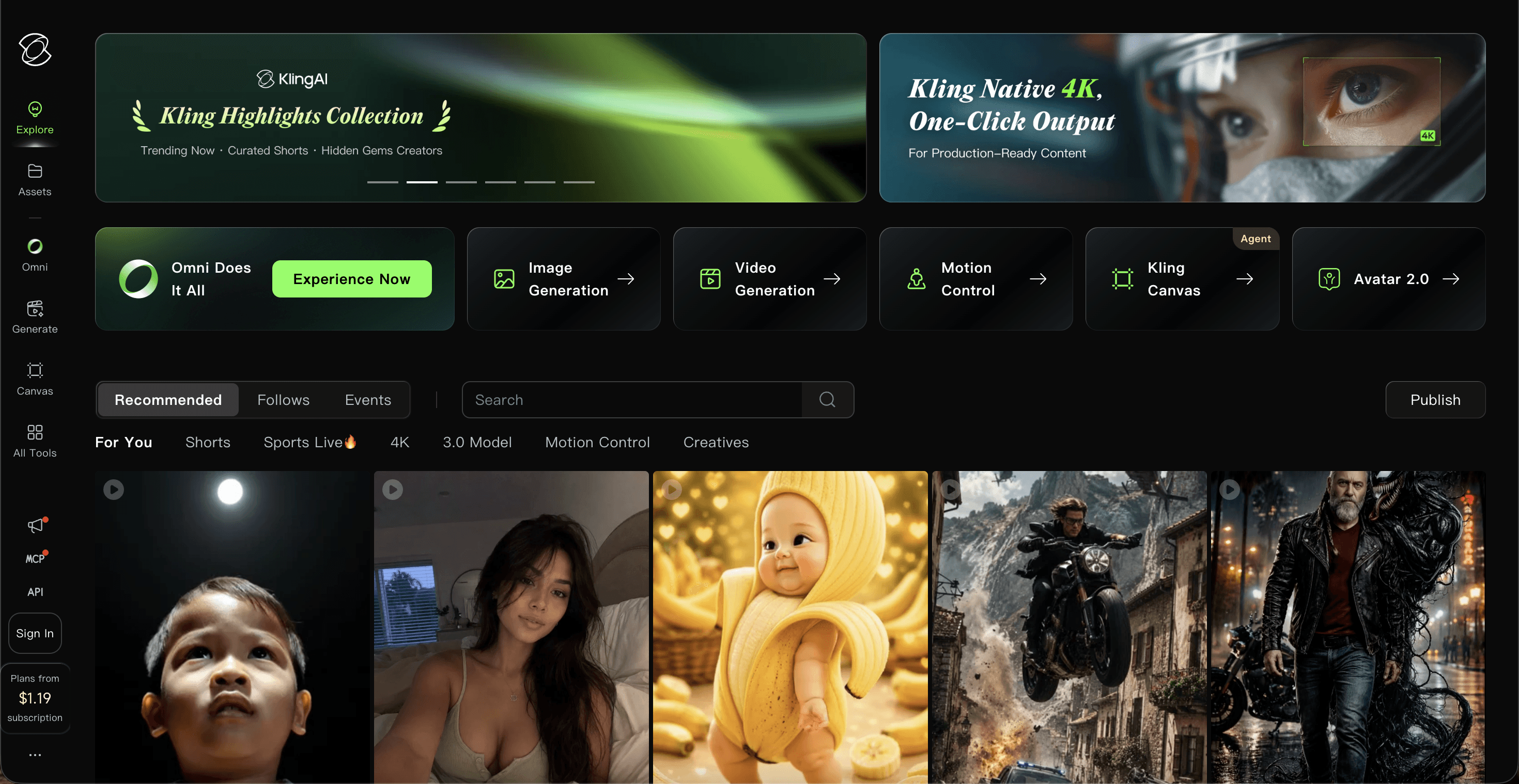
Kling 3.0, released in February 2026, holds top rankings on independent video model benchmarks and renders human faces, skin texture and body motion better than most of the field. Motion Control style transfer from a reference clip is a real advantage for performance and dance shots. What it does not do is read your song. There is no audio input, no beat detection and no song structure analysis, so you generate clips and cut them to the track yourself.
Pricing as of July 2026: free tier with daily credits and watermarks, Standard from about 7 to 10 USD per month, Pro at about 26 to 37 USD per month and Premier from about 65 USD per month, with commercial rights from the entry paid plan.
Pros
Top ranked motion realism and facial rendering in 2026 benchmarks
Strong price to quality ratio at the Standard and Pro tiers
Commercial rights from the cheapest paid plan
Cons
No audio input, so every cut to the track is manual
Credits burn fast at 1080p and longer durations
One model family only, with no routing across other engines
Verdict
Pick Kling when a single hero shot has to look real, then bring the clip into a music first tool for assembly. It is a shot generator rather than a music video tool.
3. Runway, Best for Cinematic Single Clips
Key points
Runway is the most established name in the category and its Gen 4 line still produces some of the cleanest cinematic clips available, with motion brushes and camera controls that give directors real shot level command. For music videos the same limitation applies as Kling: audio is not an input during generation, so beat alignment happens in your editor afterwards.
Pricing as of July 2026: free one time credits, Basic at 12 USD per month, Standard at 28 USD per month, Pro at 76 USD per month and Unlimited at 188 USD per month.
Pros
Cinematic clip quality with fine camera and motion control
Unlimited generation tier suits very high volume output
Deep post production toolset beyond generation alone
Cons
No audio driven generation, so music sync is fully manual
Credit pricing climbs quickly on Gen 4 at 1080p
Monthly credits do not roll over on subscription plans
Verdict
Choose Runway if your video is built around a handful of hero shots and you already work in a timeline editor. Skip it if you want the song to drive the edit.
4. Luma, Best for Photoreal Motion and Physics

Key points
Luma, powered by the Ray3 model line, renders motion physics and lighting with a realism that suits moody performance shots and slow cinematic pushes. Third party models including Veo 3.1, Kling and Seedance sit inside the same workspace, which gives it more range than a single model tool. For music work the gap is the same as the rest of this group, there is no audio input and no native audio output, so beat alignment is your job in an editor afterwards. Ray3 supports character reference across shots, though setting it up is manual rather than a stored cast.
Pricing as of July 2026: free tier at 720p with a watermark and no commercial use, Plus at about 30 USD per month, Pro at about 90 USD per month and Ultra at about 300 USD per month, with roughly 20 percent off on annual billing.
Pros
Excellent physics, lighting and photoreal motion
Third party models available inside one workspace
Character reference support on the Ray3 model for multi shot narratives
Cons
Free tier blocks commercial use, so a paid plan is required for any release
No audio input and no native audio output
Entry paid plan starts higher than Kling, Runway or Pika
Verdict
Luma suits artists chasing a photoreal look on a few standout shots. It is an expensive way to build a full video, so use it for the moments that carry the track.
5. Pika, Best Low Cost Entry Point
Key points
Pika is the cheapest way into AI video and the most playful, with effects driven output that suits lyric snippets, teasers and social cutdowns more than full releases. Clip length caps around ten seconds without extension, and the entry plan ships a watermark with no commercial rights, which matters the moment you monetise a release.
Pricing as of July 2026: free credits on signup, Standard at 8 USD per month with a watermark and no commercial use, and Pro at 28 USD per month for commercial rights and clean exports.
Pros
Lowest entry price of the five tools
Fun effects library that performs well on short form social
Fast generation with a shallow learning curve
Cons
No commercial rights until the 28 USD Pro tier
Clip length caps around ten seconds
No audio input and the weakest character consistency in this list
Verdict
Use Pika for teasers and social cutdowns on a tight budget. It is not built to carry a full release.
The Points Table: How the Five Tools Score
Each alternative is scored out of ten on five criteria that decide whether a music video ships or stalls. Music sync measures whether the track drives the cut. Character consistency measures whether your artist or lead figure survives across every scene. Model range measures how many generation engines you can reach from one account. Editing control measures what you can fix without regenerating from zero. Value for money weighs the entry plan against what you actually get on it.
Rank | Tool | Music sync | Character consistency | Model range | Editing control | Value for money | Total |
|---|---|---|---|---|---|---|---|
1 | Atlabs | 9 | 10 | 10 | 10 | 9 | 48 / 50 |
2 | Kling | 5 | 8 | 6 | 7 | 8 | 34 / 50 |
3 | Runway | 5 | 8 | 6 | 8 | 6 | 33 / 50 |
4 | Luma | 4 | 7 | 7 | 6 | 6 | 30 / 50 |
5 | Pika | 4 | 6 | 5 | 5 | 7 | 27 / 50 |
Table 2. Scored points table out of 50, verified July 2026
Watch the Atlabs Music Video Tutorial Before Your First Render
If you are moving a release across from Freebeat this week, the tutorial covers the parts that decide output quality, choosing the right segment of your track, picking a visual style that suits your genre, and building a cast you can reuse on the next single. Watch it once, then keep it open on a second screen for your first render.
Moving Your Releases Across From Freebeat
The switch is smaller than it looks because both tools start from the same asset. Export the master you were already feeding Freebeat, or copy the Suno link if that is where the track lives, and bring it straight into the Music Video workflow. Rebuild your artist figure once as a character in the Atlabs library, and every future single reuses it rather than starting from a fresh face. Keep your first Atlabs render short, one verse or one chorus, so you can compare it against your last Freebeat output before you commit a full track. Most artists find the difference shows up in scene two, where the cast stays put.
Frequently Asked Questions
Is Atlabs a good alternative to Freebeat for indie artists?
Yes. Both accept a finished track as the starting input, so the switch is direct. Atlabs adds a reusable character library, six generated concepts per track and a frame level editor, which matters most on releases longer than a single hook.
What does Atlabs cost compared to Freebeat?
Atlabs runs a free trial with no credit card, then Lite at 15 USD per month, Pro at 29 USD, Plus at 59 USD and Max at 189 USD. Freebeat runs a watermarked free tier, Basic at 4.99 USD per week and Pro at about 26.99 USD per month. Weekly billing on Freebeat works out higher across a year than a monthly Atlabs plan at a similar tier.
Can I use Kling, Runway, Luma or Pika to make a full music video?
You can generate the shots, but none of the four accept your song as the generation input. You cut the clips to the track yourself in a separate editor, which adds hours per release.
Do I need editing experience to switch away from Freebeat?
No. Atlabs plans the shot list and cast for you from the track you upload, and the editor is built for musicians rather than post production teams.
Final Verdict
Freebeat earns its reputation on beat detection, and if short clips are all you ship, it still does that job. For indie artists releasing full tracks on a schedule, Atlabs is the better fit, because the song is still the input but the cast holds, the model range is wider and a weak shot can be edited rather than paid for twice. Kling, Runway and Luma remain the right call for single hero shots, and Pika is the cheapest way to test the water. Start with one verse and judge the result yourself.








