Who This Guide Is For
AI video in 2026 is no longer niche. But the right tool depends entirely on what you're building and what's blocking you right now. Here are the four creator personas this guide speaks to directly:
🎬 Solo Content Creator "I need consistent characters across a 20-episode series but every tool forgets the face between clips." | 📣 Performance Marketer "I need 30 product ad variants this week. I can't wait 3 days for a video agency." |
🎓 Course Creator / Educator "I want an AI teacher avatar that looks and sounds the same in every lesson in English and Spanish." | 🎥 Indie Filmmaker "I want cinematic quality without a $5,000 camera setup. But I also need the workflow, not just a clip." |
If you recognize yourself in any of these, keep reading. Every tool in this guide is evaluated through these four lenses not just visual quality benchmarks.
Why are Creators looking for Veo3 Alternatives
Veo 3 made headlines for good reason native audio generation, photorealistic motion, lip-synced dialogue. But the creator community hit four walls almost immediately:
The loudest conversation on X right now isn't about which model renders the most realistic water splash. It's about which platform lets a solo creator go from idea → script → video → publish in the same place, without a team.
That's the real gap. That's what this guide is designed to close.
🏗️ 1. Atlabs End-to-End AI Video Platform Script to Publish, In One Place |
Best for | Content creators who need the full production pipeline, not just clip generation |
Pricing | Free trial · Paid from $15/month |
Access | Global no geographic restrictions |
Unique edge | Character consistency locked at platform level · 40+ language localization · 50+ visual styles |
What Atlabs.ai Actually Does
Atlabs is built differently from every other tool in this list. While Runway, Sora, Kling, and Luma all hand you a clip, Atlabs hands you a workflow. It's the only platform here that covers the full production stack:
AI Script Writer → generate or paste your script
Scene Breakdown → Atlabs auto-splits your script into storyboard scenes
Visual Generation → 50+ styles, custom brand models, consistent characters
AI Voiceover & Lip Sync → ultra-realistic voices, auto-synced to your character
Captions, Music, Reframing → everything for publish-ready output
1-Click Localization → 40+ languages without re-recording
Export to MP4 or Premiere Pro
Inside the Atlabs Workflow: Step by Step
Here's what a typical session looks like inside the platform for a YouTube creator building an AI-hosted explainer series:
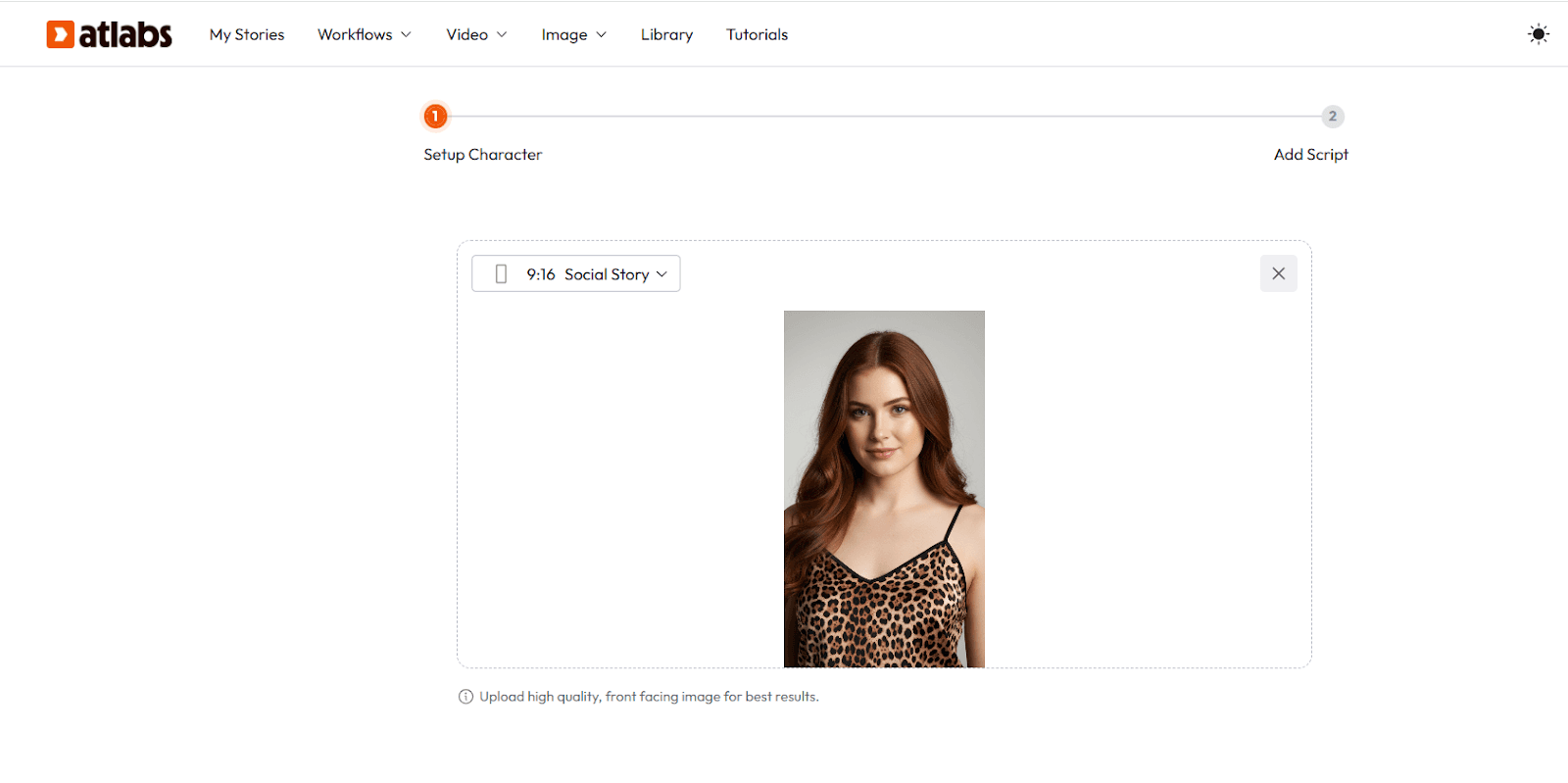
Step 1: Select the Character
Choose the character or creator who will represent the ad. This could be a relatable UGC-style creator who feels natural on camera and matches the brand vibe. The character should look comfortable applying makeup and speaking casually, as the goal is to make the ad feel authentic rather than overly polished.
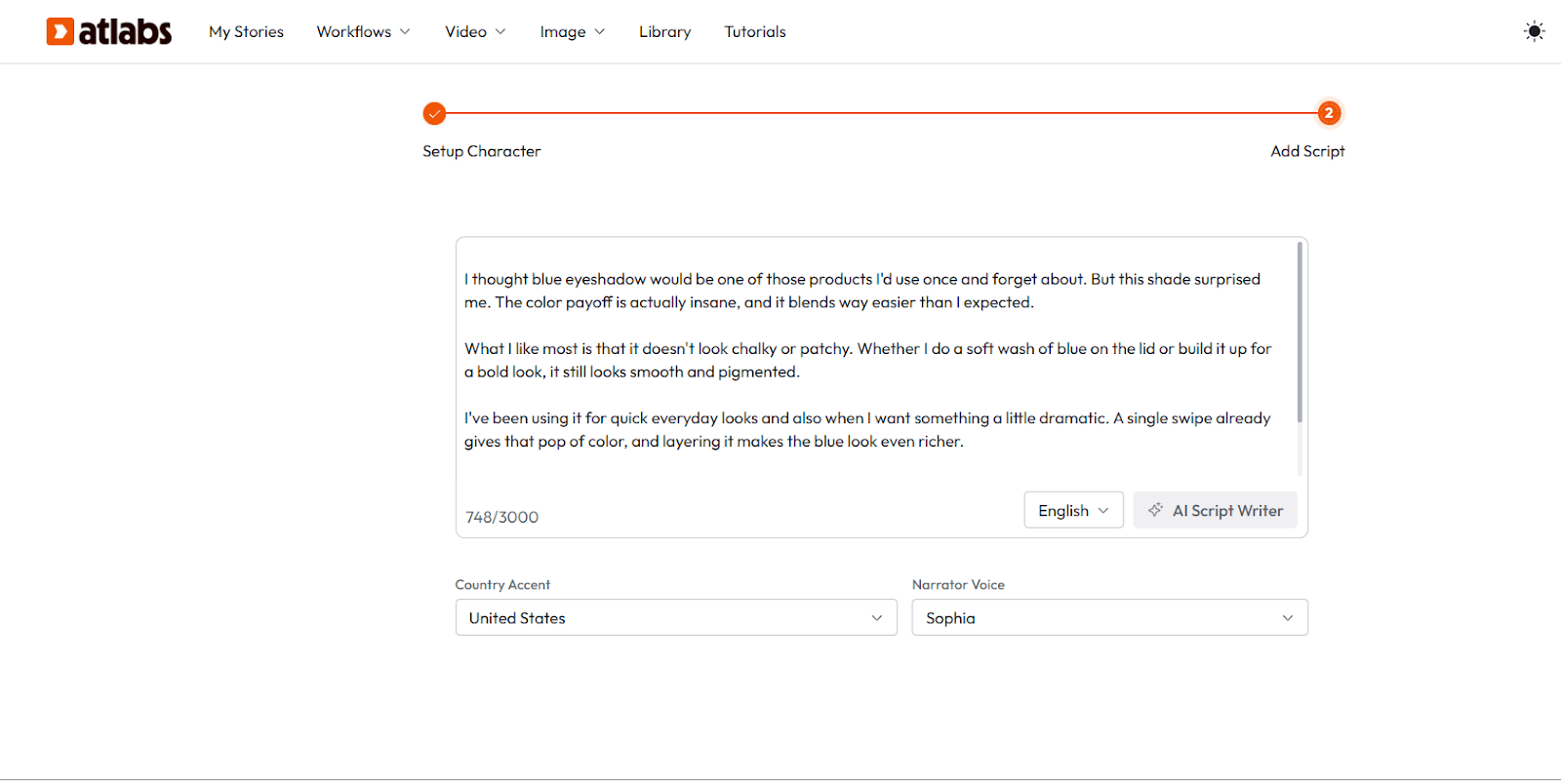
Step 2: Write the Script
Create a short script focused on the blue eyeshadow product. Start with a hook that grabs attention in the first few seconds, then show the creator applying the eyeshadow while talking about the color payoff, blendability, and the final look. Keep the script simple, conversational, and around 20–30 seconds so it works well for social media ads.
Step 3: Edit the Video and Add Captions
After recording, edit the clips to keep the pacing quick and engaging. Trim
Female tech presenter, late 20s, South Asian appearance, shoulder-length straight black hair, dark brown eyes, warm olive skin tone, minimal
Atlabs Prompt Guide: Get the Most Out of the Platform
The difference between generic AI video and polished, on-brand content often comes down to how you prompt. These examples are designed for real Atlabs use cases:
Character Creation Prompt (for a Consistent AI Host)
✦ AI Host - Tech YouTube Channel makeup, wearing a slate-grey structured blazer over a white crew neck tee. Confident but approachable expression. 3D cinematic animation style, soft studio key light from camera left, 35mm lens equivalent, medium close-up. No logo, no jewellery changes, maintain exact facial geometry across all scenes. |
Scene Prompt (for a Product Ad)
✦ Product Ad Scene - Skincare Brand Cinematic close-up of a minimalist skincare bottle on a white marble surface. Golden hour light enters from top-right, casting soft warm shadows. A woman's hand (consistent character: warm olive skin, no nail polish) gently picks up the bottle. Slow push-in camera move. 4K photorealistic render, shallow depth of field, bokeh background. No text overlays. Calm, premium aesthetic. |
Script Prompt (for AI Script Writer)
✦ Educational Video Script - 60 seconds Write a 60-second explainer script for a consistent AI teacher character named 'Nova' teaching middle school students about how photosynthesis works. Tone: warm, clear, slightly playful. Structure: hook (10s) → core concept in 3 steps (35s) → memorable closing analogy (15s). Avoid jargon. End with a curiosity question for the viewer. |
Localization Prompt (for multilingual content)
✦ 1-Click Localization - Spanish Dubbing In the Export panel → Translate Video → select Spanish (Latin American) → keep original character voice style → auto lip-sync to Spanish audio. Output: MP4 with Spanish captions embedded, matched to original scene timing. |
🎞️ 2. Runway Gen-4.5 Cinematic Clip Generation, The Filmmaker's AI |
Best for | Filmmakers and video editors who need cinematic-quality individual clips |
Pricing | Free tier · Paid from $12/month |
Access | Global |
Clip length | Up to ~10 seconds |
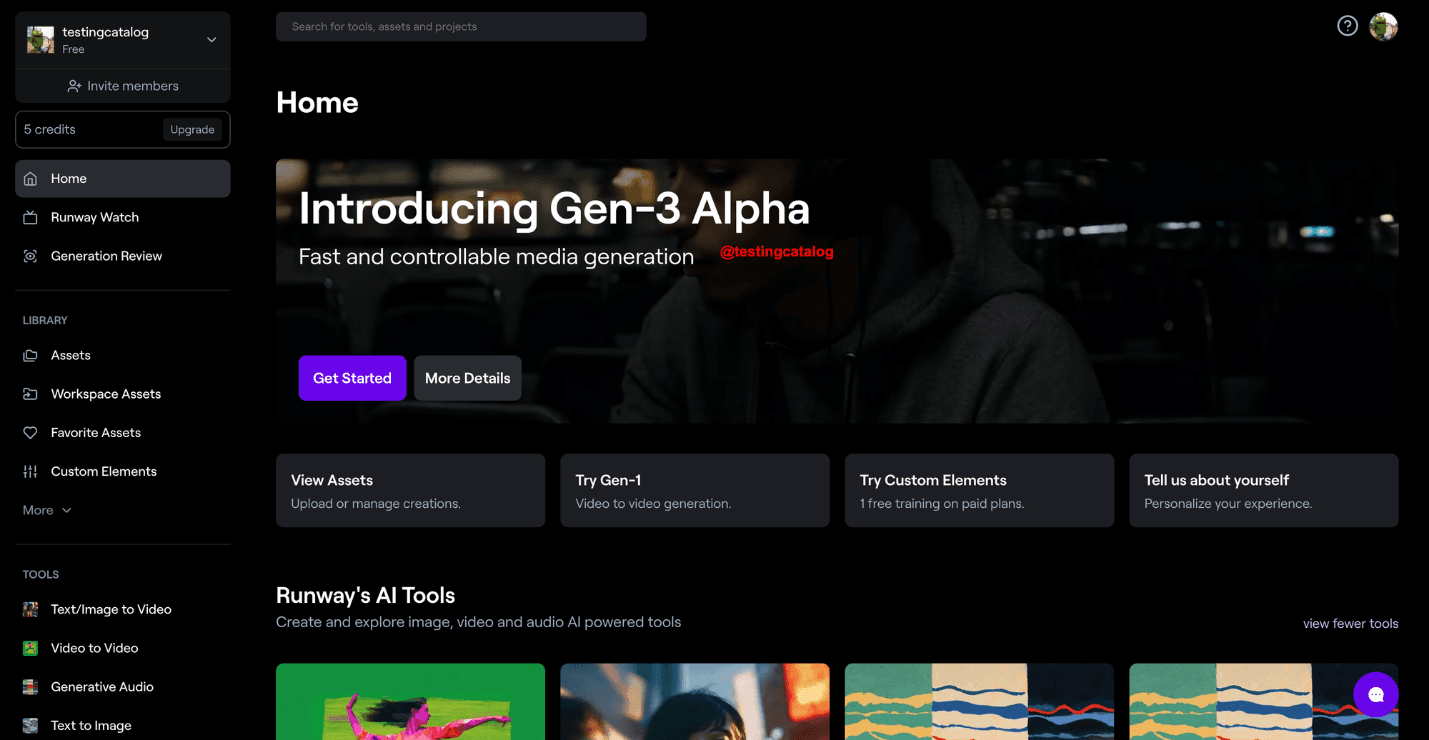
Runway Gen-4.5 is the benchmark for motion quality in short AI clips. The physics feel grounded, camera moves are precise, and the output holds up on big screens. Motion Brush lets you isolate specific elements and direct their movement independently a level of control most tools don't offer.
What Runway doesn't do: scripting, voiceover, captions, character locking, localization. It's a high-performance generation layer that expects you to bring your own production stack around it.
Runway Prompt Example
✦ Cinematic Establishing Shot Aerial drone shot descending slowly over a fog-covered mountain valley at dawn. Golden light breaks through the clouds from the east. Dense pine forest below, a single river winding through. Cinematic color grade, Arri Alexa look, 4K, smooth camera motion, no subjects. |
🧠 3. OpenAI Sora 2 Narrative Sequence Intelligence Multi-Scene Coherence |
Best for | Storytellers and educators who need multi-scene narrative sequences |
Pricing | ChatGPT Plus $20/mo (limited) · ChatGPT Pro $200/mo (unlimited) |
Access | Global |
Clip length | Up to 25 seconds (Pro) |
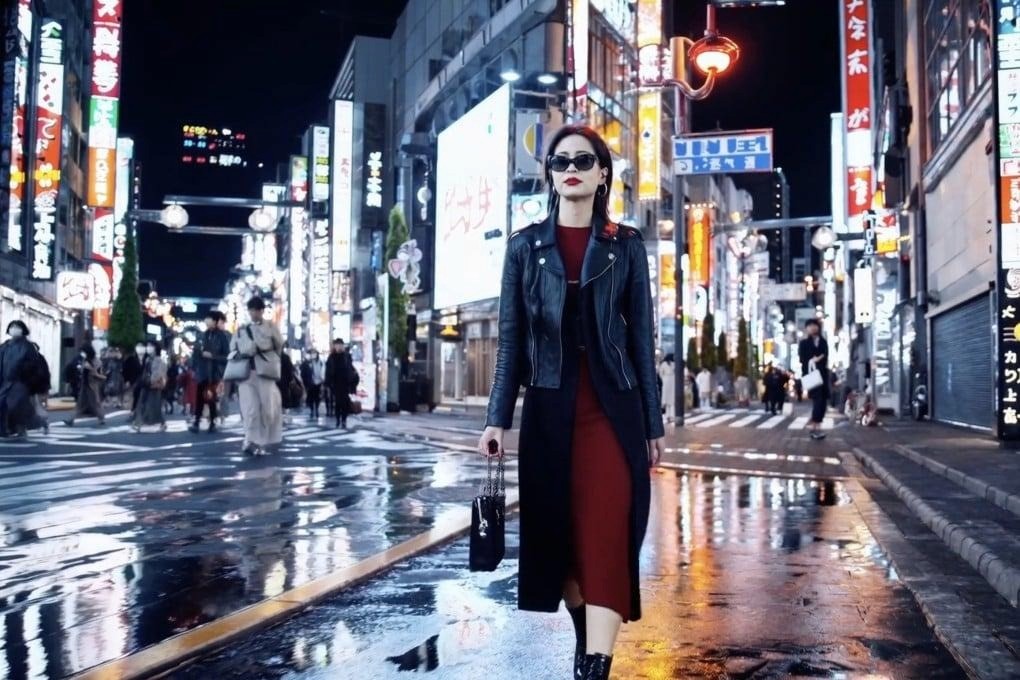
Sora 2's standout quality is narrative coherence. Cause-and-effect holds up across scenes. Characters behave with intent. The Cameo feature lets you insert specific subjects as main characters unusually powerful for educational or branded storytelling.
The pricing gap is real: the $20/month Plus tier has meaningful limits. Serious volume requires Pro at $200/month, which puts it in agency or institutional territory.
Sora 2 Prompt Example
✦ Narrative Sequence — Educational (3 scenes) Scene 1: A young girl in 1960s clothing stands at a chalkboard, writing a complex equation. Warm classroom light. Scene 2: The same girl, now older, presents at a conference podium to a silent crowd. Scene 3: Close-up of her hands placing a book titled 'Hidden Figures' on a library shelf. Cinematic 16mm film look, consistent character identity across all scenes, no dialogue. |
⚡ 4. Kling AI Long-Form & Simultaneous Audio-Visual Generation |
Best for | Creators who need longer clips with audio generated simultaneously |
Pricing | Free tier · Paid plans available |
Access | Global |
Clip length | Up to 2 minutes |
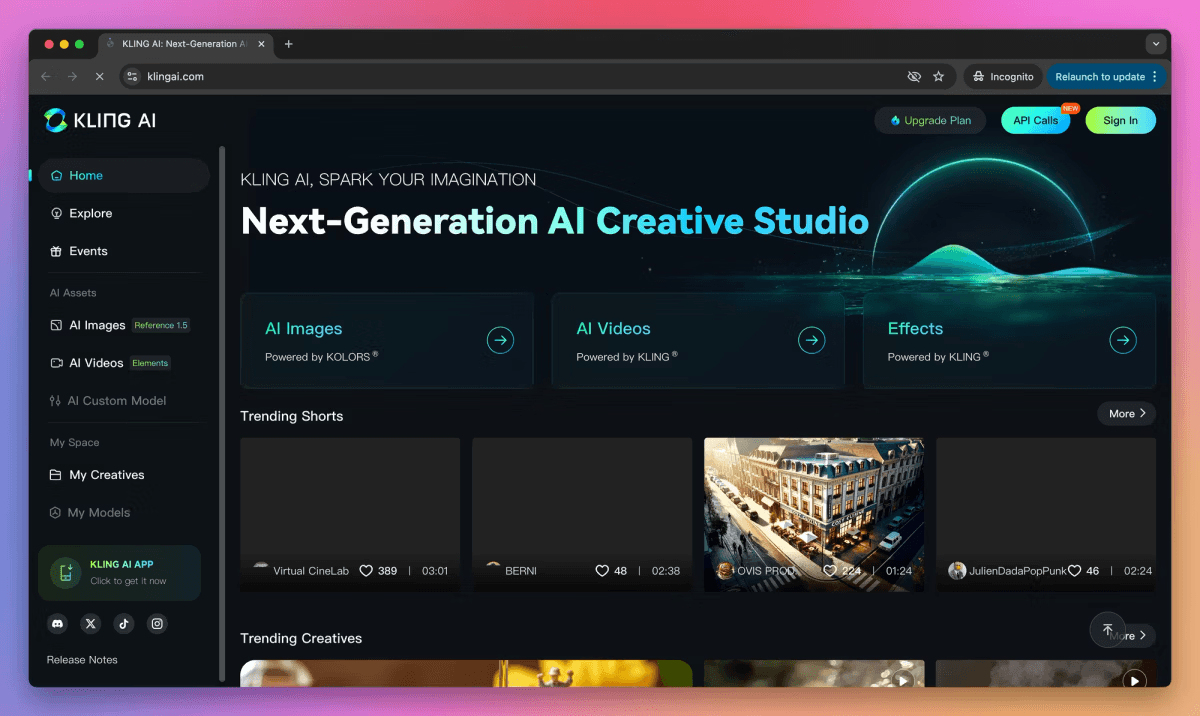
Kling 2.6 ships something rare: audio and video generated together in the same pass. The sync is tighter than post-hoc audio layering. At up to 2 minutes per generation, it also gives you significantly more raw runtime than any other tool here, useful for documentary-style content, extended product showcases, or short films.
The platform limitation is consistent with the others: Kling is a generation model, not a production environment. You get the clip. Everything else is external.
Kling AI Prompt Example
✦ Long-Form Scene- Product Showcase (60 seconds) A 60-second continuous cinematic sequence following a premium running shoe through its manufacturing journey: close-up of raw material cutting, slow tracking shot of stitching machines, overhead shot of assembly line, final reveal of finished shoe on a clean white surface with dramatic side lighting. Simultaneous ambient factory audio throughout. No dialogue. 4K cinematic, warm industrial tones. |
🌊 5. Luma Dream Machine Fast, Accessible AI Video for Social Content at Scale |
Best for | Social media managers and marketers producing high volumes of standalone assets |
Pricing | Free tier · Premium from $7.99/month |
Access | Global |
Clip length | ~5–10 seconds |
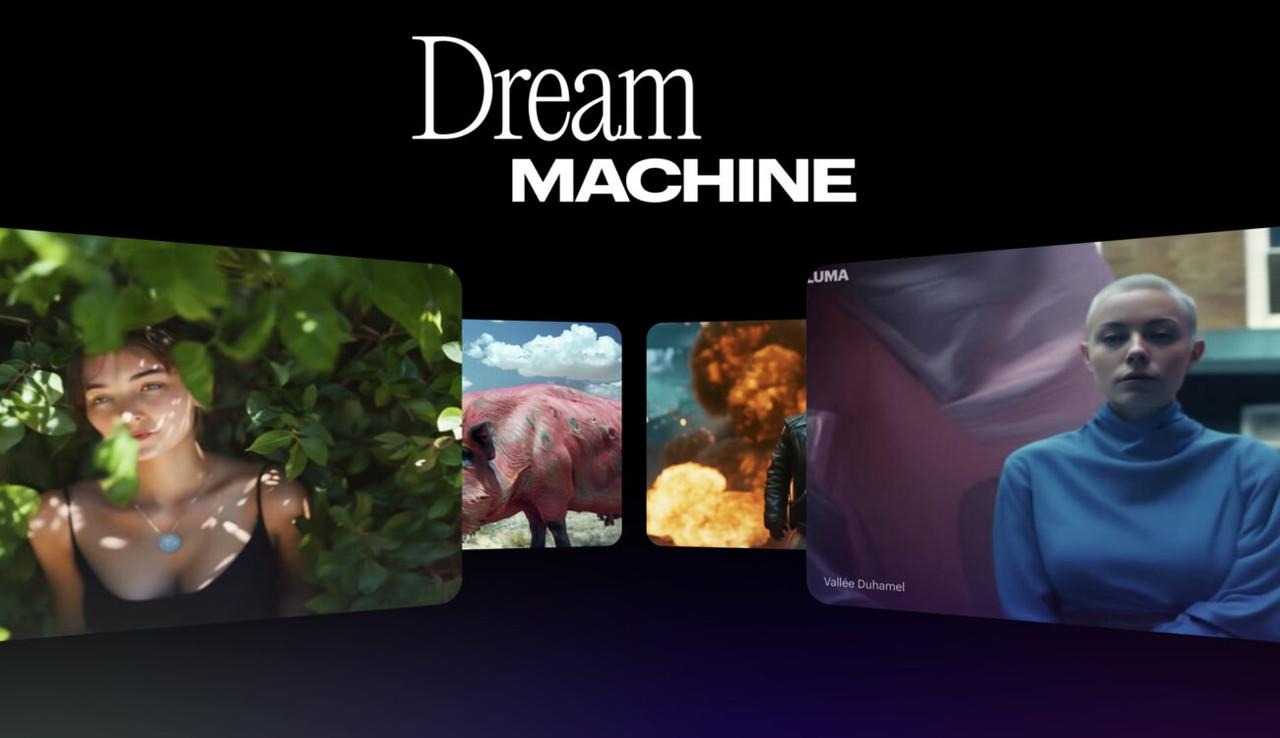
Luma's value proposition is speed and accessibility. Generations complete fast. The image-to-video capability animating a still product shot into a fluid, cinematic clip is genuinely excellent. For a social team filling a daily content calendar, Luma's cost-to-output ratio is hard to beat.
The consistency limitation matters for episodic or branded content: Luma doesn't lock character identity across sessions. Standalone clips? Excellent. An AI influencer series with a recurring face? Not the right tool.
Luma Dream Machine Prompt Example
✦ Image-to-Video- Product Animation Animate this still image of a coffee cup on a wooden table: steam rising gently from the surface, soft morning window light shifting slightly from left. The camera slowly pushes in 5%. Warm, cosy aesthetic. Smooth 24fps motion, no abrupt cuts, photorealistic. |
Full Comparison: All 6 Tools at a Glance
Tool | Full Workflow? | Character Consistency | Clip Length | Price | Global Access? | Best For |
Atlabs | ✅ Full stack | ✅ Locked | Flexible | $15/mo | ✅ Yes | End-to-end production |
Runway Gen-4.5 | ❌ Clips only | Partial | ~10s | $12/mo | ✅ Yes | Cinematic clips |
OpenAI Sora 2 | ❌ Clips only | ✅ Yes | Up to 25s | $20/mo+ | ✅ Yes | Narrative storytelling |
Kling AI 2.6 | ❌ Clips only | Partial | Up to 2 min | Free tier | ✅ Yes | Long-form video |
Luma Dream Machine | ❌ Clips only | ❌ Limited | ~5–10s | Free / $7.99 | ✅ Yes | Fast social content |
Google Veo 3 | ❌ Clips only | ✅ (3.1+) | Up to 8s | $124.99/mo | ❌ US/CA/AU/JP | Premium clip quality |
*Sora 2 unlimited access requires ChatGPT Pro at $200/month.
Which Tool Fits Your Workflow? (By Creator Type)
Still deciding? Here's the honest answer for each creator type — no hedging.
🎬 You're building a YouTube channel or podcast video series
Use Atlabs. Lock a character, write a script, generate 20 episodes with the same face and voice. Export vertical cuts automatically. Localize to Spanish for a second channel. One subscription, zero production team. |
📣 You're a marketer running AI-generated ad campaigns
Atlabs for branded product ads, UGC-style videos, and campaigns with a recurring AI spokesperson. Luma for fast standalone social clips when turnaround is the only priority. |
🎓 You're building an online course or educational series
Atlabs. The AI teacher avatar consistency across 30+ lessons, combined with one-click localization to 40+ languages, is built for exactly this use case. Sora 2 if your budget is unconstrained and the narrative sophistication matters above all else. |
🎥 You're a filmmaker or creative director
Runway Gen-4.5 for single cinematic clips. Sora 2 for multi-scene narrative sequences. Both assume you have a production workflow already. If you need a full stack in one place, Atlabs is built for that. |
🌍 You're outside the US and Veo 3 is simply not available to you
All five tools above are globally accessible. Atlabs, Runway, Sora 2, Kling, and Luma have no geographic lock-in, unlike Veo 3, which is restricted to US, Canada, Australia, and Japan. |
Ready to Build Your Video Workflow?
The best Veo 3 alternative isn't the one with the most photorealistic demo. It's the one you can build a repeatable, scalable video production workflow around, and actually publish from.
If you're a creator who wants to go from idea to finished, publish-ready video, with consistent characters, real voiceover, proper captions, and multilingual reach, without stitching together five different tools:
Try Atlabs Free No camera. No editor. No production team. Start building today. |








