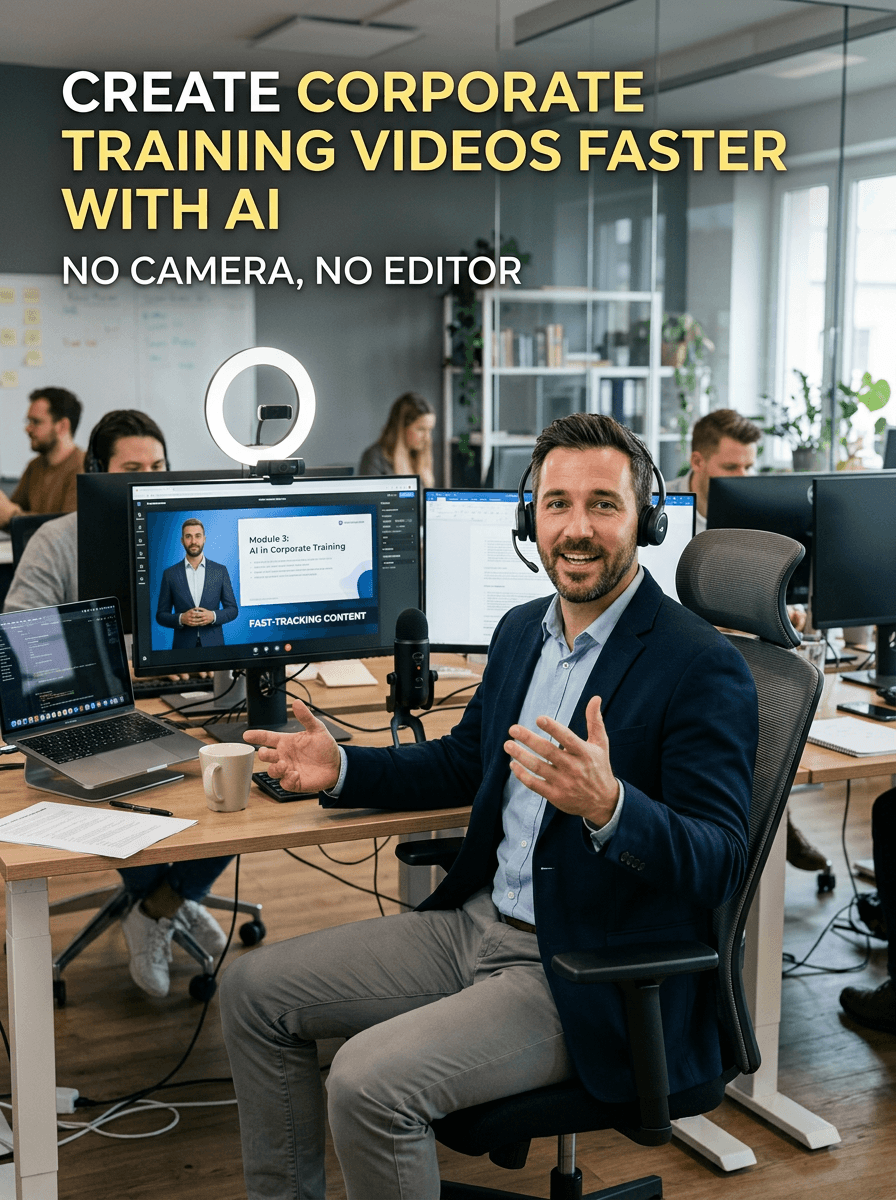

A corporate training video is a video used by companies to educate employees on specific skills, processes, or company policies. These videos are commonly used for onboarding new hires, compliance training, product knowledge, and professional development. Instead of traditional in-person sessions, organizations use training videos to deliver consistent information, save time, and make learning more accessible across teams and locations.
The Problem With Corporate Training Videos
L&D managers don’t have a content problem. Your subject-matter experts know exactly what employees need to learn. Your compliance team has the policy documentation ready. The onboarding checklist is written.
The problem is that turning that content into a watchable video is an operational project in its own right. Camera bookings, presenter availability, studio costs, post-production rounds, and a legal review cycle that stretches a five-minute module into a six-week timeline.
And when the policy changes, which it will, you start over.
What changes with Atlabs
Atlabs is an AI video platform built specifically for teams who need to produce training content at the pace of their business, not at the pace of a production studio.
| Traditional production | Atlabs |
Cost per video | $3,000 – $15,000 | Subscription only |
Time per module | 4 – 6 weeks | ~30 minutes |
Updates | Full re-shoot required | Edit a scene in seconds |
Languages | One (re-record for each) | 40+ with one click |
Equipment needed | Camera, studio, editor | Browser only |
Presenter consistency | Depends on scheduling | Identical across every module |
AI model access | None | All major models built in |
How it works in practice
The workflow is designed around how L&D teams actually work, starting from content you already have, not from a blank screen.
Step 1: Write Your Script (or Let AI Do It)
Navigate to the Atlabs AI Script to Video, and you have three starting points:
Option A: Type your training objective.
One sentence is enough. Use this format:
"After watching this video, [role] will be able to [specific action or knowledge]."
Atlabs' AI Script Writer reads the objective and generates a fully structured script, narration, scene descriptions, and a logical flow in seconds.
Option B: Paste existing content.
Got a policy doc, a compliance brief, or a product one-pager? Paste it in. Atlabs transforms it into a video script without you touching the structure.
Option C: Screenplay-to-Video.
If your team already has a formatted script, skip generation and import it directly into the storyboard editor.

Step 2: Add Your Presenter
When learners see the same face across Module 1, Module 5, and Module 12 of your onboarding series, something psychological happens. They stop consciously processing the presenter and start absorbing the content. Familiarity reduces cognitive load.
How it works in Atlabs:
Upload a single photo, a stock image, a company headshot, or any reference image. Atlabs builds a reusable AI presenter from it. Consistent face structure. Consistent expressions. Automatic lip sync is applied throughout.
That presenter becomes your training series anchor. Learners will know her by Module 3. By Module 10, she's trusted.
If you skip character selection, Atlabs will auto-cast an appropriate presenter based on your script's tone and context. Still consistent. Still professional.


Step 3: Configure Your Visual Style, Voice, and Language
This is where you set the look and feel of the entire module, all in one screen, before you generate.
Visual Style
Atlabs offers 50+ styles. For corporate training, the right call is almost always Cinematic or Realistic. It matches the professional register of workplace content and keeps learners focused on the message rather than the medium.
Aspect Ratio
16:9: standard for LMS platforms, desktop, and projected training sessions
9:16: mobile-first, ideal for warehouse floor staff or field teams accessing training on phones
1:1: LinkedIn or internal Slack/Teams distribution

Duration
Atlabs supports videos from 20 seconds up to longer formats, depending on your plan. The L&D gold standard: one topic per module, under five minutes. If a compliance training has six distinct sections, that's six videos, not one 30-minute slog.
Voiceover
Choose from a library of ultra-realistic AI voices. Set the emotional tone of the narration:
Neutral + Clear → Compliance, legal, safety
Warm + Conversational → Onboarding, culture, DEI training
Authoritative + Precise → Technical, product, process training
You can also upload your own recorded audio. Useful for senior leadership messages, CEO culture videos, or any content where the human voice adds specific weight.
Language
Set it now. If you're building for a global team, generate in 40+ languages without rebuilding anything. One source video, one click per region.
Step 4: Generate, Then Edit What Needs Fixing
Click Generate.
Atlabs produces a full draft: visuals, narration, lip sync, motion, captions, and background music. It looks professional. It's ready for review within minutes.
But you're never locked in.

What you can edit after generation:
Scene visuals: Swap any auto-generated scene with a new AI image, edit it in the built-in AI Image Editor, or upload your own asset (product screenshots, org charts, process diagrams)
Voiceover: Re-record or re-generate narration for any individual scene without re-rendering the whole video
Motion: Regenerate the animation on any scene with one click
Captions: Auto-generated subtitles, 10+ style options. Enable them by default. Captions improve retention and make content accessible for employees with hearing impairments or those in open-plan offices.
Background music: Auto-selected from a royalty-free library. Choose neutral and non-distracting, or mute entirely for dense compliance content where full focus on narration matters.
Step 5: Export, Share, and Localise
Your video is approved. Now get it into the hands of learners.
Sharing for review, LMS upload, Advanced post-production, Global rollout, and Multi-platform distribution
What You Can Build
Once your character is locked and your brand model is set, you're not making individual videos anymore.
You're building a training library at a pace that matches your business.
New hire onboarding: Done in a week, not a quarter
Annual compliance refresh: Same day as the policy update
Global rollout: All regions, all languages, end of day
Product knowledge: Live before the sales kickoff








