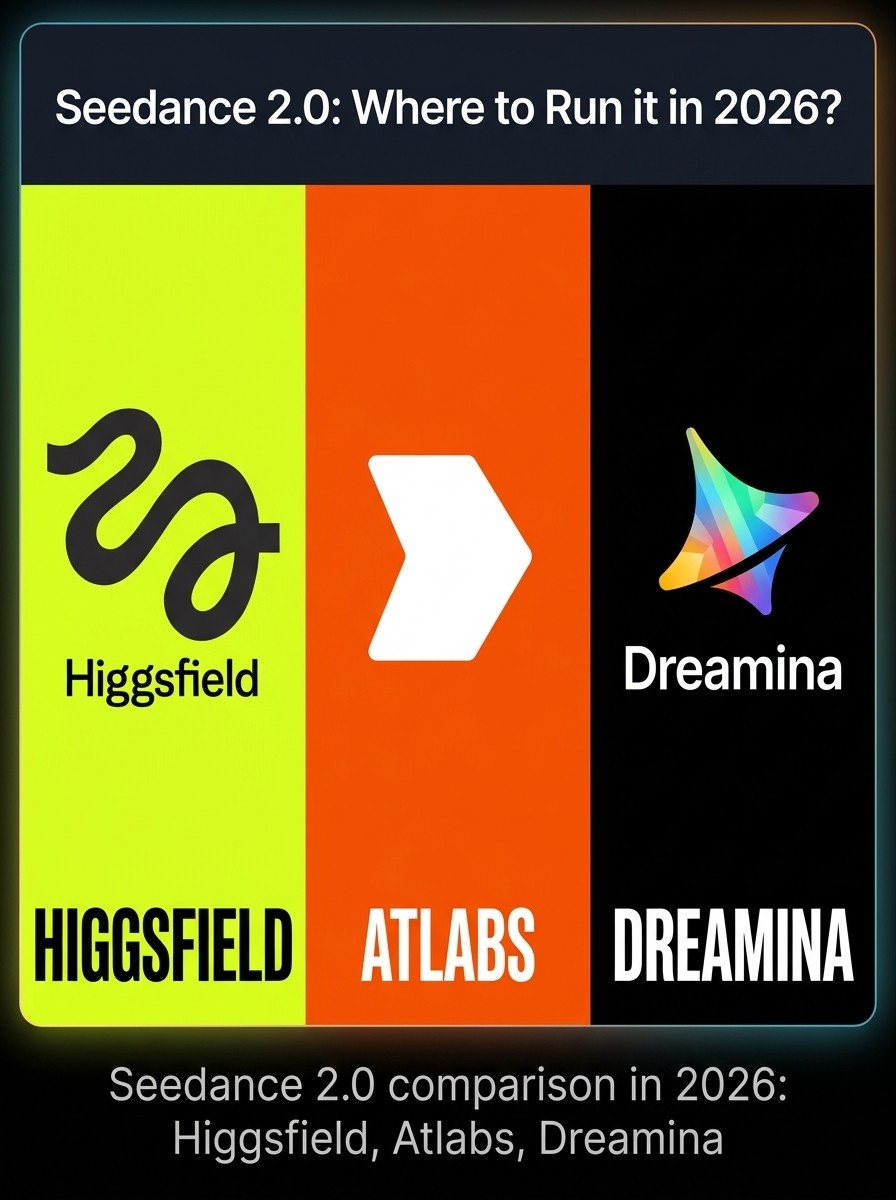

changes everything: the cost, what you can do with it, and whether your creative workflow actually holds up at scale.
You saw the Seedance 2.0 demos.
The 2K output. The native audio. The multi-shot storytelling from a single prompt.
So you opened your wallet. And then the questions started.
Dreamina wants you on a credit system you cannot predict. Higgsfield locks Seedance 2.0 behind a Team plan that requires a business email and two minimum seats. And neither platform gives you a finished video. They give you a clip.
This guide cuts through all of it. Not which platform sounds best. Which platform is right for your specific workflow.
What Is Seedance 2.0 and Why Everyone Is Talking About It
Seedance 2.0 is ByteDance's latest AI video generation model, released on February 12, 2026. It is the biggest technical leap in AI video since Sora arrived, and it does several things no previous model handled cleanly.
Multi-shot storytelling: Generate coherent multi-scene narratives from a single prompt, not just a disconnected 5-second clip
Native audio: Video and audio are generated simultaneously in one pass, no separate audio editor required
Multimodal inputs: Combine up to 12 reference assets (images, video clips, audio, text) in a single generation
2K resolution: Professional-grade output at half the cost per second of comparable models
90%+ generation success rate: Dramatically fewer failed or unusable outputs compared to earlier models
The model is built on a dual-branch diffusion transformer architecture that generates video and audio in sync. The result is content that feels directed, not generated.
The problem is access. ByteDance distributes Seedance 2.0 across multiple platforms, each with different pricing, different restrictions, and a wildly different experience. Choosing the wrong platform means paying 4x more for the same output, or losing hours to a workflow that dead-ends at clip export.
The Three Main Platforms: What You Actually Get
Atlabs AI: Seedance 2.0 Inside a Complete Production Platform
Atlabs AI (atlabs.ai) is the only platform on this list that gives you Seedance 2.0 as part of a complete end-to-end video creation workflow.
The difference is not just access to the model. It is what happens before and after generation.
Model access: Seedance 2.0, Kling 3.0, Hailuo, Veo 3, Flux, and 50+ additional models in a single workspace with one subscription
Full production pipeline: Script writing, storyboard, character creation, scene generation, voiceover, lip sync, captions, background music, and export in one platform
Consistent characters: Create a character once and deploy them identically across every scene, every episode, every campaign, with no visual drift
Multilingual distribution: One-click export in 40+ languages with synced voiceover and subtitles, directly from the same project
Pricing: Starts at $15/month. Free plan available. No annual commitment required to access the core workflow.
The practical difference for a content team:
On Dreamina or Higgsfield, you generate a Seedance 2.0 clip. Then you need a script tool, an audio editor, a caption tool, a translation service, and a video editor to turn that clip into something publishable. That is four to six subscriptions and an afternoon of assembly work.
On Atlabs, you paste your script and get a finished, editable, captioned, voiced video. The Seedance 2.0 generation is one step inside a workflow that completes automatically.
Atlabs: Best for Creators, marketers, educators, brands, and agencies who need a complete video output, not a clip. The only platform where Seedance 2.0 is a production tool rather than an endpoint. |
Dreamina: The Cheapest Direct Access, With Strings Attached
Dreamina is ByteDance's international-facing platform and the most direct route to Seedance 2.0. The pricing looks attractive on paper.
International plans: $18/month Standard, $46/month Advanced, $84/month Ultra
Per-clip cost: A standard 10-second clip costs between $1.91 and $4.60 depending on quality settings and reference inputs
Free tier: 225 daily tokens shared across all tools (images, video, editing), supporting roughly 1 to 2 short video generations per day
Cheapest official route: Jimeng (China only) starts at 69 RMB (~$9.60/month) but requires Alipay or WeChat Pay and a Chinese phone number
Here is what the community discovered after a few weeks of real use:
Daily token limits are shared: Your 225 free daily tokens are split across every tool on Dreamina. One Seedance 2.0 generation can consume your entire daily allowance in a single clip.
No API: Dreamina is web-only. No programmatic access, no automation, no batch generation.
Face restrictions: AI-generated faces are often flagged and rejected on lower plans. Even real portrait references can trigger false positives.
No post-production: You get a clip. Voiceover, captions, character memory across sessions, and multi-clip sequencing all require separate tools.
The Reddit verdict from real users: 'The math works if you are generating one or two test clips a day. The moment you need volume, the per-video cost compounds fast, and the credit drain from retry attempts is the bill you did not budget for.'
Dreamina: Best for Testing Seedance 2.0 quality and running occasional personal projects. Not viable for production workflows, volume content, or anything that needs post-production. |
Higgsfield: More Power, But Read the Fine Print
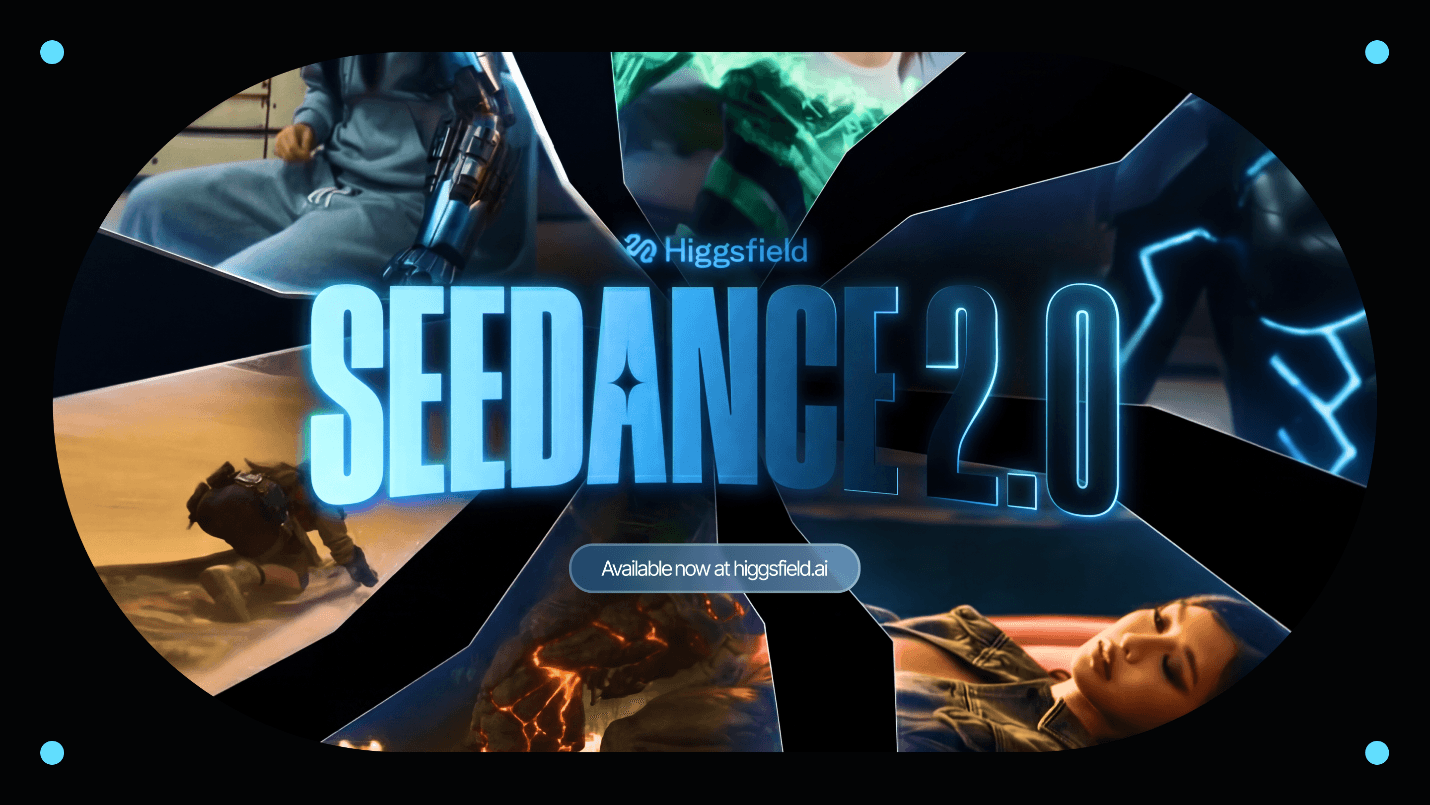
Higgsfield is a multi-model video platform that aggregates Seedance 2.0 alongside Kling 3.0, Sora 2, Veo 3.1, and others. On paper, it is the most fully featured option for Seedance specifically.
Plans: Basic ($9/mo), Ultimate ($29/mo), Creator ($125/mo), Business ($49/seat/month), all billed annually
Seedance 2.0 access: Team plan only, which requires a minimum of two seats and a verified business domain email. Gmail is not accepted.
Credit cost: A 15-second, 720p Seedance 2.0 video costs approximately 90 credits on the Business plan, leaving roughly 33 usable videos per billing cycle at full settings
"Unlimited" models: 6 of the 8 models listed as unlimited are image generators, not video. The only truly unlimited video model is Soul V2, which is the oldest and lowest quality in the suite.
The fine print that matters Higgsfield's advertised 55% discount only applies to annual billing. Monthly pricing is nearly double. Kling 3.0 costs 6 to 7 credits per video. On the Ultra plan ($84/month), 9 to 25 usable Sora 2 or Veo 3.1 videos is your practical ceiling per month. That works out to $3.36 to $9.33 per finished clip before accounting for retries. |
What Higgsfield does well: cinematic camera presets (70+), reference-based character locking, and multi-shot sequencing. For filmmakers who want director-level control over individual clips, this is the strongest environment for Seedance 2.0 itself.
What it cannot do: give you a finished video. Higgsfield generates clips. Scripting, voiceover, captions, multilingual distribution, and the assembly of those clips into a complete production all live outside the platform. You are still managing a fragmented stack.
Higgsfield: Best for Cinematographers and power users who need precise camera control and are comfortable assembling clips in a separate editing environment. Not suited for marketers, educators, or teams who need a complete video without a post-production pipeline. |
Feature-by-Feature: Dreamina vs Higgsfield vs Atlabs AI
Feature | Dreamina | Higgsfield | Atlabs AI |
|---|---|---|---|
Seedance 2.0 access | Standard+ plans | Team plan only (2+ seats, biz email) | All plans |
Other top models | Dreamina models only | 15+ models (Kling, Sora 2, Veo 3.1) | 50+ models in one workspace |
Full script-to-video | Clips only | Clips only | Fully integrated |
Consistent characters | Session-limited | Reference upload per generation | Persistent across all sessions |
AI voiceover + lip sync | Not available | Speak feature on higher plans | Built-in, all plans |
Captions and subtitles | Manual/external | External tool required | Automatic, multiple styles |
40+ language export | One-click | ||
Multi-shot sequencing | Limited | With manual stitching | Automated storyboard pipeline |
Free plan | (credit-limited) | (very limited) | (free to start) |
Entry paid price | $18/month | $9/month (Basic, limited models) | $15/month |
Workflow complete? |
The Real Cost Per Video: What the Numbers Actually Say
Headline pricing is the most misleading metric in AI video. Here is what you actually pay per finished, publishable video across the three platforms.
Scenario | Dreamina | Higgsfield | Atlabs AI |
|---|---|---|---|
Casual (5 vids/week) | $18/mo, ~$0.72/clip | $29/mo, ~$1.03/clip (Kling) | $15/mo, full workflow |
Regular (20 vids/week) | $46/mo, credit crunch likely | $84/mo, ~25 Sora 2 clips max | $15-59/mo, no extra tools |
Scale (100+ vids/mo) | Credit packs + daily limits | $49/seat + retries + edits | $59-189/mo, one subscription |
Hidden cost | Retry credits, no post-prod | Annual lock, post-prod stack | None. All-in. |
Post-production cost | External (extra $$$) | External (extra $$$) | Included |
The number that matters is not the subscription fee. It is the total cost to get one publishable video out the door. On Dreamina or Higgsfield, that cost includes the AI tool plus at least three other subscriptions. On Atlabs, it is one line item.
The Netflix vs iTunes argument (from Reddit, word for word) Paying $0.11 per generation sounds cheaper until you realize you still need five other tools to finish the video. Atlabs is the Netflix. Dreamina and Higgsfield are iTunes, where you're paying per asset and assembling everything yourself. |
How to Choose: The Decision That Actually Matters
Stop asking which platform runs Seedance 2.0 best. Ask which platform finishes the job.
Choose Dreamina if:
You want to test Seedance 2.0 quality before committing to a paid platform
You are a developer comfortable with Chinese-language interfaces and Alipay payment via Jimeng
You are producing one or two personal clips per day and do not need post-production
Choose Higgsfield if:
You are a filmmaker who specifically needs cinematic camera presets and precise clip-level control
You already have a post-production pipeline and just need high-quality clip generation as one input
You have a business email and are comfortable with annual billing and a two-seat minimum
Choose Atlabs AI if:
You need a finished video, not a clip, that is ready to publish without additional tools
You are building a content series and need characters who look identical across every episode
You are a marketer, educator, creator, or small team without a dedicated post-production pipeline
You need to distribute the same video in multiple languages without a separate translation workflow
You want access to Seedance 2.0 plus every other top model under one subscription at one price
The one question that decides it Do you need to produce a complete video, or do you need a high-quality clip as one input into a larger pipeline? If the answer is 'complete video,' Atlabs is the only platform on this list that gets you there without switching tools. |
What the Atlabs Workflow Actually Looks Like
For anyone who has only ever used a clip generator, the gap in workflow feels almost unfair. Here is the literal difference.
On Dreamina or Higgsfield:
Write or import a script. Externally.
Generate a Seedance 2.0 clip for one scene
Export the clip
Import into a video editor
Record or generate voiceover separately
Sync audio manually
Add captions in a third tool
Export final video
Repeat for every language you need
On Atlabs:
Paste your script or use the AI script writer
Set your visual style and define your characters once
Atlabs generates all scenes using Seedance 2.0 or any other model you select
AI voiceover and lip sync are applied automatically
Captions are added automatically
Background music is added
One click exports the finished video in every language you need
The entire second workflow is one session. Characters remain identical across every scene. You can regenerate individual shots without restarting. You can switch from Seedance 2.0 to Kling to Veo 3 mid-project depending on what a scene needs.
Free to start Atlabs AI offers a free plan. No credit card required for your first video. Start at atlabs.ai. |
The Final Verdict
Seedance 2.0 is genuinely impressive. The question was never which model to use.
The question was which platform completes the job.
Dreamina is the cheapest direct route to Seedance 2.0 and the right place to run test generations. It is not a production environment.
Higgsfield is the best environment for cinematic clip generation with director-level camera control. It is not a production environment either.
Atlabs AI is the only platform where Seedance 2.0 is a tool inside a workflow that ends with a finished, publishable video. Consistent characters. Voiceover. Captions. Multilingual distribution. Everything in one place.
If you need a clip, pick Dreamina or Higgsfield. If you need a video, start at atlabs.ai.
Try Atlabs free at atlabs.ai.









